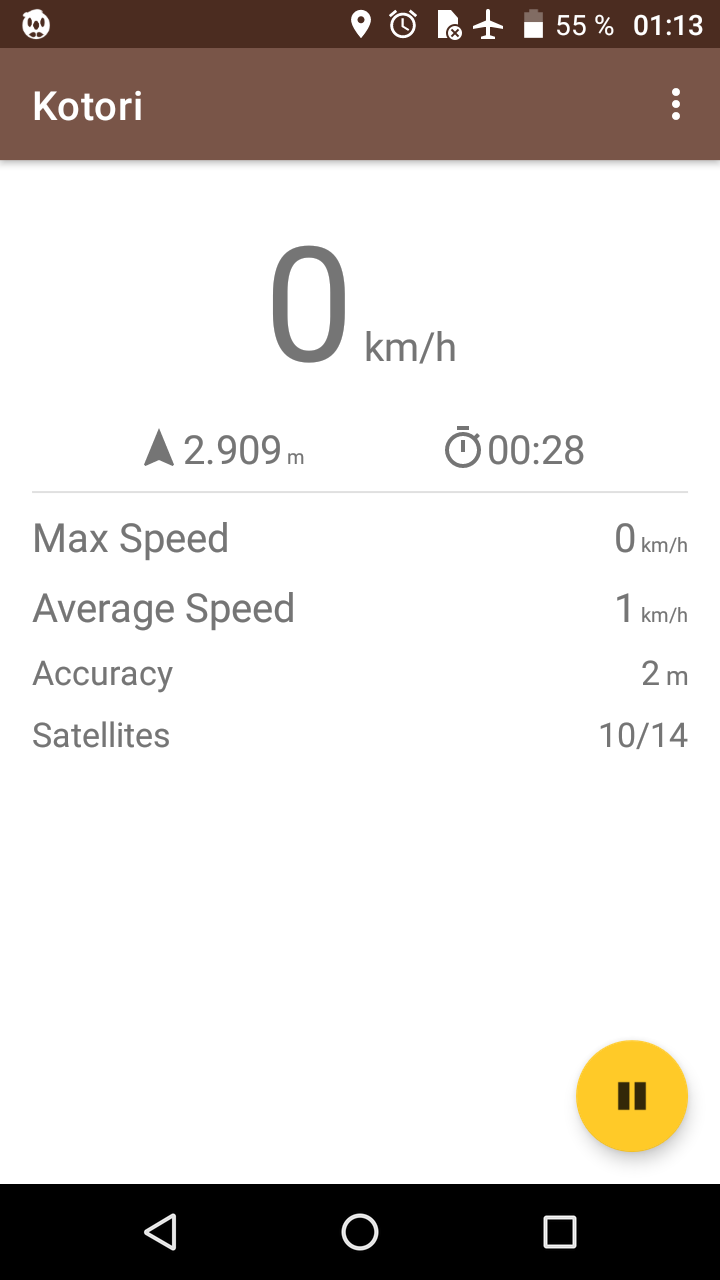
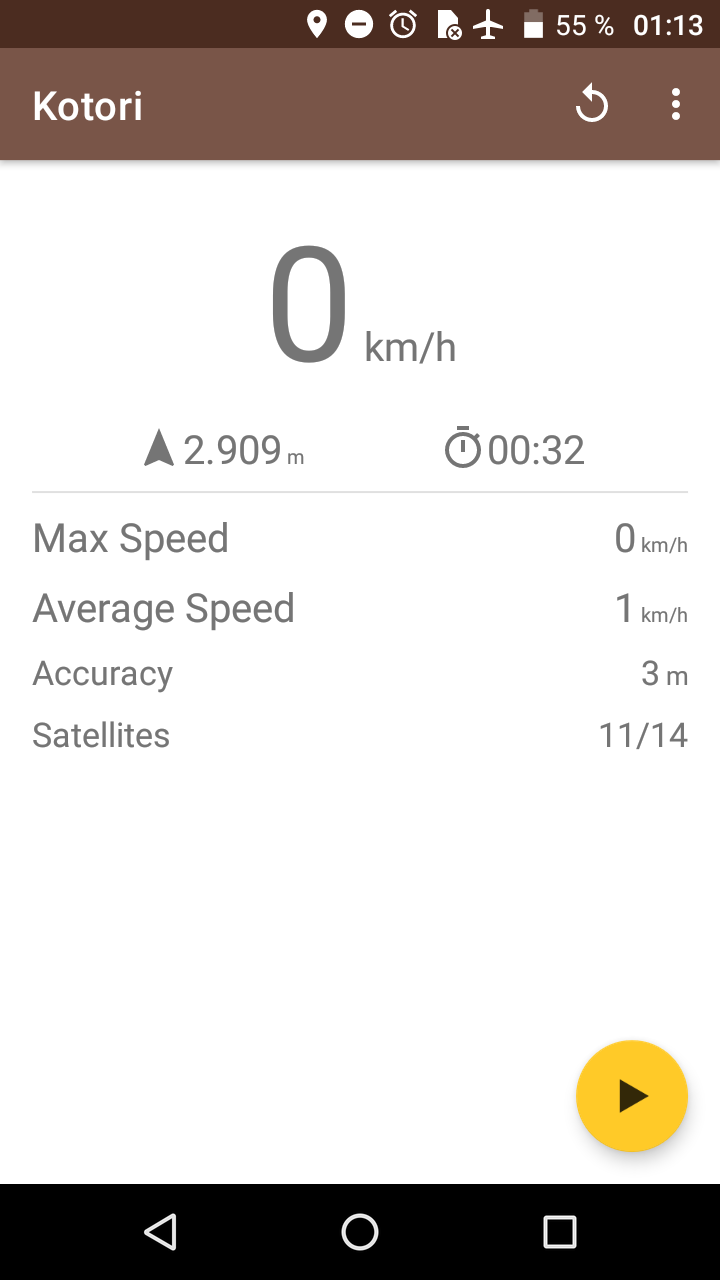
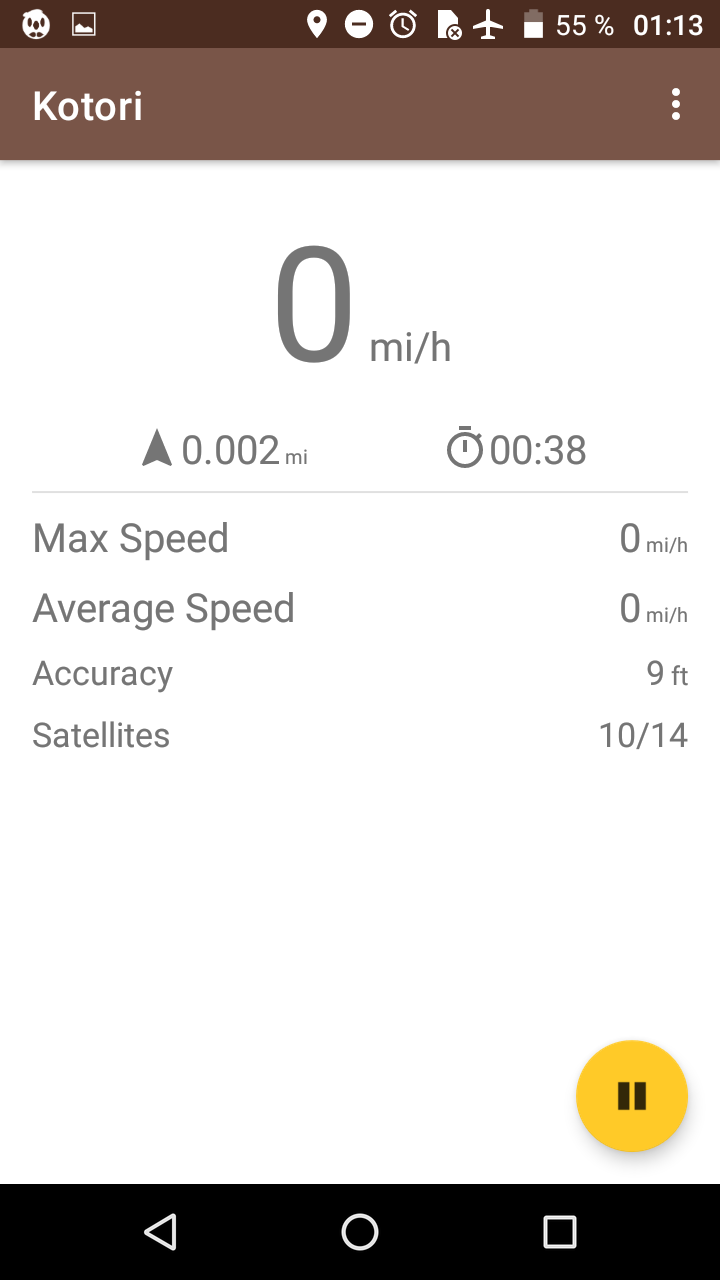
Kotori obtains the GPS data from device sensors.
Currently the data showed is:
Current speed
Distance
Average speed
Maximum speed
GPS accuracy
Used and available satellites
And more...
Note that Kotori does not require any internet connection but may is necessary to assist the GPS.
This means some data is shared with Google if the device uses Google Play Services.
This is a fork of Speedmeter
Screenshots
What’s new
Kotori v4.2
- New: show latitude and longitude values - Fix: app crashes if exit and location is disable after first launch - Fix: some lints warnings - Reduce average and maximum speed text size - Toolchain updates: update android and kotlin gradle plugins - Remove obsolete jcenter repo - Move code into new package name - Set compile and min sdk version to 33 to meet with play store requirements - Add coarse location permission, this is required in newer android versions - Remove old JVM args
How to install
Download the APK from the button at the top of this page.
Allow “Install unknown apps” for your browser or file manager only, not for every app.
Open the downloaded file and confirm the installation.
If installation fails with “App not installed,” remove an earlier build of the same app first. A signature conflict is the usual cause.
Data safety
Every file is checked against its published SHA-256 before it is listed.
Files are scanned for malware on every update.
The permissions each app requests are listed on its own page.
Read the full safety policy for how we test, flag, and delist files.