GPXIT icon

GPXIT

7FM
Maps & Navigation
Version
0.2.2
Size
2.9 MB
Requires
Android API 26+
3.7 / 5 · 7,062 ratings 0 downloads

Updated Sep 22, 2026

Quick answer

Find train connections home during your bike ride

F-Droid repository metadata

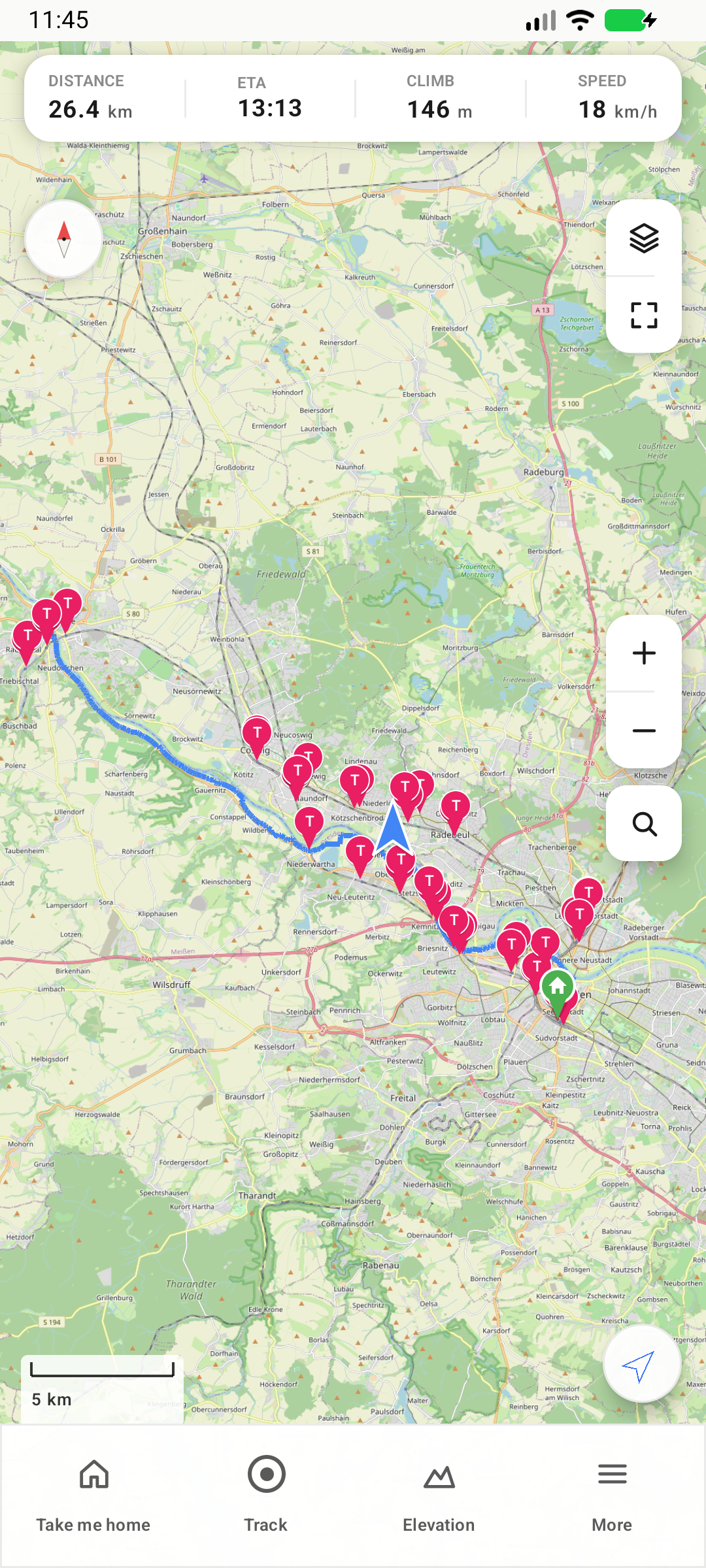
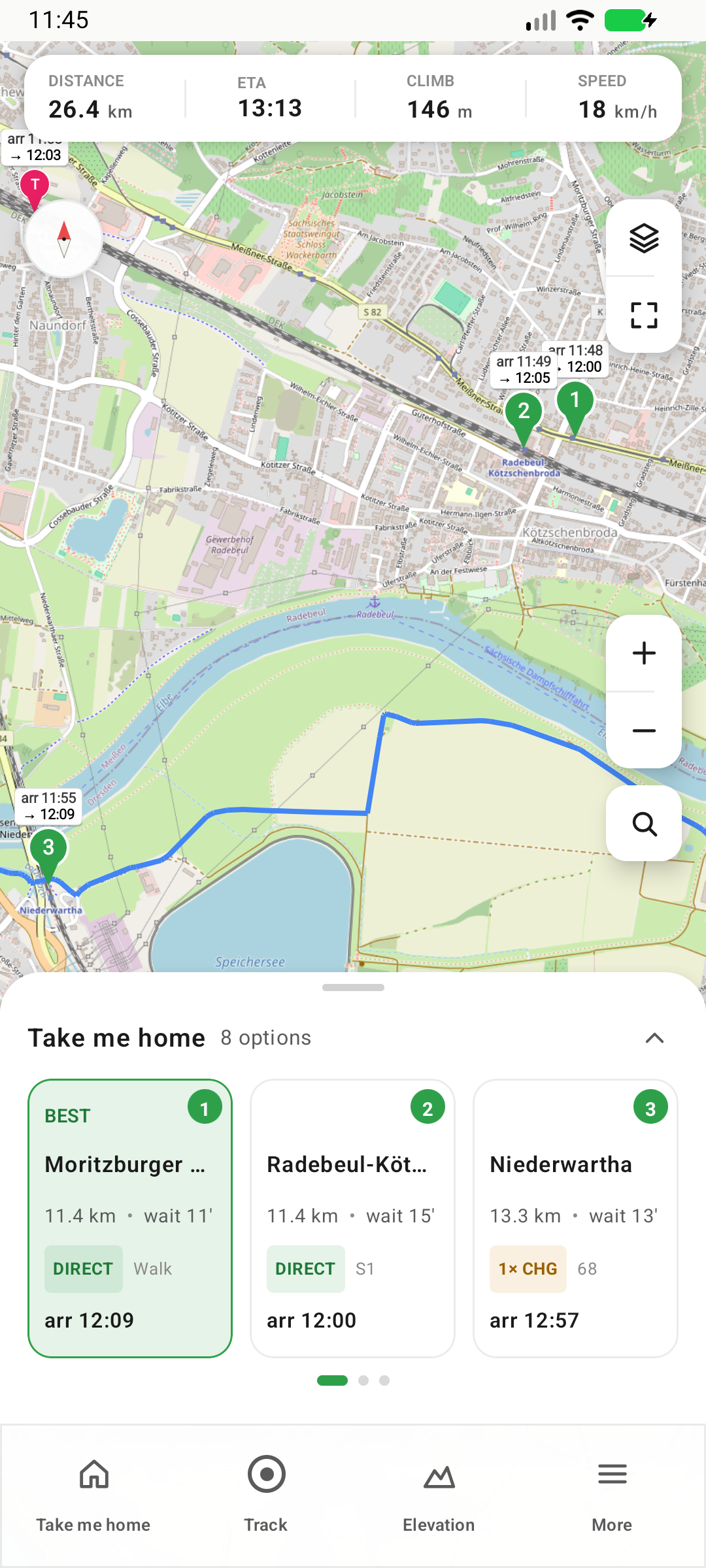
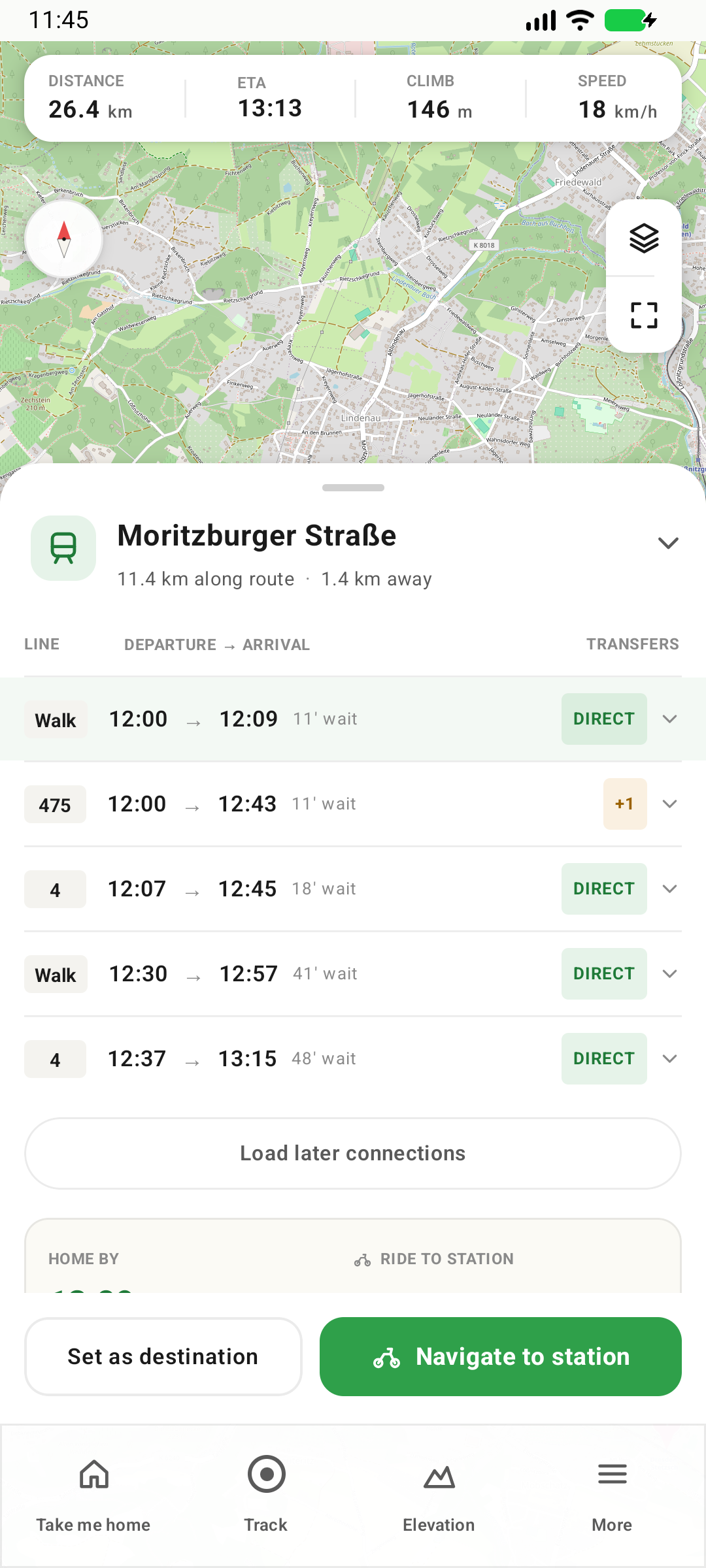
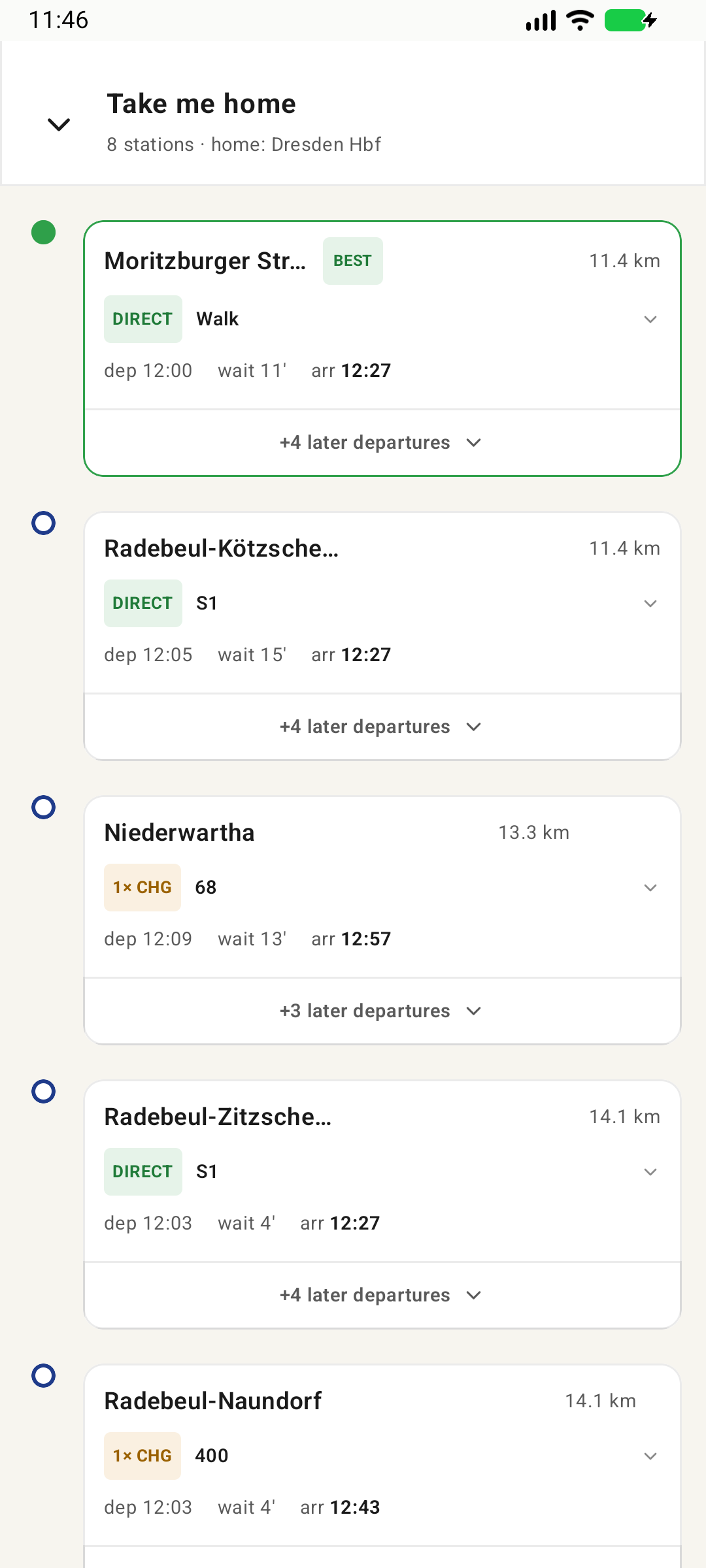
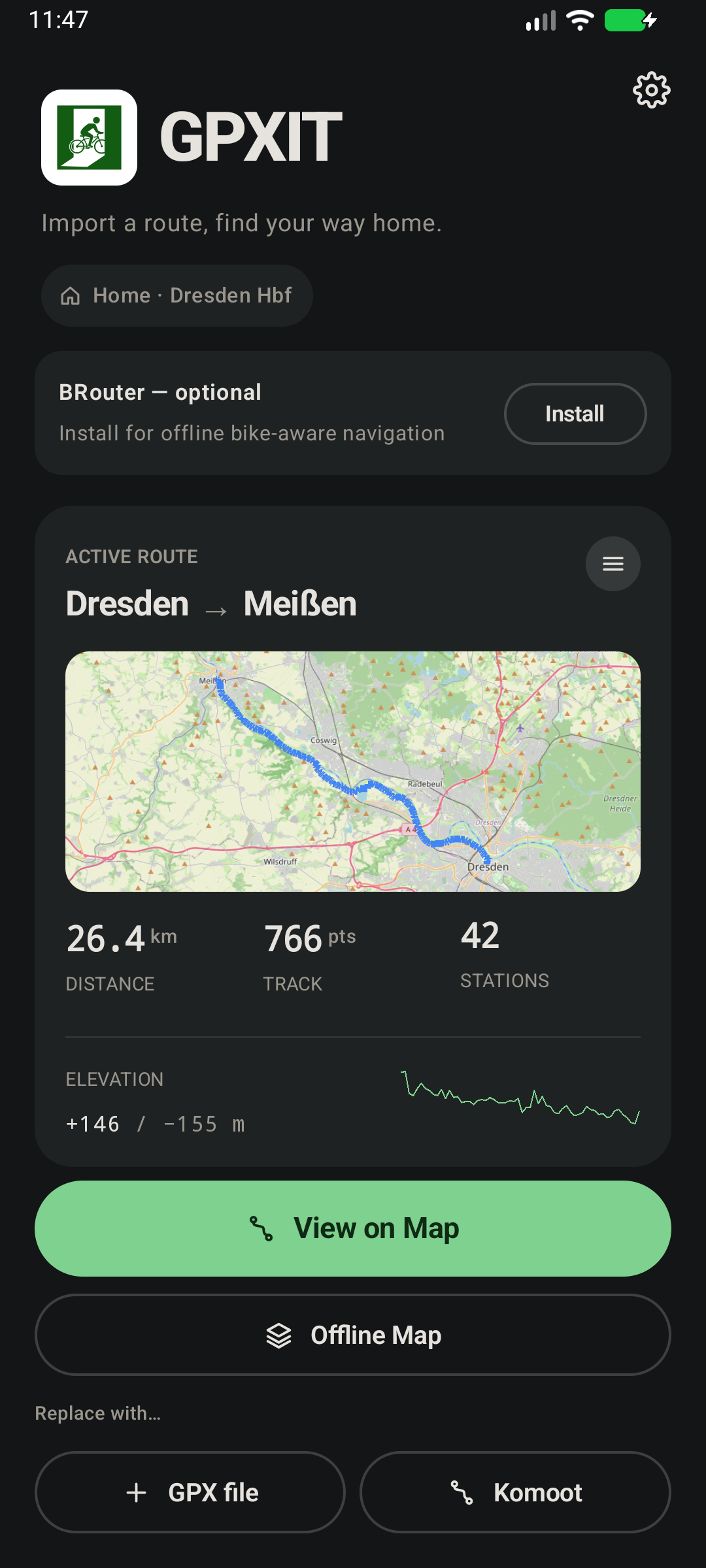
GPXIT helps cyclists who plan one-way bike routes and need to take a train home. Import your GPX route, and the app discovers train stations along your path. When you're ready to head home, it shows you the best options: which station to ride to, how long you'll wait, and when you'll arrive home.

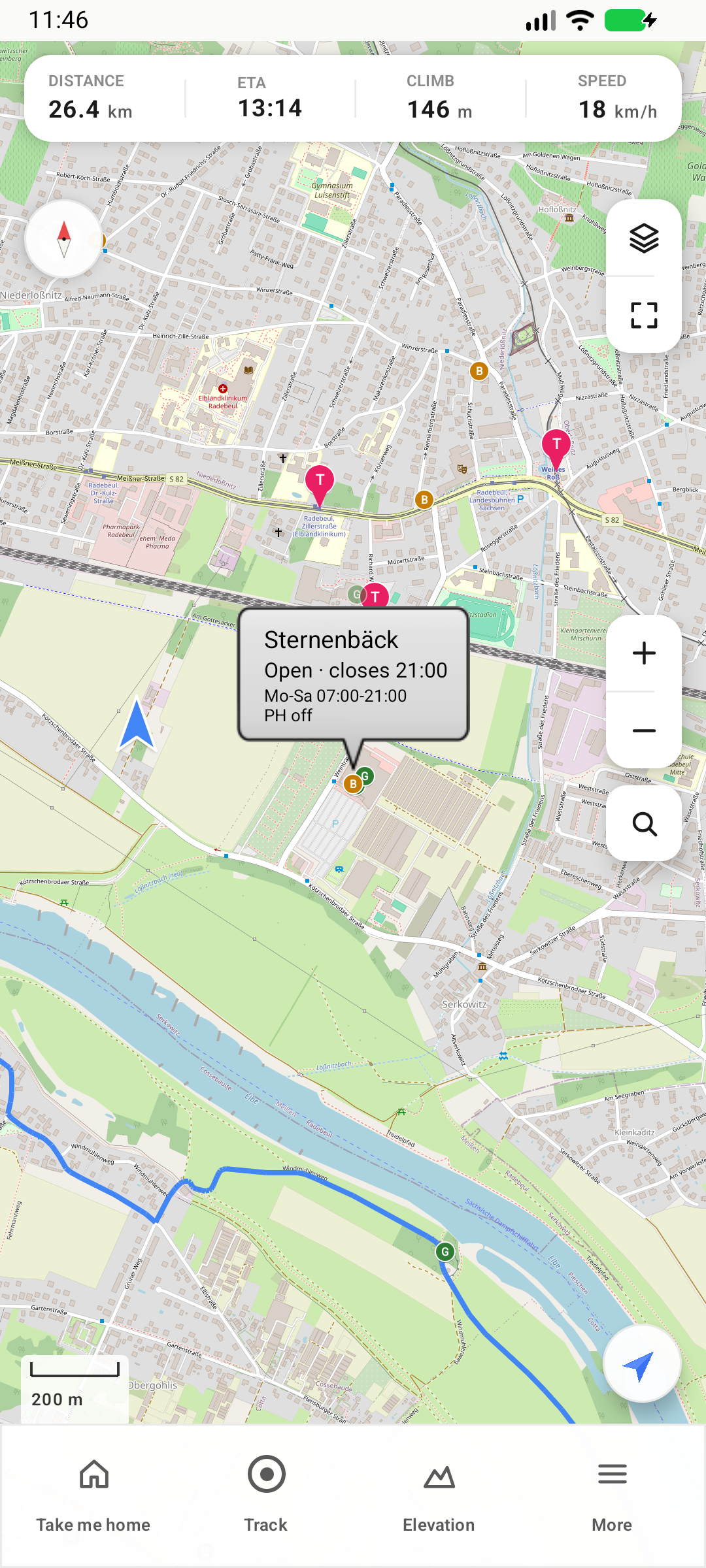
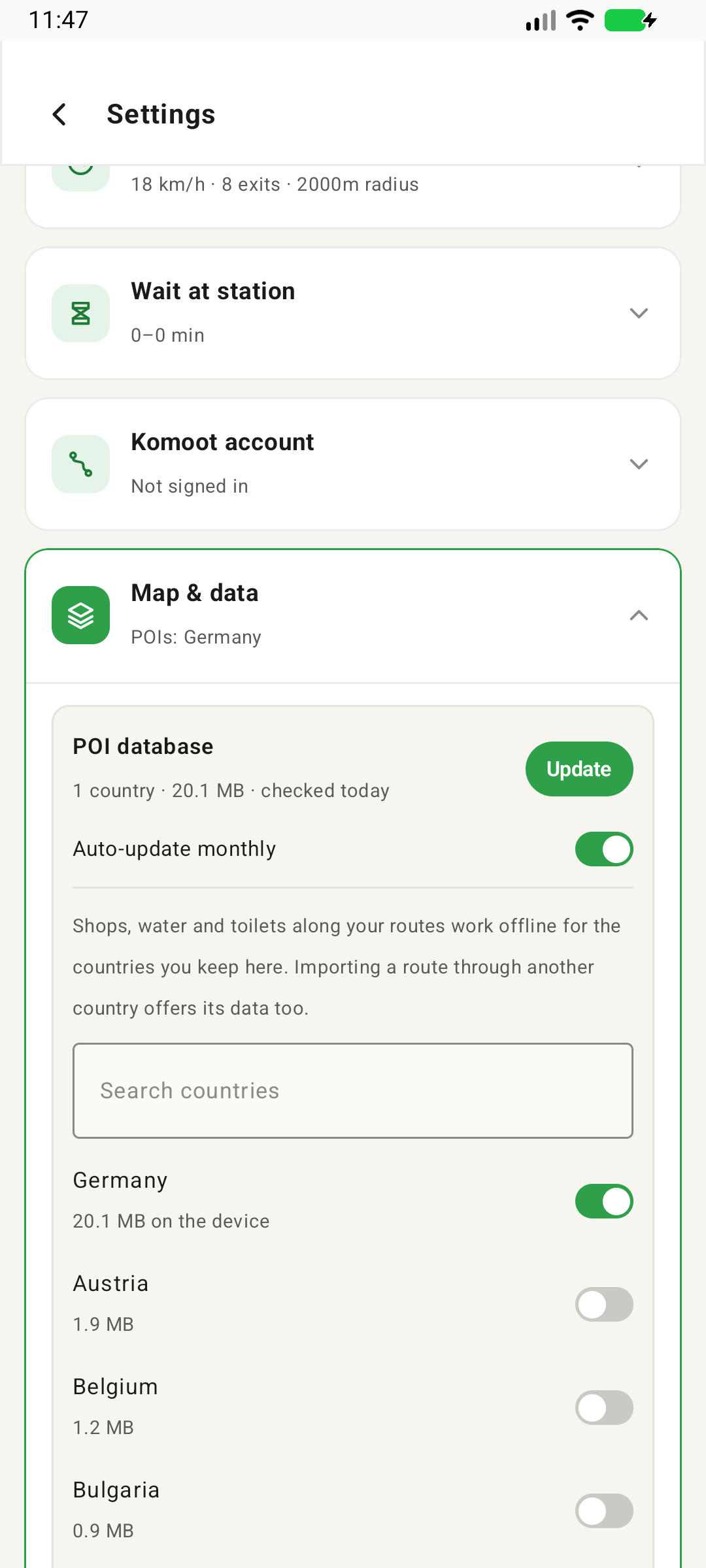
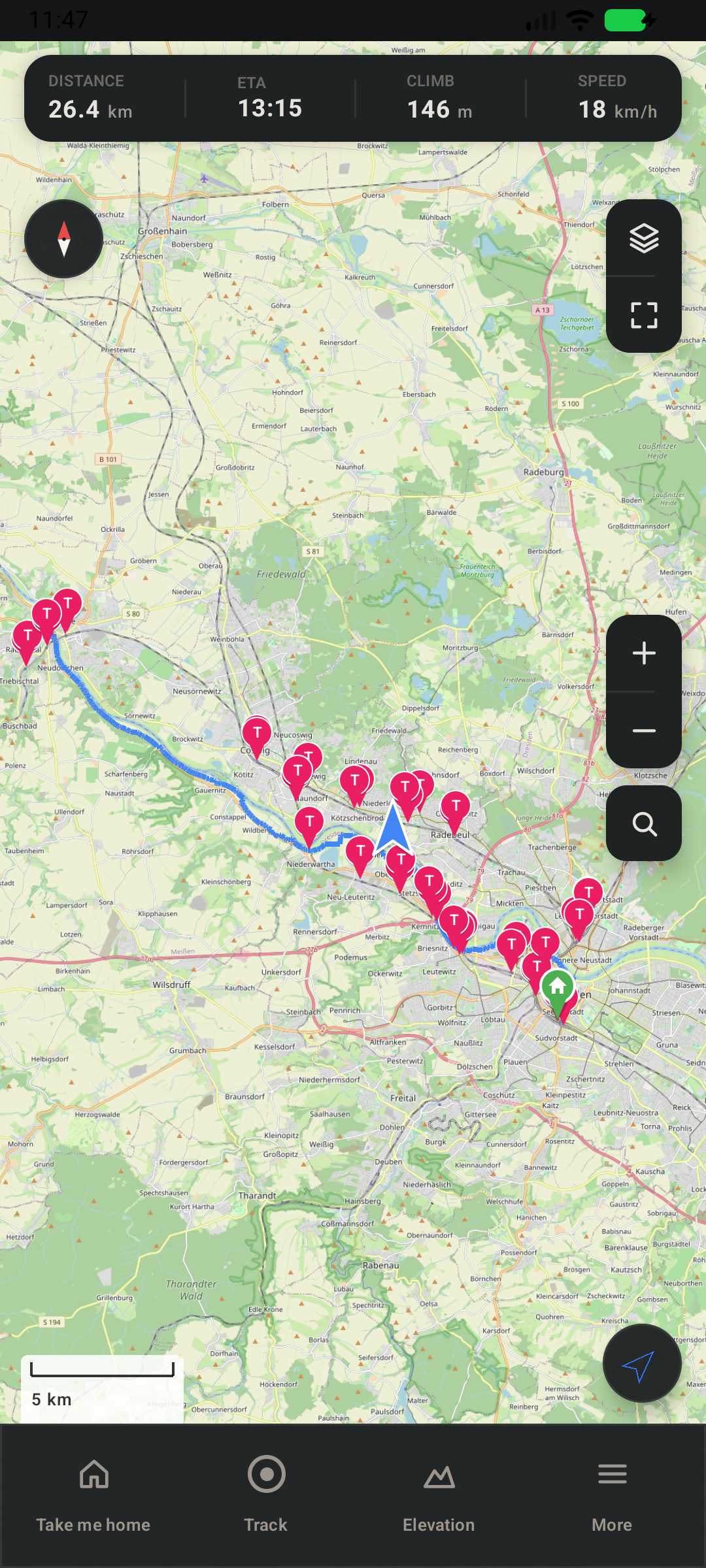
Features: - Import GPX routes (share from Komoot or any cycling app) - Automatic discovery of train stations along your route - "Take me home" — see all upcoming stations with cycling time, wait time, and connections - Search for nearby stations anywhere on the map - Detailed connection info with intermediate stops and changes - Navigate to any station via your preferred map app - Download map tiles for offline use - Shops, bakeries, drinking water, toilets and bike repair along your route, with opening hours — offline, for the countries you choose - Configurable transport types (regional trains, S-Bahn, U-Bahn, tram, bus, ferry) - Optional ICE/IC/EC long-distance connections - Transit data via Deutsche Bahn (covers German and international connections), plus Rejseplanen, Resrobot and Traveline where DB is weak, and optionally the community-run Transitous service

Privacy: - No tracking, no analytics, no accounts - All data stays on your device - Location is only used to show your position on the map - Internet is used only for map tiles (OpenStreetMap), transit queries (Deutsche Bahn; Rejseplanen, Resrobot or Traveline for places they cover; Transitous only if enabled) and downloading the offline POI data (GitHub)

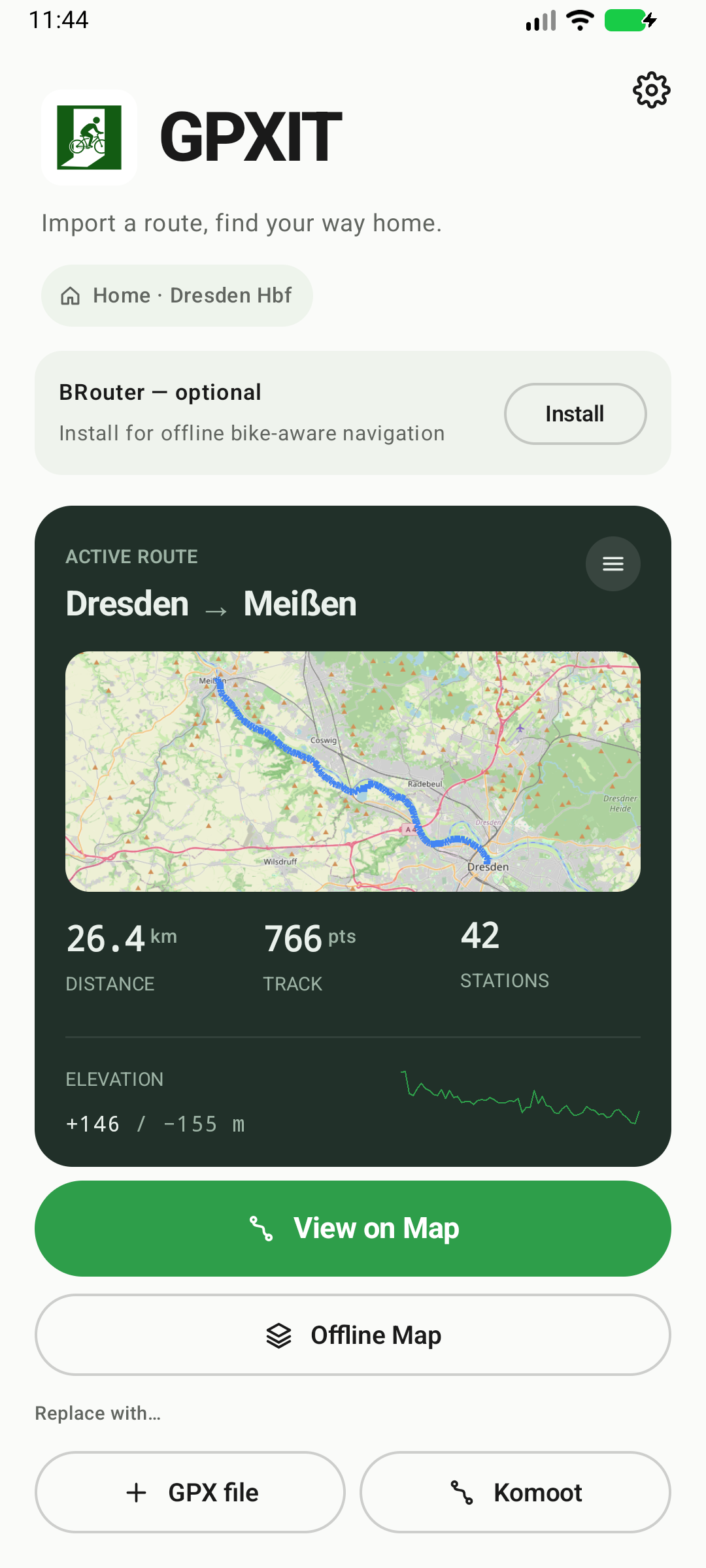
Screenshots

GPXIT screenshot 1
GPXIT screenshot 2
GPXIT screenshot 3
GPXIT screenshot 4
GPXIT screenshot 5
GPXIT screenshot 6
GPXIT screenshot 7
GPXIT screenshot 8
GPXIT screenshot 9

What’s new

Maintenance release — no user-facing changes:
- Now built against Android SDK 37
- Updated Kotlin, Gradle, AndroidX lifecycle, and Play Services location
- Repaired the build after the transit library's upstream artifacts became unavailable

How to install

  1. Download the APK from the button at the top of this page.
  2. Allow “Install unknown apps” for your browser or file manager only, not for every app.
  3. Open the downloaded file and confirm the installation.
  4. If installation fails with “App not installed,” remove an earlier build of the same app first. A signature conflict is the usual cause.

Data safety

  • Every file is checked against its published SHA-256 before it is listed.
  • Files are scanned for malware on every update.
  • The permissions each app requests are listed on its own page.
  • Read the full safety policy for how we test, flag, and delist files.

Comments

Recent approved comments · sorted by newest

Verification code
Be specific and keep it about the app. No links. Comments are reviewed before publication. Device and Android details are recorded automatically. Privacy policy.

Loading recent comments...

View all comments