OSM Dashboard for OpenTracks icon

OSM Dashboard for OpenTracks

OpenTracks Team
Sports & Health Maps & Navigation
Version
6.8.0
Size
7.4 MB
Requires
Android API 26+
4.2 / 5 · 5,849 ratings 0 downloads

Updated Sep 22, 2026

Quick answer

OpenStreetMap dashboard for OpenTracks

F-Droid repository metadata

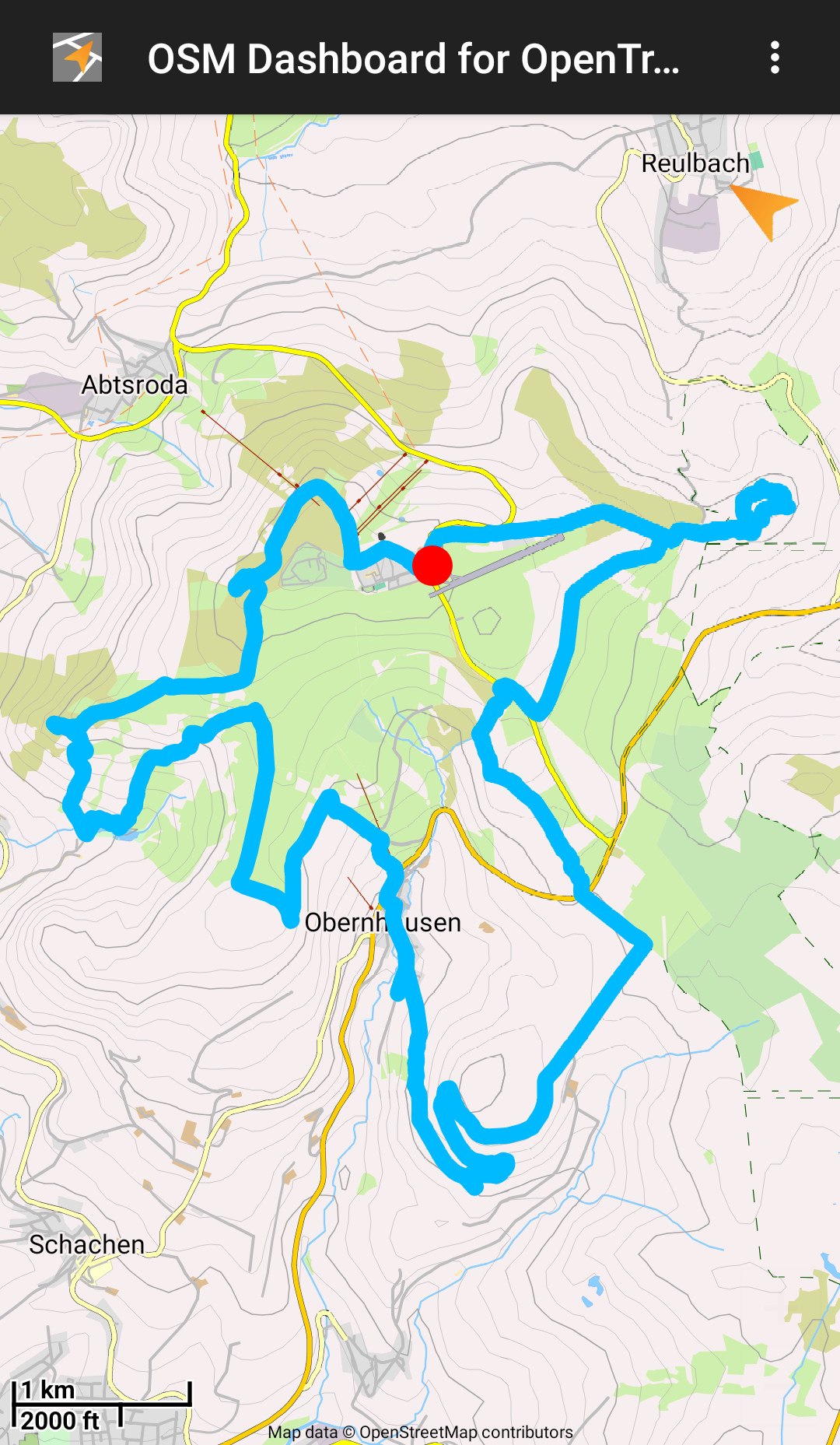
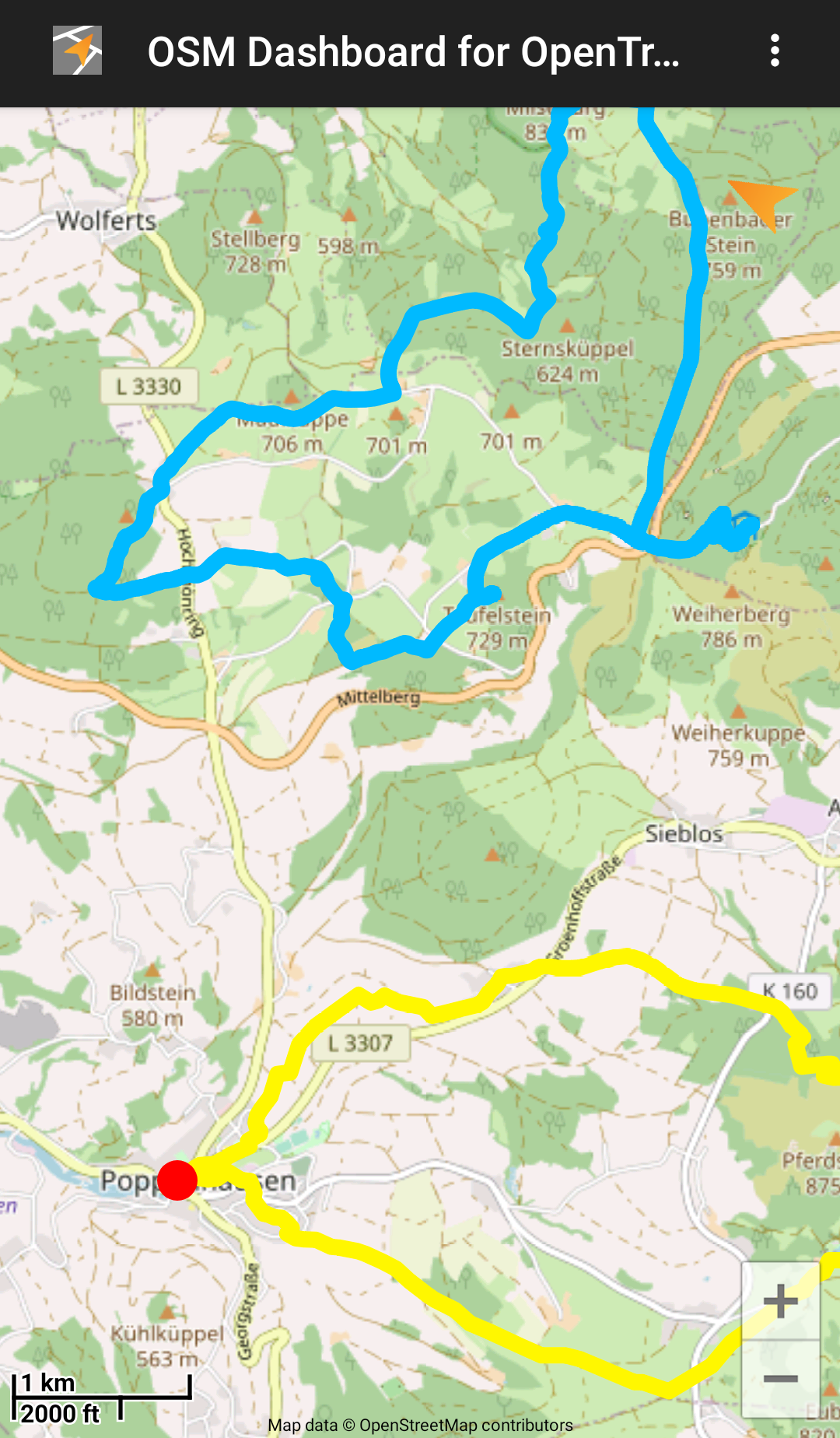
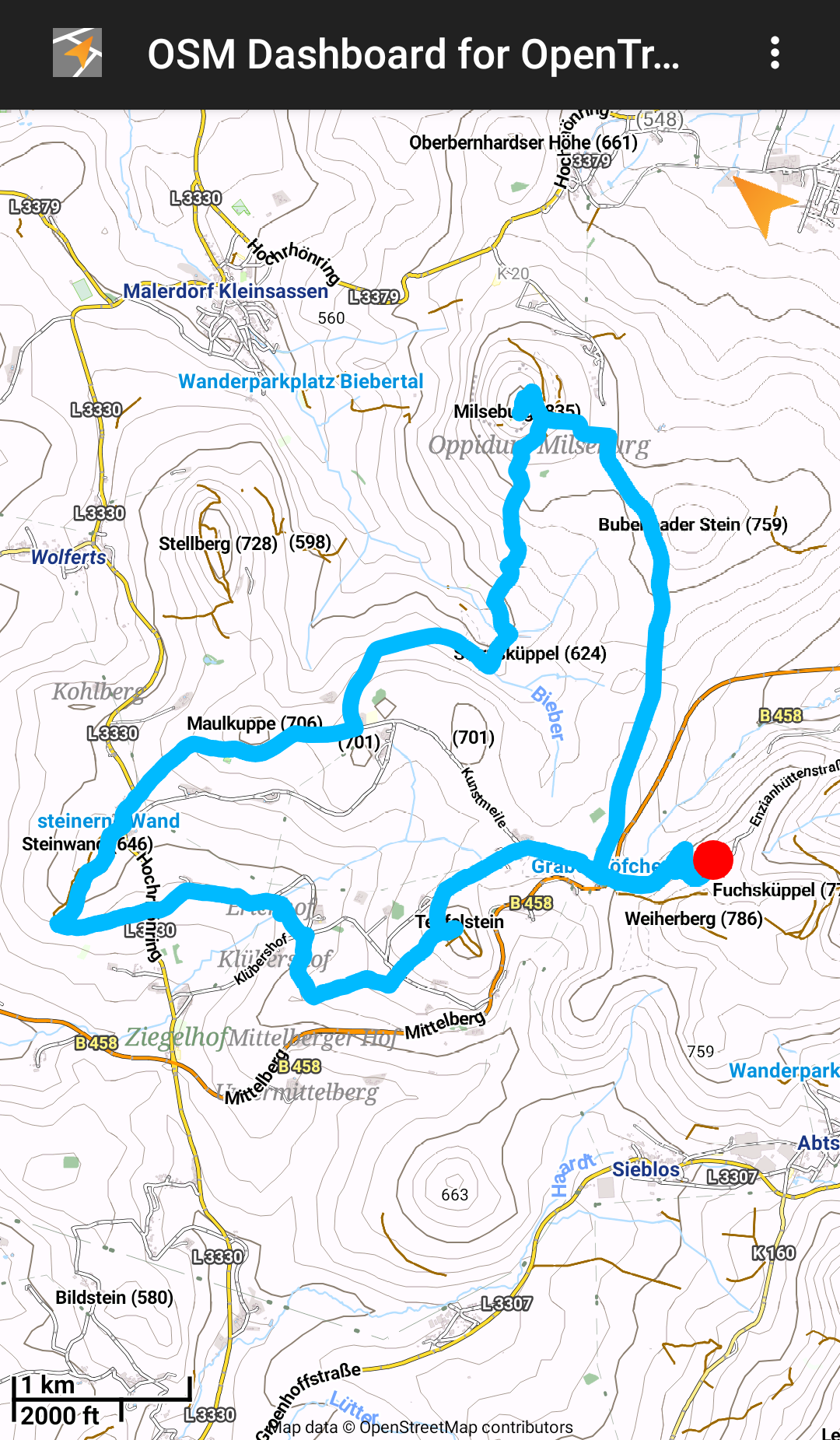
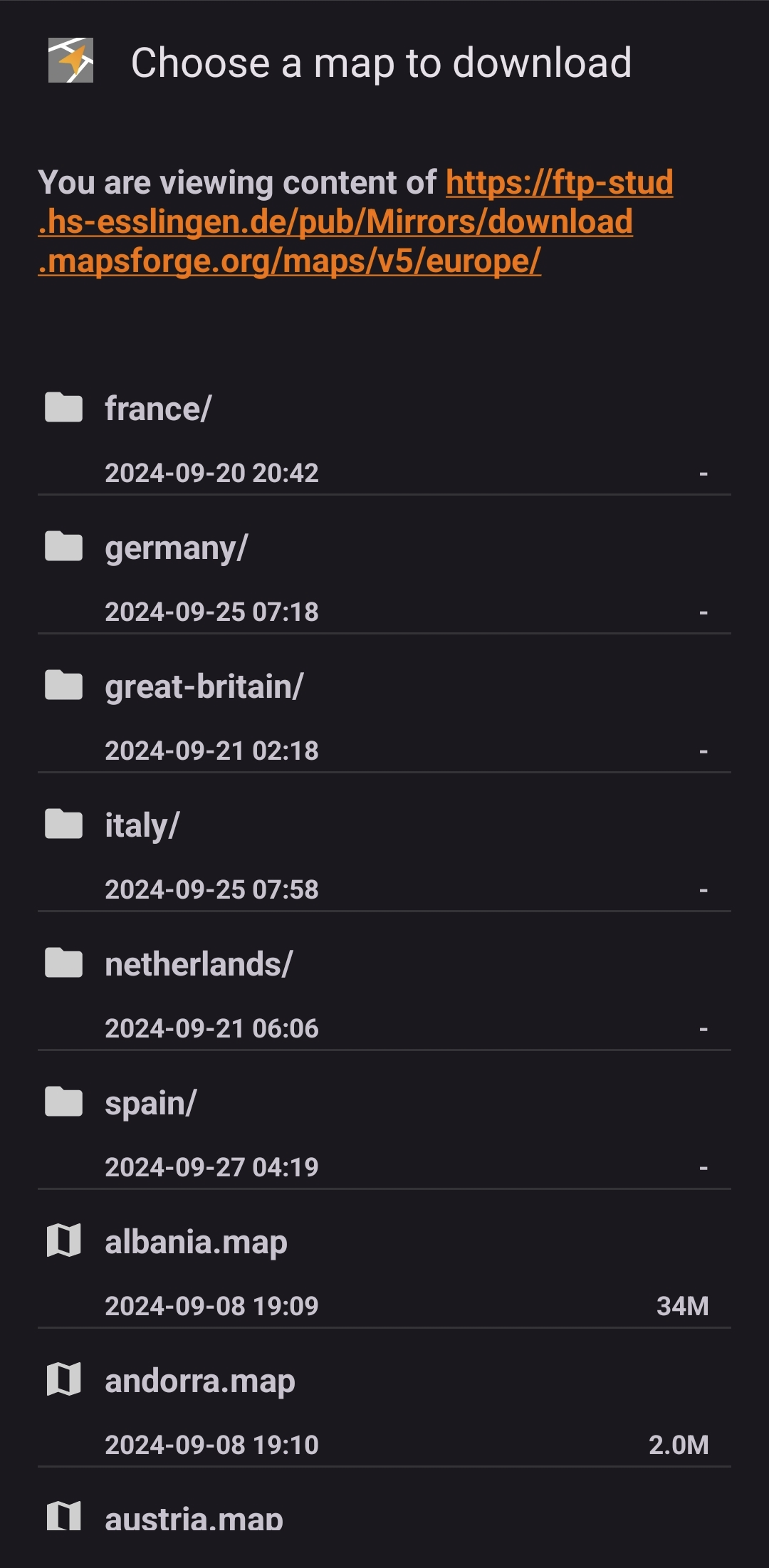
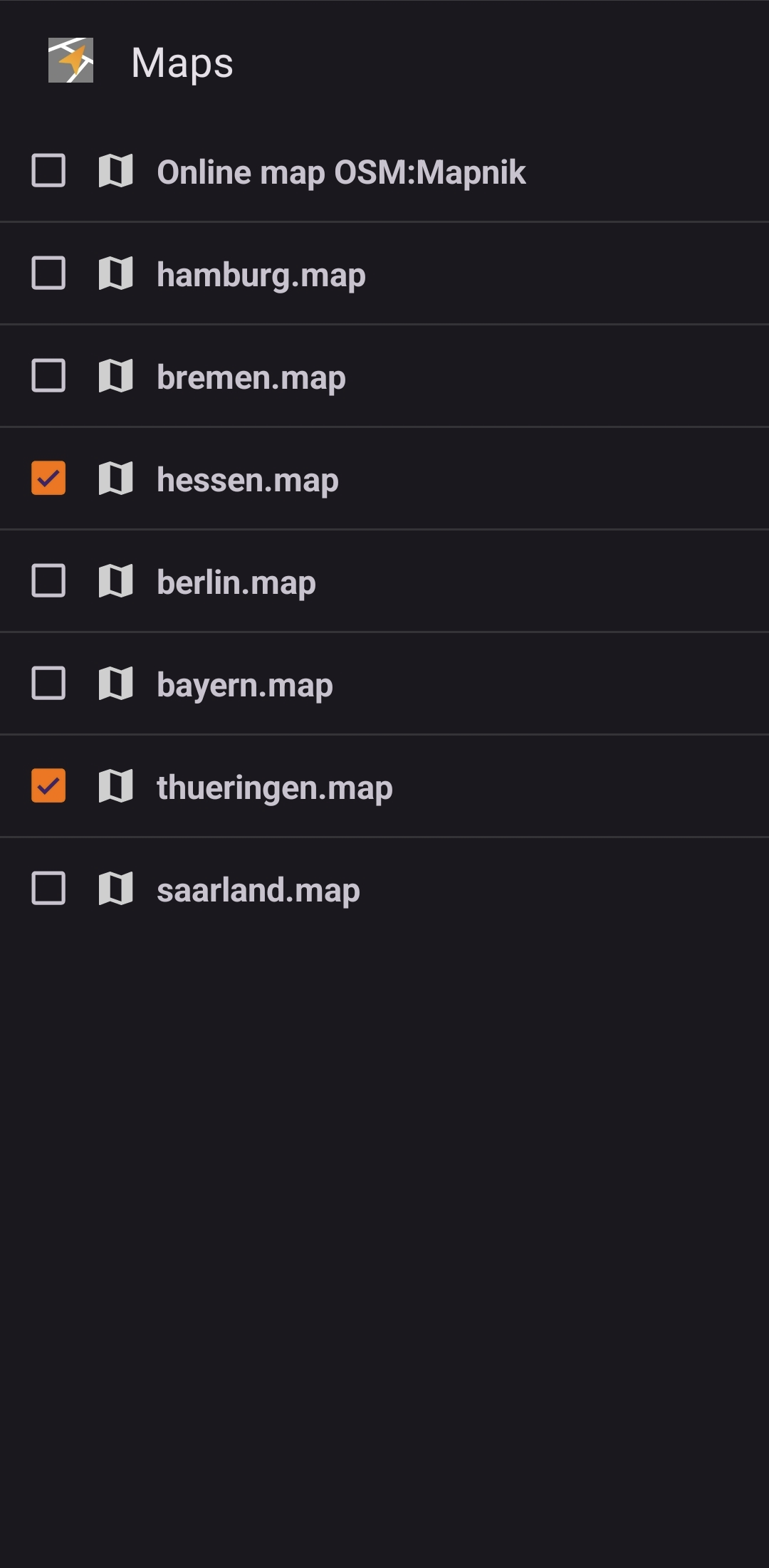
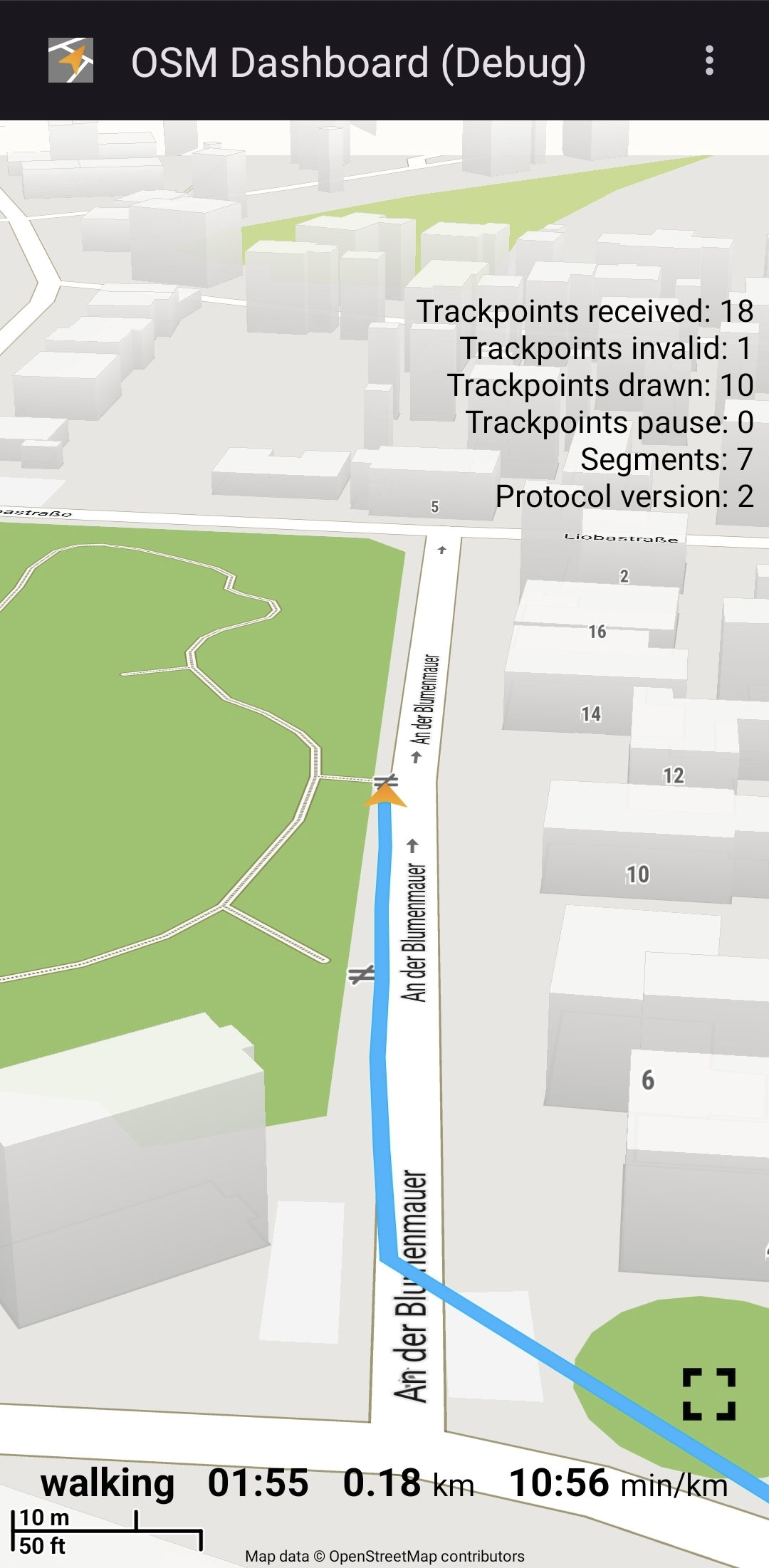
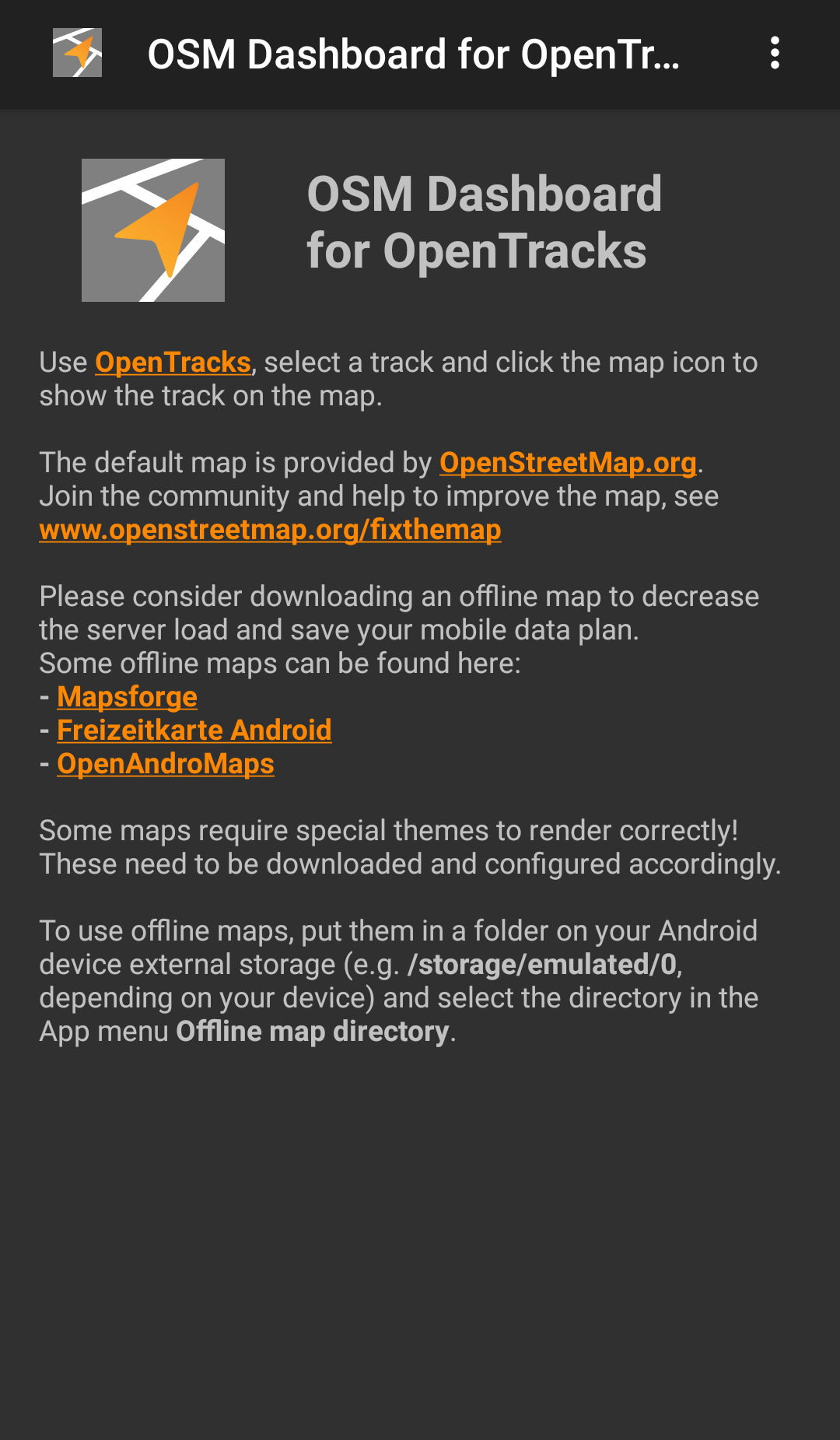
OpenStreetMap dashboard for OpenTracks. Can be used as standalone GPX and location viewer as well. It shows a selected track with start- and endpoints on a map from OpenStreetMap based on the Mapsforge VTM library. The default is an online map, but offline maps are supported as well. With offline maps, there is no necessity for a mobile data plan. The default map is provided by OpenStreetMap.org. Join the community and help to improve the map, see www.openstreetmap.org/fixthemap Please consider downloading an offline map to decrease the server load and save your mobile data plan. Some offline maps can be found here: - Mapsforge - Freizeitkarte Android - OpenAndroMaps Some maps require special themes to render correctly! These need to be downloaded and configured accordingly. Offline maps can be downloaded via the menu "Map download" or by visiting the above mentioned websites and click the download links. Some browsers (e.g. Firefox) require a long click on the link and "Open link in external app" and then choose OSMDashboard. Manual downloaded offline maps or maps shared with other apps can be opened from your Android device. Select the directory in the menu "Map directory".

Screenshots

OSM Dashboard for OpenTracks screenshot 1
OSM Dashboard for OpenTracks screenshot 2
OSM Dashboard for OpenTracks screenshot 3
OSM Dashboard for OpenTracks screenshot 4
OSM Dashboard for OpenTracks screenshot 5
OSM Dashboard for OpenTracks screenshot 6
OSM Dashboard for OpenTracks screenshot 7

What’s new

- Fix: continue trackline while recording
- Updated translations
- Updated dependencies

How to install

  1. Download the APK from the button at the top of this page.
  2. Allow “Install unknown apps” for your browser or file manager only, not for every app.
  3. Open the downloaded file and confirm the installation.
  4. If installation fails with “App not installed,” remove an earlier build of the same app first. A signature conflict is the usual cause.

Data safety

  • Every file is checked against its published SHA-256 before it is listed.
  • Files are scanned for malware on every update.
  • The permissions each app requests are listed on its own page.
  • Read the full safety policy for how we test, flag, and delist files.

Comments

Recent approved comments · sorted by newest

Verification code
Be specific and keep it about the app. No links. Comments are reviewed before publication. Device and Android details are recorded automatically. Privacy policy.

Loading recent comments...

View all comments