Free Public Transport Assistant without Ads or Tracking
F-Droid repository metadata
Transportr is a non-profit app developed by people around the world in their free time.
They want to make the use of public transport as easy as possible for everybody.
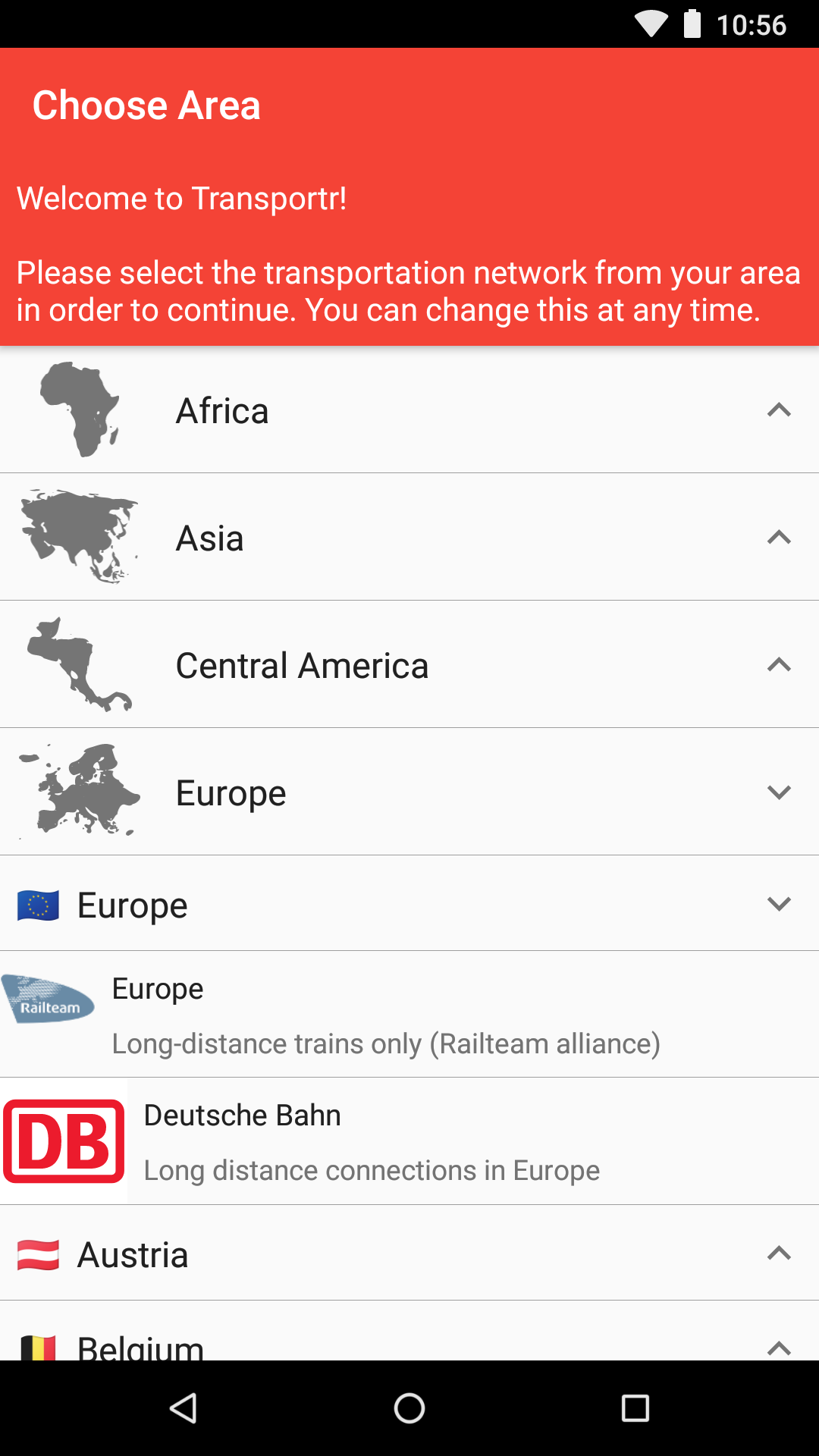
This app uses the data of various local public transport agencies
and provides a unified interface for them.
It can not verify the correctness of the data
and therefore offers no guarantees for the displayed information.
Please use at your own risk.
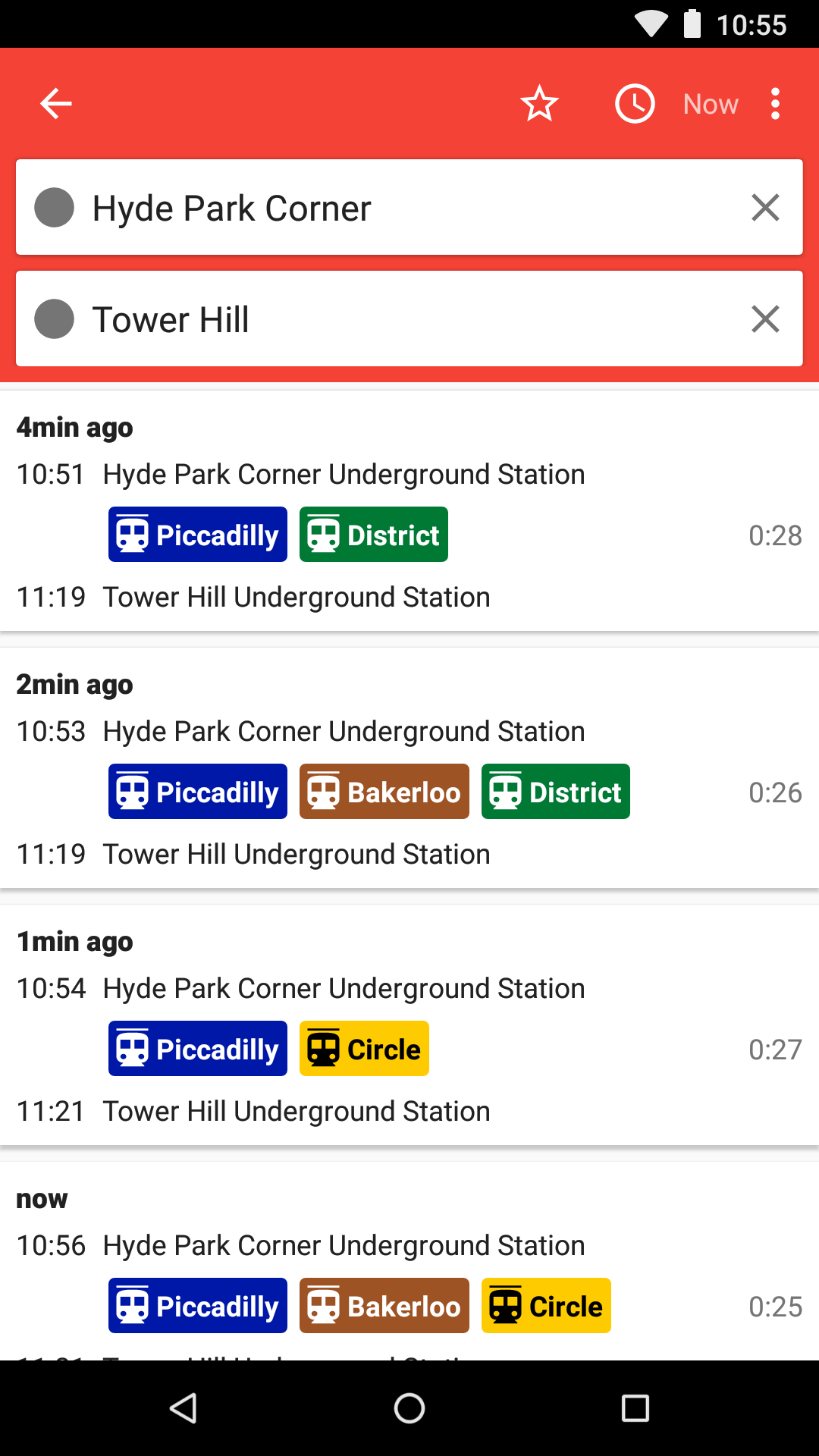
🛣️ Trip Routing. Just tell Transportr where you want to go!
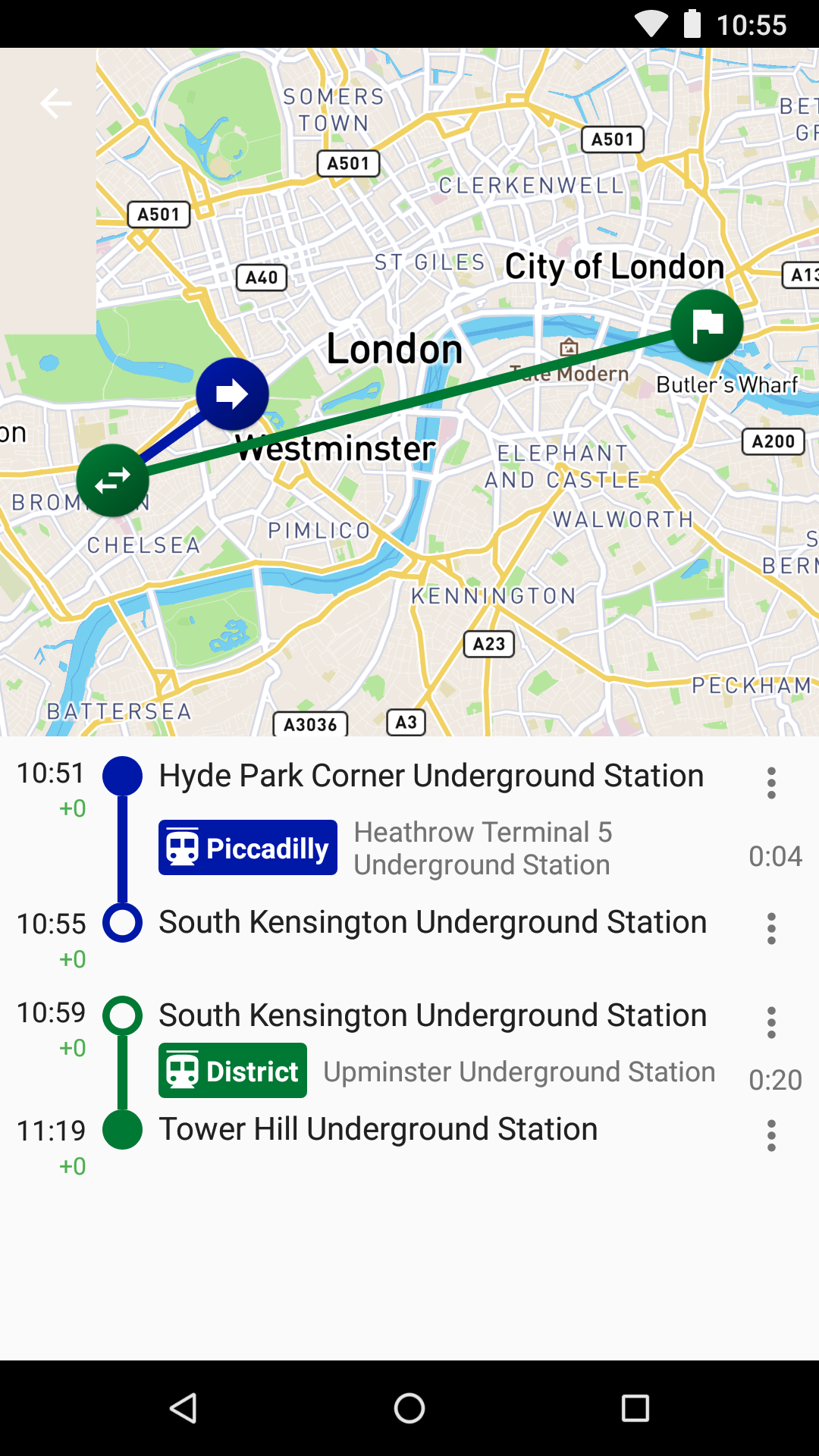
It will find the best connections for you, advises you where to change buses,
and even gives you an estimated time of arrival.
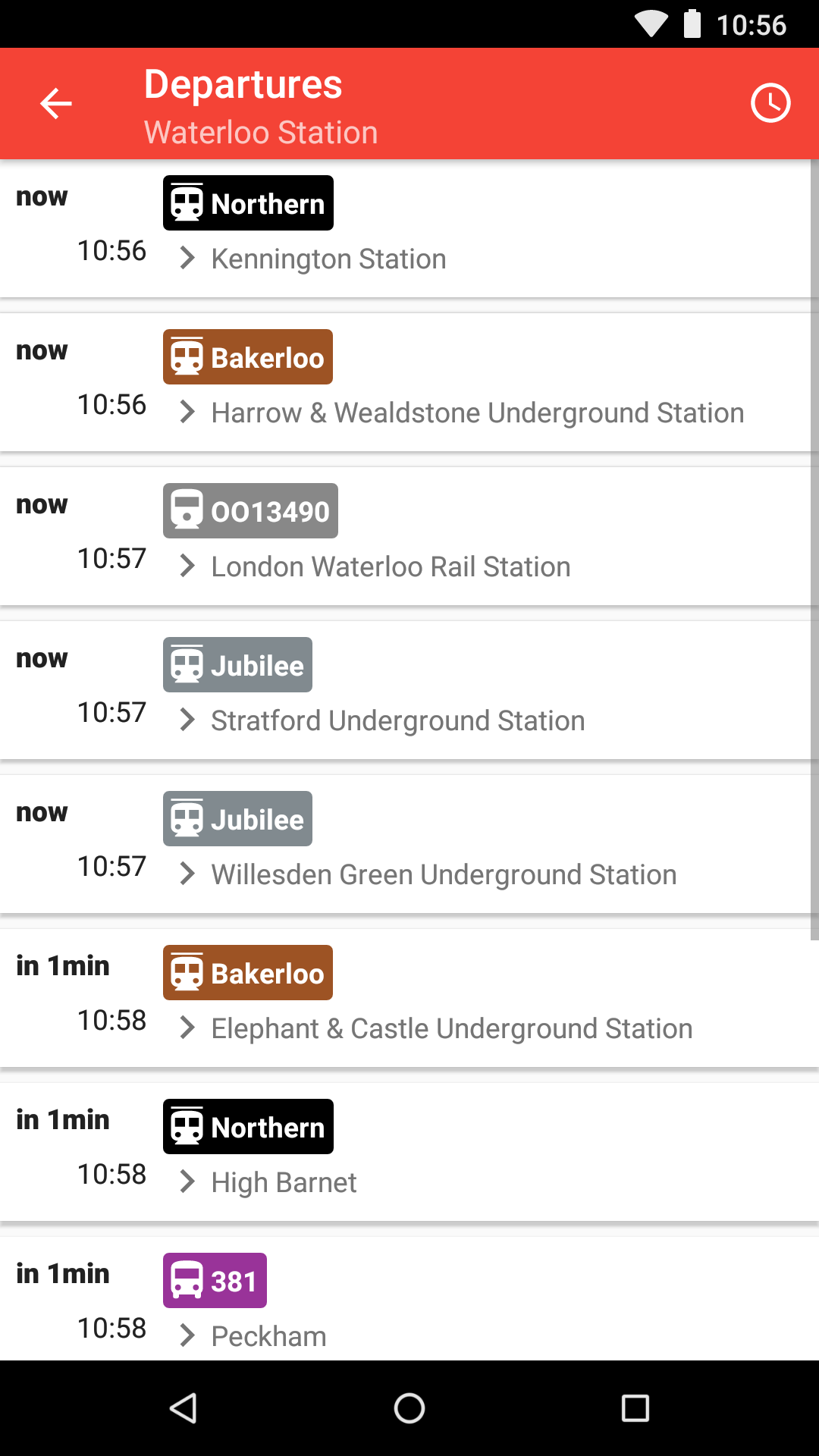
⏱️ Live Departures. Shows upcoming departures from any and all stations.
In supported areas, real-time delays will be shown as well.
🗽 Software Freedom. The source code for Transportr is 100% open.
You can freely use, study, share and improve it.
This app is only as good as you make it.
You can even add your city yourself, if it is not already supported.
🛰️ Finds your Position. Transportr uses GPS satellite navigation
to keep track of your current position - so you never get lost.
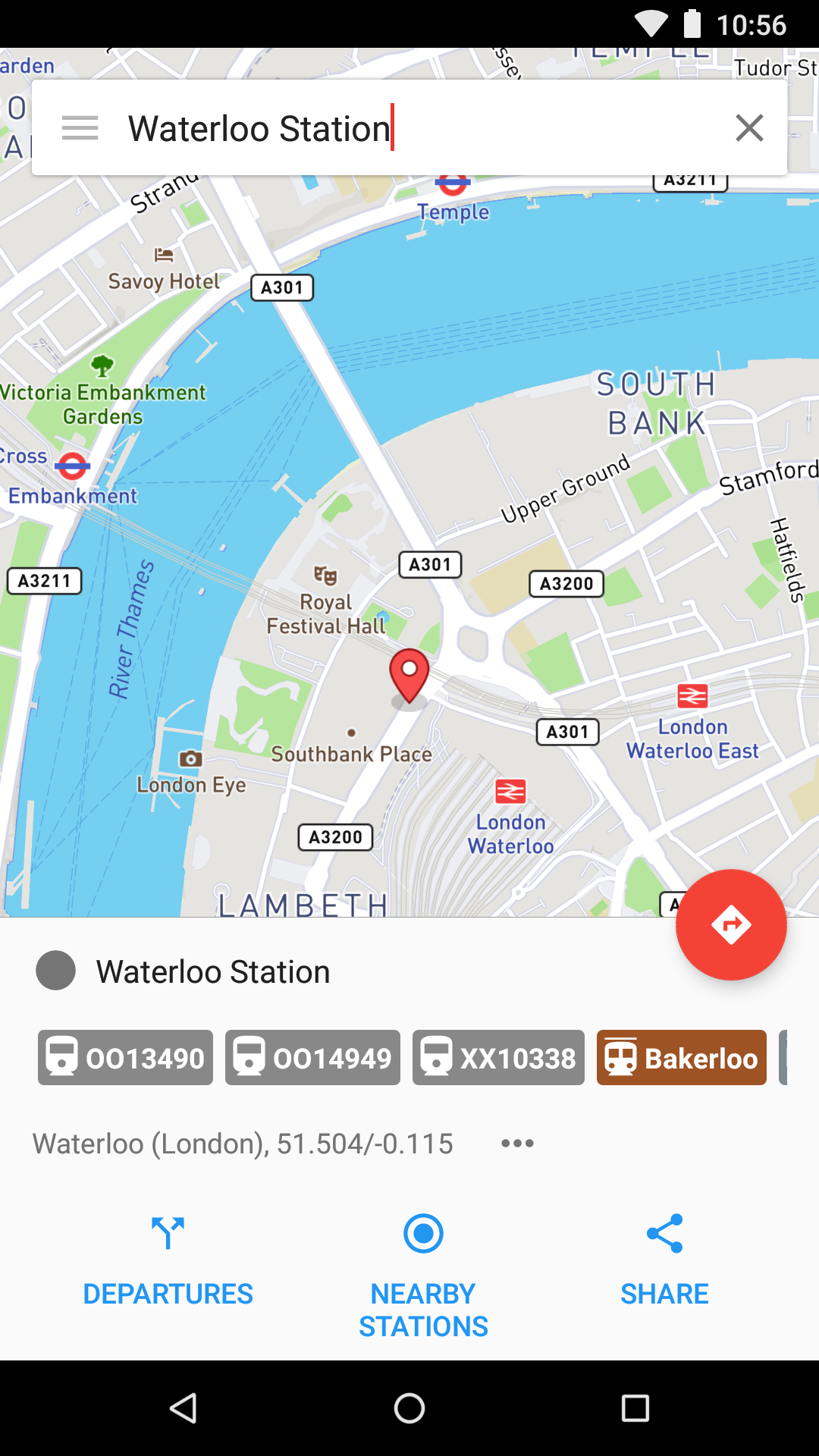
You can find nearby stations to start a new trip
and then see how far along the journey you are.
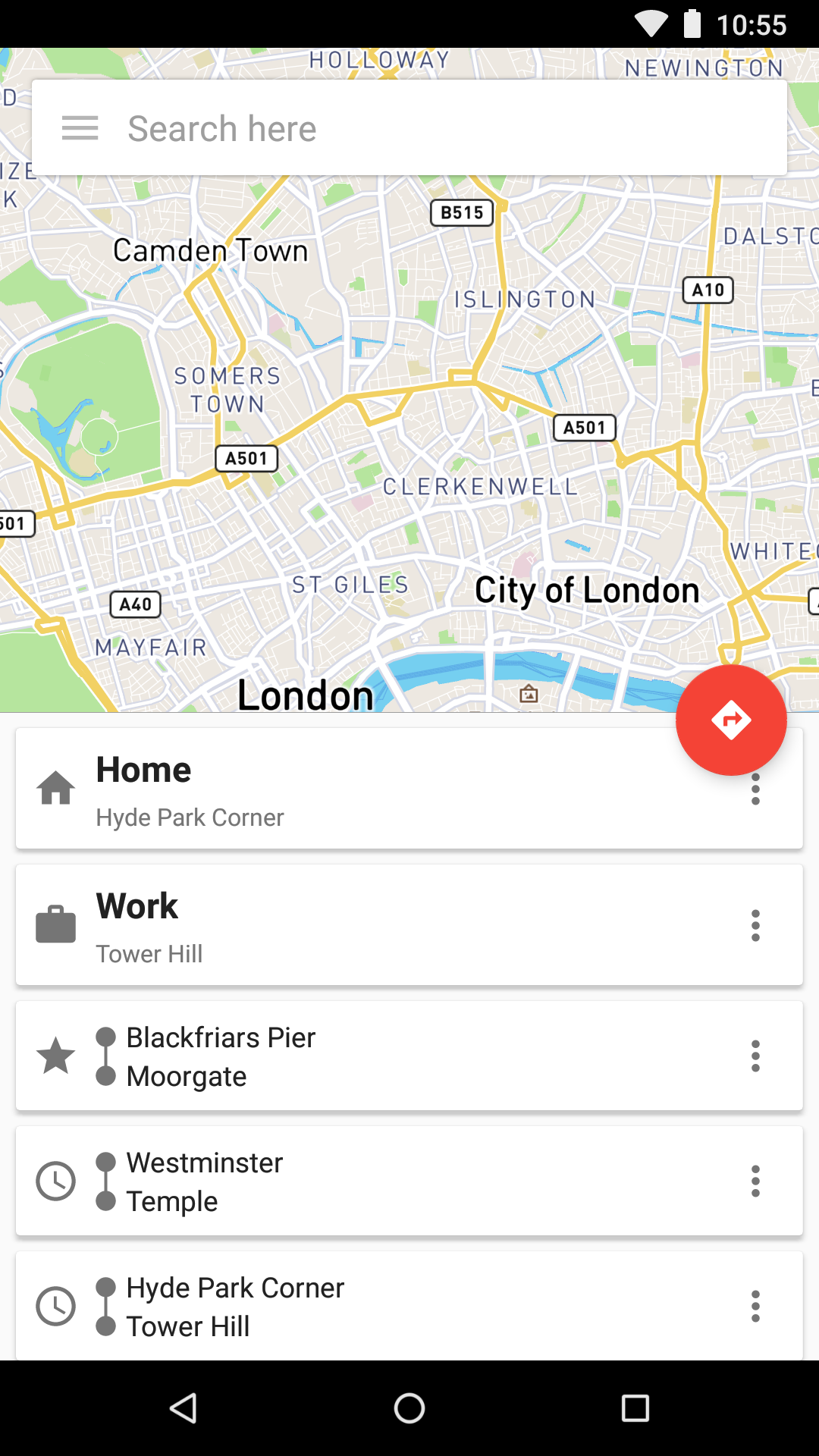
🌟 Remembers Favorite Places. To get you where you need to go faster,
Transportr saves frequently used locations and trips.
That way you do not need to type them over and over again.
🚫 No Ads, No Tracking. This app does not display ads
or annoying notifications.
It also does not use tracking tools such as Google Analytics to spy on you.
🗺️ Beautiful Maps. Displays stations or your entire trip on a map
and always knows where you are to not miss where to get off the bus.
Screenshots
What’s new
* Remove Chicago and Austin * Network API updates * Translation update
How to install
Download the APK from the button at the top of this page.
Allow “Install unknown apps” for your browser or file manager only, not for every app.
Open the downloaded file and confirm the installation.
If installation fails with “App not installed,” remove an earlier build of the same app first. A signature conflict is the usual cause.
Data safety
Every file is checked against its published SHA-256 before it is listed.
Files are scanned for malware on every update.
The permissions each app requests are listed on its own page.
Read the full safety policy for how we test, flag, and delist files.