PublicArtExplorer icon

PublicArtExplorer

Thomas Zell
Maps & Navigation
Version
2.1.2
Size
26.4 MB
Requires
Android API 24+
3.9 / 5 · 2,962 ratings 0 downloads

Updated Sep 22, 2026

Quick answer

Discover and view public art

F-Droid repository metadata

Have you ever found yourself standing before a piece of outdoor art, curious about its story? Or arrived in a new place wondering if there’s any outdoor artwork waiting to be discovered nearby?

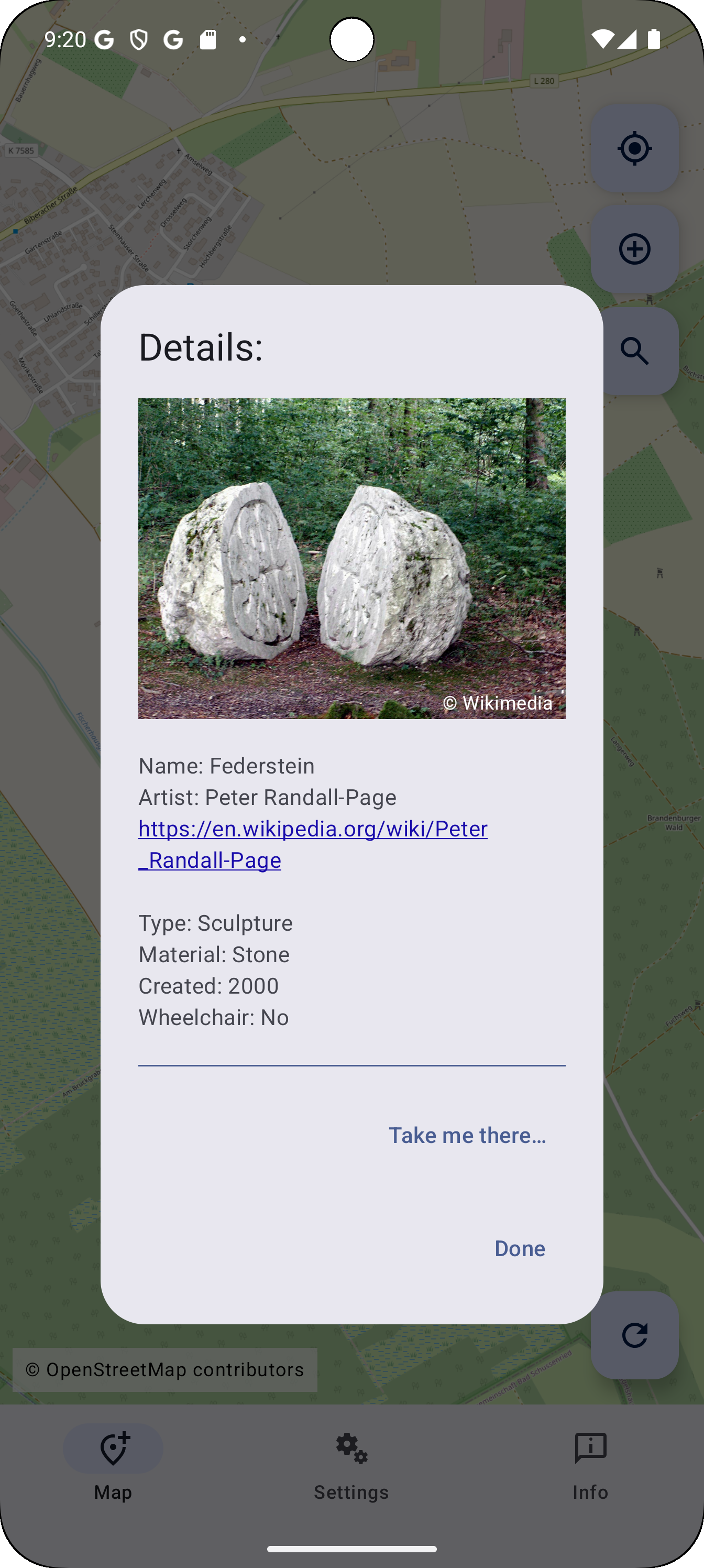
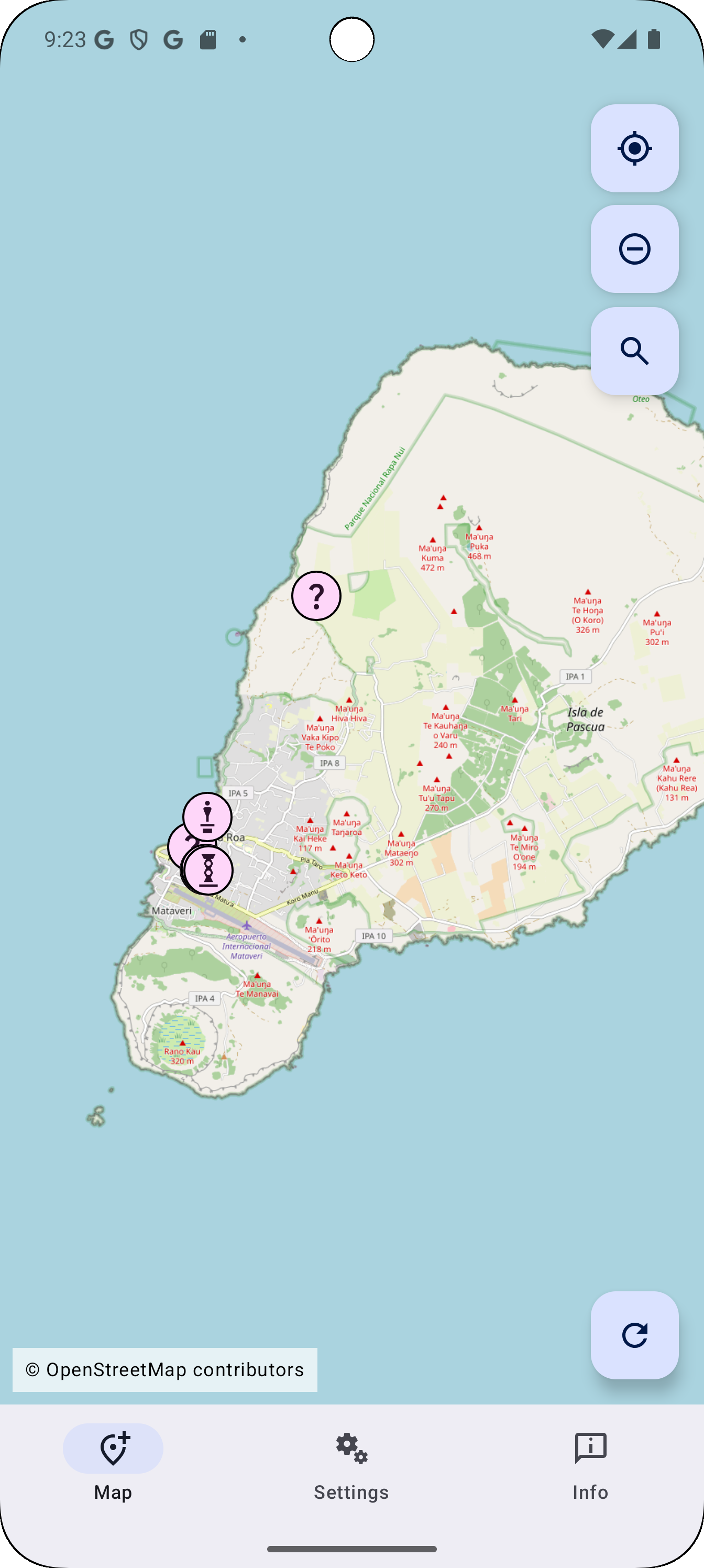
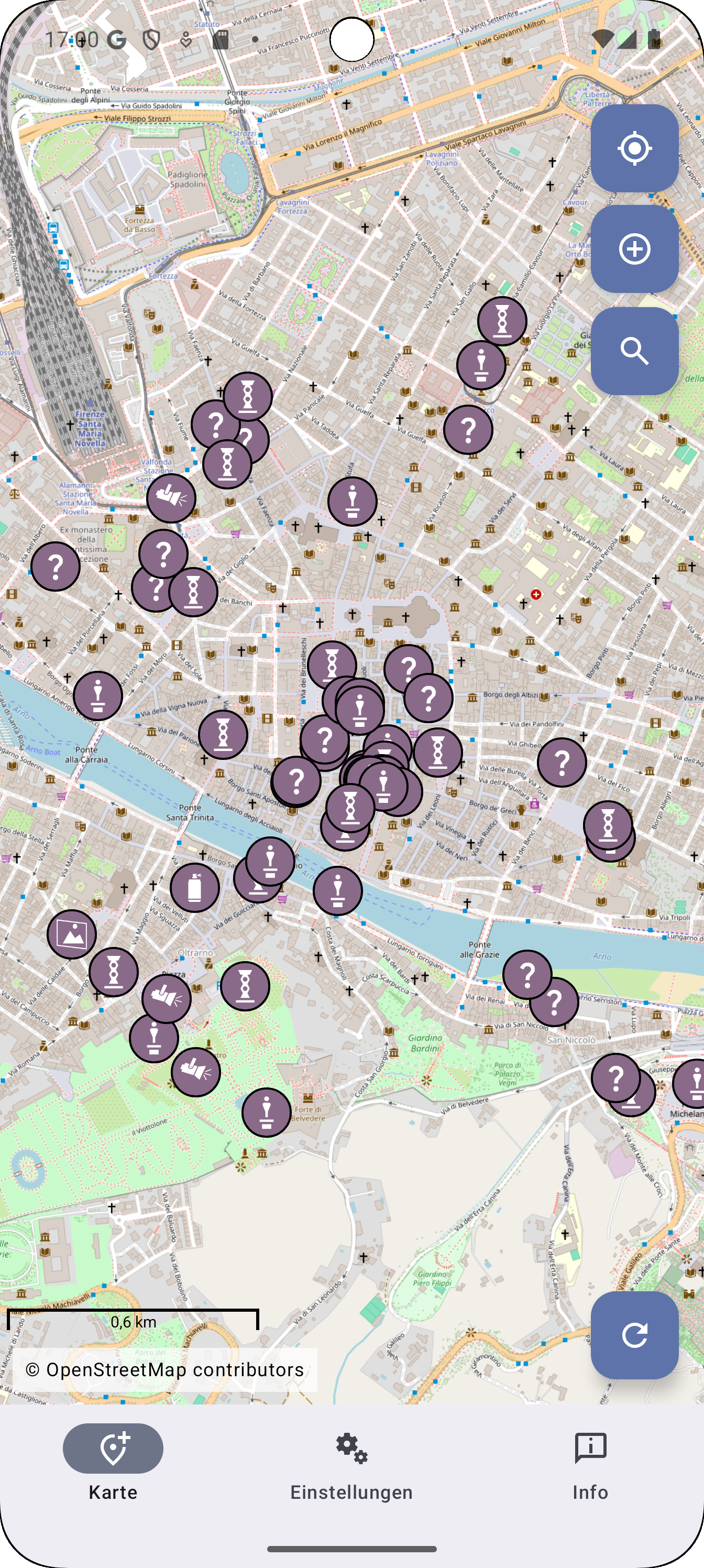
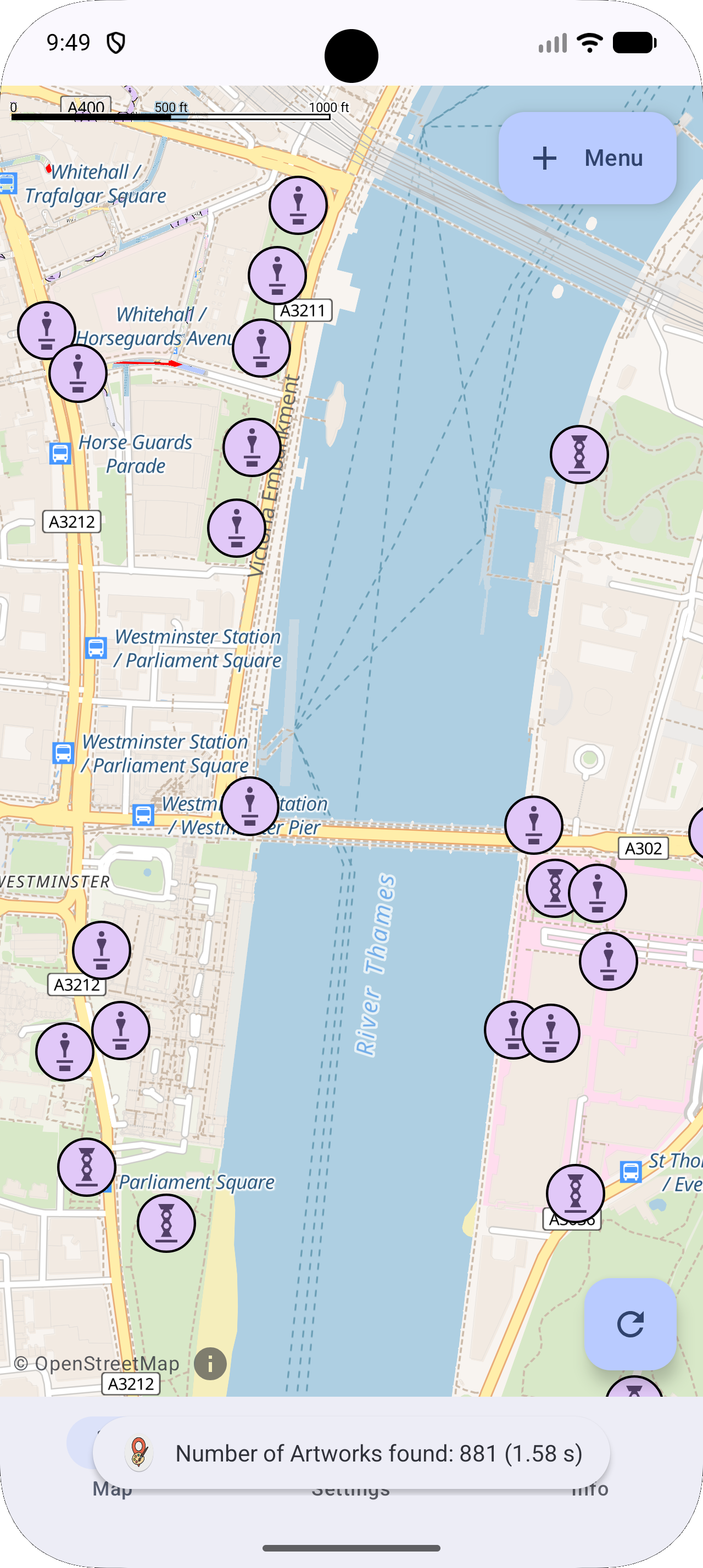
PublicArtExplorer allows you to discover and explore public art around you in just two clicks. The app uses your location to instantly reveal nearby sculptures, murals, and installations, complete with detailed information about each piece and its artist.

PublicArtExplorer’s data is based on the open platforms OpenStreetMap and Wikipedia. Because these platforms are built and maintained by a global community of volunteers, anyone can contribute: if you notice missing details or discover new artworks, you’re encouraged to add or update information directly on OpenStreetMap or Wikipedia. This collective approach means that every contribution helps to improve the app for all users, fostering a shared, up-to-date resource that benefits everyone interested in public art.

## Key features

Show what's around and offer to show the details for each artwork.

Aimed at providing low barrier access to public art as well as instigiating people to add missing information to OSM and Wikipedia for the benefit of others.

## Web site

https://publicartexplorer.com/
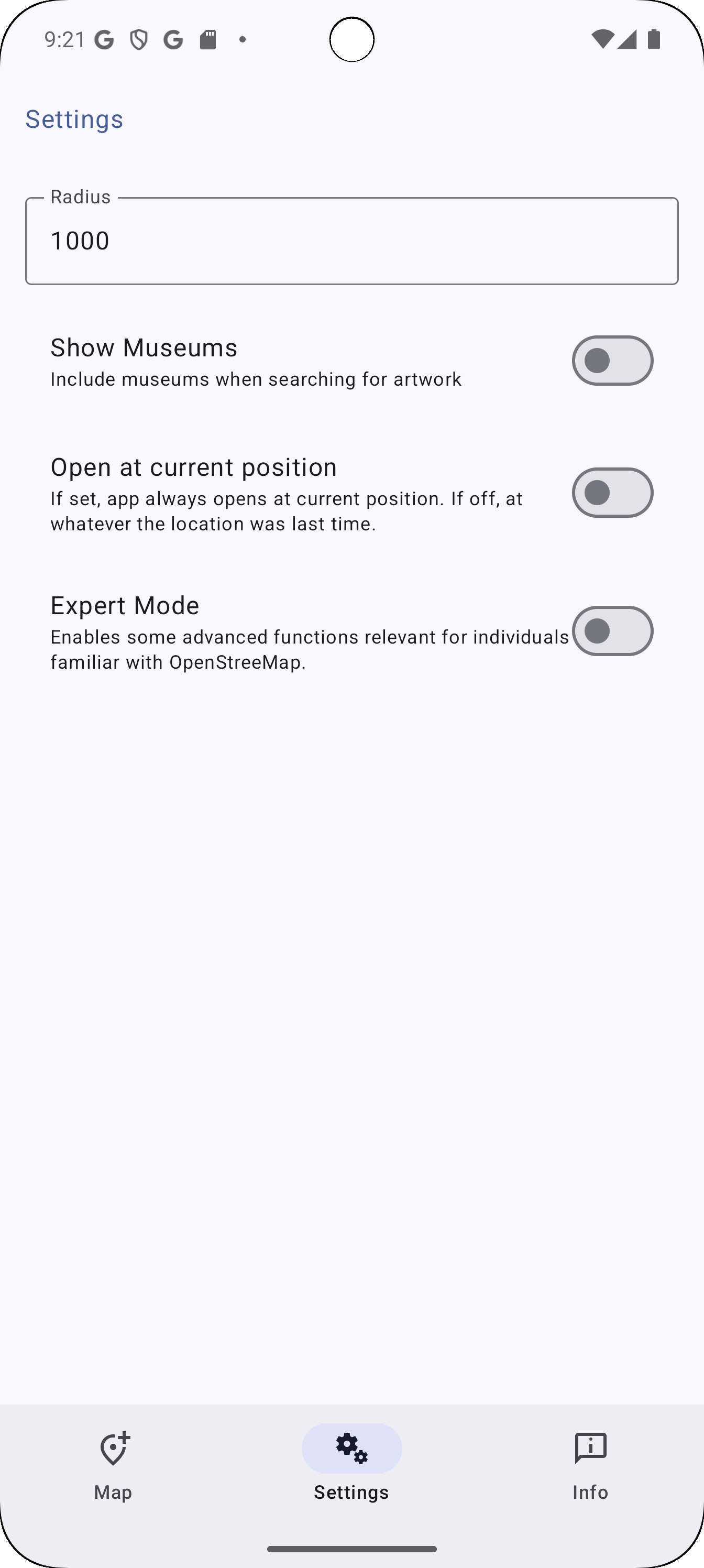
Screenshots

PublicArtExplorer screenshot 1
PublicArtExplorer screenshot 2
PublicArtExplorer screenshot 3
PublicArtExplorer screenshot 4
PublicArtExplorer screenshot 5

What’s new

### New
- Made it easier to add an image to an otherwise complete node
### Fixed/Changed
- Fixed a bug where a photo only artwork did not get the artwork tag added
- Changing artwork server is now a non-expert mode setting
- After running stable for more than 6 months the PublicArtExplorer artwork (overpass) server is now the new default
Please see the full change log here: https://codeberg.org/toz/PublicArtExplorer/src/branch/main/ChangeLog.md

How to install

  1. Download the APK from the button at the top of this page.
  2. Allow “Install unknown apps” for your browser or file manager only, not for every app.
  3. Open the downloaded file and confirm the installation.
  4. If installation fails with “App not installed,” remove an earlier build of the same app first. A signature conflict is the usual cause.

Data safety

  • Every file is checked against its published SHA-256 before it is listed.
  • Files are scanned for malware on every update.
  • The permissions each app requests are listed on its own page.
  • Read the full safety policy for how we test, flag, and delist files.

Comments

Recent approved comments · sorted by newest

Verification code
Be specific and keep it about the app. No links. Comments are reviewed before publication. Device and Android details are recorded automatically. Privacy policy.

Loading recent comments...

View all comments