Qz icon

Qz

Michael von Glasow
Maps & Navigation
Version
2.1.0
Size
20.9 MB
Requires
Android API 14+
4.2 / 5 · 4,629 ratings 0 downloads

Updated Sep 22, 2026

Quick answer

Receive live traffic news via Traffic Message Channel (TMC)

F-Droid repository metadata

Receive live traffic news via Traffic Message Channel (TMC)

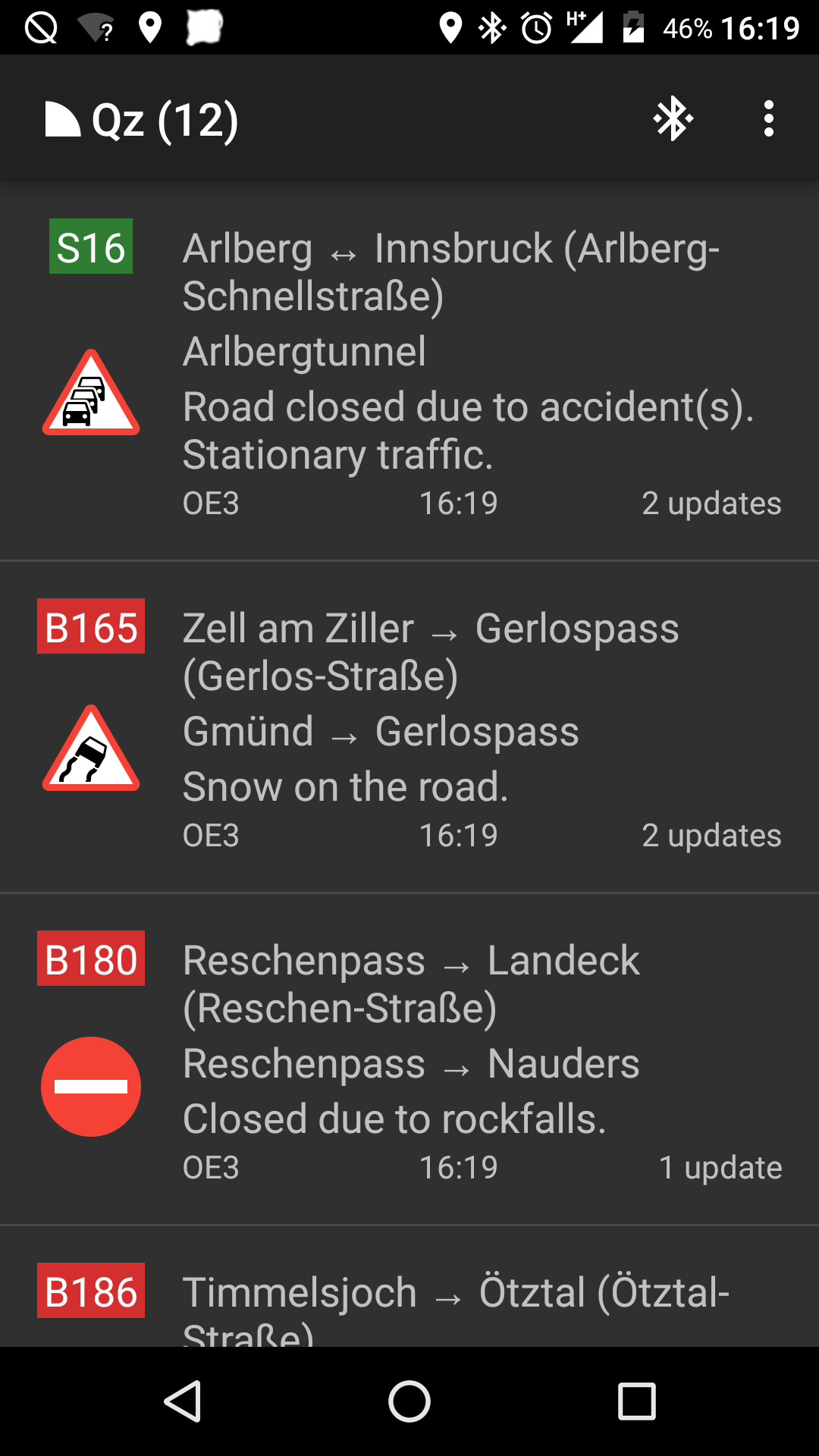
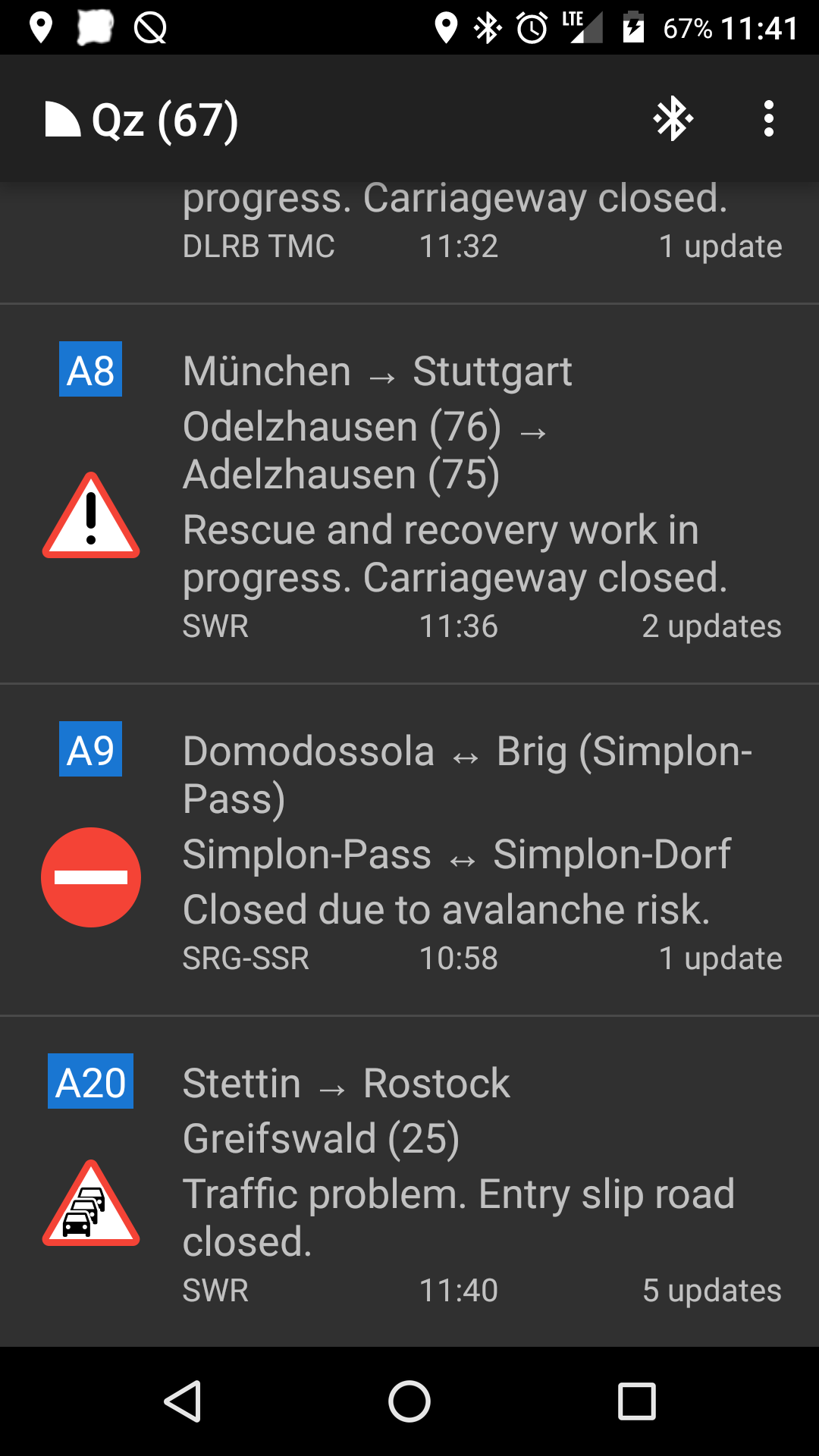
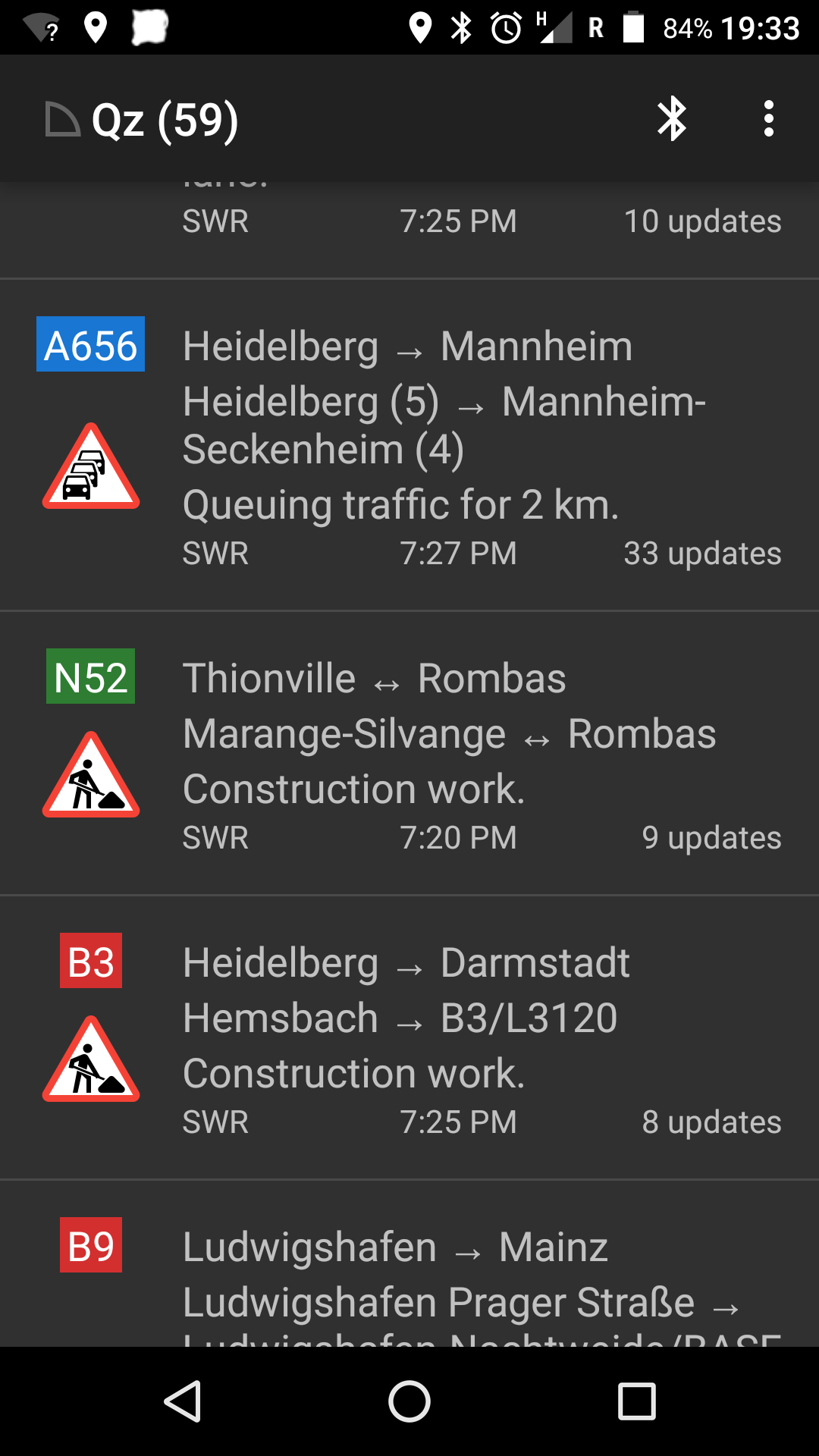
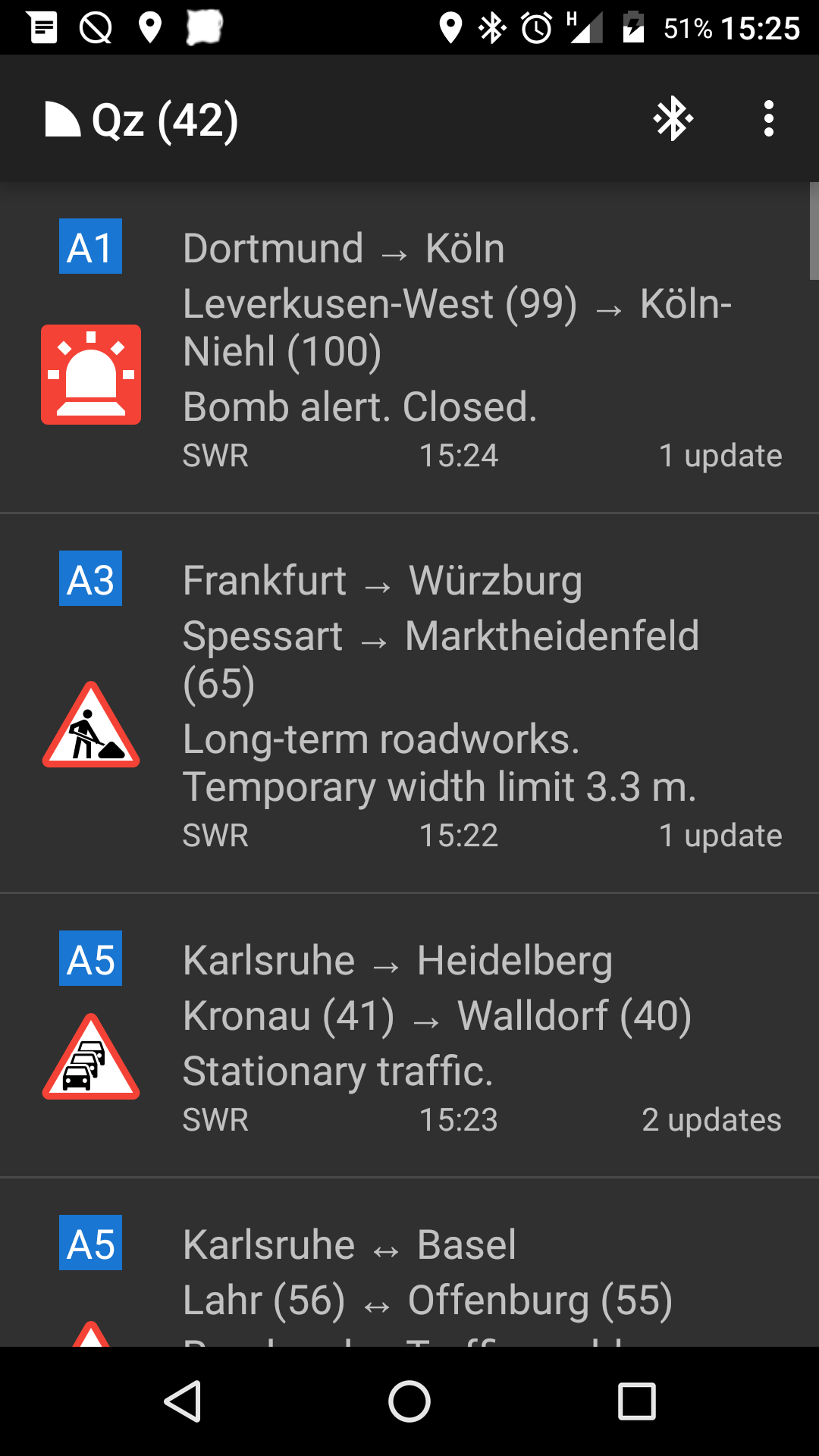
Qz (pronounced “queues”) connects to an RDS/TMC receiver to receive live traffic messages. TMC is transmitted in the RDS data stream of various radio channels and provides live traffic information, helping you avoid congestions.

For a list of countries in which this app can be used, see https://gitlab.com/mvglasow/qz/wikis/countries.

In order to use this app, you will need a supported RDS/TMC receiver. The following devices are currently supported:

* GNS FM9-BT (requires Bluetooth) * Silicon Labs Si4701/4703-based USB tuners (requires USB OTG support)

If you are unable to pick up any traffic messages, despite having a supported device and being in an area which should be supported, check your antenna. Reception with pigtail antennas (a long piece of wire coming out of the receiver) is generally poor and insufficient for TMC. It is recommended to rely on your vehicle antenna, a building antenna or a somewhat decent room antenna.

Qz will only work with unencrypted TMC services (as encrypted services require paying a per-device royalty). Also, some countries have chosen to require paying a royalty for access to their location tables (which Qz needs to decode TMC locations) and are therefore not supported.

Photo by Joanna Pędzich-Opioła | CC_BY 2.0
Screenshots

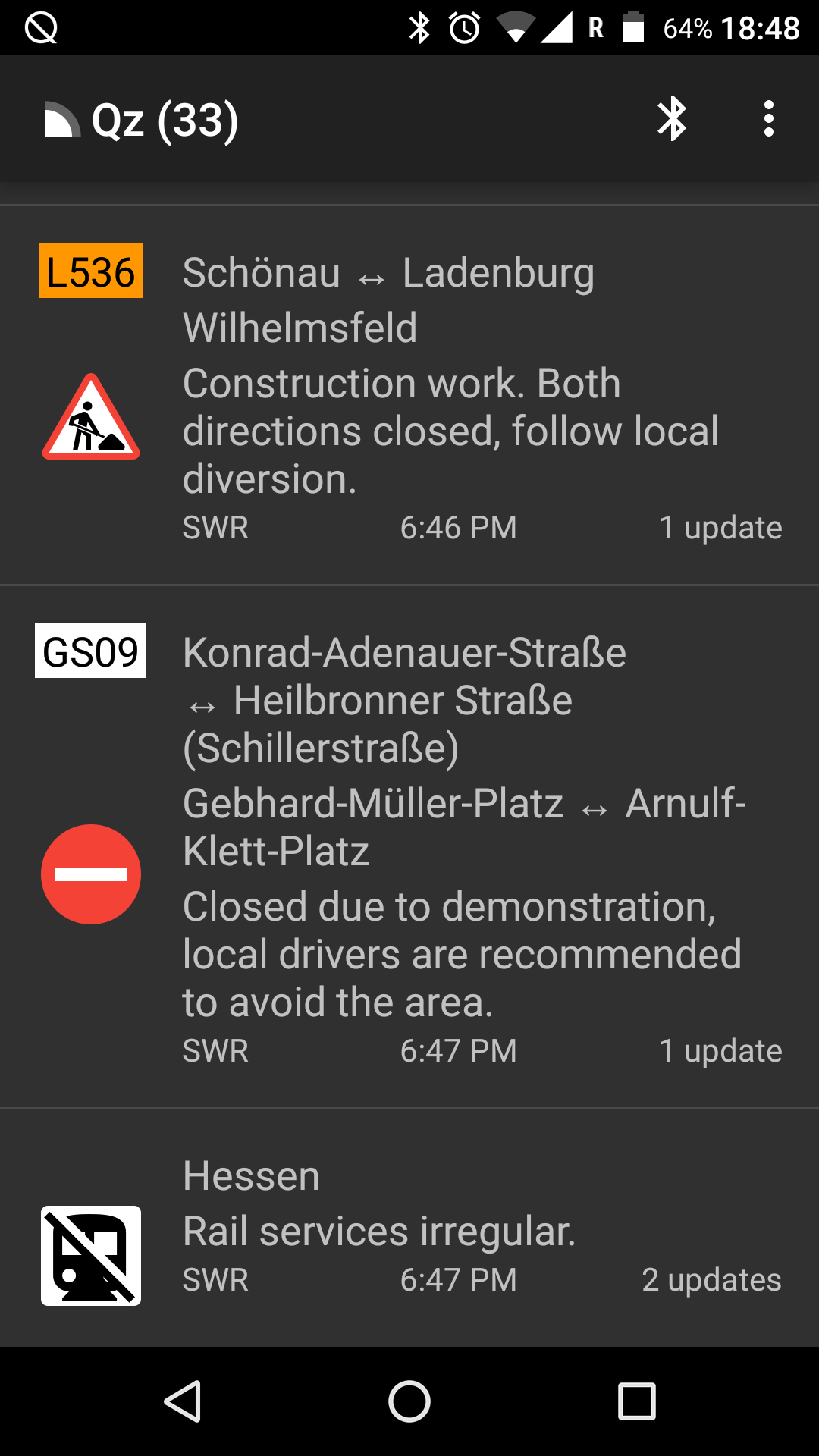
Qz screenshot 1
Qz screenshot 2
Qz screenshot 3
Qz screenshot 4
Qz screenshot 5

What’s new

New location tables (ES)
Updates to location tables (BE, DE, FR, IT, NO, SE, SK)
Correct per-country road categories (DK, FI, FR, NO, SI)
Display start and stop time for messages that specify them
Prevent messages from expiring if their start/stop time is in the future
Prevent messages from expiring for at least twice the duration of a full band scan
Allow message updates between TMC services with an ON mapping
TraFF: indicate if the message location refers to ramps
TraFF: supply quantifiers in

How to install

  1. Download the APK from the button at the top of this page.
  2. Allow “Install unknown apps” for your browser or file manager only, not for every app.
  3. Open the downloaded file and confirm the installation.
  4. If installation fails with “App not installed,” remove an earlier build of the same app first. A signature conflict is the usual cause.

Data safety

  • Every file is checked against its published SHA-256 before it is listed.
  • Files are scanned for malware on every update.
  • The permissions each app requests are listed on its own page.
  • Read the full safety policy for how we test, flag, and delist files.

Comments

Recent approved comments · sorted by newest

Verification code
Be specific and keep it about the app. No links. Comments are reviewed before publication. Device and Android details are recorded automatically. Privacy policy.

Loading recent comments...

View all comments