Mapple: Redirect Apple Maps icon

Mapple: Redirect Apple Maps

pluscubed
Maps & Navigation
Version
1.0.3
Size
2.9 MB
Requires
Android API 28+
4.2 / 5 · 7,479 ratings 0 downloads

Updated Sep 22, 2026

Quick answer

Open Apple Maps links in your default maps app

F-Droid repository metadata

When you open an Apple Maps link, redirect it to your default maps app (such as Google Maps)

Features: - Supports all Apple Maps links, including short-links - Preserve places, coordinates, searches, and directions - Keep using your preferred maps app on Android - No ads, accounts, analytics, or tracking SDKs

Mapple is an independent utility. It is not affiliated with, endorsed by, or sponsored by Apple Inc. or Google LLC. Apple Maps is a trademark of Apple Inc. Google Maps is a trademark of Google LLC.

Screenshots

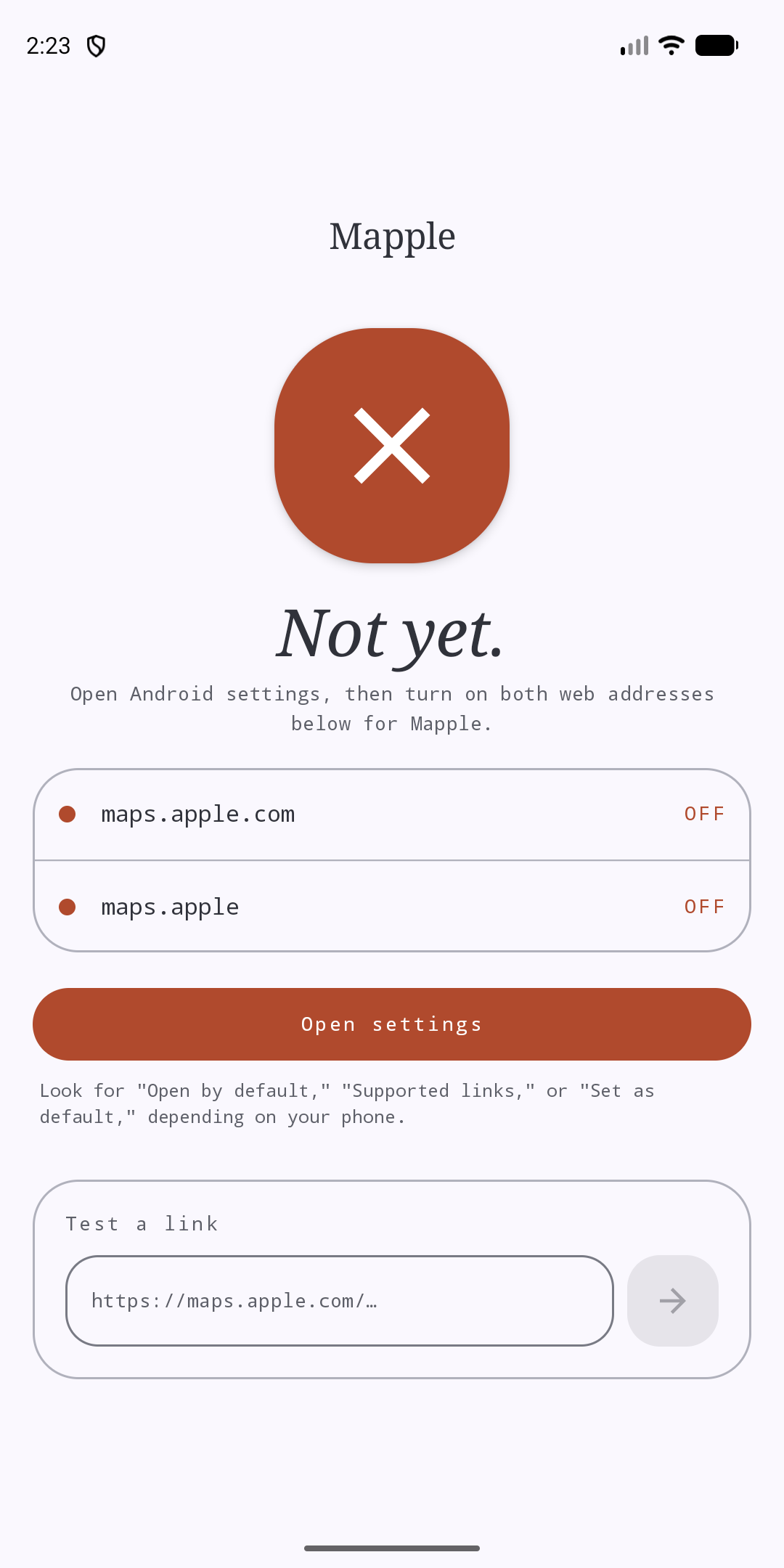
Mapple: Redirect Apple Maps screenshot 1
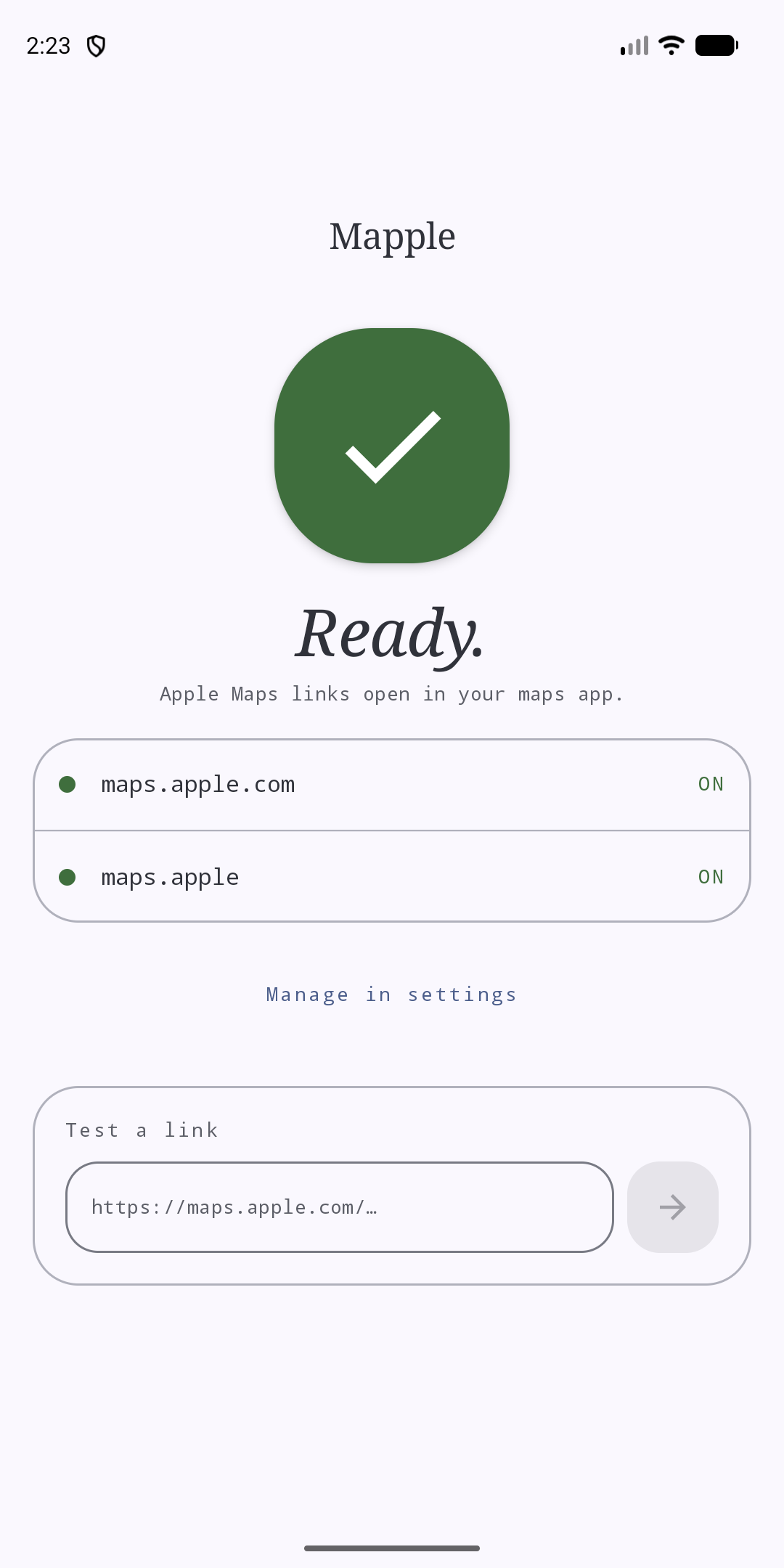
Mapple: Redirect Apple Maps screenshot 2
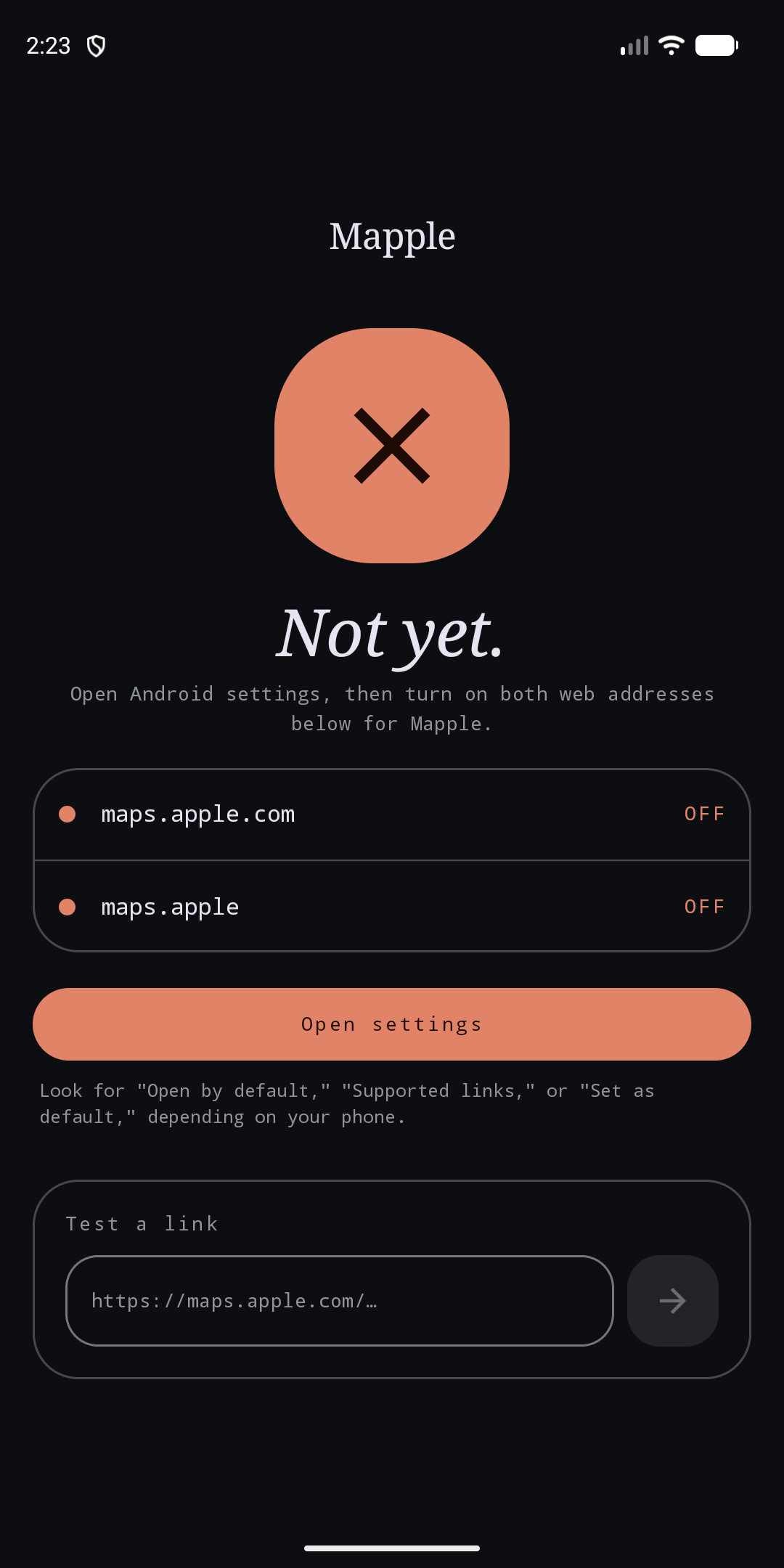
Mapple: Redirect Apple Maps screenshot 3
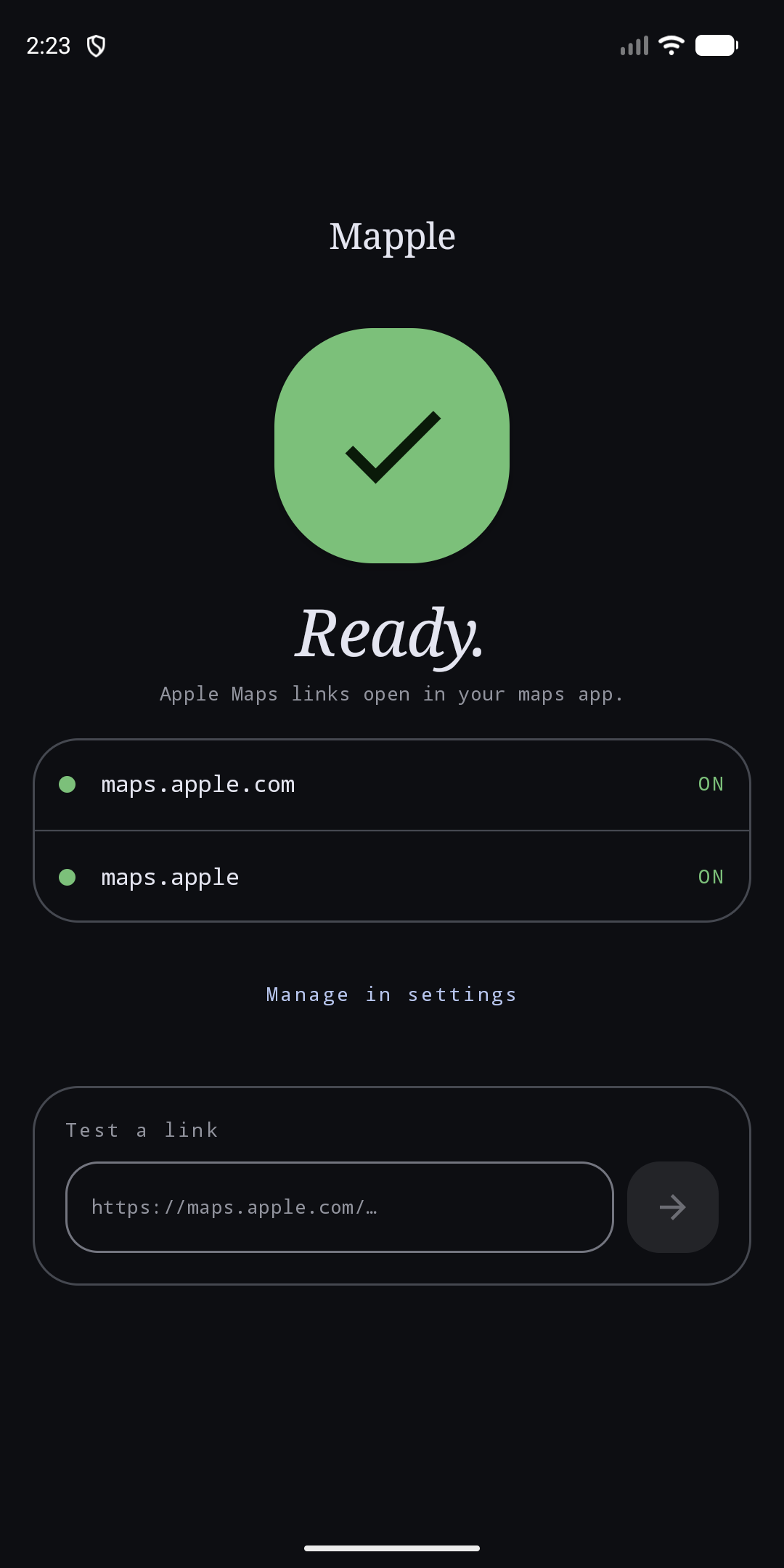
Mapple: Redirect Apple Maps screenshot 4

What’s new

Fix Apple Maps short links that fail to resolve with HEAD requests.

How to install

  1. Download the APK from the button at the top of this page.
  2. Allow “Install unknown apps” for your browser or file manager only, not for every app.
  3. Open the downloaded file and confirm the installation.
  4. If installation fails with “App not installed,” remove an earlier build of the same app first. A signature conflict is the usual cause.

Data safety

  • Every file is checked against its published SHA-256 before it is listed.
  • Files are scanned for malware on every update.
  • The permissions each app requests are listed on its own page.
  • Read the full safety policy for how we test, flag, and delist files.

Comments

Recent approved comments · sorted by newest

Verification code
Be specific and keep it about the app. No links. Comments are reviewed before publication. Device and Android details are recorded automatically. Privacy policy.

Loading recent comments...

View all comments