Compass, GPS tracker & offline maps. No ads, no tracking.
F-Droid repository metadata
MBCompass is a free and open-source compass and navigation app
without ads, in-app purchases, or tracking. Lightweight, focused,
and built for real use.
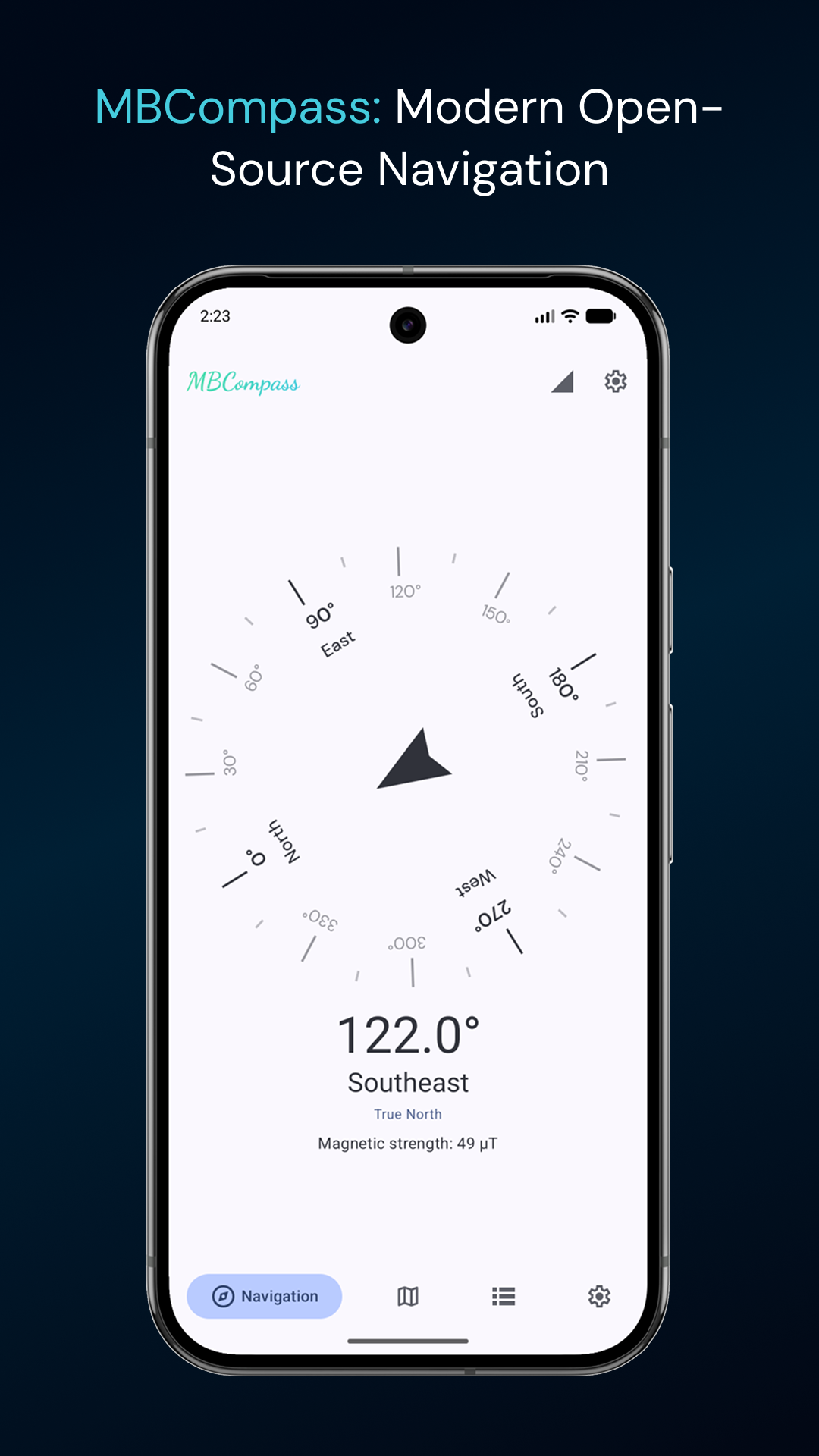
Compass
- Accurate compass with true north and magnetic north
- Sensor fusion (accelerometer, gyroscope, magnetometer) for stable readings
- Real-time magnetic field strength (µT)
- Auto-alert when accuracy drops low enough to matter
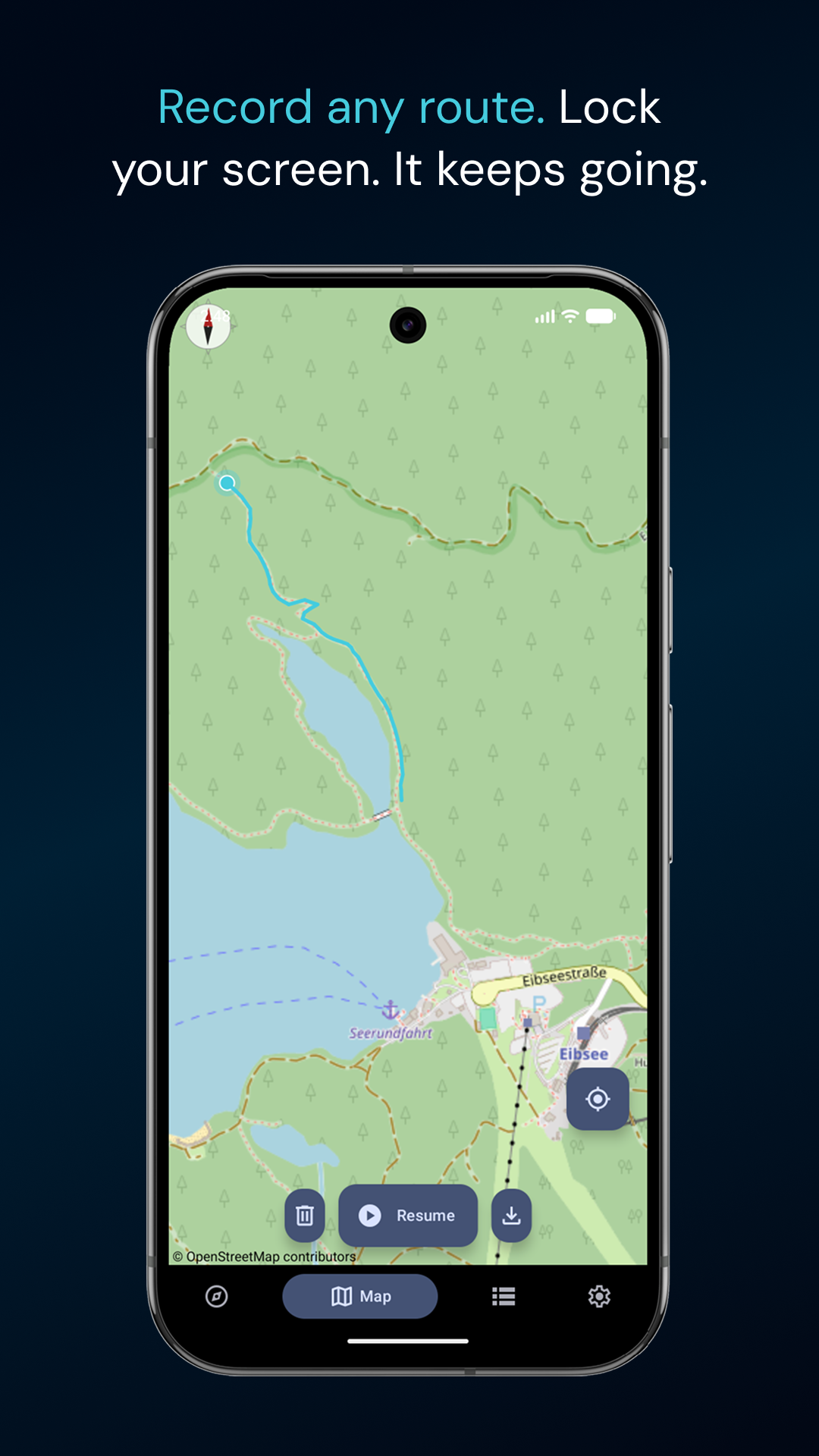
GPS & Maps
- Live location on OpenStreetMap
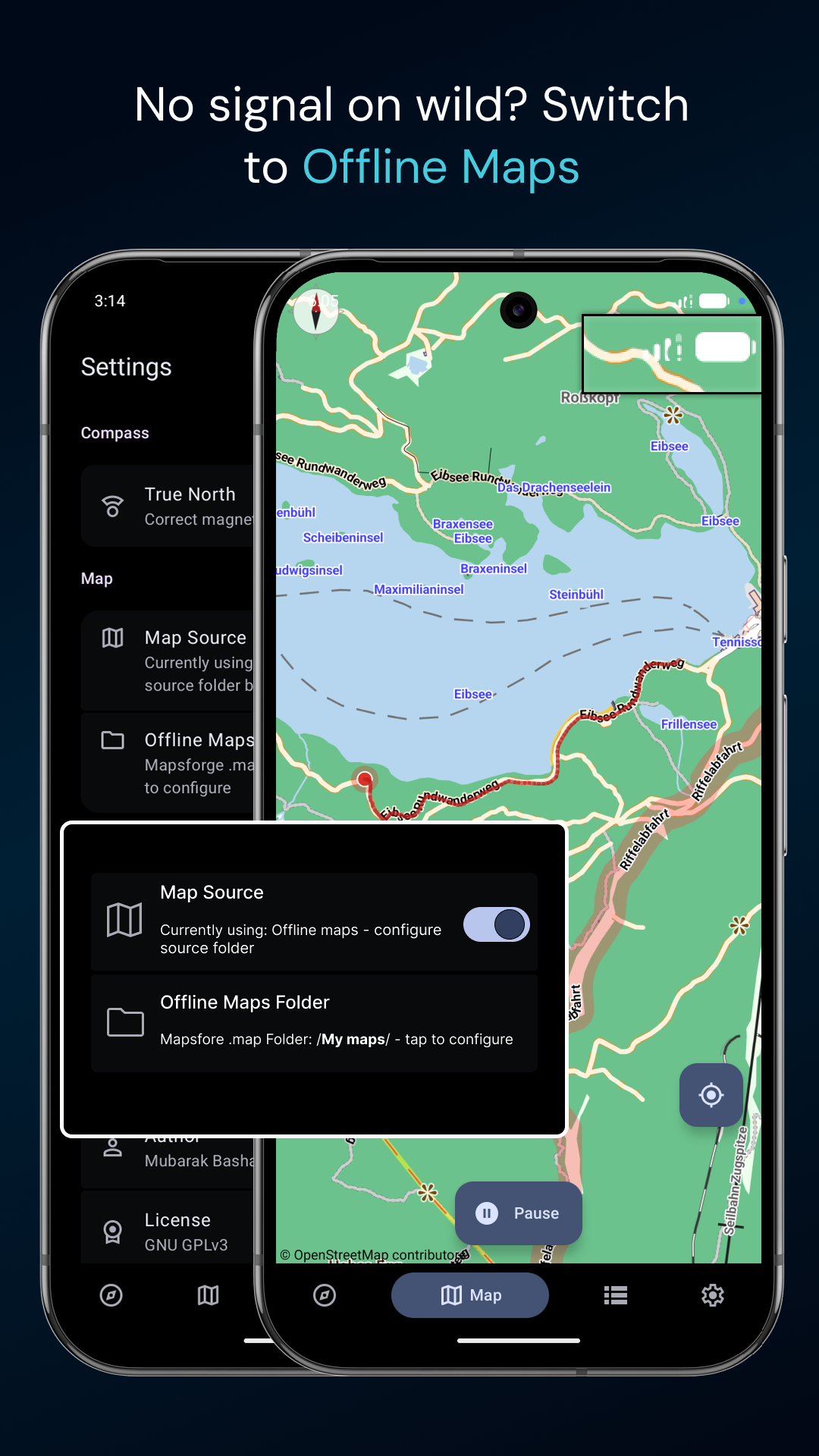
- Offline maps via Mapsforge point MBCompass to a folder
containing any .map file and toggle between online and offline
- Toggle between OSM tiles and offline maps in Settings
Track Recording
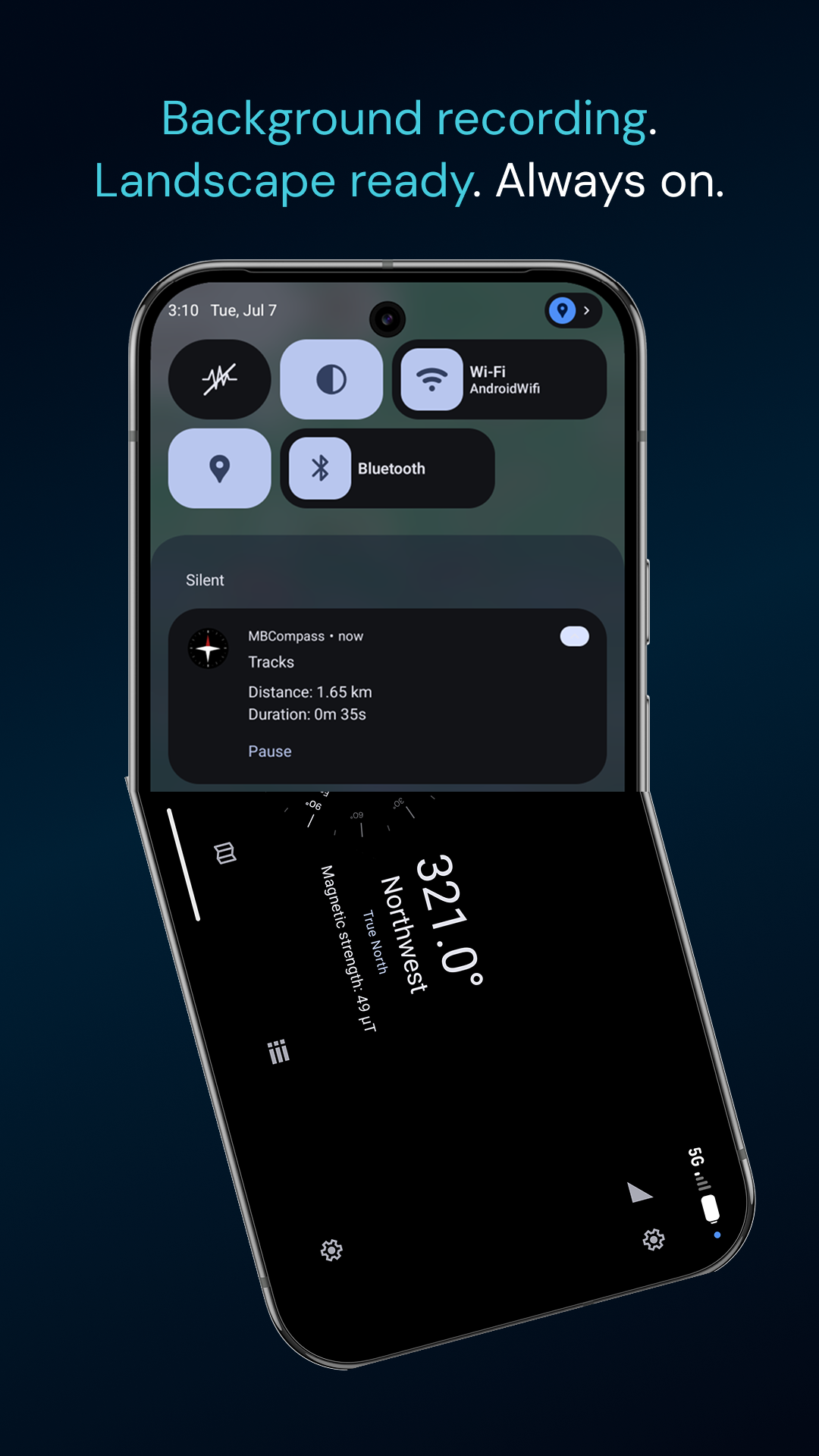
- Record routes with start, pause, resume, and background support
- Smooth polyline rendering on the map
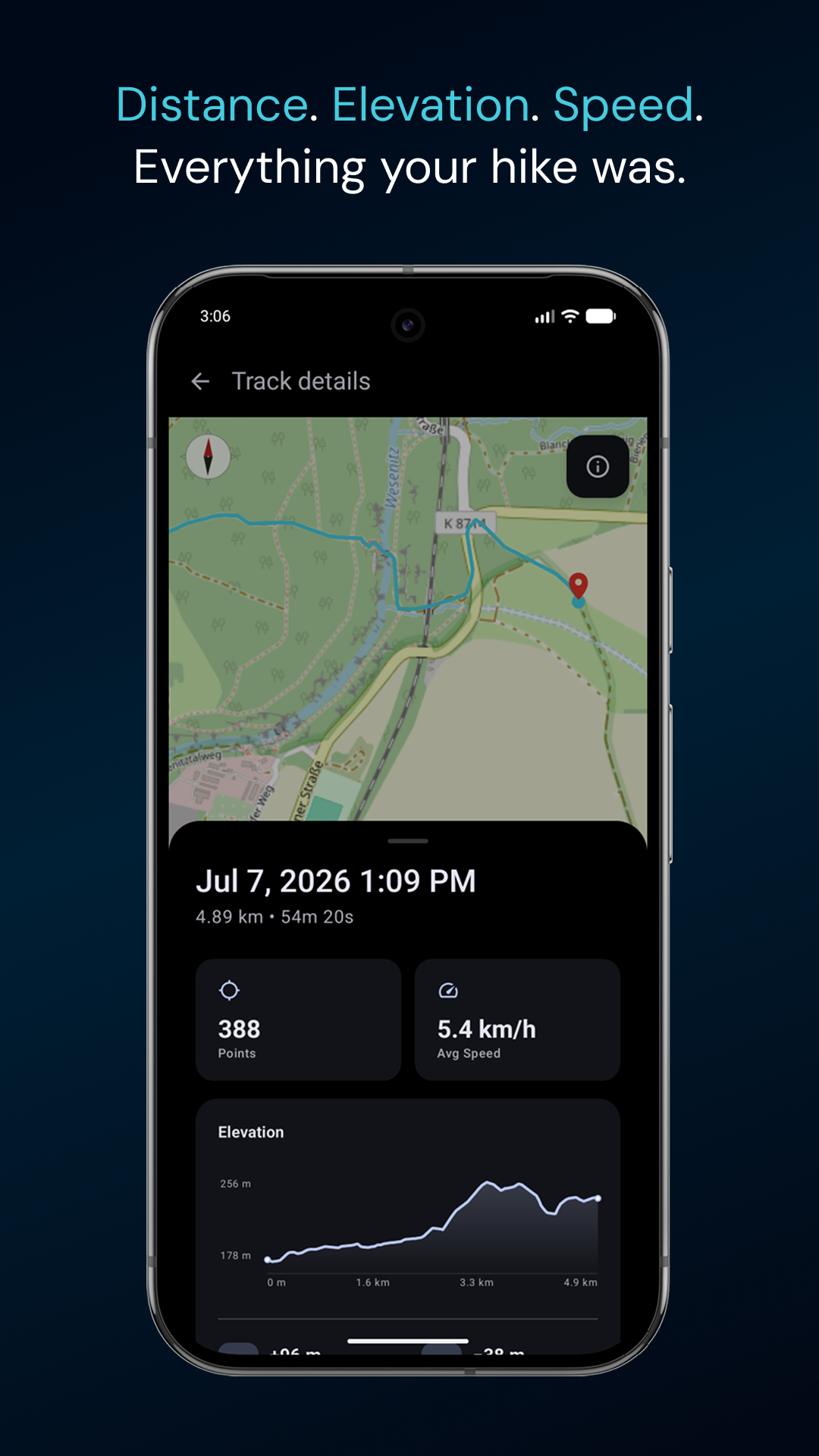
- Track stats: distance, duration, average speed, elevation gain/loss,
min/max altitude, elevation profile
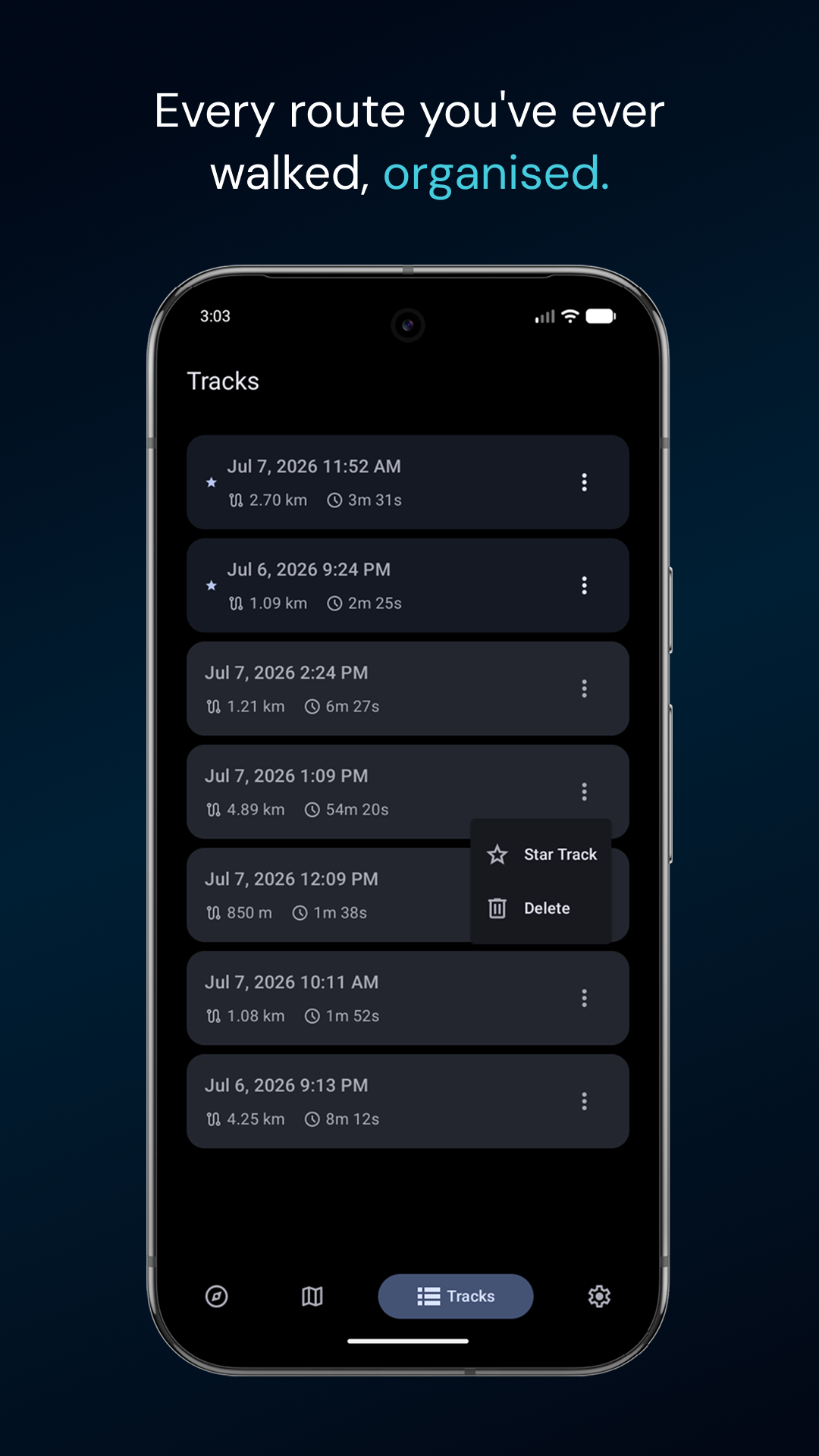
- Star and sort saved tracks
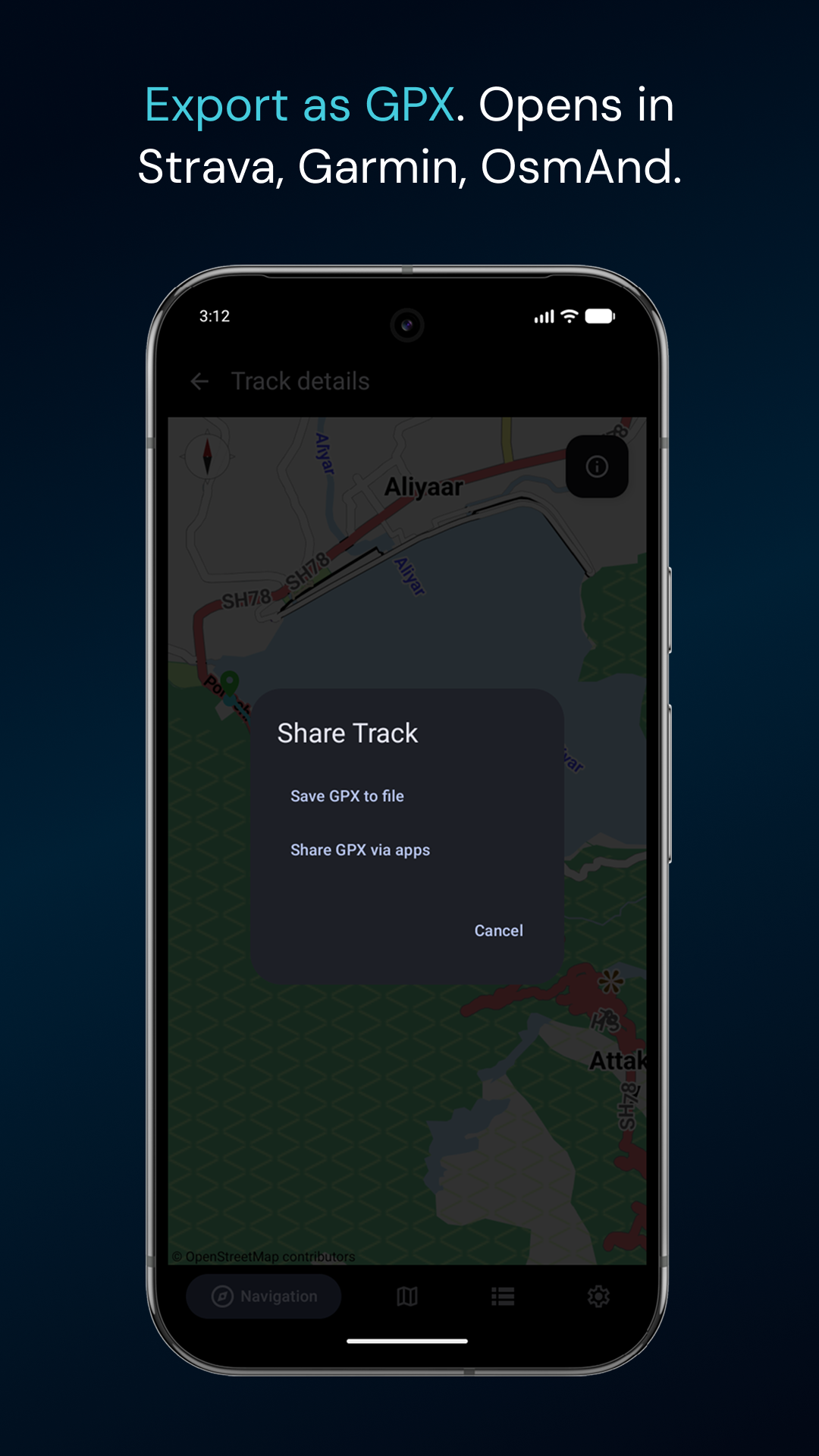
- Export as GPX : compatible with OsmAnd, Garmin, and any
standard mapping tool
App
- Light, Dark, and AMOLED themes
- Custom bottom navigation bar
- Landscape orientation supported
- Screen stays on during navigation
- Runs on Android 6.0+
- Under 2 MB including offline map support
Privacy
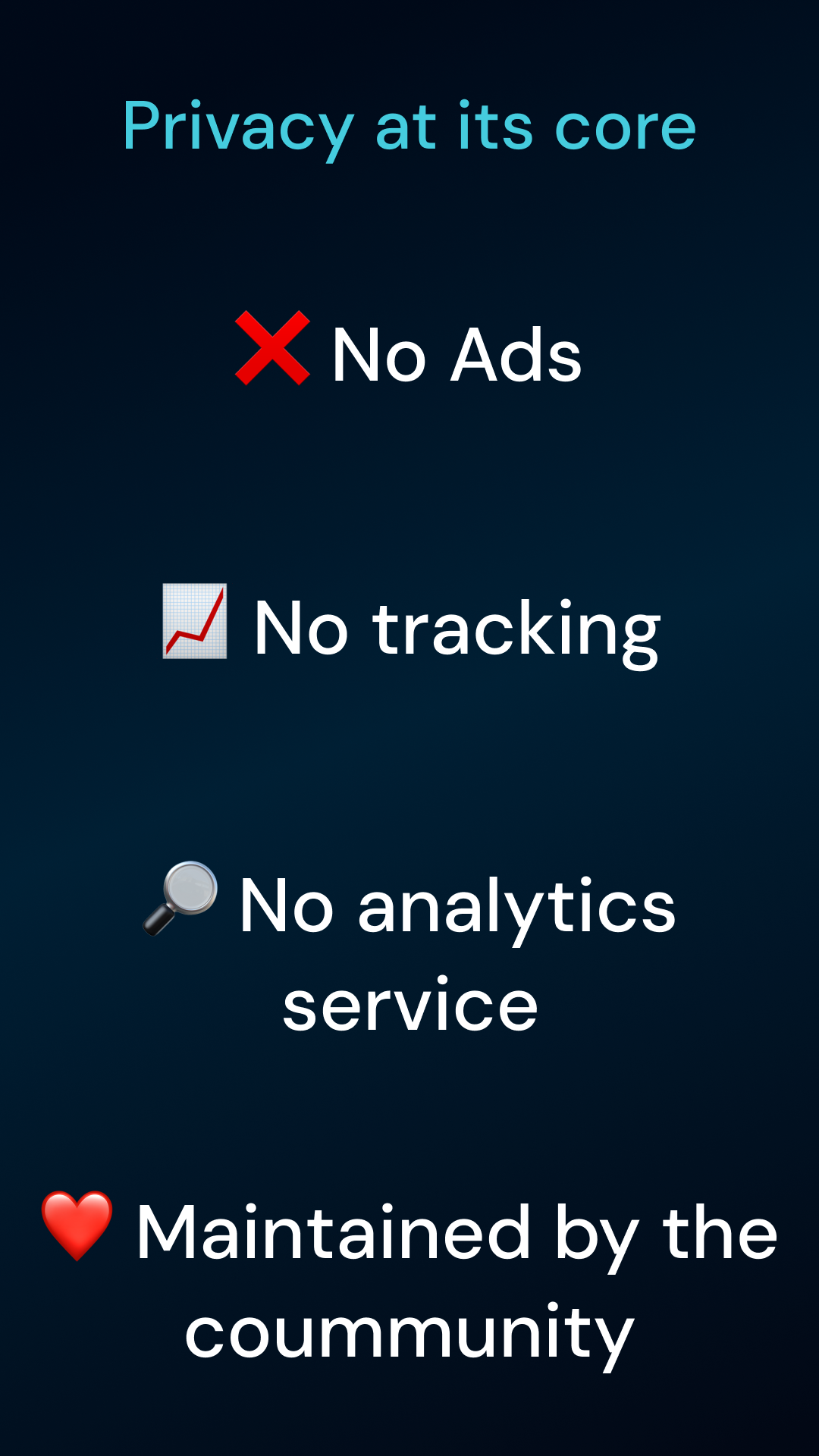
- No analytics, no crash reporter, no ad network
- No Google Play Services dependency
- Location processed on-device only
- Source: https://github.com/CompassMB/MBCompass
Not just a compass. Not a full navigation app.
MBCompass sits in between, direction, live map, track recording,
and offline maps without unnecessary complexity.
Screenshots
What’s new
- Added new live distance and duration stats on Mapview screen when tracking started - Fix extra bottom spacing on Tracklist screen - Translation updates and new languages added Italian & Russian
How to install
Download the APK from the button at the top of this page.
Allow “Install unknown apps” for your browser or file manager only, not for every app.
Open the downloaded file and confirm the installation.
If installation fails with “App not installed,” remove an earlier build of the same app first. A signature conflict is the usual cause.
Data safety
Every file is checked against its published SHA-256 before it is listed.
Files are scanned for malware on every update.
The permissions each app requests are listed on its own page.
Read the full safety policy for how we test, flag, and delist files.