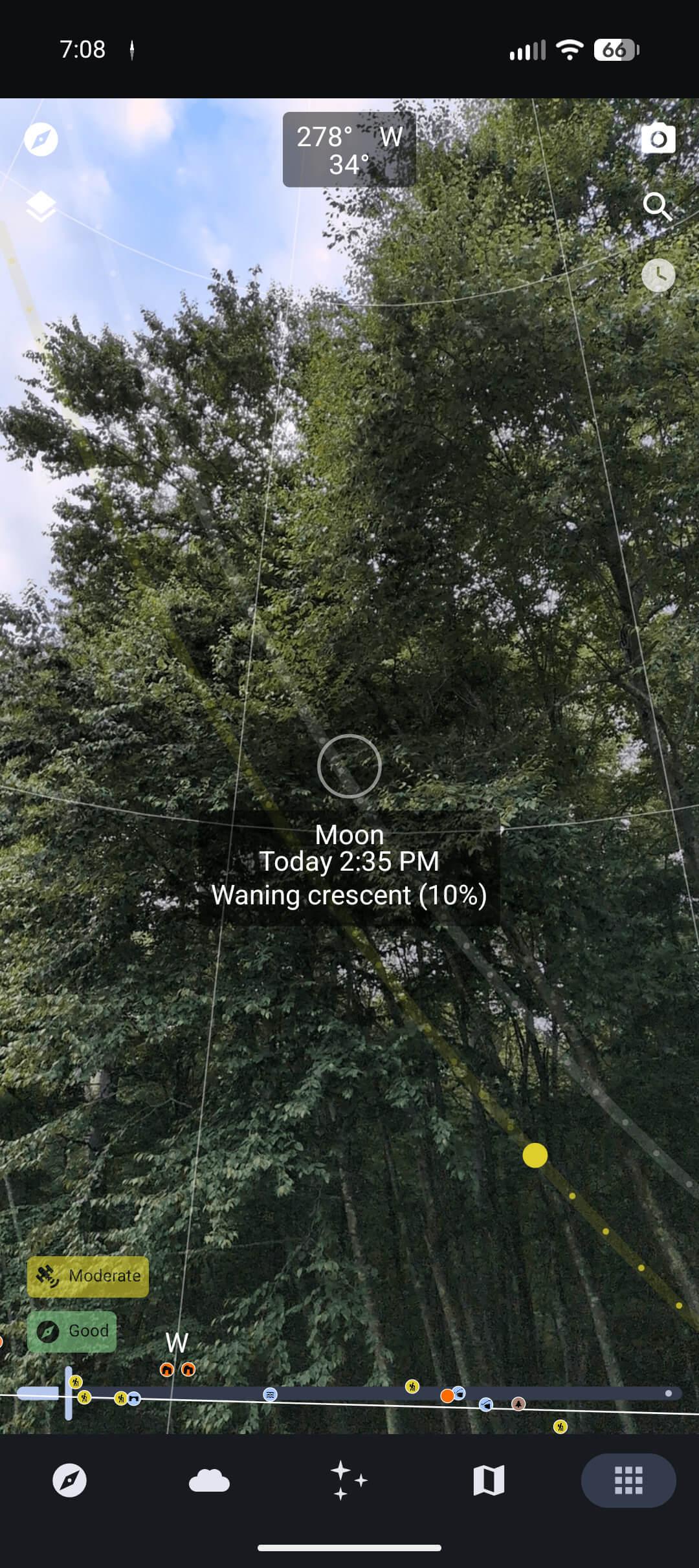
Explore beyond the reaches of the Internet with Trail Sense.
- Designed for hiking, backpacking, camping, and geocaching
- Place beacons and navigate to them
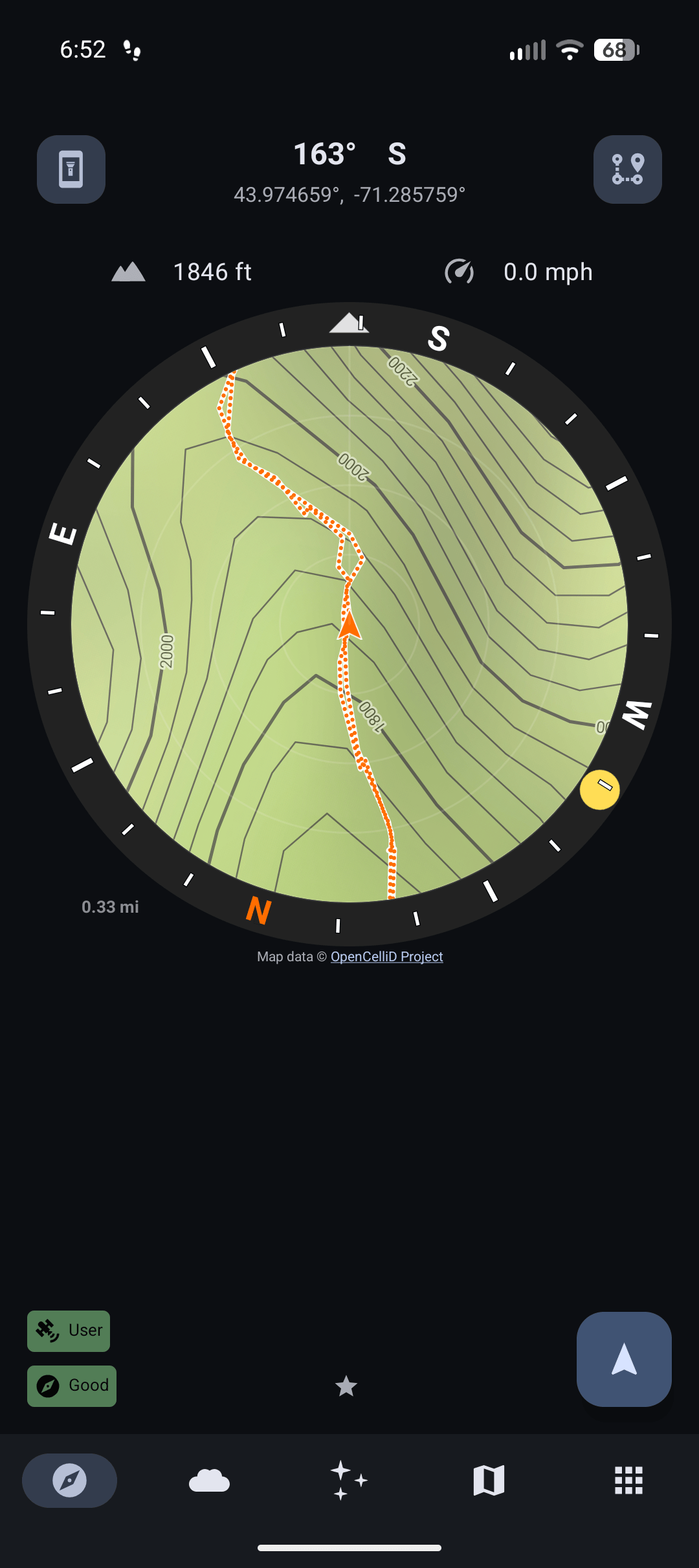
- Use as a compass (only available on devices with a compass sensor)
- Follow paths
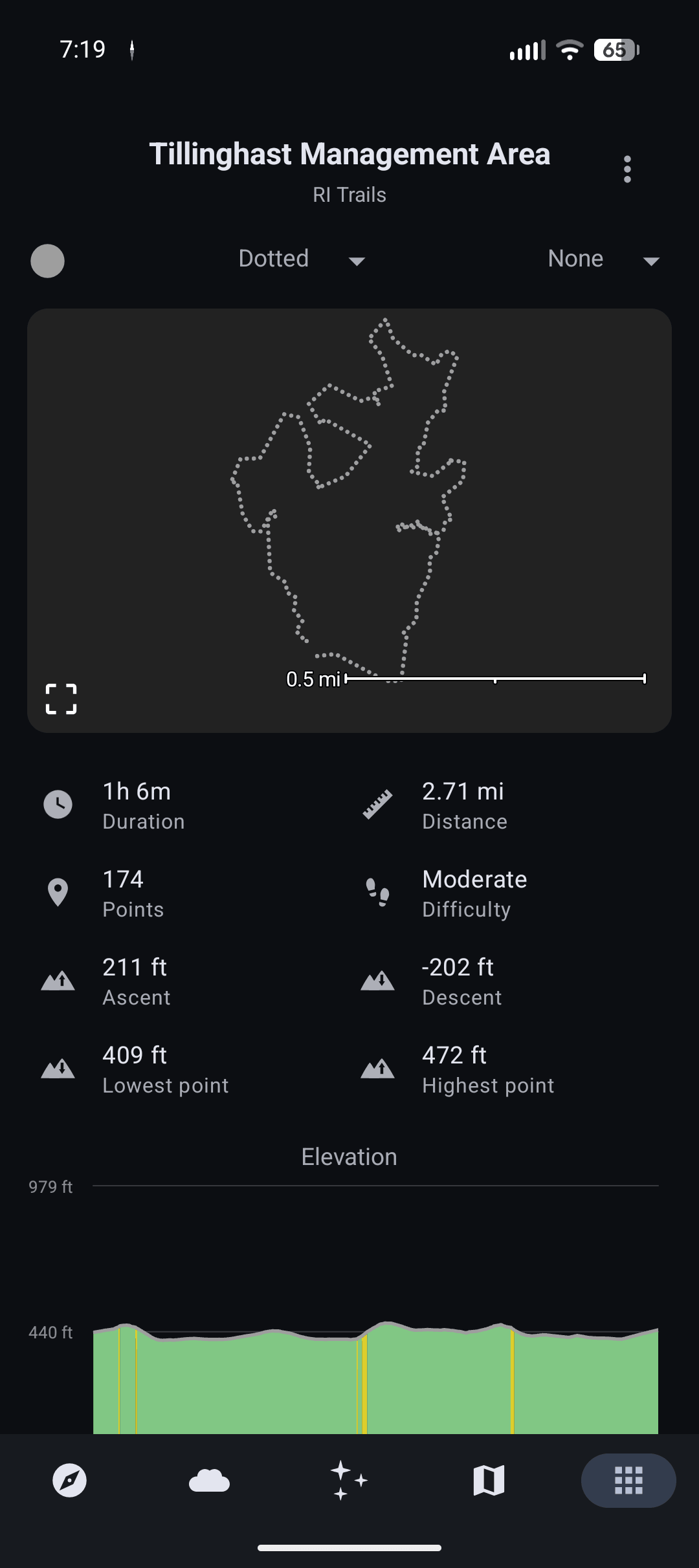
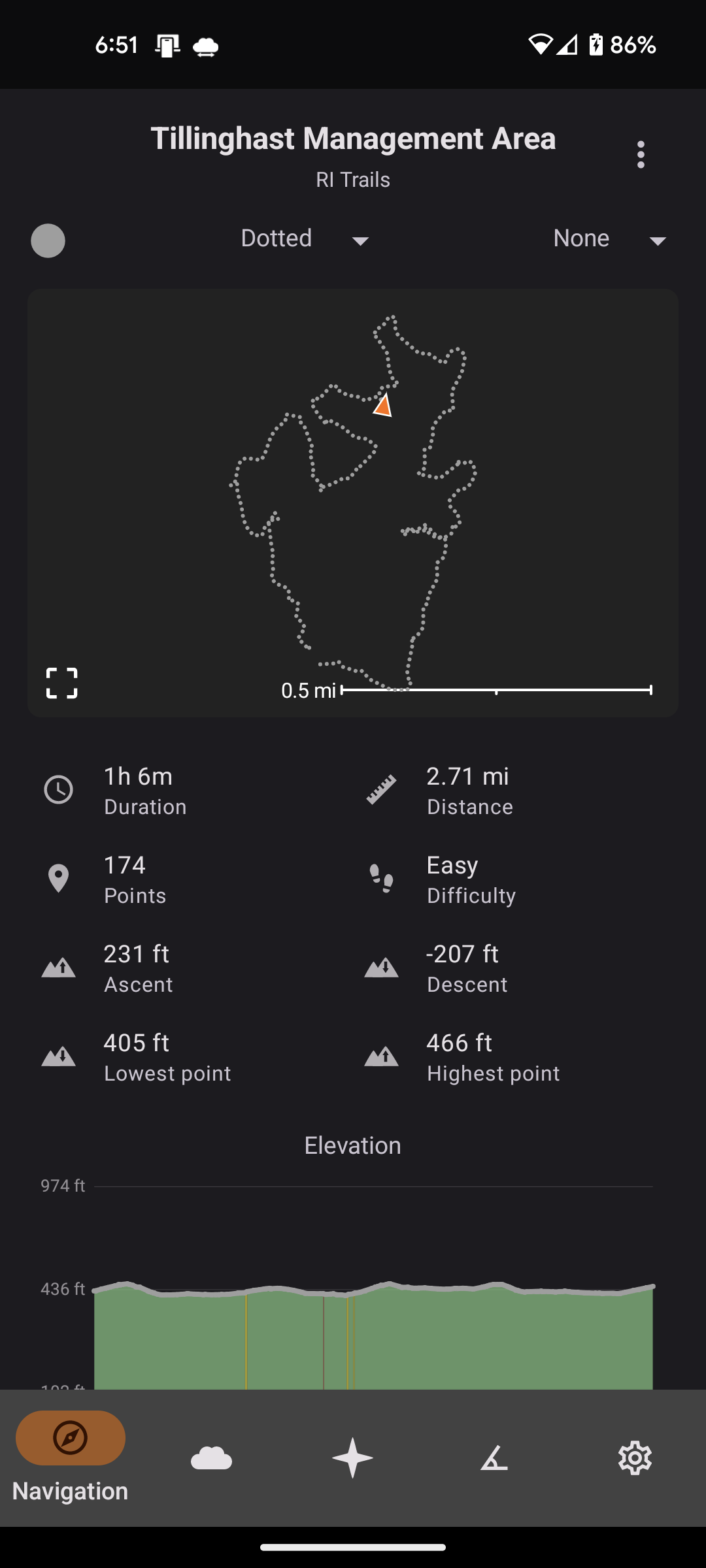
- Retrace your steps with backtrack
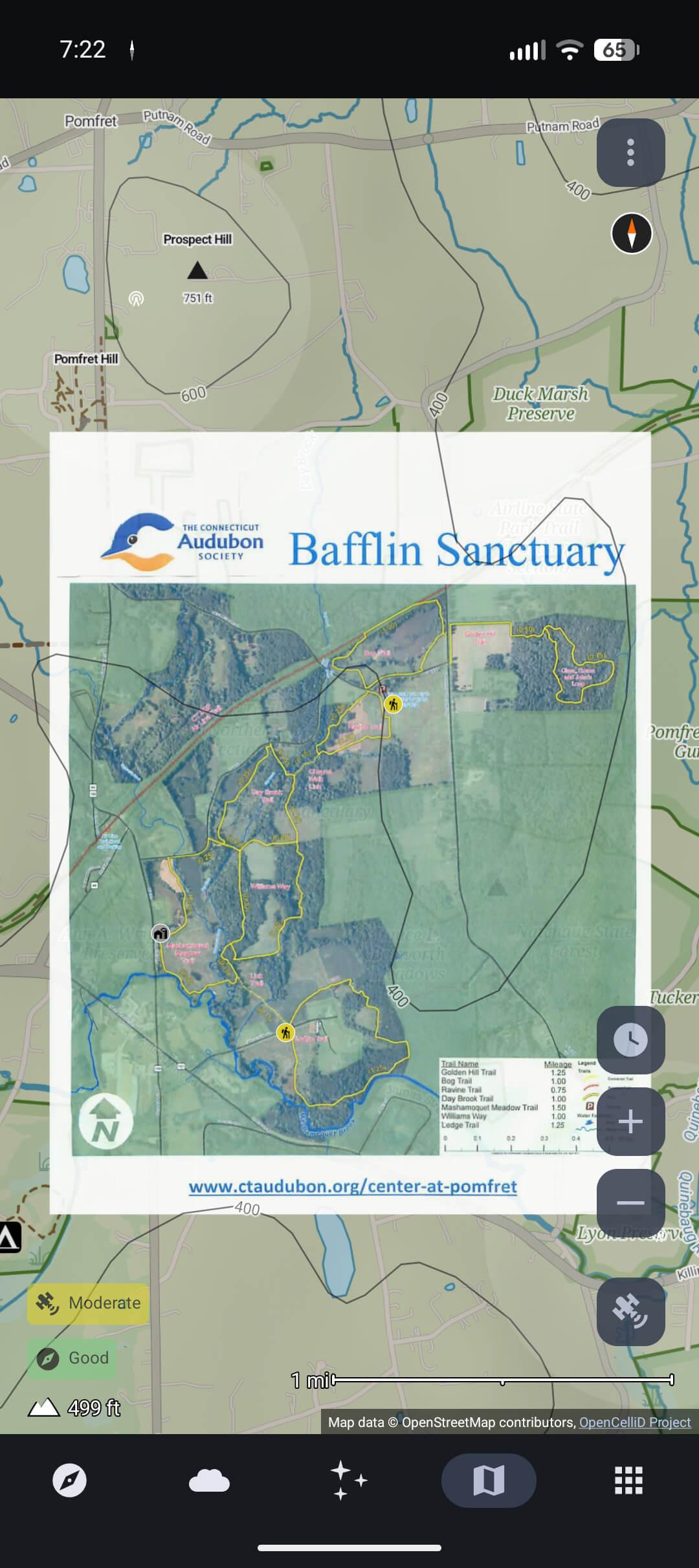
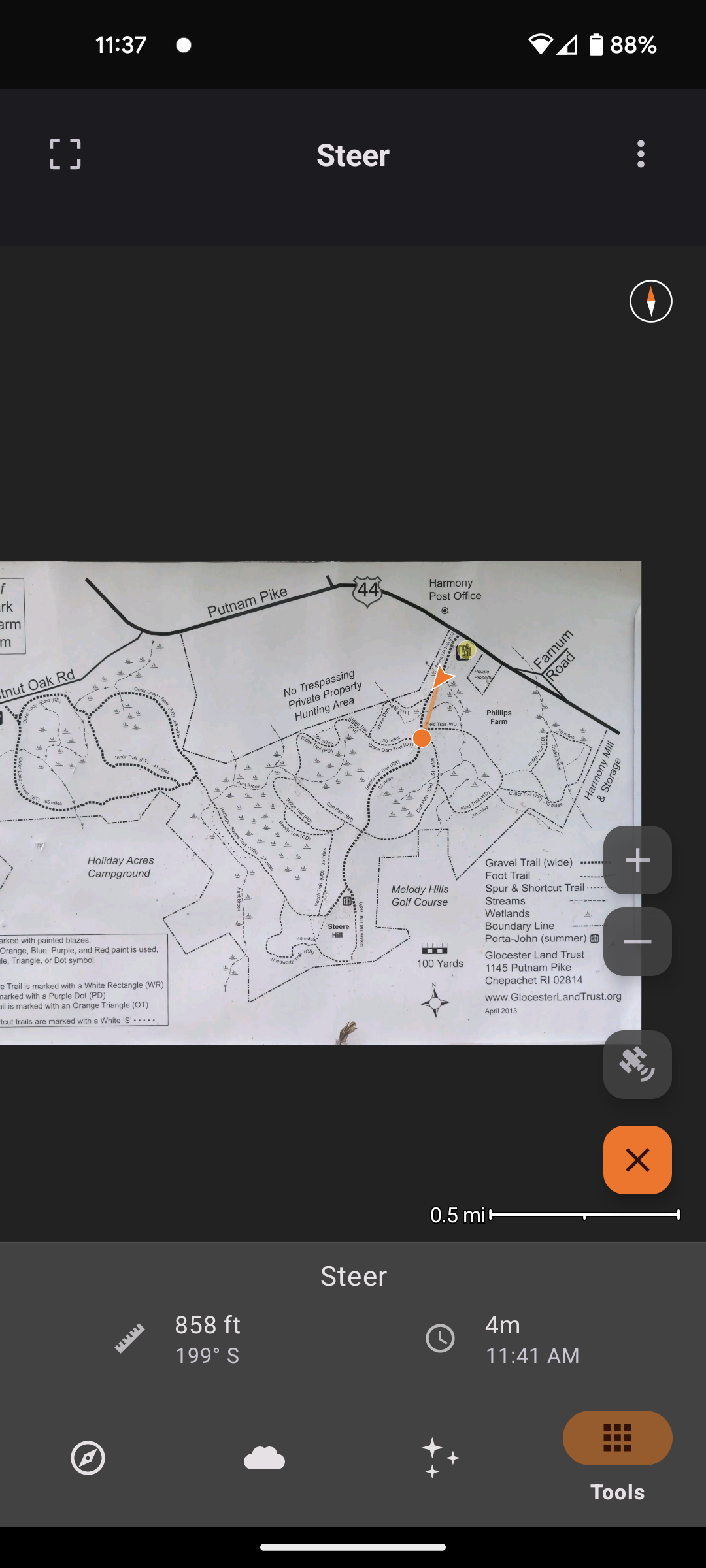
- Use a photo as a map
- Plan what to pack
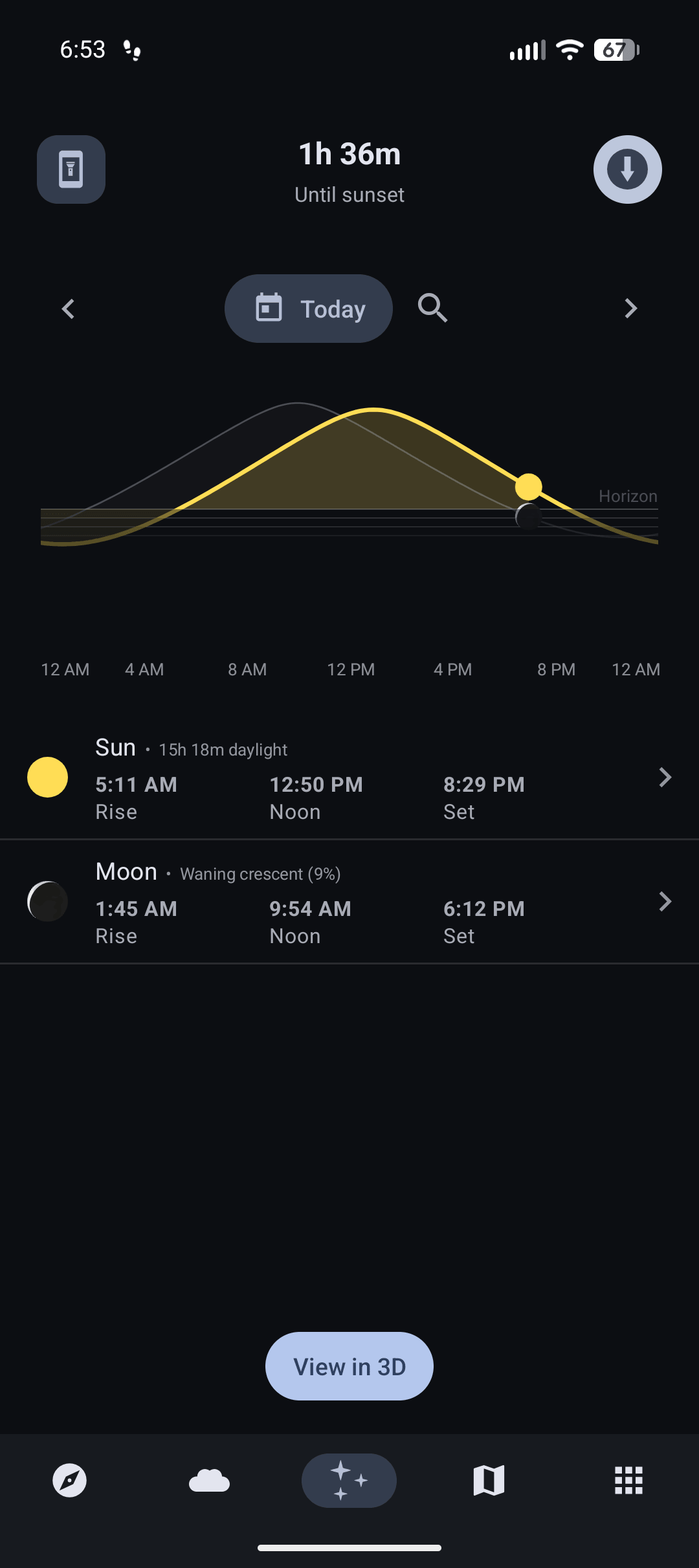
- Be alerted before the sun sets
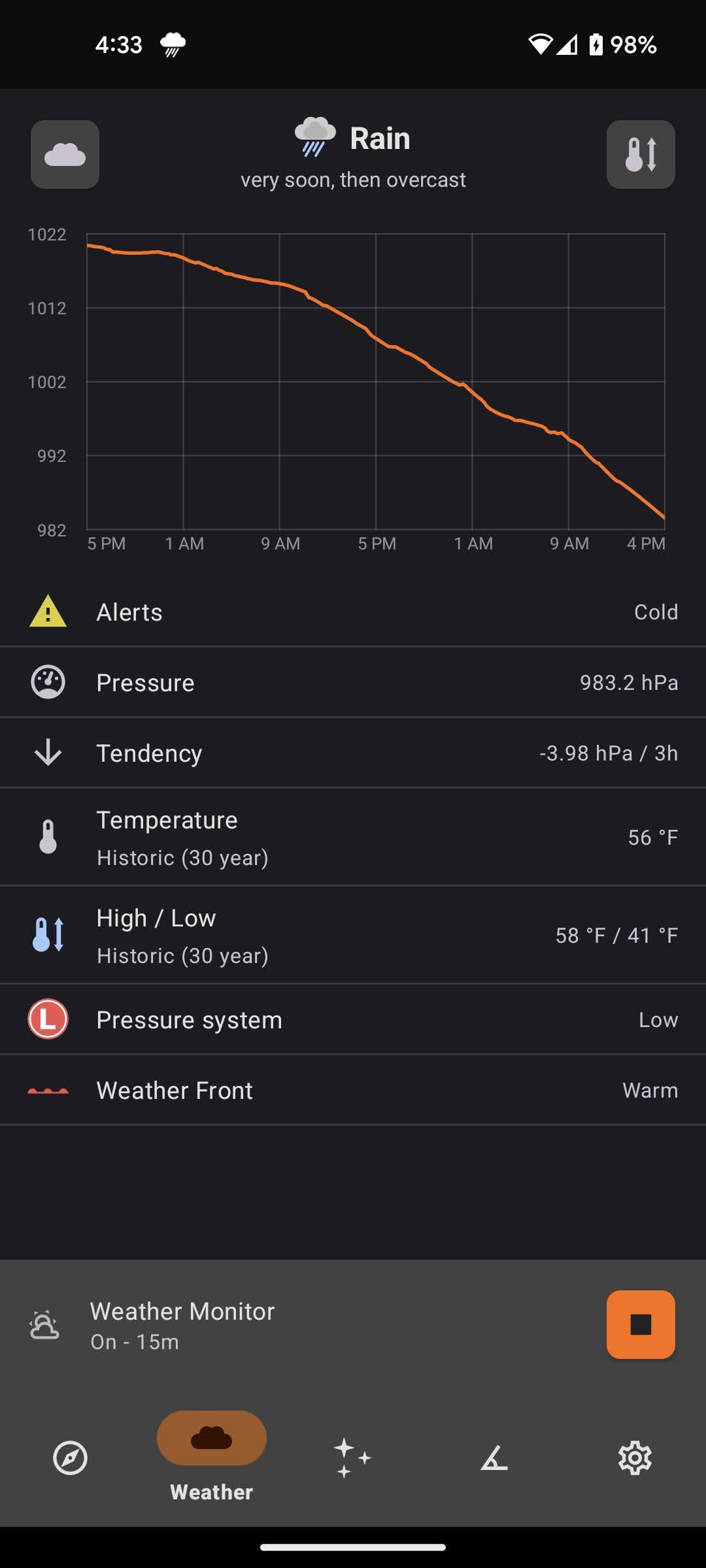
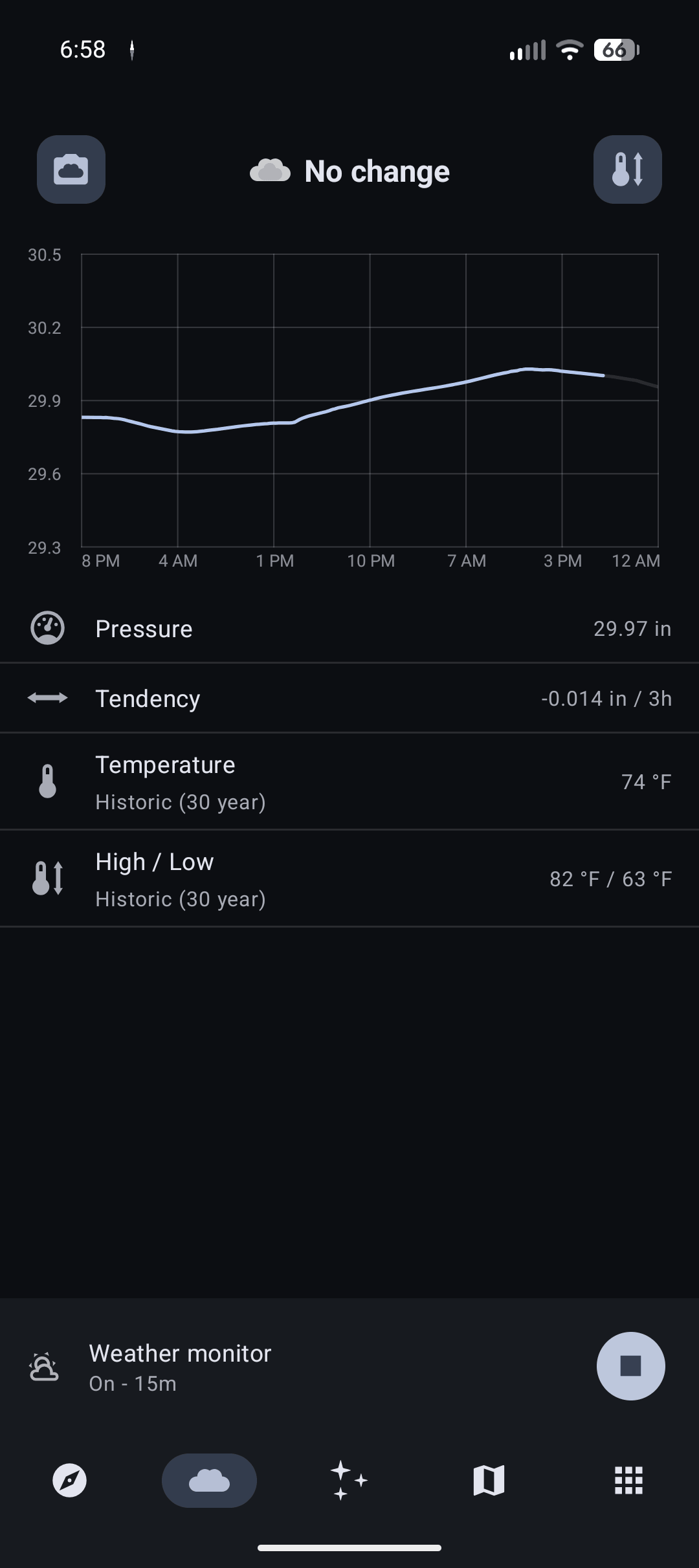
- Predict the weather (only available on devices with a barometer sensor)
- Use your phone as a flashlight
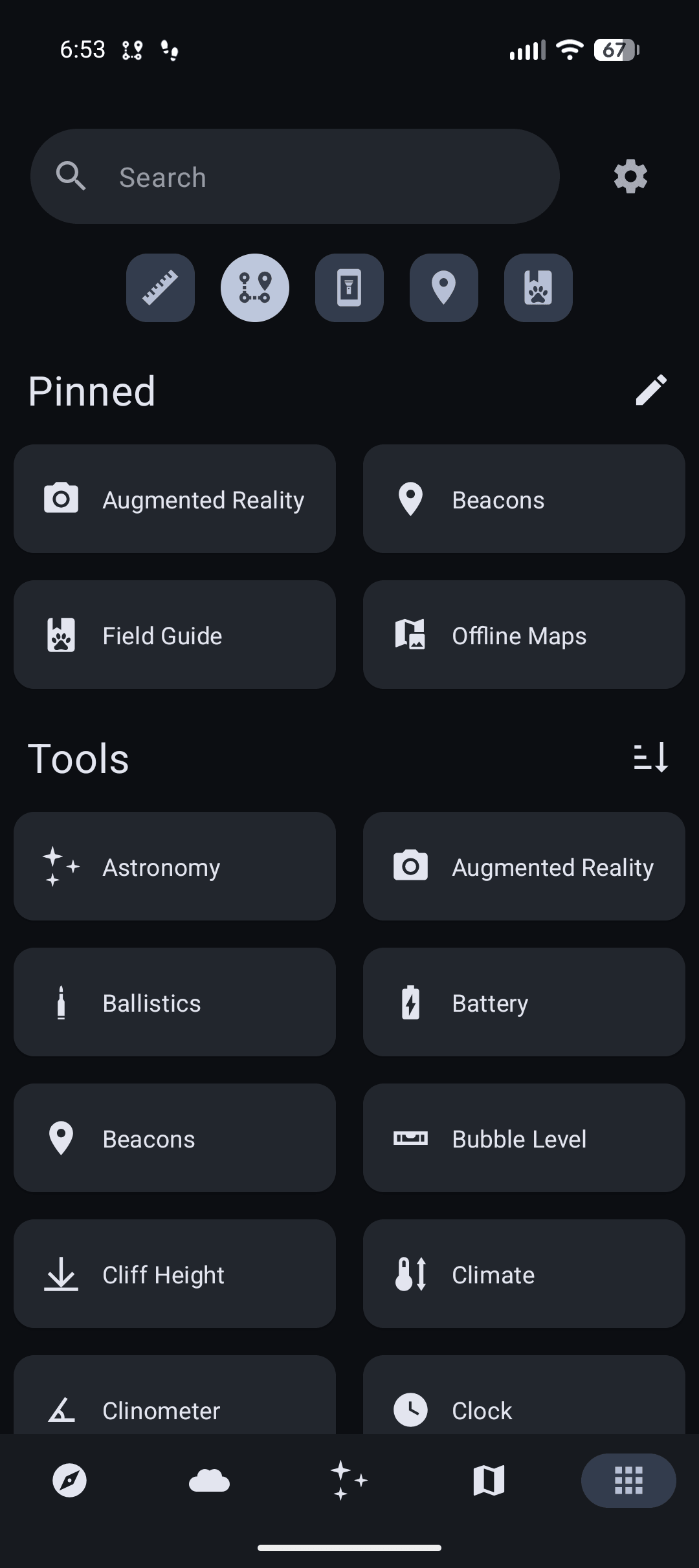
- And much more!
Trail Sense is a tool, and just like any other tool that you bring into the wilderness,
it's essential to have backup equipment and skills.
This app is intended for information purposes only and the accuracy of the predictions and sensors is determined by a number of factors, including calibration, sensor quality, external sources, etc.
Use at your own risk, always have backup tools (ex. compass), and stay safe.
This app also does not, and will never, use the Internet - all information in Trail Sense comes directly from your phone's sensors, and no data will leave Trail Sense.
COMMON ISSUES
- No compass: If your phone does not have a compass sensor, there is nothing I can do to make it work because that is hardware.
You will still be able to use other features of Trail Sense.
- No weather: The Weather tool is only available if your phone has a barometer sensor.
Found an issue or want a new feature? Contact me at [email protected] or create a new issue on GitHub: github.com/kylecorry31/Trail-Sense
I'm the only developer of Trail Sense, so I will do my best to help out with issues - but I have a limited device selection to test on.
PERMISSIONS
- Notifications: Allows Trail Sense to display notifications (backtrack, weather, sunset alerts, astronomy events, water boil timer, etc)
- Location: Allows Trail Sense to retrieve your location for navigation, weather (sea level calibration), and astronomy.
- Background location: Allows Trail Sense to retrieve your location for sunset alerts while in the background.
On some devices, this will also improve the reliability of backtrack and weather monitor.
- Physical activity: Allows Trail Sense to use your phone's pedometer for distance calculation.
- Camera: Allows Trail Sense to use your camera on the sighting compass, clinometer, and for taking photos used by the Cloud Scanner, QR Code Scanner, and Photo maps.
- Alarms & reminders: Allows Trail Sense to post a notification at an exact time.
This is used by the Clock tool (when updating system time) and Sunset and Sunrise Alerts.
Links
- Privacy policy: https://kylecorry.com/Trail-Sense/#privacy
- FAQ: https://github.com/kylecorry31/Trail-Sense#faq
- Trail Sense is available under the MIT License: https://opensource.org/license/mit/