Floating mock-location joystick for emulator testing
F-Droid repository metadata
GeoJoystick is an open-source Android mock-location joystick for emulator and developer testing.
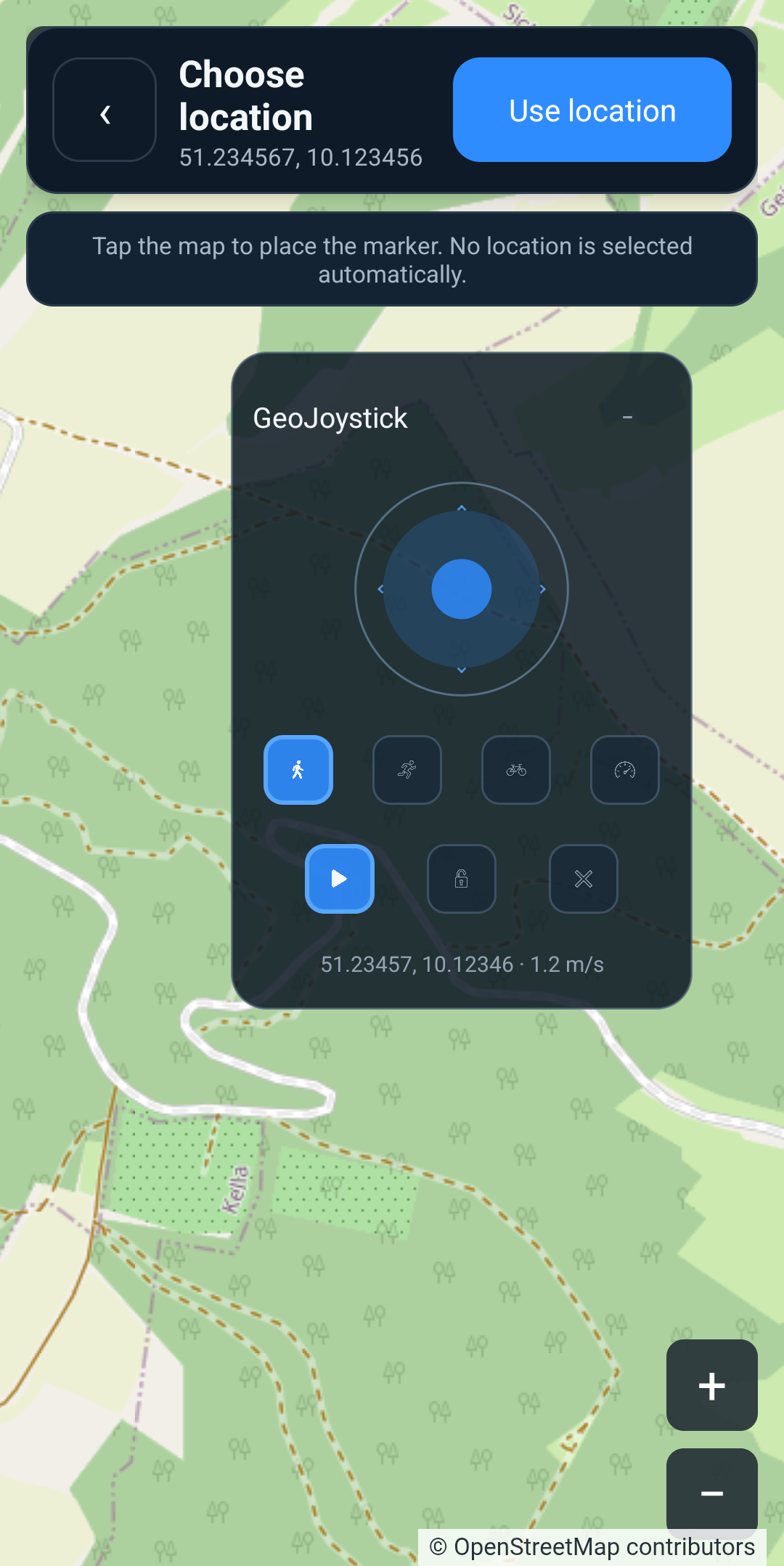
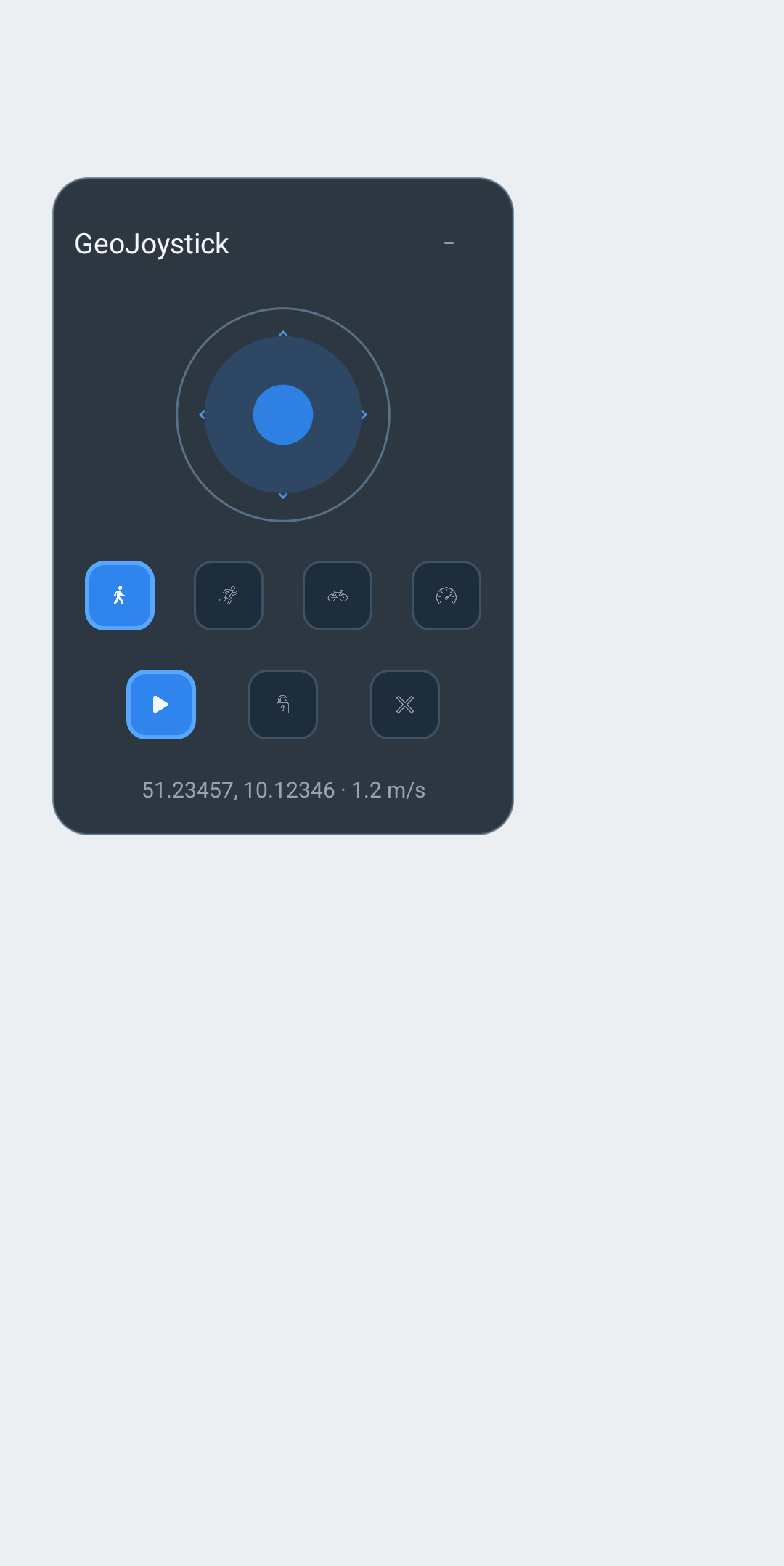
It uses Android's standard mock-location provider flow and provides a small floating overlay for moving a mock location without repeatedly switching back to the main app. It does not try to hide or bypass Android mock-location status.
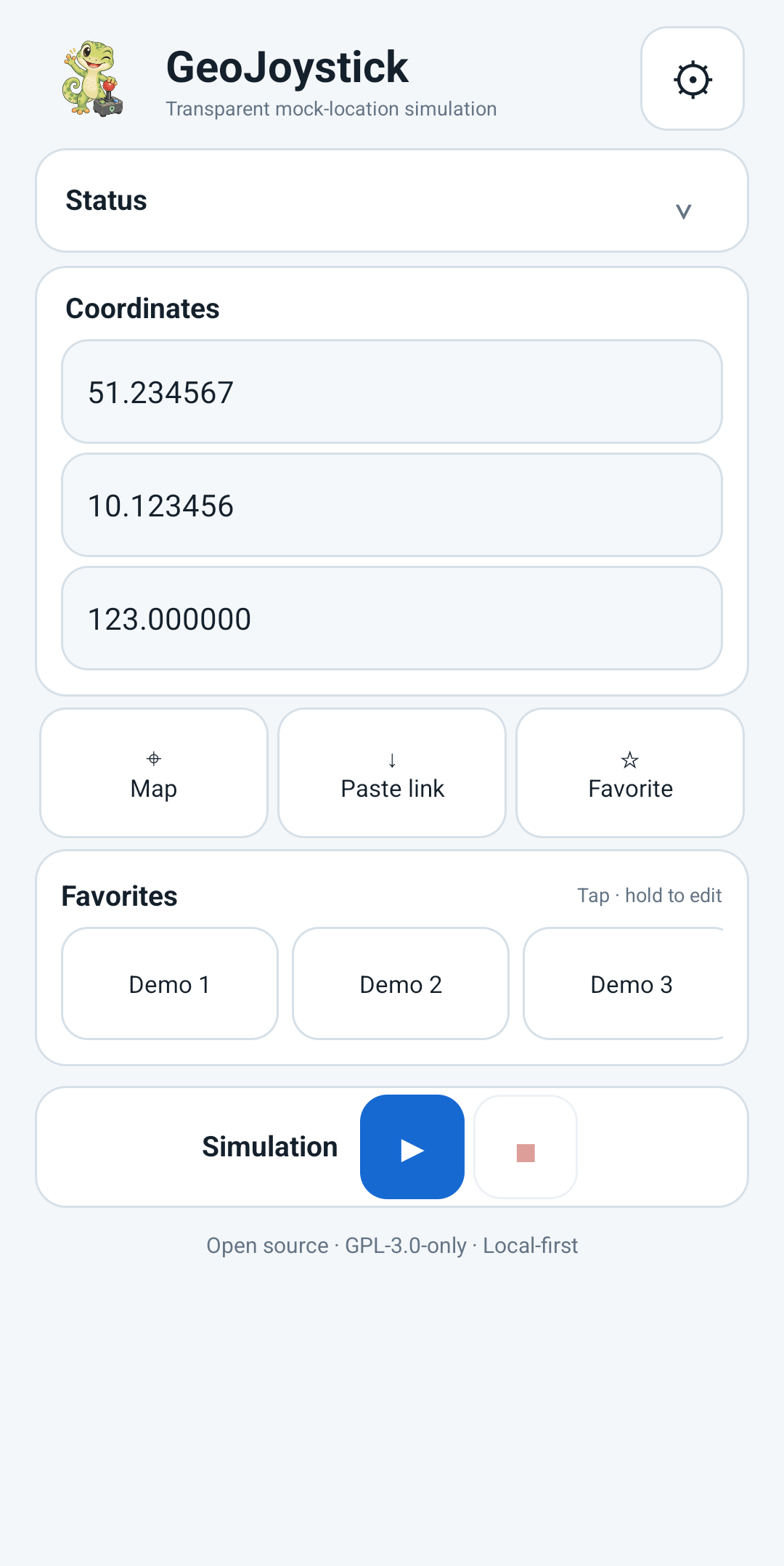
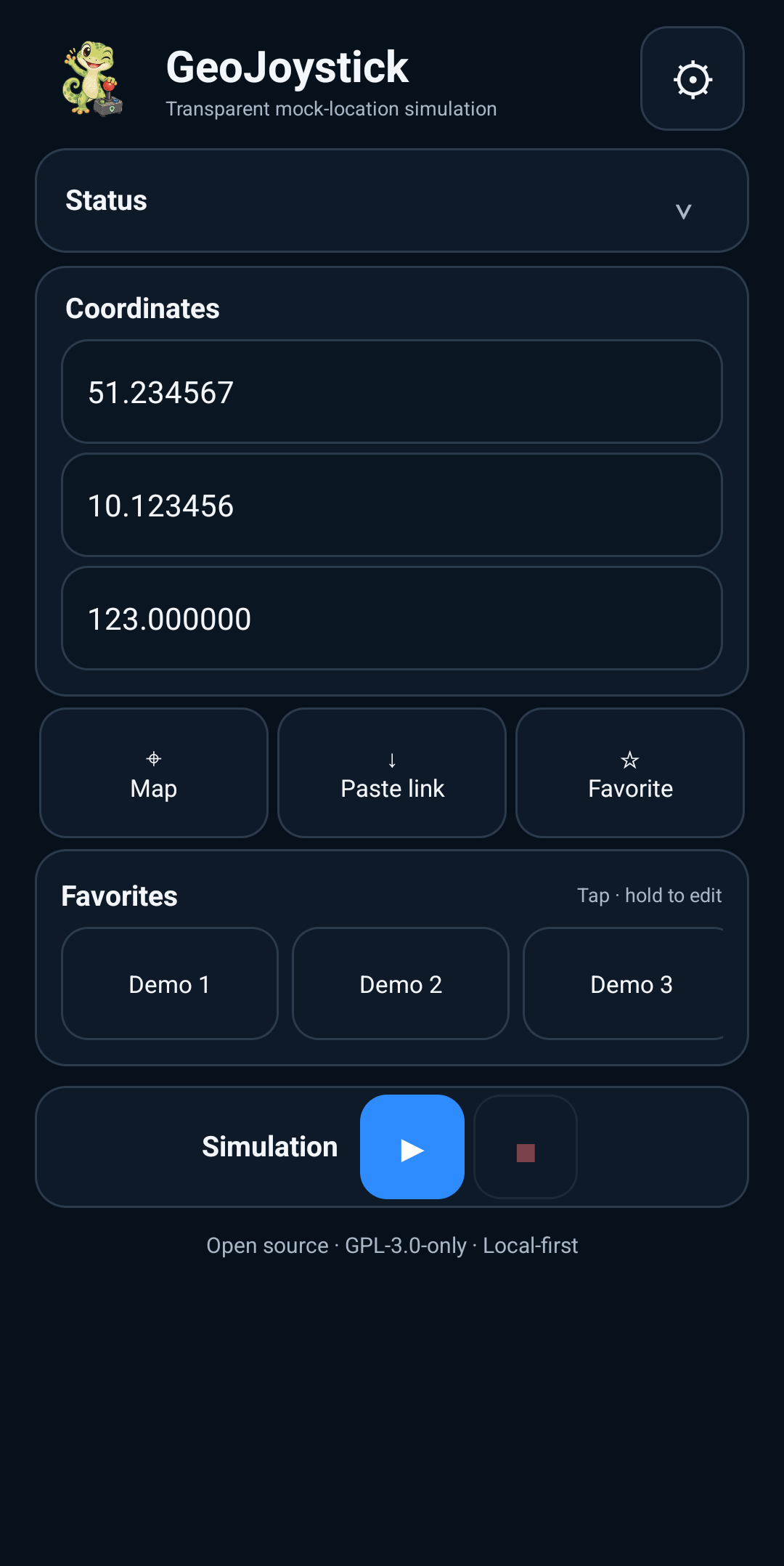
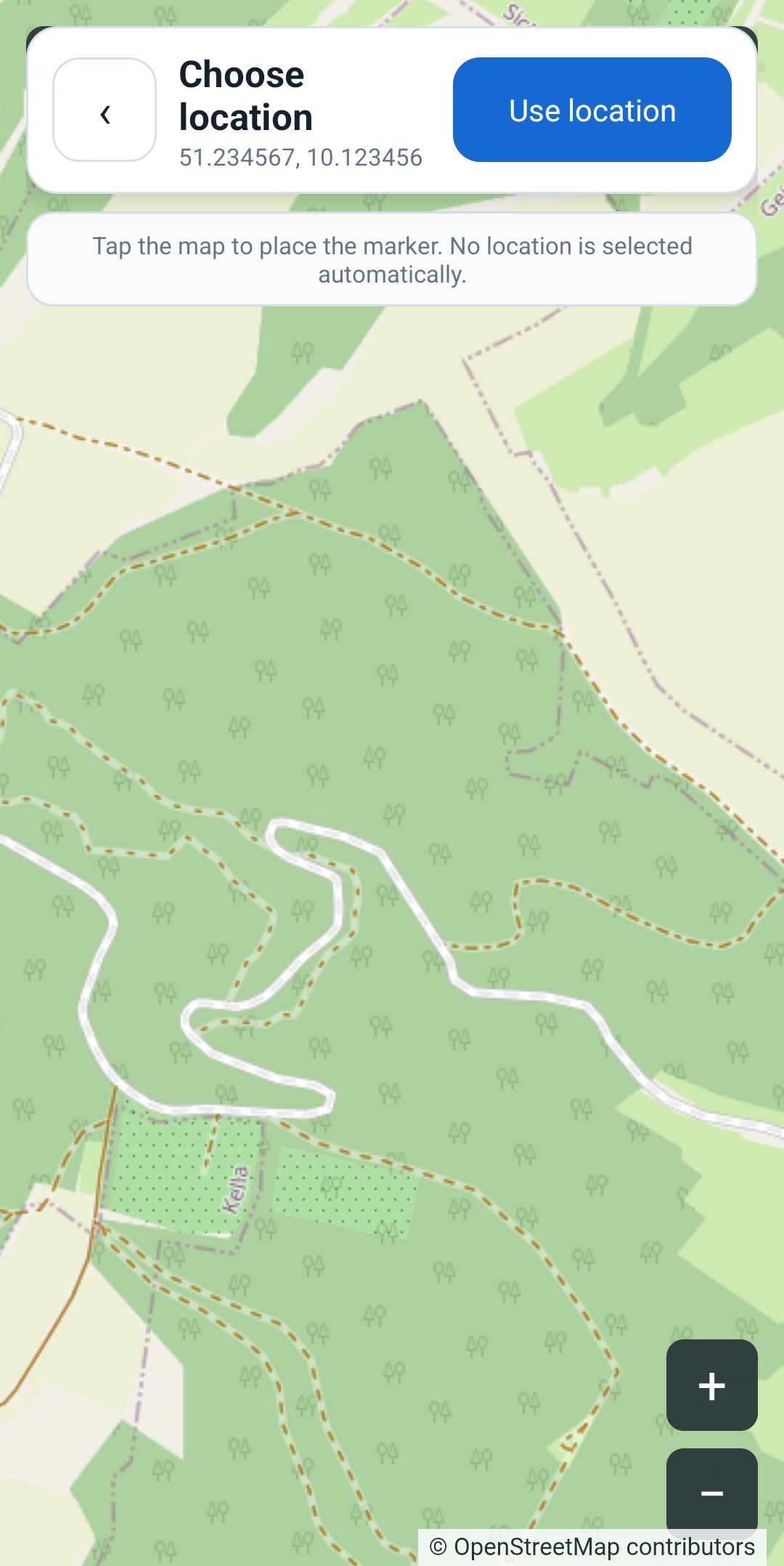
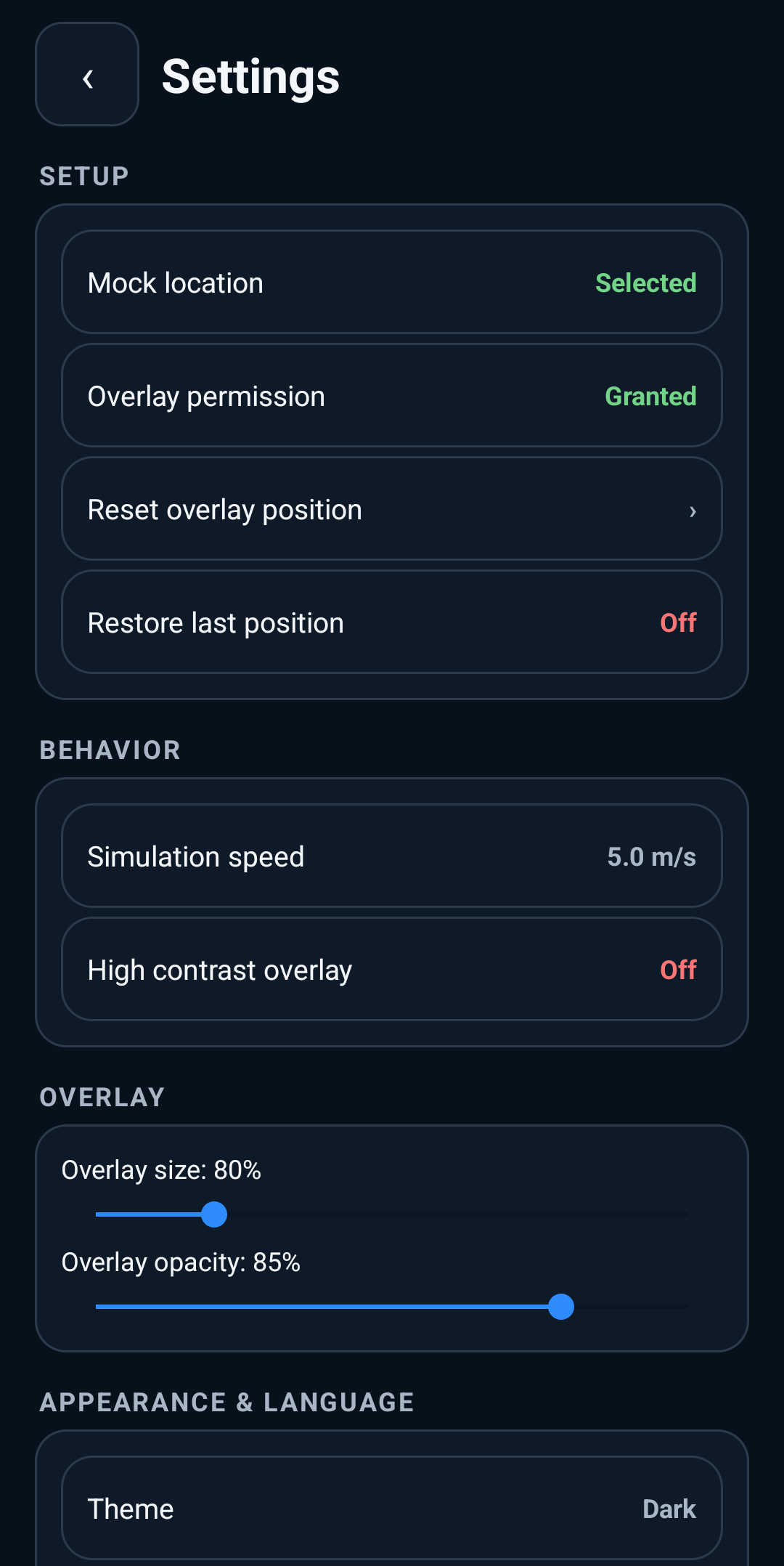
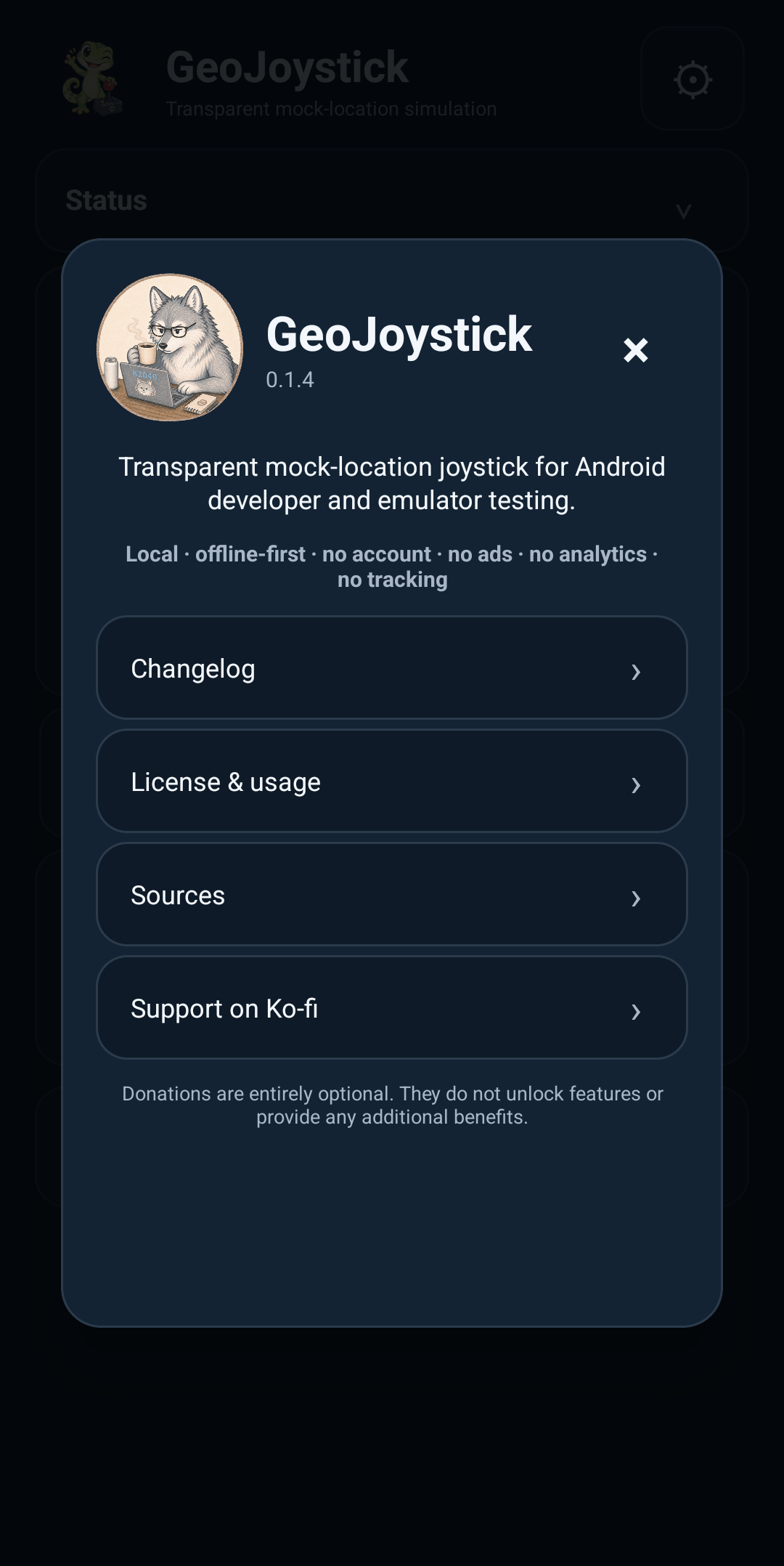
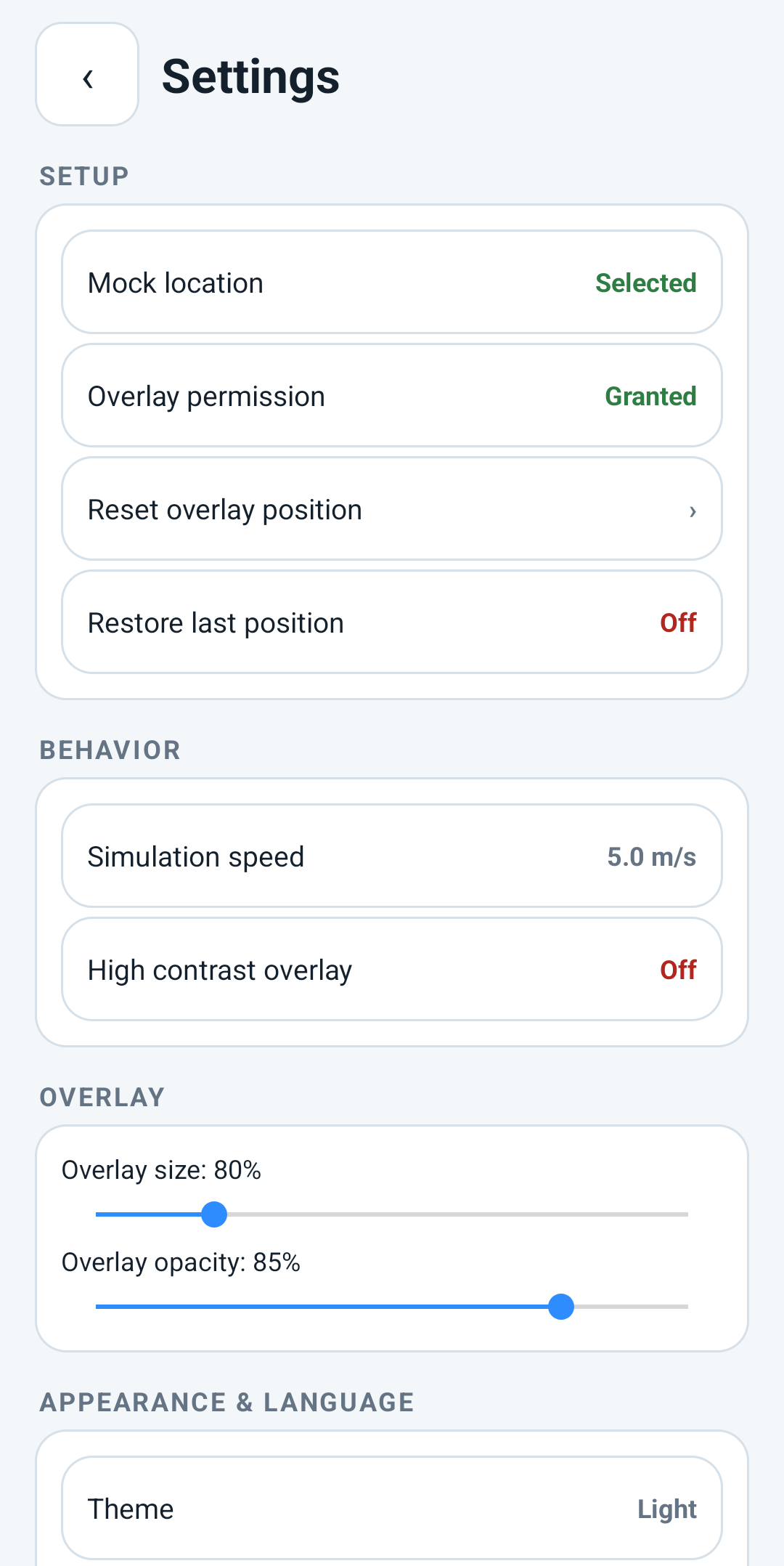
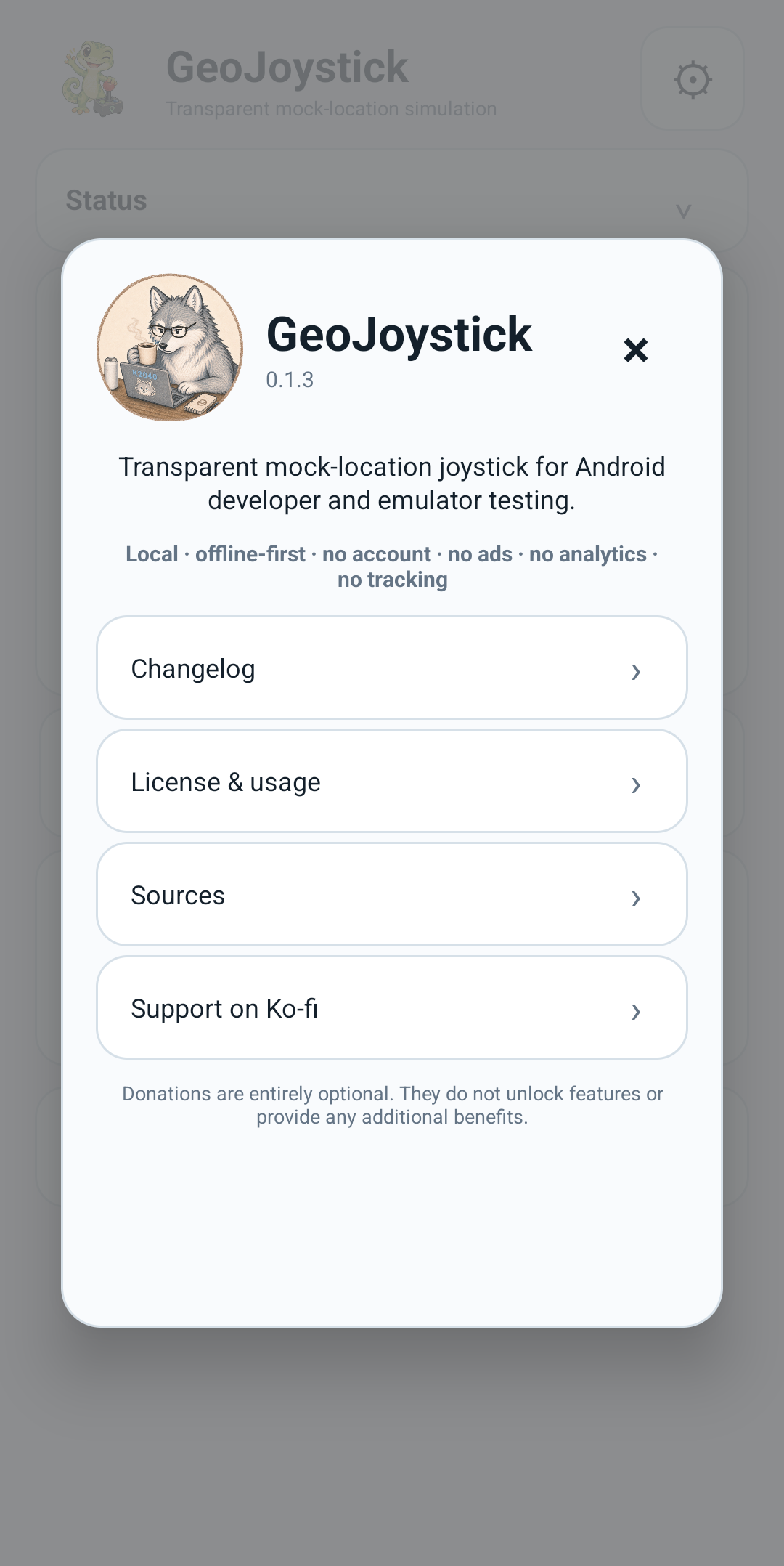
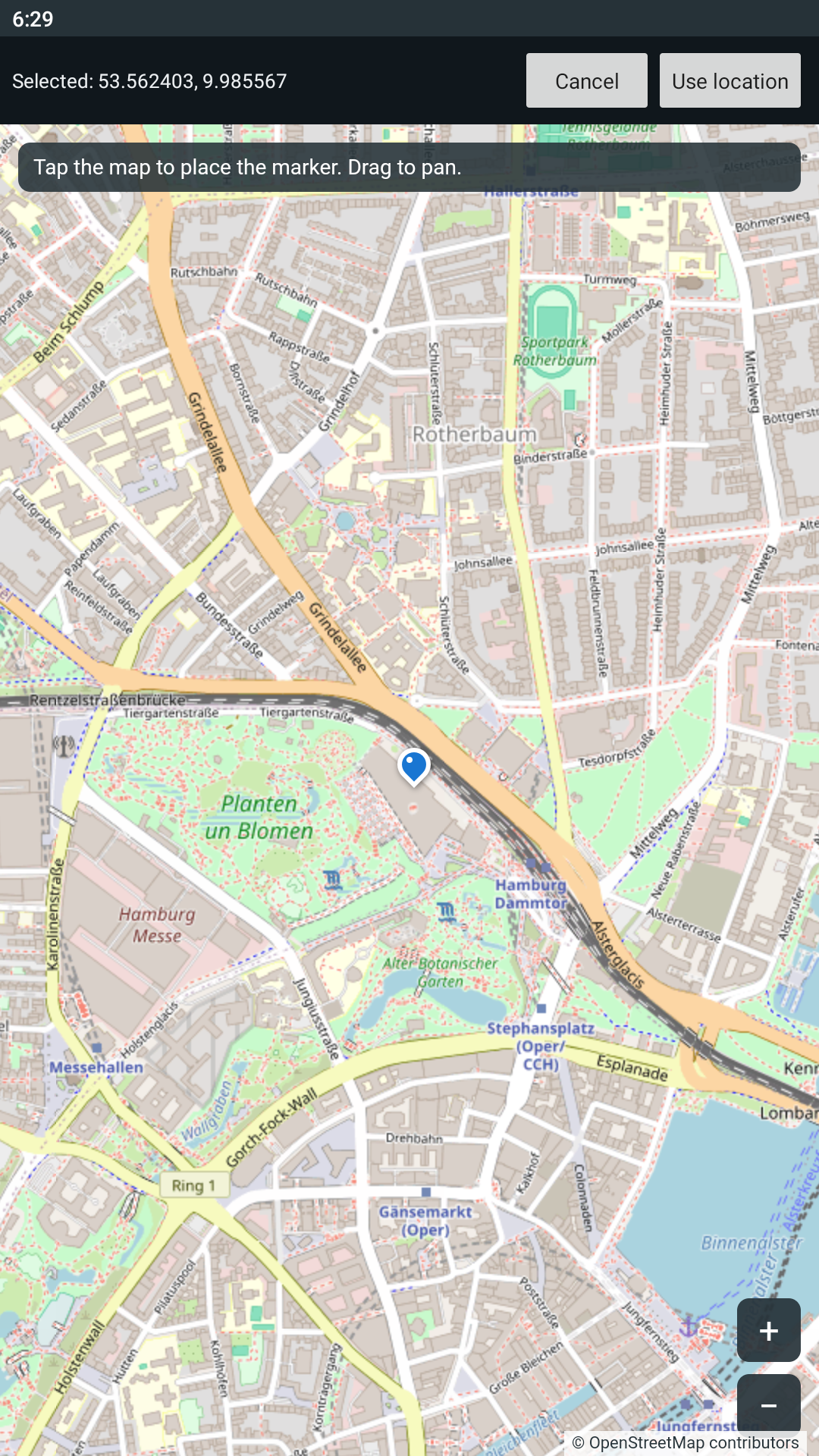
Features include manual coordinate entry, an OpenStreetMap-based picker, map-link coordinate import, compact and expanded overlay modes, favorite locations, speed presets, custom speed, light and dark themes, and English/German language support.
GeoJoystick has no ads, accounts, subscriptions, analytics, billing, or built-in updater.
Screenshots
What’s new
- Redesigned Home, Settings, and overlay controls with clearer status and compact mode. - Improved simulation recovery, restore-last-position, and invalid-input handling. - Added onboarding plus About, Changelog, License & usage, and Sources screens. - Expanded map-link parsing and map picker reliability. - Improved accessibility, large-font behavior, and touch targets. - Added the new GeoJoystick mascot/launcher identity and Android 16/API 36 back-navigation support.
How to install
Download the APK from the button at the top of this page.
Allow “Install unknown apps” for your browser or file manager only, not for every app.
Open the downloaded file and confirm the installation.
If installation fails with “App not installed,” remove an earlier build of the same app first. A signature conflict is the usual cause.
Data safety
Every file is checked against its published SHA-256 before it is listed.
Files are scanned for malware on every update.
The permissions each app requests are listed on its own page.
Read the full safety policy for how we test, flag, and delist files.