
Quick answer
AI roleplay chat and story writing client
F-Droid repository metadata
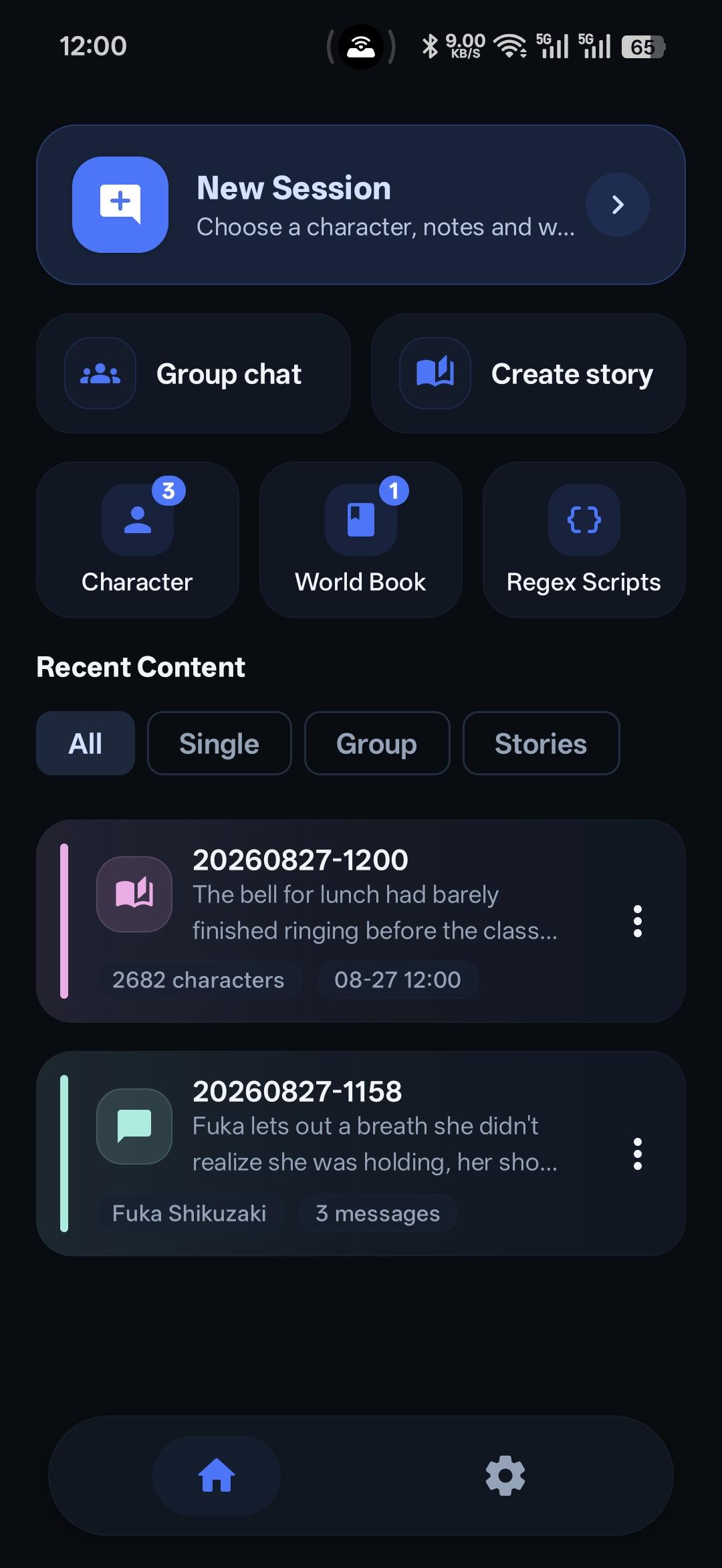
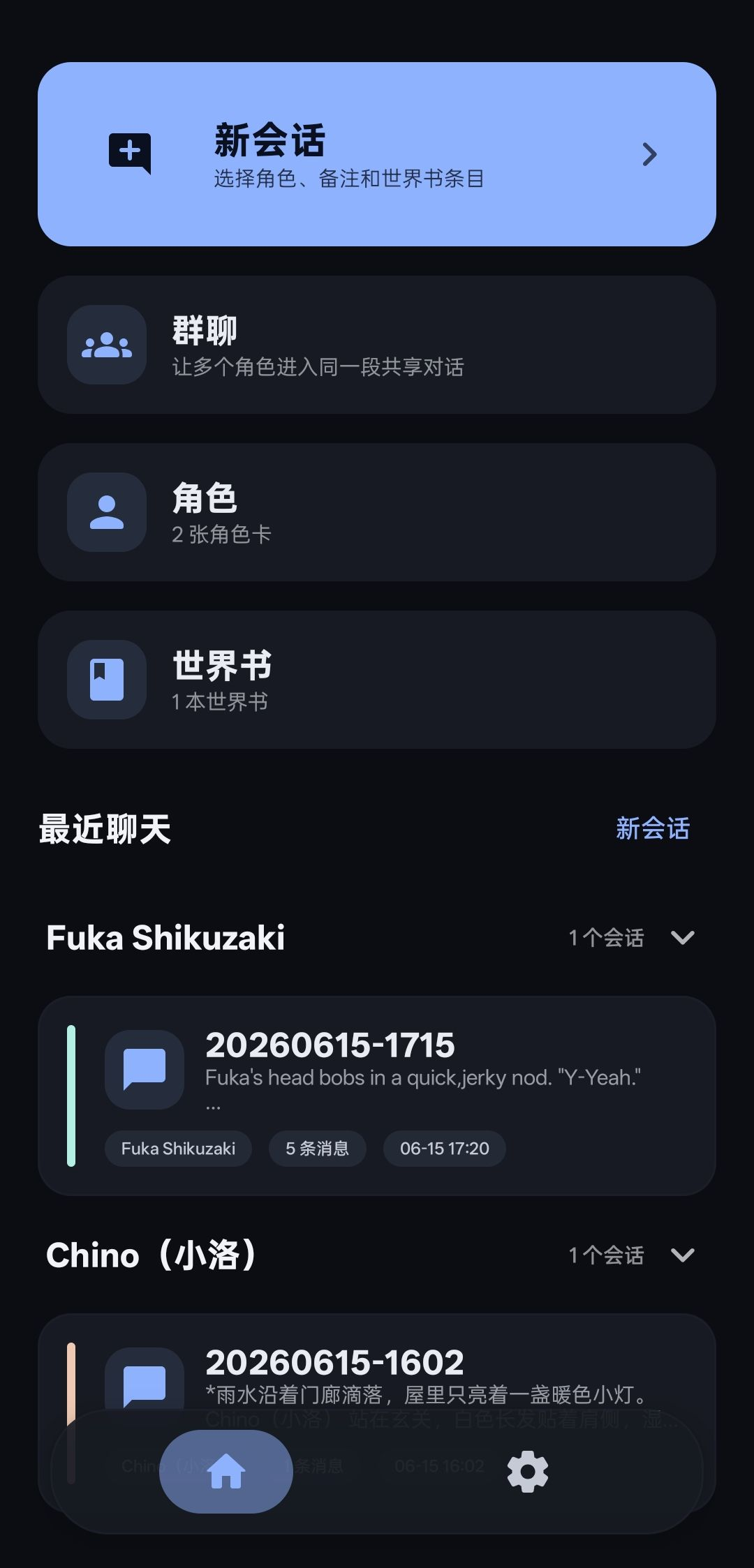
RPClient is an AI roleplay and storytelling client with support for common tavern-style character cards and lorebooks. Create your own characters, write multi-chapter stories, start one-on-one chats, or build group chats where multiple characters join the same story.
RPClient is not an Android remake of SillyTavern. It is a mobile-focused roleplay and storytelling app that supports familiar workflows such as character cards, lorebooks, prompts, and long-term story memory, while offering an interface designed for Android.
Key features:
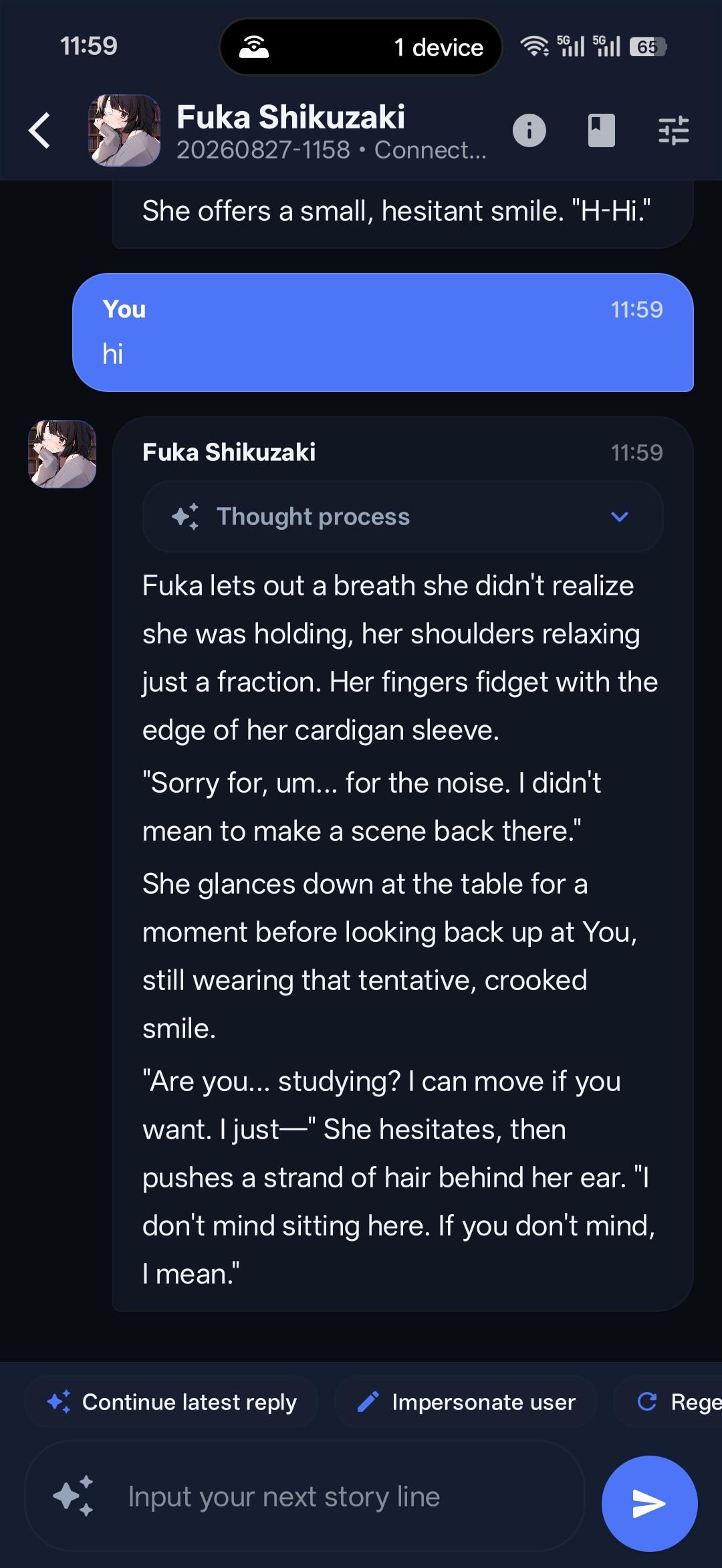
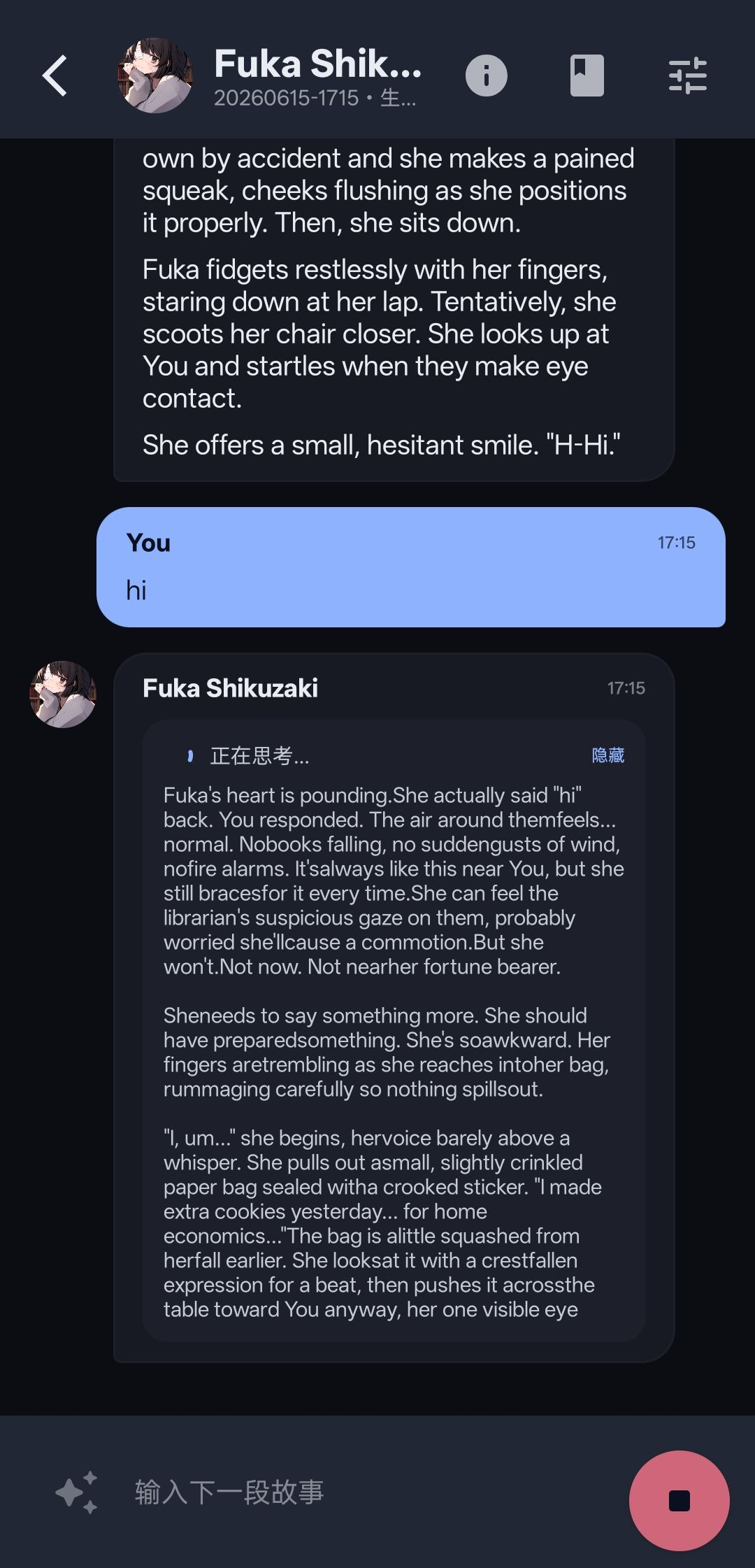
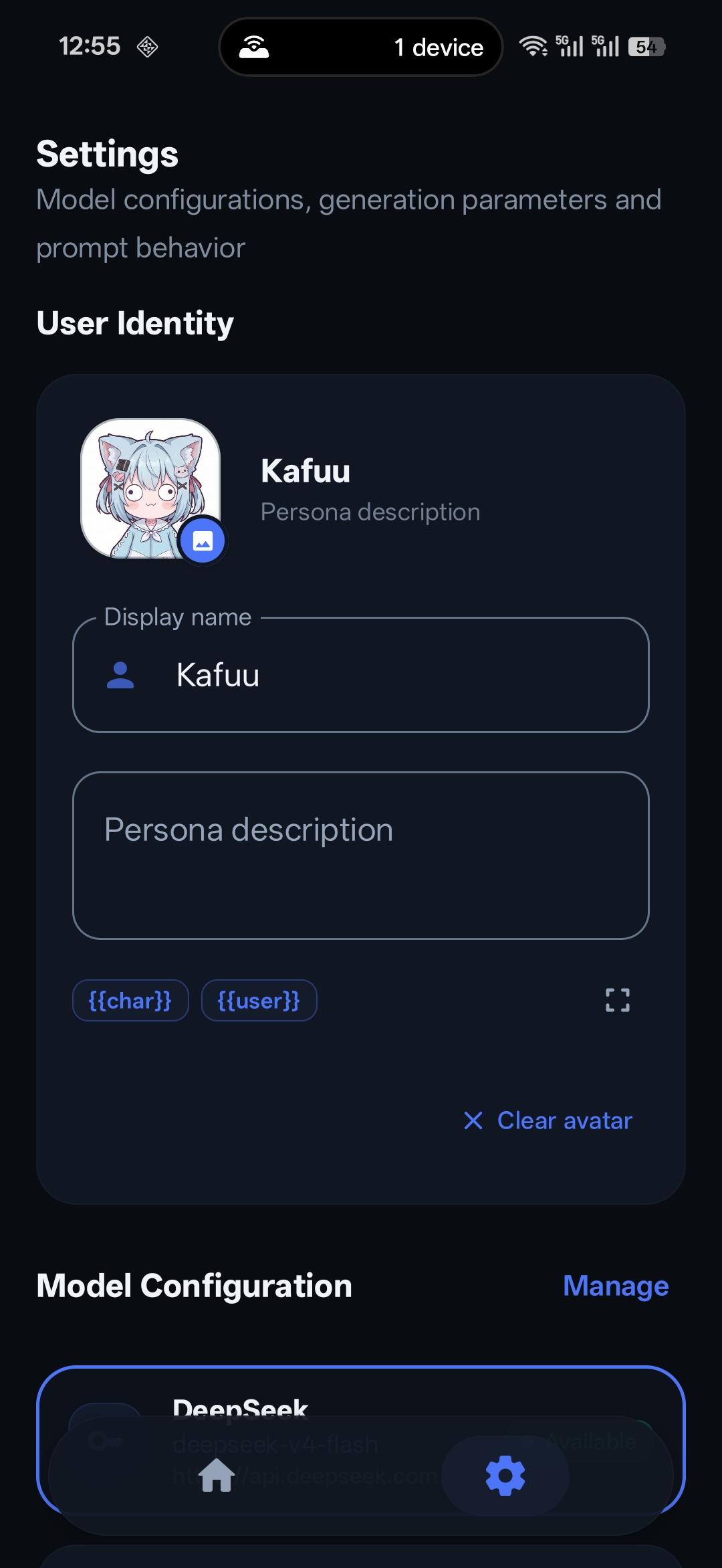
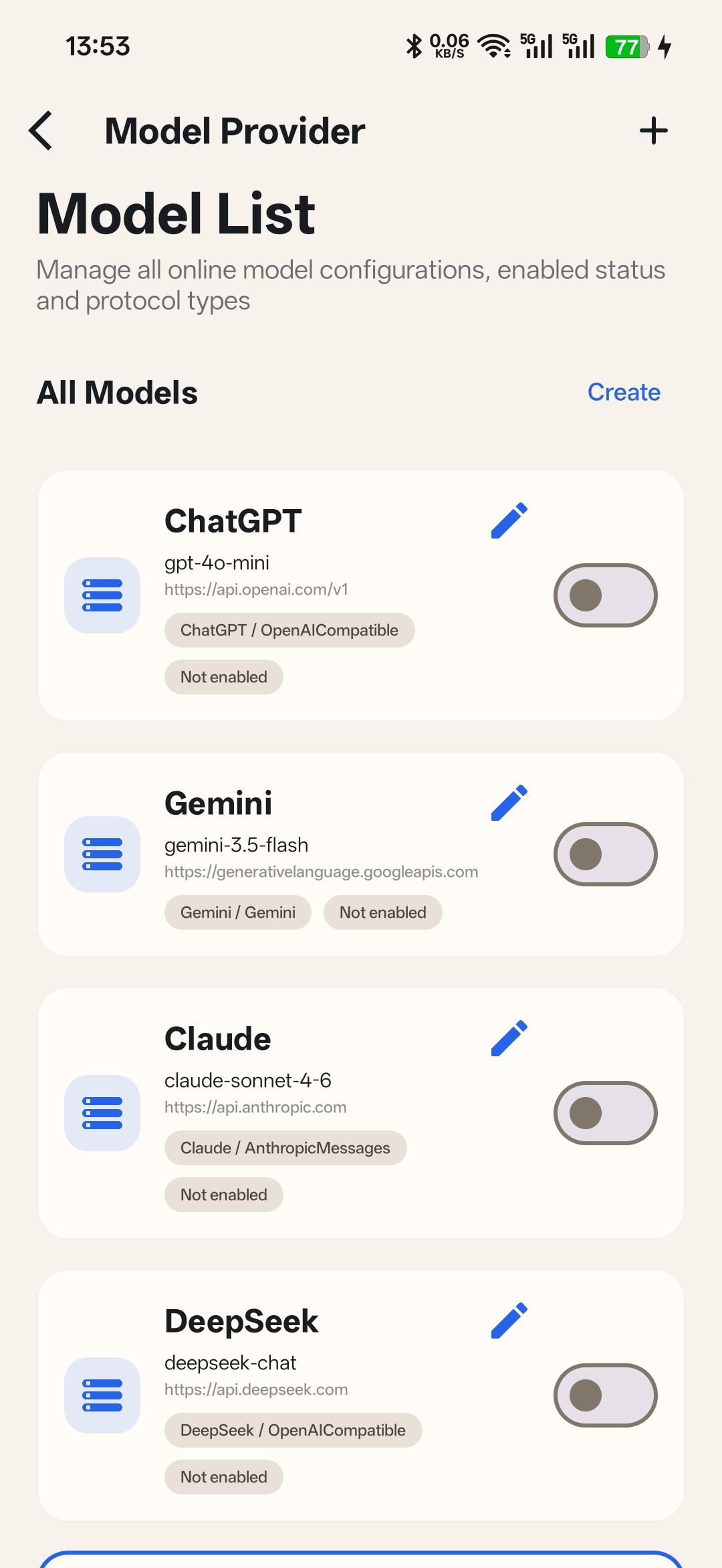
- Write and organize multi-chapter stories with Story Studio (volumes, chapters, and continuation prompts) - View model reasoning and thought processes in real time during generation - Backup and share stories with .rpstory archive export and import - Import JSON and PNG character cards (including batch import) - Create, edit, and manage your own characters - Import and manage tavern-style lorebooks (with mutual exclusion groups) - Start one-on-one AI character chats - Create group chats with multiple characters - Regenerate, continue, or stop replies - Generate from the user’s perspective - Keep long stories going with summary memory - Assign independent models to specific characters and summaries - Import and export chat histories compatible with SillyTavern (.jsonl) - Manage prompts, character settings, greetings, and story context - Connect to OpenAI-compatible APIs, Gemini, Claude, DeepSeek, OpenRouter, and custom providers - Chats, stories, characters, and settings are stored on your device by default
RPClient does not include a built-in AI model service. To chat or generate stories, you need to configure your own model provider or API key. Requests are sent to the provider you choose, so please use services you trust.
RPClient is not an official SillyTavern Android app and is not affiliated with OpenAI, Google, Anthropic, DeepSeek, or OpenRouter.
Screenshots
How to install
- Download the APK from the button at the top of this page.
- Allow “Install unknown apps” for your browser or file manager only, not for every app.
- Open the downloaded file and confirm the installation.
- If installation fails with “App not installed,” remove an earlier build of the same app first. A signature conflict is the usual cause.
Data safety
- Every file is checked against its published SHA-256 before it is listed.
- Files are scanned for malware on every update.
- The permissions each app requests are listed on its own page.
- Read the full safety policy for how we test, flag, and delist files.
Comments
Recent approved comments · sorted by newest
View all comments