Chat with OpenRouter, Ollama, LM Studio and llama.cpp AI models
F-Droid repository metadata
Android chat application designed to interact with various Large Language Models (LLMs)
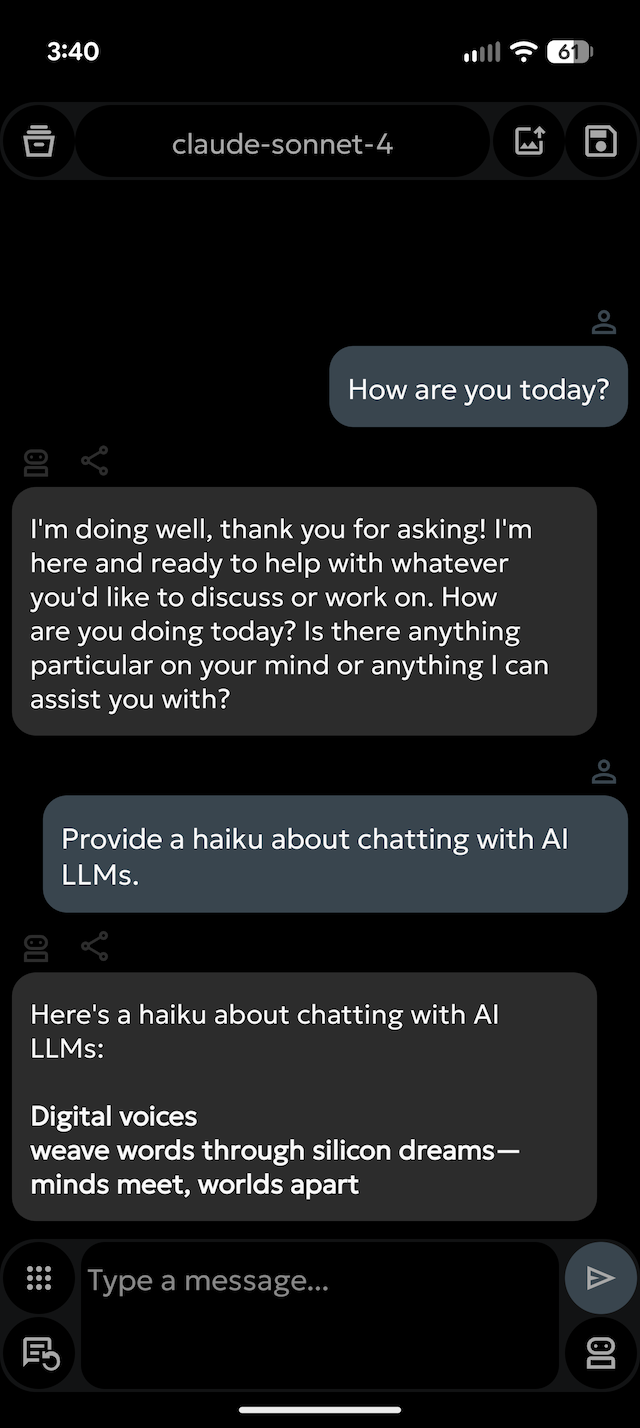
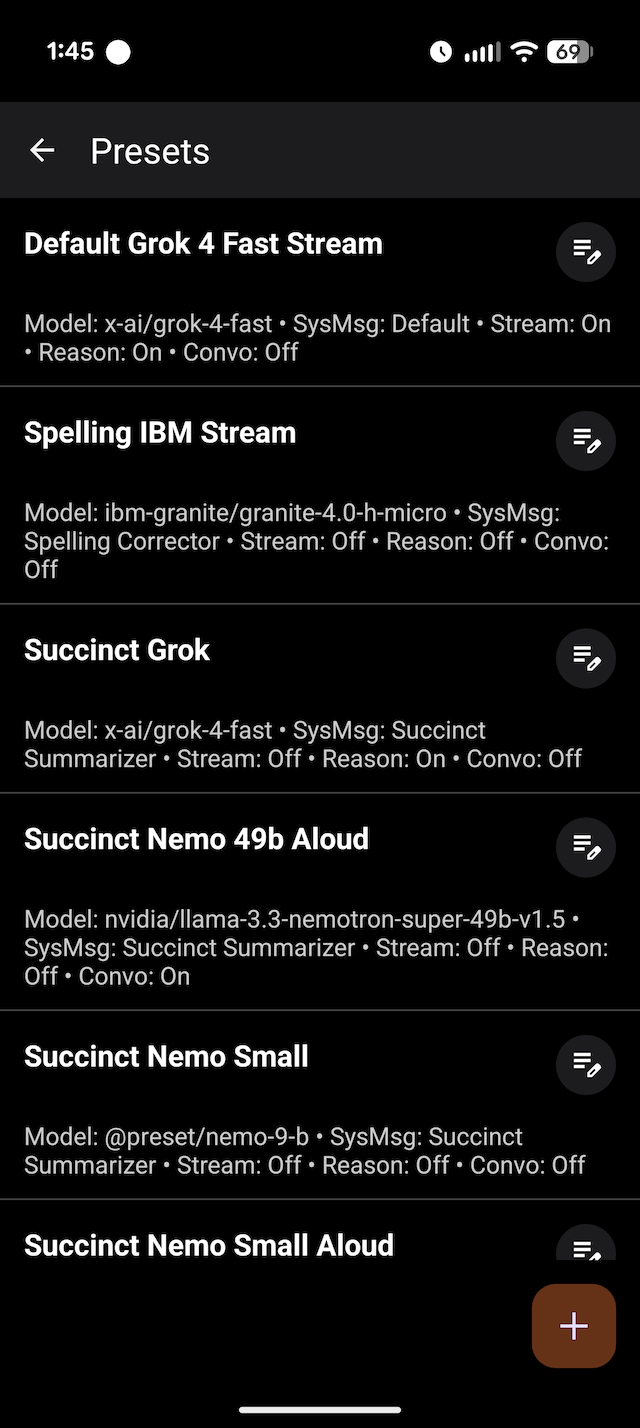
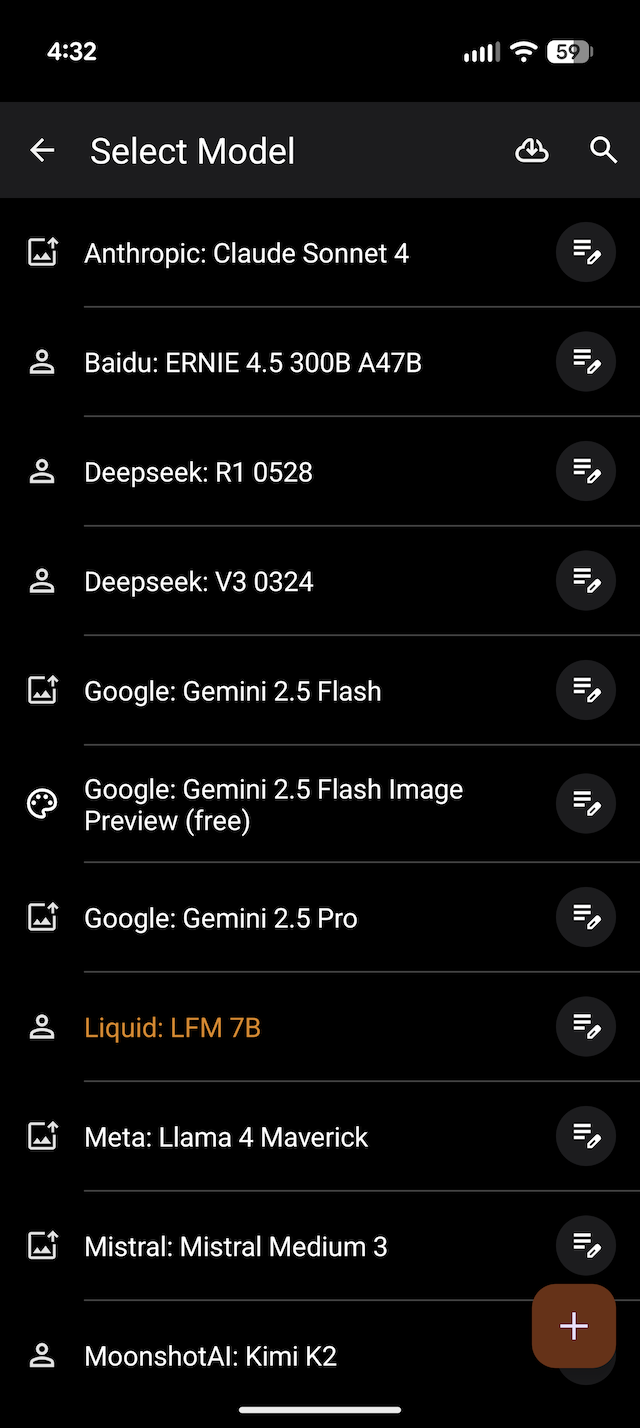
🤖 Multi-Model Support: Switch between different LLM bots and models.
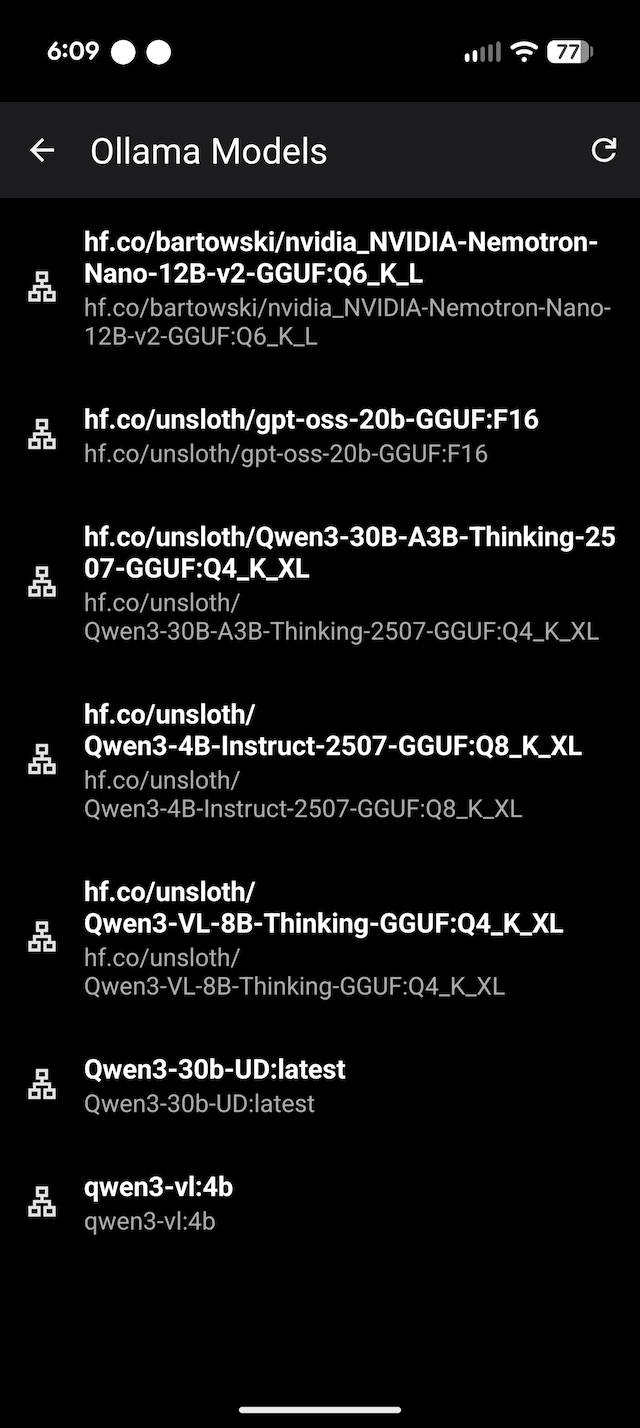
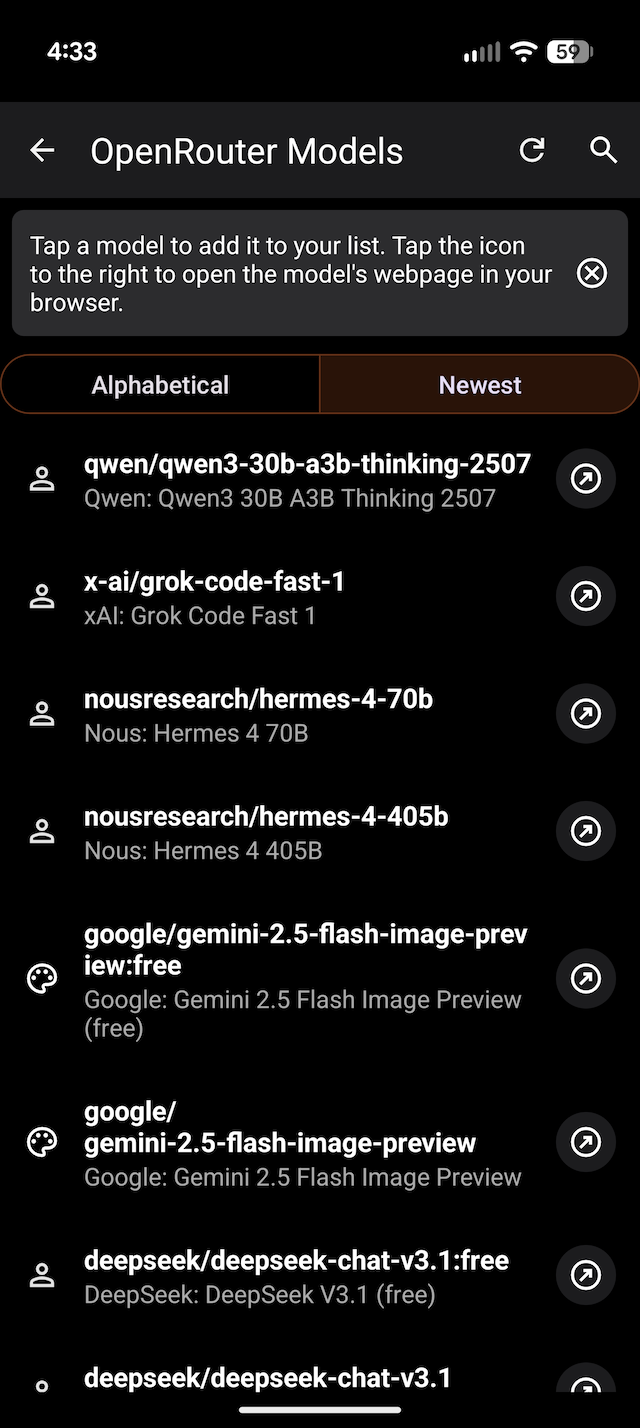
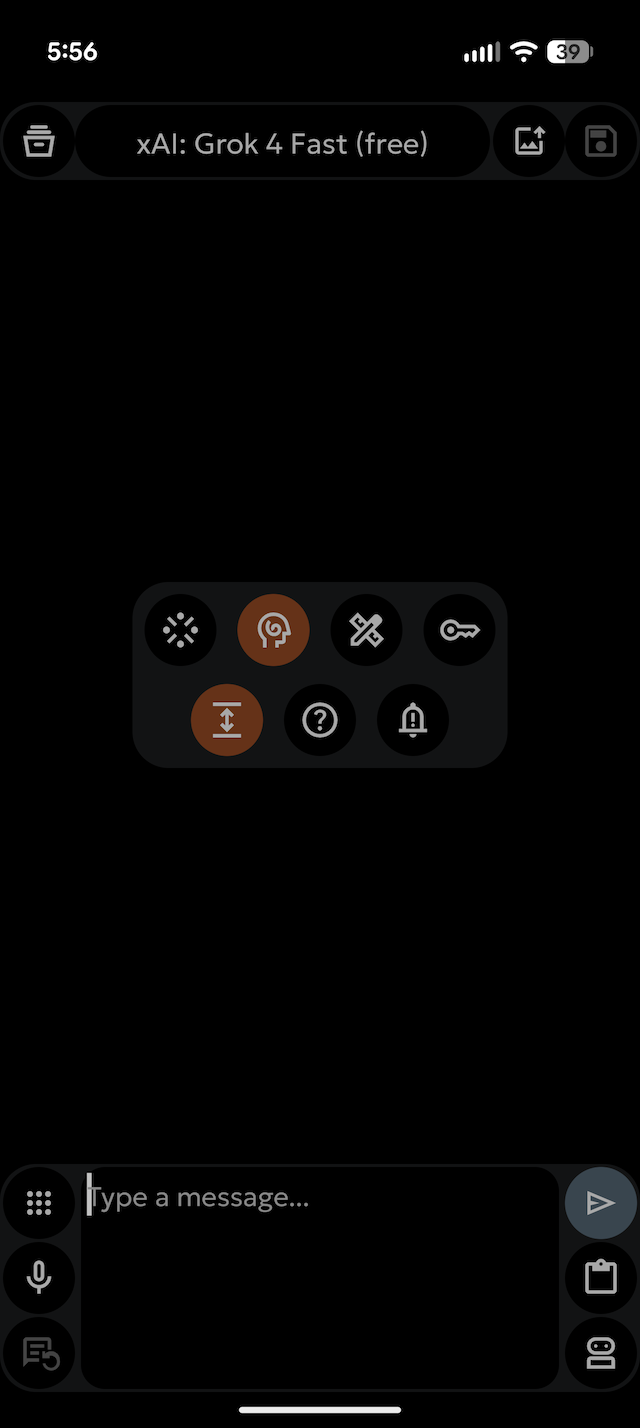
🤖 Chat with OpenRouter models or locally served models using Ollama, LM Studio, llama.cpp or MLX LM.
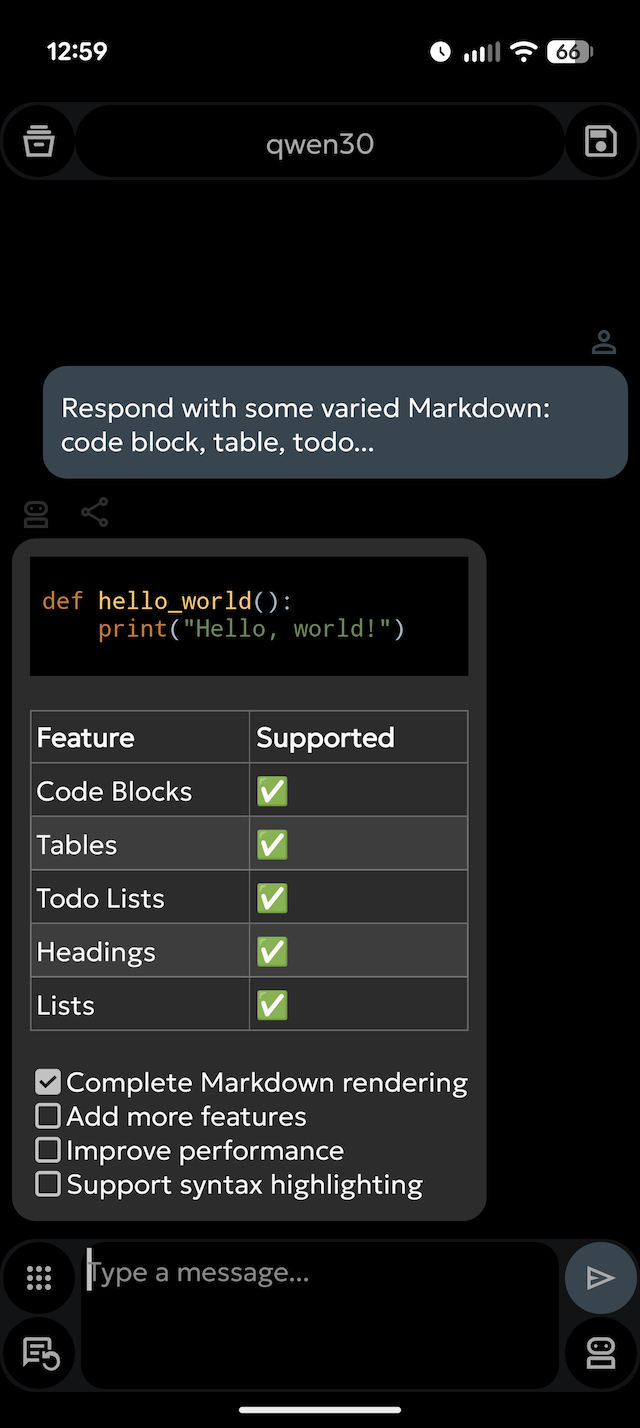
💬 Chat Interface: A clean and intuitive interface for conversing with AI models.
💾 Save & Load Chats: Save your chat sessions and load them later to continue the conversation.
📤📥 Import & Export: Easily import and export your chat histories.
⚡ Streaming or Non-Streaming Responses: You choose!
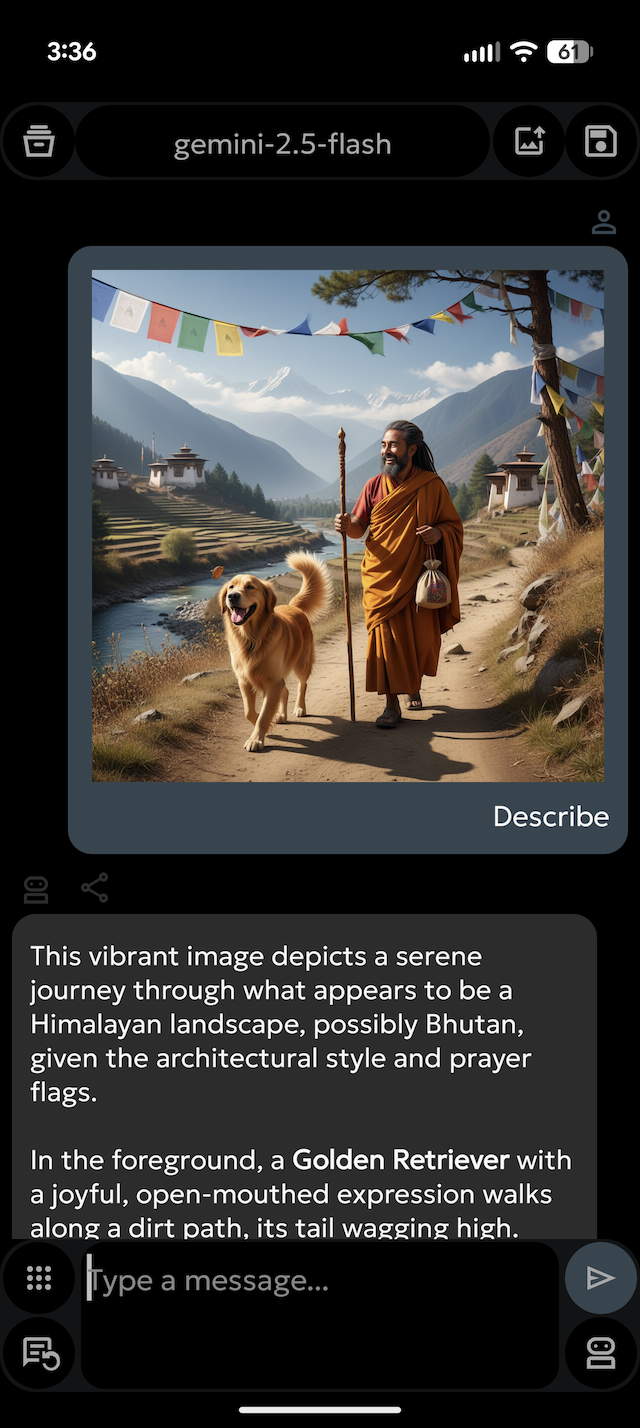
🖼️ Chat with Images: With models that support it!
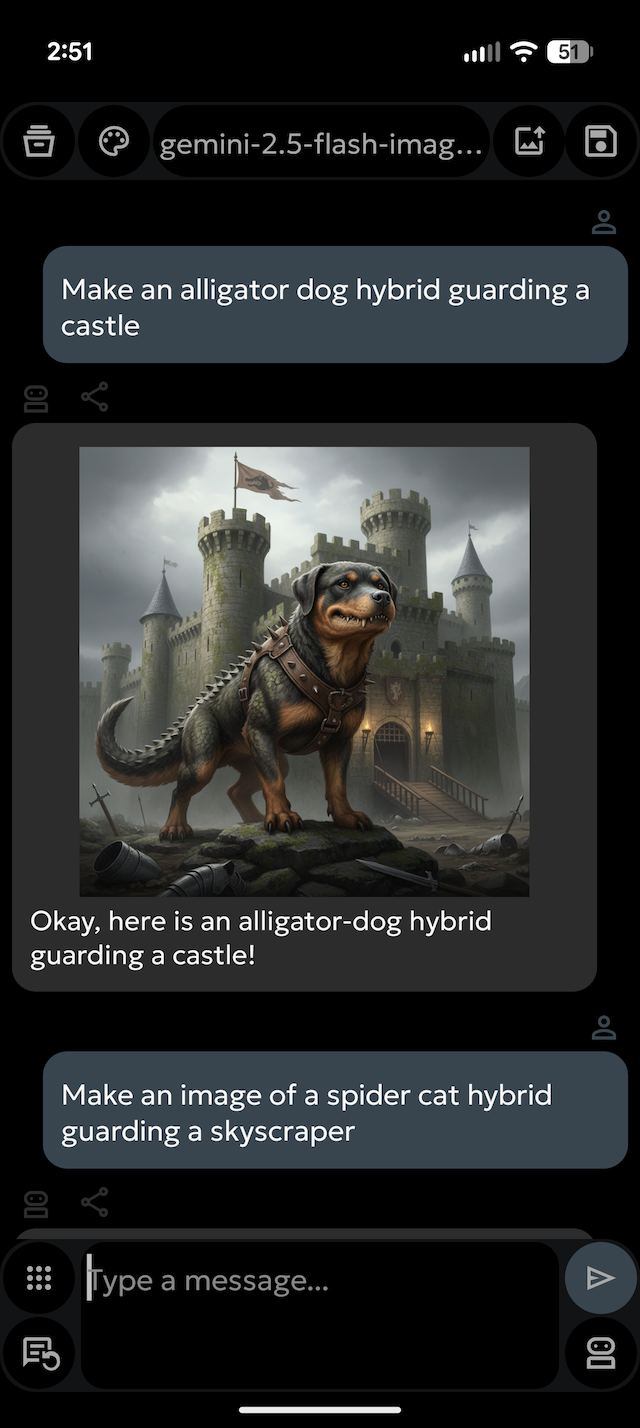
🖼️ Image Generation**: With models that support it!
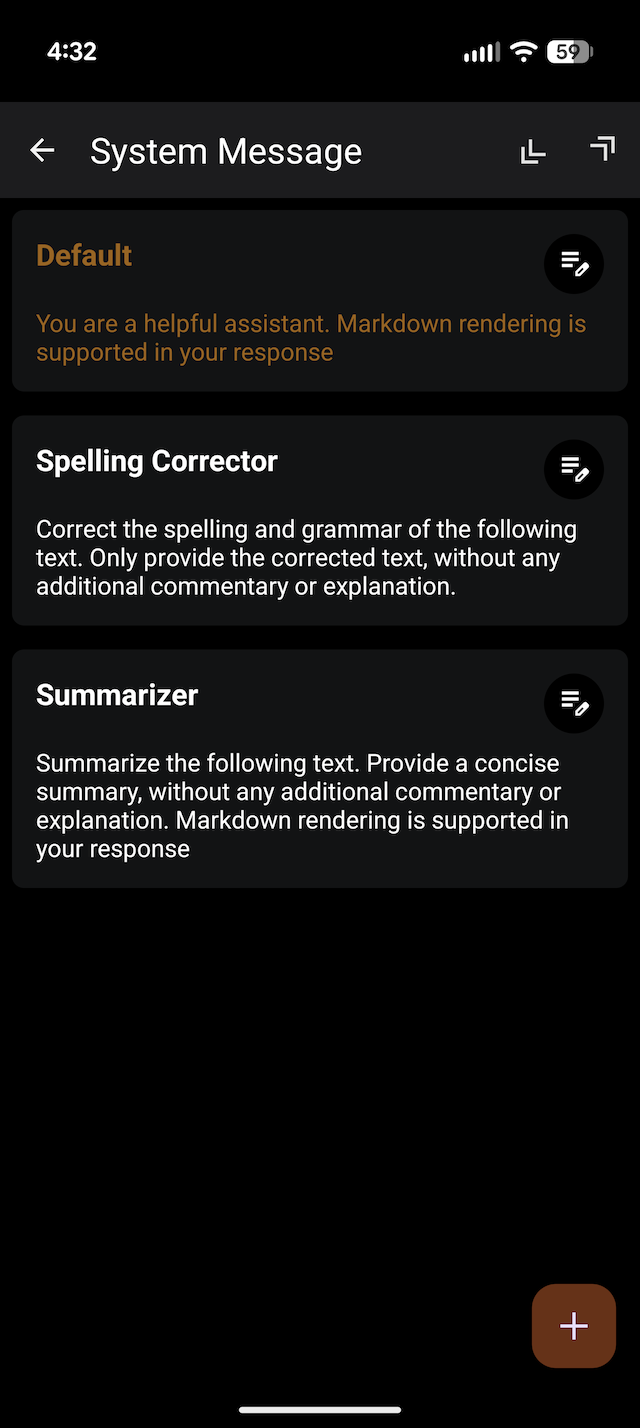
✍️ System Message Customization: Create, edit, and manage a library of system messages to guide the AI's behavior and persona.
🔗 OpenRouter Integration:
Long-press the model name to open the OpenRouter models list in your browser.
Long-press the API key icon to view your remaining OpenRouter credits.
📋 Effortless Copying: Press any avatar to copy the corresponding response to the clipboard.
oxproxion app does not have trackers, analytics, nor ads.
📄 On-Device PDF Export: Generate a PDF of that specific response. Or use menu PDF button for full chat PDF. PDFs created locally using Android's native tools.
✨And Much More! Download and check it out. See Help section in the app for the complete guide.
🛠️ Built with Modern Tech: 100 % Kotlin, leveraging Jetpack libraries, Coroutines for asynchronous tasks, and Ktor for networking.
If you find this app useful, please consider supporting its developer: [Buy Me a Coffee](https://www.buymeacoffee.com/oxproxion) ☕
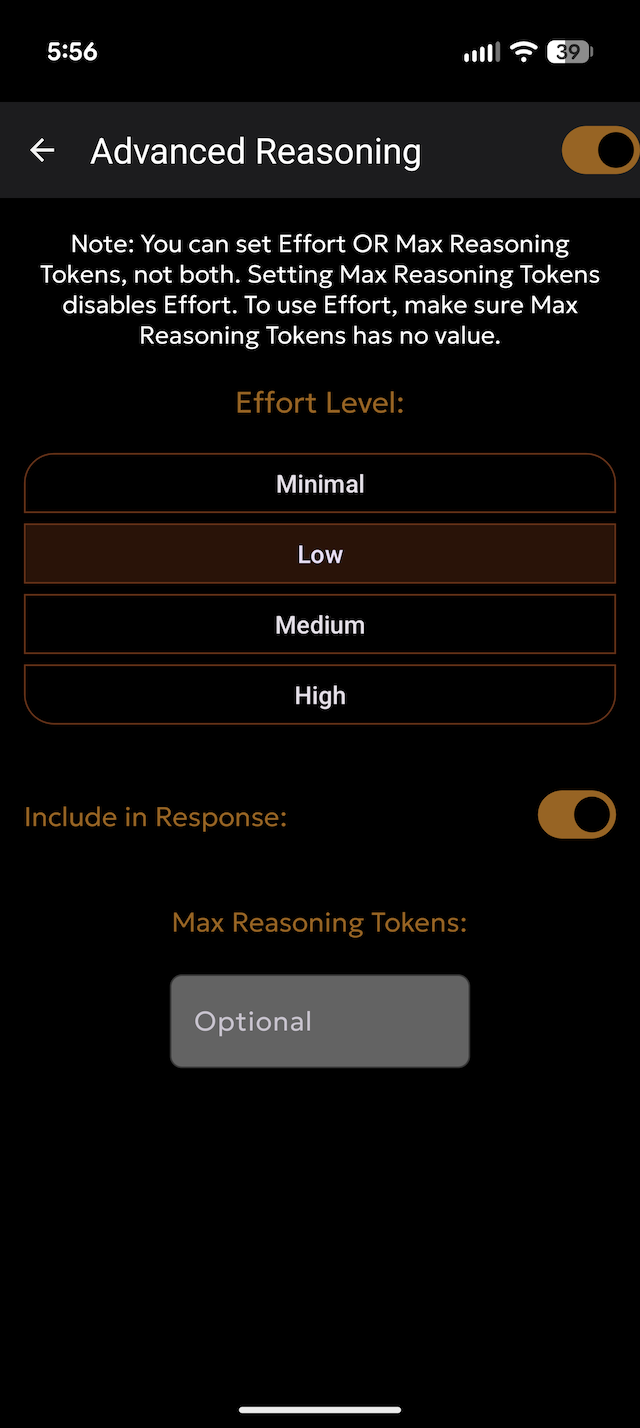
Screenshots
What’s new
* Build Improvements: Updated Gradle and key dependencies. * Transcription Enhancements: * Optimized the copy button within the chat interface. * Improved transcription preset workflows: You can now edit transcriptions directly in the display. * Replaced auto-copy with a manual copy button. * Added "Try Again" and "Quit" buttons for better control.
How to install
Download the APK from the button at the top of this page.
Allow “Install unknown apps” for your browser or file manager only, not for every app.
Open the downloaded file and confirm the installation.
If installation fails with “App not installed,” remove an earlier build of the same app first. A signature conflict is the usual cause.
Data safety
Every file is checked against its published SHA-256 before it is listed.
Files are scanned for malware on every update.
The permissions each app requests are listed on its own page.
Read the full safety policy for how we test, flag, and delist files.