Buge Files icon

Buge Files

Buge Studio
Tools
Version
1.16.19
Size
16.0 MB
Requires
Android API 26+
3.9 / 5 · 1,595 ratings 8,471 downloads

Updated Nov 24, 2026

Quick answer

A simple, easy-to-use, and powerful file manager

Buge Files is a modern, lightweight and privacy‑friendly file manager that helps you browse, organize and manage files stored on your device. Built with Material Design 3 Expressive, it offers a clean and intuitive interface for efficient file browsing and storage management. Features
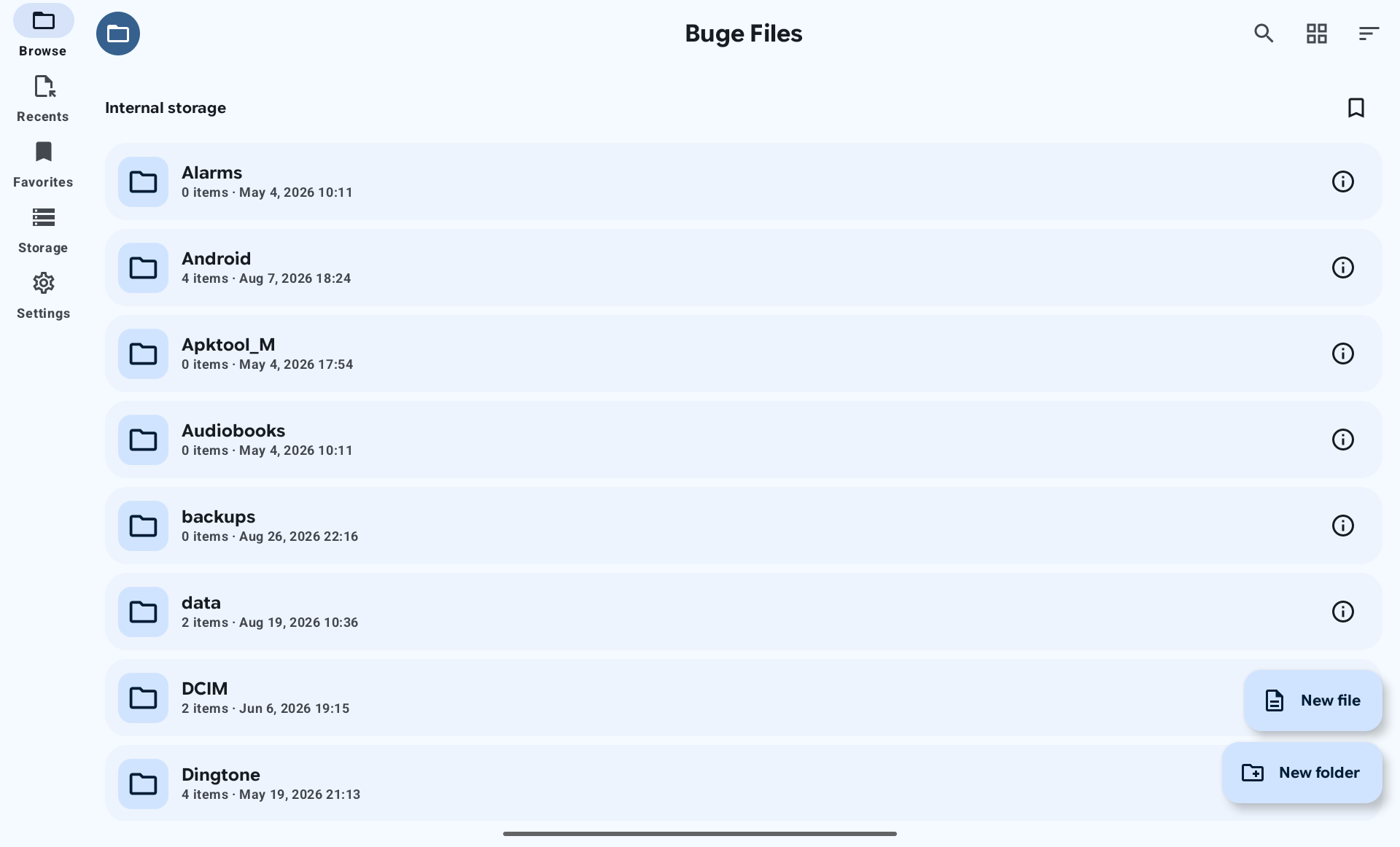
  • Browse and manage files and folders with a modern card-style layout
  • Smart categories — automatically organize files by type (Images, Videos, Music, Documents, Archives, APK) for quick access
  • Storage overview with visual progress indicators
  • View file details including size and modification date
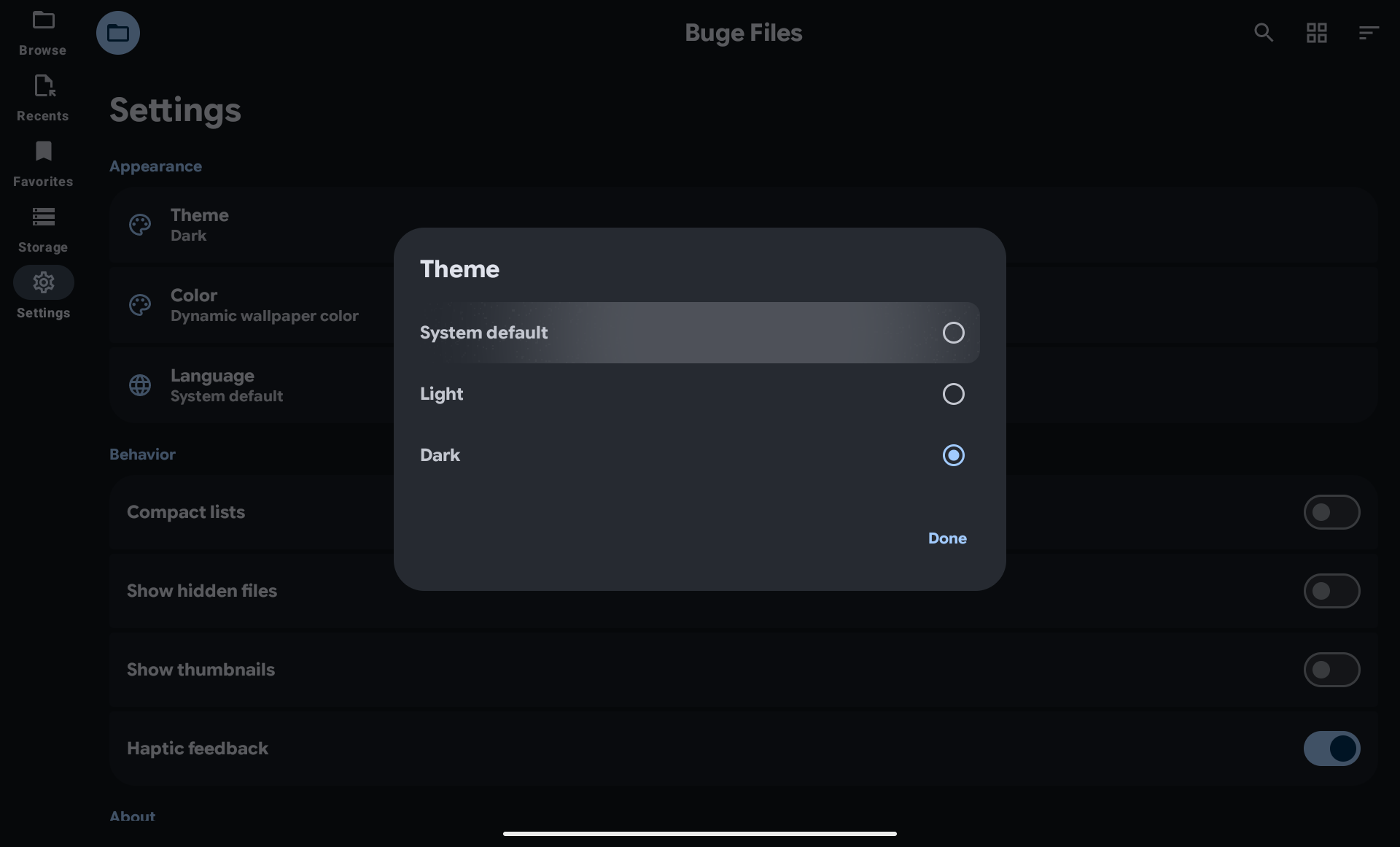
  • Switch between multiple languages and Light, Dark, or System theme
  • Toggle visibility of hidden files and folders
  • Modern, clean and minimal UI
  • No ads, no analytics, fully open source
Notes
  • Requires Android 8.0 (API 26) or higher
  • ROOT is optional / available for rooted and authorized devices
  • Local-only file access, so your data stays on your device

Source code: https://github.com/BugeStudioTeam/Buge-Files

Screenshots

Buge Files screenshot 1
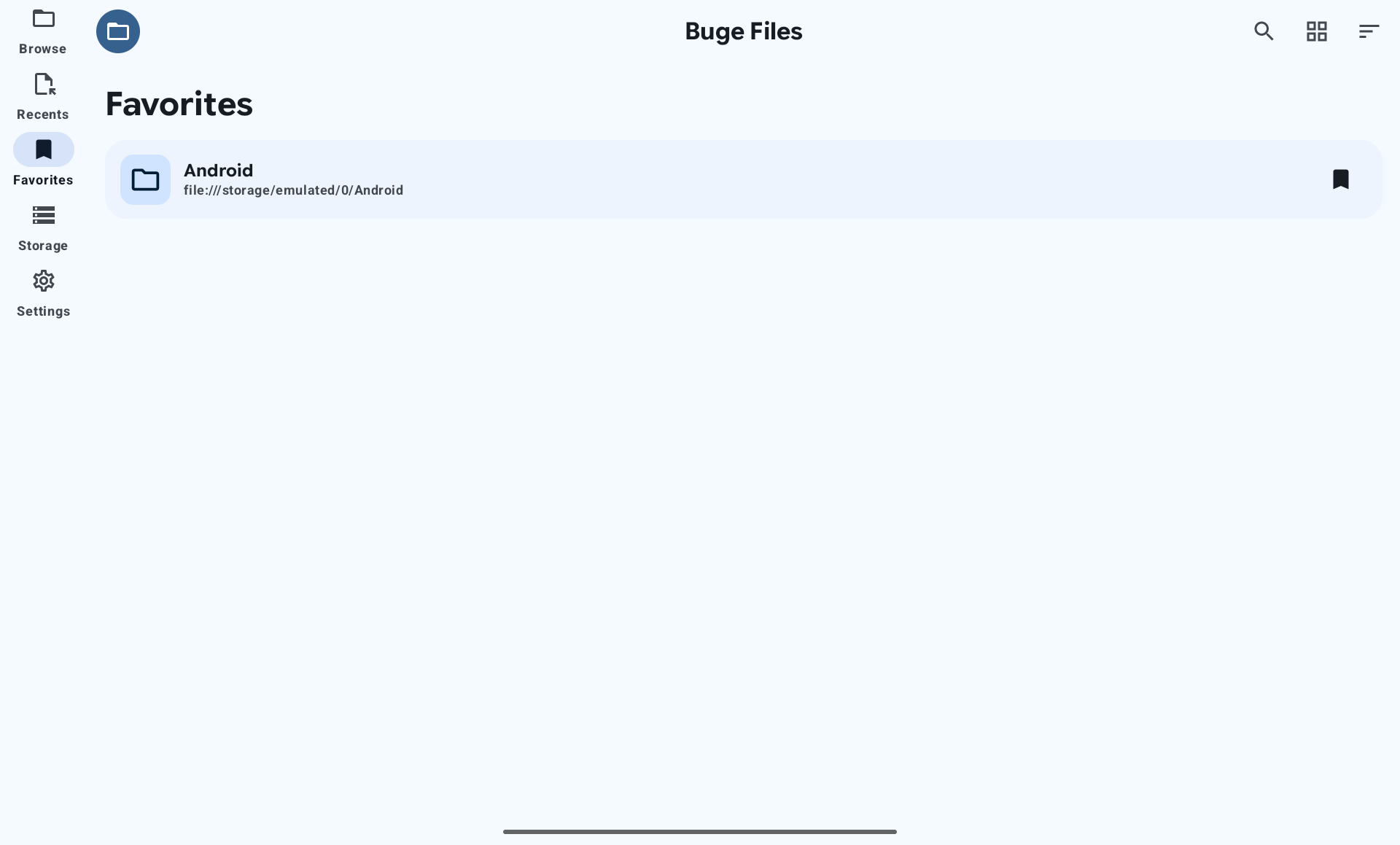
Buge Files screenshot 2
Buge Files screenshot 3

What’s new

**1.16.19**

**Fixes** 🛠
- Disabled R8 to fix numerous issues

**Contributors of this version:**
None

How to install

  1. Download the APK from the button at the top of this page.
  2. Allow “Install unknown apps” for your browser or file manager only, not for every app.
  3. Open the downloaded file and confirm the installation.
  4. If installation fails with “App not installed,” remove an earlier build of the same app first. A signature conflict is the usual cause.

Data safety

  • Every file is checked against its published SHA-256 before it is listed.
  • Files are scanned for malware on every update.
  • The permissions each app requests are listed on its own page.
  • Read the full safety policy for how we test, flag, and delist files.

Frequently asked questions

What is Buge Files?
A simple, easy-to-use, and powerful file manager
Who develops Buge Files?
Buge Files is developed by Buge Studio.
Which Android version does Buge Files require?
Buge Files requires Android API 26 or later.
What is the current version of Buge Files?
The synchronized F-Droid version is 1.16.19.
Which license does Buge Files use?
The signed F-Droid metadata lists GPL-3.0-only.
Where is the source code for Buge Files?
https://github.com/BugeStudioTeam/Buge-Files

Comments

Recent approved comments · sorted by newest

Verification code
Be specific and keep it about the app. No links. Comments are reviewed before publication. Device and Android details are recorded automatically. Privacy policy.

Loading recent comments...

View all comments