What’s new
Builds are now reproducible, so F-Droid can verify the APK we publish.
No changes to app features.
Updated Nov 18, 2026
Simple, private, offline & ad-free reminder app built with Material 3.
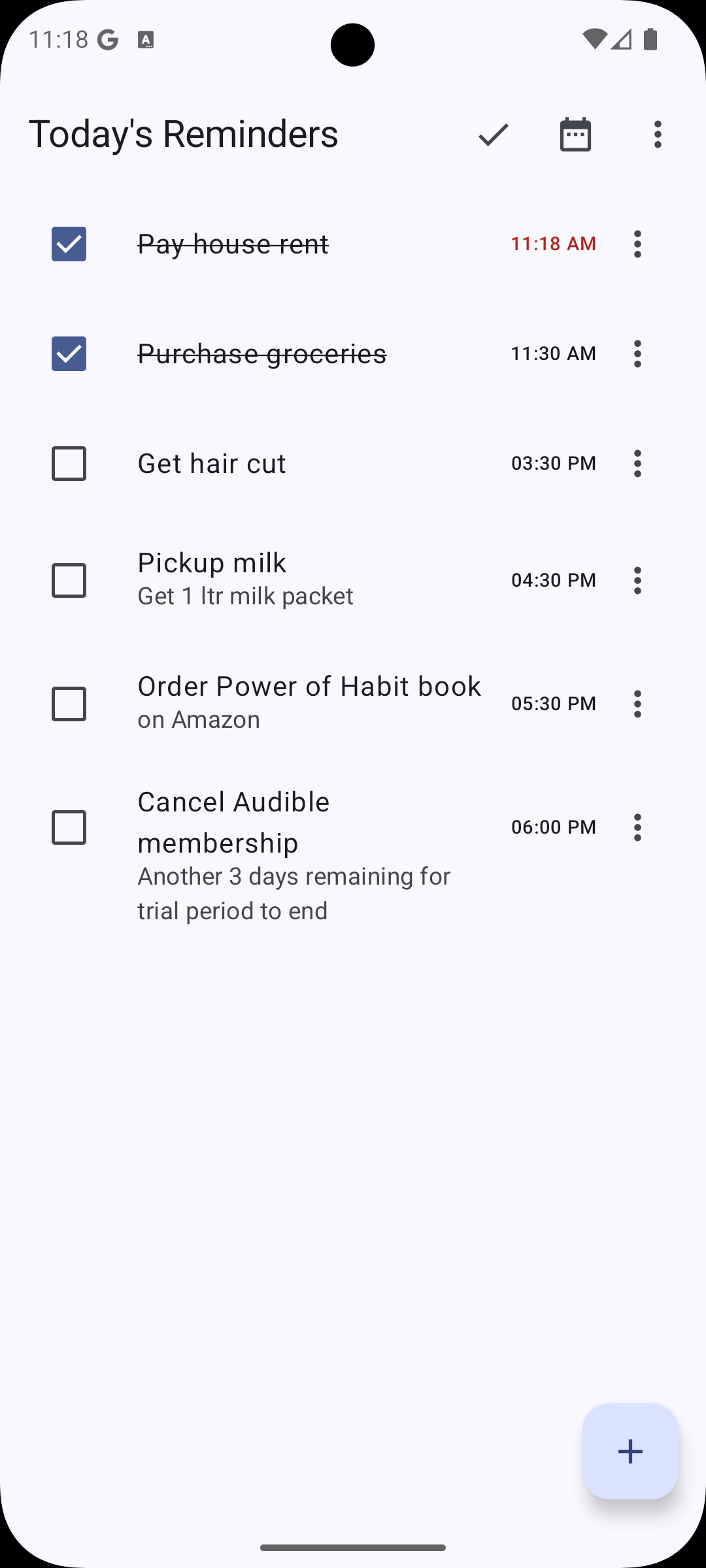
Reminder Mate is a simple, private, and ad-free productivity app designed to help you manage your reminders effortlessly. It allows you to add reminders for specific times and receive timely, reliable notifications. With interactive notifications, you can snooze a reminder or mark it as complete directly from the notification shade without even opening the app.
Built with a philosophy of simplicity and quality, Reminder Mate is your perfect companion for staying organized.
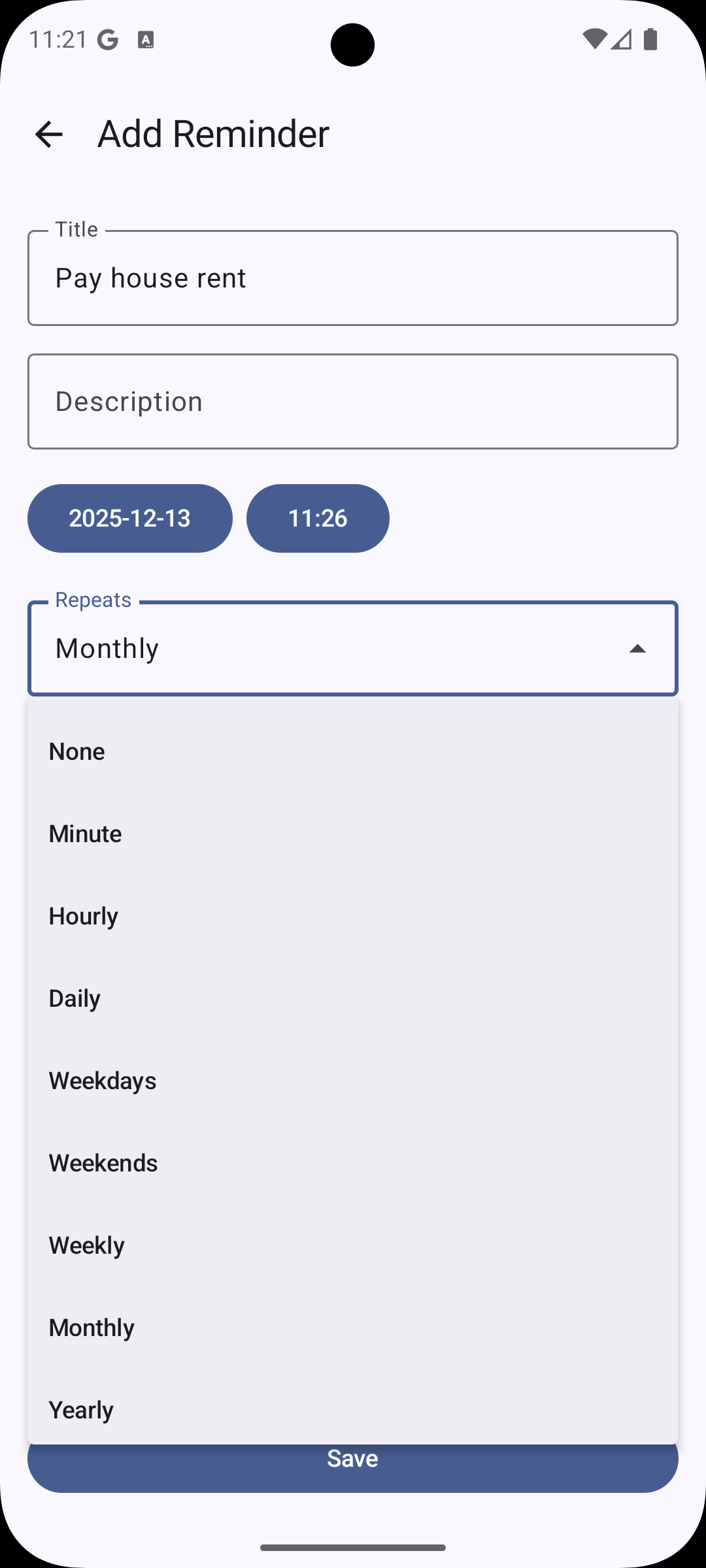
✨ Key Features: • Easy Reminder Creation: Quickly add reminders with specific dates and times. • Reliable Notifications: Never miss a task with timely and precise notifications. • Interactive Notifications: Snooze reminders or mark them as complete directly from the notification shade. • Recurring Reminders: Set up reminders for daily, weekly, monthly, or custom recurring schedules. • Privacy First: Completely offline. No data is ever collected or shared. Your reminders stay on your device. • Data Backup & Restore: Supports automatic Android backup and manual local backup/restore options in settings. • Modern UI: Clean, intuitive user interface built with the latest Material 3 design guidelines. • 100% Free & Ad-Free: No ads, no in-app purchases, no subscriptions. Just a simple, free tool for everyone.
🎯 Ideal for: • Birthdays & Anniversaries: Never forget a special occasion again. • Daily Chores: Gentle nudges to boil milk, start the washing machine, or water plants. • Weekly Tasks: Grocery shopping, backing up your devices, or weekly planning. • Monthly Bills: Rent, utility bills, subscriptions, and more. • One-Off Events: Dentist appointments, cancelling free trials, or meetings. • Custom Recurring Intervals: Car servicing every 6 months or medicine intervals.
Builds are now reproducible, so F-Droid can verify the APK we publish.
No changes to app features.
Recent approved comments · sorted by newest
View all comments