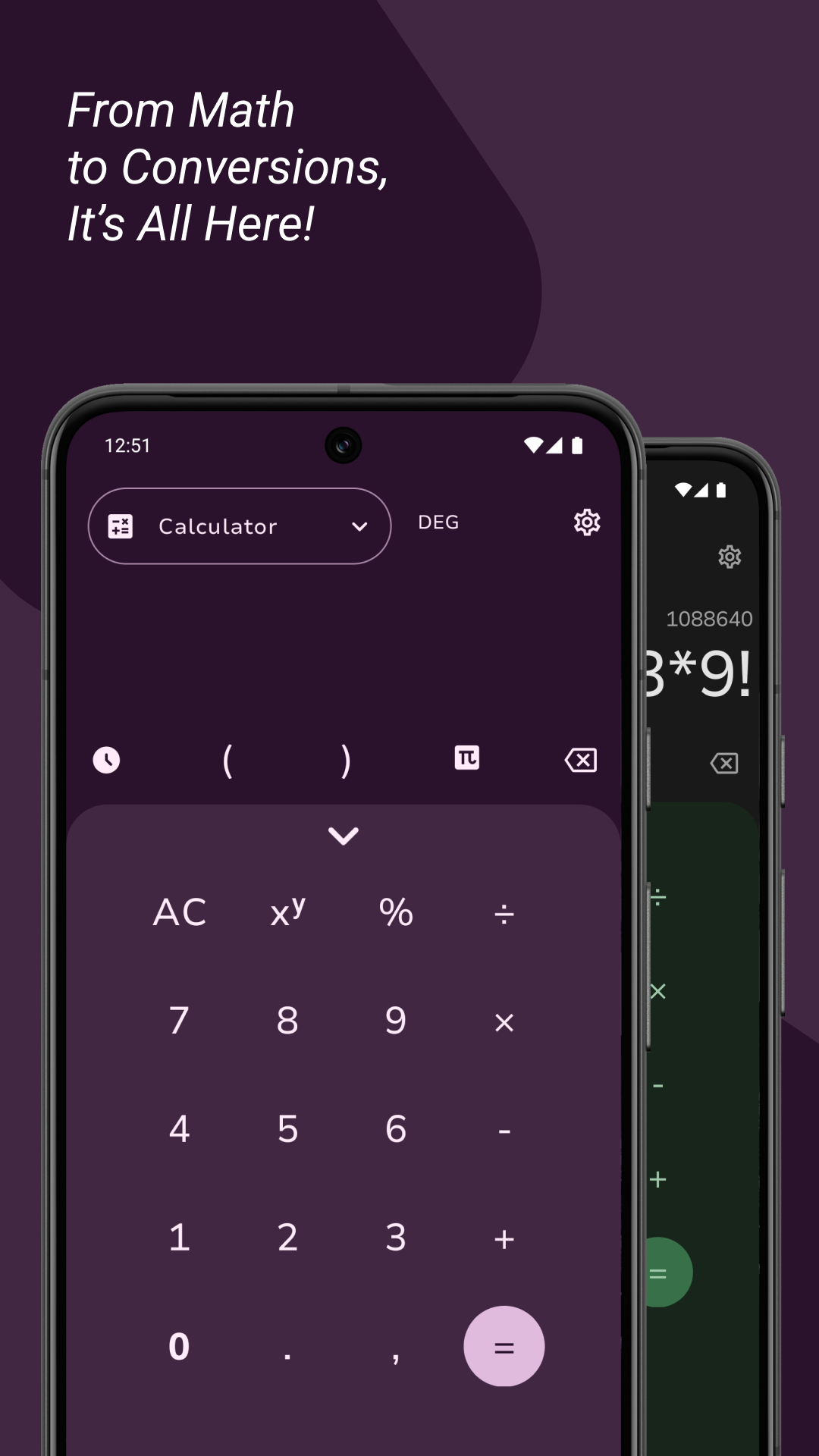
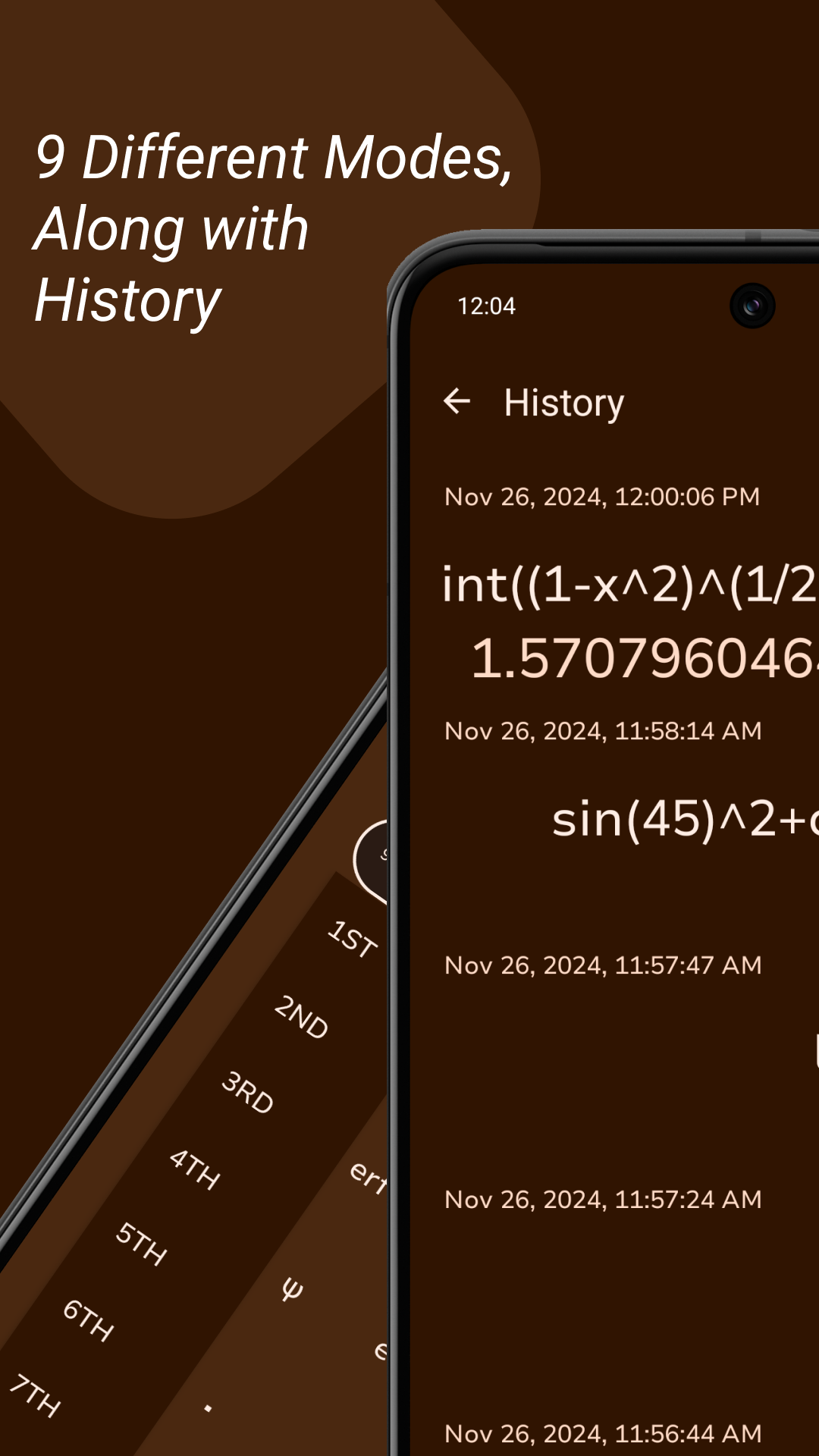
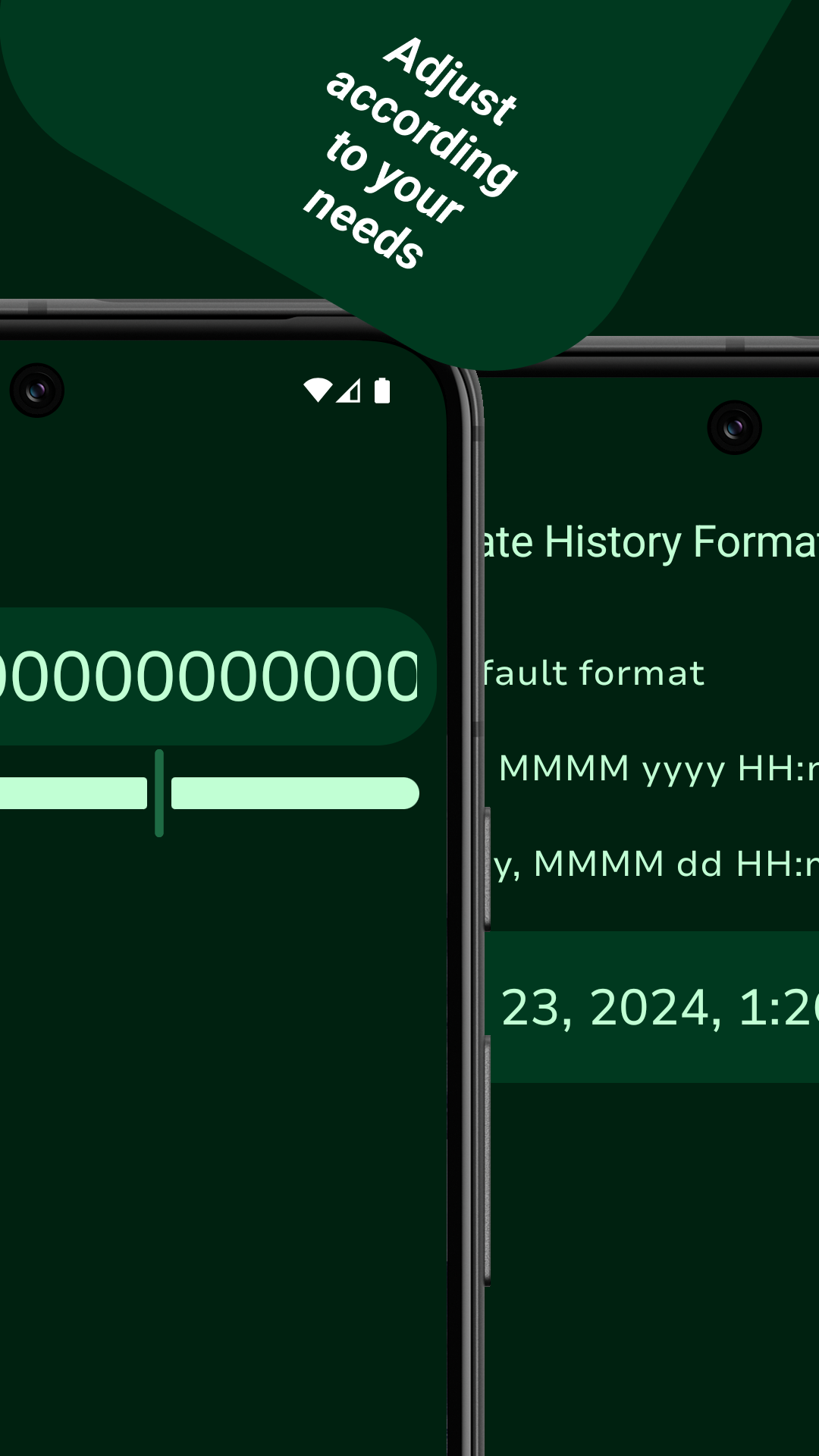
Calculator with basic and scientific calculation features, a unit converter and a programmer mode.
It's design is inspired by Google's Calculator and tries to address its flaws.
v2 of yetCalc comes with the following features:
- Redesigned Calculator with scientific mode in both Portrait and Landscape mode
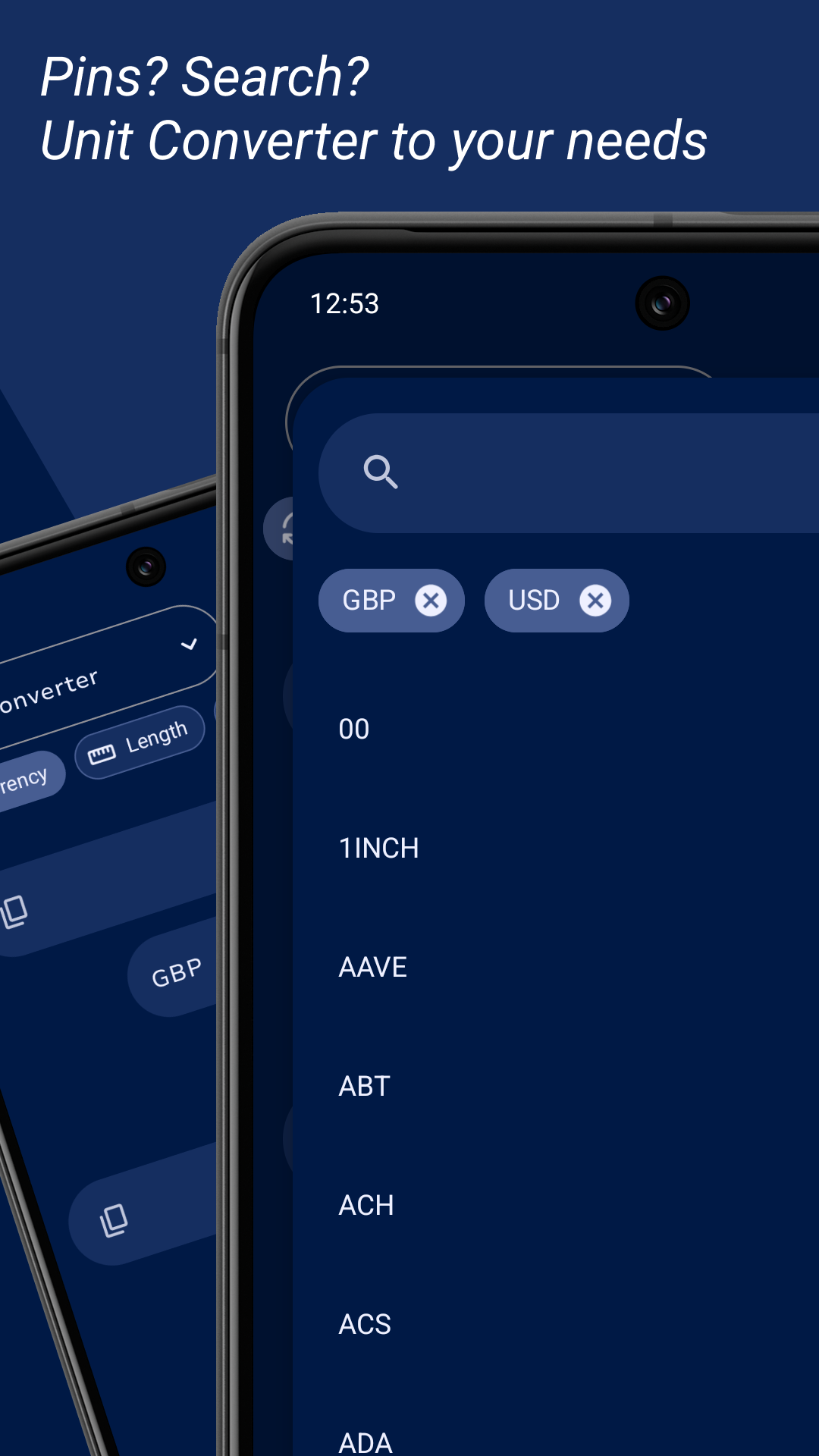
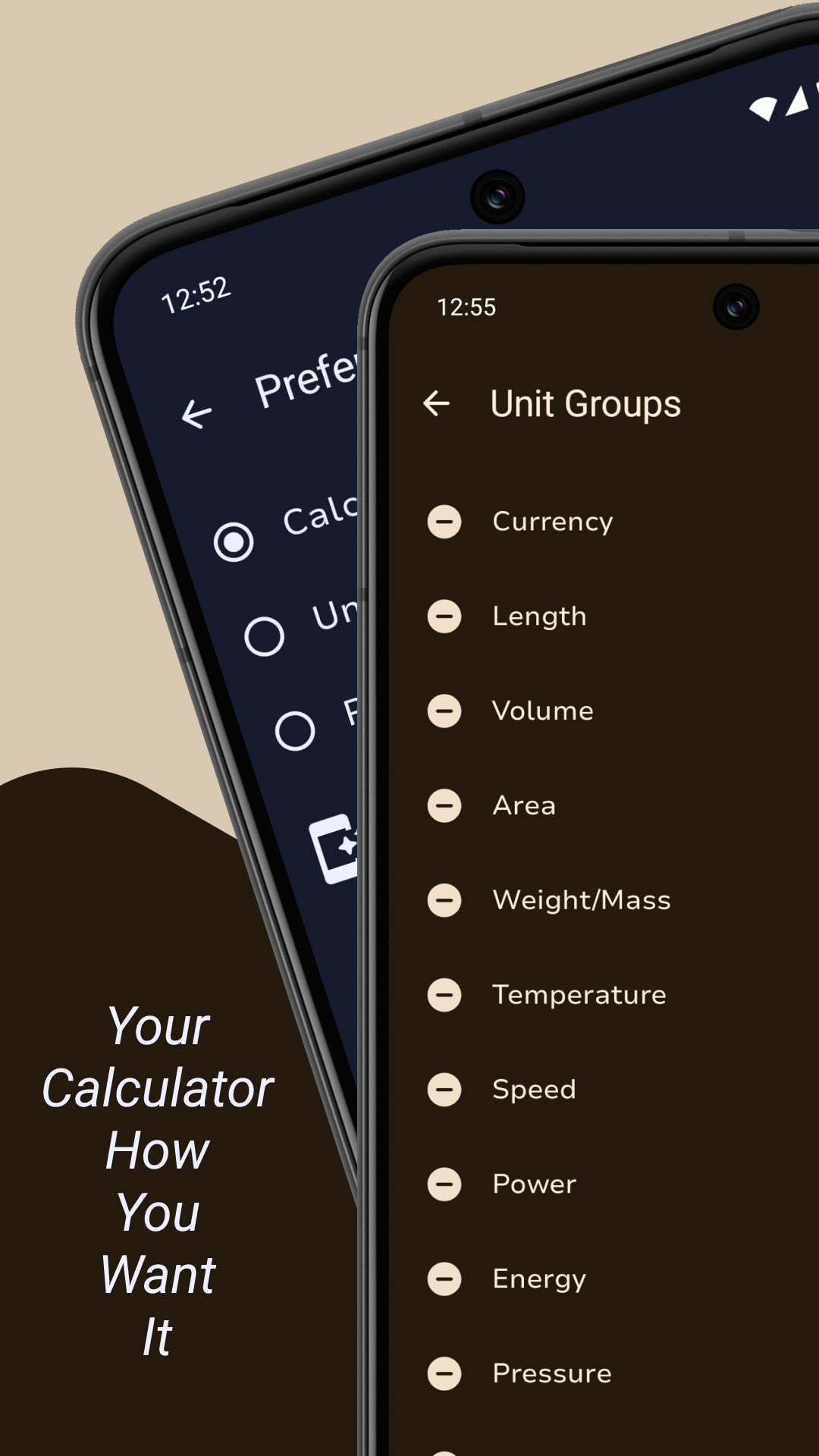
- Customizable Unit Converter with selectable unit groups, unit pins, search and much more...
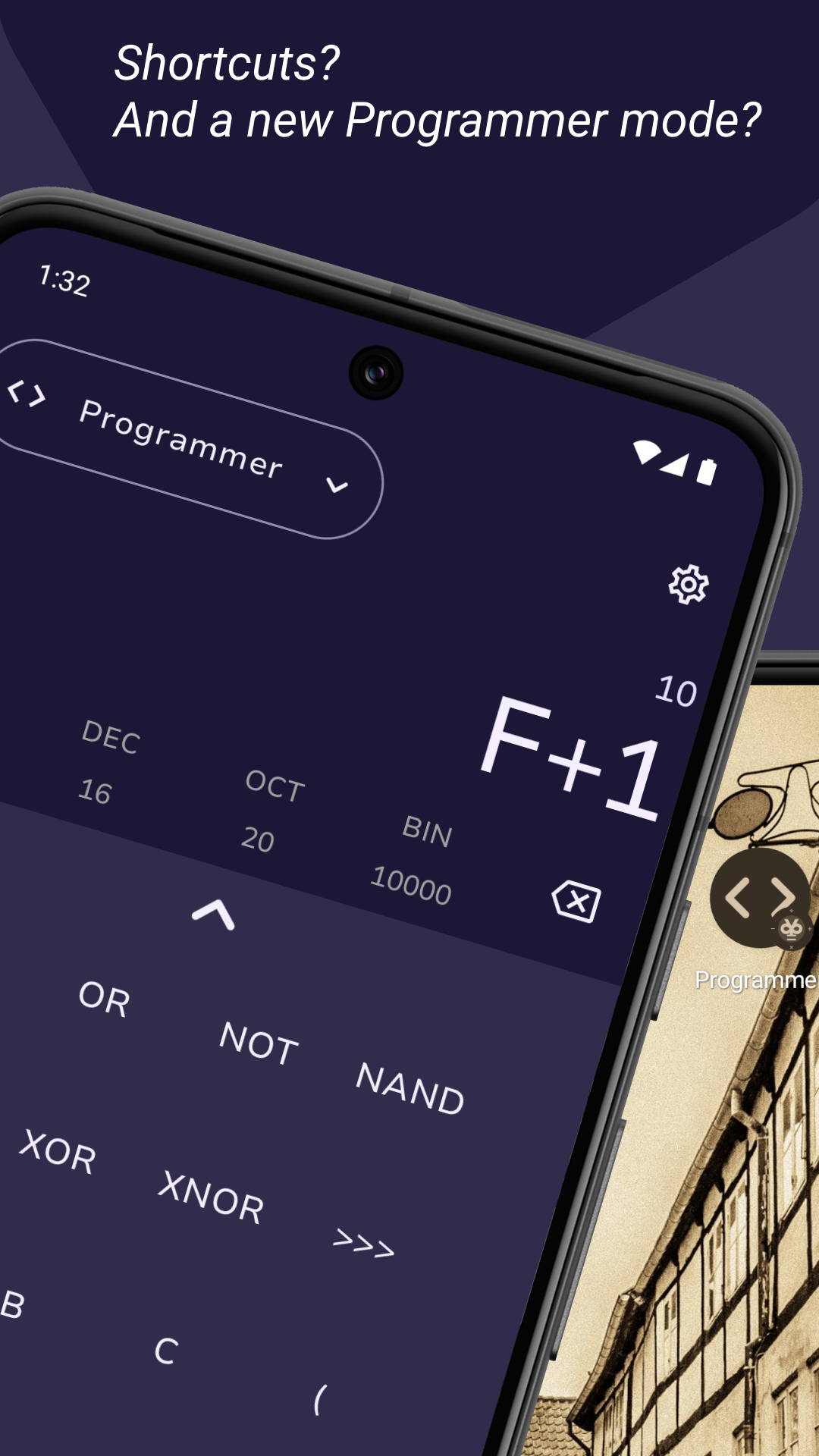
- Fully Redesigned Programmer mode with new operators and functions.
- Selectable starting mode.
- Shortcuts for home screen with themed icons support.
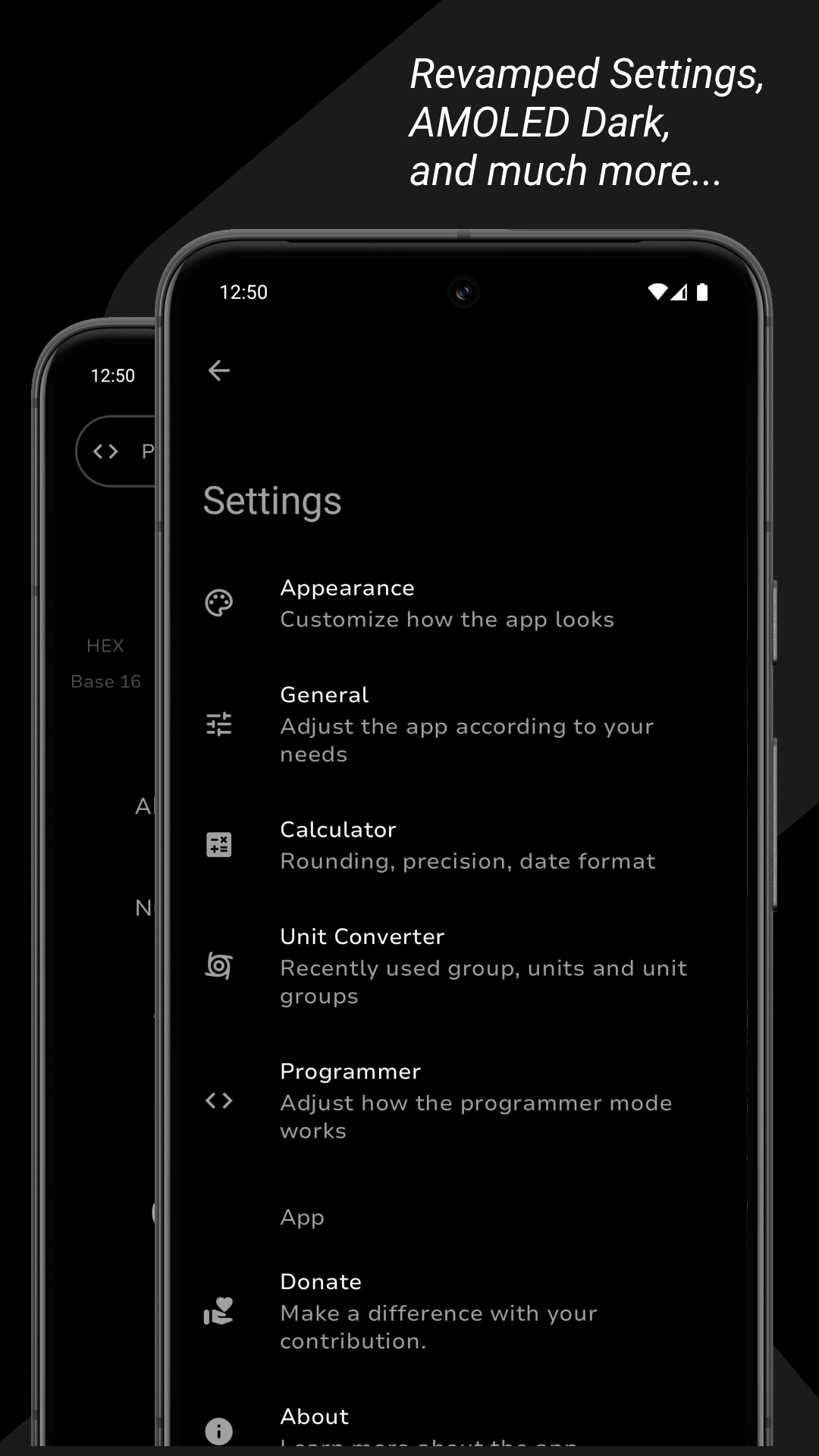
- New and Improved Settings providing endless customizability.
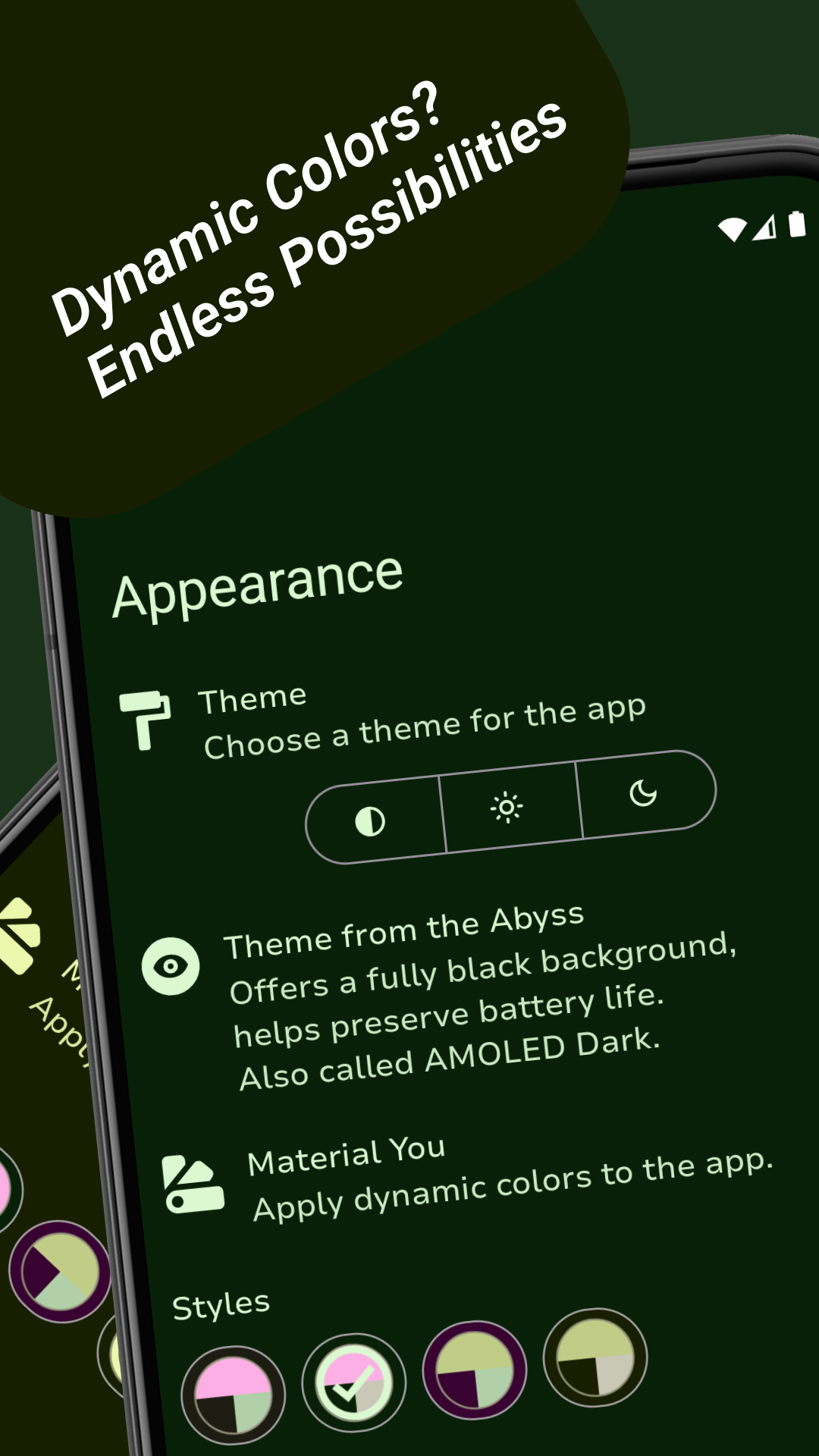
- New Abyss mode (AMOLED Dark) for those wanting to preserve battery life.
- Material You Support or Dynamic Colors, with 4 unique styles to serve your needs.
Features:
- Progressive Calculations
- Scientific Mode with trigonometric, hyperbolic and inverse functions, calculus and iterated operators, much more.
- Unit Converter
- Programmer Mode with number systems and logical operations.
NOTE: Internet connection is used for currency conversions and nothing else.
Screenshots
What’s new
Minor Fixes:
- Conversion issues for Pounds and Stones - Some translation issues
Support for Android 16
How to install
Download the APK from the button at the top of this page.
Allow “Install unknown apps” for your browser or file manager only, not for every app.
Open the downloaded file and confirm the installation.
If installation fails with “App not installed,” remove an earlier build of the same app first. A signature conflict is the usual cause.
Data safety
Every file is checked against its published SHA-256 before it is listed.
Files are scanned for malware on every update.
The permissions each app requests are listed on its own page.
Read the full safety policy for how we test, flag, and delist files.