
Quick answer
eXtended Permission Manager - a small app to manage permissions and AppOps
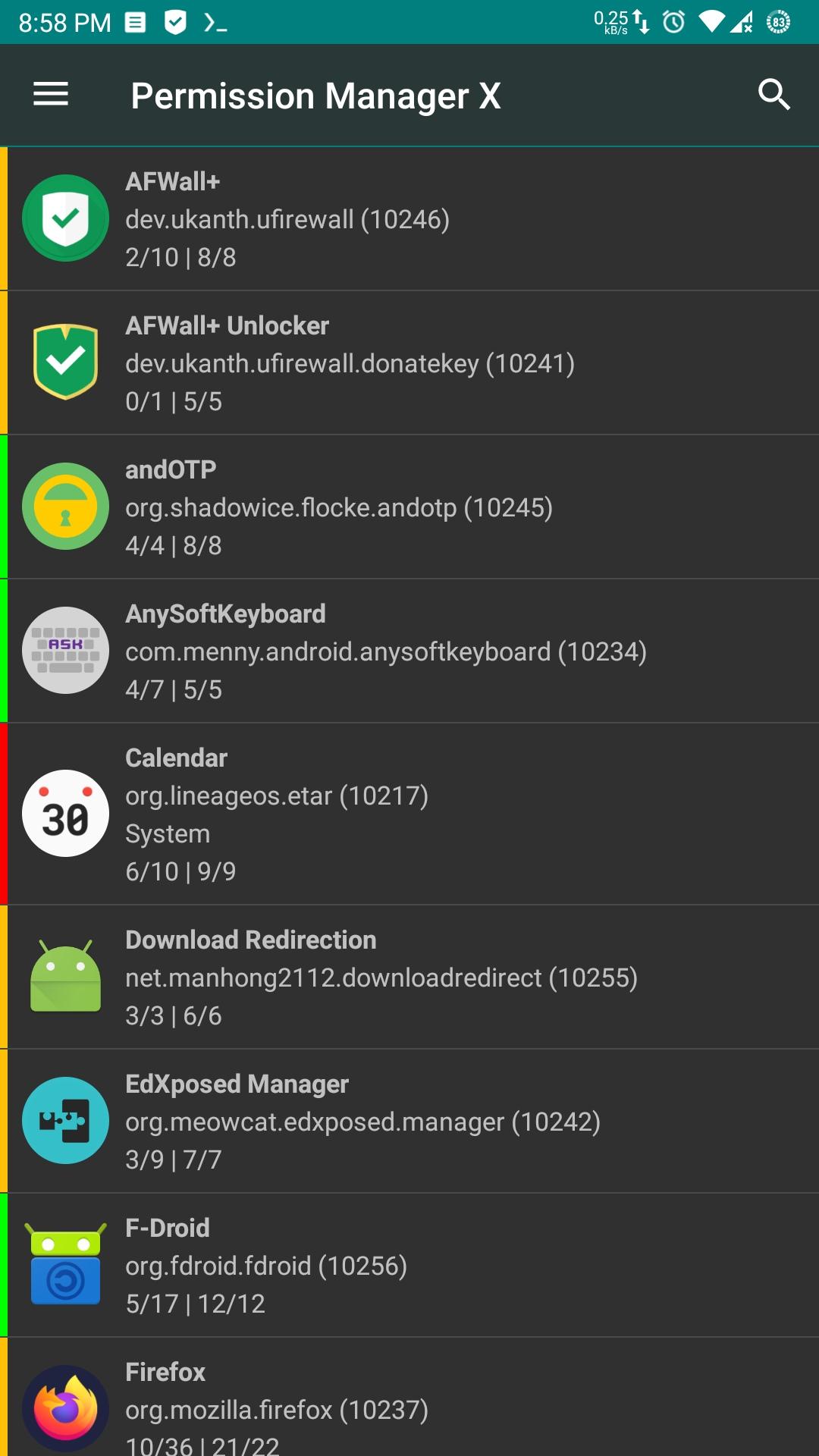
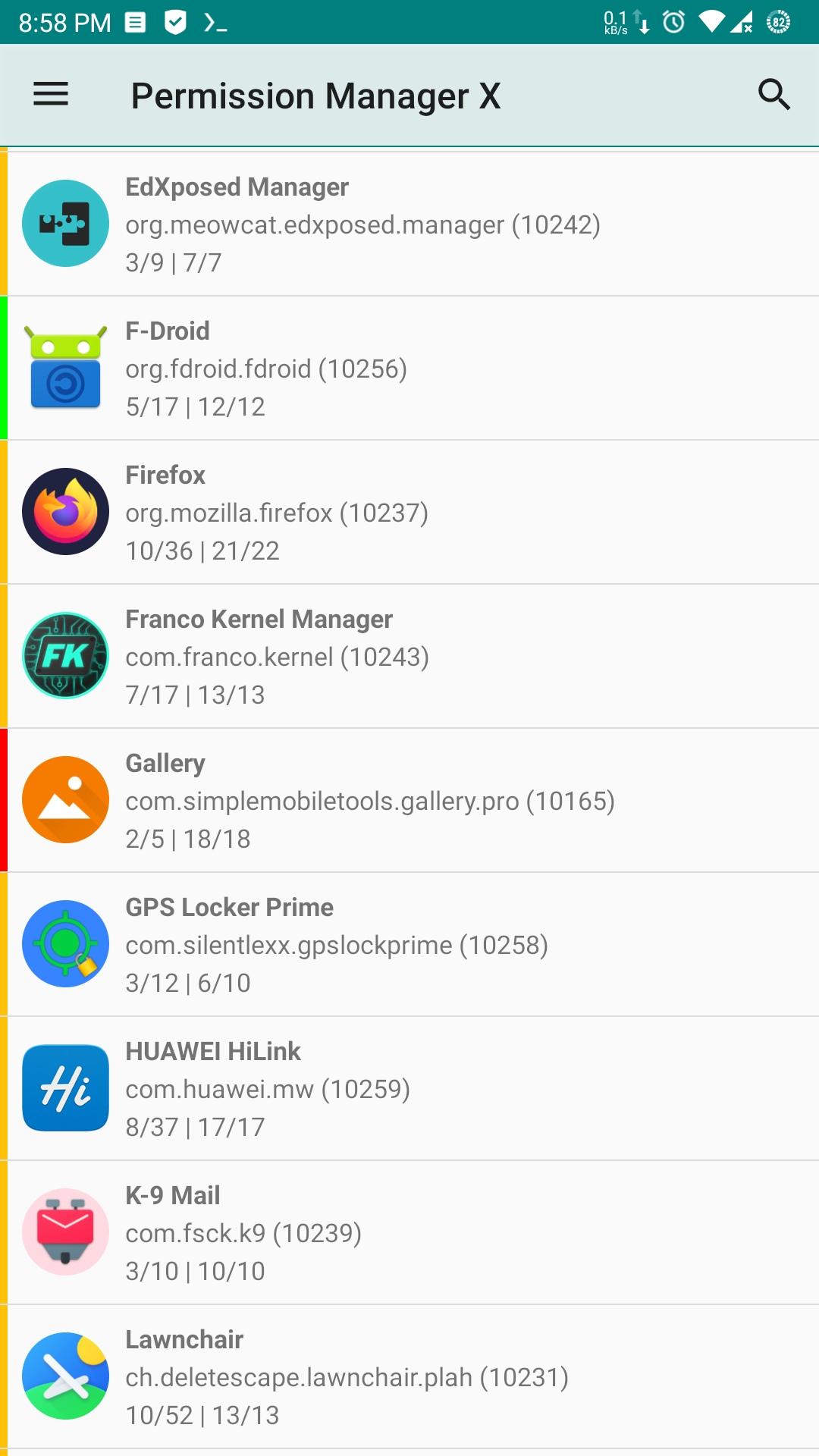
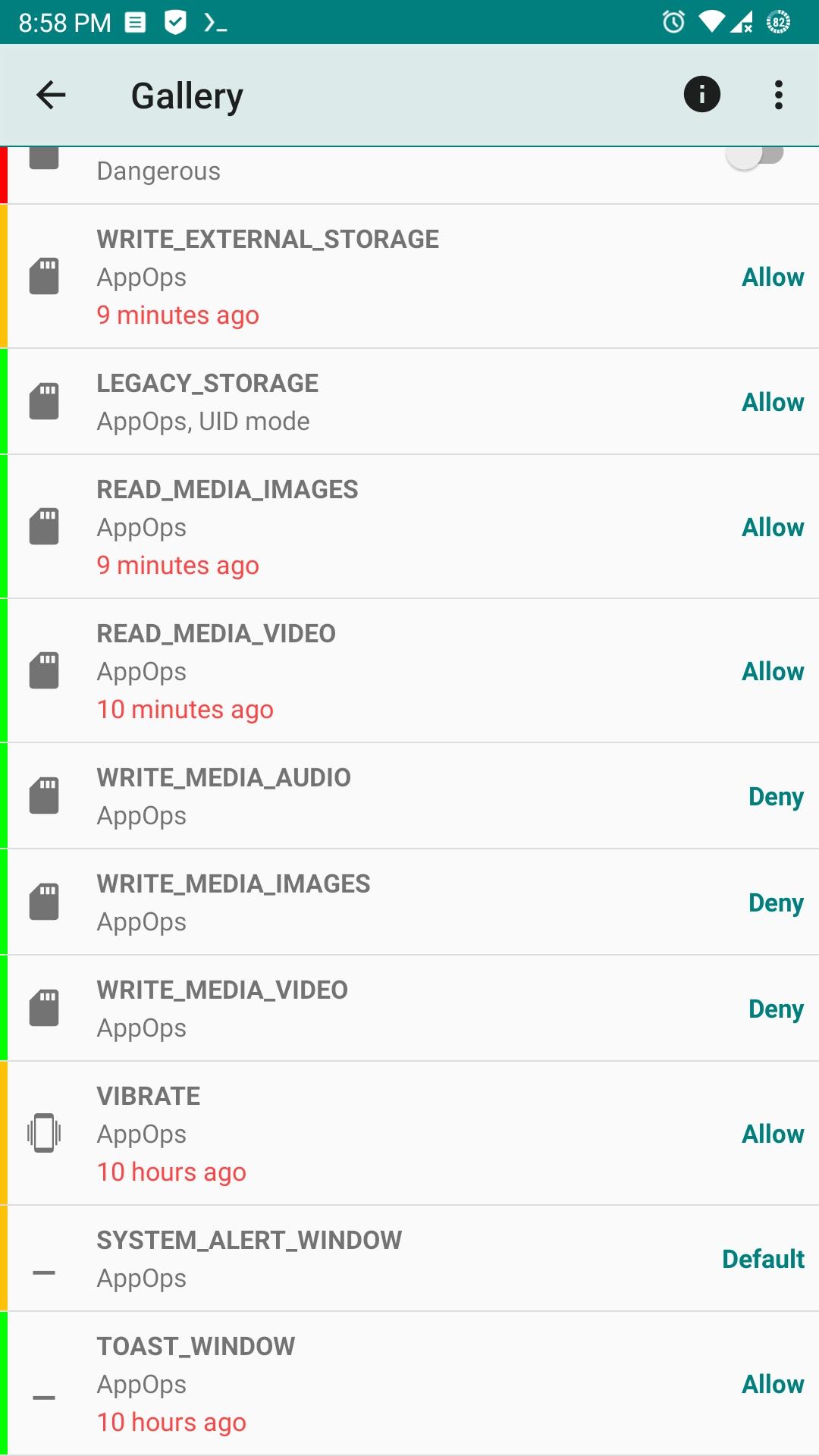
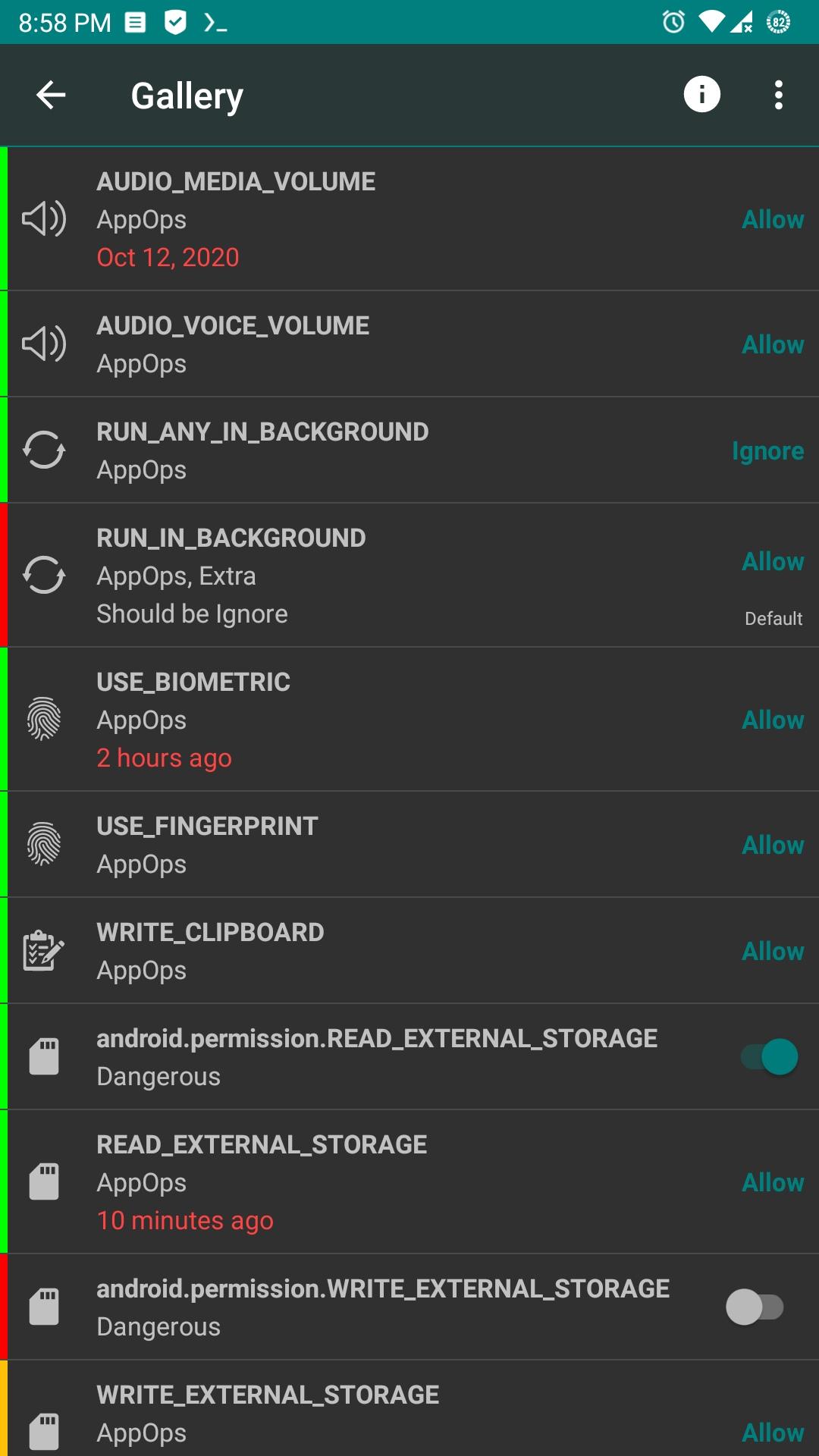
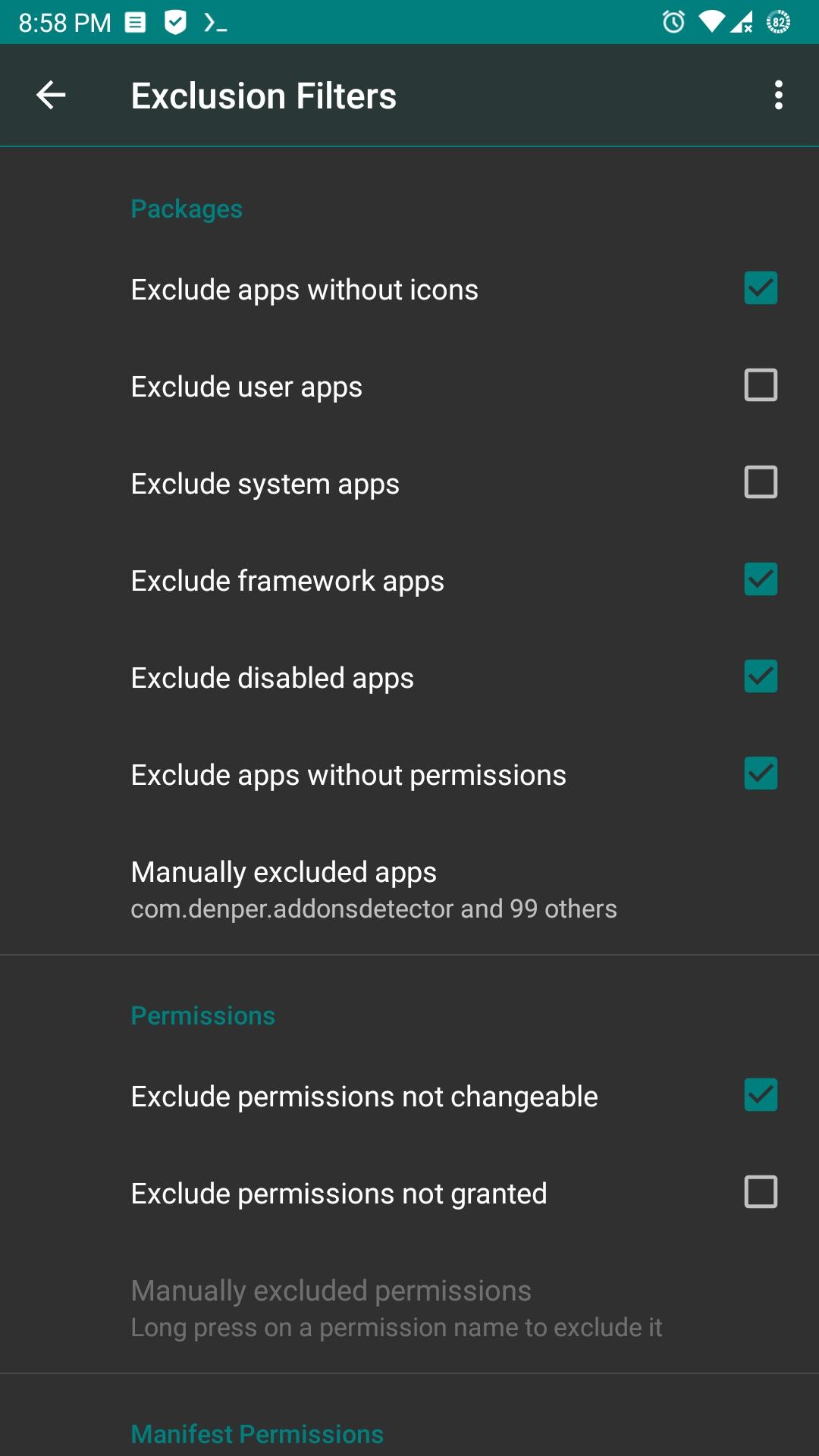
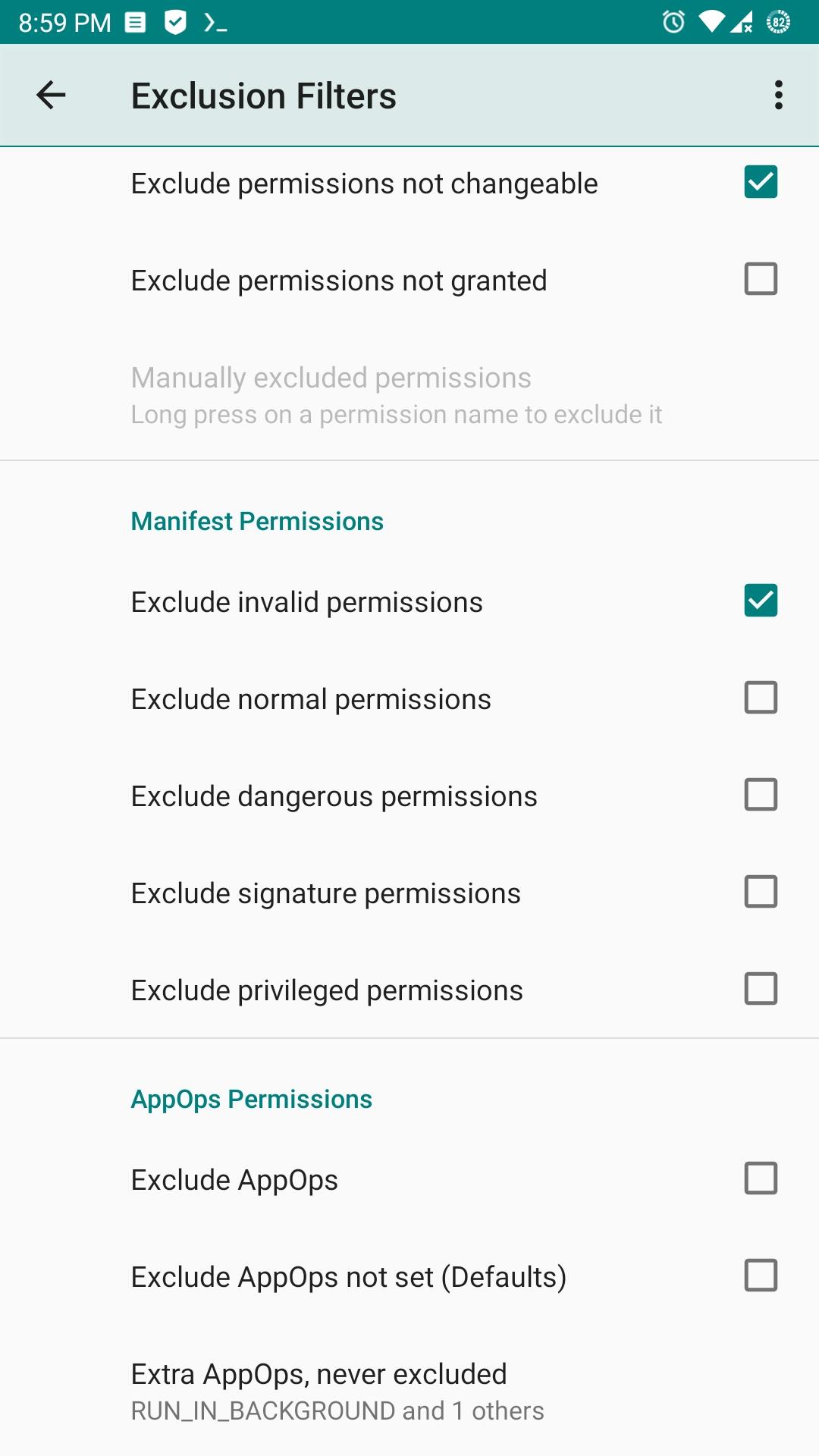
Using eXtended Permission Manager, for each installed app, on single screen, you can:
- View, grant or revoke manifest permissions
- View AppOps permissions and choose one of multiple modes
- Set your desired reference value for every changeable permission
Manifest permissions are those normally called permissions e.g. Storage, Camera etc. AppOps (app operations) is a robust framework Android uses at back end for access control. With every Android release manifest permissions are becoming more dependent on AppOps. So it's fun to control both simultaneously and see how they relate to each other.
In short, AppOps provide a fine-grained control over many of the manifest permissions. Plus it provides additional controls like background execution, vibration, clipboard access etc. Just install the app to explore it yourself.
When you reinstall an app, or change your device, or upgrade your ROM, it's a time-taking process to review all installed apps for granted permissions and revoke the unnecessary ones (after all privacy matters). PMX provides you the solution. Set reference states of permissions, which can be quickly backed up and restored, and colored bars at left make it quite easy to review packages and permissions at a glance.
Confused? We are here to explain. Please start with:
- What is PMX?
- Why do I need to use PMX?
- What are manifest permissions and AppOps?
- What are Permission References?
Paid version (available as Play Store and Pro flavors) offers extra features including Permission Watcher, Scheduled Checks, Permission View and Batch Operations / Profiles.
Beta builds are released in Telegram channel.
Guide: https://mirfatif.github.io/PermissionManagerX/help
Screenshots
How to install
- Download the APK from the button at the top of this page.
- Allow “Install unknown apps” for your browser or file manager only, not for every app.
- Open the downloaded file and confirm the installation.
- If installation fails with “App not installed,” remove an earlier build of the same app first. A signature conflict is the usual cause.
Data safety
- Every file is checked against its published SHA-256 before it is listed.
- Files are scanned for malware on every update.
- The permissions each app requests are listed on its own page.
- Read the full safety policy for how we test, flag, and delist files.
Frequently asked questions
What is Permission Manager X?
eXtended Permission Manager - a small app to manage permissions and AppOps
Who develops Permission Manager X?
Permission Manager X is developed by Irfan Latif.
Which Android version does Permission Manager X require?
Permission Manager X requires Android API 24 or later.
What is the current version of Permission Manager X?
The synchronized F-Droid version is v1.30-foss.
Which license does Permission Manager X use?
The signed F-Droid metadata lists AGPL-3.0-or-later.
Where is the source code for Permission Manager X?
https://github.com/mirfatif/PermissionManagerX
Comments
Recent approved comments · sorted by newest
View all comments