ShareDing icon

ShareDing

Denis Evsyukov
Tools
Version
0.3.0
Size
4.1 MB
Requires
Android API 29+
4.8 / 5 · 8,251 ratings 54,142 downloads

Updated Nov 1, 2026

Quick answer

Save shared links to linkding, even when your server is offline

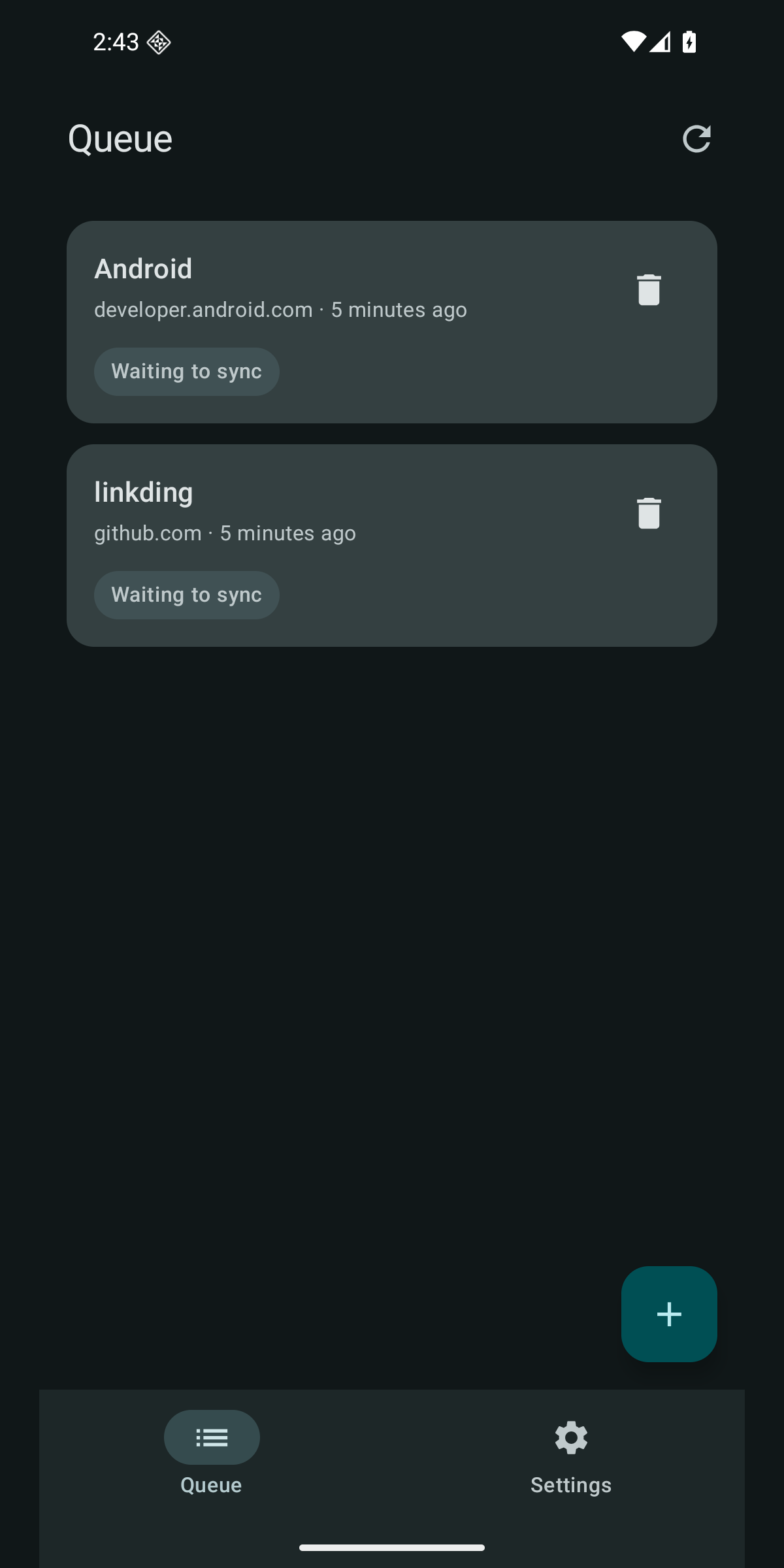
ShareDing sends links from Android's Share menu to your own linkding server. It stores each link in a local queue before sending, so you can keep browsing when the server is offline or available only through a LAN or VPN.

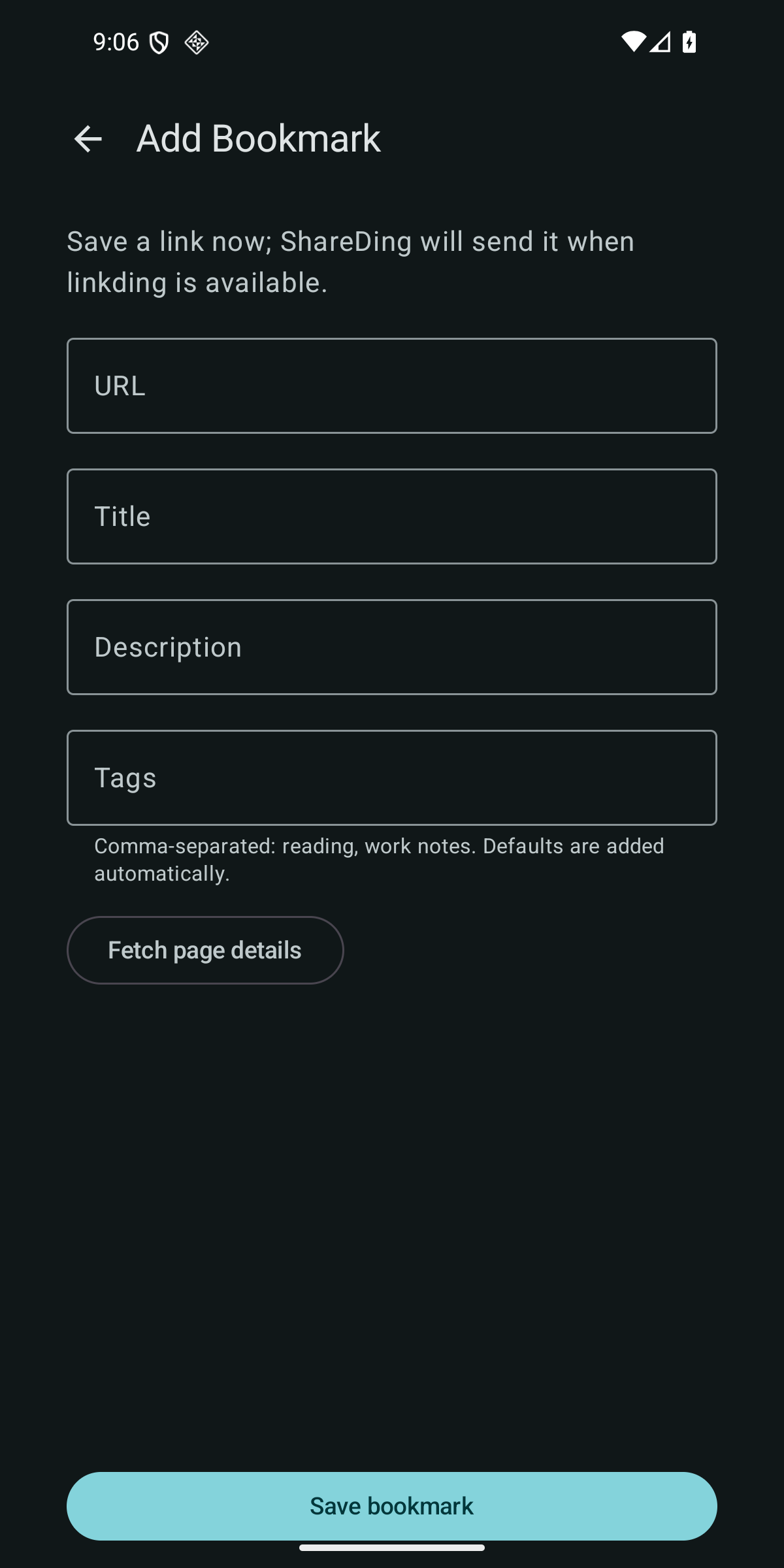
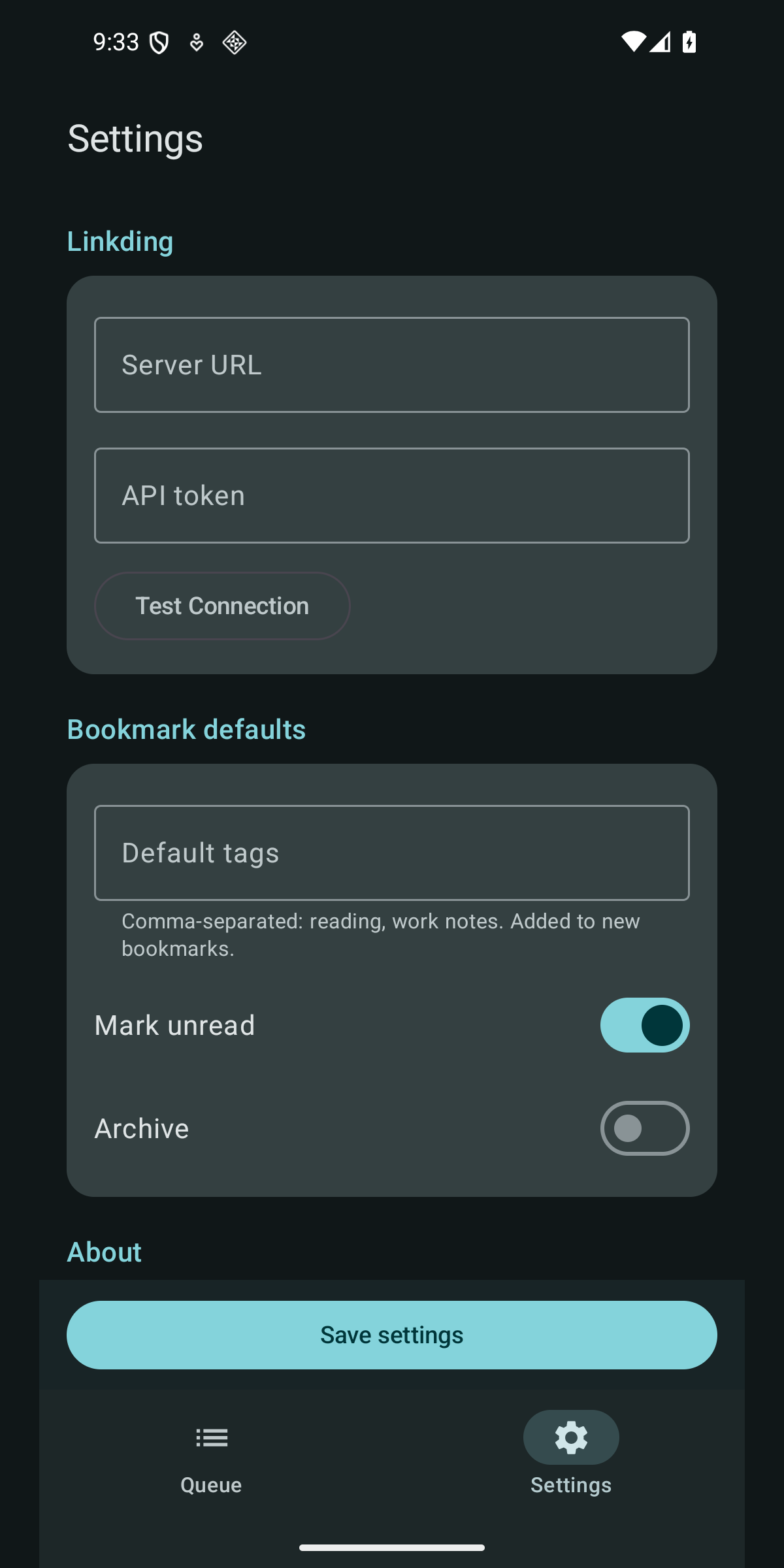
Features: * Share HTTP and HTTPS links without opening the main app screen. * Add a URL, title, description, and tags manually. * Keep pending bookmarks across app restarts and device reboots. * Retry in the background when a network becomes available or a server error occurs. * Review and retry queued bookmarks; remove entries with confirmation. * Set default tags and bookmark options, with tag suggestions from linkding.

Network connections: * ShareDing sends bookmarks to your linkding server. * When a queued link comes from a known URL shortener such as t.co, bit.ly, or vk.cc, background sync asks the shortener where the link leads and sends that address to linkding. * If you tap Fetch page details in the Add Bookmark form, ShareDing requests the bookmarked page from your device to read its title and description. The shortener and page requests do not include your linkding API token.

ShareDing requires Android 10 or newer and your own linkding server. Enter its HTTPS URL and API token in Settings. To reach a server through another route, use a VPN on your device.
Screenshots

ShareDing screenshot 1
ShareDing screenshot 2
ShareDing screenshot 3

What’s new

ShareDing now requires Android 10 and appears in the Direct Share row of the Share menu. With no server set up or a rejected API token, sync stops instead of retrying, and saving a link tells you why. Default tags and the unread and archive options are applied when a link is sent, so changes cover queued links too. Sync errors are easier to read, Settings reminds you to save a tested connection, and the notification permission is requested on first launch.

How to install

  1. Download the APK from the button at the top of this page.
  2. Allow “Install unknown apps” for your browser or file manager only, not for every app.
  3. Open the downloaded file and confirm the installation.
  4. If installation fails with “App not installed,” remove an earlier build of the same app first. A signature conflict is the usual cause.

Data safety

  • Every file is checked against its published SHA-256 before it is listed.
  • Files are scanned for malware on every update.
  • The permissions each app requests are listed on its own page.
  • Read the full safety policy for how we test, flag, and delist files.

Frequently asked questions

What is ShareDing?
Save shared links to linkding, even when your server is offline
Who develops ShareDing?
ShareDing is developed by Denis Evsyukov.
Which Android version does ShareDing require?
ShareDing requires Android API 29 or later.
What is the current version of ShareDing?
The synchronized F-Droid version is 0.3.0.
Which license does ShareDing use?
The signed F-Droid metadata lists MIT.
Where is the source code for ShareDing?
https://github.com/juev/shareding

Comments

Recent approved comments · sorted by newest

Verification code
Be specific and keep it about the app. No links. Comments are reviewed before publication. Device and Android details are recorded automatically. Privacy policy.

Loading recent comments...

View all comments