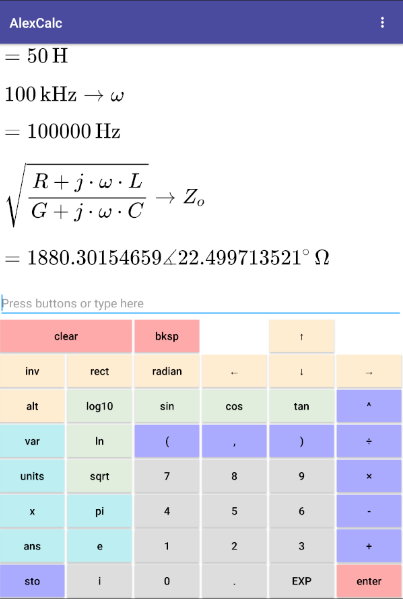
Scientific calculator with LaTeX equation display, buttons and plaintext input
AlexCalc is a scientific calculator with some neat features (note: also available as a web app at https://alexbarry.github.io/AlexCalc/ ):
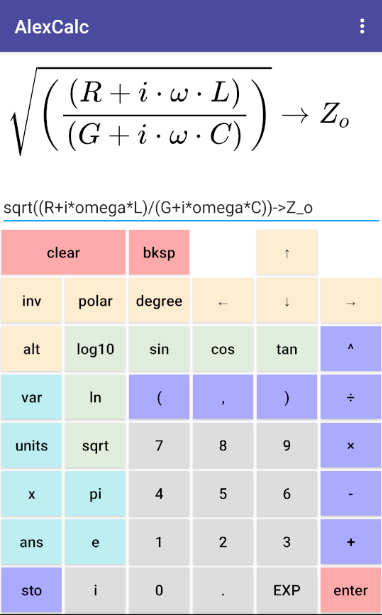
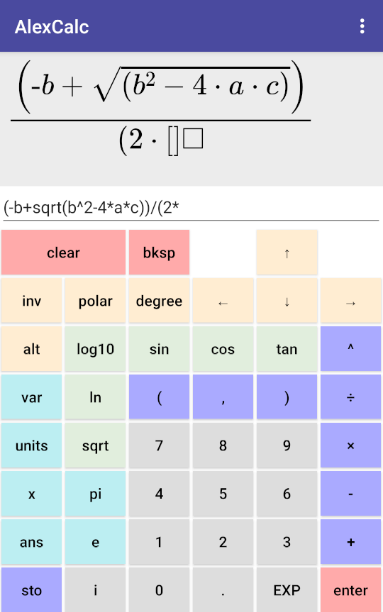
nicely formatted (LaTeX) equation display. This avoids the need to count brackets to make sure the equation was entered correctly. Also includes LaTeX code generation.
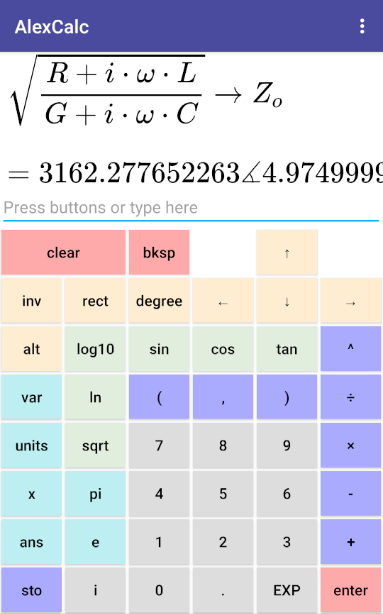
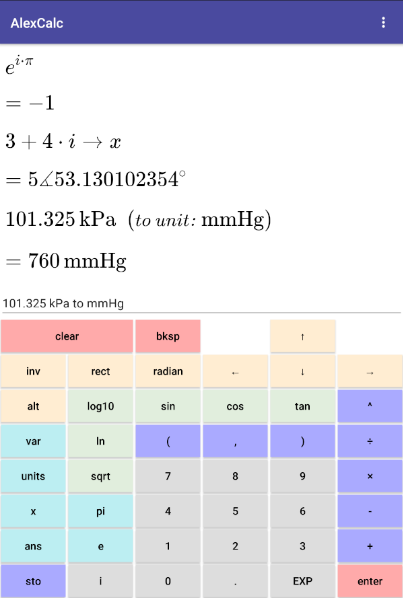
complex number support, in rectangular or polar form (e.g. `3 + 4i` or `1 angle 90`)
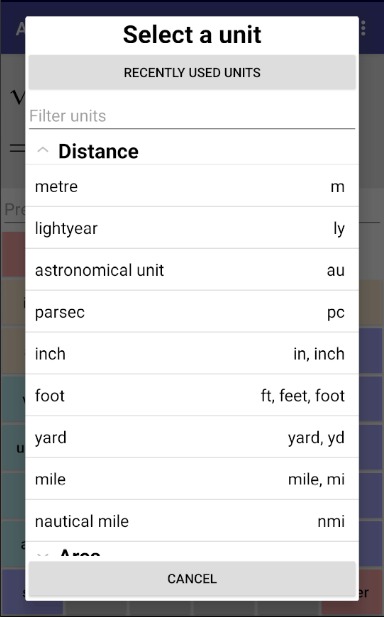
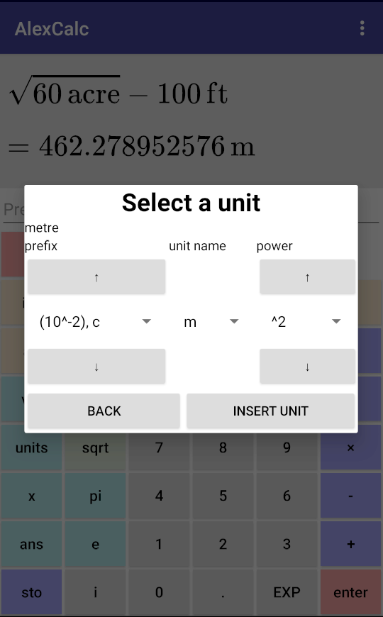
units in equations, and conversion (e.g. `1 inch * 3 ft to cm^2` or `sqrt(60 acre) - 100 ft`)
can enter input by button presses, typing, or copy/pasting. Button presses are all converted to plaintext input for easy copy/pasting.
equation display is simplified upon pressing enter. This means that when entering an equation, it is usually possible to look only at the LaTeX display and not the plaintext input: but when pressing enter, it will look nice. Redundant brackets are removed, including those that are needed for plaintext input (e.g. `(a + b)/(c + d)` can become "a + b" on the numerator and "c + d" on the denominator without brackets).
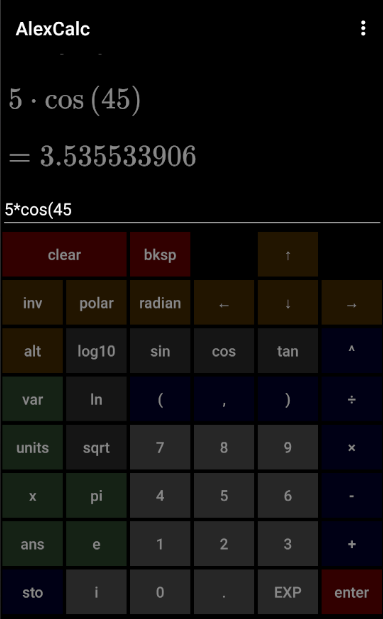
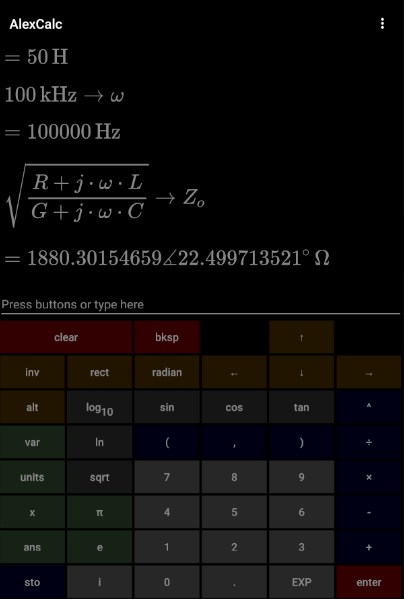
light/dark themes
previous input history can be accessed and edited by pressing "up" or "down" buttons.
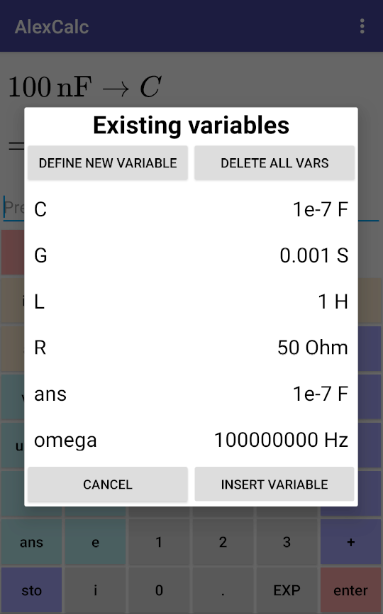
previous inputs/vars/recently used units preserved when the app is closed
standard scientific calculator features, such as:
trigonometric functions: sin, cos, tan, arcsin, arccos, arctan
base 10 and natural logarithmic functions: log (base 10), ln (base e)
`e`, `pi` constants, and square root function
scientific notation input (e.g. `1.23E6` is 1.23 times 10^6)
Screenshots
What’s new
Fix padding between variable names and values in "vars" popup. Fix "dated yet pricey" theme output display background to retro LCD colour. Add some settings to increase output display size on small screens: - option to increase the size of the output display, and - option to hide most or all buttons, instead relying mostly on the on-screen keyboard for text input. Add some debug settings for unreadable text or missing LaTeX in output display.
How to install
Download the APK from the button at the top of this page.
Allow “Install unknown apps” for your browser or file manager only, not for every app.
Open the downloaded file and confirm the installation.
If installation fails with “App not installed,” remove an earlier build of the same app first. A signature conflict is the usual cause.
Data safety
Every file is checked against its published SHA-256 before it is listed.
Files are scanned for malware on every update.
The permissions each app requests are listed on its own page.
Read the full safety policy for how we test, flag, and delist files.
Frequently asked questions
What is AlexCalc?
Scientific calculator with LaTeX equation display, buttons and plaintext input