Sterna Mail icon

Sterna Mail

emon
Internet
Version
1.6.0
Size
6.6 MB
Requires
Android API 26+
4.5 / 5 · 3,309 ratings 21,239 downloads

Updated Oct 5, 2026

Quick answer

Private email client for JMAP and IMAP/SMTP. No Google services, no tracking.

Sterna Mail is a free, private email client for Android. It is built for JMAP, the modern successor to IMAP, and works just as well with any IMAP/SMTP provider.

No tracking, no ads, no Google services. The code is GPLv3, and F-Droid checks that the app it ships is byte for byte the one built from the published source.

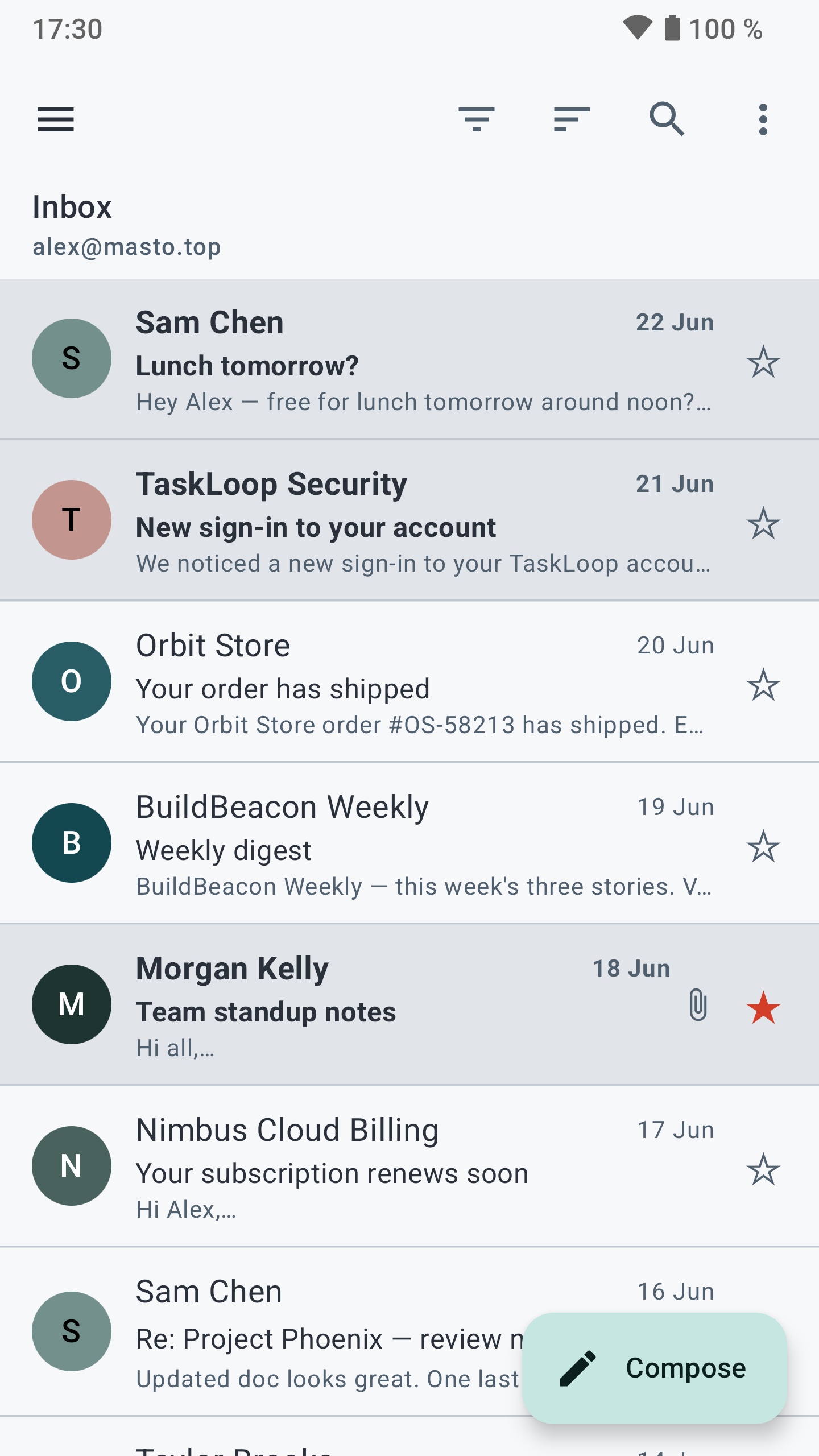
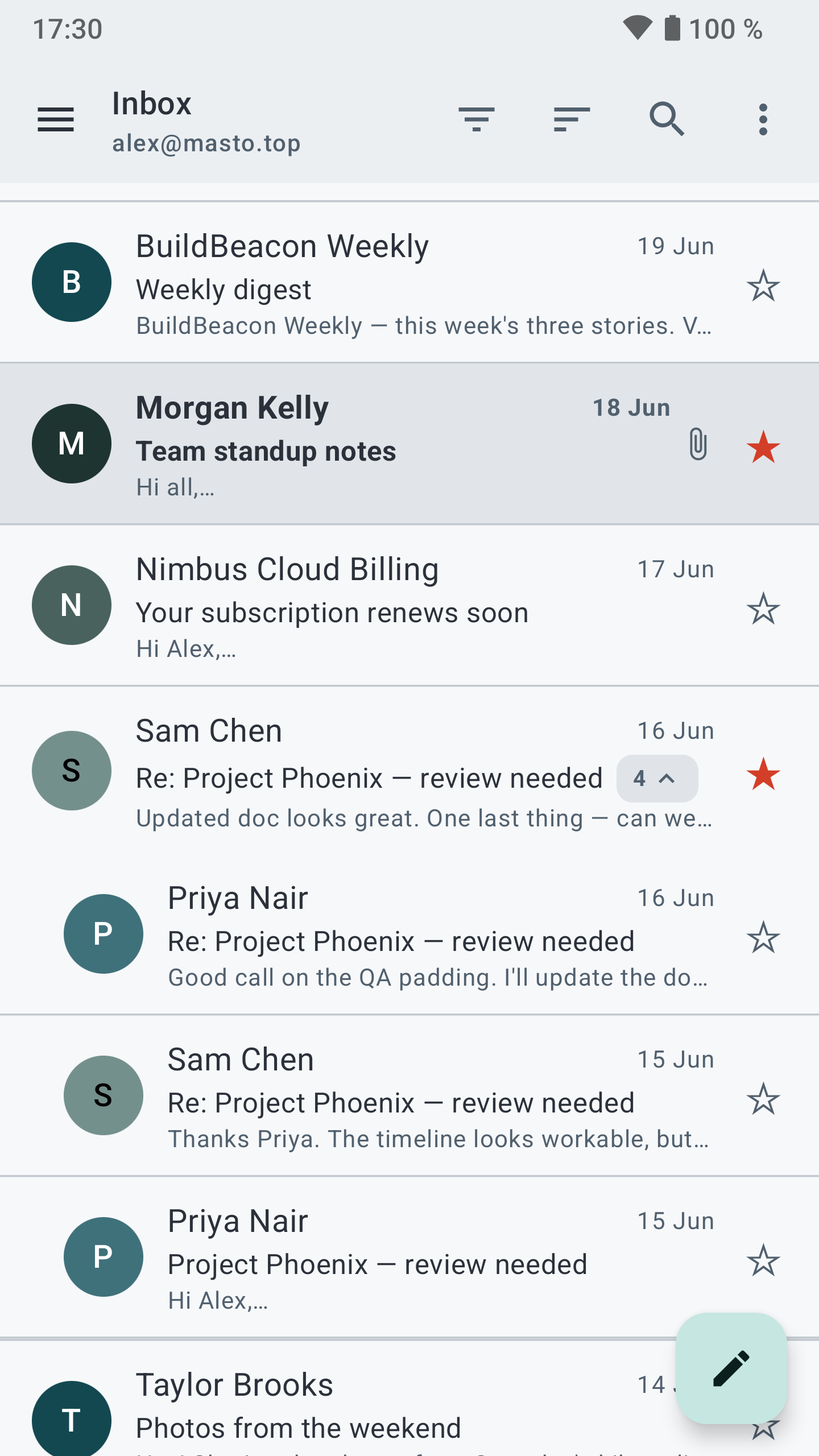
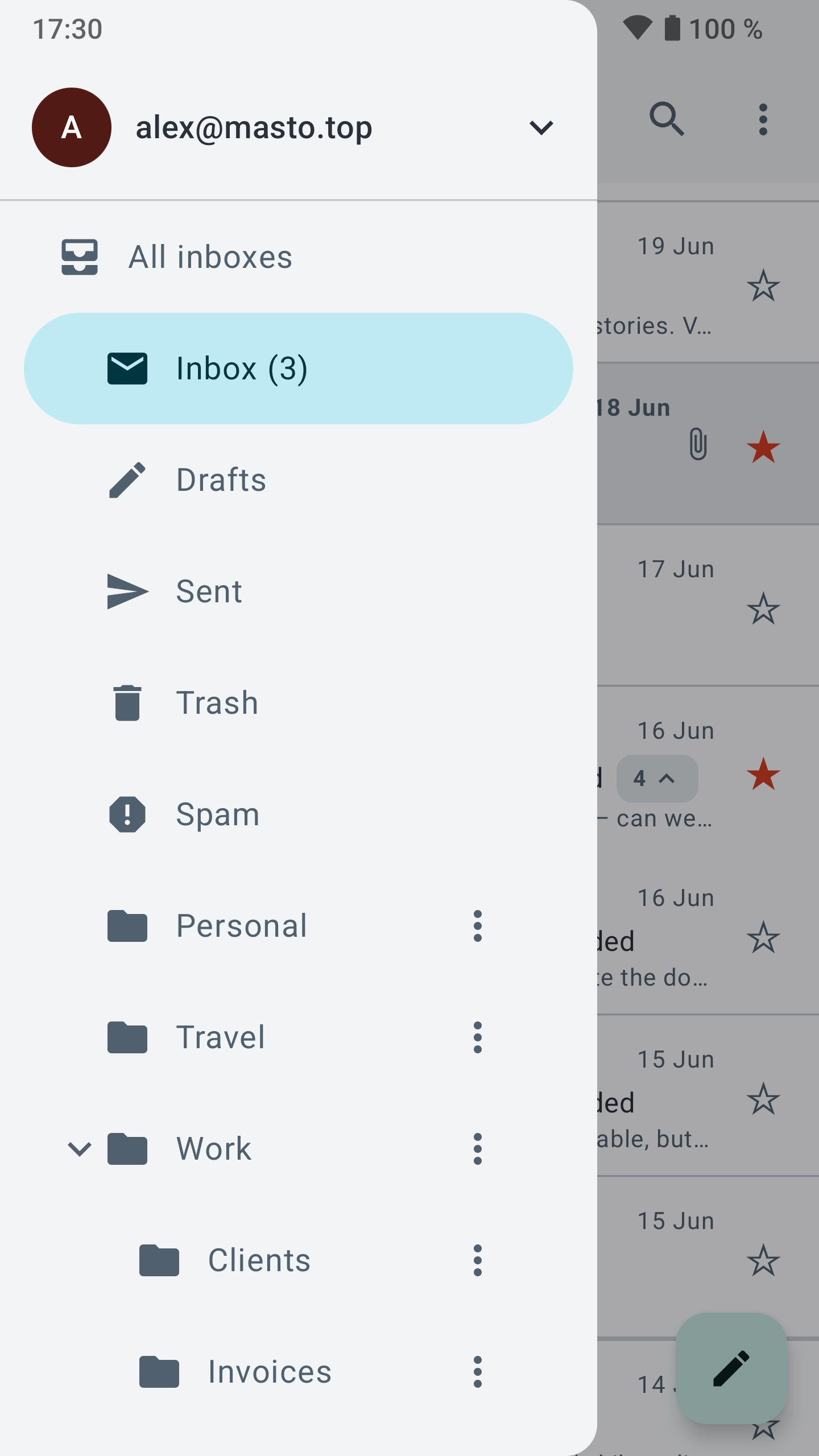
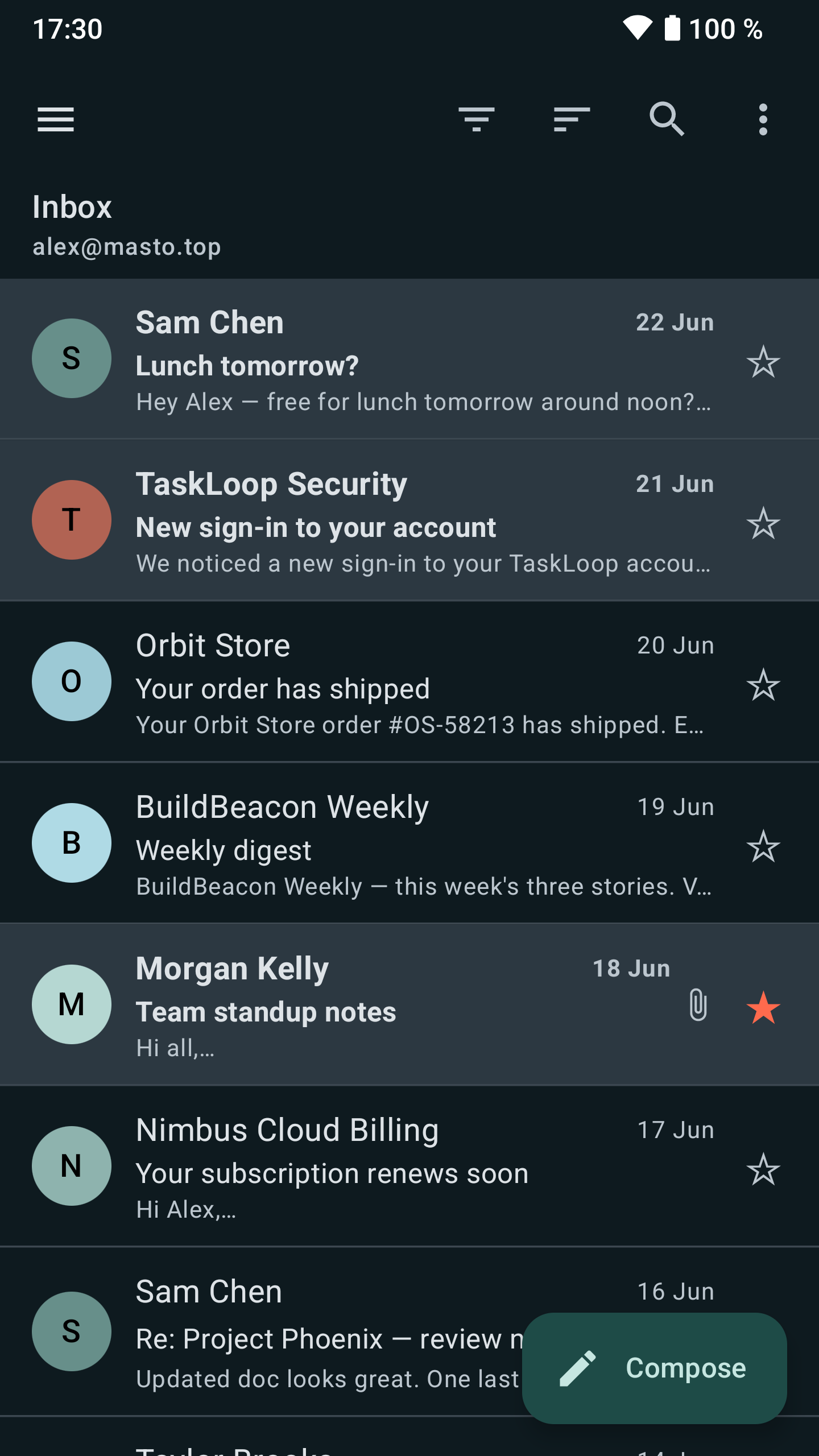
Reading: * Several accounts, JMAP and IMAP side by side, with a unified inbox that works offline * Conversations, search as you type and snooze

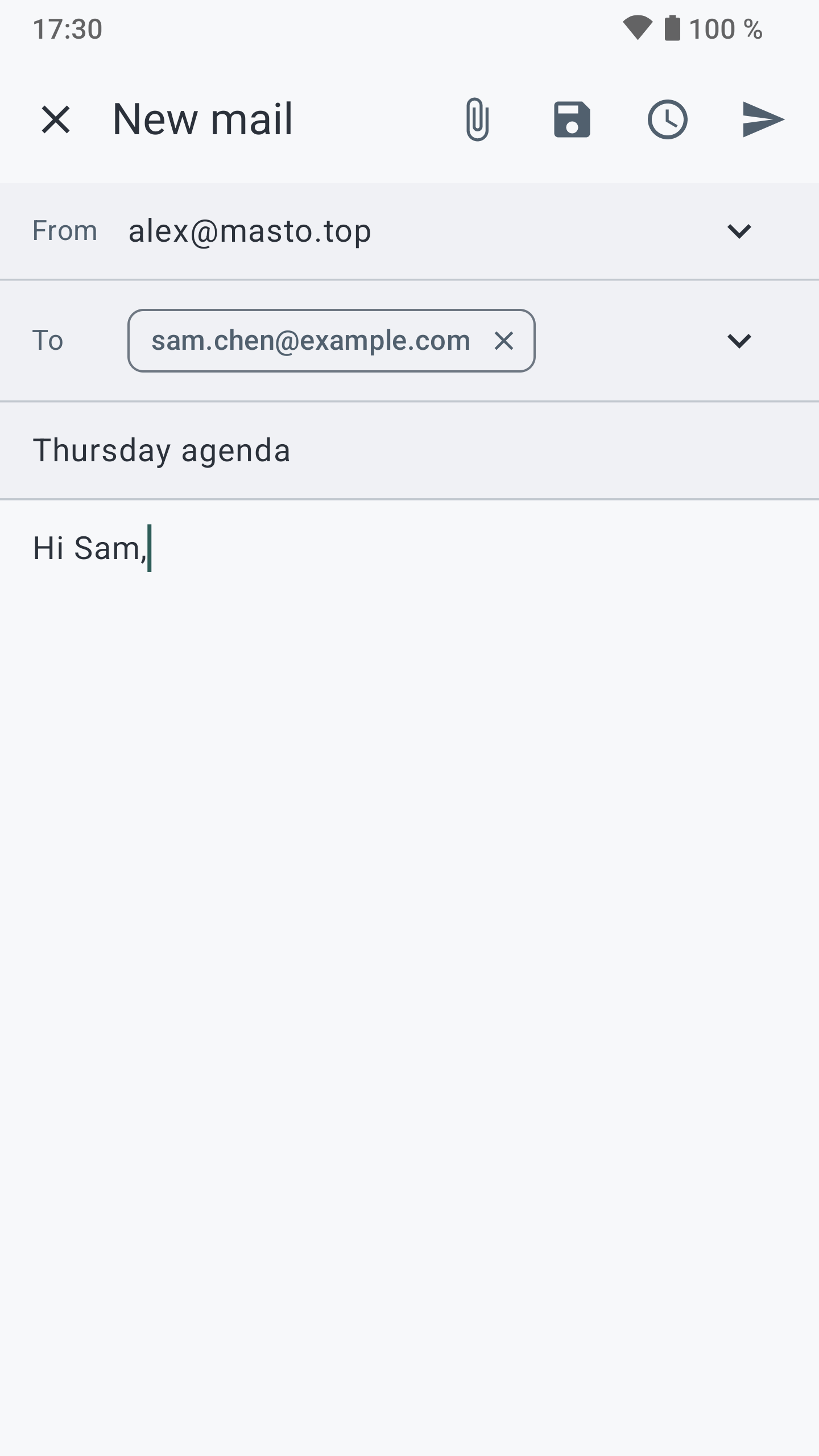
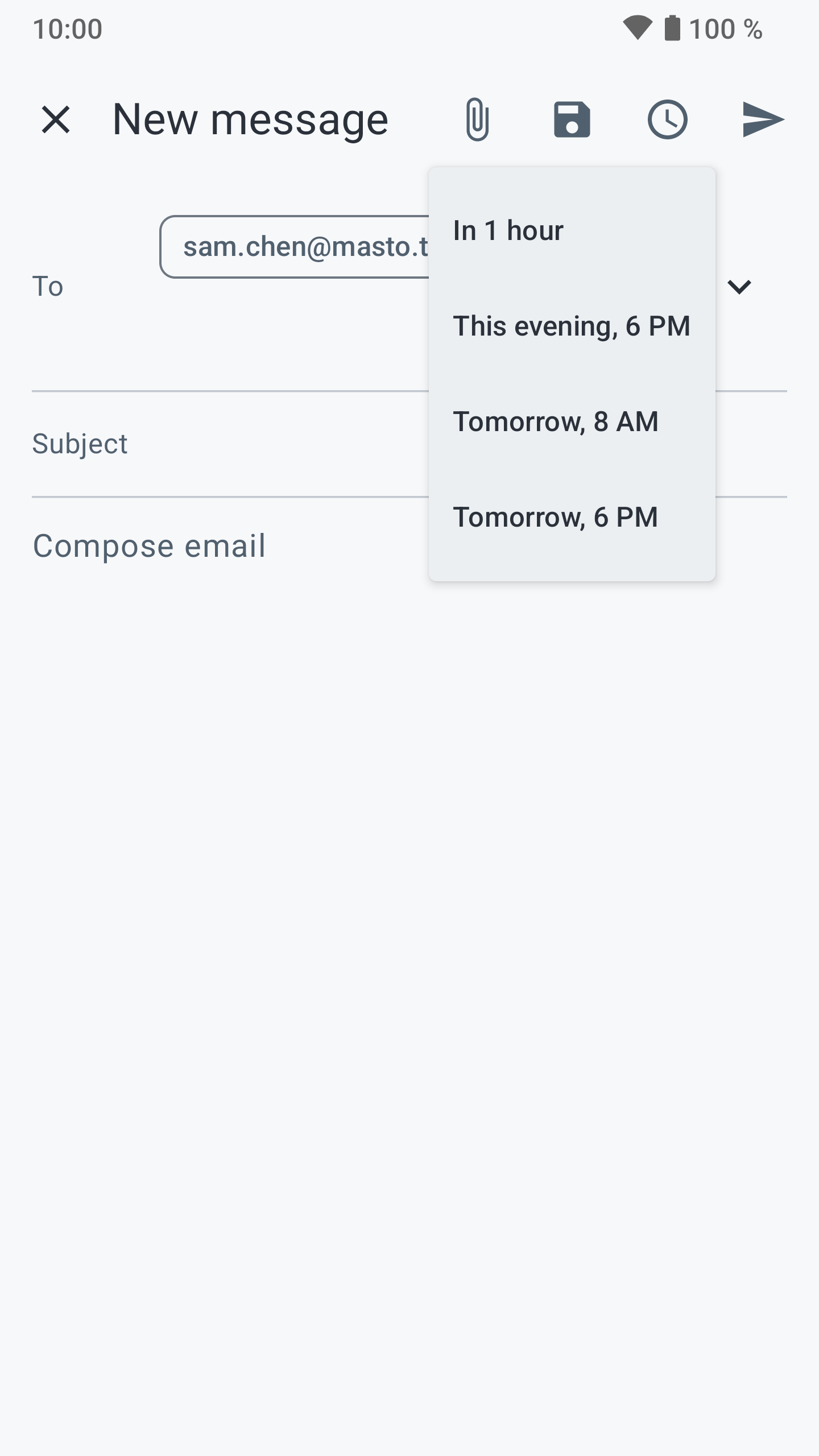
Writing: * Several identities, each with its own signature * Undo send and scheduled send

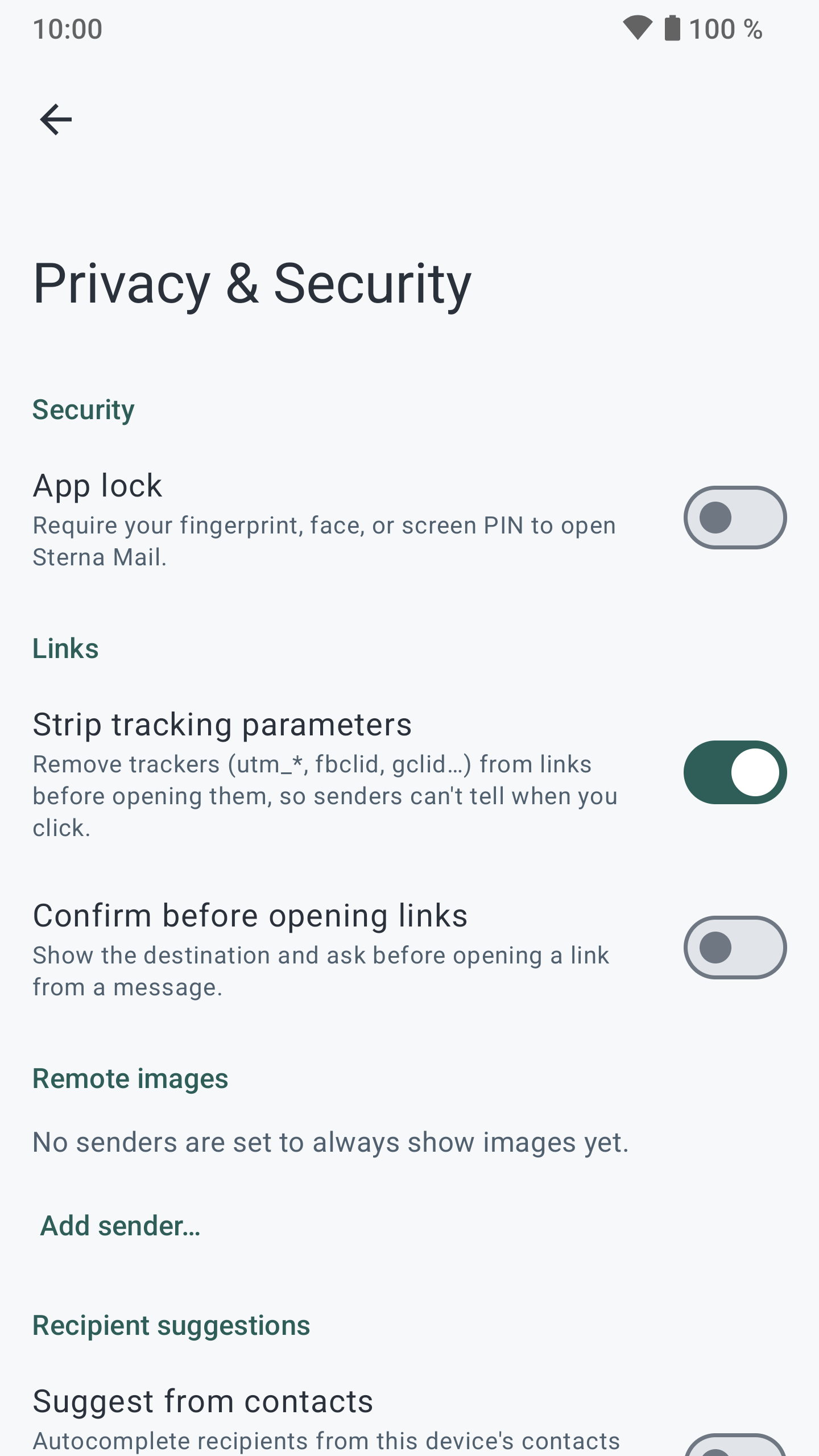
Privacy and security: * OpenPGP encryption through an app such as OpenKeychain * Remote images and tracking pixels blocked by default, app lock with fingerprint or PIN

Setup and notifications: * Setup from your email address alone, or a manual form when the domain publishes nothing * Push notifications without Google, over JMAP, IMAP IDLE or UnifiedPush * Available in ten languages

Screenshots

Sterna Mail screenshot 1
Sterna Mail screenshot 2
Sterna Mail screenshot 3
Sterna Mail screenshot 4
Sterna Mail screenshot 5
Sterna Mail screenshot 6
Sterna Mail screenshot 7
Sterna Mail screenshot 8

What’s new

Search now lives in the list's search bar, with filter chips, a Filters sheet and recent searches.

Filter rules can take several conditions and actions, and any Sieve script on the account can be opened.

Signed S/MIME messages are checked and show a seal.

Snooze to a day and time you pick, save all attachments into a folder, and see a small preview of attached images.

IMAP accounts can send with a separate SMTP login.

Settings can be searched.

How to install

  1. Download the APK from the button at the top of this page.
  2. Allow “Install unknown apps” for your browser or file manager only, not for every app.
  3. Open the downloaded file and confirm the installation.
  4. If installation fails with “App not installed,” remove an earlier build of the same app first. A signature conflict is the usual cause.

Data safety

  • Every file is checked against its published SHA-256 before it is listed.
  • Files are scanned for malware on every update.
  • The permissions each app requests are listed on its own page.
  • Read the full safety policy for how we test, flag, and delist files.

Frequently asked questions

What is Sterna Mail?
Private email client for JMAP and IMAP/SMTP. No Google services, no tracking.
Who develops Sterna Mail?
Sterna Mail is developed by emon.
Which Android version does Sterna Mail require?
Sterna Mail requires Android API 26 or later.
What is the current version of Sterna Mail?
The synchronized F-Droid version is 1.6.0.
Which license does Sterna Mail use?
The signed F-Droid metadata lists GPL-3.0-or-later.
Where is the source code for Sterna Mail?
https://codeberg.org/emon/sterna-mail

Comments

Recent approved comments · sorted by newest

Verification code
Be specific and keep it about the app. No links. Comments are reviewed before publication. Device and Android details are recorded automatically. Privacy policy.

Loading recent comments...

View all comments