Open map links in other map apps and copy coordinates
F-Droid repository metadata
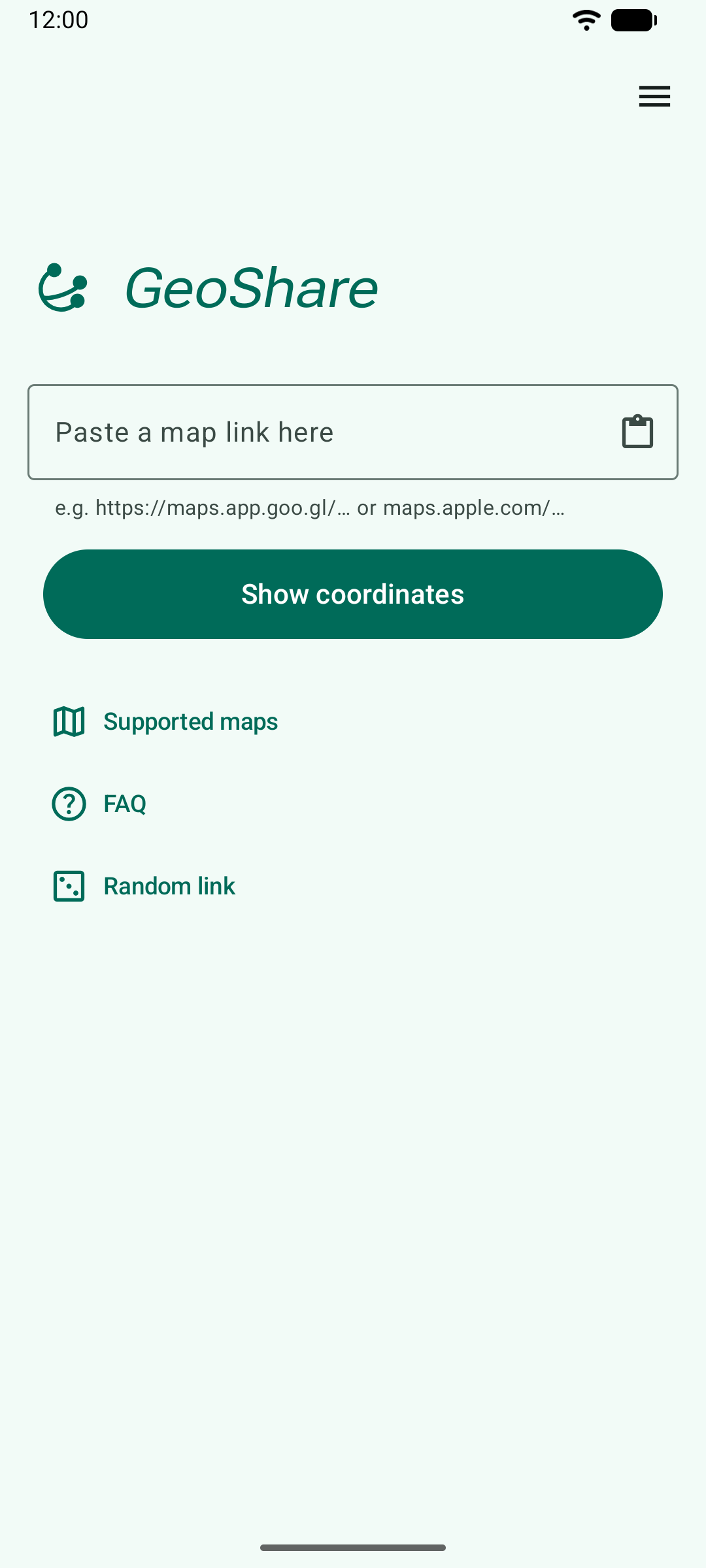
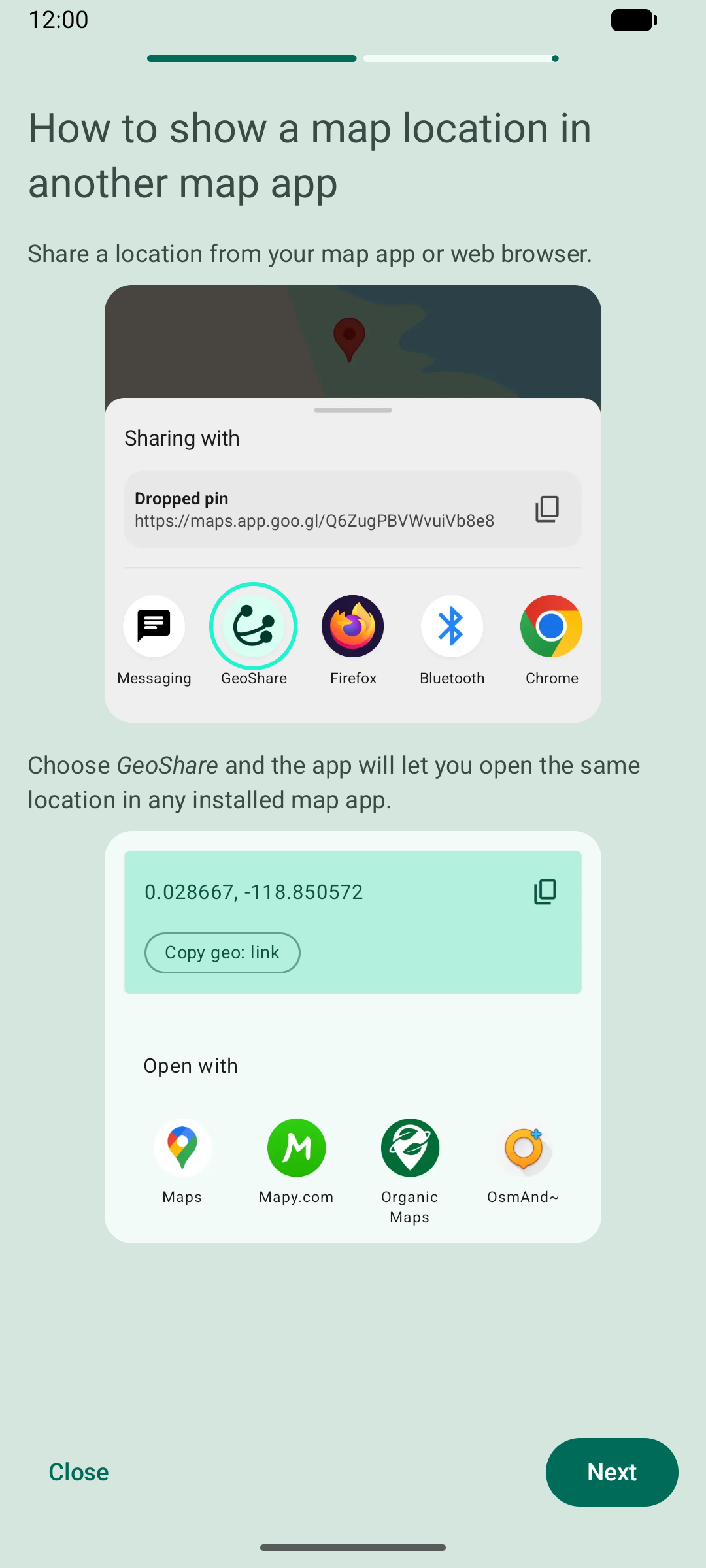
Share a map link with GeoShare and the app will open it in another installed map app.
Supported map links
- Google Maps
- Apple Maps
- 2GIS
- Amap (AutoNavi)
- Baidu Map (beta)
- Cartes IGN
- CoMaps
- HERE WeGo
- Magic Earth
- Maps.me
- Mapy.com
- OpenStreetMap
- Organic Maps
- OsmAnd
- Plus Codes (global only)
- Urbi
- Waze
- Yandex Maps
- coordinates
Example use cases
When someone sends you a Google Maps link, but you prefer using OpenStreetMap, you can quickly open the same location in OsmAnd or Organic Maps.
When you like Google Maps for finding places, but you prefer a different app for navigation, you can easily switch from Google Maps to your favorite navigation app.
Other features
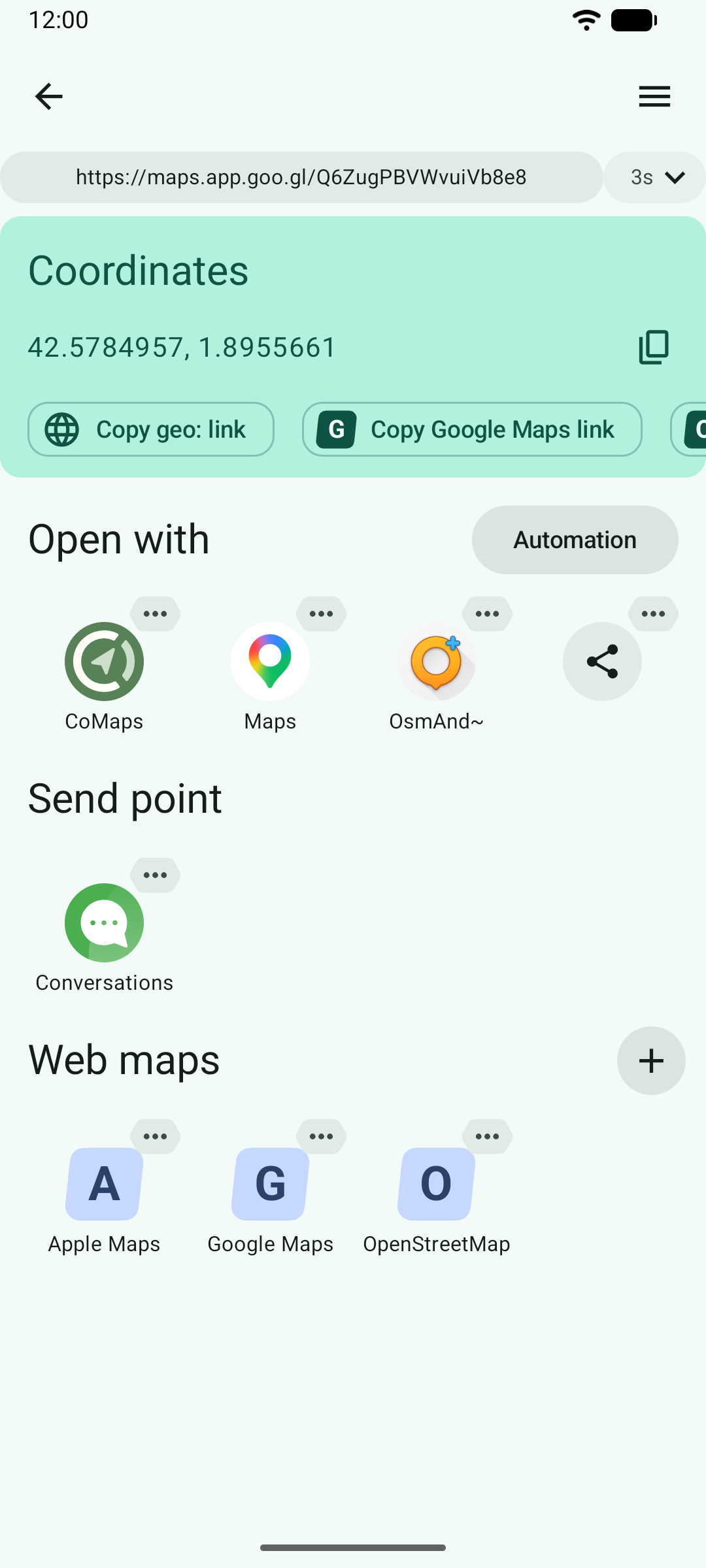
- Shows the geographic coordinates of a map link and allows copying them to clipboard in various formats, for example as a geo: link.
- Shows all points of a place list link.
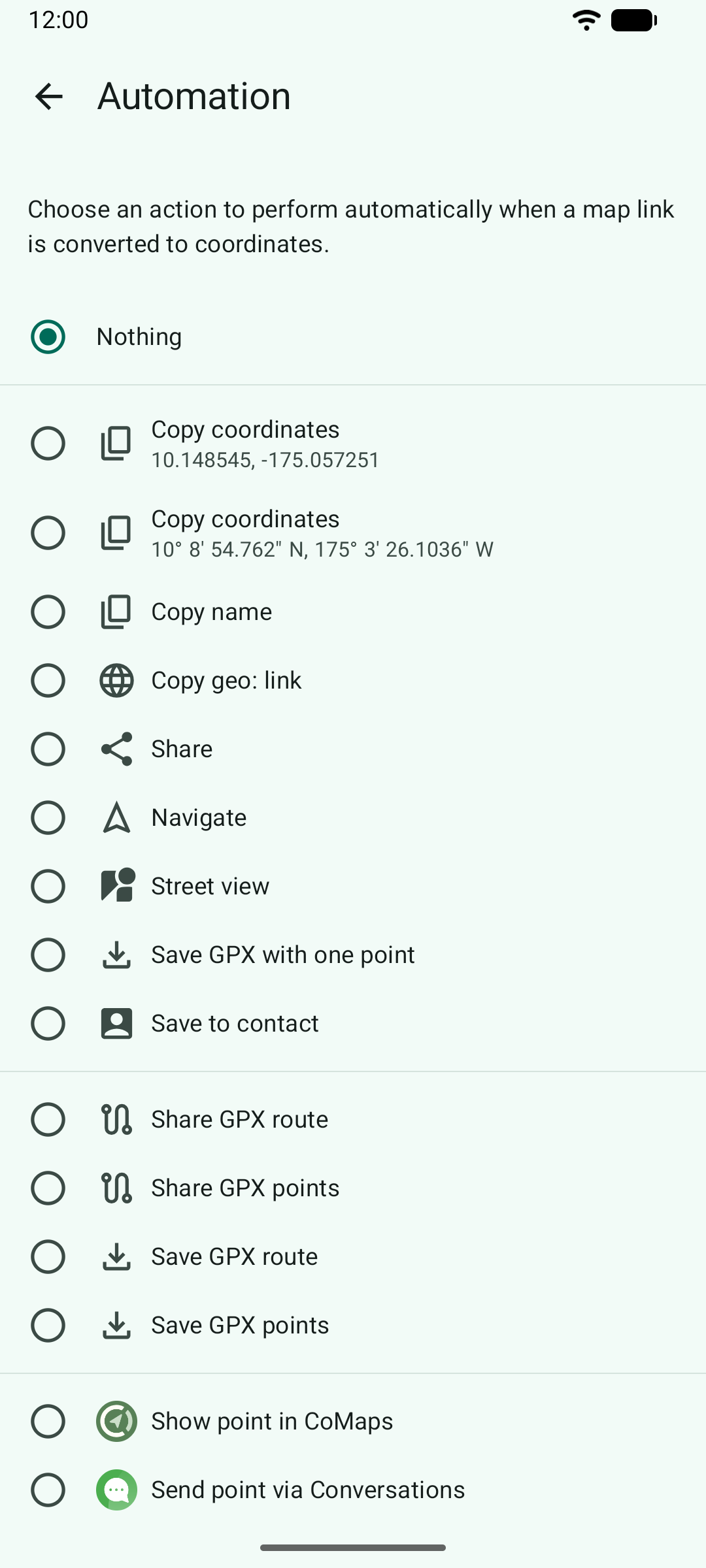
- Allows performing an action automatically when a map link is processed.
- Allows launching navigation in all apps that support it, including TomTom.
- Allows opening a location in web maps, pre-installed ones or your own.
- Allows saving a location as a GPX file.
- Allows sending a location via a messaging app.
- Allows saving a location to a contact.
- Retries on patchy internet connection.
- Allows pasting map links directly into the app, instead of sharing them with it.
- Interface adapts to tablets.
How it works and privacy considerations
GeoShare converts map links (e.g. https://maps.app.goo.gl/...) into geo: links that can be opened by other map apps. To create a geo: link, geographic coordinates are required. GeoShare extracts them from the map URL.
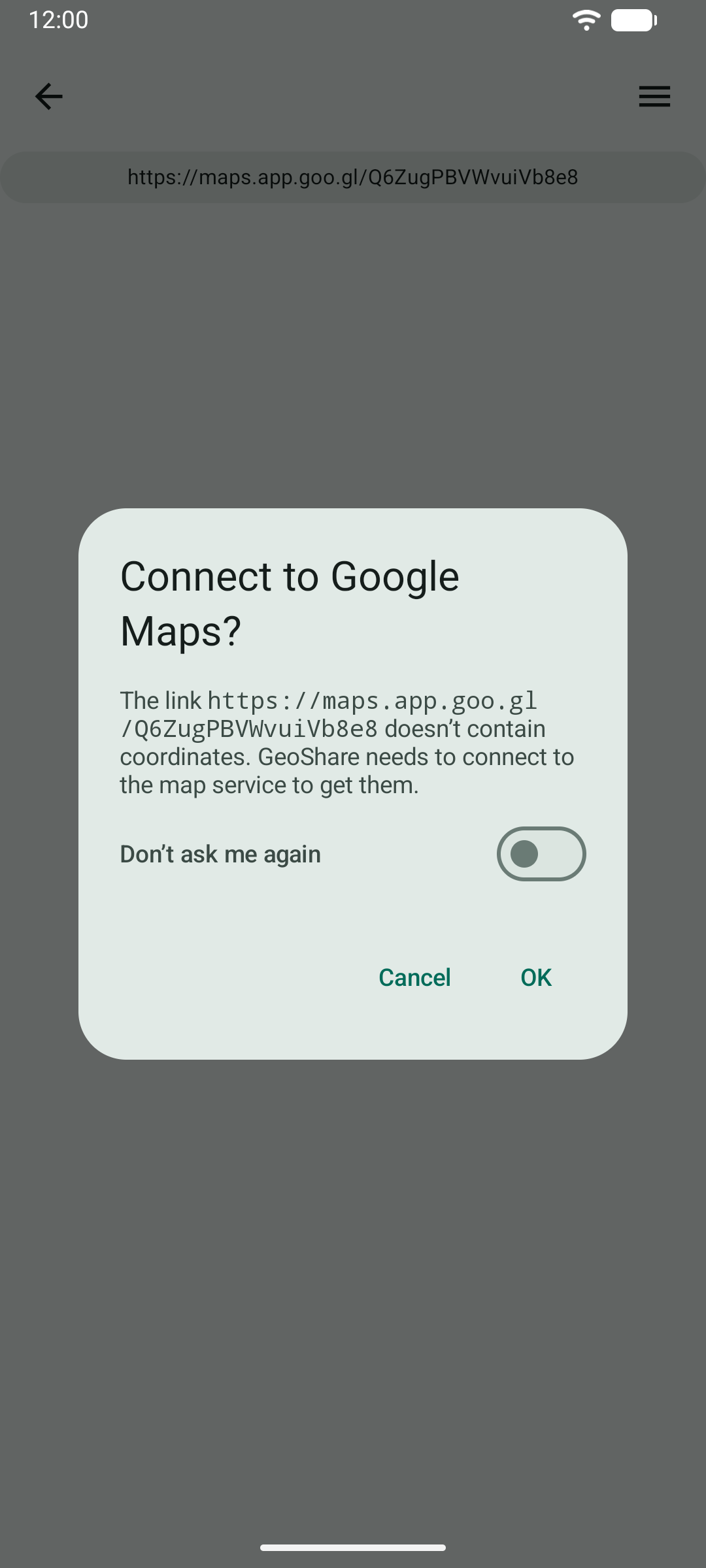
However, not all map URLs include coordinates. In such cases, GeoShare will prompt you for permission to connect to the map service (Google Maps, Apple Maps etc.) and retrieve the coordinates from either HTTP headers or the HTML document of the link. For more detailed information, check the app’s FAQ screen.
Screenshots
What’s new
- Added a warning that Google Search links are not supported. - Fixed glitch when typing in the main form.
How to install
Download the APK from the button at the top of this page.
Allow “Install unknown apps” for your browser or file manager only, not for every app.
Open the downloaded file and confirm the installation.
If installation fails with “App not installed,” remove an earlier build of the same app first. A signature conflict is the usual cause.
Data safety
Every file is checked against its published SHA-256 before it is listed.
Files are scanned for malware on every update.
The permissions each app requests are listed on its own page.
Read the full safety policy for how we test, flag, and delist files.