
Quick answer
An open-source privacy oriented Twitter/X client
F-Droid repository metadata
An open-source privacy oriented Twitter/X client
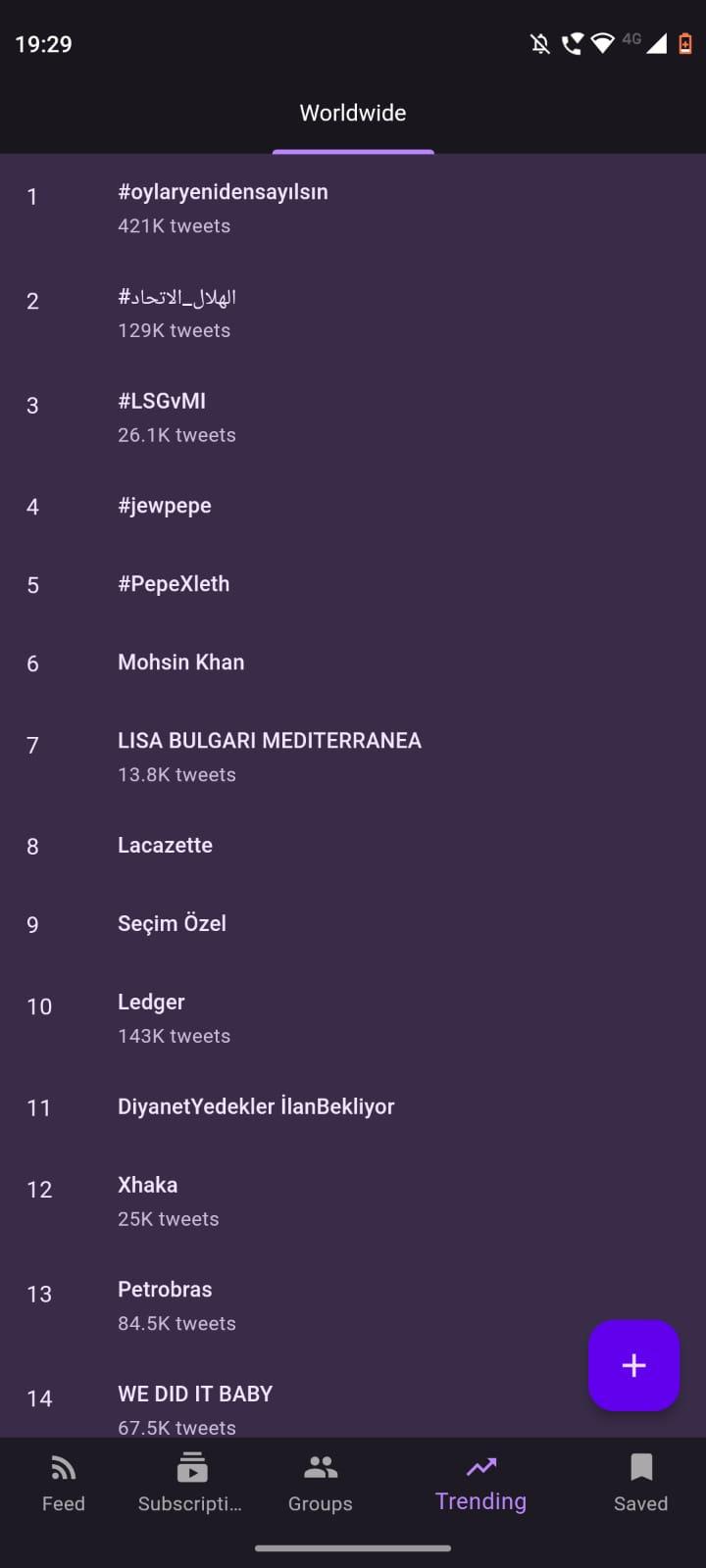
* Privacy: No tracking, with all data local * No ads: Not clogged by multiple ads * Feed: View all your subscriptions in a chronological feed * Subscriptions: Follow and group accounts * Search: Find users and tweets * Bookmarks: Save tweets locally and offline * Trends: See what's trending in the world * Polls: View results without needing to vote * Light and Dark themes: Protect your eyes * And more!
Screenshots
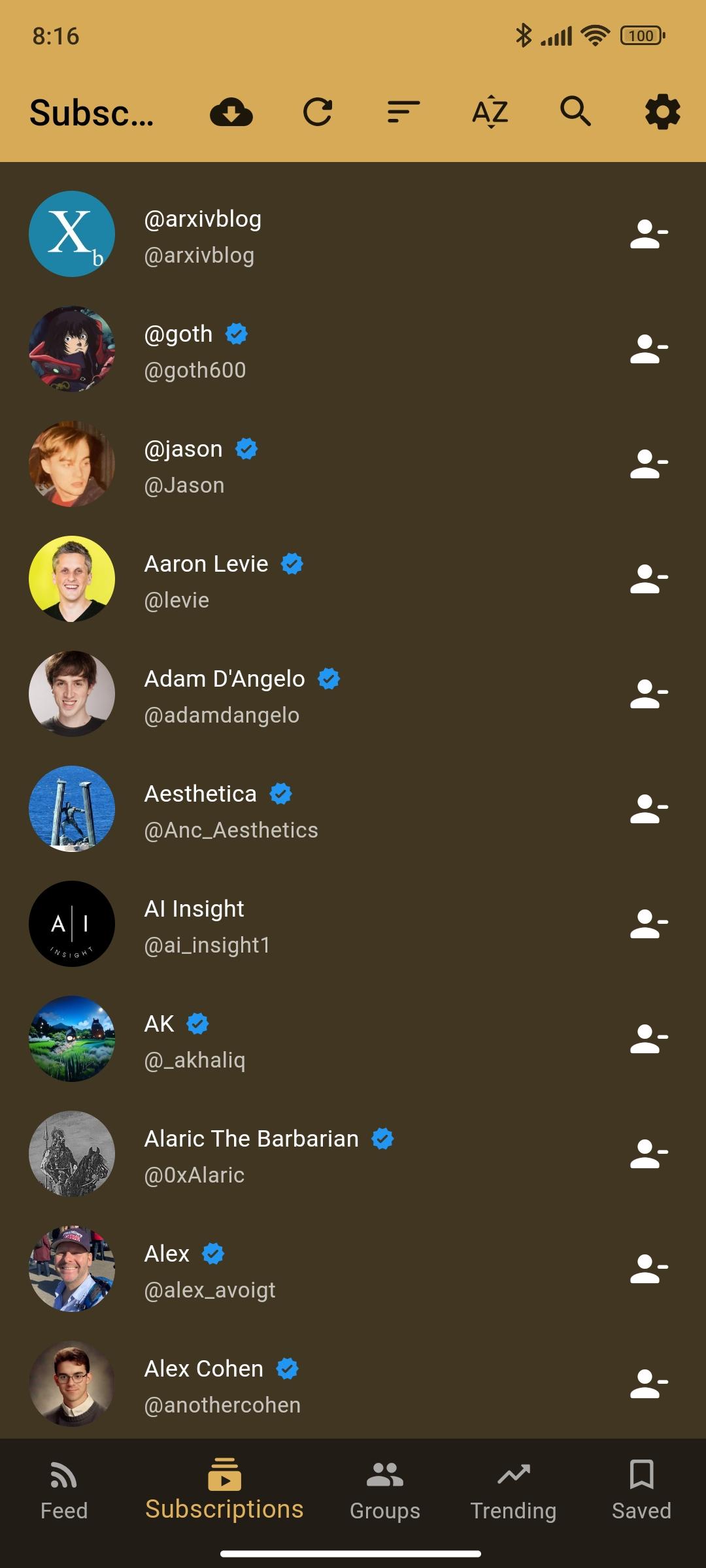
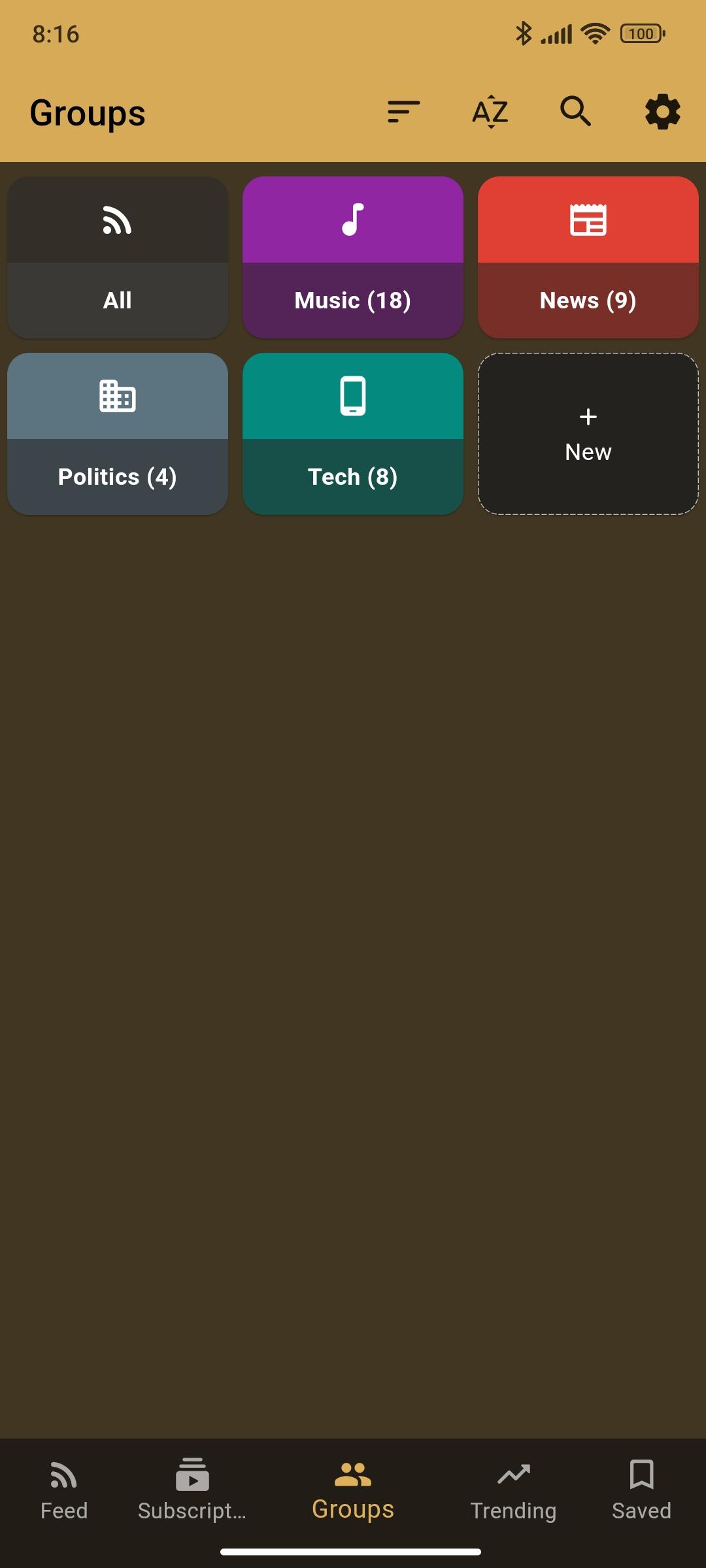
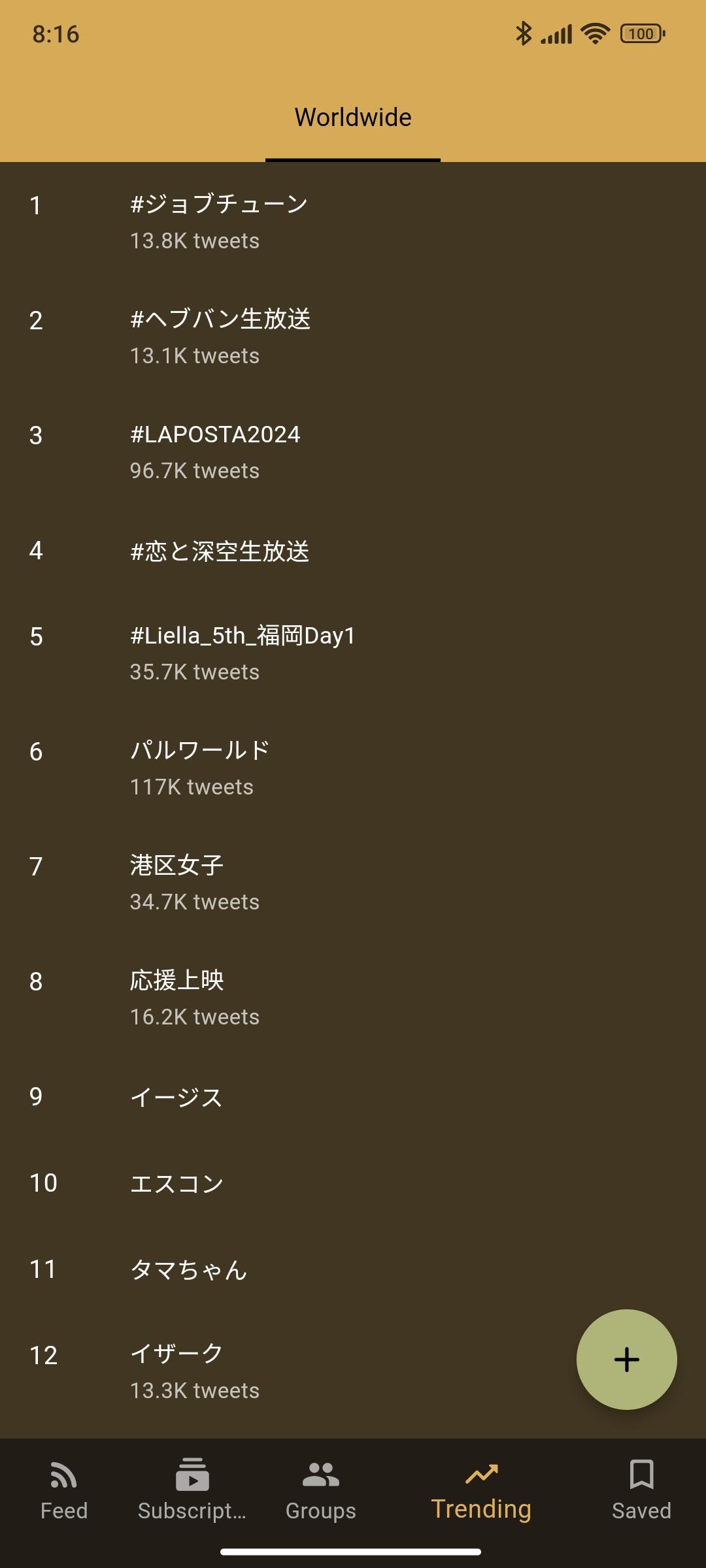
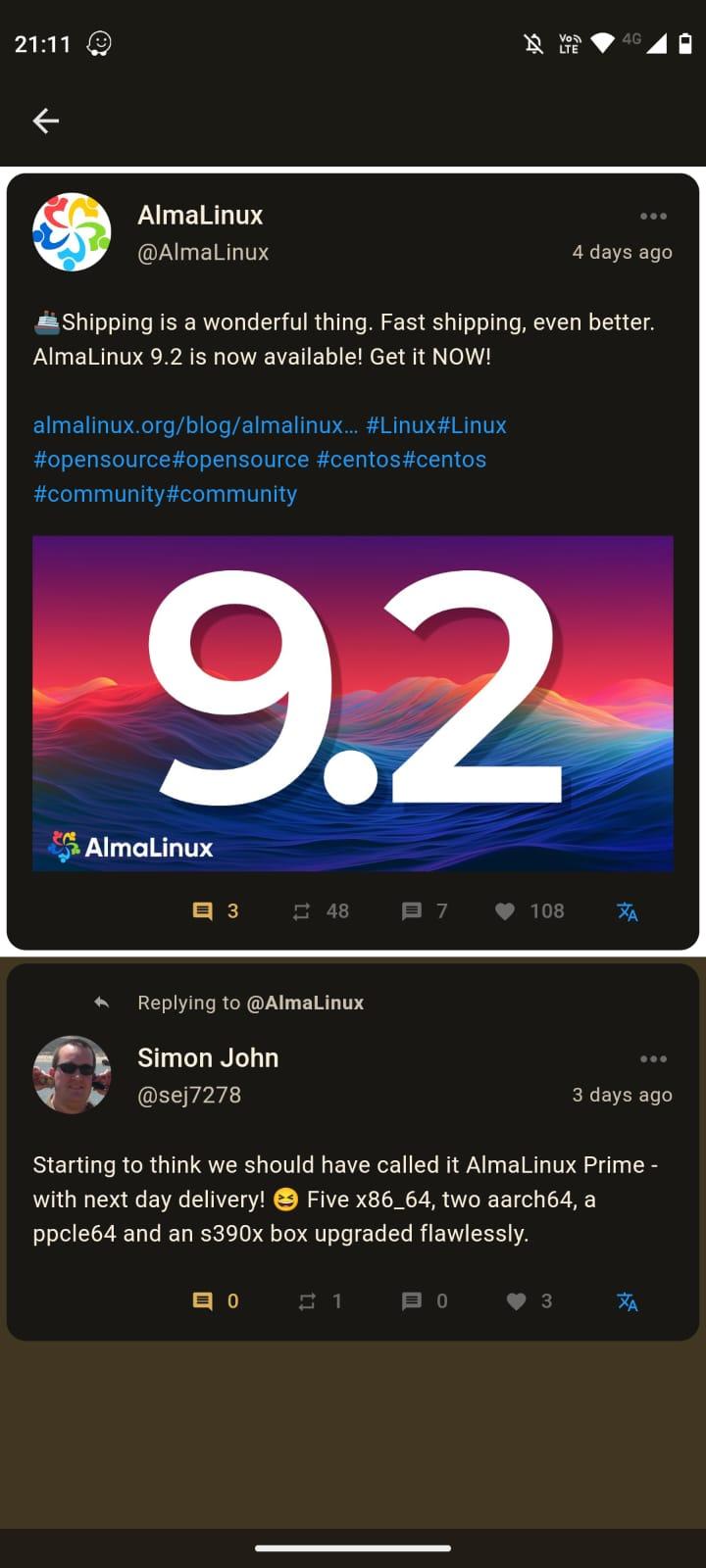
How to install
- Download the APK from the button at the top of this page.
- Allow “Install unknown apps” for your browser or file manager only, not for every app.
- Open the downloaded file and confirm the installation.
- If installation fails with “App not installed,” remove an earlier build of the same app first. A signature conflict is the usual cause.
Data safety
- Every file is checked against its published SHA-256 before it is listed.
- Files are scanned for malware on every update.
- The permissions each app requests are listed on its own page.
- Read the full safety policy for how we test, flag, and delist files.
Comments
Recent approved comments · sorted by newest
View all comments