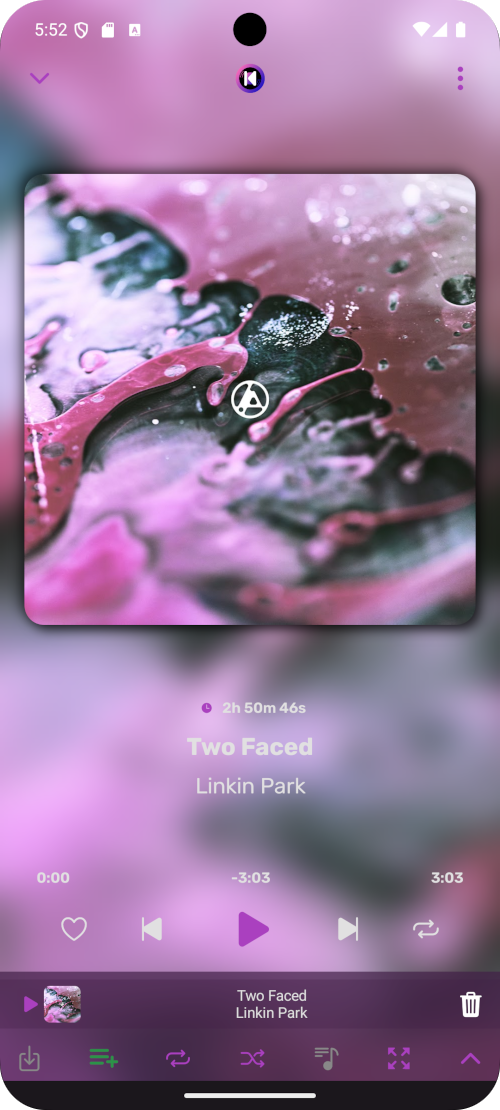
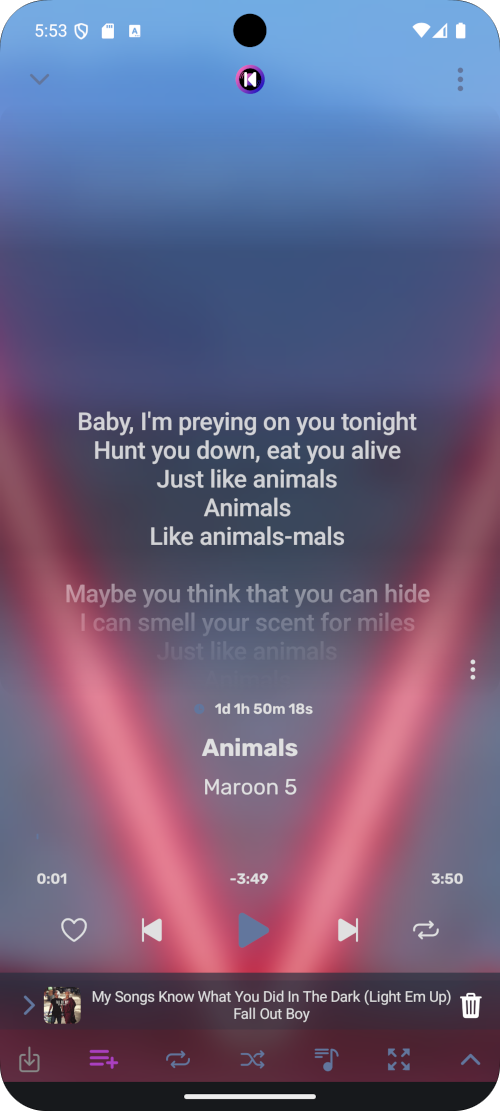
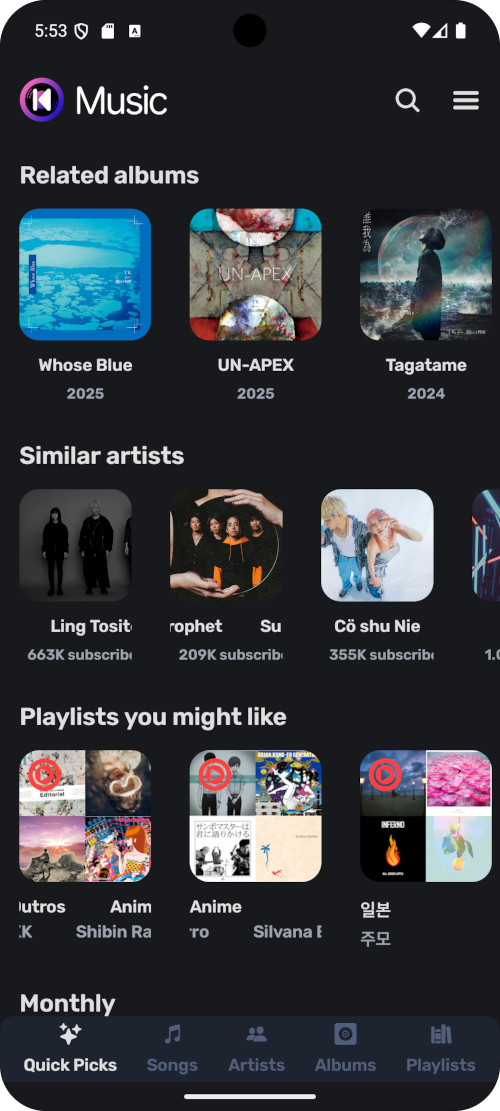
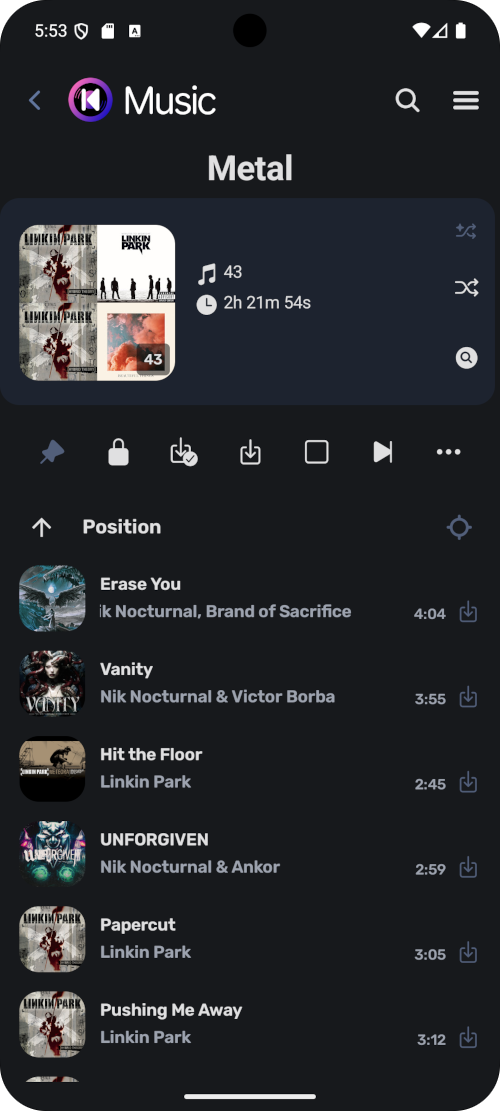
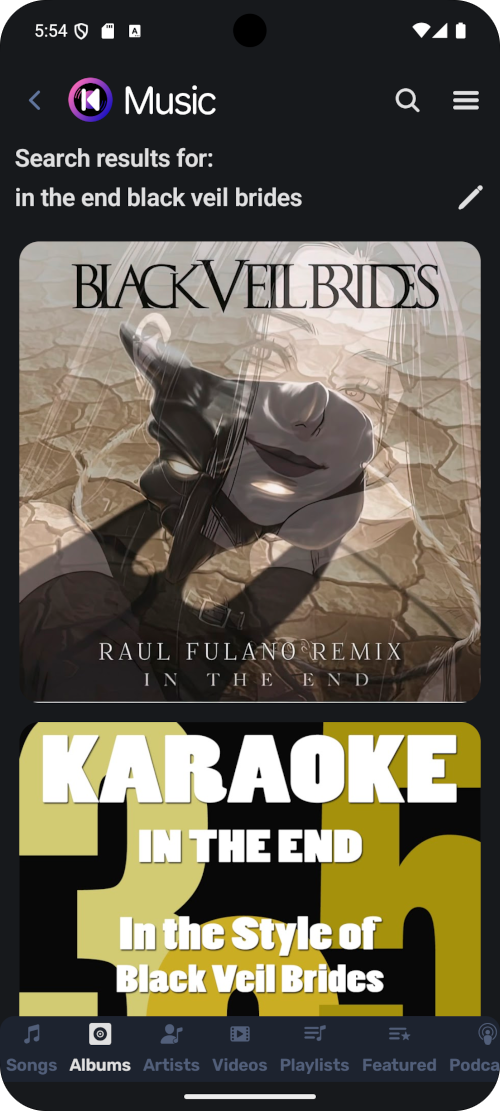
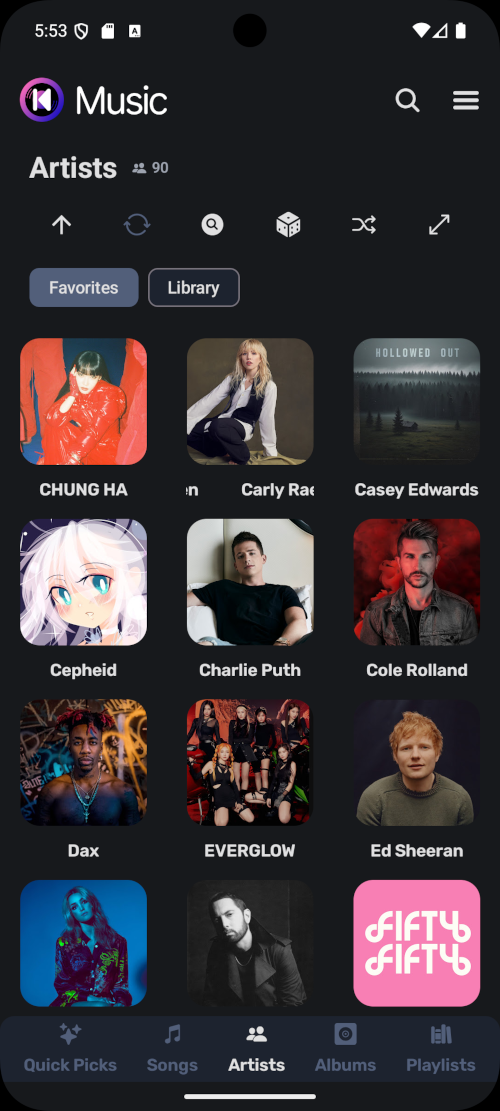
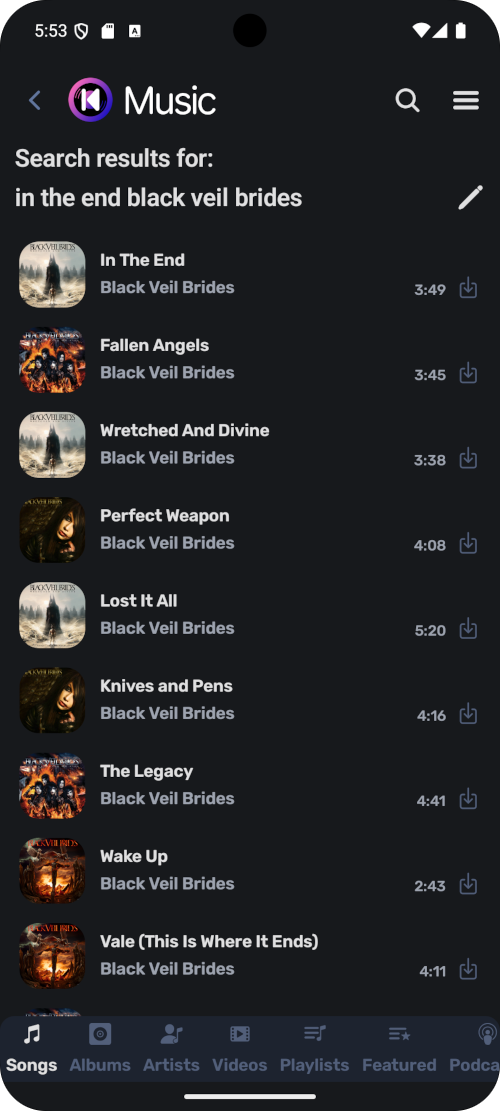
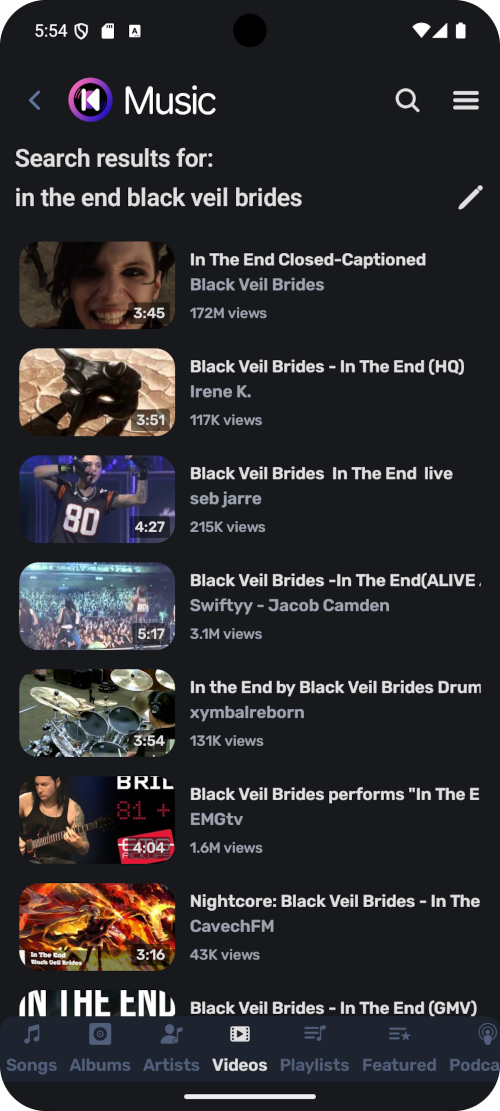
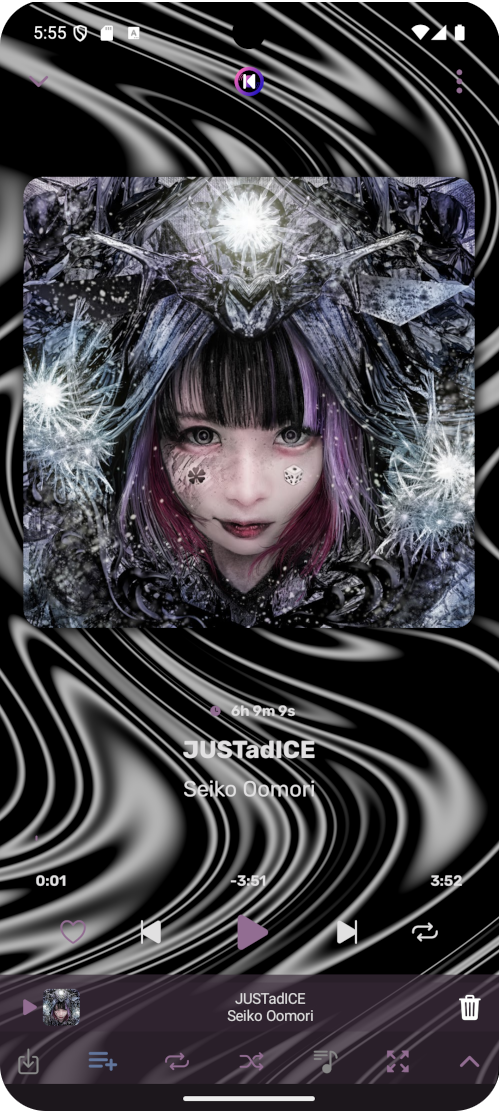
Support for Android Auto, Android TV, and YouTube video
Export cached/downloaded songs
Play music even when not connected to the internet
And many more...
Screenshots
What’s new
New: - Menu for songs and playlists
Fixes: - Local songs written into cache storage - Random crashes on startup - Crash when interact with media control - YouTube block (reduce chance of getting blocked) - Low quality thumbnail in Android Auto - Download button shows in queue for local songs
Changes: - Media control logo
How to install
Download the APK from the button at the top of this page.
Allow “Install unknown apps” for your browser or file manager only, not for every app.
Open the downloaded file and confirm the installation.
If installation fails with “App not installed,” remove an earlier build of the same app first. A signature conflict is the usual cause.
Data safety
Every file is checked against its published SHA-256 before it is listed.
Files are scanned for malware on every update.
The permissions each app requests are listed on its own page.
Read the full safety policy for how we test, flag, and delist files.