
Quick answer
is a full-featured XMPP chat client
F-Droid repository metadata
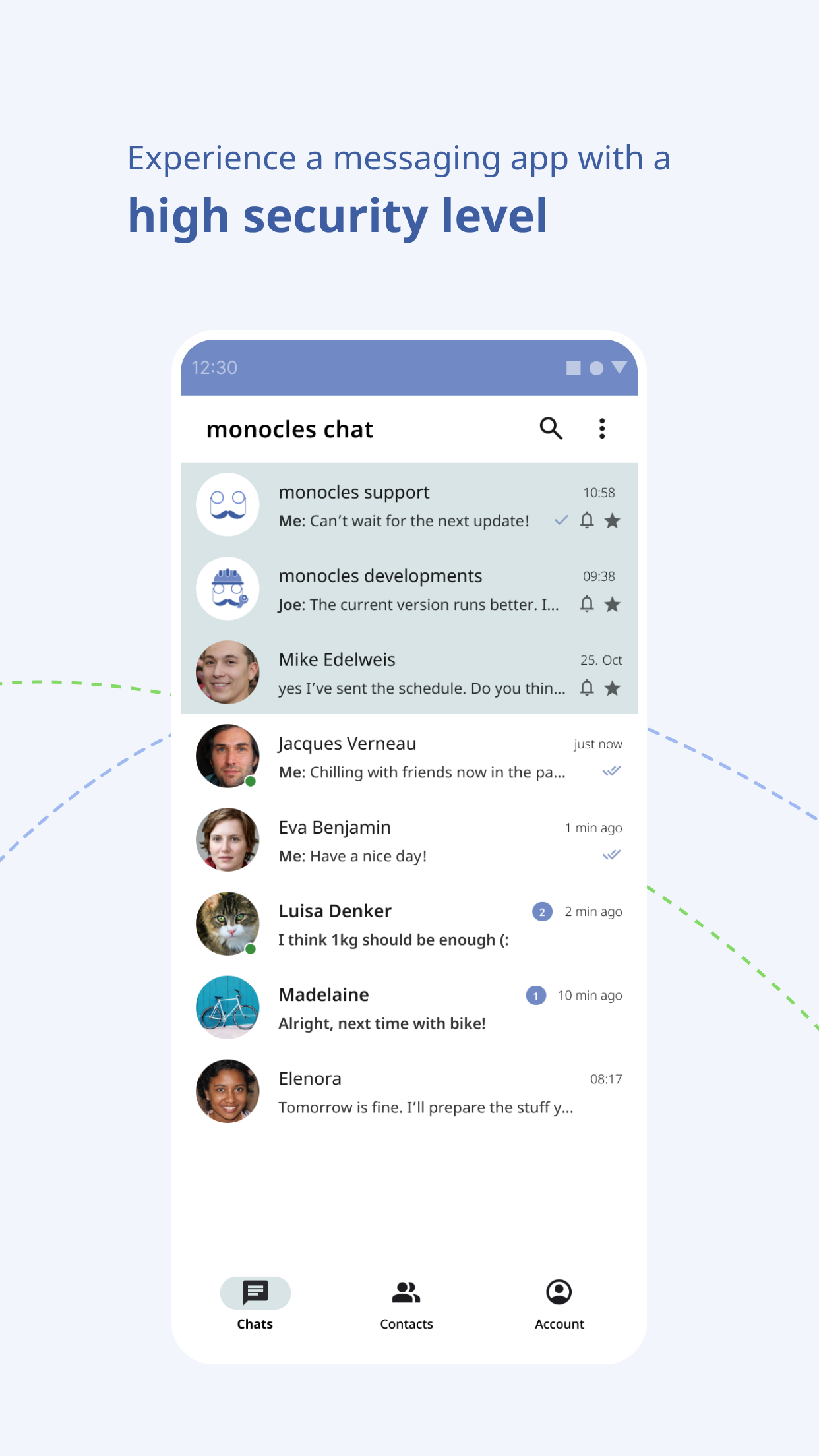
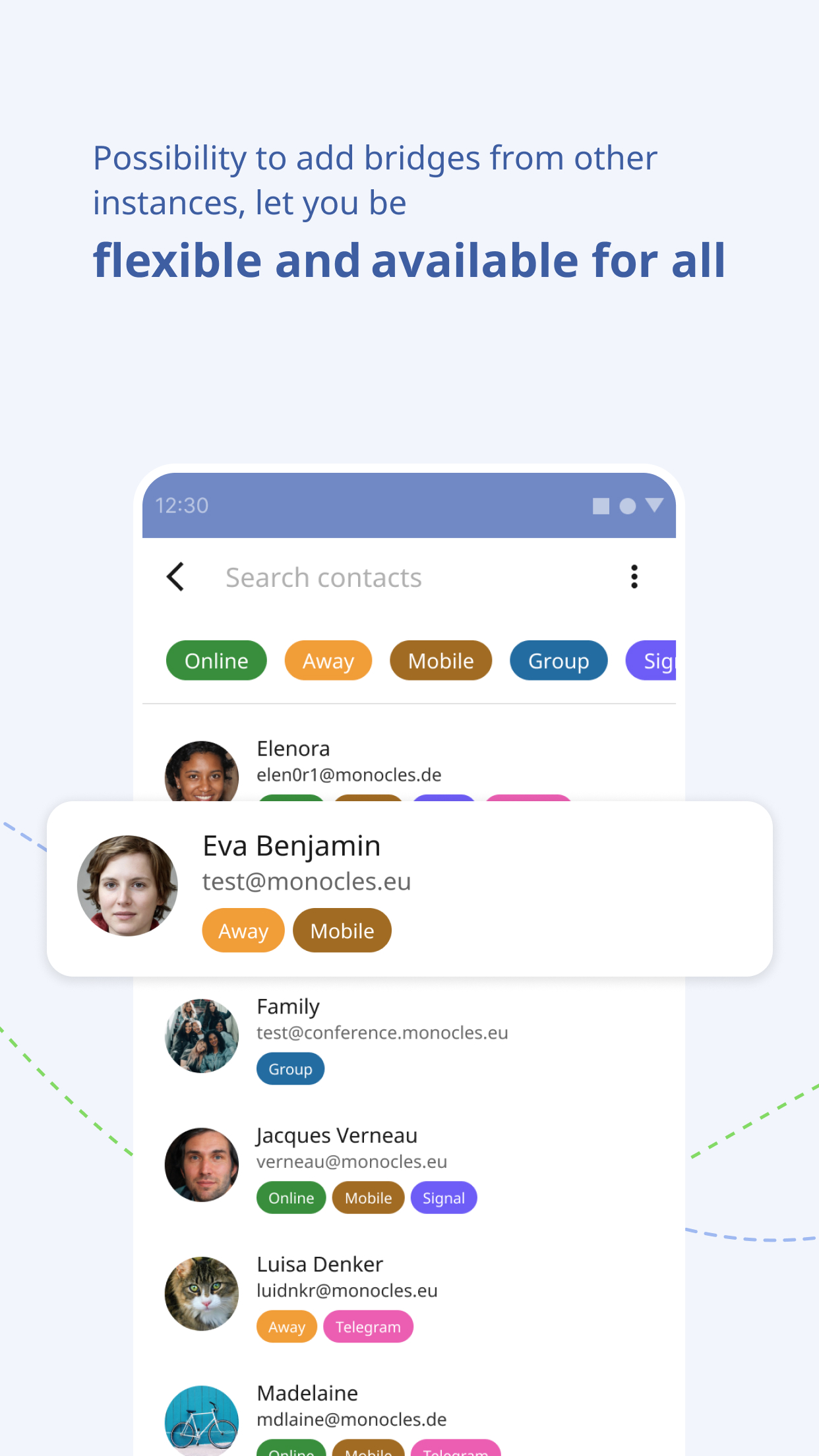
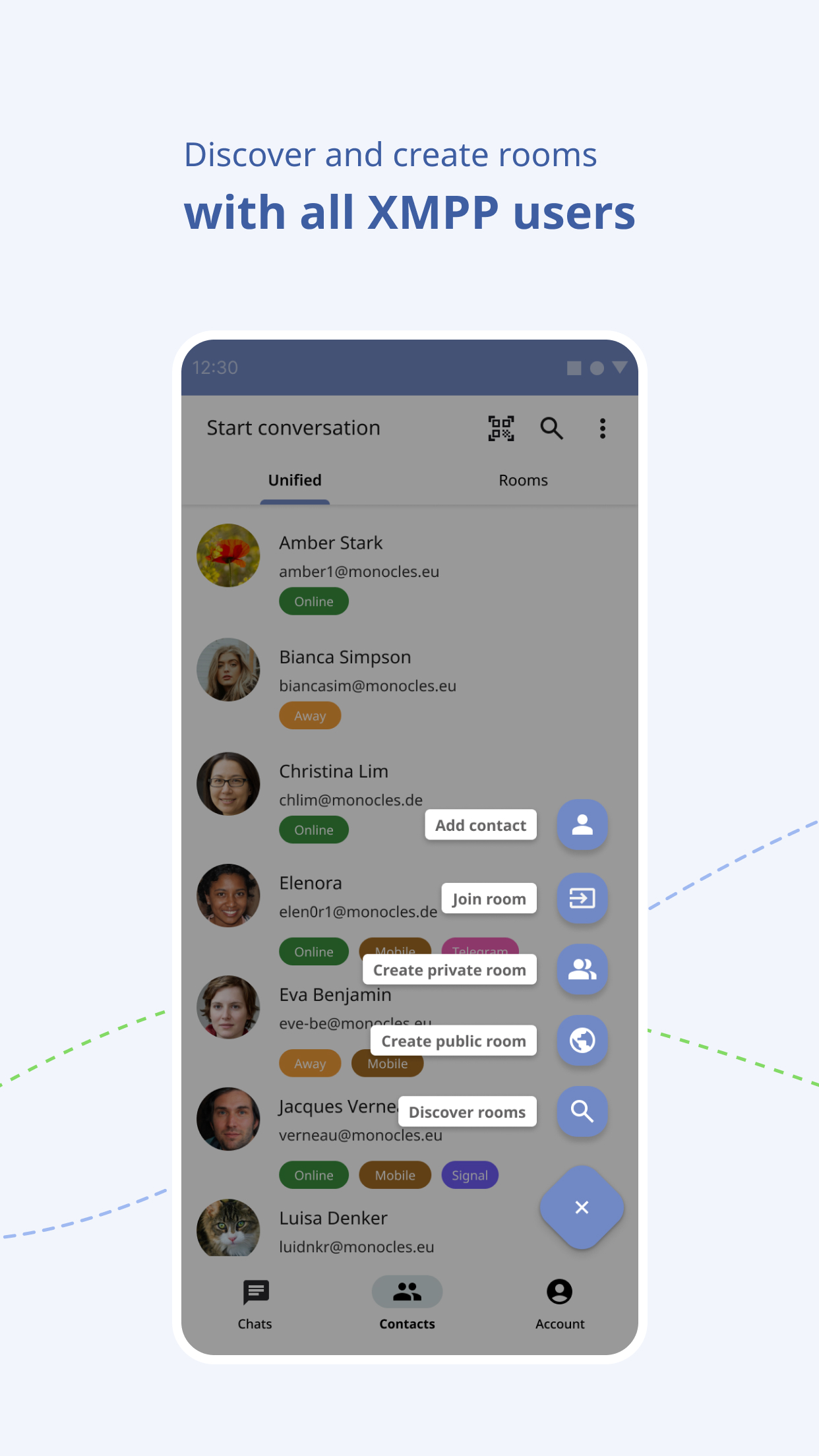
monocles chat is a modern and secure Android XMPP chat client. Based on Conversations with features from blabber.im and Cheogram but with a lot of changes and additional features.
to improve usability and security.
Connection security and the protection of personal data are very important for
us, so we enforce encrypted connections between chat and server, making it
almost impossible to intercept and read your messages by strangers. Therefore we removed older cipher suits. These are adapted to the monocles chat server nevertheless they are still compatible with other xmpp server using todays standards.
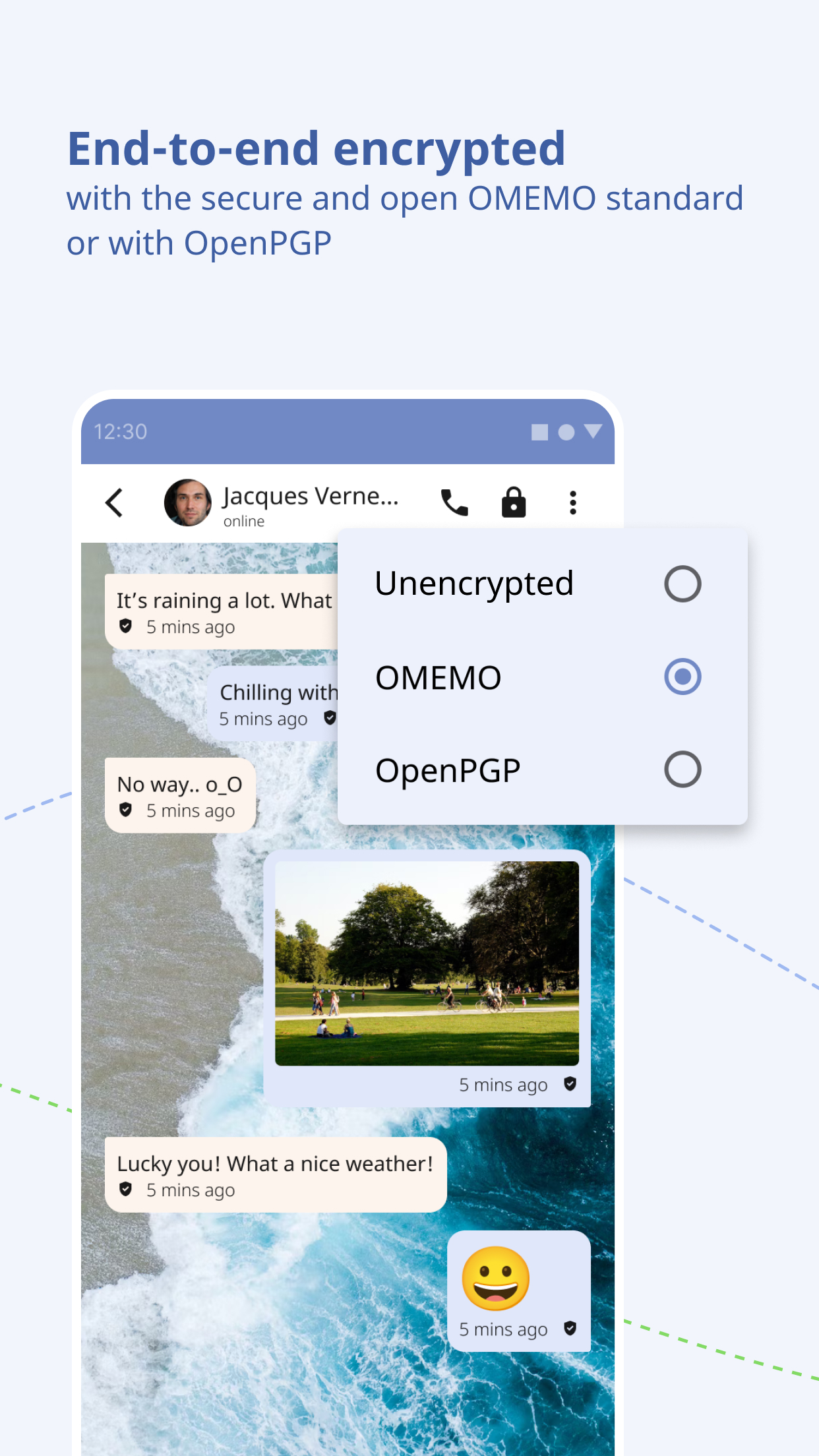
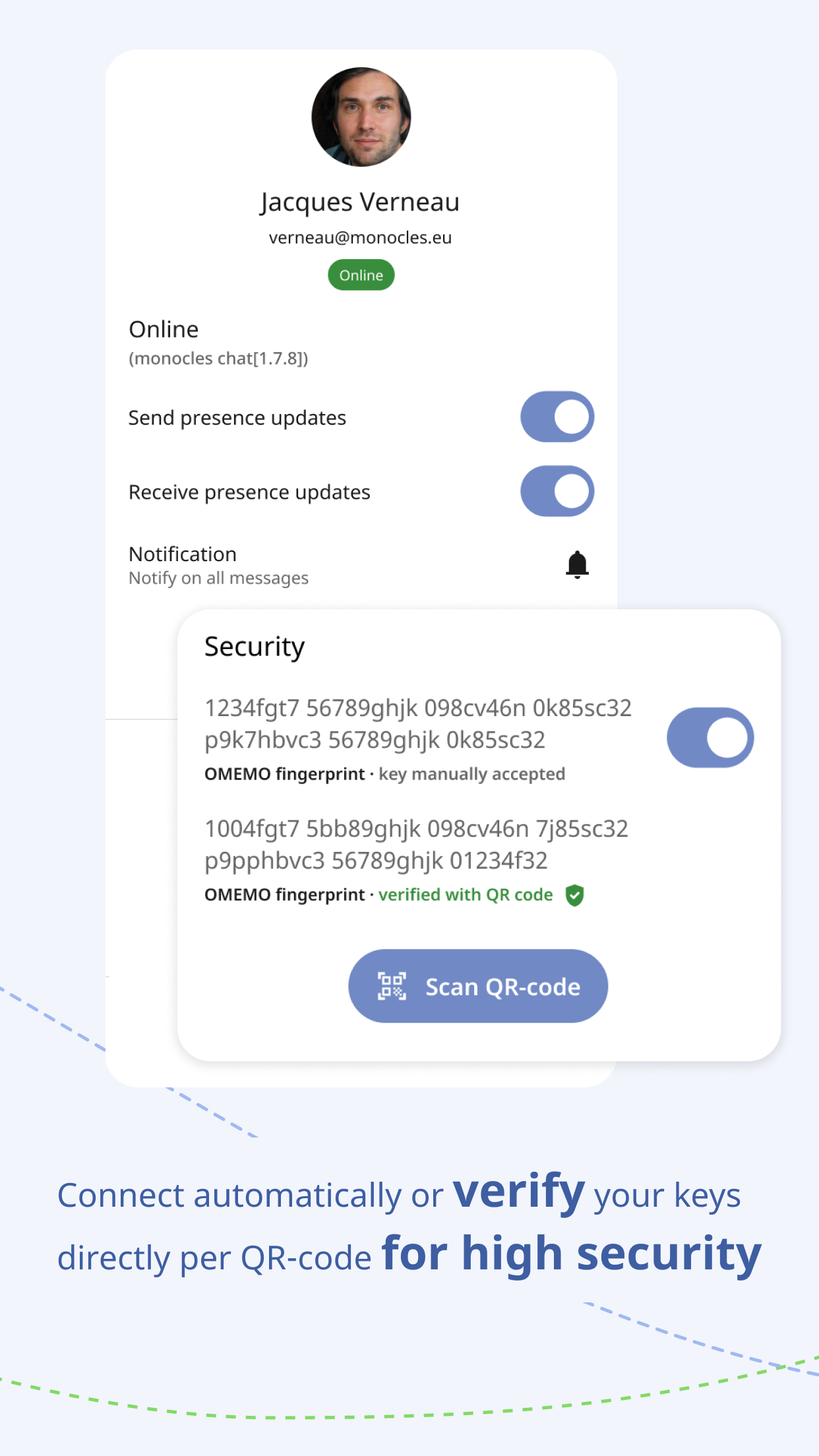
If that's not enough for you, end-to-end message encryption such as OMEMO
or OpenPGP can be used. This allows messages to be encrypted on the sending
device and decrypted only by the receiving device intended for reception.
Features:
* End-to-end encryption with either OTR, OMEMO or OpenPGP
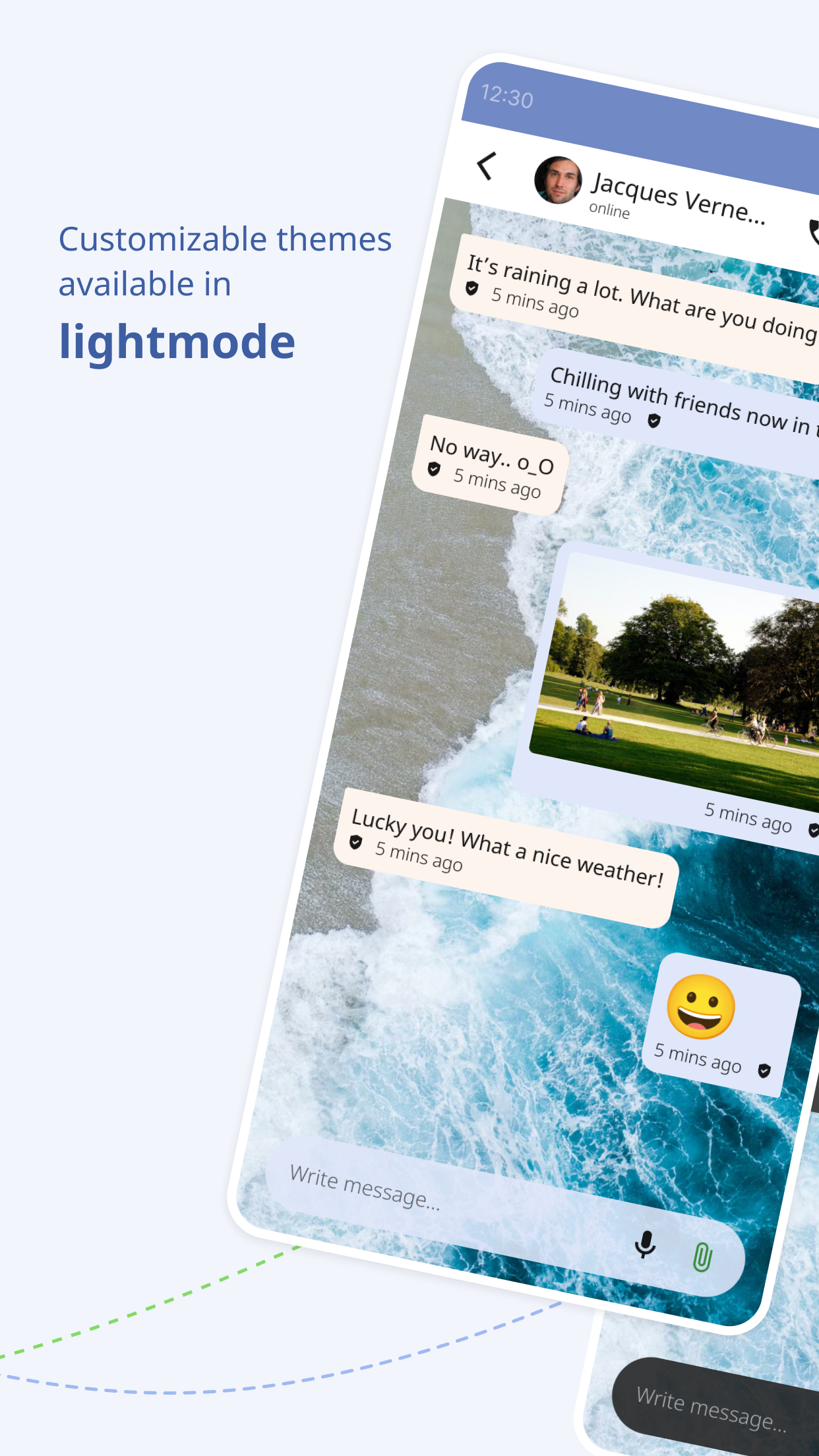
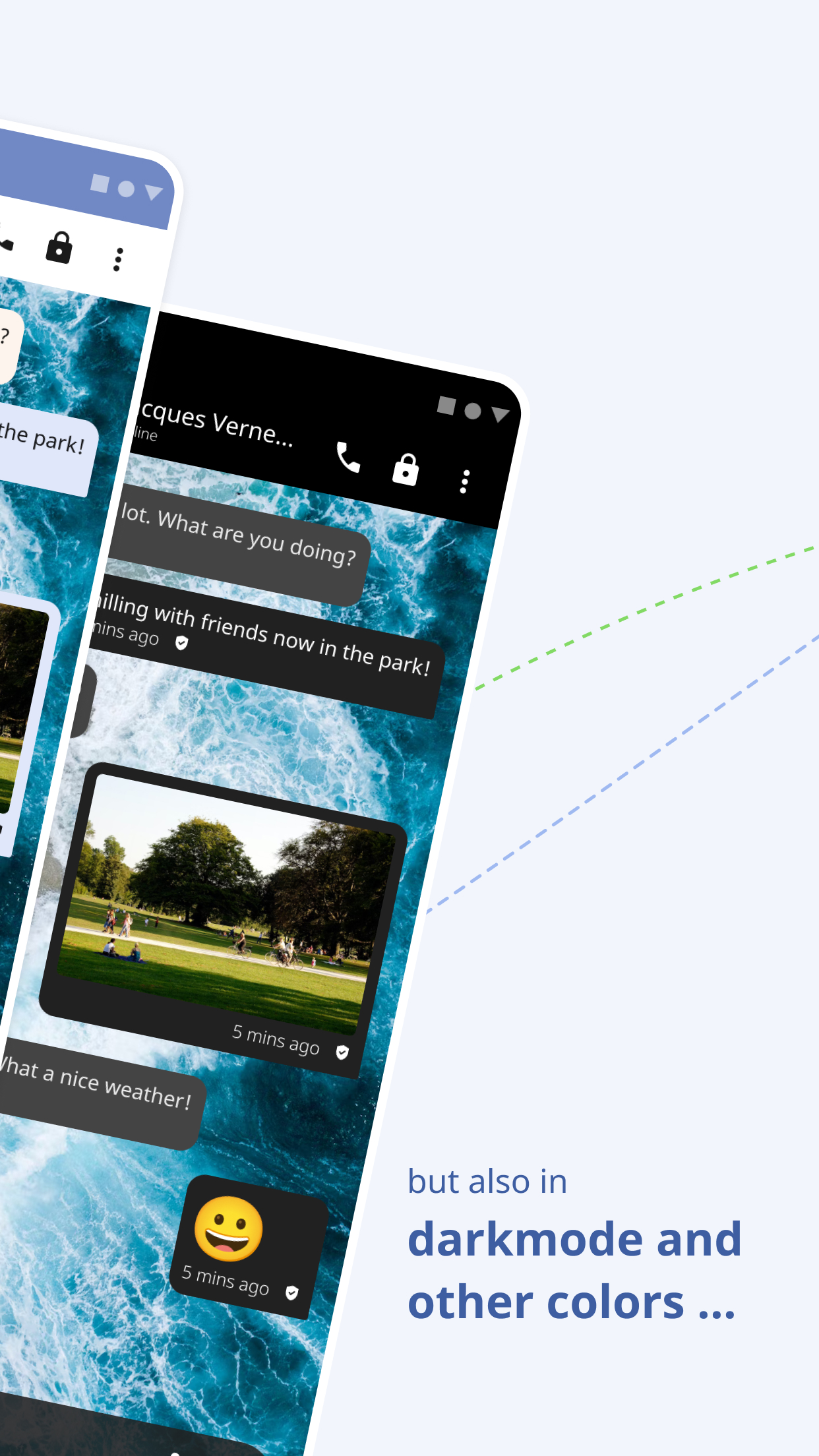
* Send and receive images as well as other files
* Send and receive locations
* Send and receive voice messages
* Integration of profile pictures (avatars) of your contacts
* Synchronize message history with other clients
* Conferences or group chats
* Address book integration (there is no exchange of your address book with the server)
* Audio/Video calls
* Very low battery consumption
* Status messages
* Daily backup of database to local storage
You need help? Please join our support group chat [email protected].
Screenshots

How to install
- Download the APK from the button at the top of this page.
- Allow “Install unknown apps” for your browser or file manager only, not for every app.
- Open the downloaded file and confirm the installation.
- If installation fails with “App not installed,” remove an earlier build of the same app first. A signature conflict is the usual cause.
Data safety
- Every file is checked against its published SHA-256 before it is listed.
- Files are scanned for malware on every update.
- The permissions each app requests are listed on its own page.
- Read the full safety policy for how we test, flag, and delist files.
Comments
Recent approved comments · sorted by newest
View all comments