MetaGer: Search & Browser icon

MetaGer: Search & Browser

Dominik Hebeler
Internet
Version
6.20.0
Size
94.2 MB
Requires
Android API 24+
3.7 / 5 · 5,563 ratings 0 downloads

Updated Sep 22, 2026

Quick answer

Anonymous search and tab groups, private browsing with tracker and ad blocking.

F-Droid repository metadata

MetaGer.de is a German meta search engine with a focus on privacy and variety of results, run by the non-profit SUMA-EV.

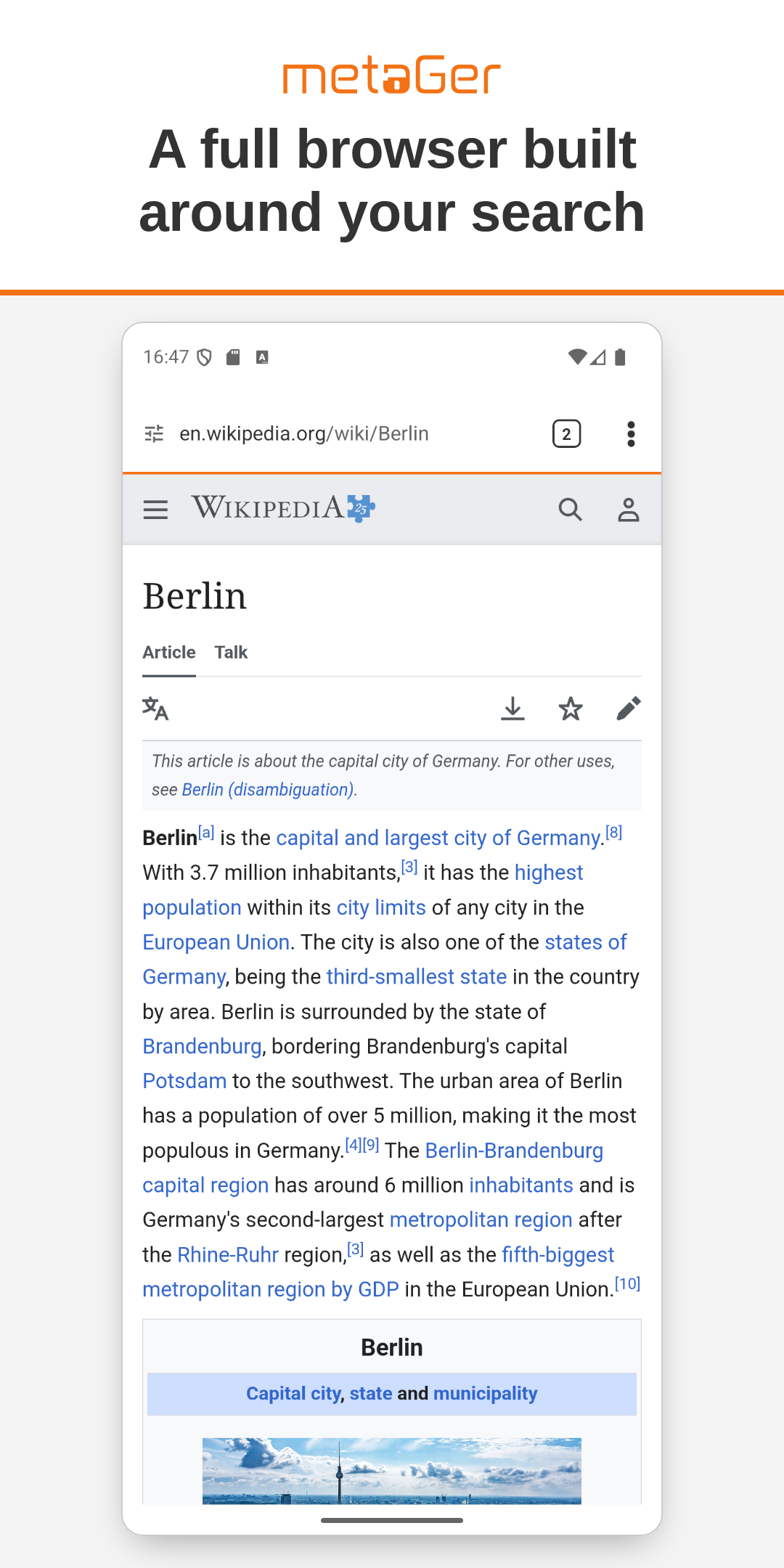
This app is a full browser built around that search: native, fast, and private by default.

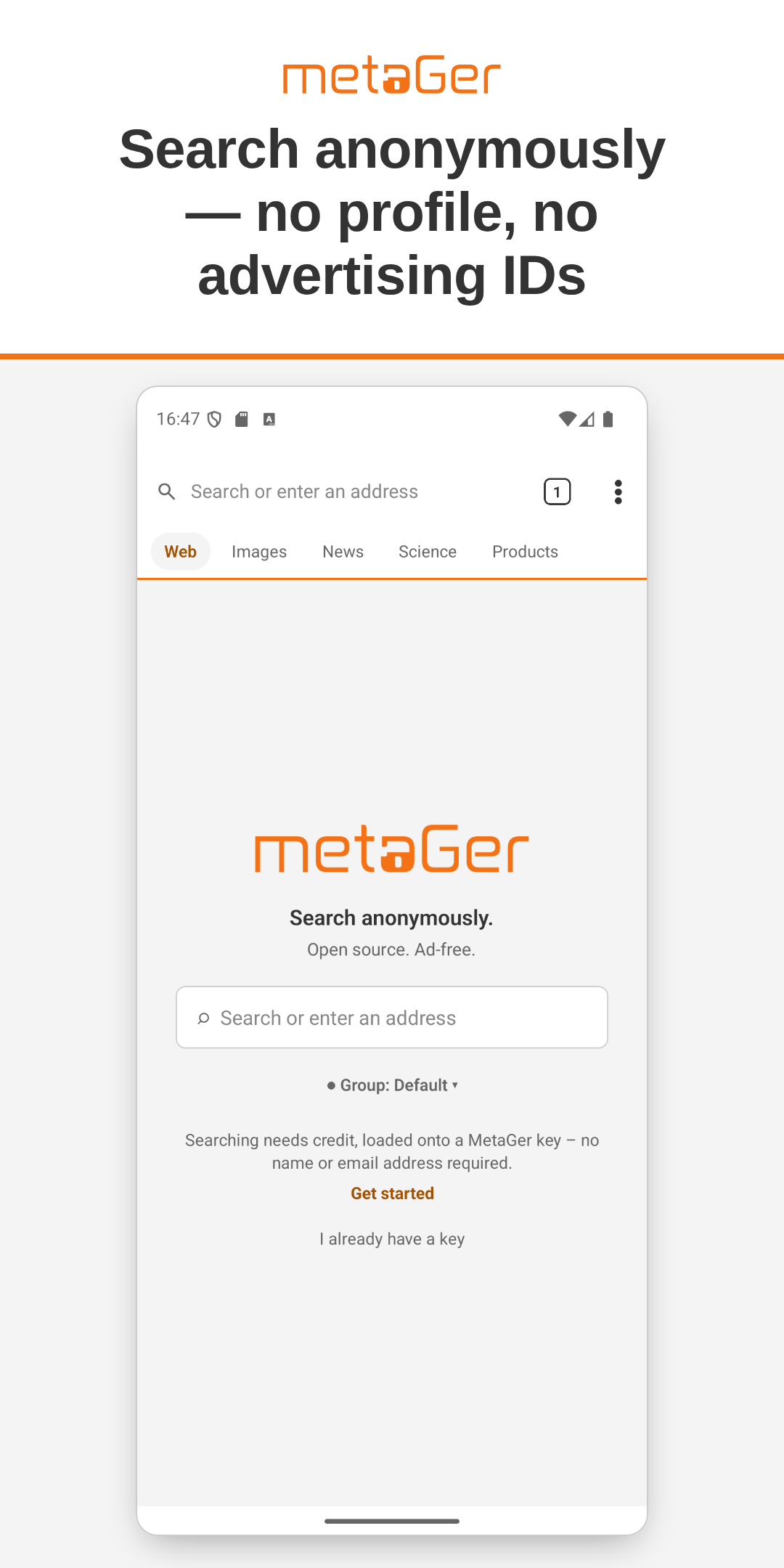
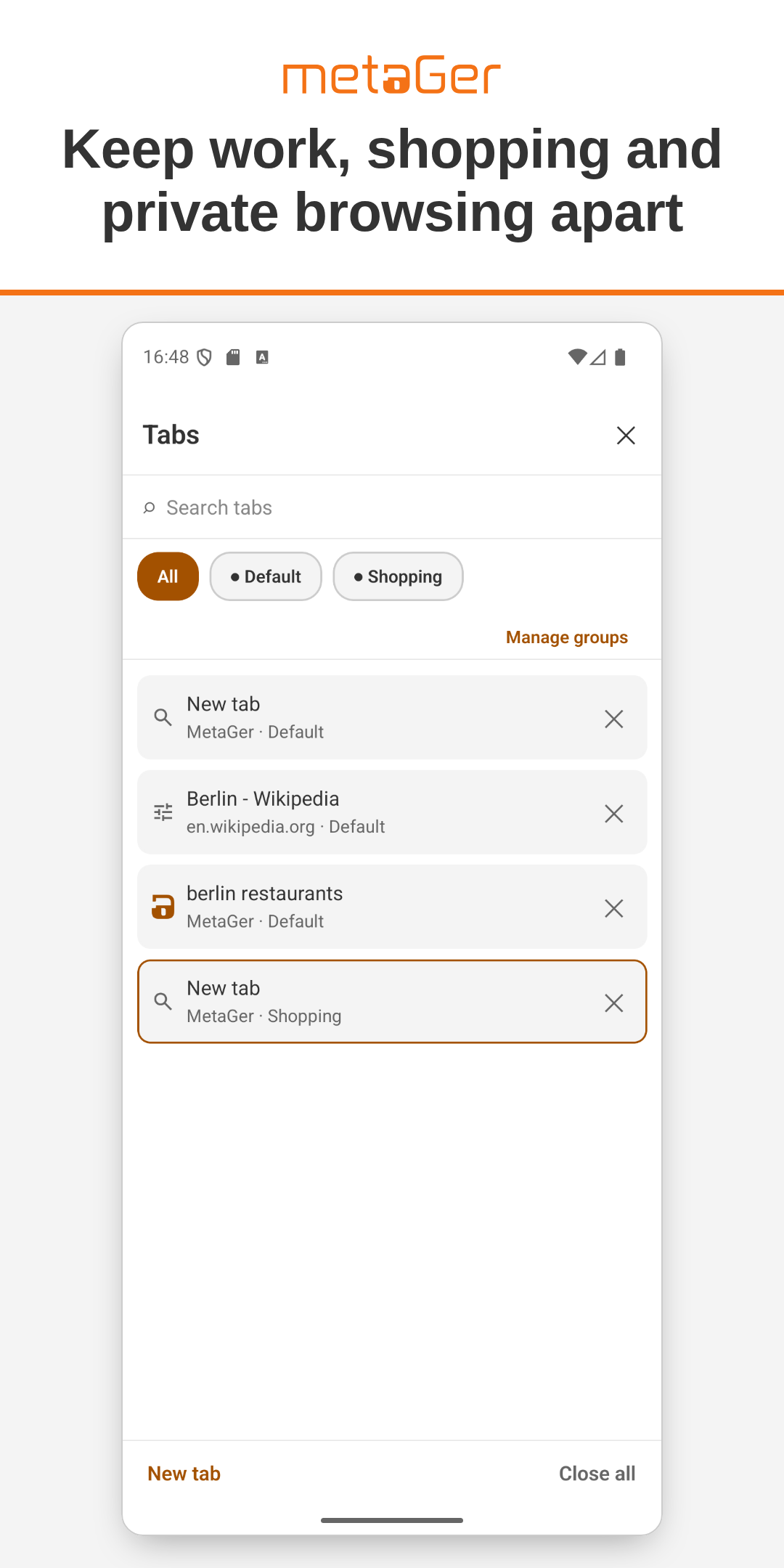
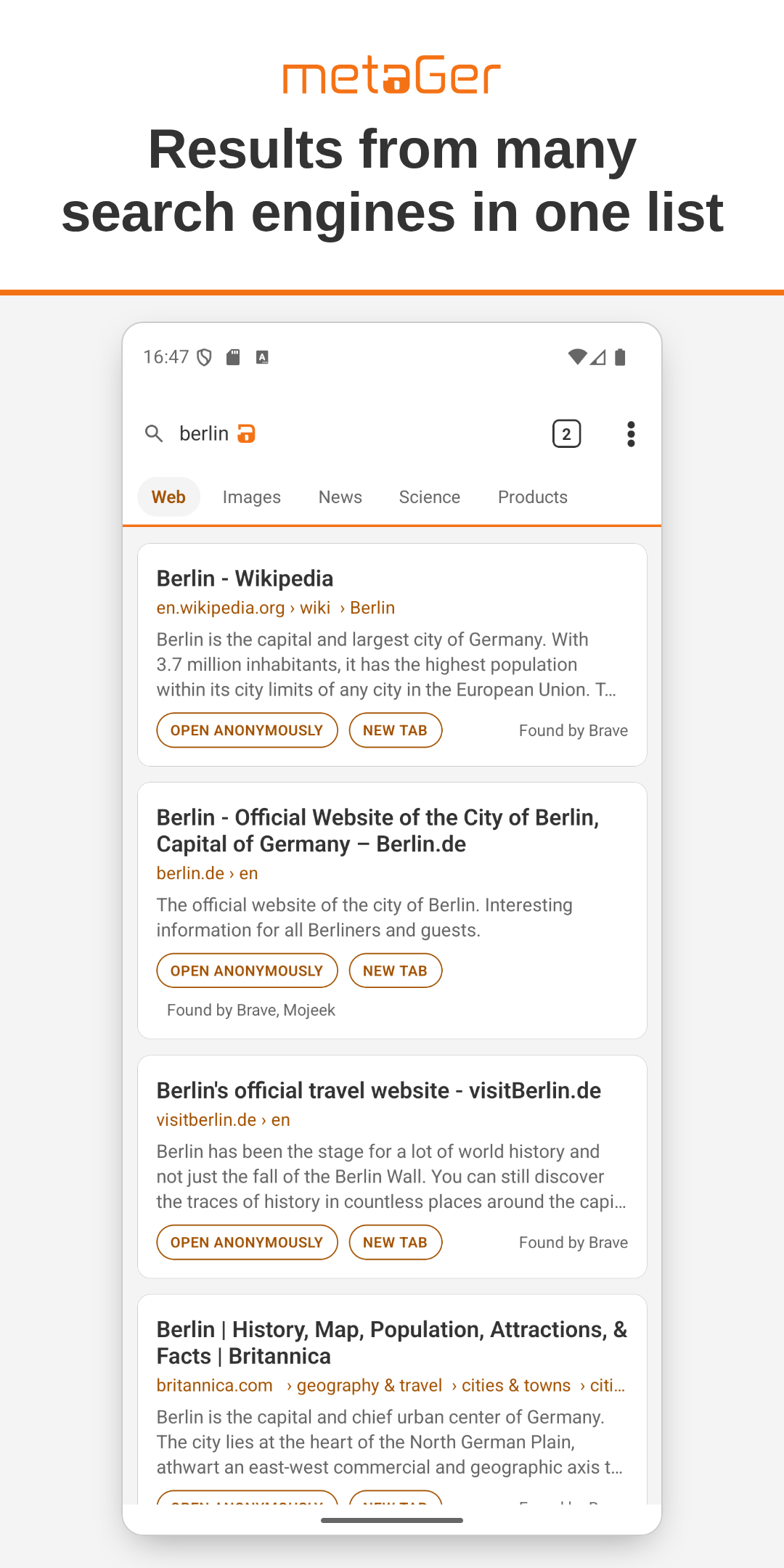
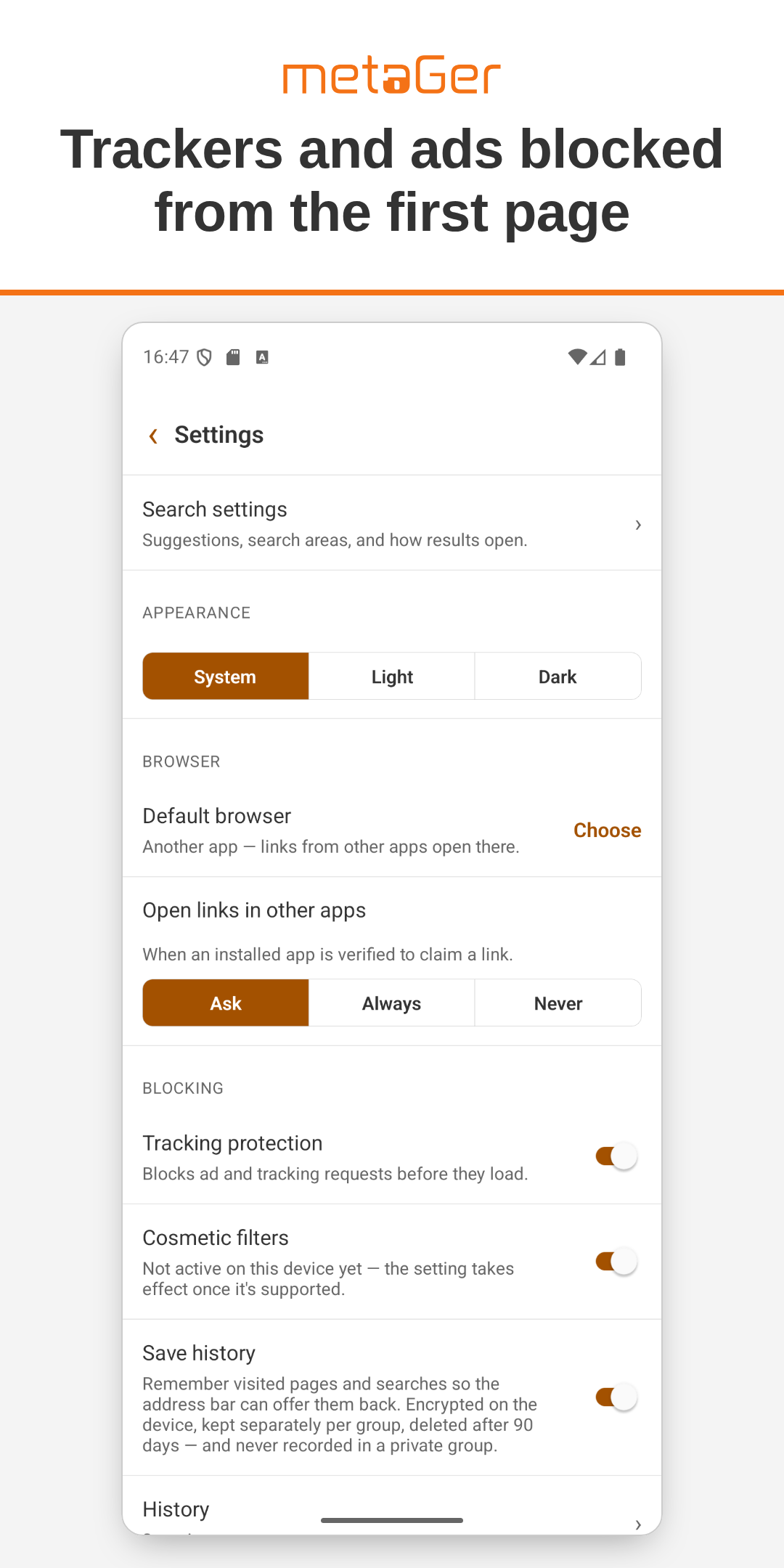
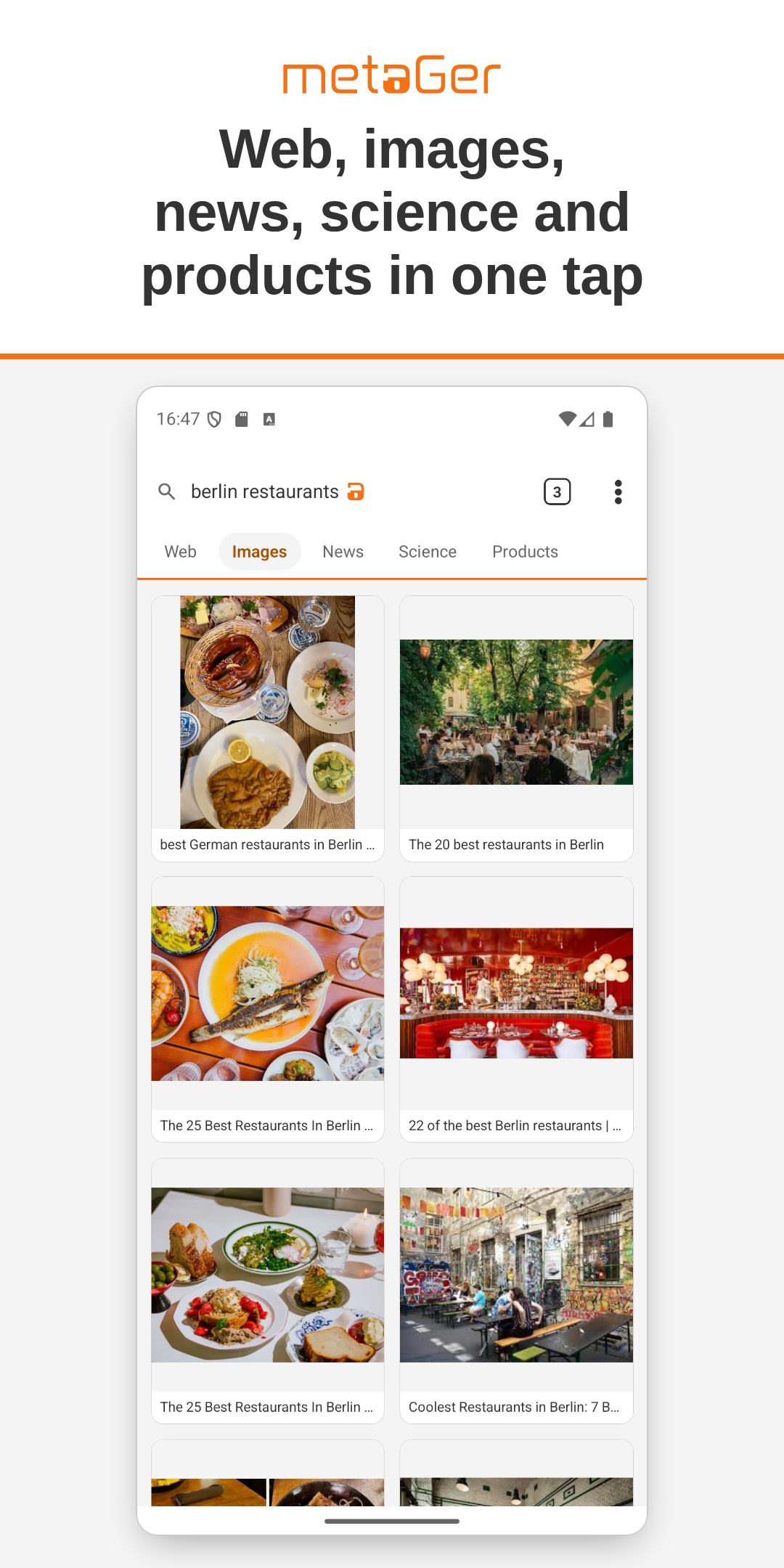
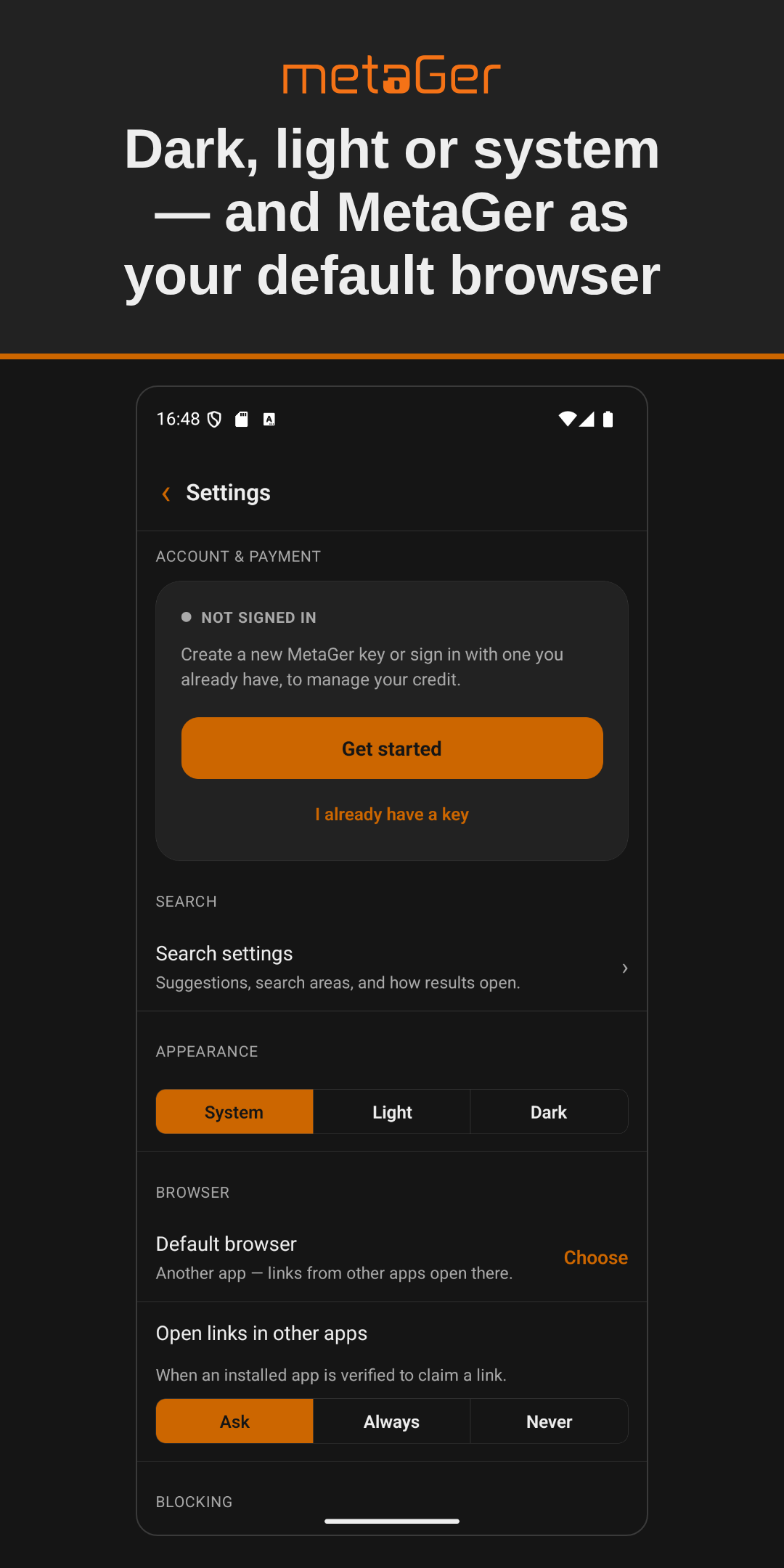
• Search your way: switch between web, image, news, science and product search, all in one tap. • Tab groups: keep work, shopping and private browsing apart, each with its own cookies, logins and history — move a tab into another group whenever you like. • Anonymous search: your MetaGer key for ad-free searches is separated from your queries by blind signatures. • Account and top-up without leaving the app: sign in once, or hand your key to another device with a QR code. • Tracker and ad blocking, on from the start. • Set MetaGer as your default browser: links from other apps open here, protected the same way. • Address bar with local history — encrypted on-device, never on a server. • Instant dark, light or system theme. • Open anonymously: view a page in a remote browser without loading it yourself. • No account required, no profile, no advertising IDs.

The source code of this app is free (AGPL-3.0).

Screenshots

MetaGer: Search & Browser screenshot 1
MetaGer: Search & Browser screenshot 2
MetaGer: Search & Browser screenshot 3
MetaGer: Search & Browser screenshot 4
MetaGer: Search & Browser screenshot 5
MetaGer: Search & Browser screenshot 6
MetaGer: Search & Browser screenshot 7

What’s new

Downloads: a new Downloads screen lists what you have downloaded, so you can open a file, delete it or take it off the list — kept per browsing group and erased with that group's data. A running download shows its progress there and in a bar in the app, with buttons to cancel it or open the file or folder. Downloads from sites you are signed in to no longer fail when the tab is not in your default group.

How to install

  1. Download the APK from the button at the top of this page.
  2. Allow “Install unknown apps” for your browser or file manager only, not for every app.
  3. Open the downloaded file and confirm the installation.
  4. If installation fails with “App not installed,” remove an earlier build of the same app first. A signature conflict is the usual cause.

Data safety

  • Every file is checked against its published SHA-256 before it is listed.
  • Files are scanned for malware on every update.
  • The permissions each app requests are listed on its own page.
  • Read the full safety policy for how we test, flag, and delist files.

Comments

Recent approved comments · sorted by newest

Verification code
Be specific and keep it about the app. No links. Comments are reviewed before publication. Device and Android details are recorded automatically. Privacy policy.

Loading recent comments...

View all comments