VoIP and mobile calling and messaging app for Android based on baresip library
F-Droid repository metadata
Baresip is security focused open source communication app for Android that originally only supported SIP based VoIP calling and messaging. Now baresip can also be chosen as Android's default mobile calling and messaging app. In addition, contacts are integrated within the app. Voice conference calls, voicemail indication as well as blind and
attended call transfers are available when VoIP is used. Multimedia messaging is not supported yet.
In VoIP calls audio can be coded with AMR, Codec2, G.729, G.722, G.722.1, iLBC, opus or PCMU/PCMA codecs. Security is achieved via TLS or WSS SIP signaling transport and ZRTP or (DTLS) SRTP media encapsulation.
Baresip app can be installed on Android devices running Android version 9 or later. Mobile calling and messaging needs Android version 10 or later. If you need video calling, you can instead of this app install its sister app baresip+.
Source code is available at GitHub, where also issues can be reported.
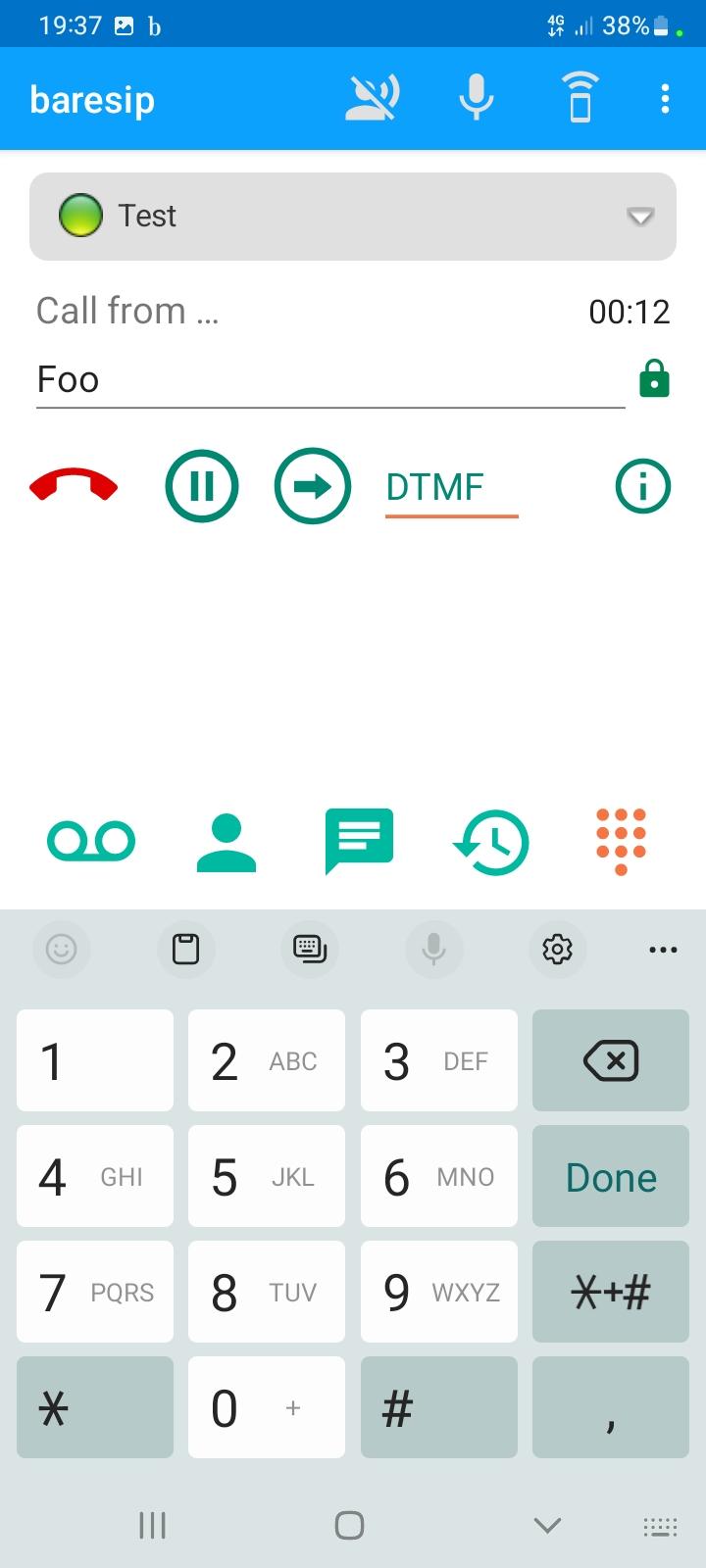
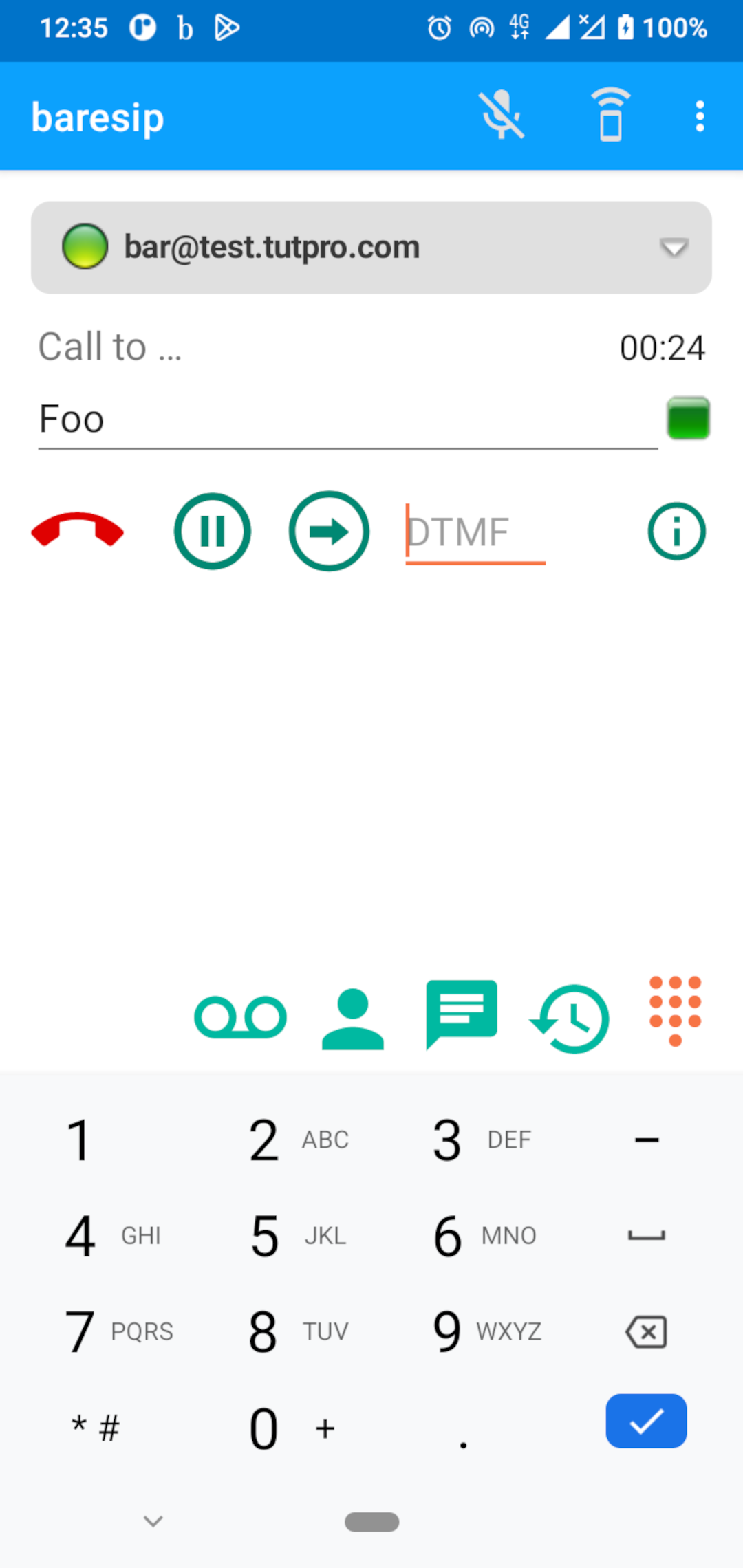
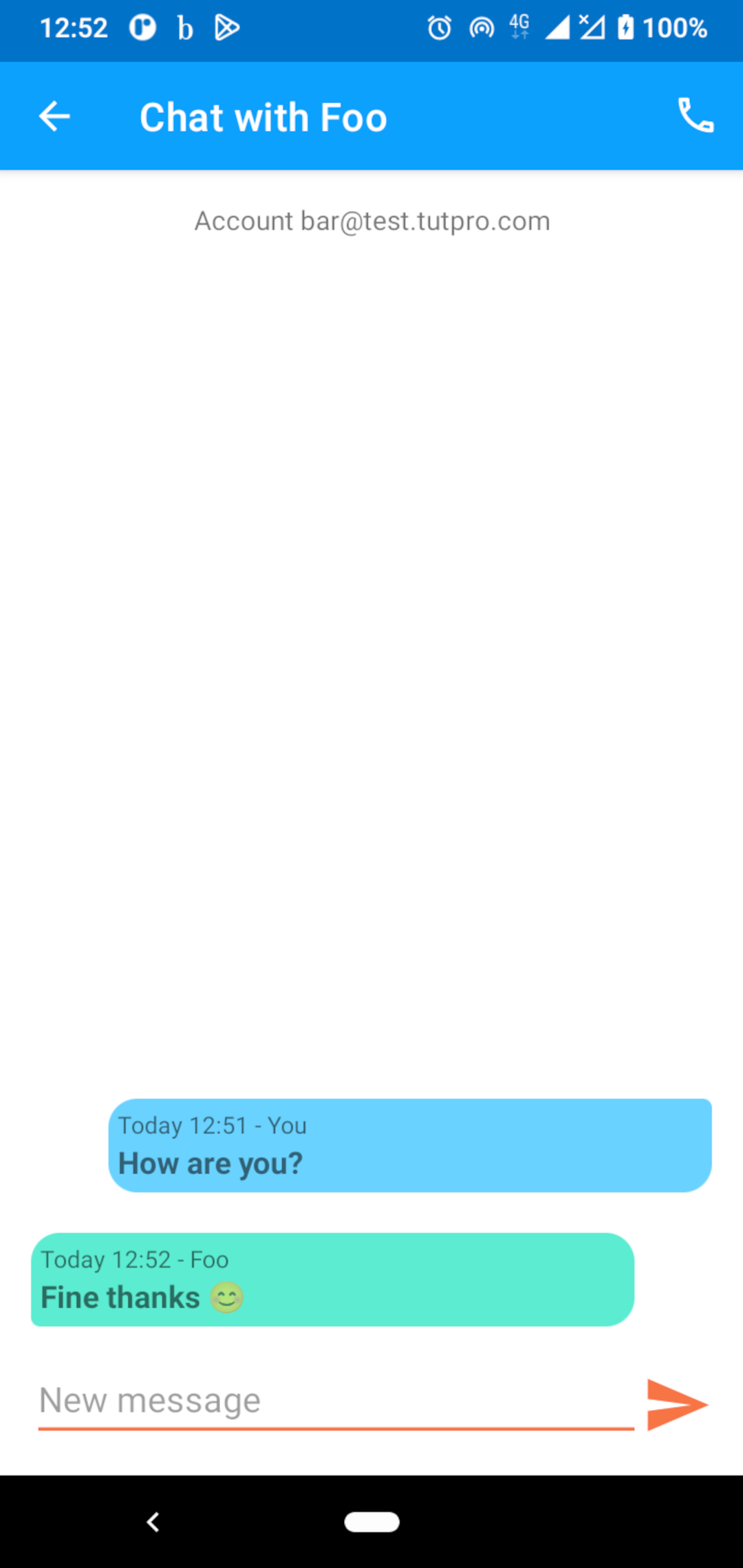
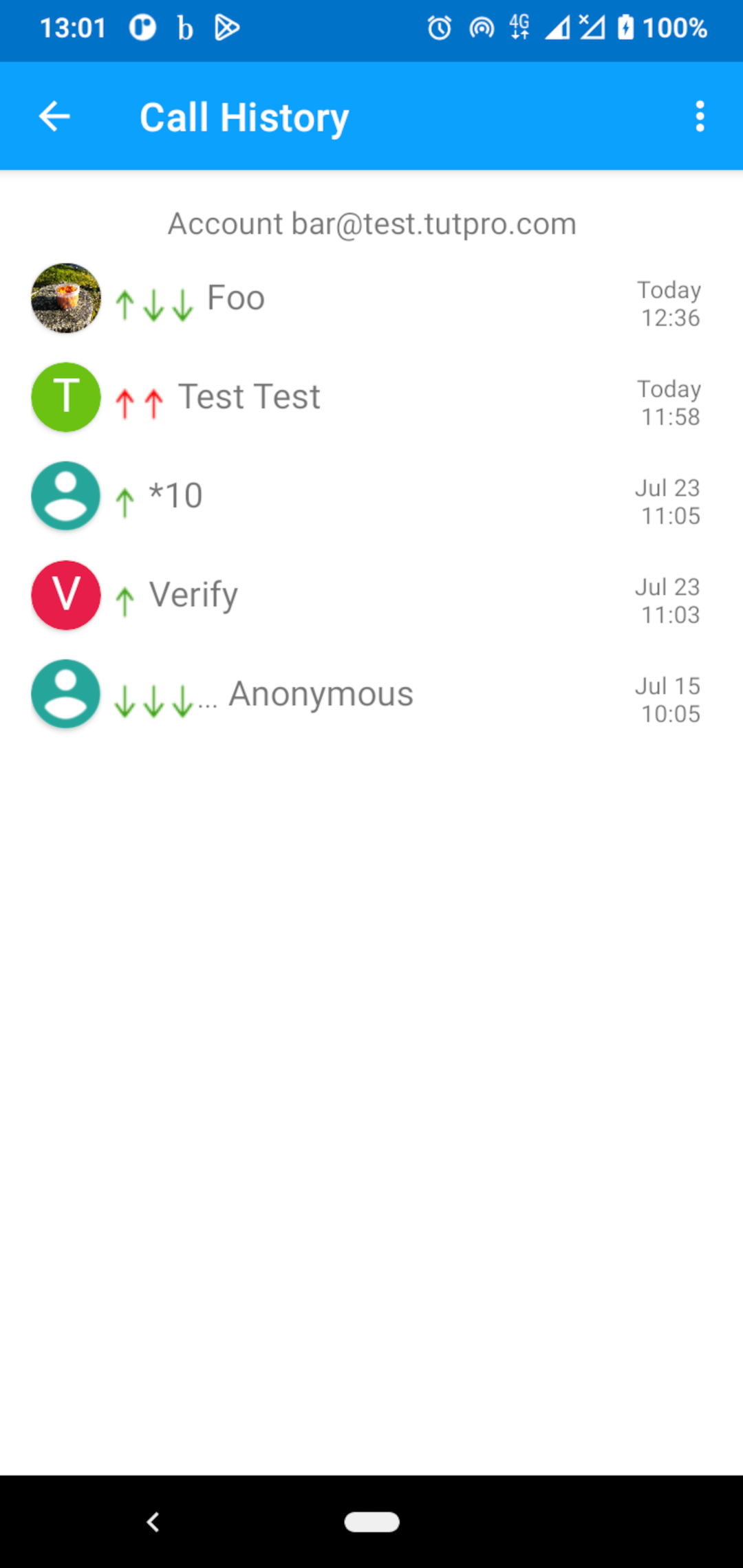
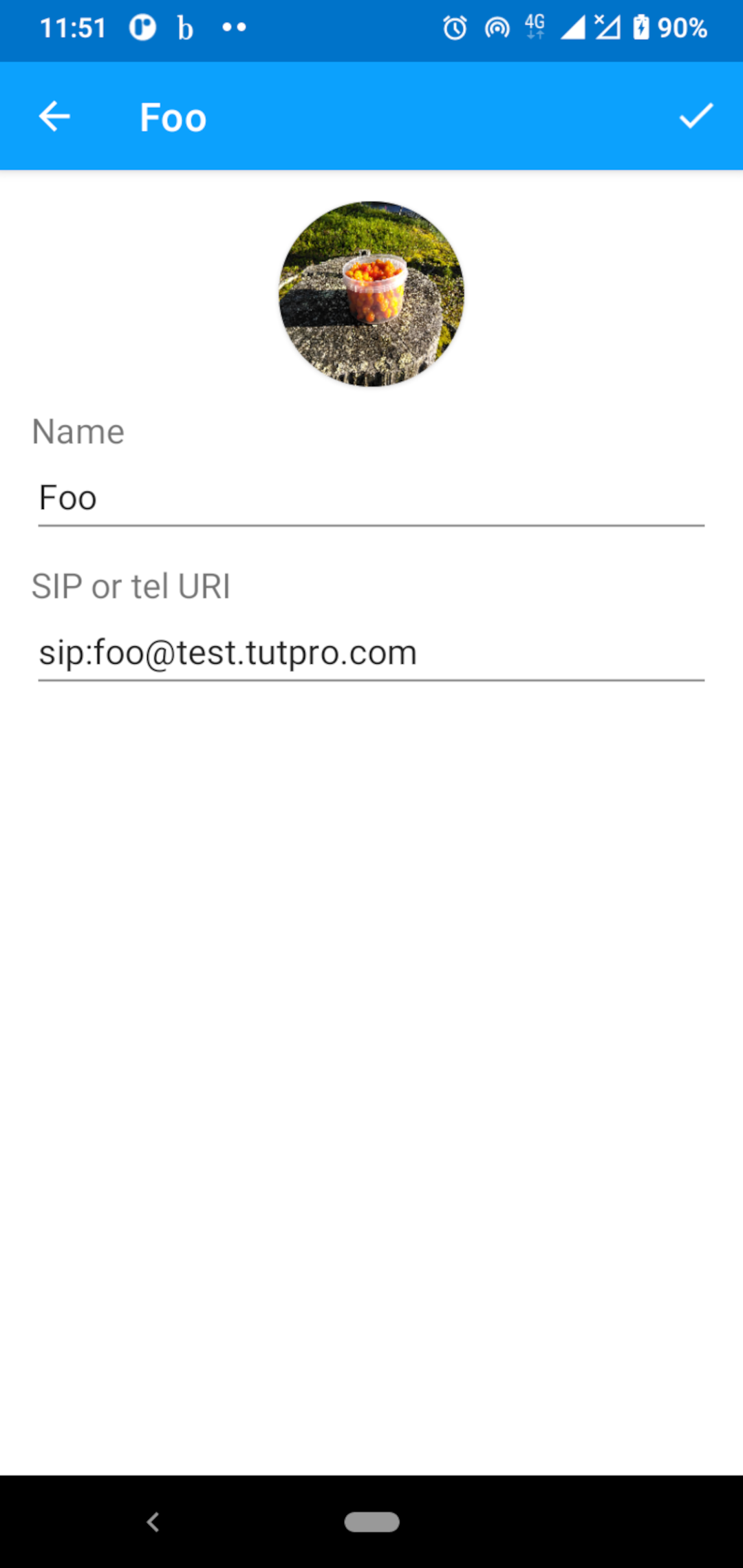
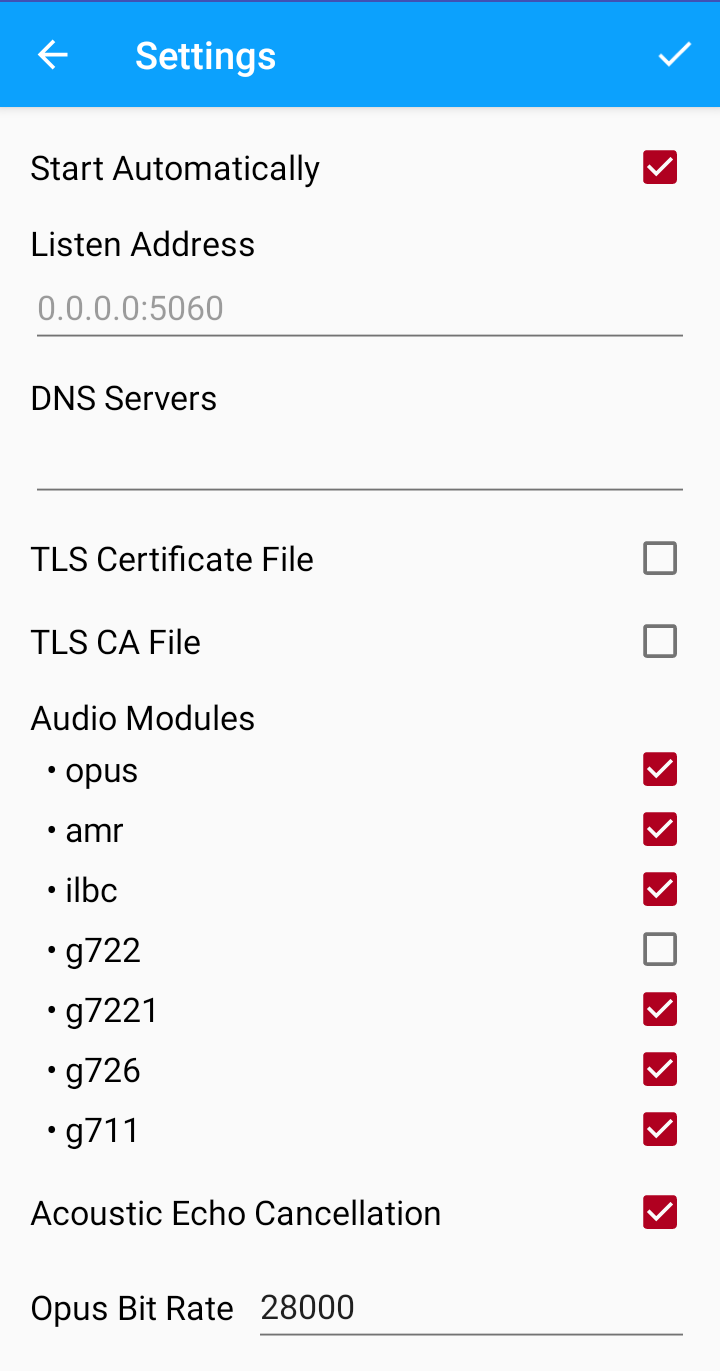
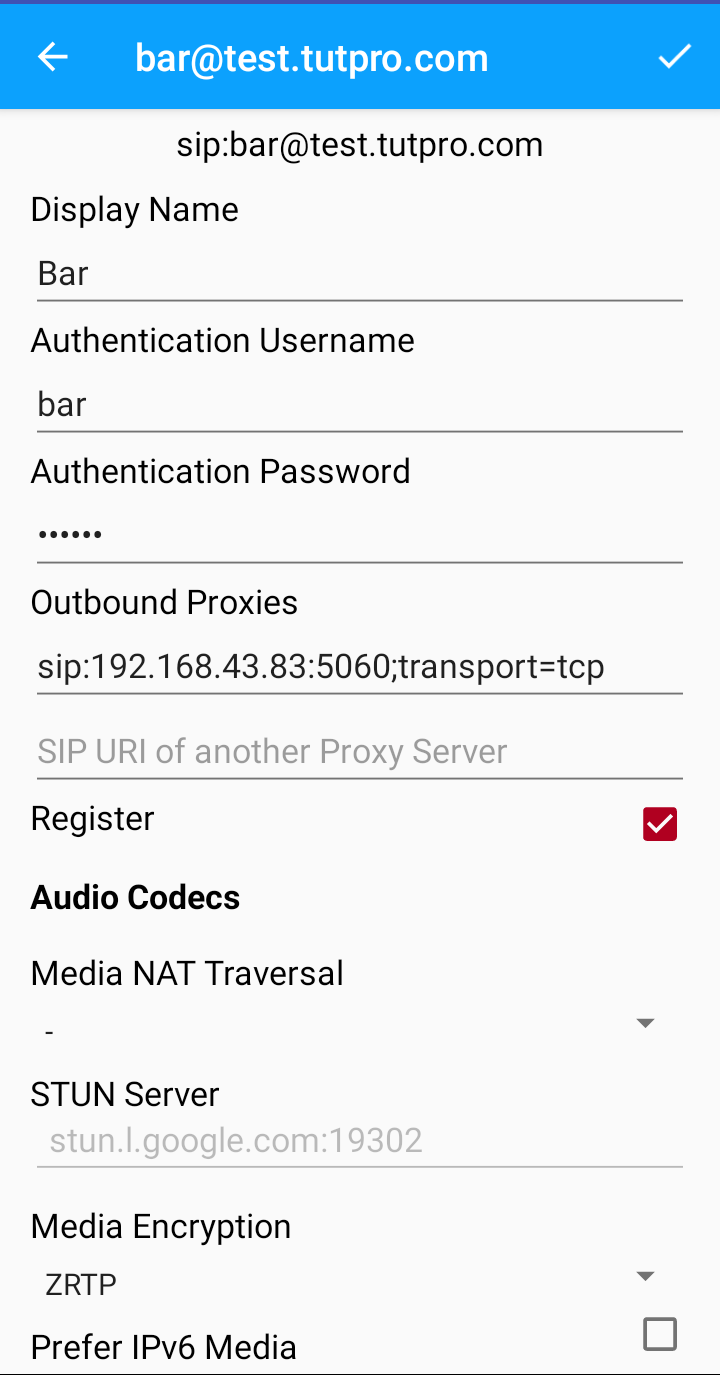
Screenshots
What’s new
- Show call end button on its own line - After call, do not disable speaker phone if Speaker Phone audio setting is enabled - Fixed adding of parties to conference call - Upstream fix on notifying un-registering failure - New translations (Chinese and Indonesian)
How to install
Download the APK from the button at the top of this page.
Allow “Install unknown apps” for your browser or file manager only, not for every app.
Open the downloaded file and confirm the installation.
If installation fails with “App not installed,” remove an earlier build of the same app first. A signature conflict is the usual cause.
Data safety
Every file is checked against its published SHA-256 before it is listed.
Files are scanned for malware on every update.
The permissions each app requests are listed on its own page.
Read the full safety policy for how we test, flag, and delist files.