
Quick answer
Minimal RSS reader with offline reading, reader mode & flexible sync options.
F-Droid repository metadata
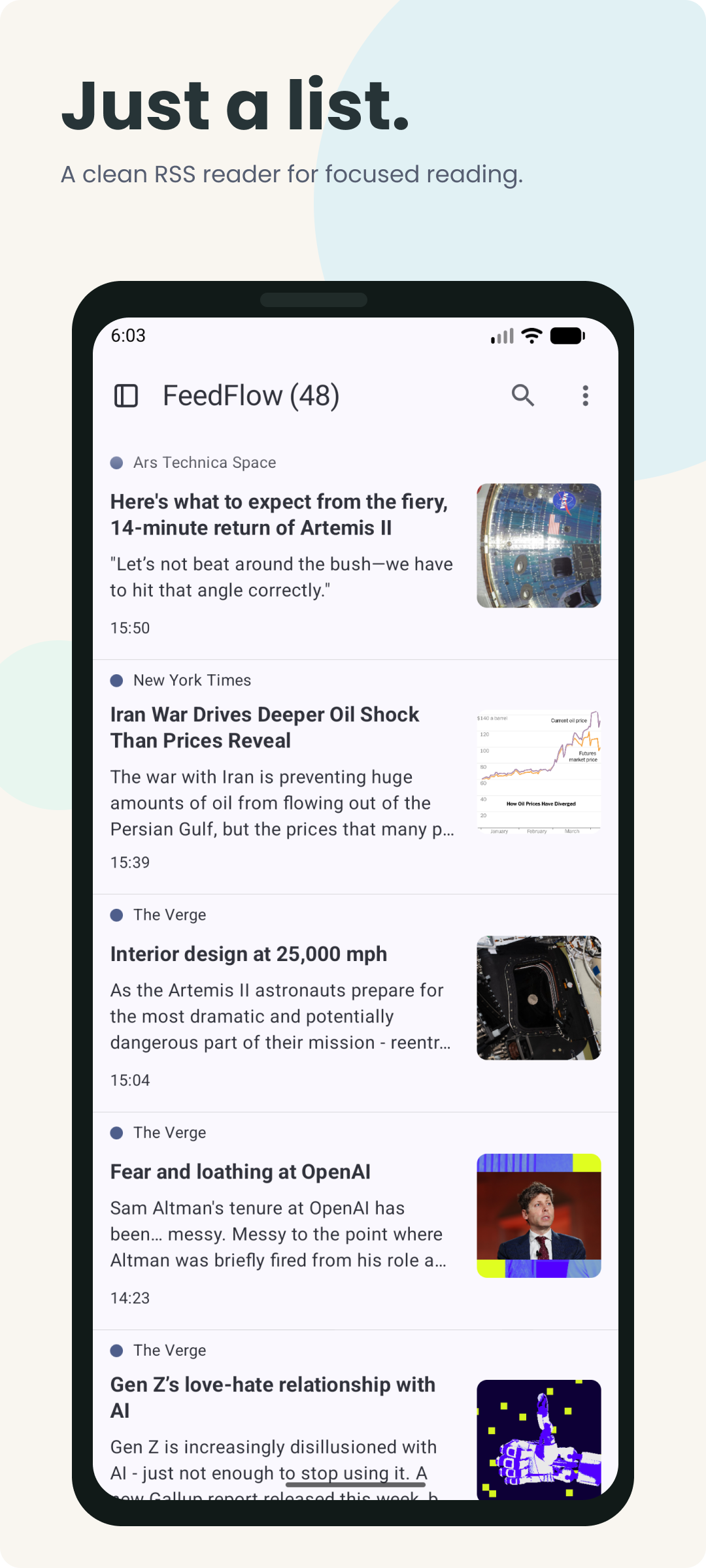
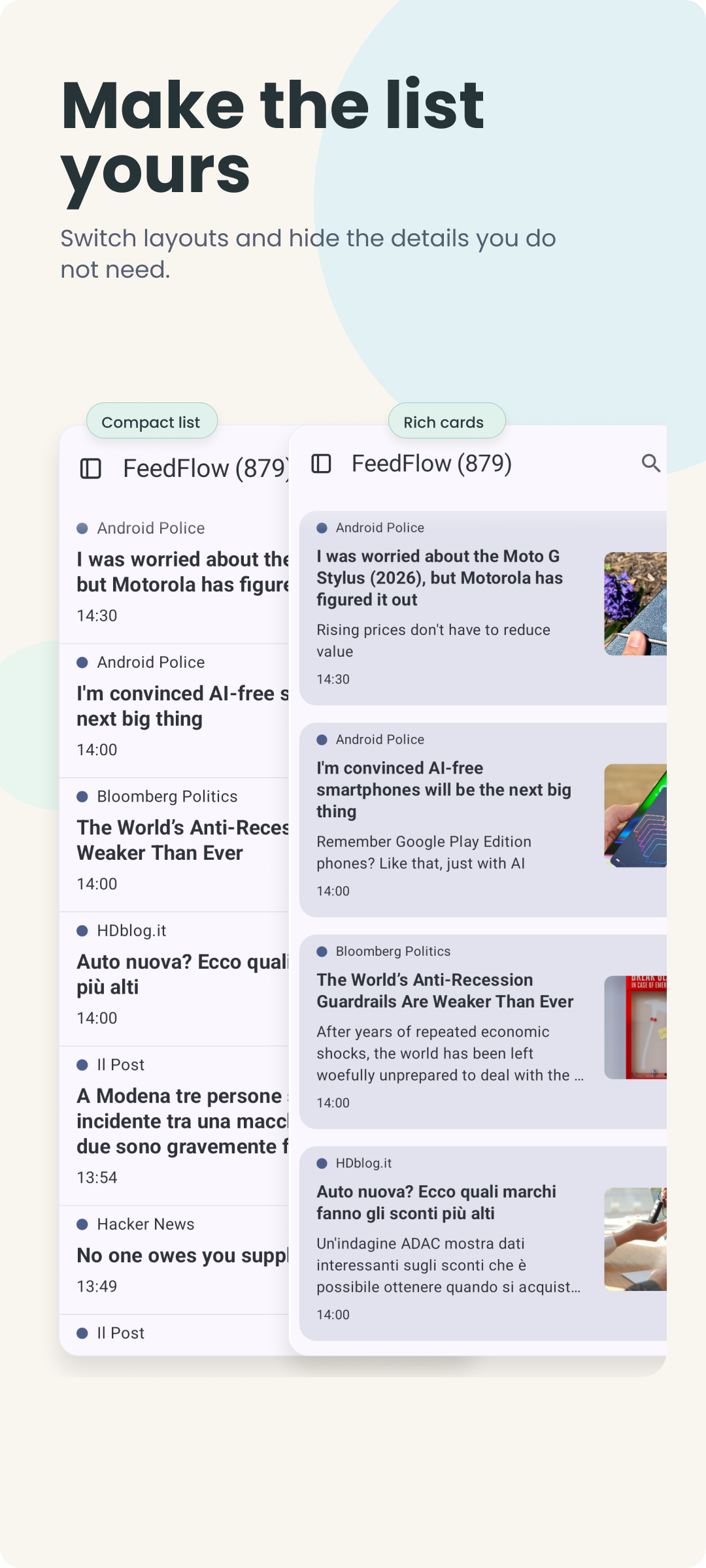
FeedFlow is a minimal RSS reader for people who want a clean, chronological timeline — no algorithms, no clutter, no noise. Just your feeds, in order.
Whether you follow news sites, blogs, or YouTube channels via RSS, FeedFlow gives you a fast, distraction-free way to keep up with everything you care about.
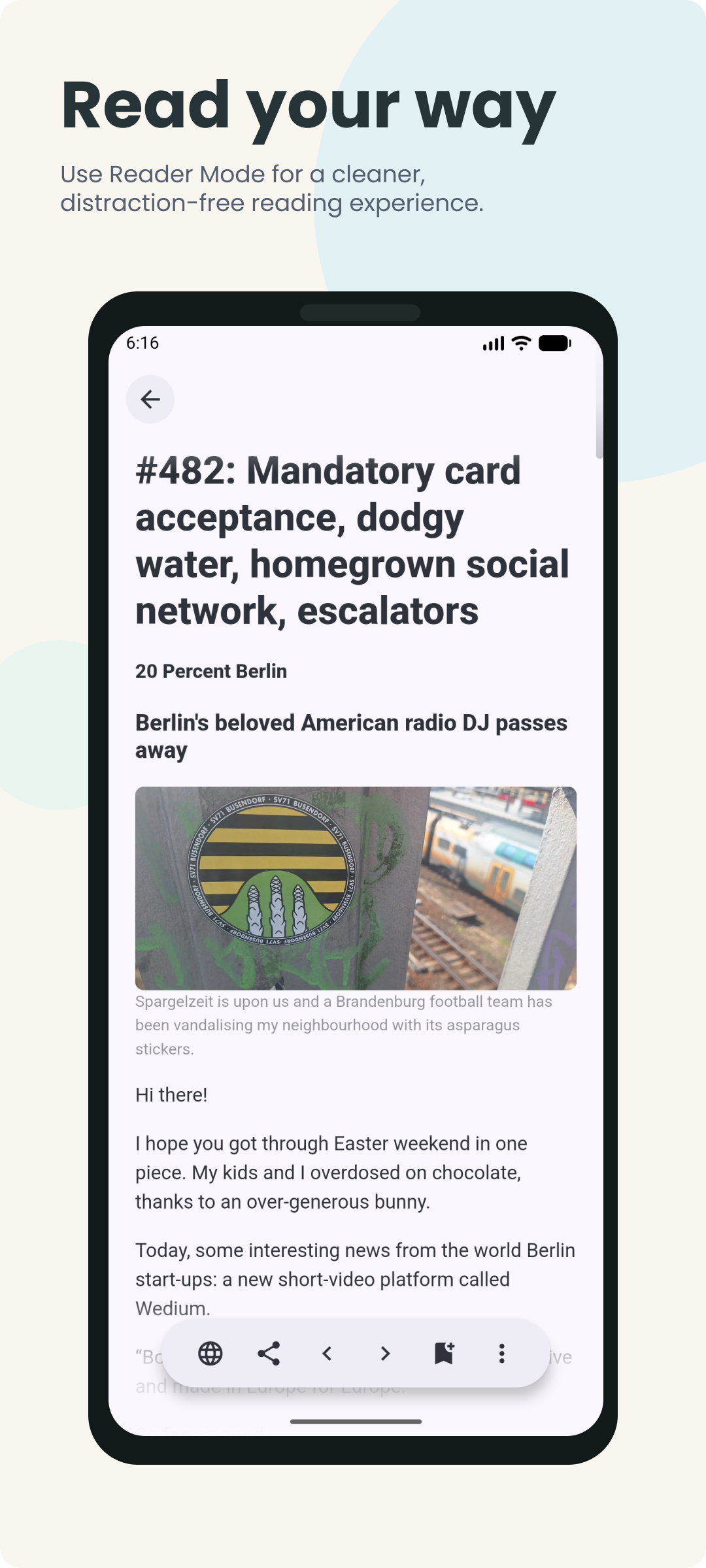
Read Articles Your Way - Open articles in your default browser, or pick a dedicated browser for reading sessions. - Use Reader Mode for a distraction-free article view with adjustable text size and spacing. - Prefetch and cache full article content for offline reading — read articles anywhere, even without an internet connection. - View the original web page or switch to a clean, readable format — the choice is yours.
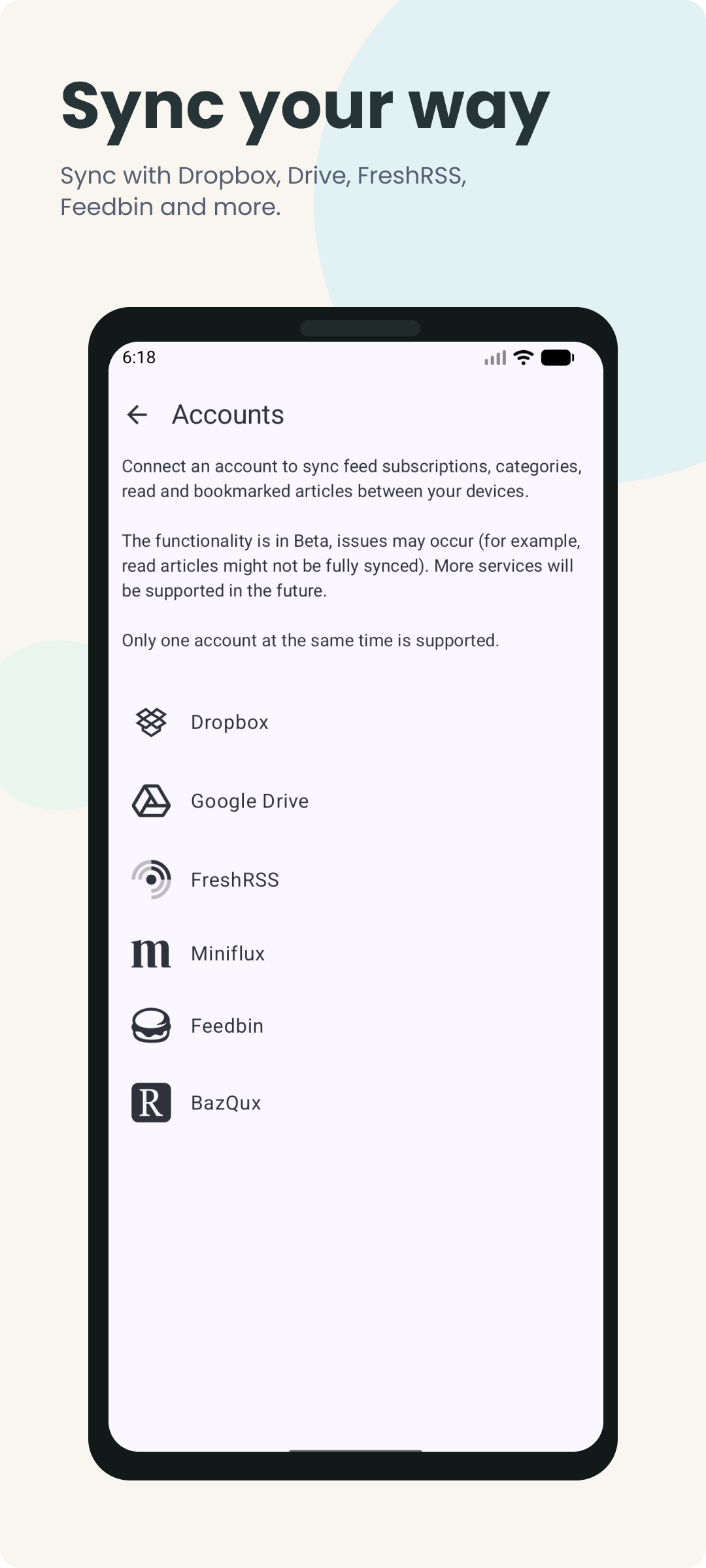
Sync Feeds Across All Your Devices - Keep everything local, or sync feeds across devices with multiple backends. - Cloud storage sync with Dropbox or Google Drive. - Self-hosted and server sync with FreshRSS, Miniflux, Feedbin, or BazQux. - Your feeds, read status, and bookmarks stay in sync across Android, iOS, macOS, Windows, and Linux. - Switch between phone, tablet, and desktop without losing your place.
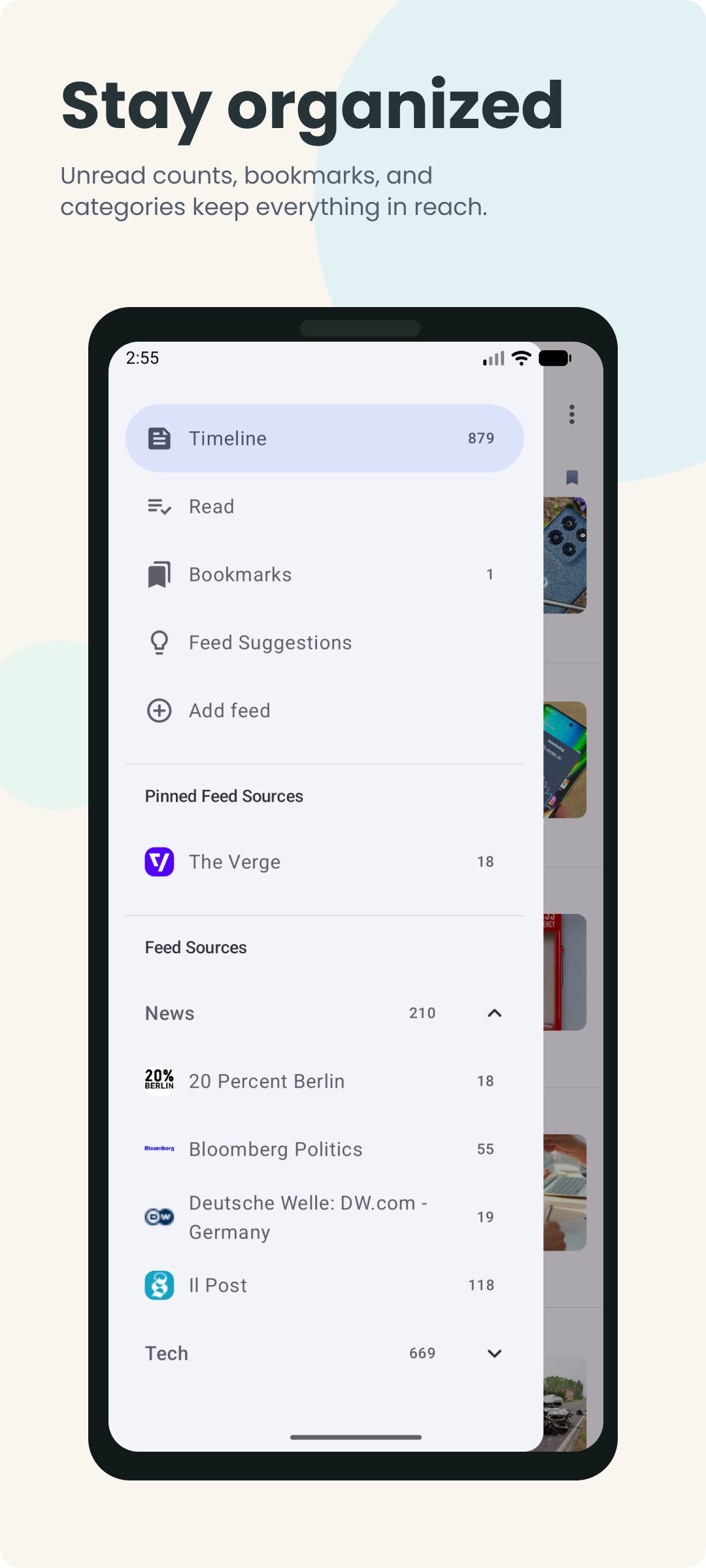
Stay Organized with Feeds and Categories - Import and export feeds with OPML — migrate from any other RSS reader or news reader in minutes. - Block noisy keywords to filter out unwanted content from your feed. - Organize RSS feeds into categories and bookmark articles to read later. - Search across all your feeds and articles to quickly find the content you need.
A News Reading Experience You Control - Dark mode, light mode, and OLED black theme for comfortable reading day and night. - Background refresh keeps your feed list up to date with new articles and posts.
Built for RSS, Atom, and the Open Web - Full support for RSS 2.0, RSS 1.0, and Atom feed formats. - Subscribe to blogs, news sites, YouTube channels, and more. - No account required — add feeds directly by URL or browse curated feed suggestions to get started. - OPML import and export means you're never locked in to any single app.
Perfect For - News enthusiasts who want a chronological feed without algorithmic recommendations. - Blog readers who want all their favorite sites in one clean timeline. - Self-hosted enthusiasts running FreshRSS, Miniflux, or similar services. - Anyone switching from another feed reader — OPML import makes migration simple.
Why FeedFlow? - No algorithmic feed — your timeline is always chronological. - Open source with an active community and regular updates. - Available on Android, iOS, macOS, Windows, and Linux. - Translated into 25+ languages by contributors worldwide.
Take back control of your news and reading — download FeedFlow today.
Screenshots
How to install
- Download the APK from the button at the top of this page.
- Allow “Install unknown apps” for your browser or file manager only, not for every app.
- Open the downloaded file and confirm the installation.
- If installation fails with “App not installed,” remove an earlier build of the same app first. A signature conflict is the usual cause.
Data safety
- Every file is checked against its published SHA-256 before it is listed.
- Files are scanned for malware on every update.
- The permissions each app requests are listed on its own page.
- Read the full safety policy for how we test, flag, and delist files.
Comments
Recent approved comments · sorted by newest
View all comments