N-Zik icon

N-Zik

NEVAR
Multimedia Online Media Player Internet
Version
7.4.7-f
Size
131.1 MB
Requires
Android API 24+
4.4 / 5 · 2,189 ratings 6 downloads

Updated Sep 22, 2026

Quick answer

A modern, multilingual YouTube Music client for Android with offline support.

F-Droid repository metadata

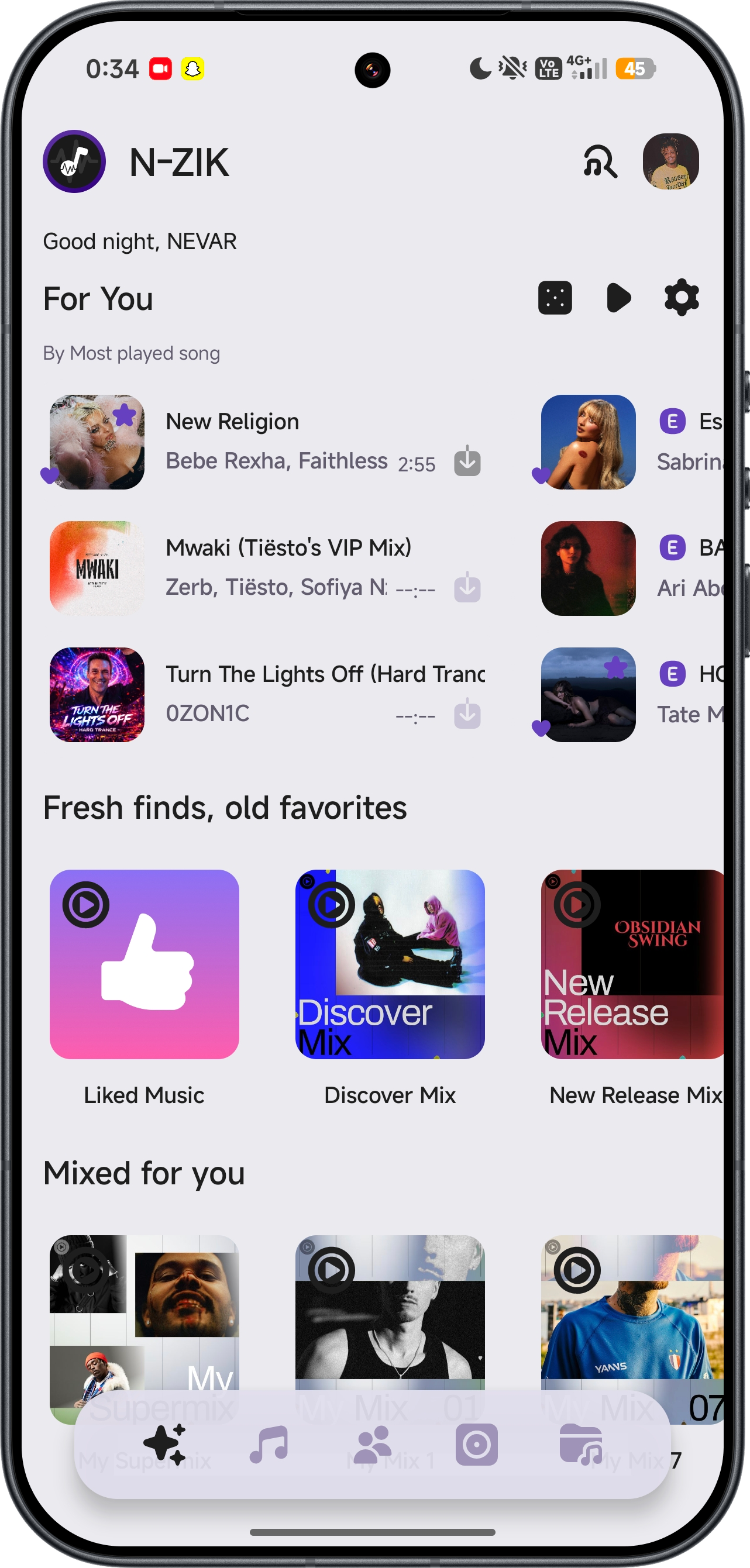
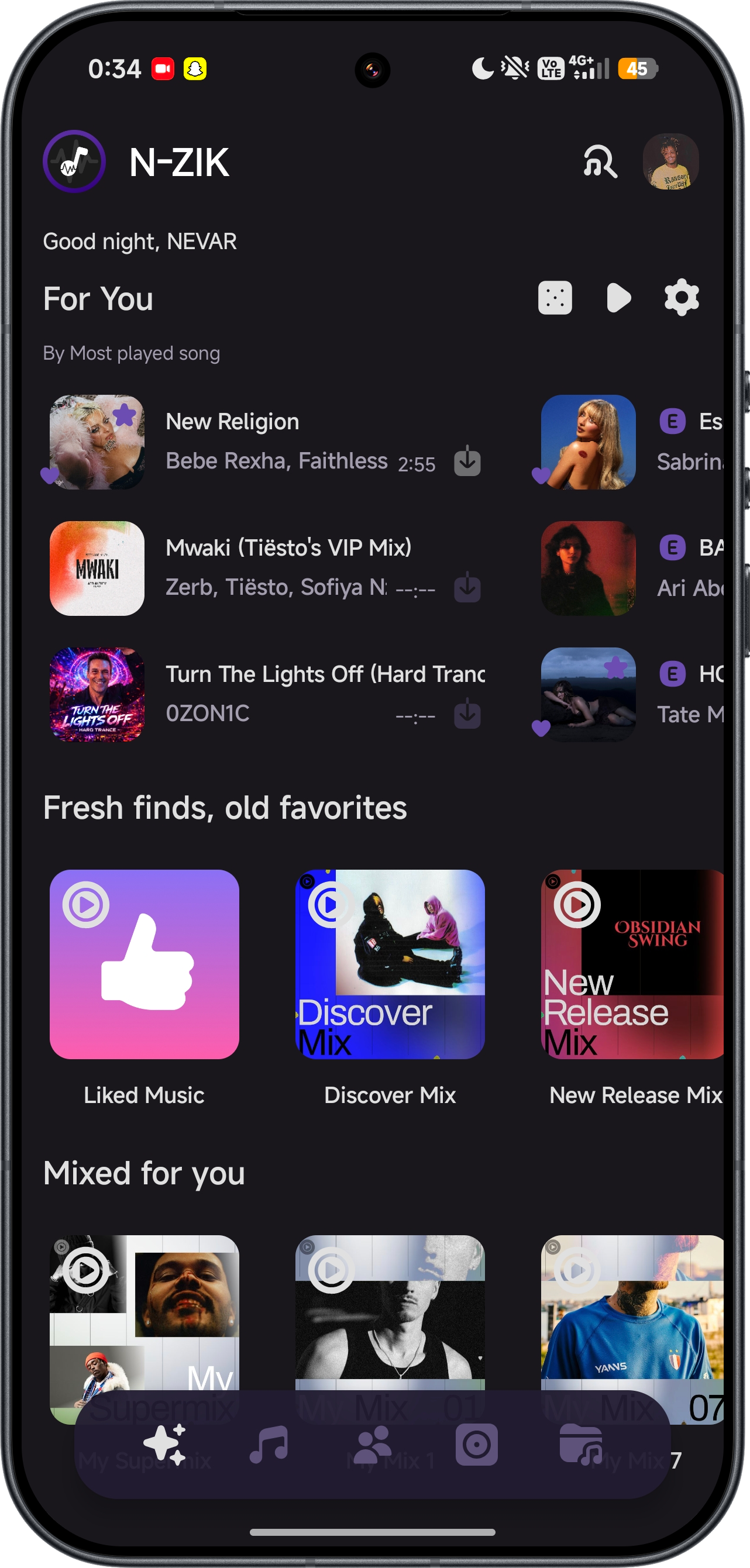
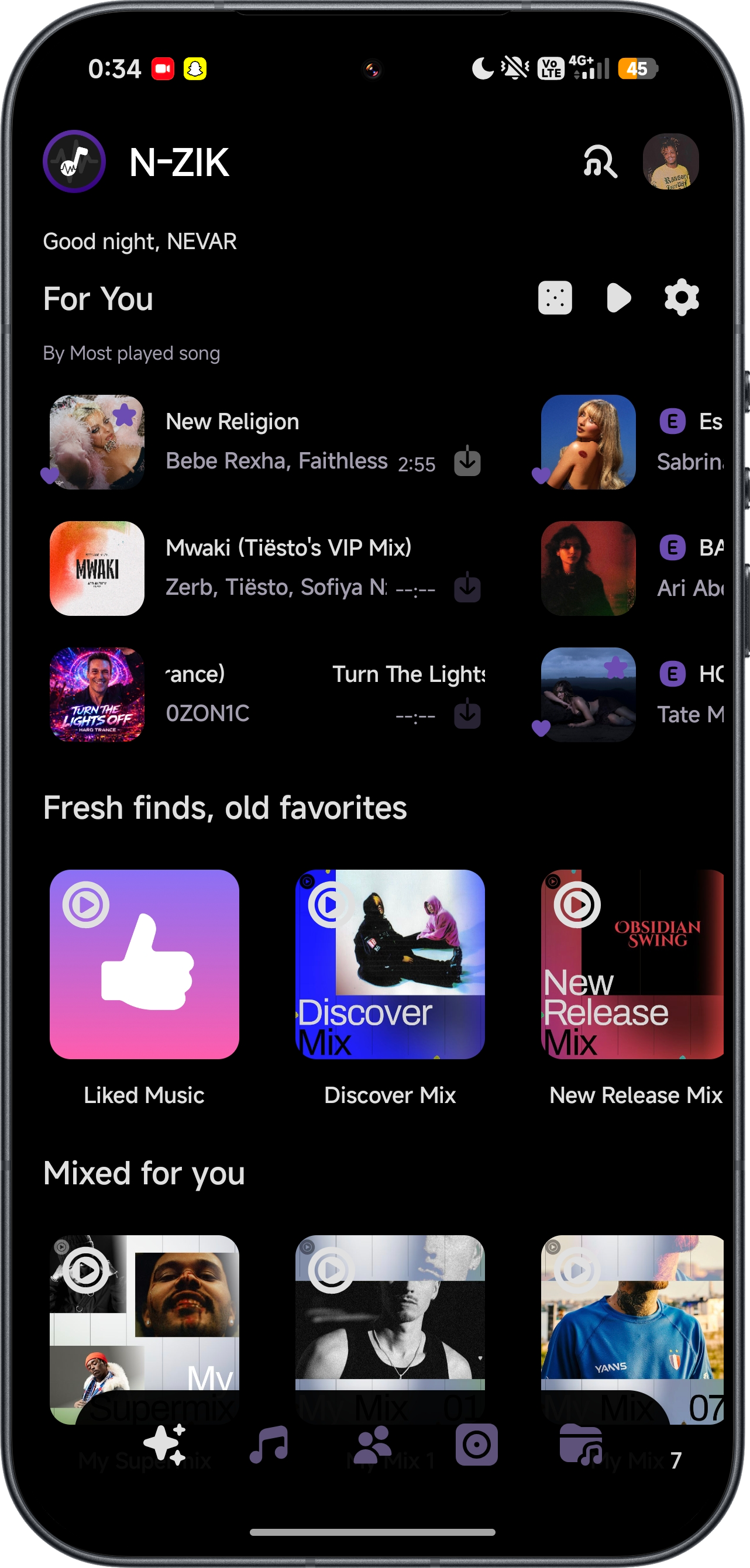
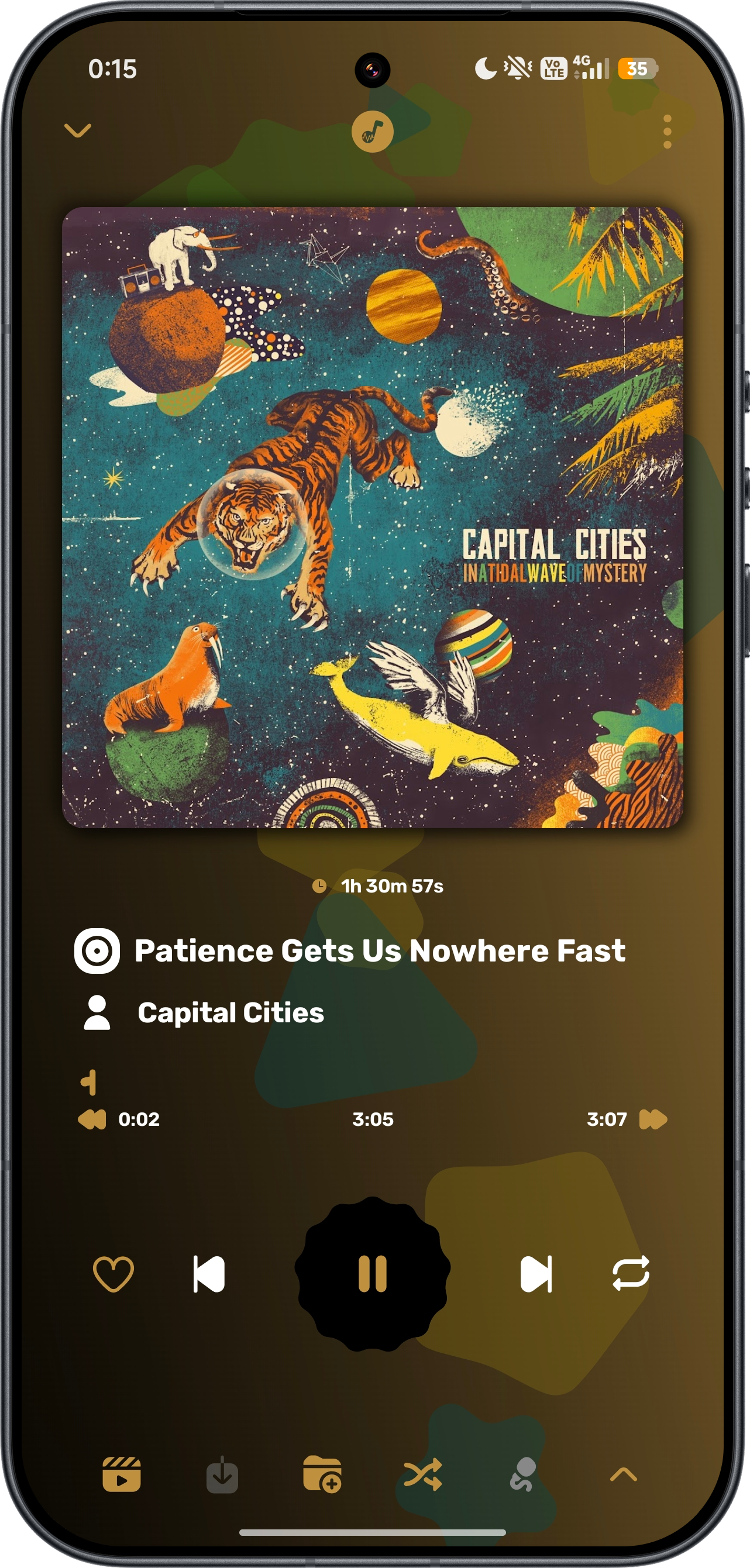
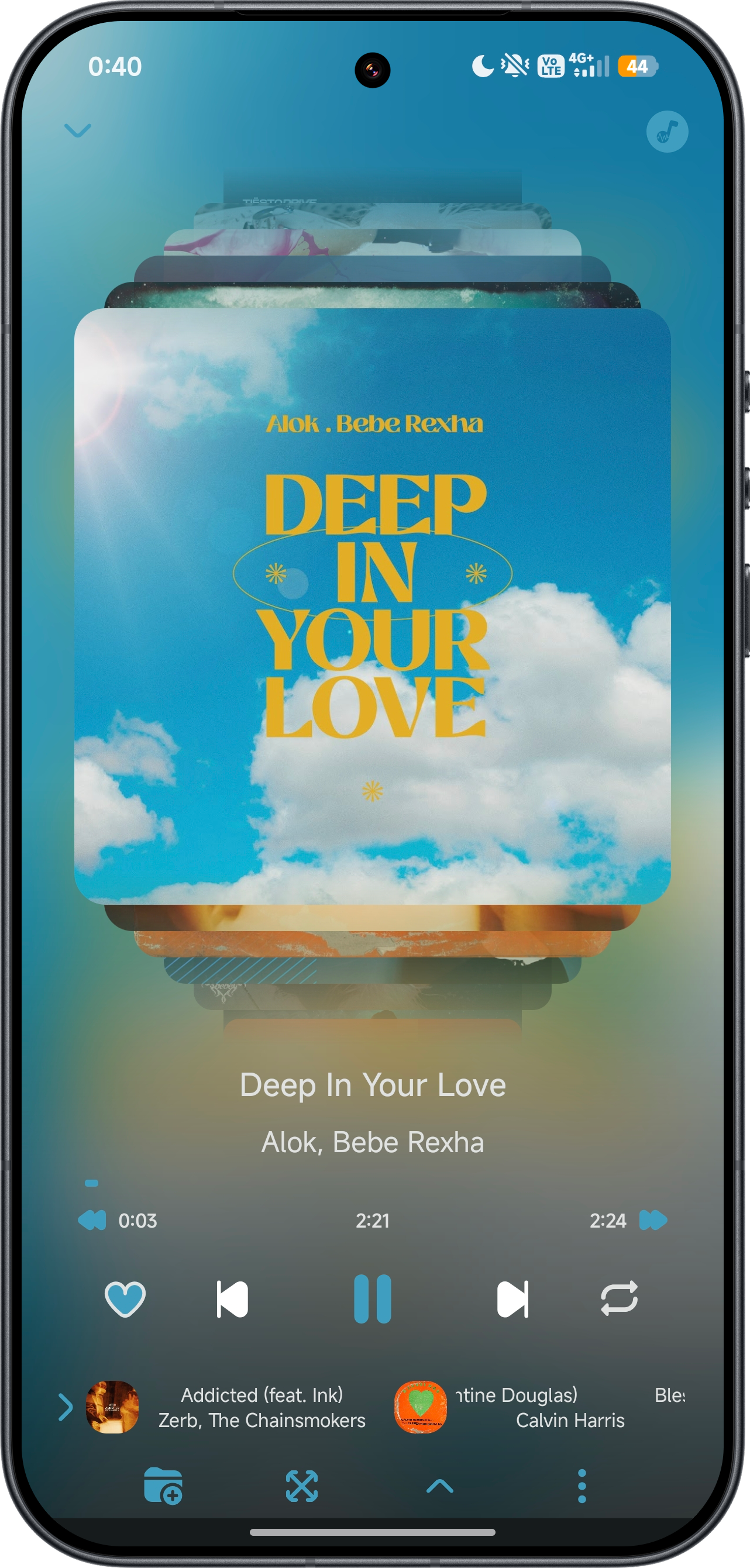
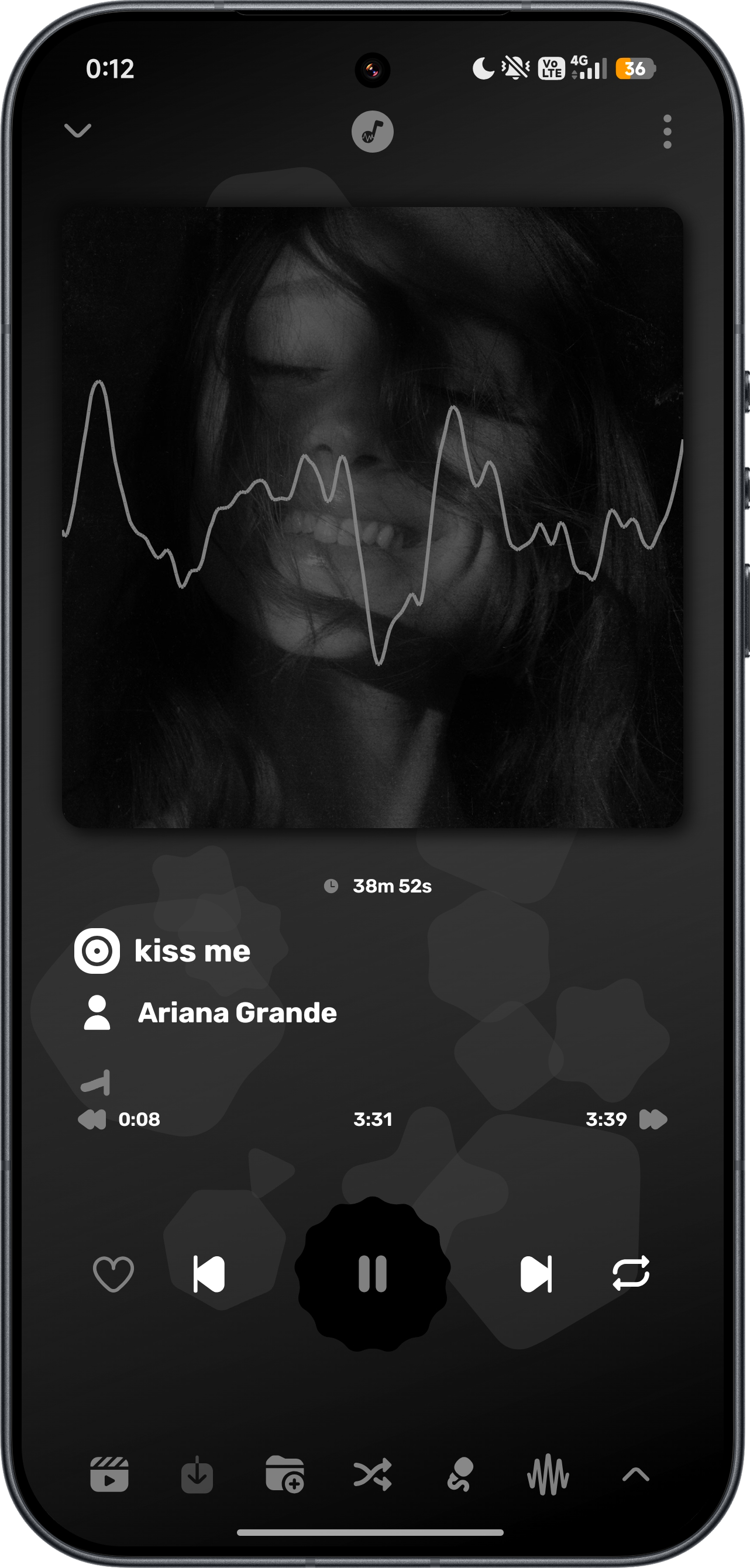
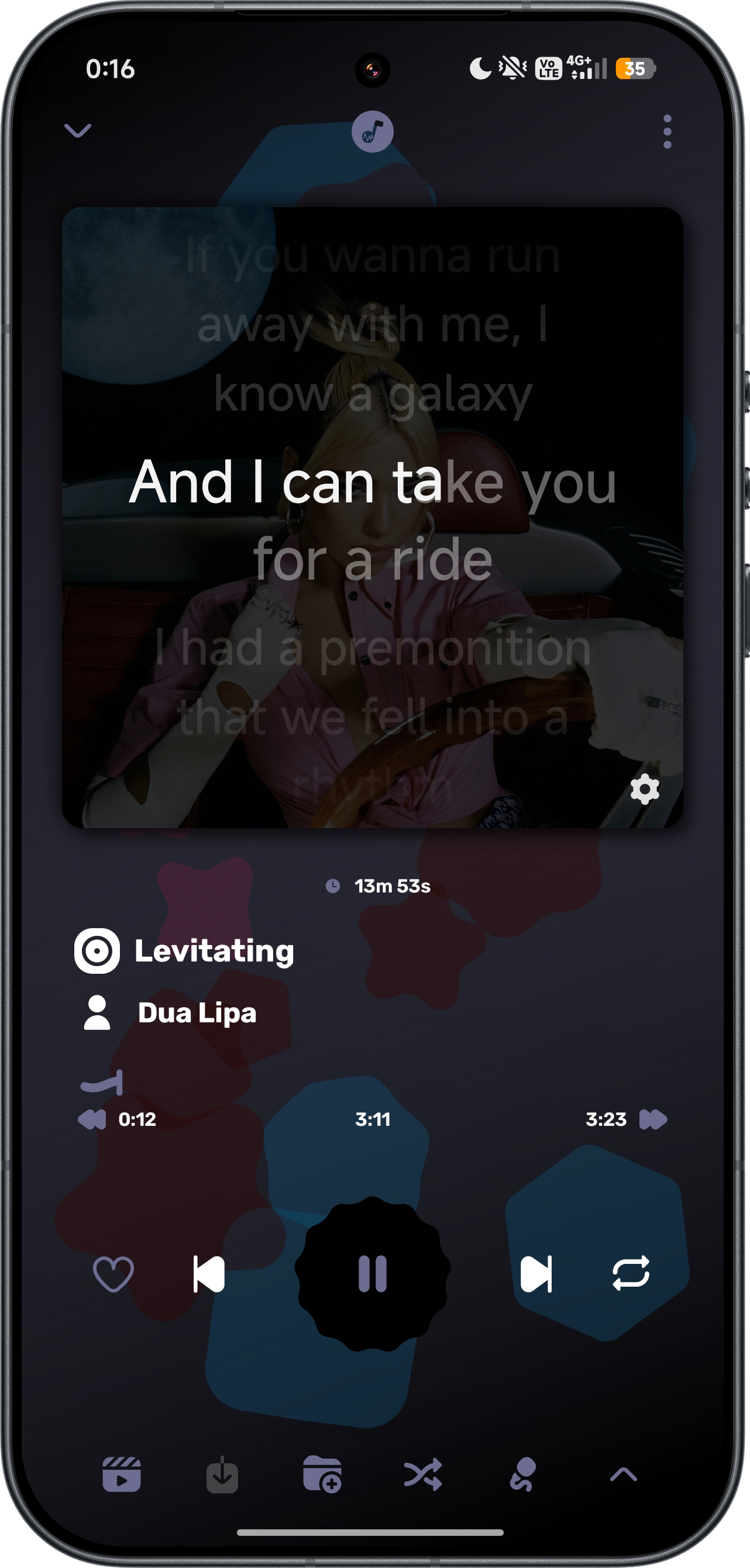
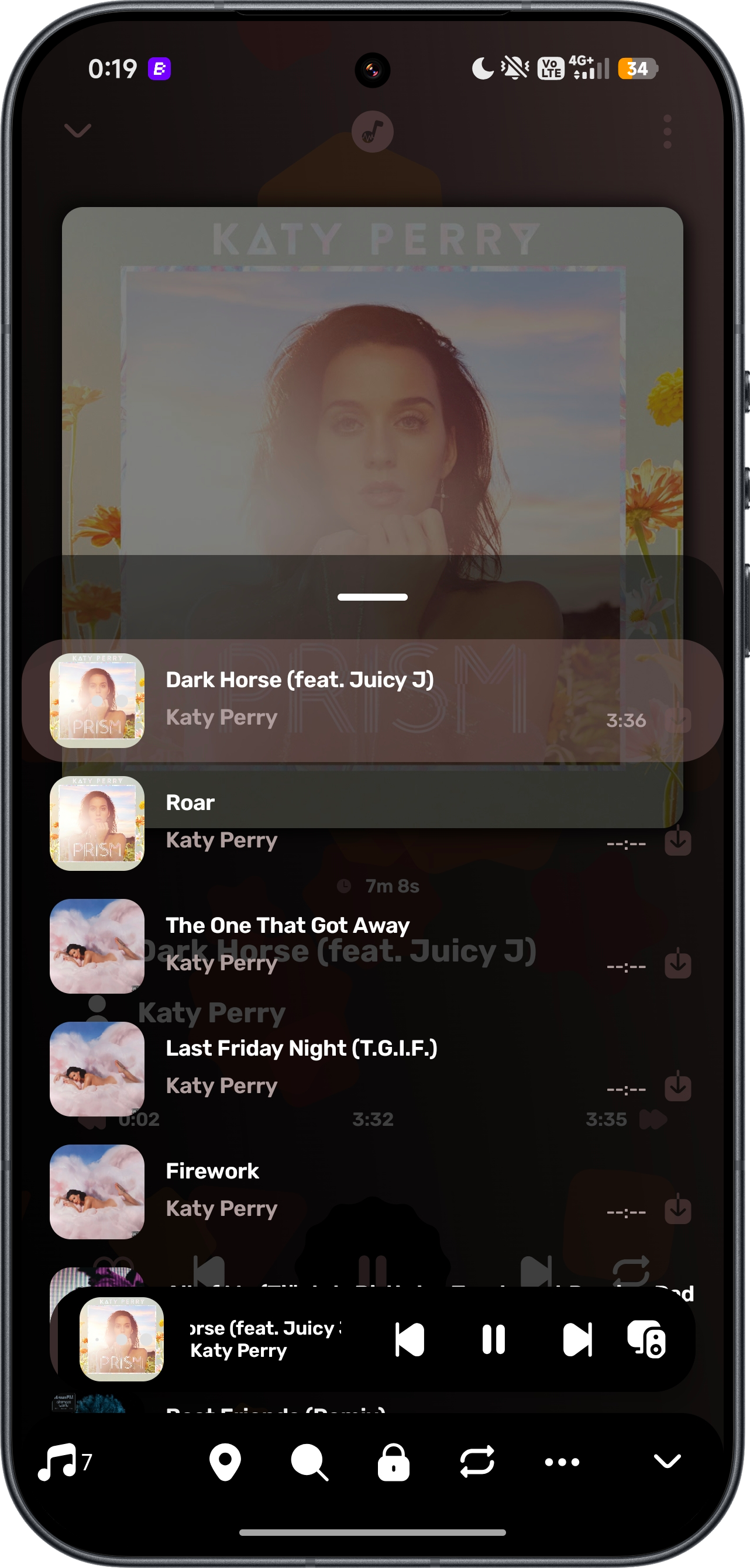
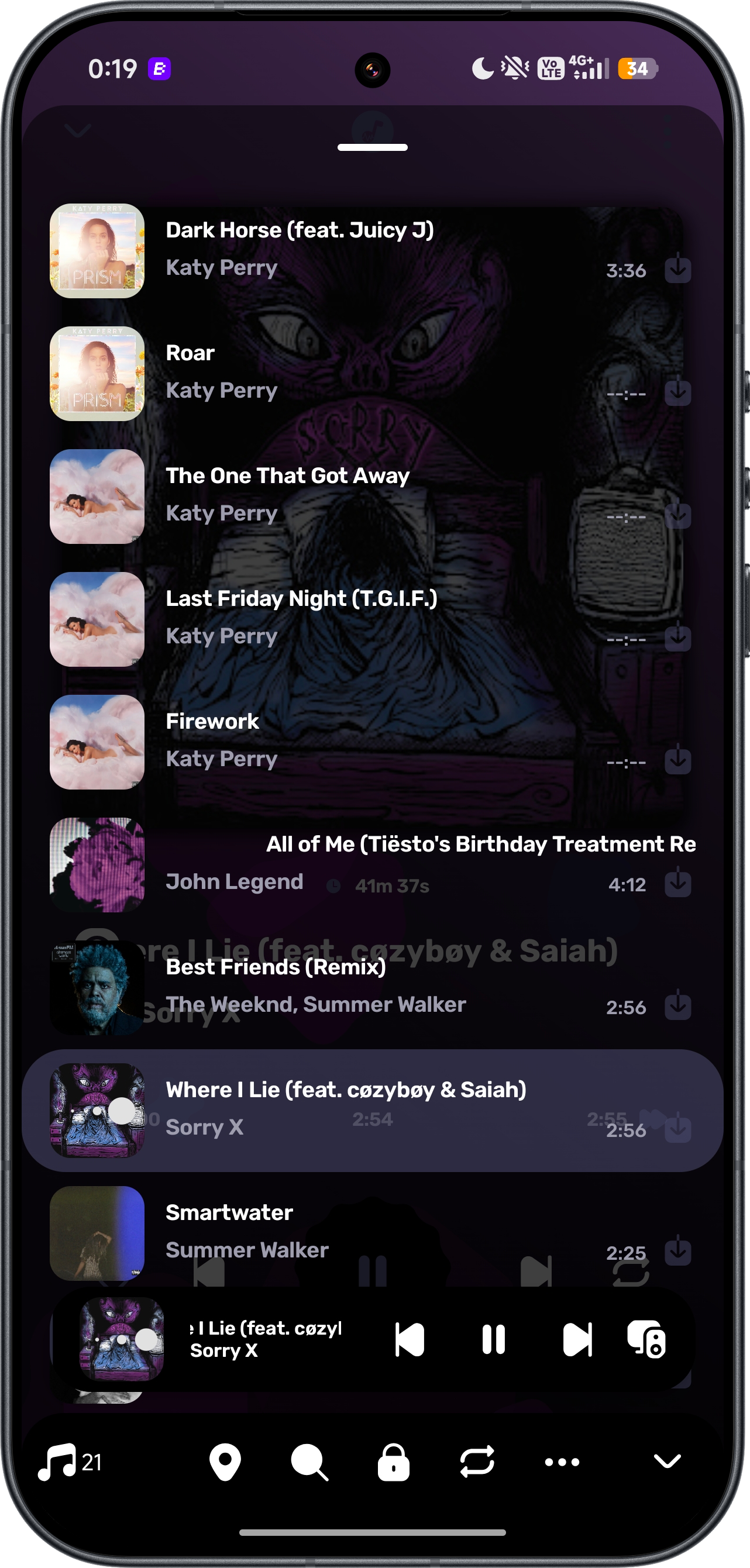
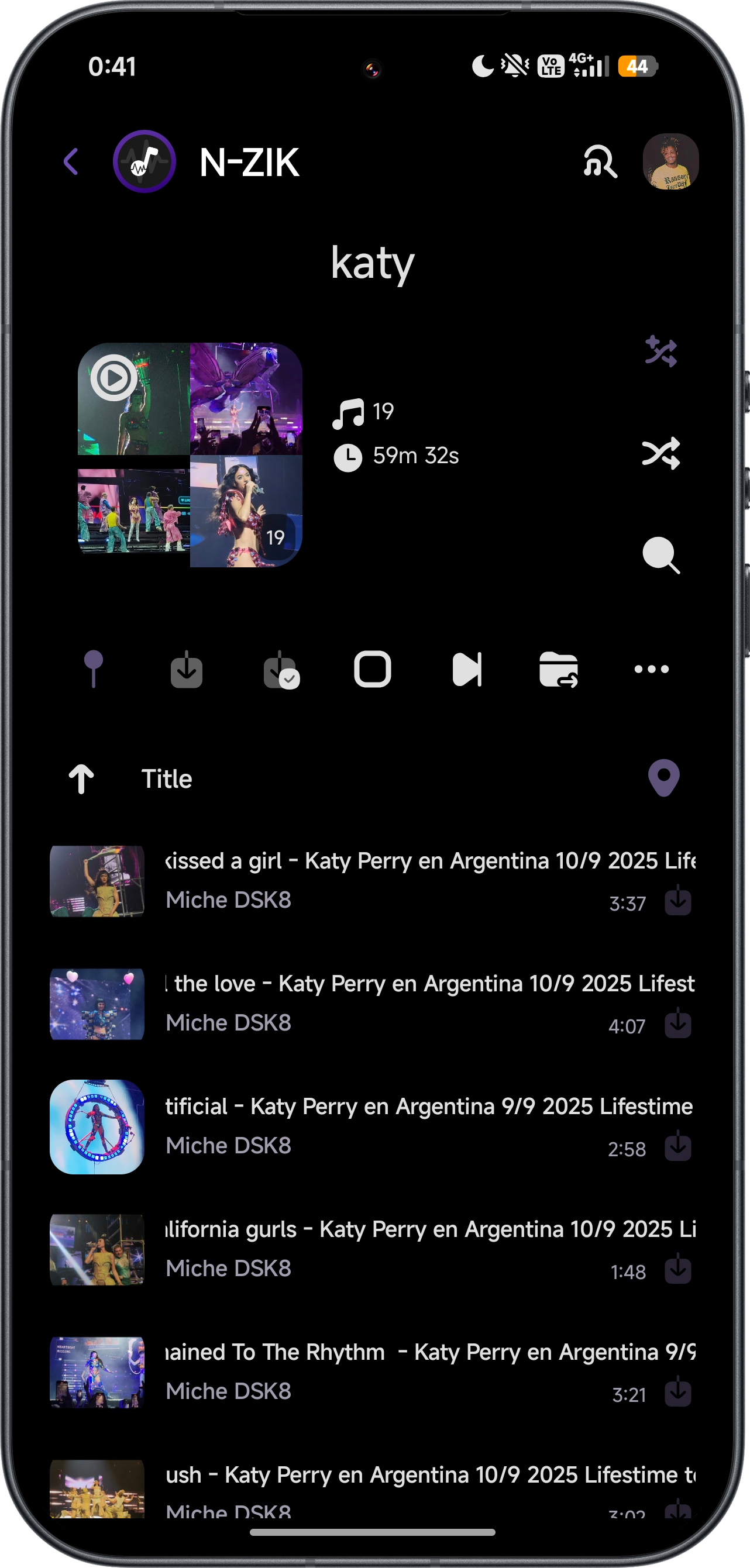
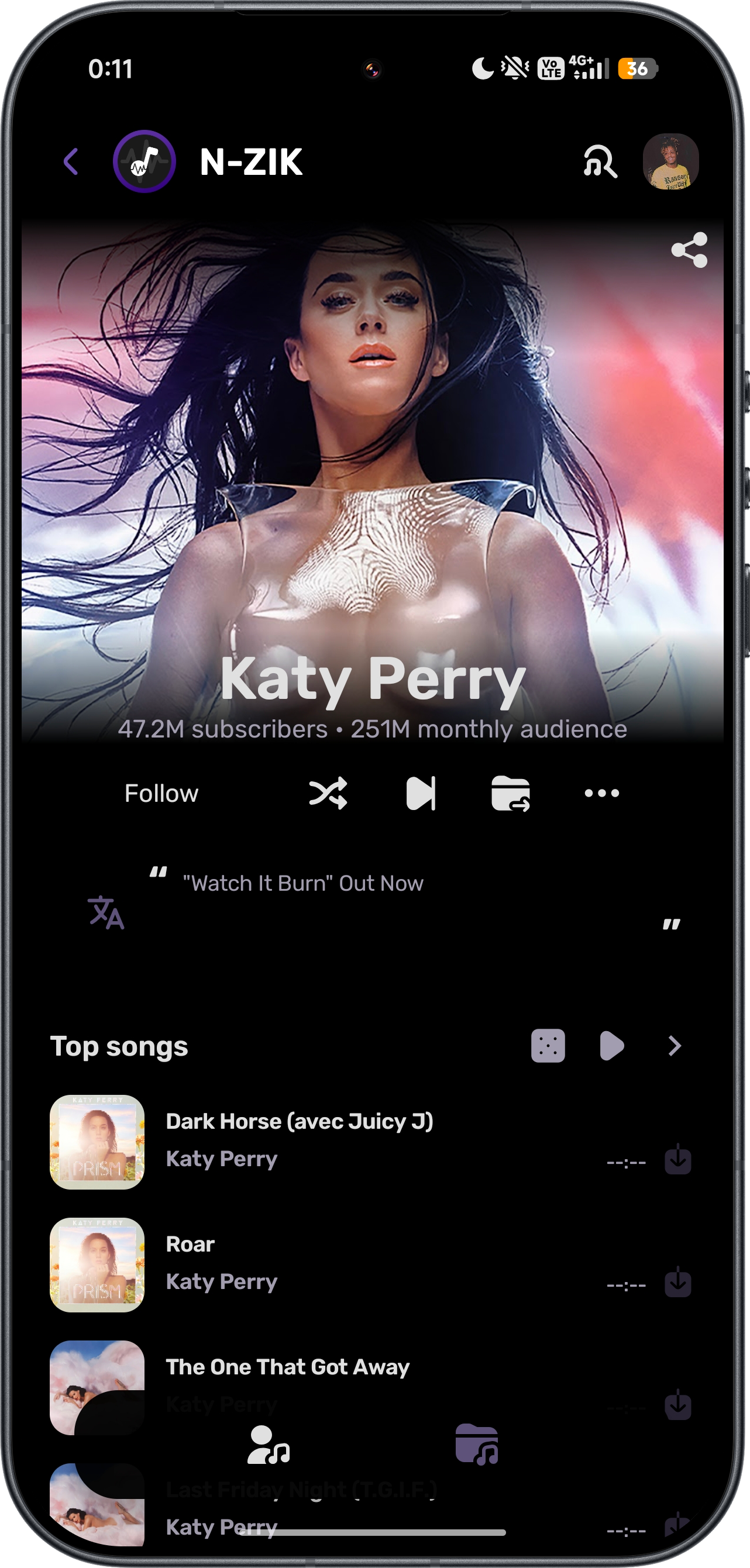
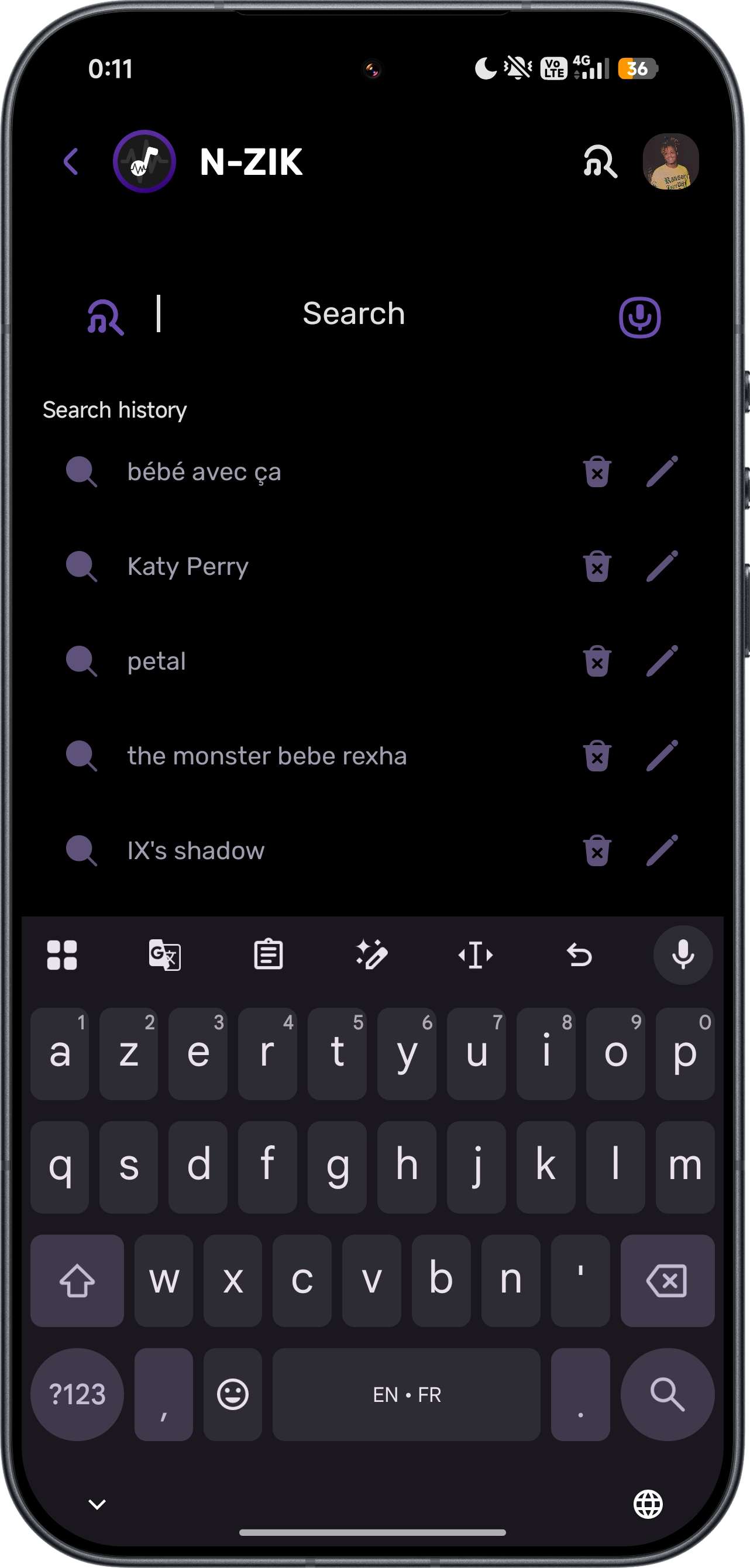
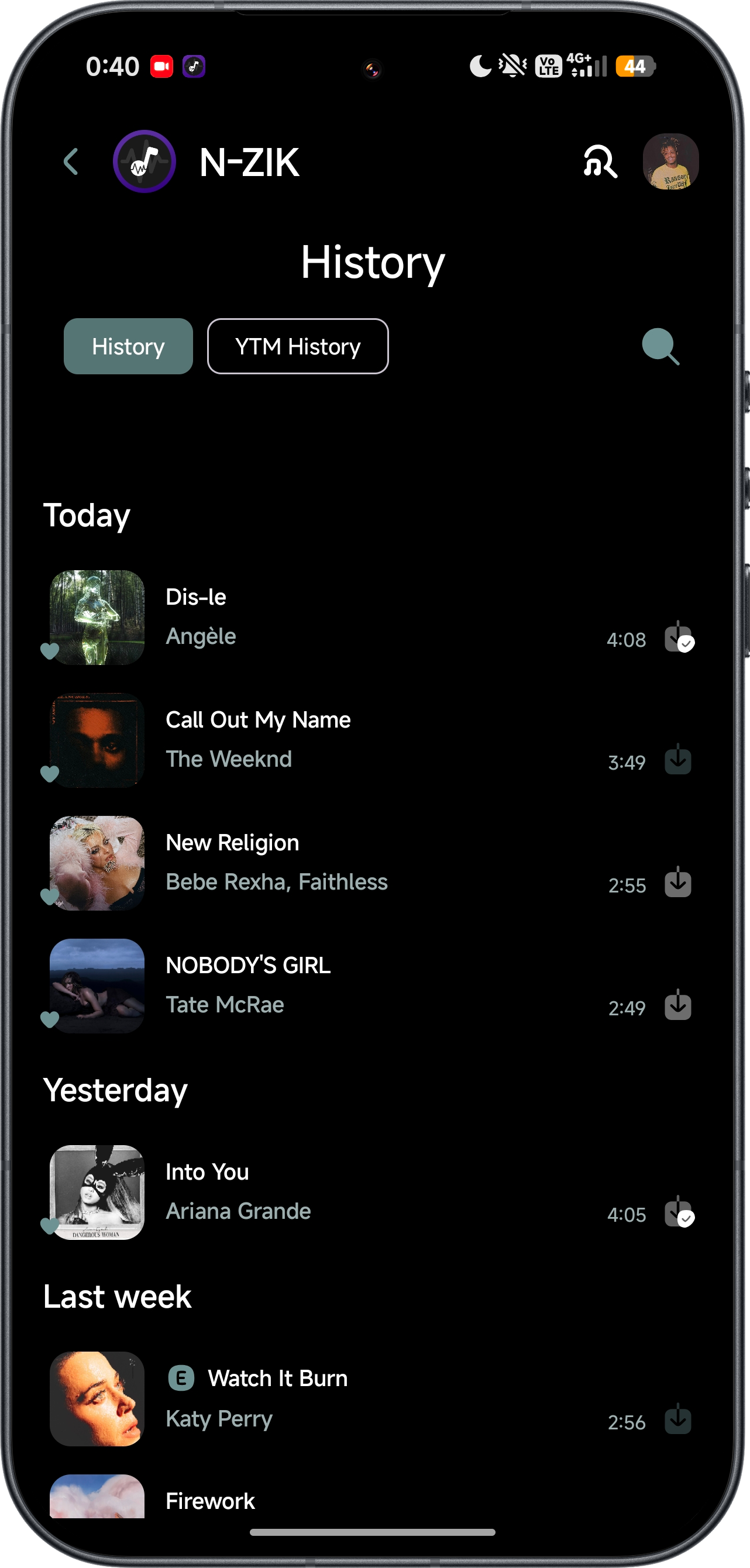
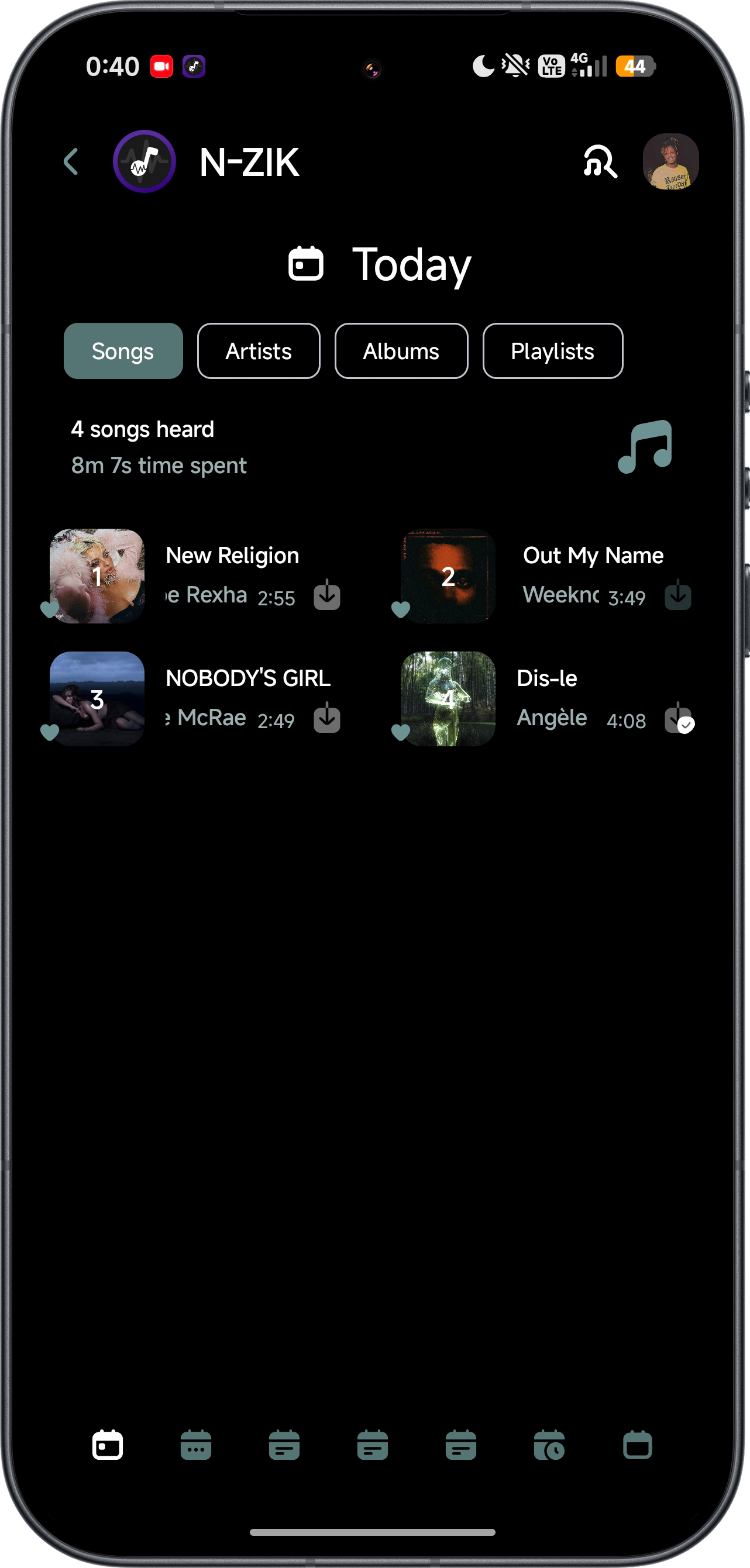
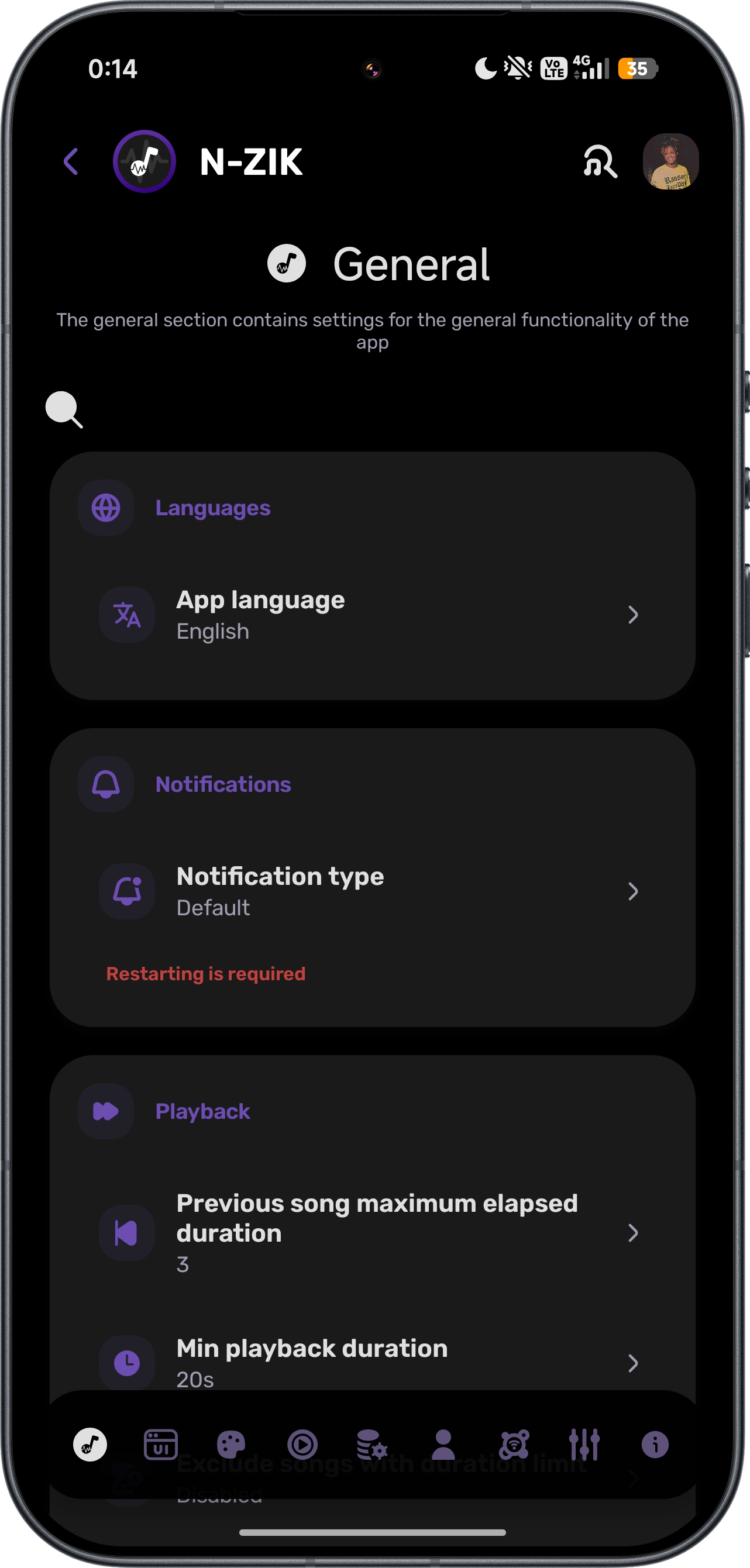
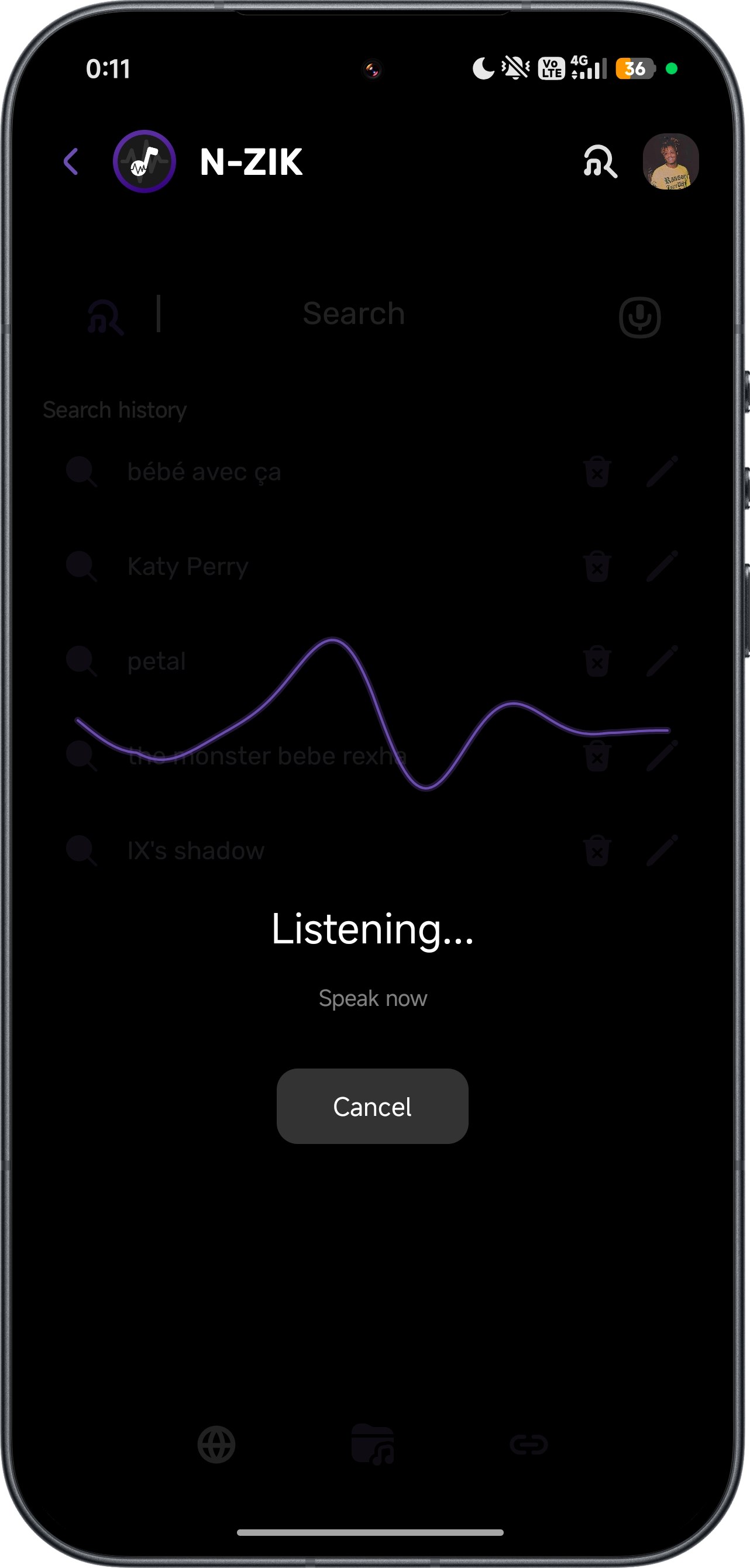
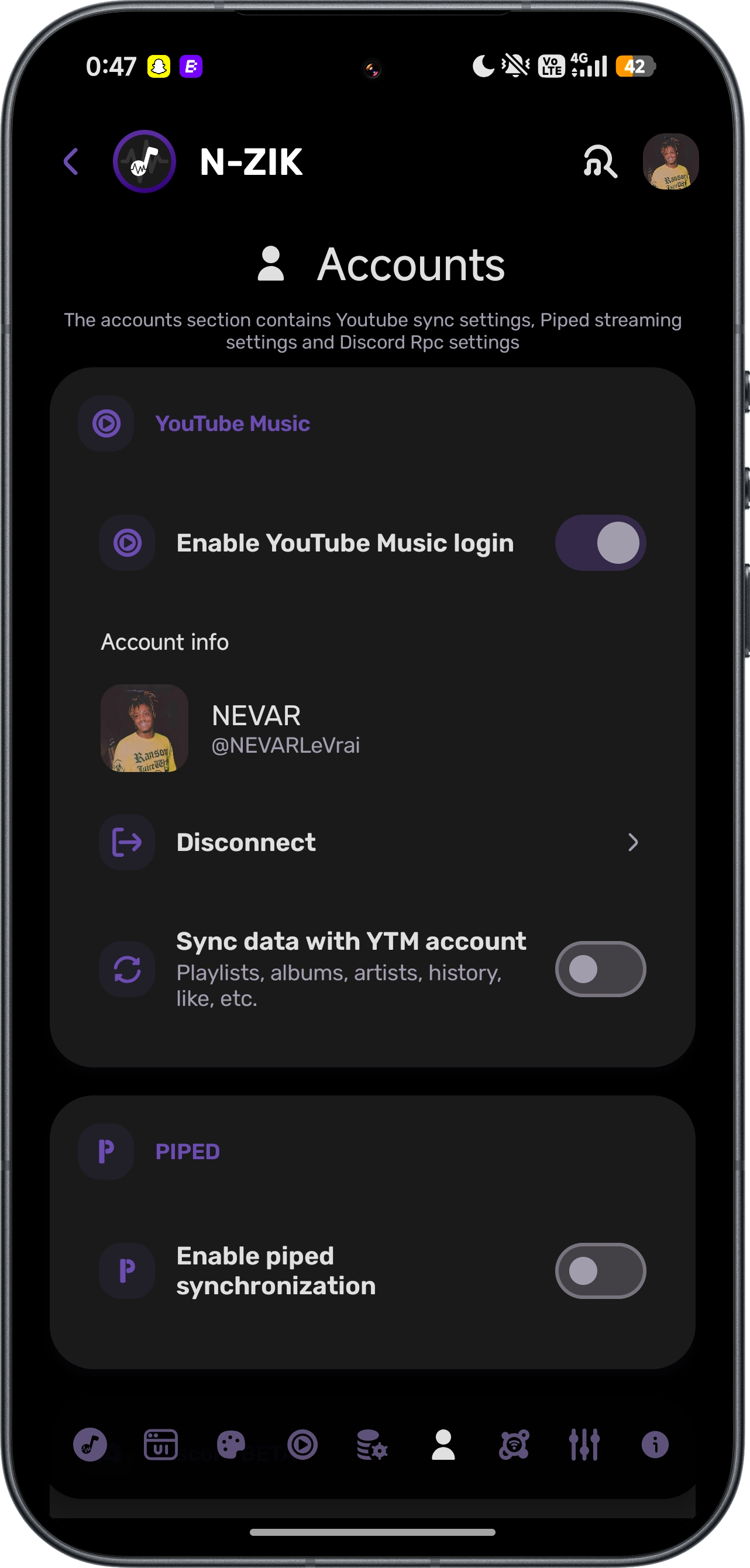
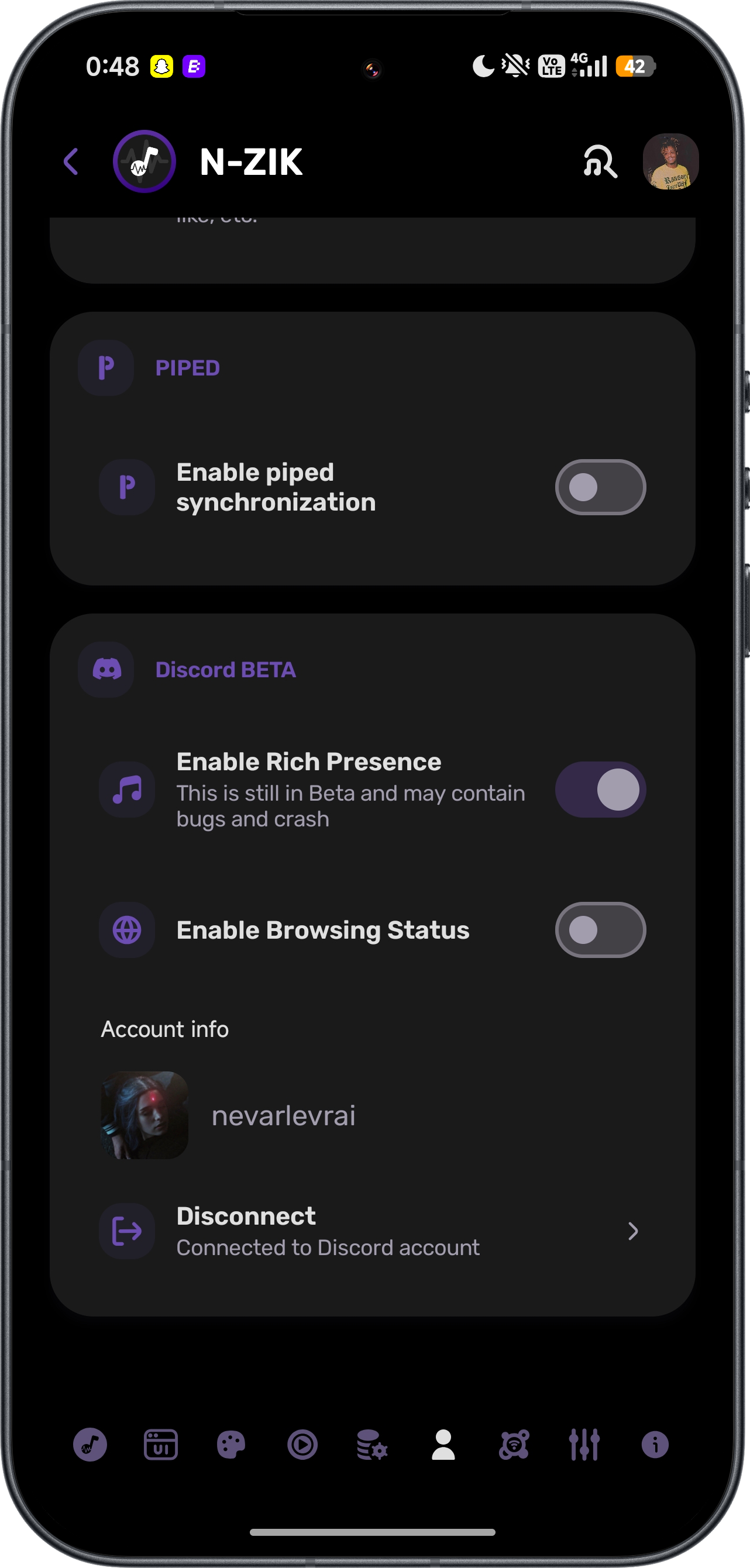
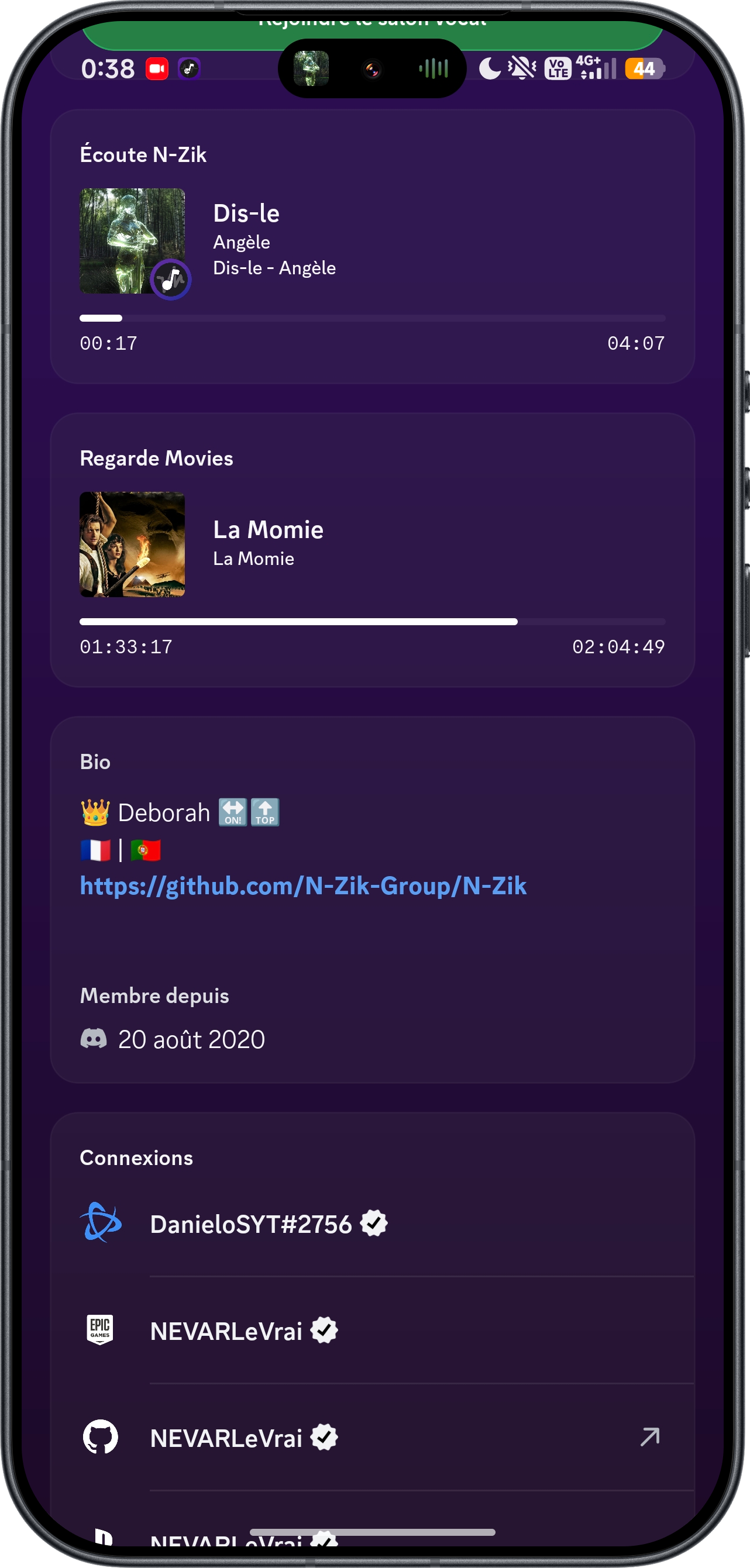
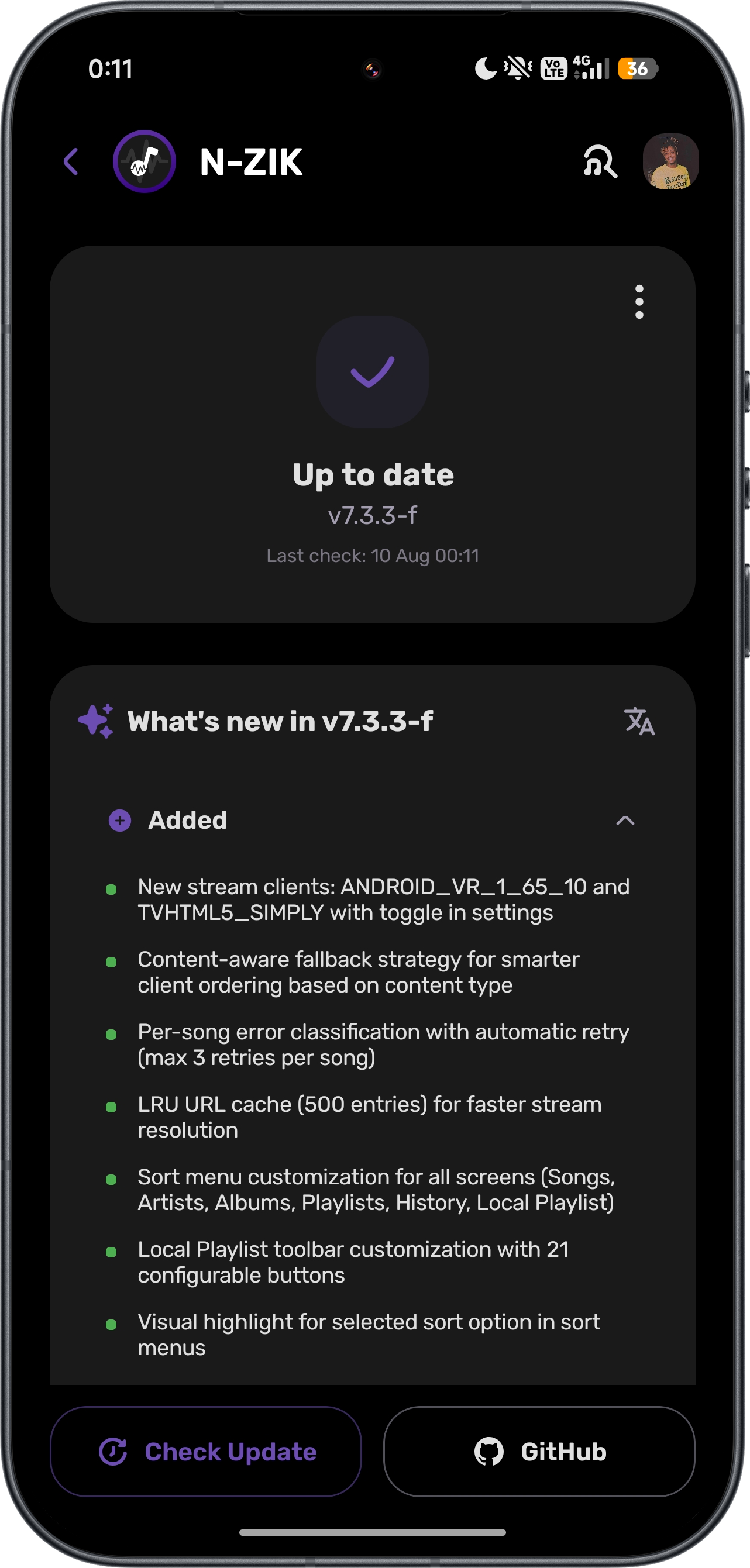
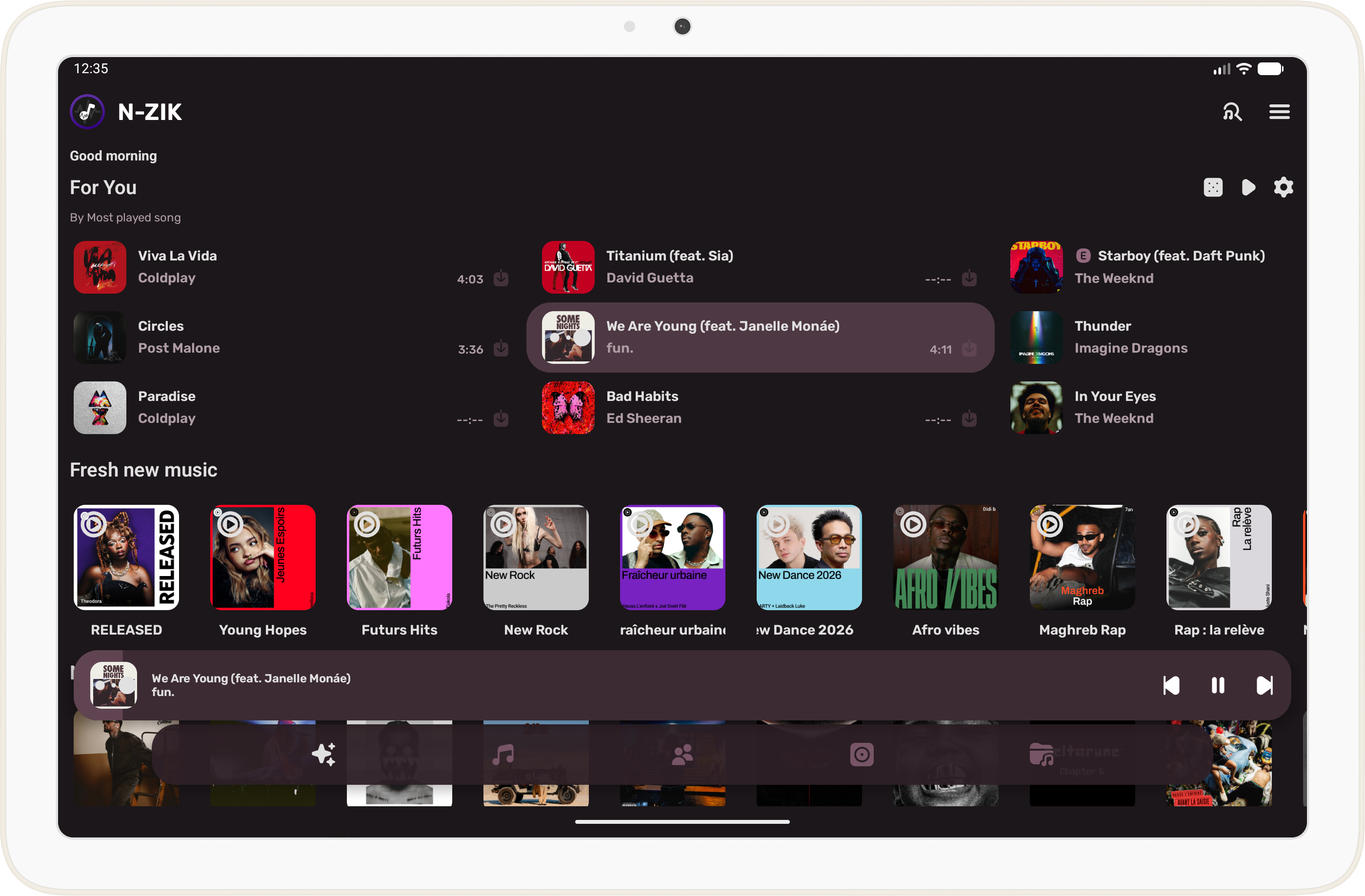
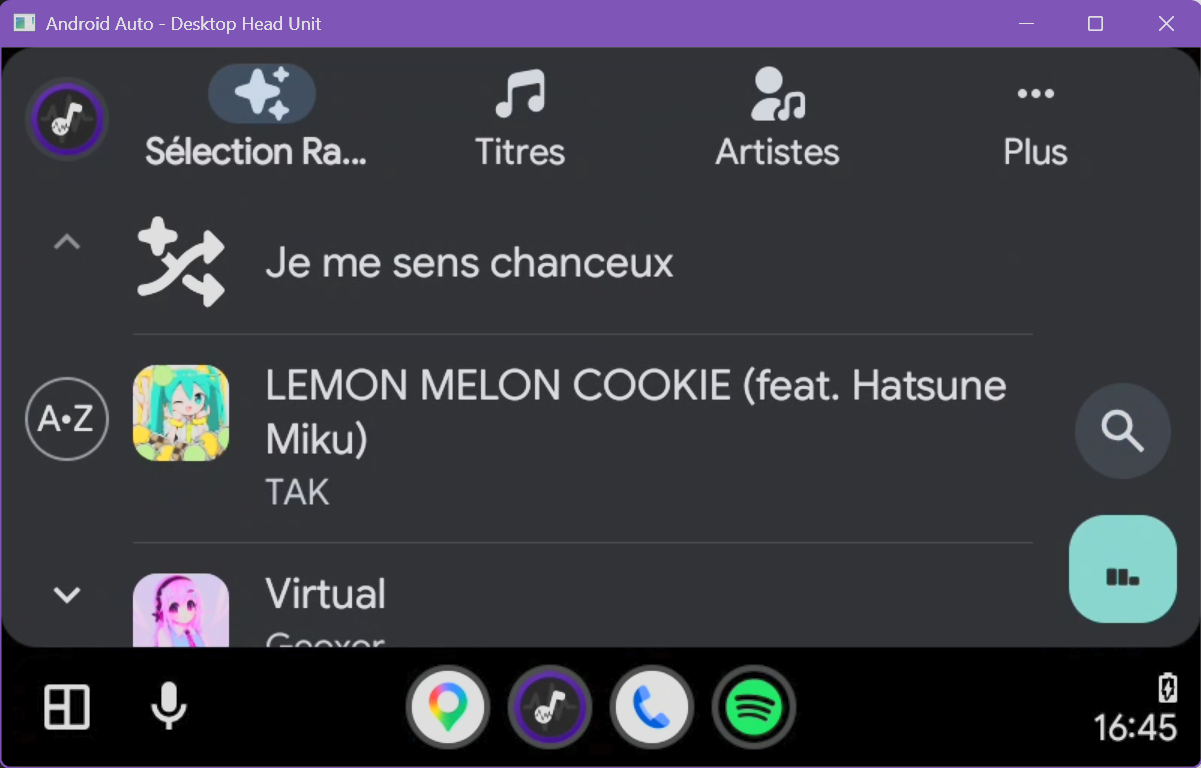
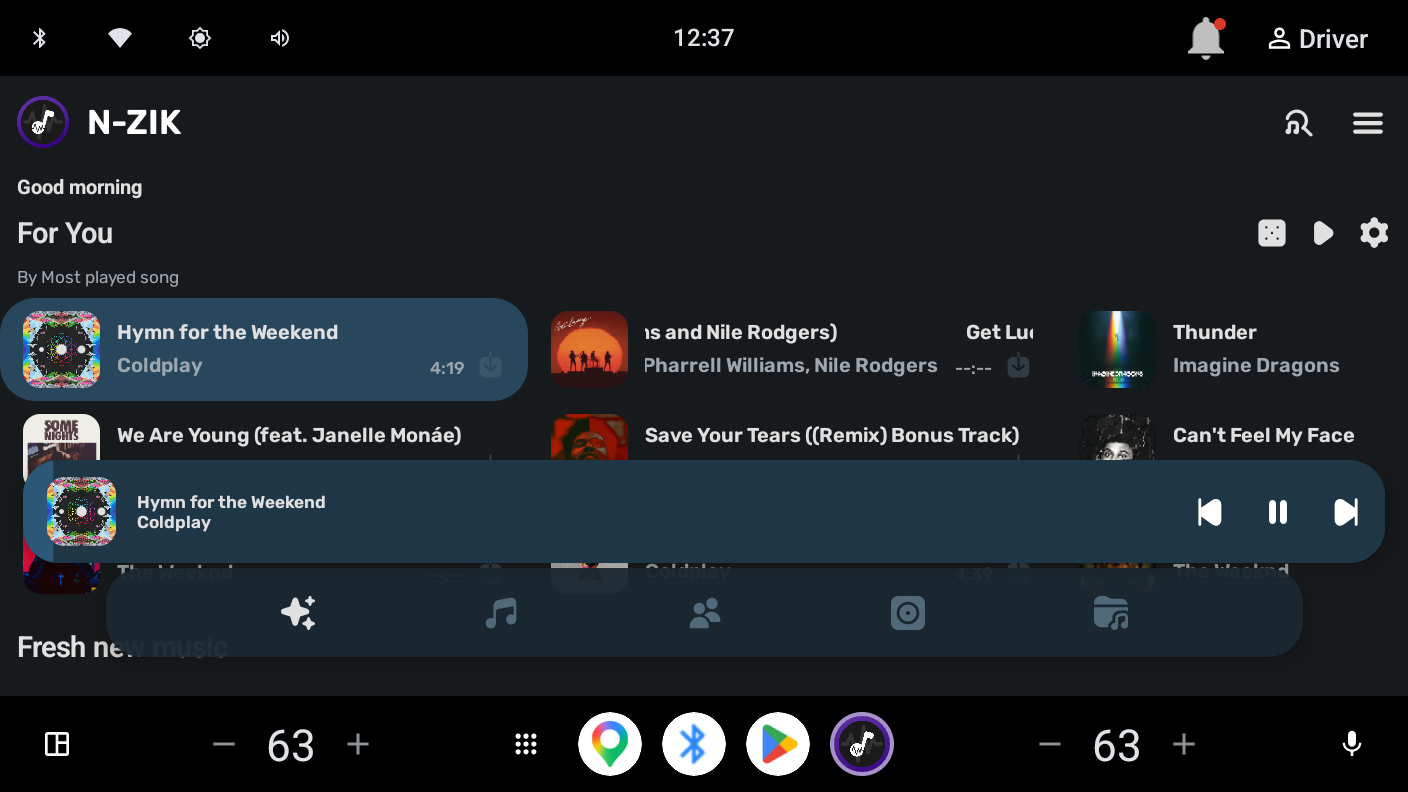
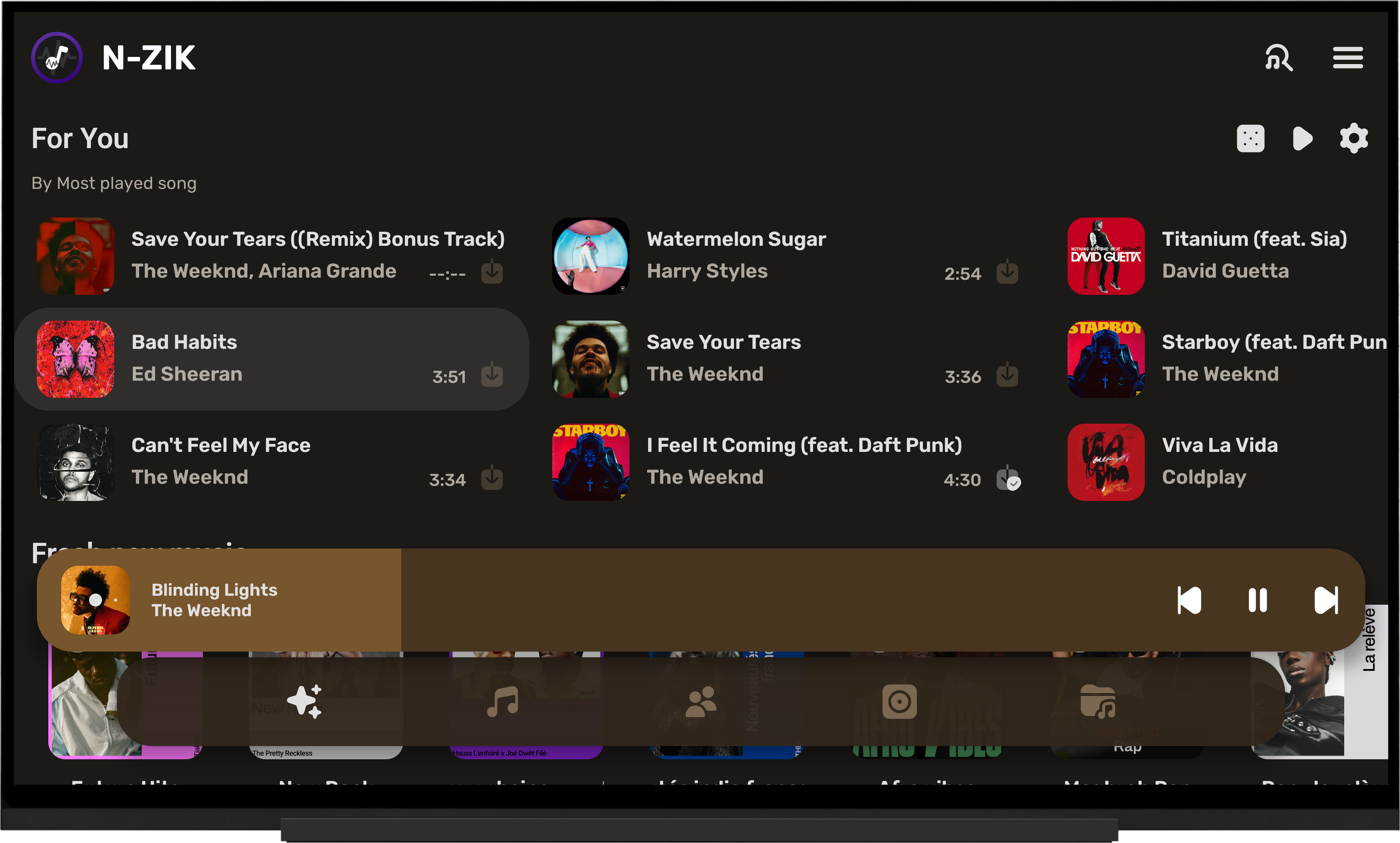
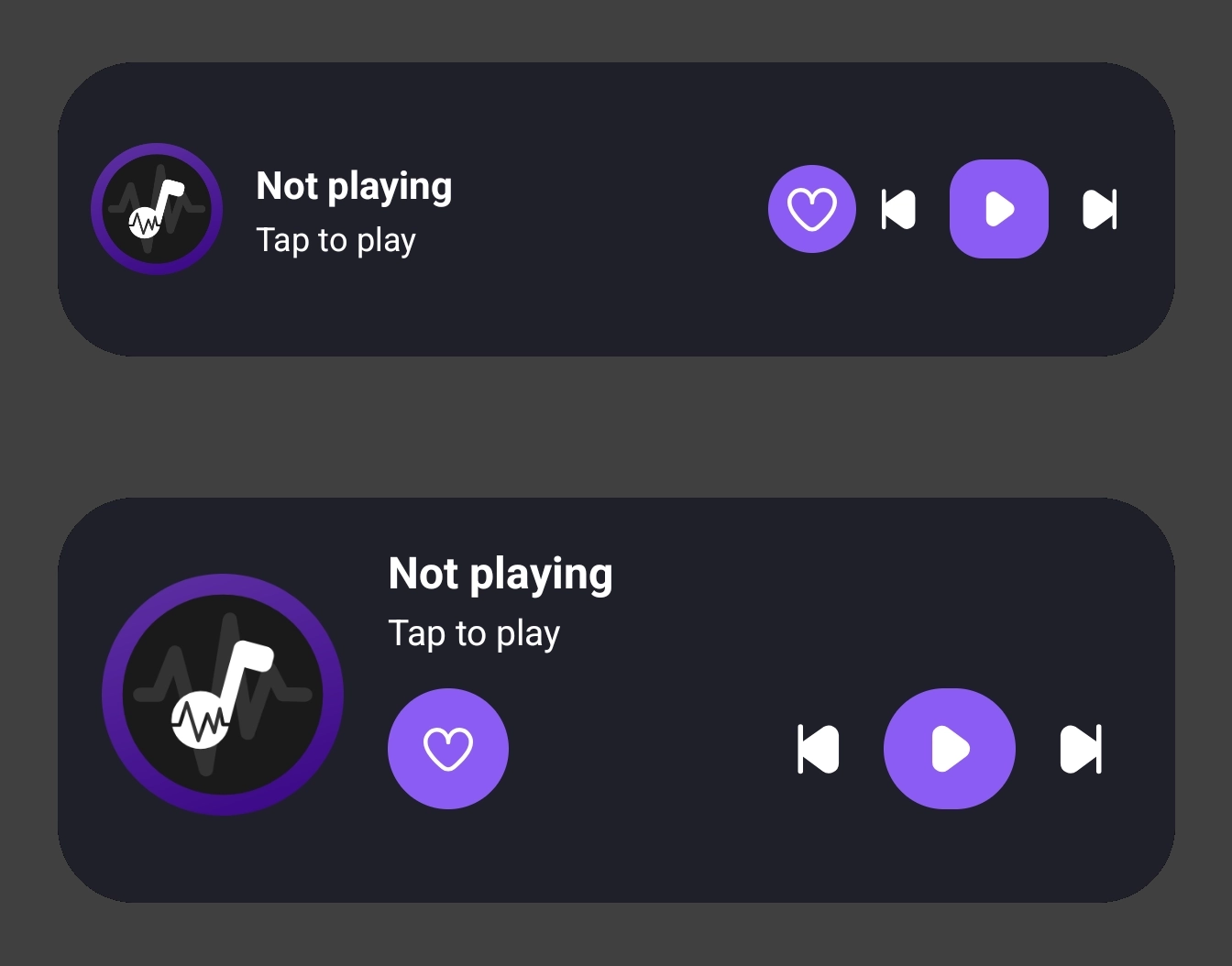
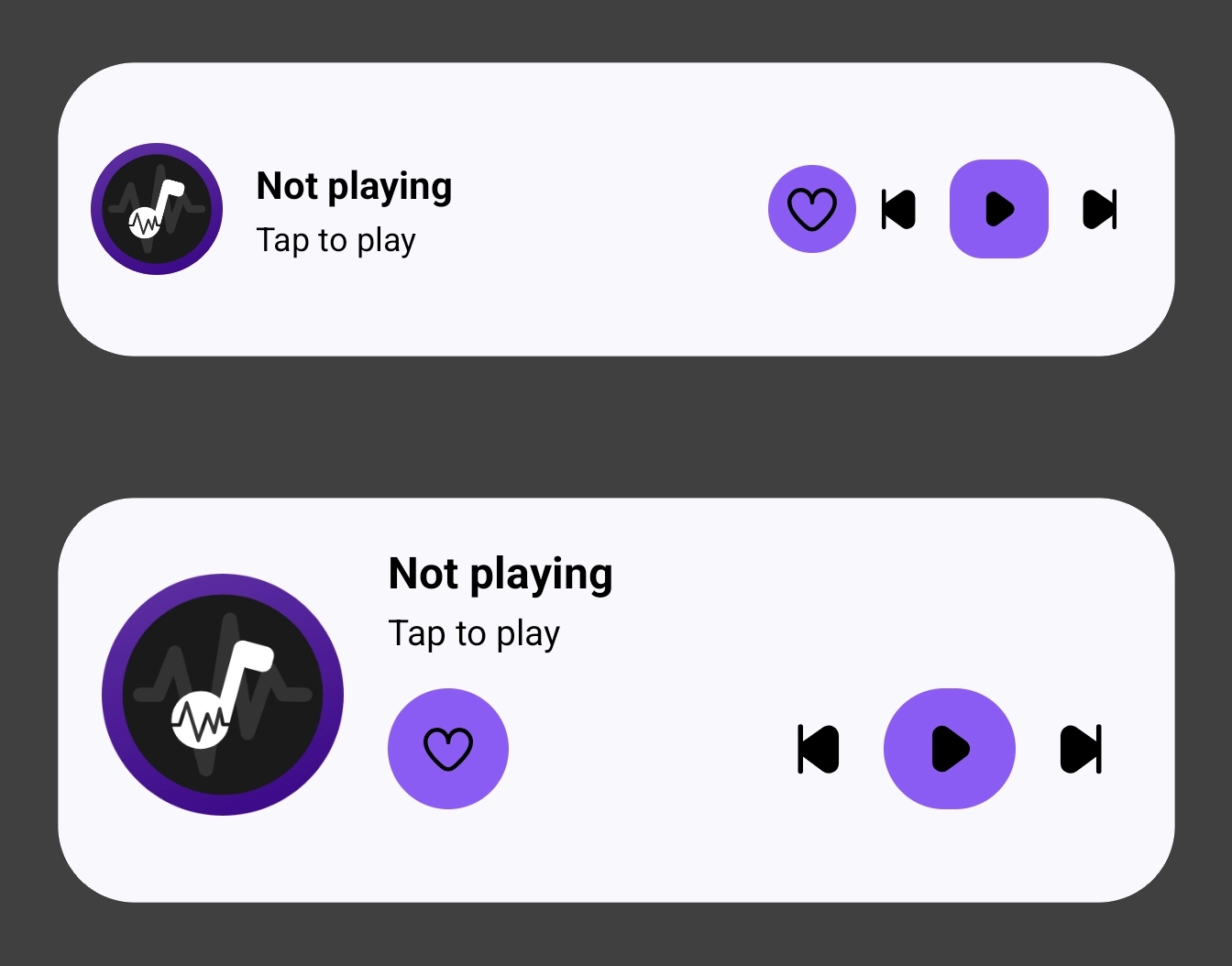
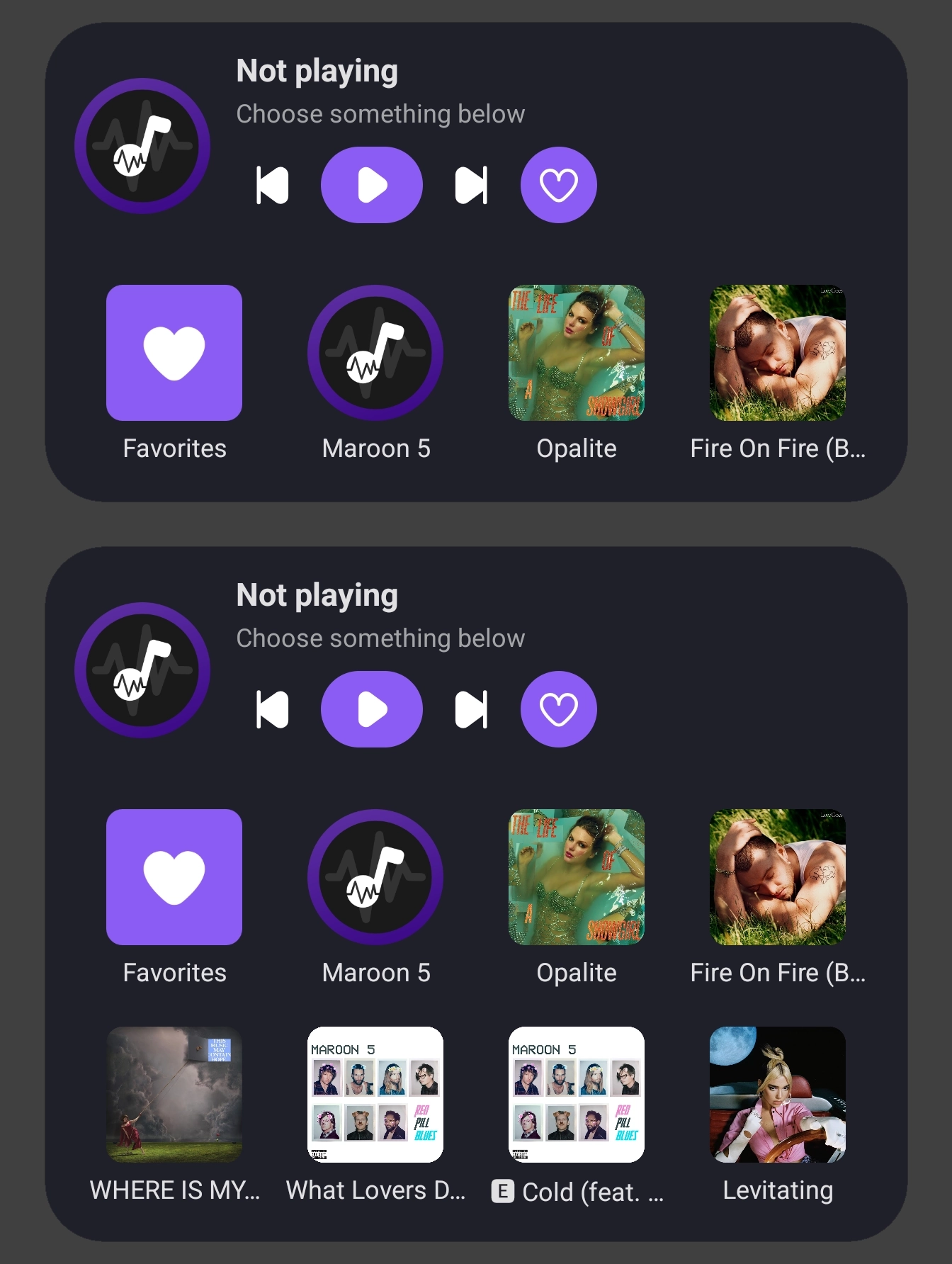
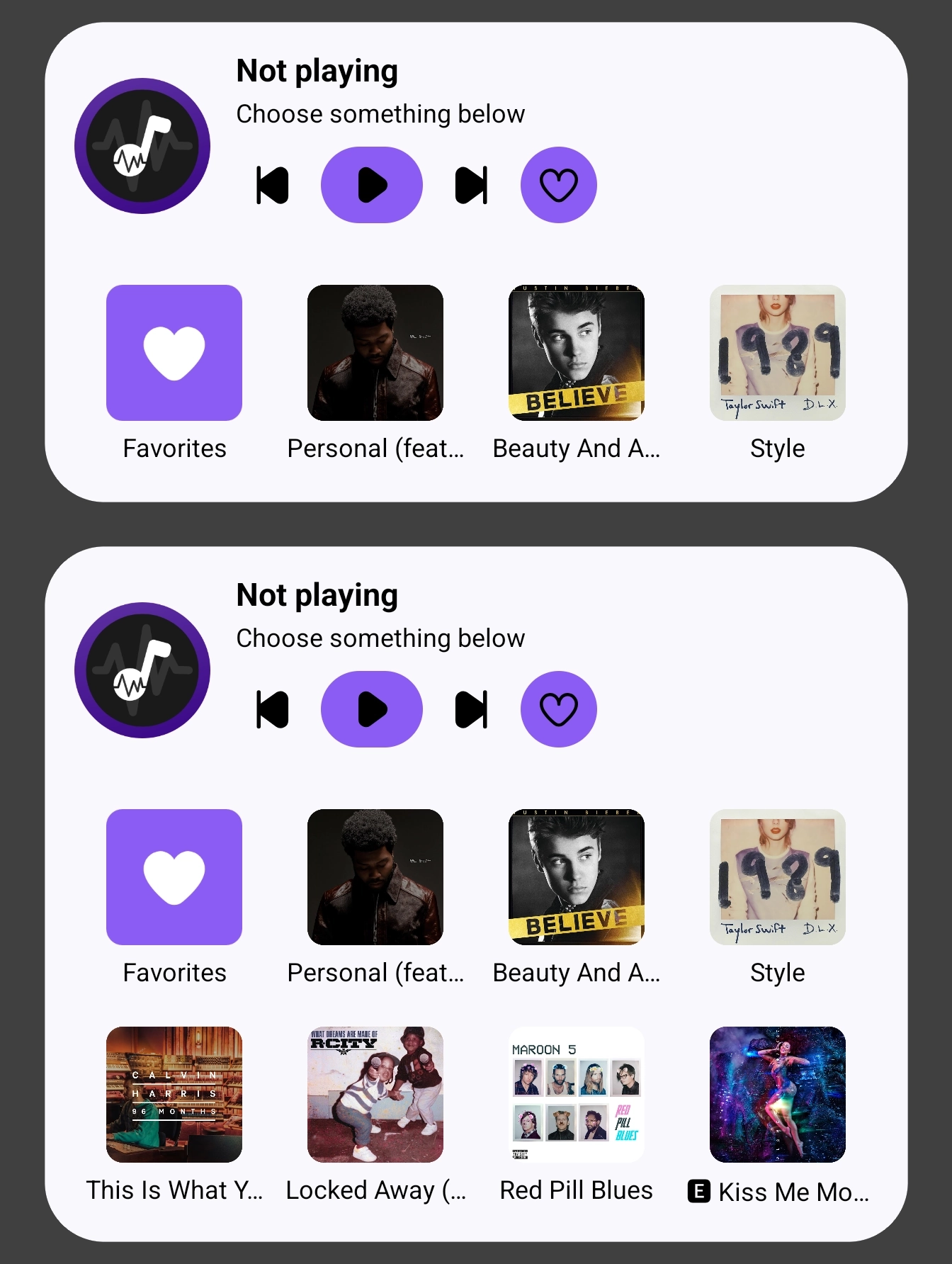
N-Zik is your open-source, multilingual YouTube Music client for Android. A fork of Kreate focused on performance, UI polish, bug fixes, and long-term support. Note: N-Zik started as a side project. For more mature alternatives, check Metrolist, VIVI Music, or RiPlay. AI Usage: I use generative AI for code (via BMAD Method), reviewed and tested before shipping. Whether casual listener or audiophile, N-Zik gives you full control over your music without compromising privacy. ✨ WHY N-ZIK? No ads, background playback, offline caching, customizable UI — free, always. 🎨 Customizable UI - Jetpack Compose with Classic ViMusic mode toggle - Themes: AMOLED, Deep Dark, Crisp Light + tinted accents - 3D Carousel Player, customizable home widgets - Artist profiles, News Feed, experimental widgets 🎵 Audio Experience - Premium quality via YouTube Music Premium (Web Remix) - Synced lyrics with editing and real-time translation - Audio visualizer and pro controls: speed, pitch, normalization, crossfade, volume boost 💾 Offline, Metadata & Privacy - Smart caching and downloads for tracks and playlists - FFmpeg-powered export with full metadata (64-bit only) - In-app metadata editor (AAC/Opus, cover art) - Local listening stats and history - Auto-backup with custom intervals and retention 🔗 Integrations - YouTube sign-in for recommendations and audio/video switching - Discord Rich Presence - Playlist import/export: RiPlay, Spotify, YouTube Music, N-Zik 📱 Play Anywhere: Android Auto, Automotive, TV, and Tablets 🛠️ Power User Features - Text and voice search - OTA updates from GitHub - Sleep timer and background playback 🛡️ 100% open-source (FOSS). Key permissions: INTERNET, RECORD_AUDIO (visualizer only), STORAGE (exports/backups), FOREGROUND_SERVICE, NOTIFICATIONS, REQUEST_INSTALL_PACKAGES (OTA), BLUETOOTH, WAKE_LOCK. 📦 Available Builds - Full/Beta: Complete build (64-bit) - Full32/Beta32: Without FFmpeg (32/64-bit) - Minified: Lightweight, for low-end devices (64-bit) - Minified32: Lightweight without FFmpeg (32/64-bit) - FOSS: Without auto-updater, for F-Droid (64-bit) - Dev/Dev32: Development builds, testing only Standard builds are 64-bit (FFmpeg); "32" builds drop FFmpeg for both architectures. Only FOSS is on F-Droid. Starting January 2027, Google requires identity verification for all developers. As FOSS, N-Zik opposes this. Learn more · Sign the petition

Screenshots

N-Zik screenshot 1
N-Zik screenshot 2
N-Zik screenshot 3
N-Zik screenshot 4
N-Zik screenshot 5
N-Zik screenshot 6
N-Zik screenshot 7
N-Zik screenshot 8
N-Zik screenshot 9
N-Zik screenshot 10
N-Zik screenshot 11
N-Zik screenshot 12
N-Zik screenshot 13
N-Zik screenshot 14
N-Zik screenshot 15
N-Zik screenshot 16
N-Zik screenshot 17
N-Zik screenshot 18
N-Zik screenshot 19
N-Zik screenshot 20
N-Zik screenshot 21
N-Zik screenshot 22
N-Zik screenshot 23
N-Zik screenshot 24
N-Zik screenshot 25
N-Zik screenshot 26
N-Zik screenshot 27
N-Zik screenshot 28
N-Zik screenshot 29
N-Zik screenshot 30
N-Zik screenshot 31
N-Zik screenshot 32
N-Zik screenshot 33
N-Zik screenshot 34
N-Zik screenshot 35
N-Zik screenshot 36
N-Zik screenshot 37
N-Zik screenshot 38
N-Zik screenshot 39
N-Zik screenshot 40
N-Zik screenshot 41
N-Zik screenshot 42
N-Zik screenshot 43
N-Zik screenshot 44
N-Zik screenshot 45
N-Zik screenshot 46
N-Zik screenshot 47
N-Zik screenshot 48
N-Zik screenshot 49
N-Zik screenshot 50
N-Zik screenshot 51
N-Zik screenshot 52
N-Zik screenshot 53
N-Zik screenshot 54
N-Zik screenshot 55
N-Zik screenshot 56
N-Zik screenshot 57
N-Zik screenshot 58
N-Zik screenshot 59
N-Zik screenshot 60
N-Zik screenshot 61
N-Zik screenshot 62
N-Zik screenshot 63
N-Zik screenshot 64
N-Zik screenshot 65
N-Zik screenshot 66
N-Zik screenshot 67
N-Zik screenshot 68
N-Zik screenshot 69
N-Zik screenshot 70
N-Zik screenshot 71
N-Zik screenshot 72
N-Zik screenshot 73
N-Zik screenshot 74
N-Zik screenshot 75
N-Zik screenshot 76
N-Zik screenshot 77
N-Zik screenshot 78
N-Zik screenshot 79
N-Zik screenshot 80
N-Zik screenshot 81
N-Zik screenshot 82
N-Zik screenshot 83
N-Zik screenshot 84

What’s new

Hotfix:
- Temporary revert media3 to 1.10.1
How to install

  1. Download the APK from the button at the top of this page.
  2. Allow “Install unknown apps” for your browser or file manager only, not for every app.
  3. Open the downloaded file and confirm the installation.
  4. If installation fails with “App not installed,” remove an earlier build of the same app first. A signature conflict is the usual cause.

Data safety

  • Every file is checked against its published SHA-256 before it is listed.
  • Files are scanned for malware on every update.
  • The permissions each app requests are listed on its own page.
  • Read the full safety policy for how we test, flag, and delist files.

Comments

Recent approved comments · sorted by newest

Verification code
Be specific and keep it about the app. No links. Comments are reviewed before publication. Device and Android details are recorded automatically. Privacy policy.

Loading recent comments...

View all comments