Audile is an open-source music recognition app that can help you quickly and accurately identify a music track playing near you.
The app integrates AudD, ACRCloud, and Shazam for song identification, and uses Odesli to retrieve additional platform-specific track links.
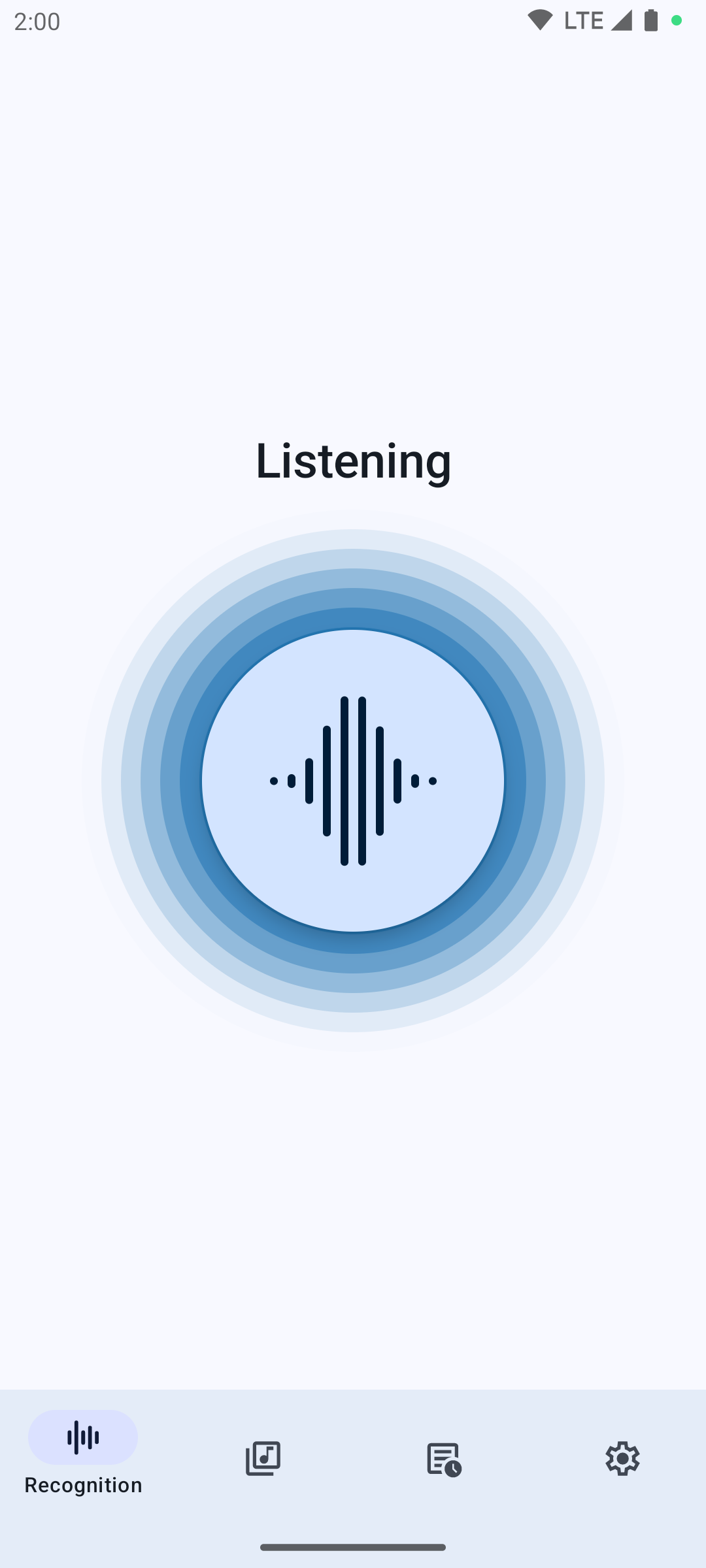
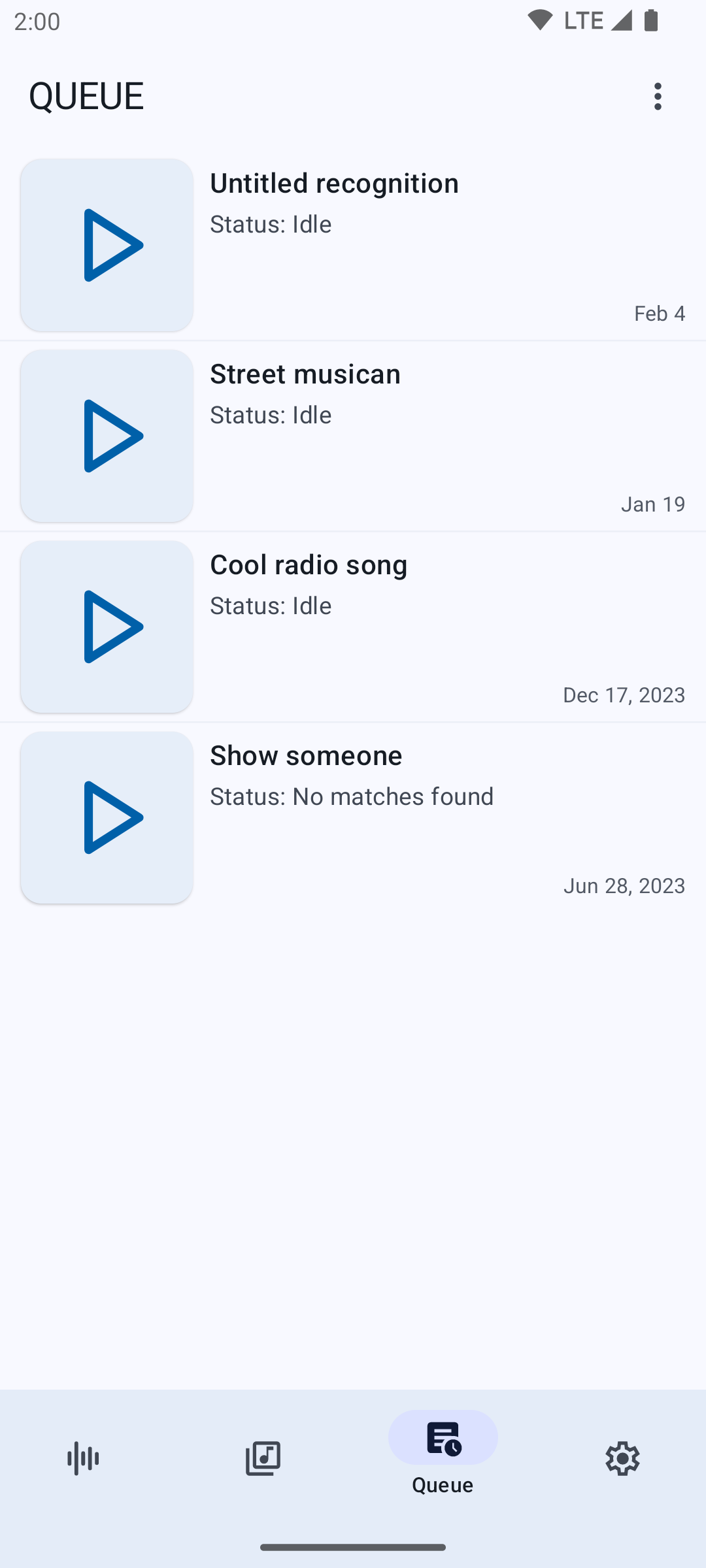
Features:Recognition - Audile allows you to perform song recognition in one click. The app will save the recording if there is no internet connection, and the recognition process will resume when you come back online. You can customize the default behavior for unsuccessful recognition (no internet, no matches, another failure) via the preferences.
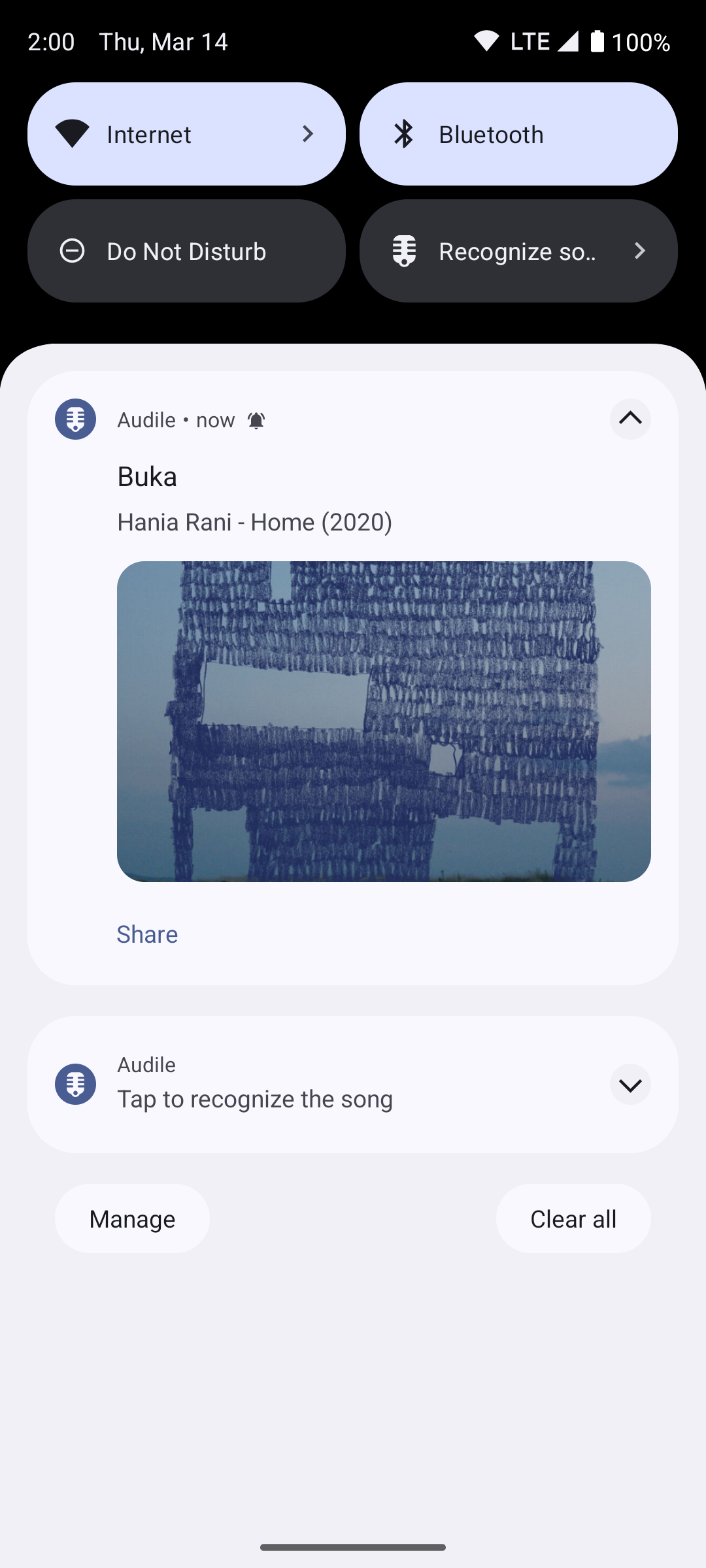
Background Usage - Use the app seamlessly from the notification drawer, home screen widget, floating button, or quick settings tile. Manage the recognition process and obtain track information without launching the app.
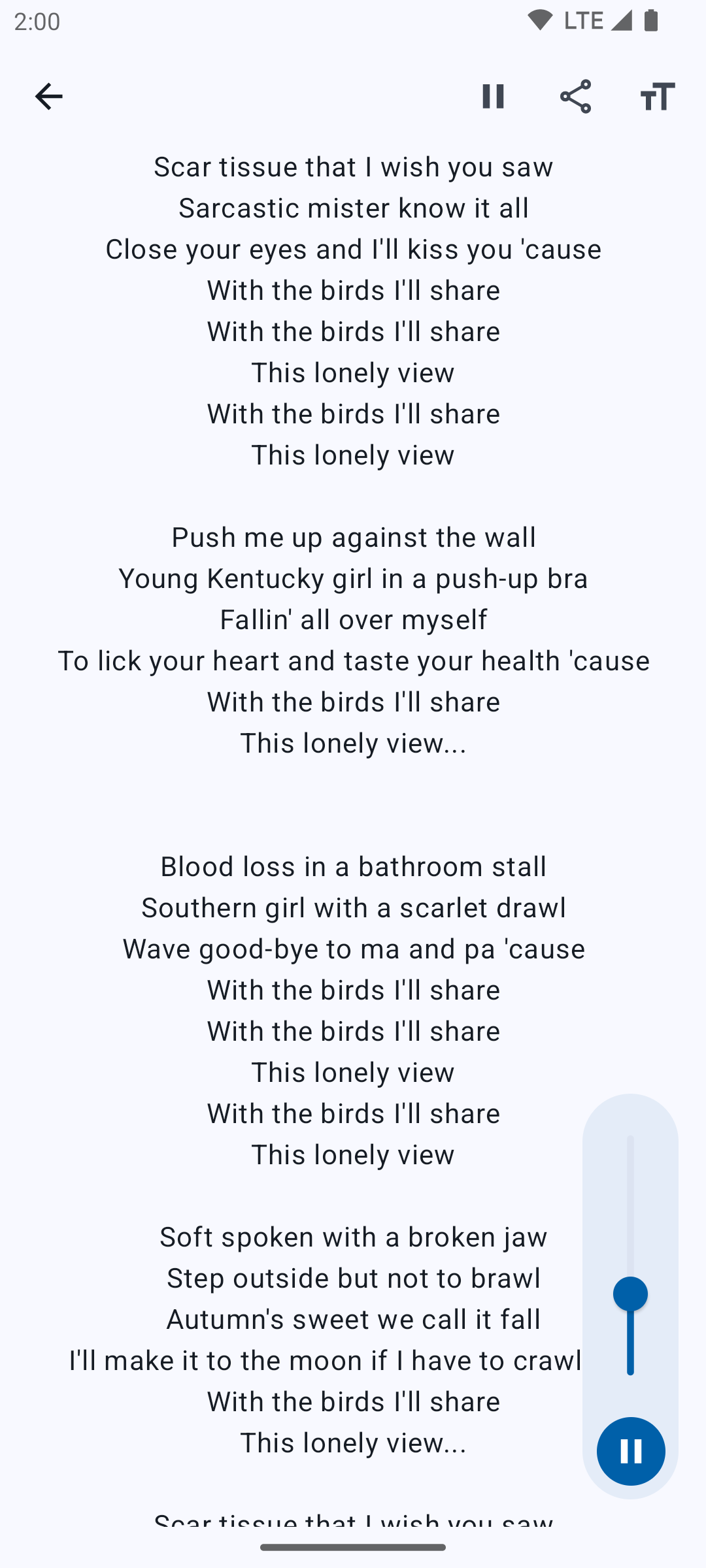
About track - Upon successful recognition, the app provides information about the track, including the title, artist, album, release year, artwork, lyrics, and links to the track on popular music services.
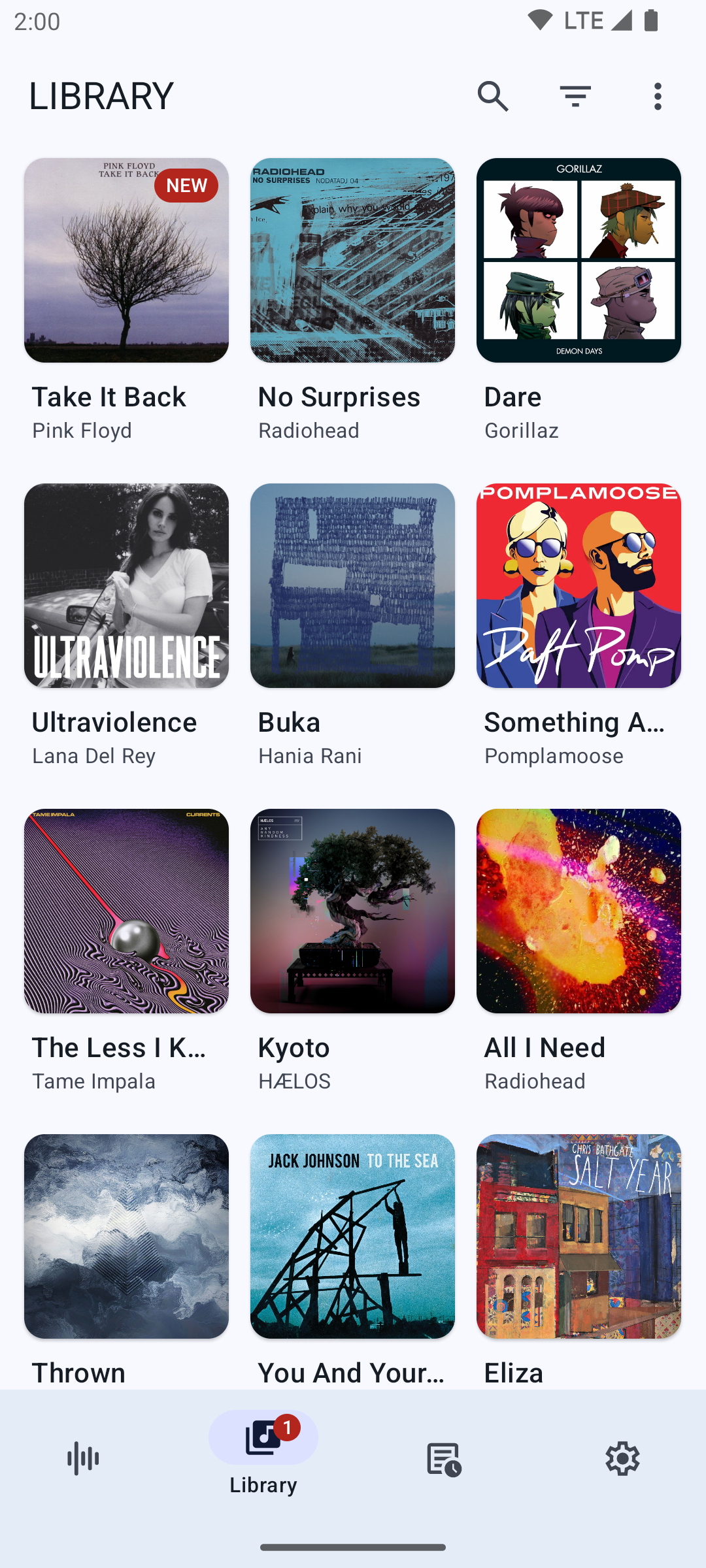
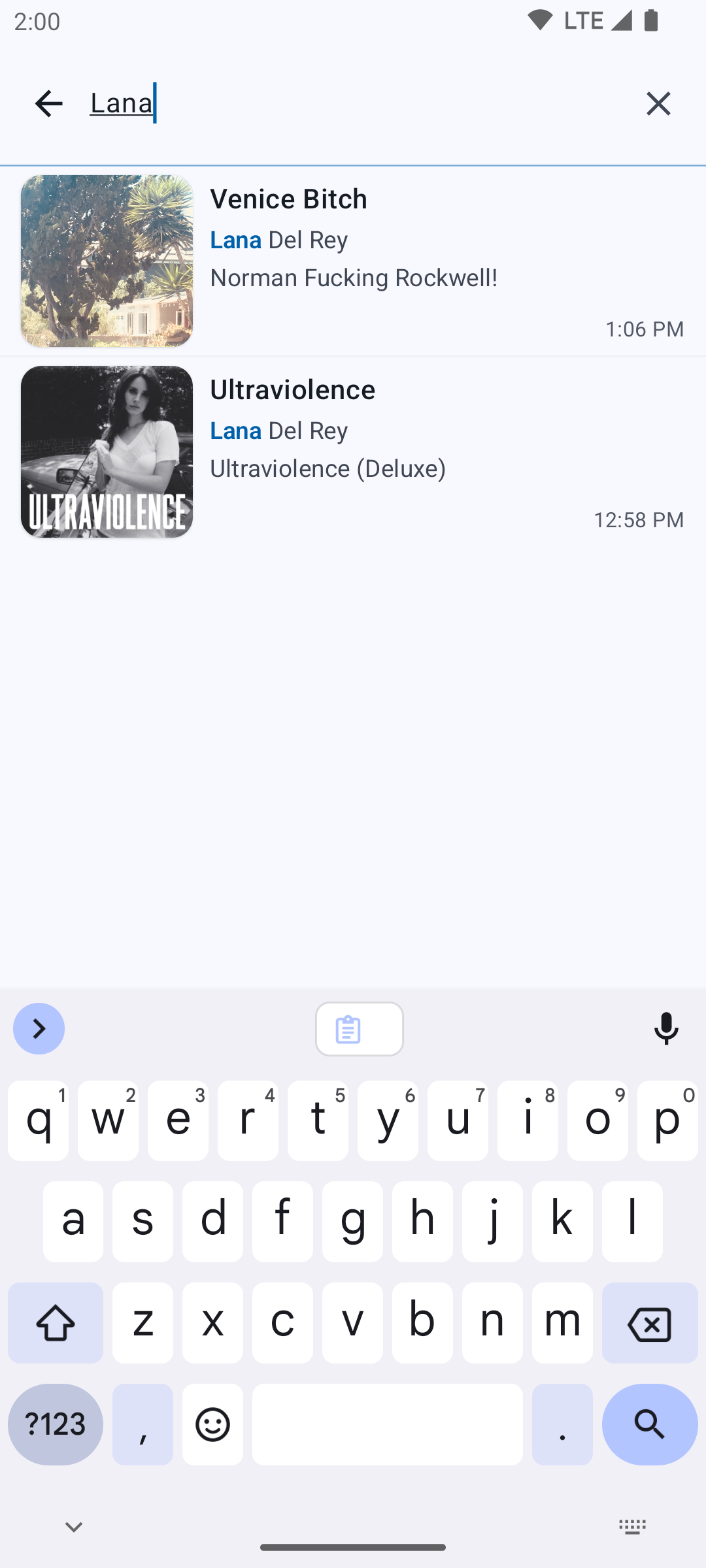
Library - All recognized tracks are stored in the app library. You can filter the track list, create a favorites collection, search for tracks, or delete tracks.
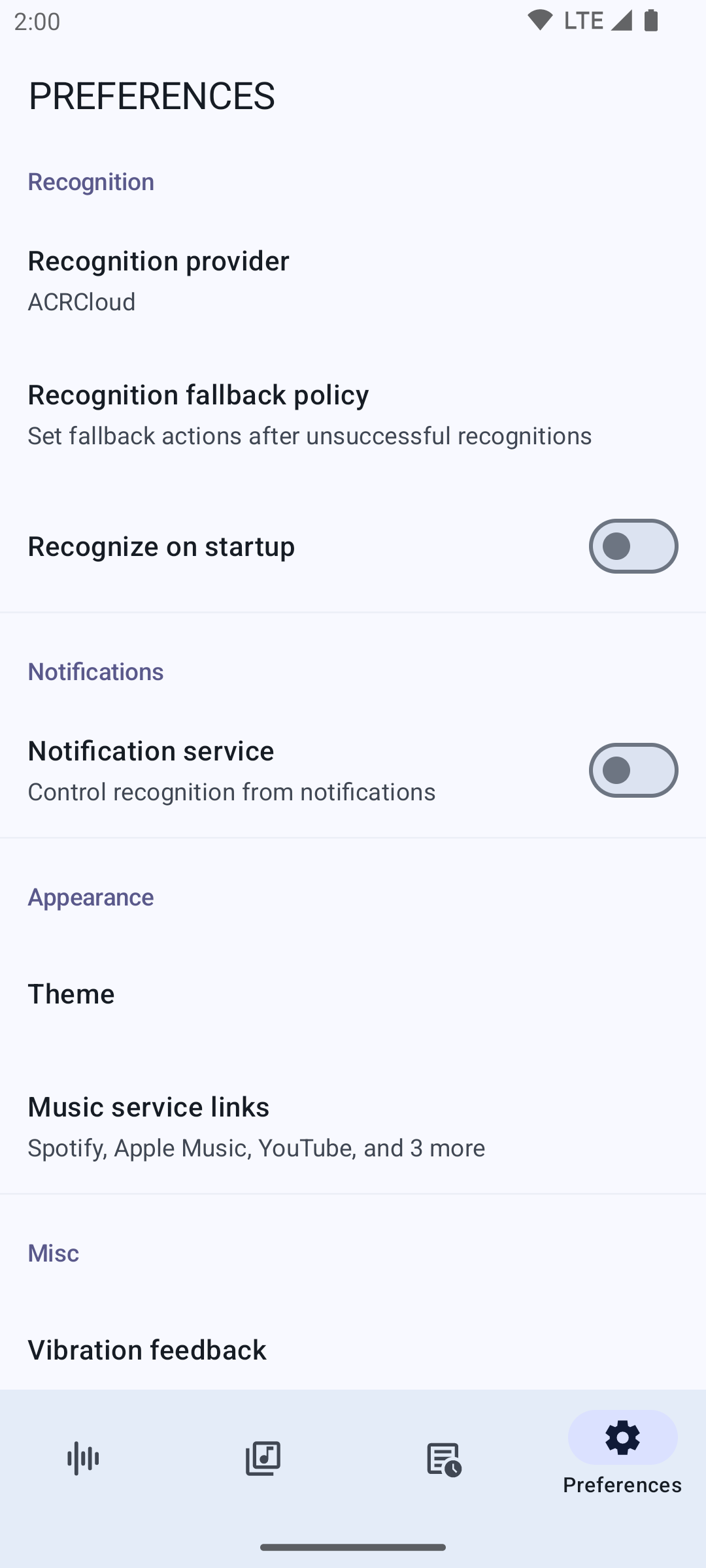
Preferences - The app offers various options to customize its behavior and appearance, accessible from the settings screen.
Screenshots
What’s new
* Fix app crash caused by broken Spanish translation
How to install
Download the APK from the button at the top of this page.
Allow “Install unknown apps” for your browser or file manager only, not for every app.
Open the downloaded file and confirm the installation.
If installation fails with “App not installed,” remove an earlier build of the same app first. A signature conflict is the usual cause.
Data safety
Every file is checked against its published SHA-256 before it is listed.
Files are scanned for malware on every update.
The permissions each app requests are listed on its own page.
Read the full safety policy for how we test, flag, and delist files.