What’s new
- Smoother background gradient — fixed the colour banding (stair-step lines) that showed in darker scenes
- Gems now fade in with their tile instead of popping in at the edge of the view

Updated Sep 22, 2026
Tumble a cube across a crumbling tile bridge. One-thumb 3D arcade.
F-Droid repository metadata
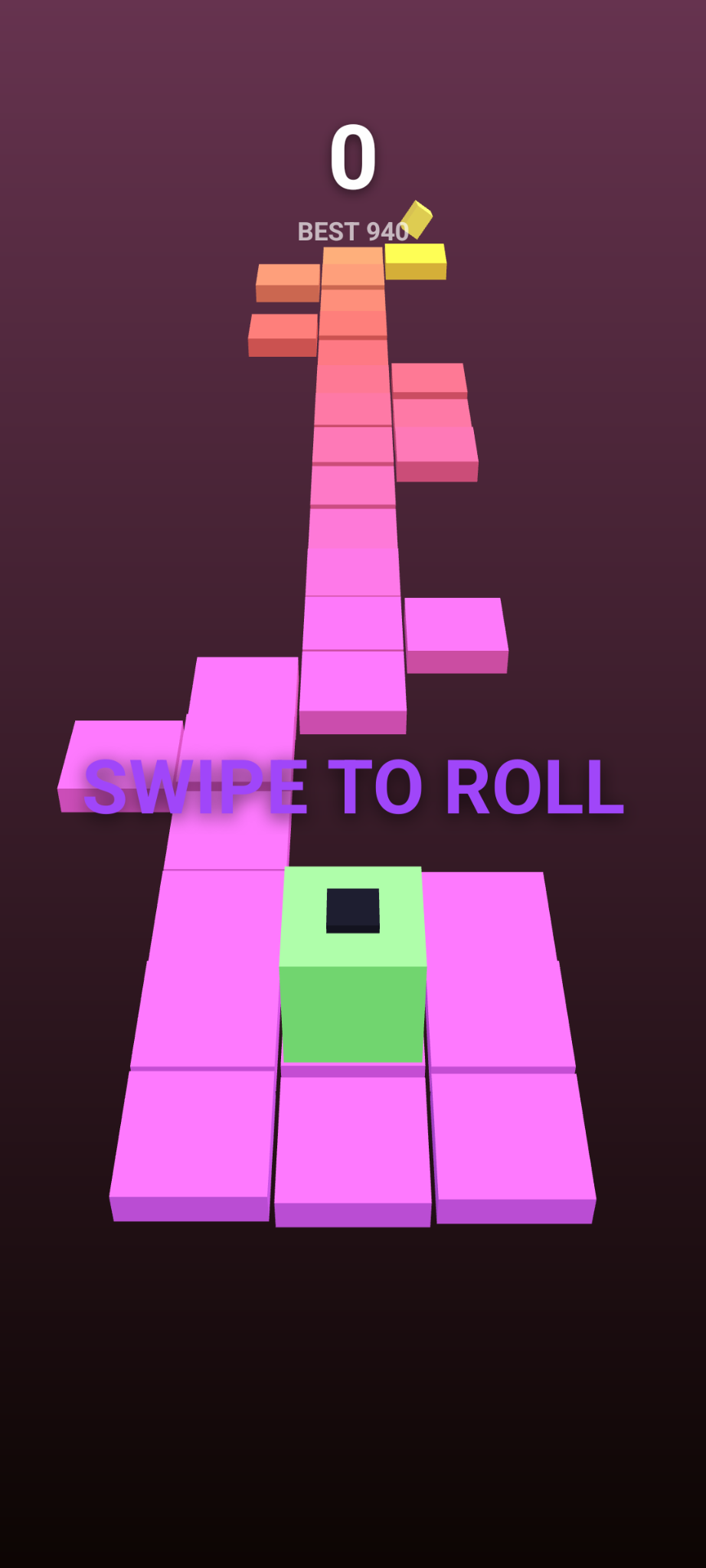
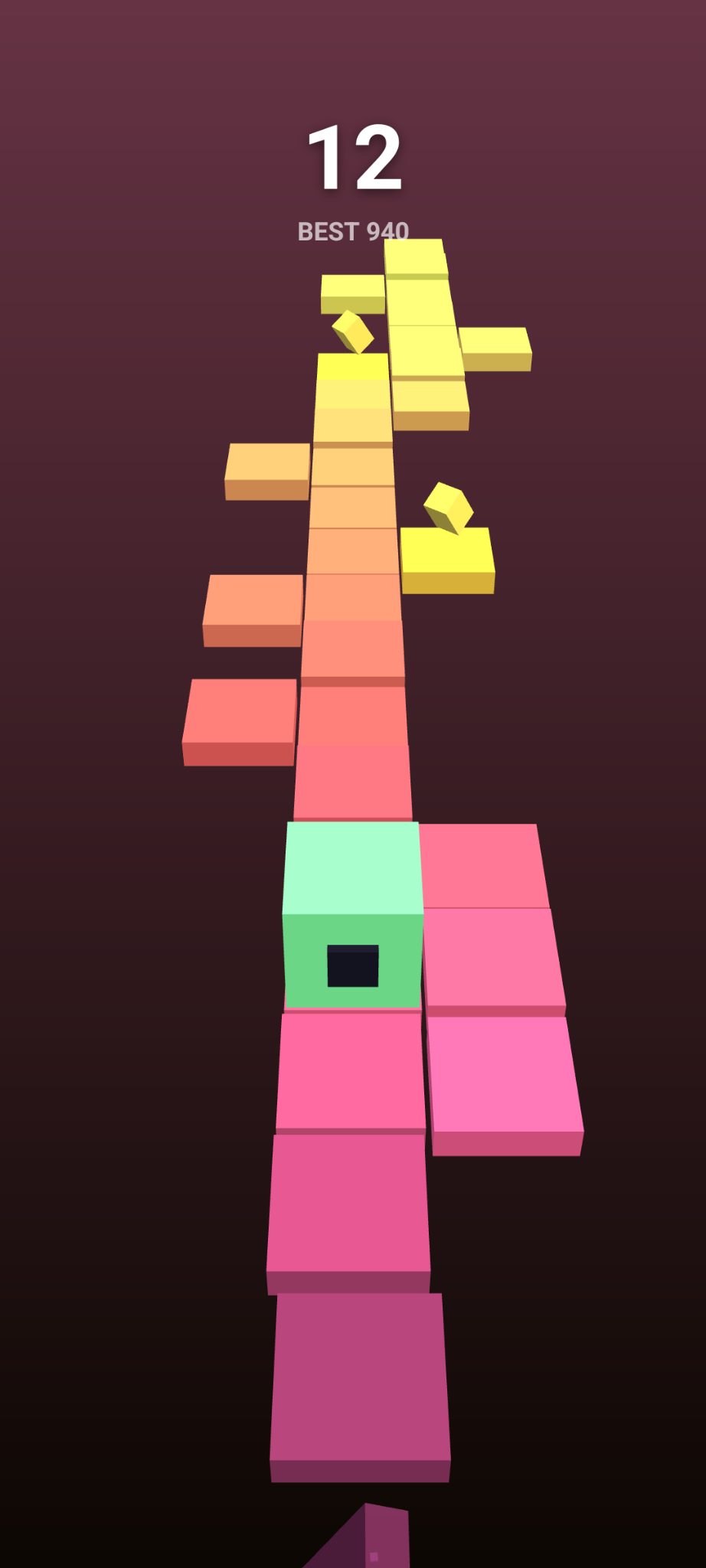
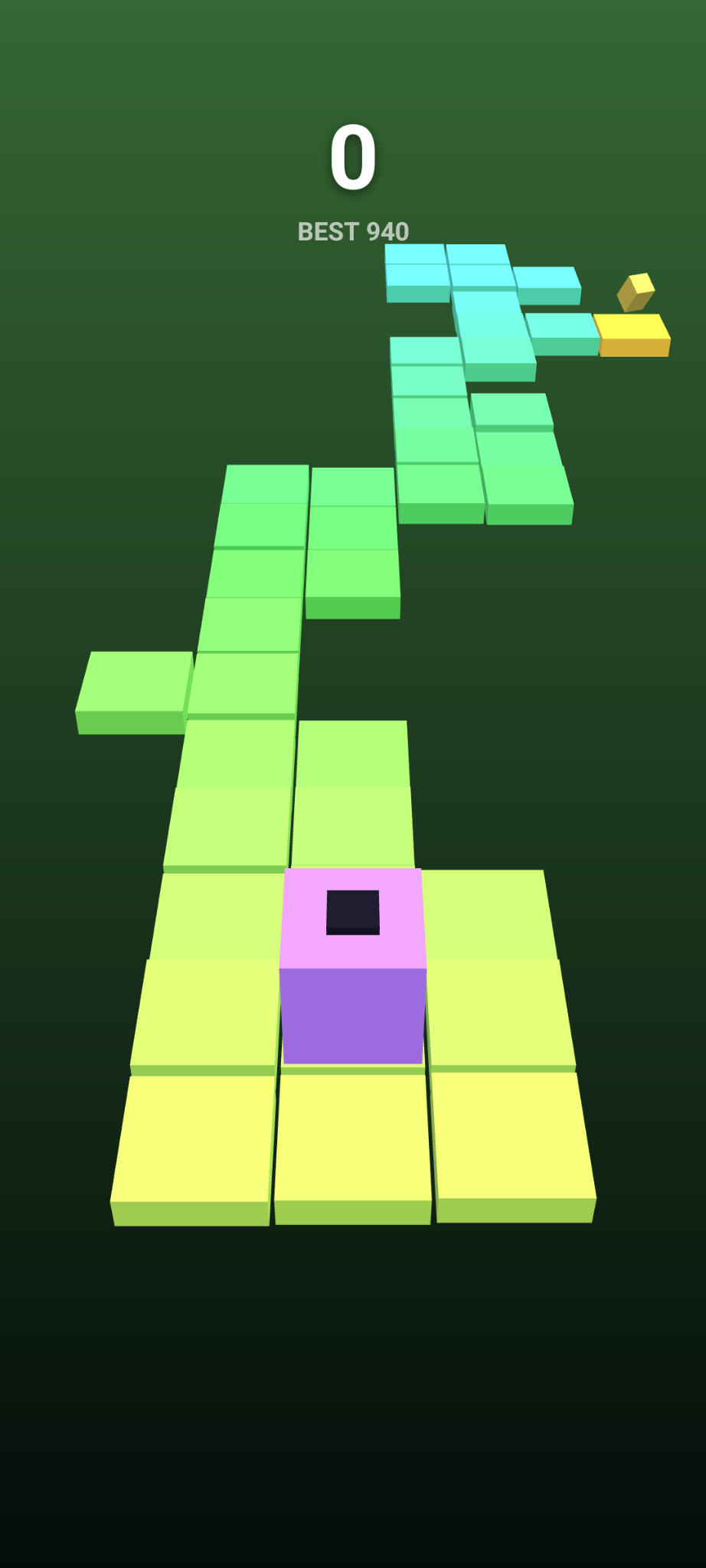
Edge Roll is a minimalist one-thumb arcade game. Swipe to tumble a cube end over end along a narrow bridge of floating tiles suspended over an abyss.
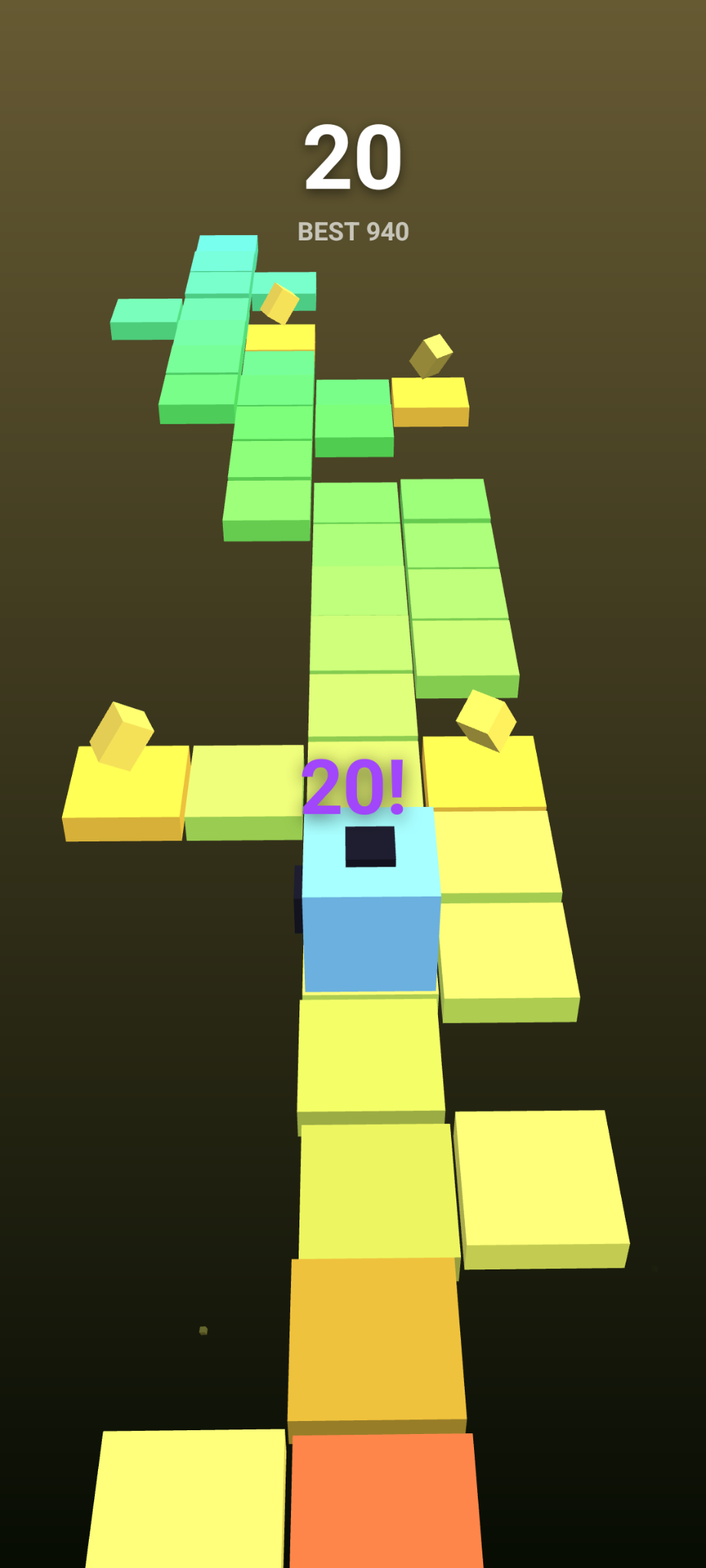
Every tile you step off begins to crumble and drops away a second or two later — and that grace period shrinks the higher you climb, so hesitation is fatal. The bridge wanders left and right, splits into branches, and is dotted with gem spurs worth bonus points and gaps that end the run if you roll into them.
Score one point for every new tile you reach; gems are worth three. The whole world drifts through the colour spectrum as you progress, and a single misjudged roll sends the cube spinning off into the dark.
Features:
* One-thumb controls: swipe to roll, tap to roll forward. * A procedurally generated bridge — no two runs are alike. * Tight, tactile feedback with synchronised sound and haptics. * A local high score. No accounts, no ads, no tracking, no network access. * Tiny download and fully playable offline.
Edge Roll is built with libGDX and is free and open-source software, licensed under the GNU General Public License v3.0.
- Smoother background gradient — fixed the colour banding (stair-step lines) that showed in darker scenes
- Gems now fade in with their tile instead of popping in at the edge of the view
Recent approved comments · sorted by newest
View all comments