Cube Run icon

Cube Run

Eve-146T
Casual Game Action
Version
2.3
Size
7.2 MB
Requires
Android API 28+
4.2 / 5 · 5,636 ratings 0 downloads

Updated Sep 22, 2026

Quick answer

Dodge, jump and slam through a neon 3-lane gauntlet. One-thumb 3D runner.

F-Droid repository metadata

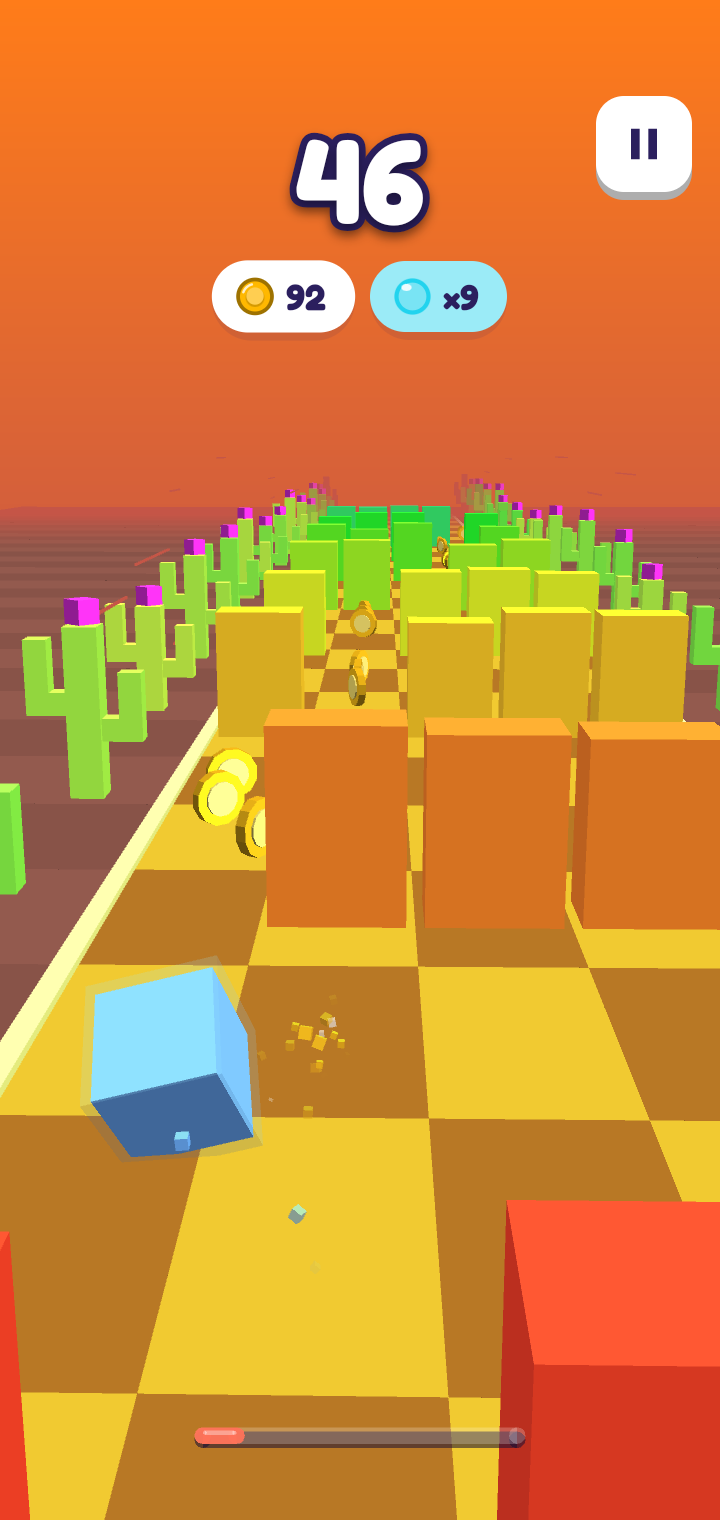
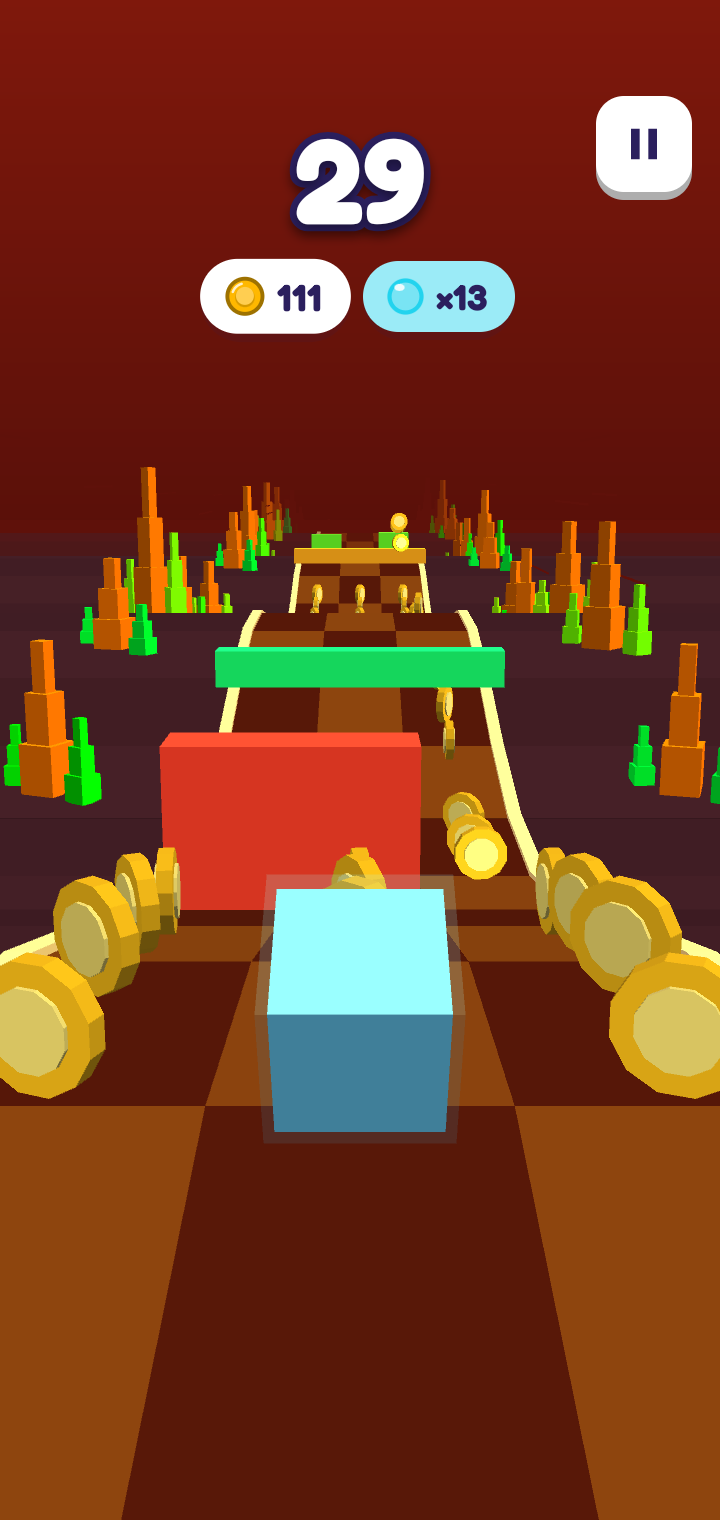
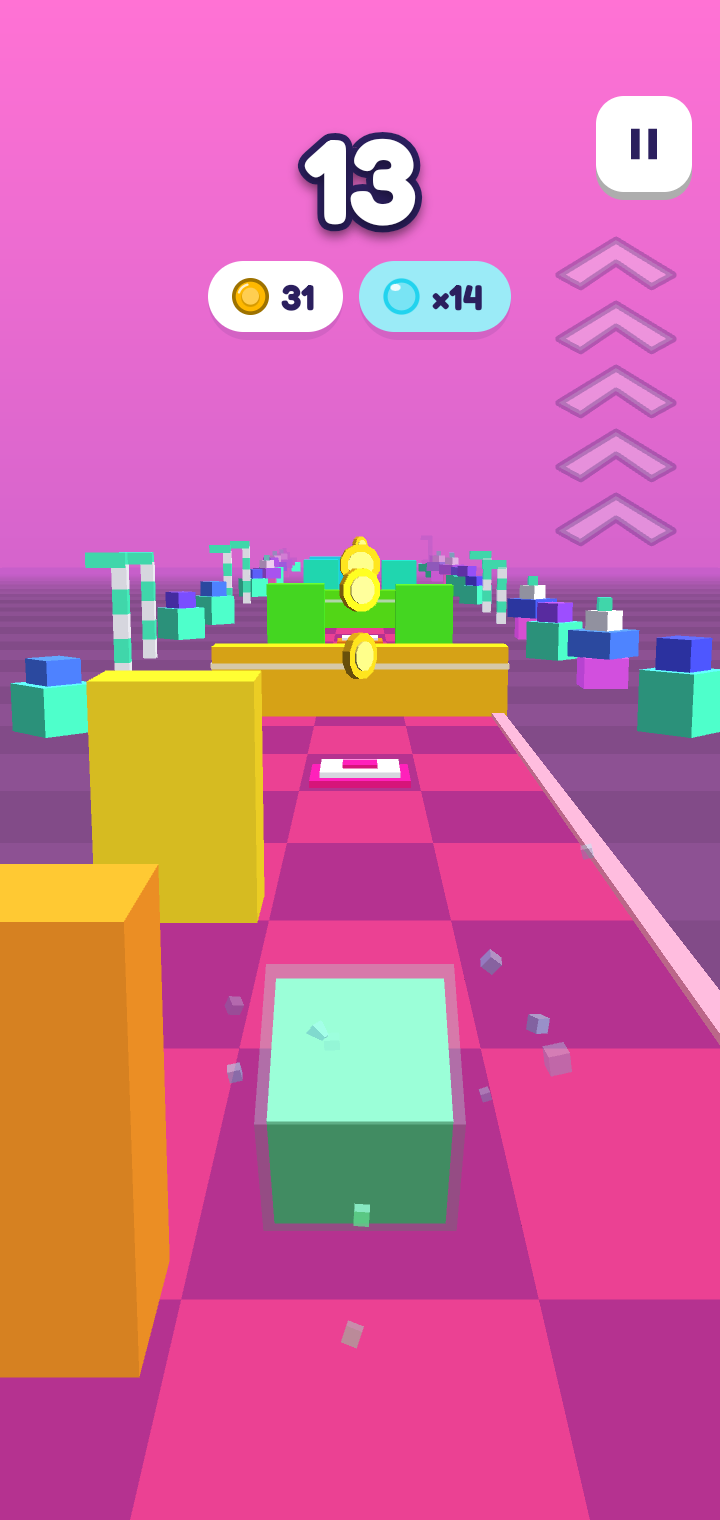
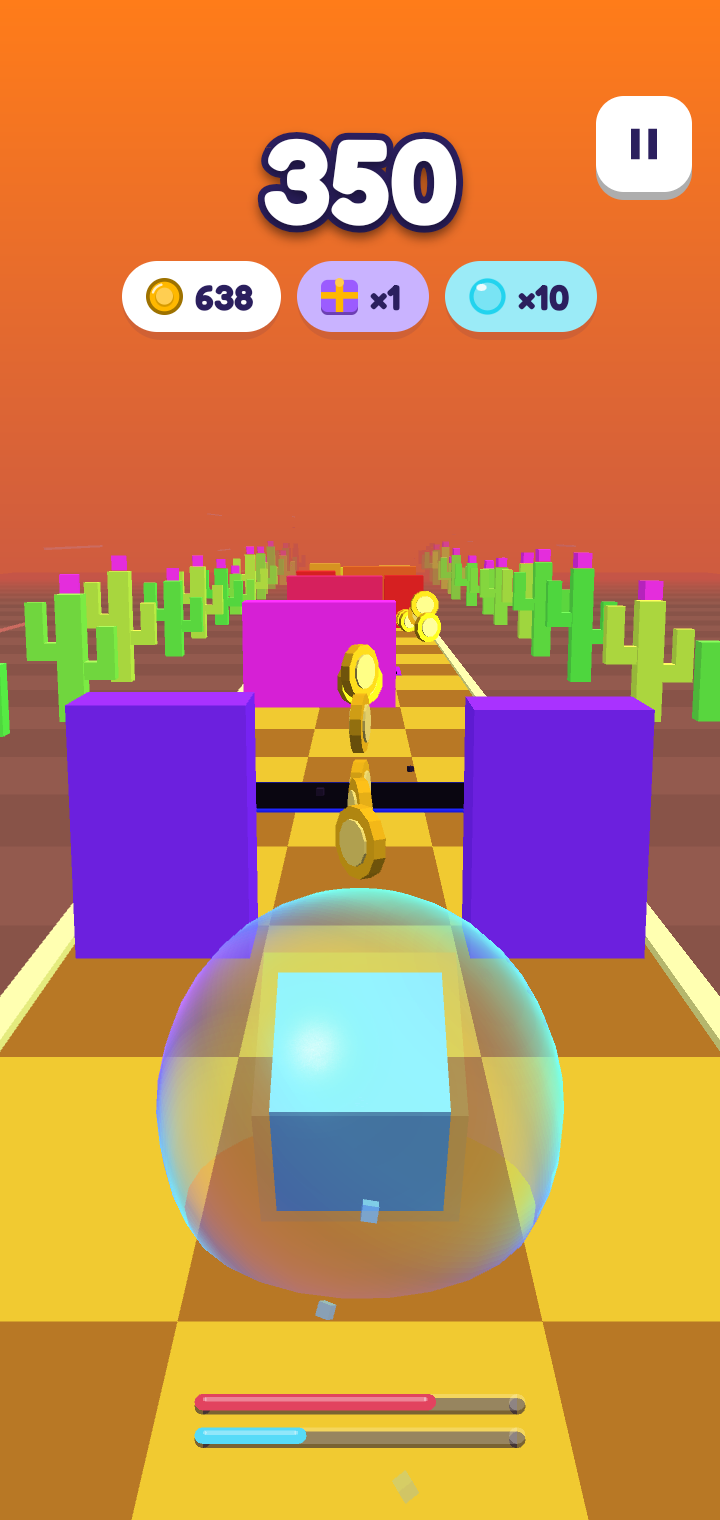
Cube Run is a minimalist one-thumb 3D runner. The world rushes toward you down a neon three-lane track, and your cube has to dodge, jump, slide and slam its way through everything in the way.

Swipe left or right to snap between lanes, swipe up to leap low walls, swipe down to slide under overhead bars — or swipe down in mid-air to slam back to the ground in a hurry. Pillars and wide bars leave just one survivable lane, and once you get going some obstacles slide sideways into the open lane as they approach — so read the track and commit at the last moment.

Score a point for every row you clear, with a bonus for shaving past an obstacle by a hair. The track speeds up the longer you survive, the colours drift across the spectrum, and a single mistimed move ends the run in a burst of shards.

Features:

* One-thumb controls: swipe to switch lanes, jump, slide and slam. * An endless, procedurally generated track — no two runs are alike. * A relentless difficulty ramp that rewards nerve and near-misses. * Tight, tactile feedback with synchronised sound and haptics. * A local high score. No accounts, no ads, no tracking, no network access. * Tiny download and fully playable offline.

Cube Run is built with libGDX and is free and open-source software, licensed under the GNU General Public License v3.0.
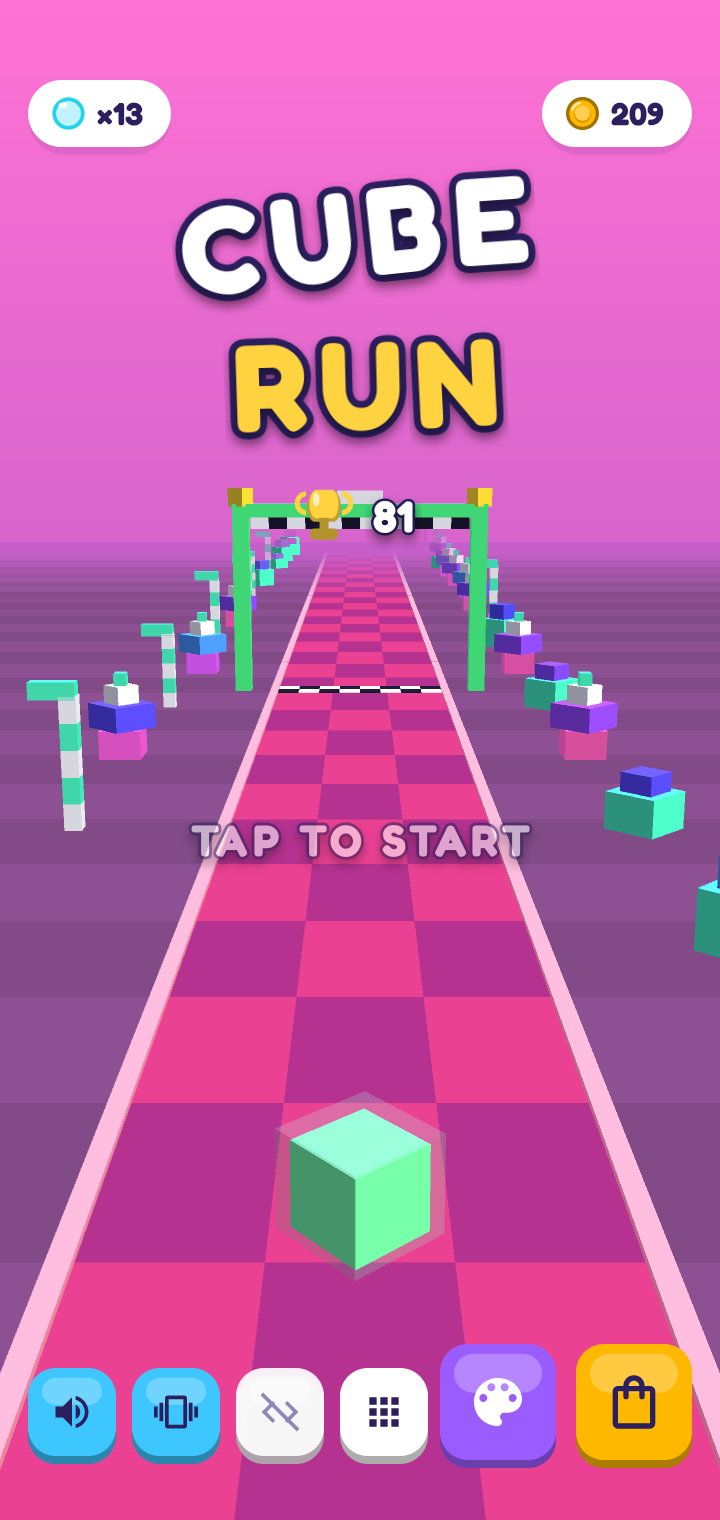
Screenshots

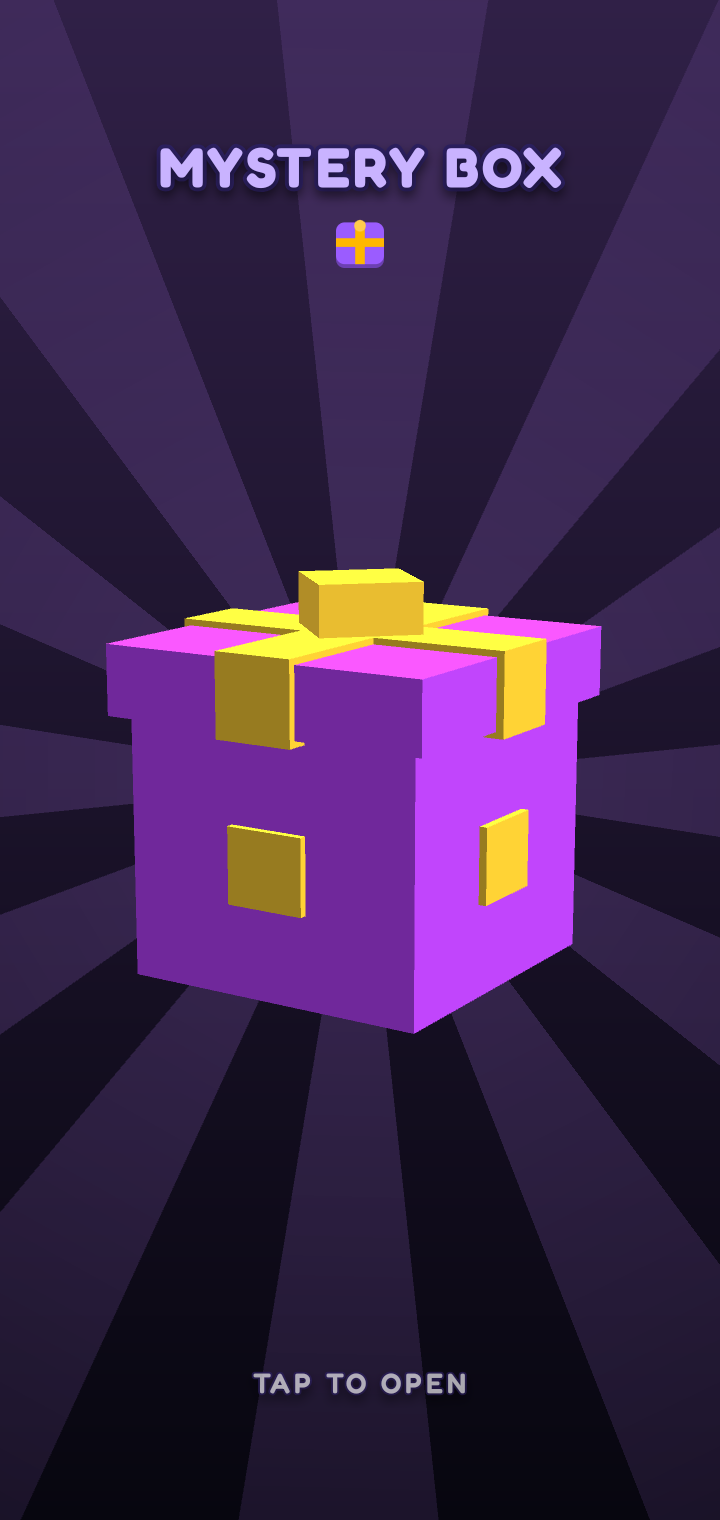
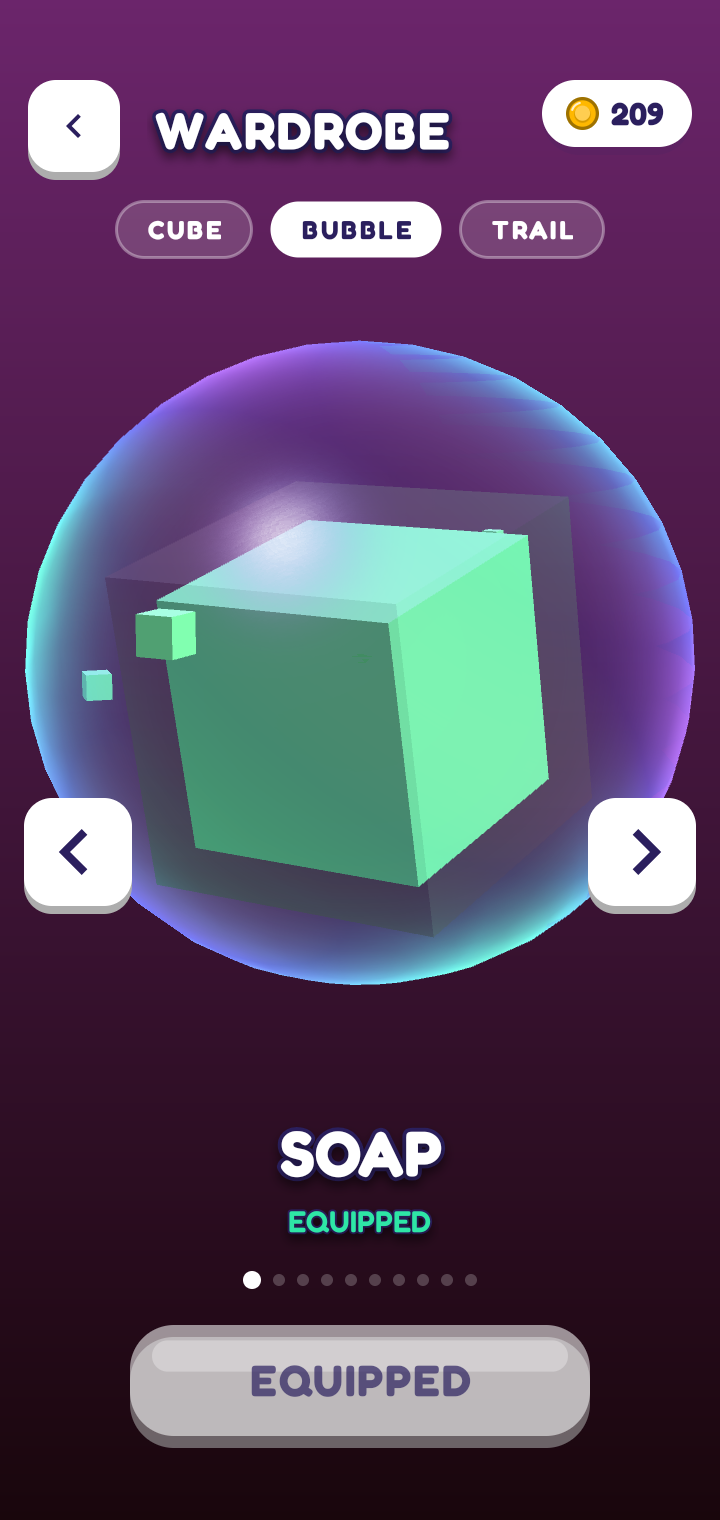
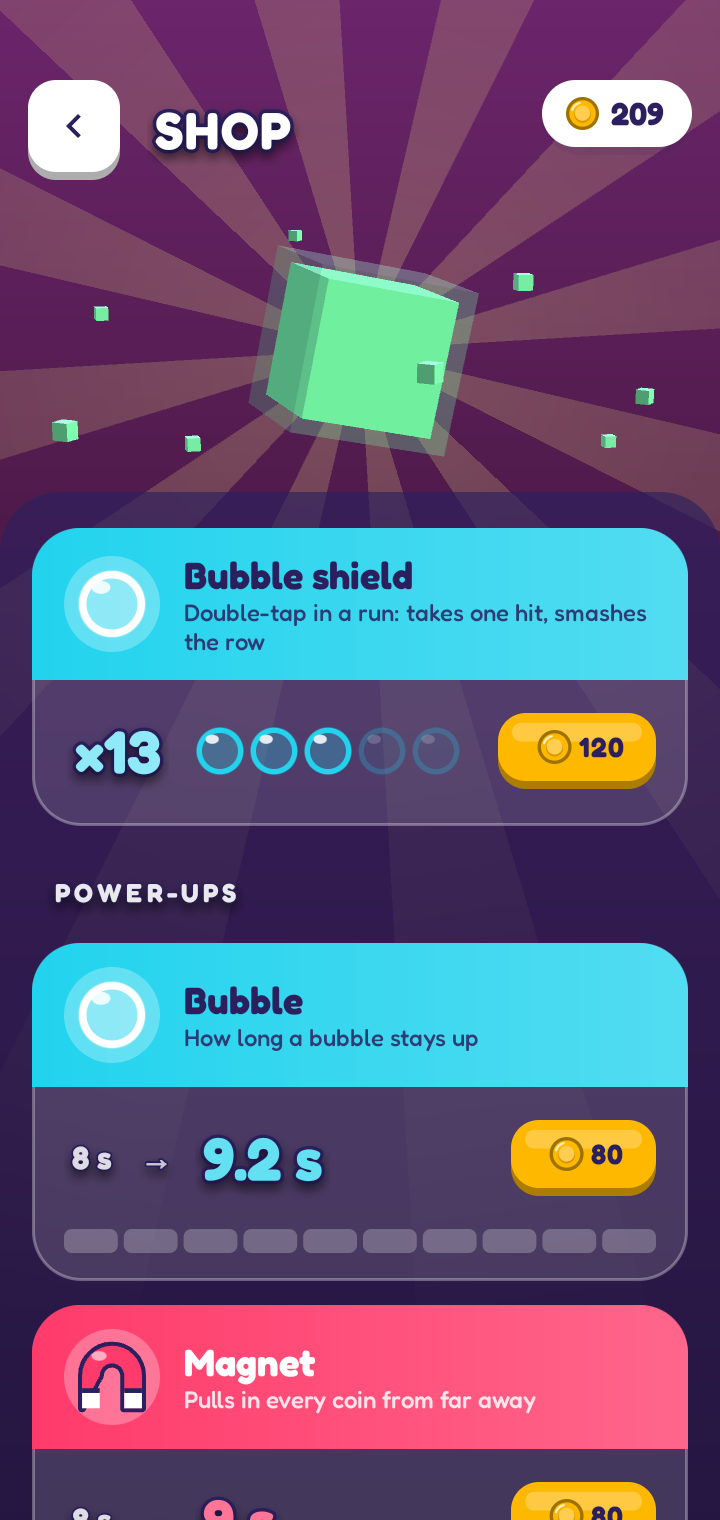
Cube Run screenshot 1
Cube Run screenshot 2
Cube Run screenshot 3
Cube Run screenshot 4
Cube Run screenshot 5
Cube Run screenshot 6
Cube Run screenshot 7
Cube Run screenshot 8

What’s new

Removed repetitive click sounds for a smoother-feeling run.
Fixed jetpacks being pulled down in Zero-G and returning to the wrong height when flight ends.
Fixed Zero-G lane alignment so obstacles, coins and collision gaps follow the widening road.
Improved spacing around portals.
Dev controls and section testing remain hidden in release builds.

How to install

  1. Download the APK from the button at the top of this page.
  2. Allow “Install unknown apps” for your browser or file manager only, not for every app.
  3. Open the downloaded file and confirm the installation.
  4. If installation fails with “App not installed,” remove an earlier build of the same app first. A signature conflict is the usual cause.

Data safety

  • Every file is checked against its published SHA-256 before it is listed.
  • Files are scanned for malware on every update.
  • The permissions each app requests are listed on its own page.
  • Read the full safety policy for how we test, flag, and delist files.

Comments

Recent approved comments · sorted by newest

Verification code
Be specific and keep it about the app. No links. Comments are reviewed before publication. Device and Android details are recorded automatically. Privacy policy.

Loading recent comments...

View all comments