Quick answer
NHRA Pro Tree reaction timer — accelerometer launch detection, no internet
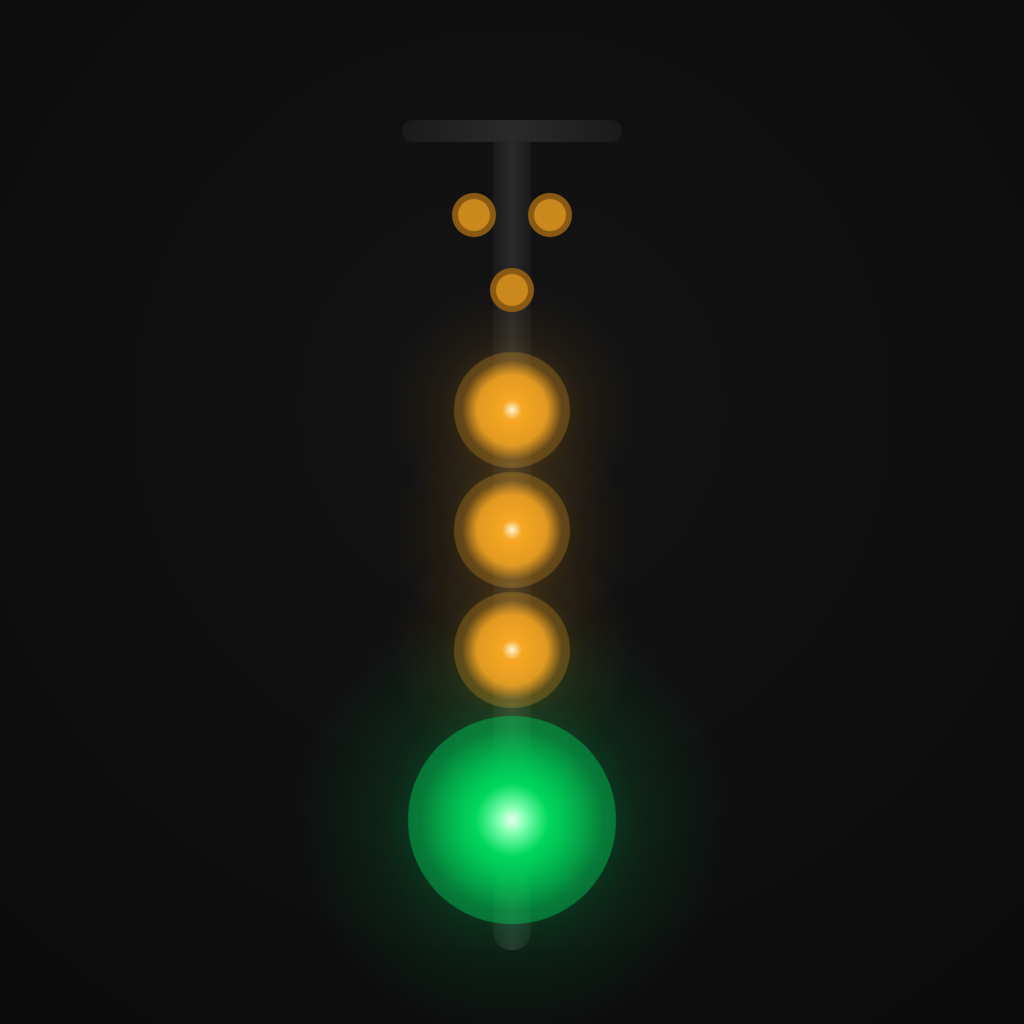
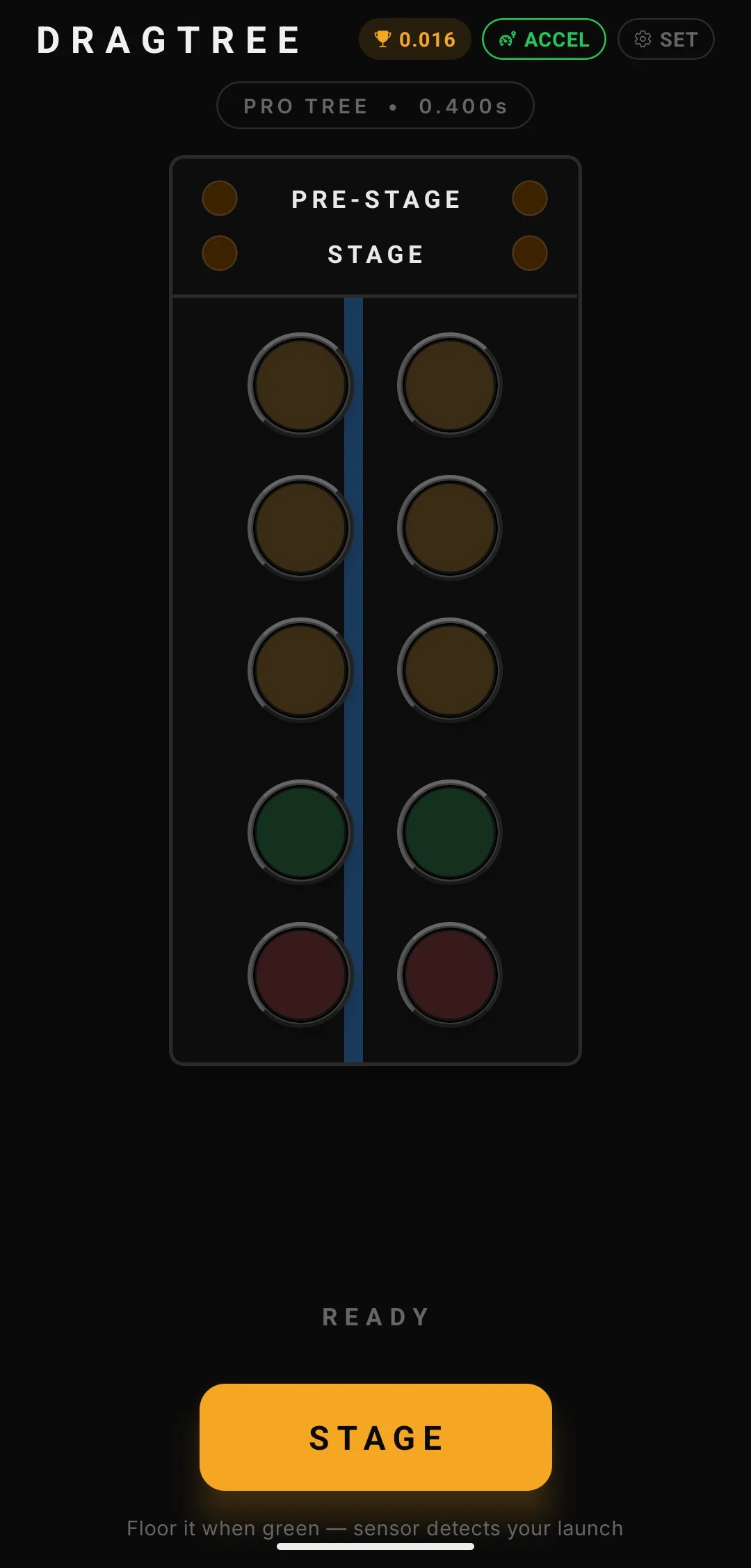
DragTree simulates a real NHRA Christmas Tree (drag strip starting lights) and uses your phone's accelerometer to measure reaction time to the millisecond — no tapping required.
Mount your phone on the dash, stage up, watch the tree, and floor it. The app detects launch G-force automatically and records your RT. Fully offline — no internet, no account, no ads.
TREE MODES • Pro Tree (.400s) — all three ambers fire simultaneously, green follows 0.400s later • Sportsman Tree (.500s) — ambers count down one at a time, green follows 0.500s after the last amber
REACTION GRADING • Perfect: 0–0.049s • Pro: 0.050–0.099s • Great: 0.100–0.199s • Good: 0.200–0.349s • Late: over 0.349s • Red Light: launched before green
FEATURES • Accelerometer launch detection — rolling baseline, no calibration step • Three sensitivity presets: Gentle (0.15g), Normal (0.25g), Hard (0.46g) plus custom dial • Session history — last 30 runs, personal best highlighted • Reaction time trend chart — bar chart of recent runs • Series mode — run 3, 5, or 10 back-to-back stages with avg RT, best/worst, and consistency score • Optional audio cues — amber click, green chirp, result ping, red-light buzz • Diagnostics screen — live G-force, sensor telemetry, last-launch breakdown • Browser / simulator mode — on-screen FLOOR IT button for desktop practice
PERMISSIONS • HIGH_SAMPLING_RATE_SENSORS — required for 125 Hz accelerometer sampling. No other sensor or location permissions used.
No internet connection required after install.
Screenshots
How to install
- Download the APK from the button at the top of this page.
- Allow “Install unknown apps” for your browser or file manager only, not for every app.
- Open the downloaded file and confirm the installation.
- If installation fails with “App not installed,” remove an earlier build of the same app first. A signature conflict is the usual cause.
Data safety
- Every file is checked against its published SHA-256 before it is listed.
- Files are scanned for malware on every update.
- The permissions each app requests are listed on its own page.
- Read the full safety policy for how we test, flag, and delist files.
Frequently asked questions
What is DragTree?
NHRA Pro Tree reaction timer — accelerometer launch detection, no internet
Who develops DragTree?
DragTree is developed by flyboy-byte.
Which Android version does DragTree require?
DragTree requires Android API 24 or later.
What is the current version of DragTree?
The synchronized F-Droid version is 1.7.3.
Which license does DragTree use?
The signed F-Droid metadata lists MIT.
Where is the source code for DragTree?
https://github.com/flyboy-byte/drag-tree
Comments
Recent approved comments · sorted by newest
View all comments