
Quick answer
Turn daily photos into a progress montage. Private, offline, automatic.
F-Droid repository metadata
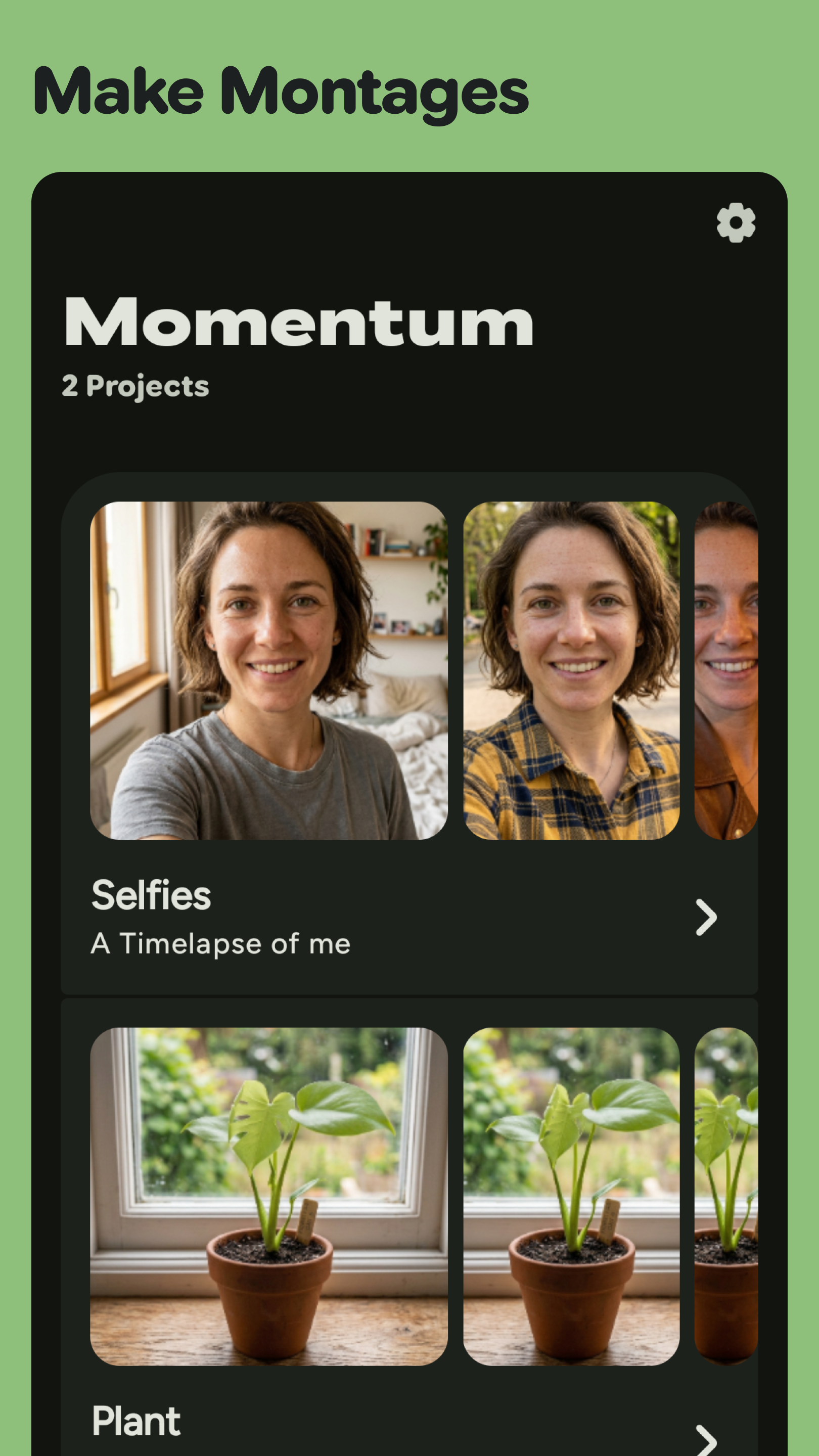
Momentum is a privacy-friendly, offline-first way to track your progress and turn everyday photos into a beautiful progress montage — without thinking about storage, editing, or accounts.
📸 Snap a photo a day Create a project for anything you want to track — fitness, skincare, a beard, a plant, a painting, a trip. Momentum nudges you with a daily reminder so you never miss a day. Add photos from the gallery or take one right in the app with the built-in camera.
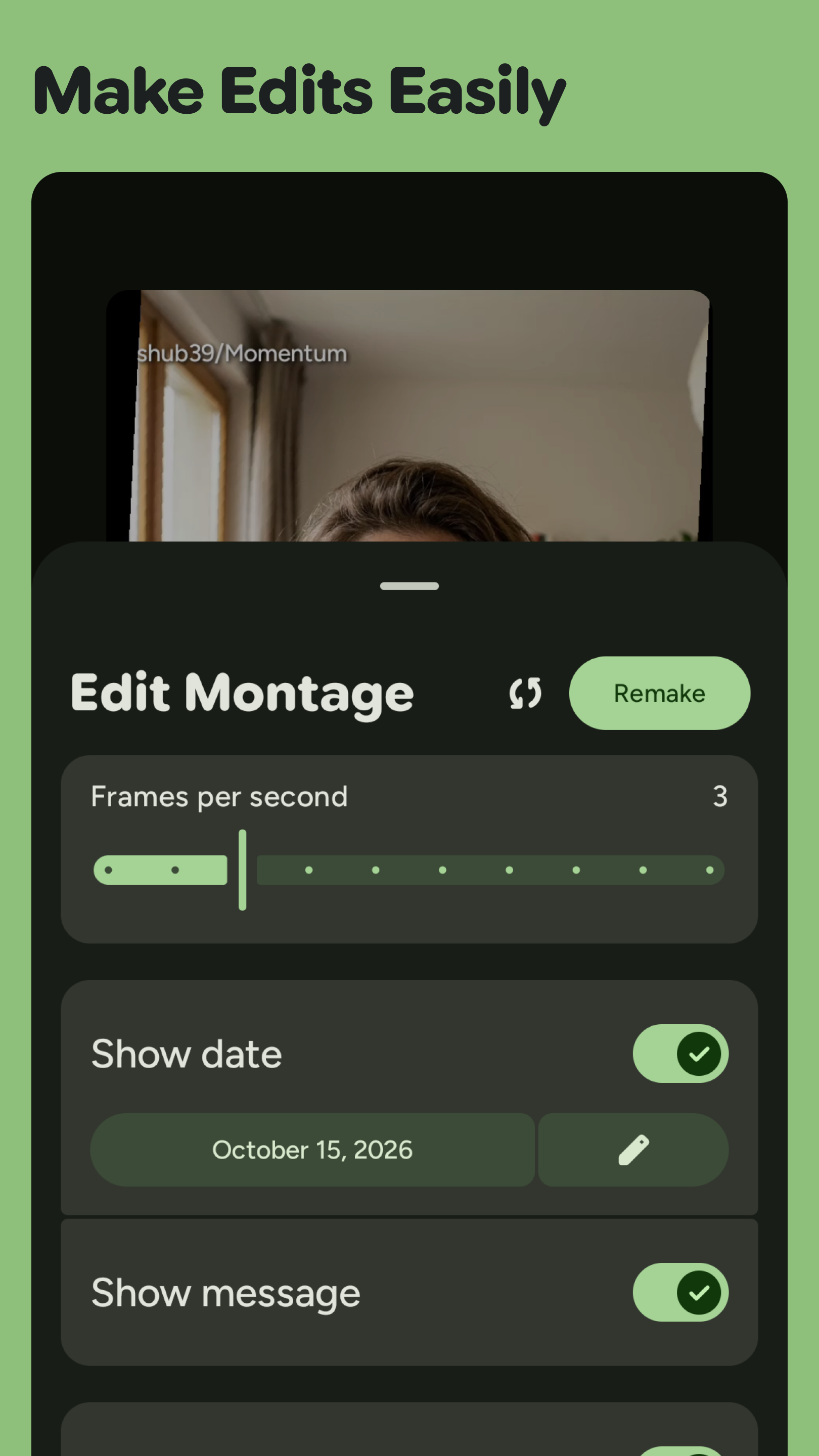
🎬 Make montages in seconds Pick your photos and Momentum renders a smooth montage video for you. No timeline scrubbing, no export menus, no video editor to learn. Adjust frames per image, frames per second, video quality, background color, date style, and text font, then export and share your progress video.
😊 Auto face stabilization Powered by on-device face detection, Momentum keeps faces aligned and stable across your montage, so the result looks polished even when you were not perfectly framed. Optionally highlight or censor faces with a single tap.
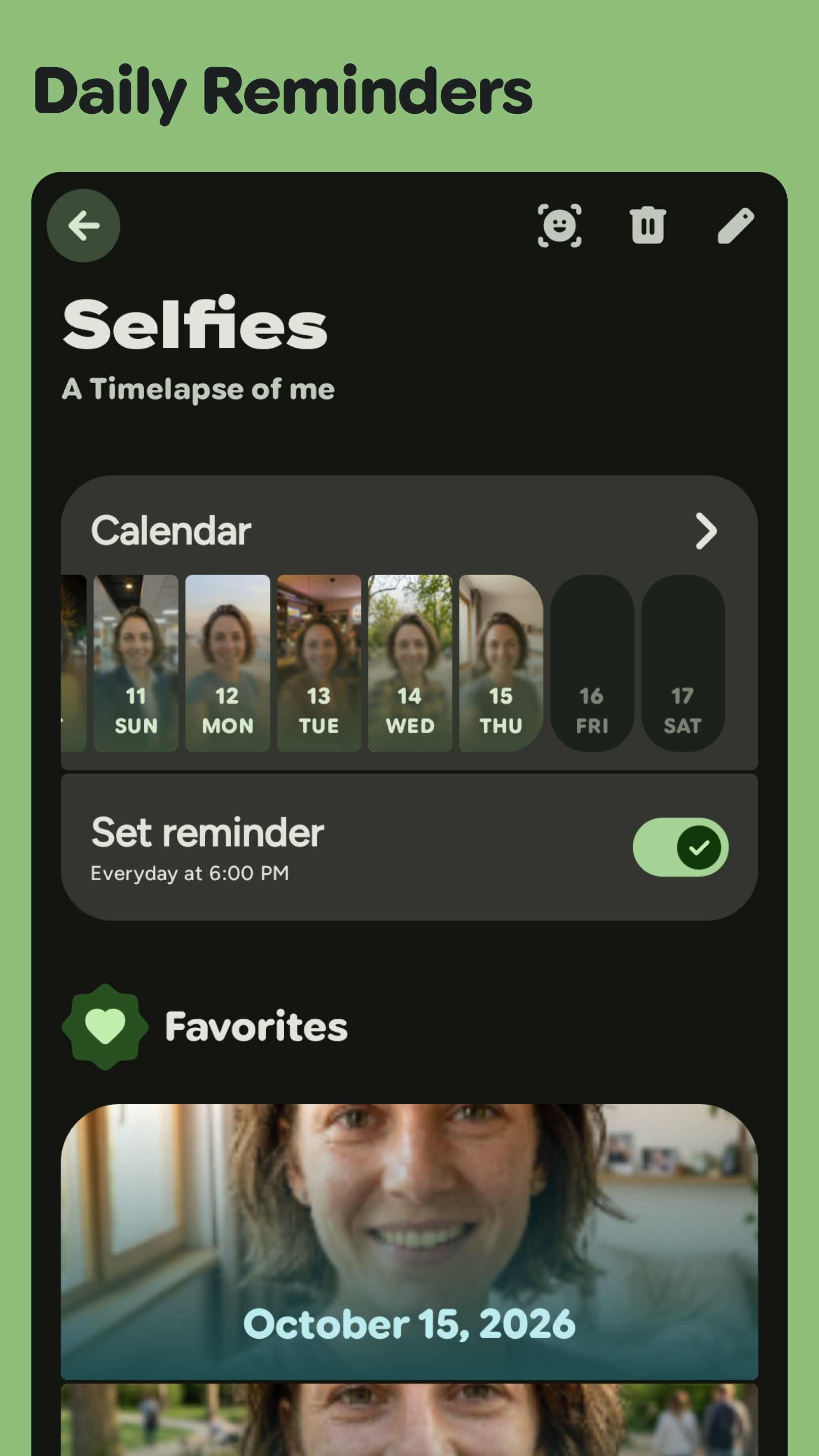
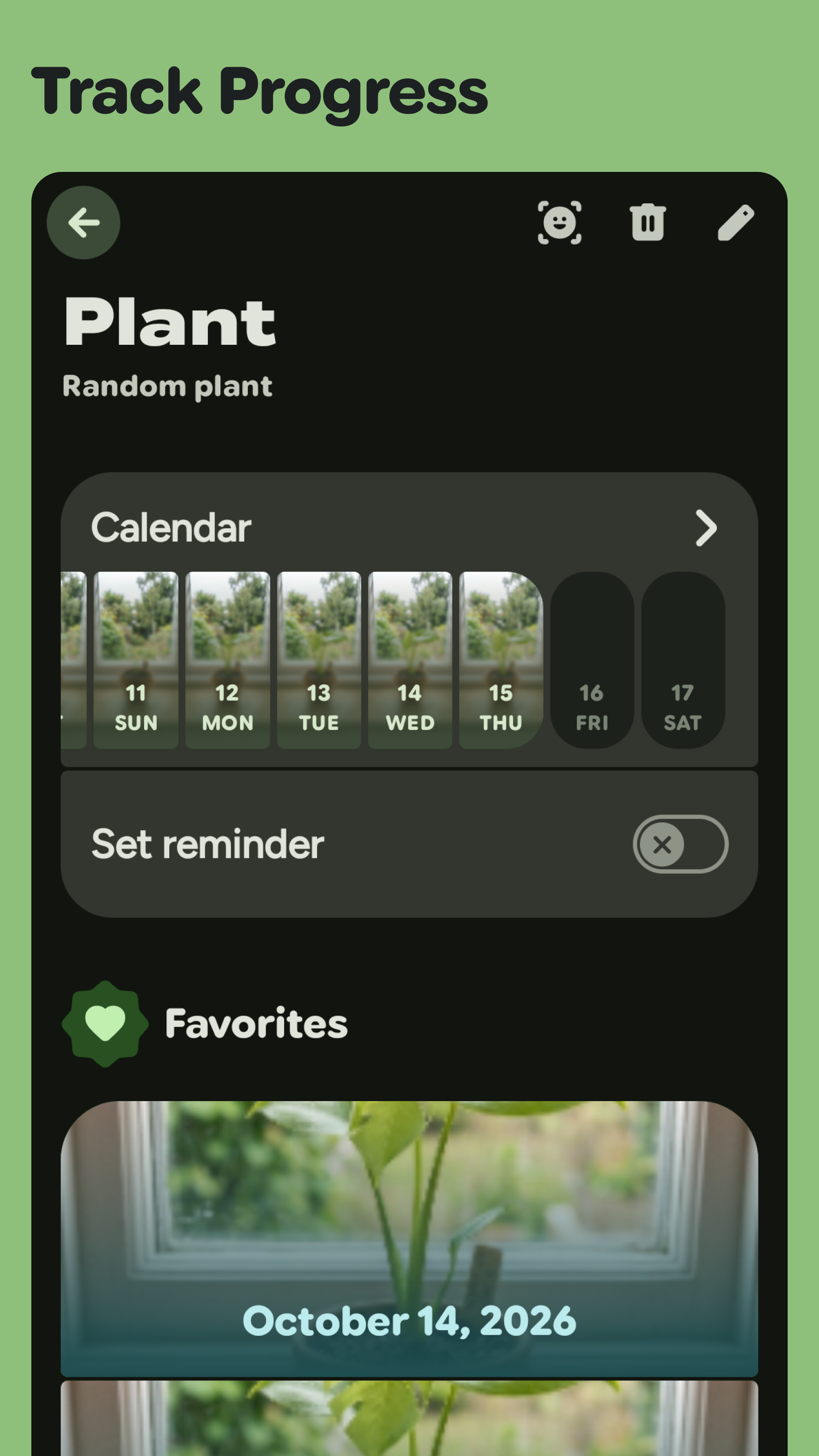
📅 Calendar and timeline Browse everything you have captured in a beautiful monthly calendar or a linear timeline, mark favorites, and add a comment to any day to remember the context.
🔔 Reminders that actually work Set a daily reminder time and Momentum will keep you on track. Reminders survive reboots, and tapping a notification jumps straight back into the app.
🎨 Yours to make it yours Material You dynamic color from your wallpaper, AMOLED dark mode, multiple palette styles, custom fonts, and a full Material 3 Expressive interface that adapts from phones to tablets and foldables.
🔒 Private by design Everything is processed and stored on your device. No account, no cloud, no tracking, no ads. Momentum is open source and available as a FOSS build with all features unlocked and no in-app purchases.
💾 Backup and restore Export all of your project data to a single .zip file and import it back whenever you like. Move to a new phone without losing your history.
Momentum Plus unlocks extra customization (video quality, custom fonts, background colors, AMOLED, custom palettes) and lets you keep as many projects as you want. Every purchase supports independent development.
Turn a year of ordinary photos into something worth watching. Start your Momentum today.
Screenshots
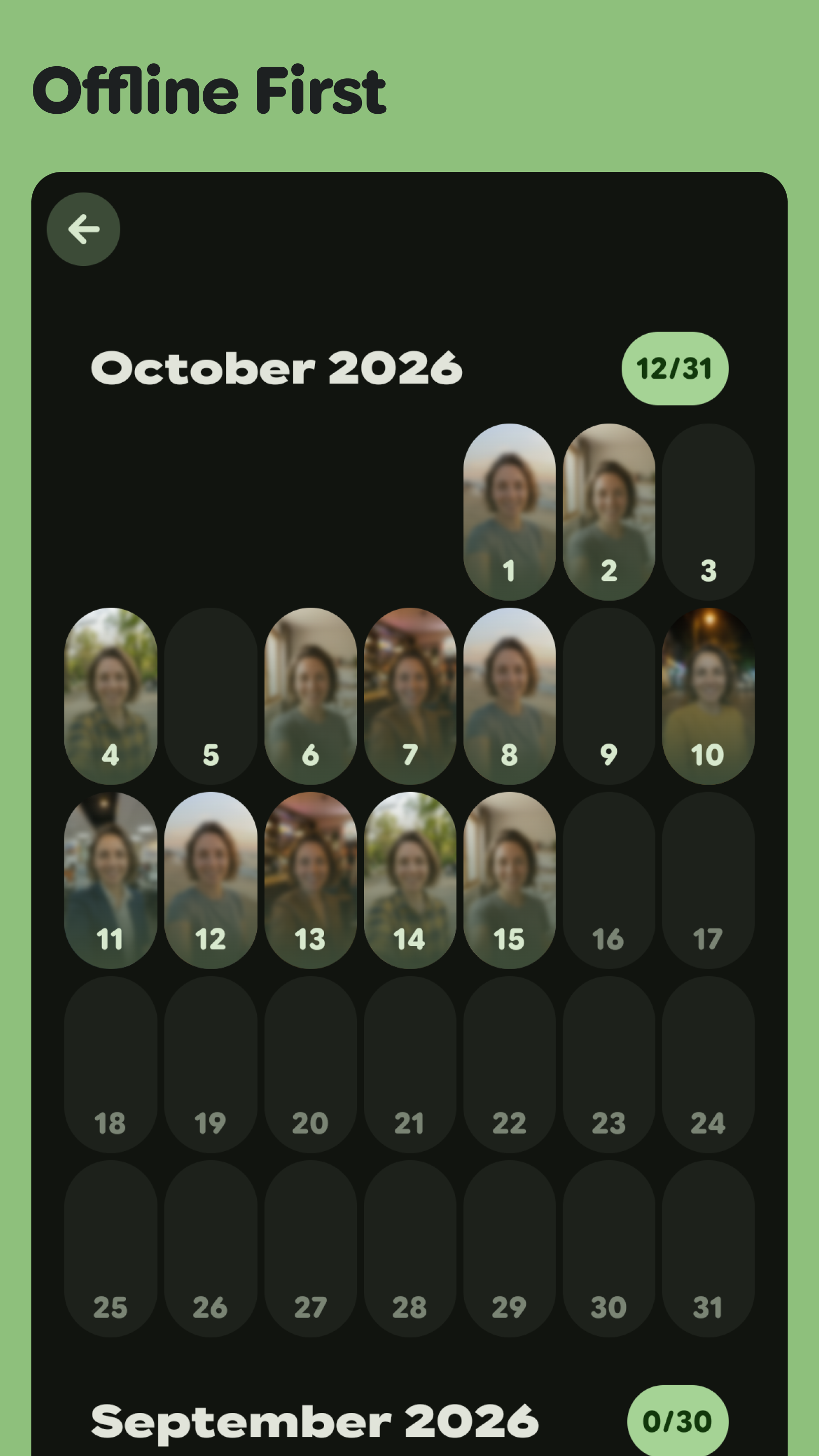
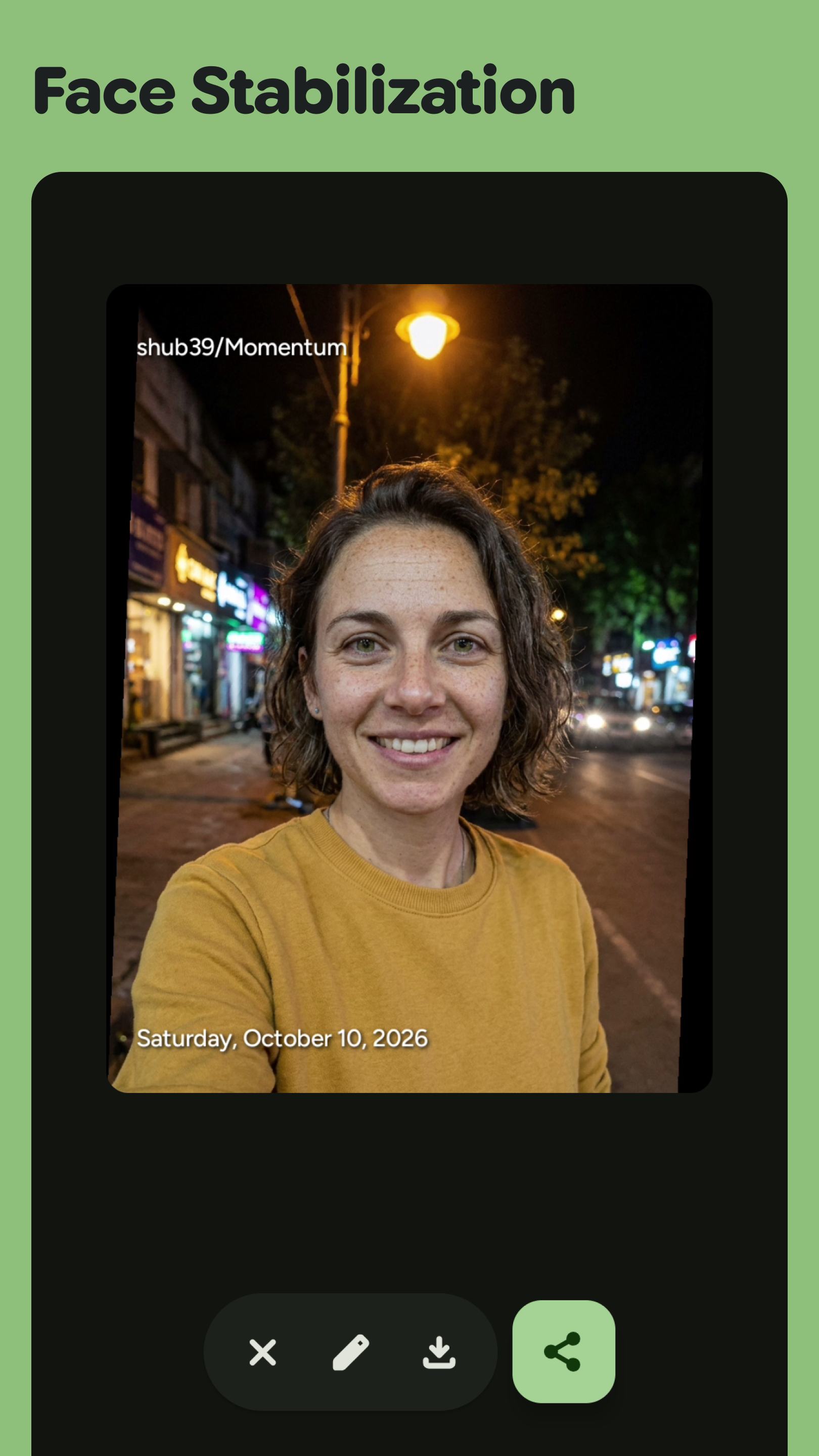
How to install
- Download the APK from the button at the top of this page.
- Allow “Install unknown apps” for your browser or file manager only, not for every app.
- Open the downloaded file and confirm the installation.
- If installation fails with “App not installed,” remove an earlier build of the same app first. A signature conflict is the usual cause.
Data safety
- Every file is checked against its published SHA-256 before it is listed.
- Files are scanned for malware on every update.
- The permissions each app requests are listed on its own page.
- Read the full safety policy for how we test, flag, and delist files.
Frequently asked questions
What is Momentum?
App to make Montages easily
Who develops Momentum?
Momentum is developed by Shubham Gorai.
Which Android version does Momentum require?
Momentum requires Android API 27 or later.
What is the current version of Momentum?
The synchronized F-Droid version is 1.9.0.
Which license does Momentum use?
The signed F-Droid metadata lists GPL-3.0-only.
Where is the source code for Momentum?
https://github.com/shub39/Momentum
Comments
Recent approved comments · sorted by newest
View all comments