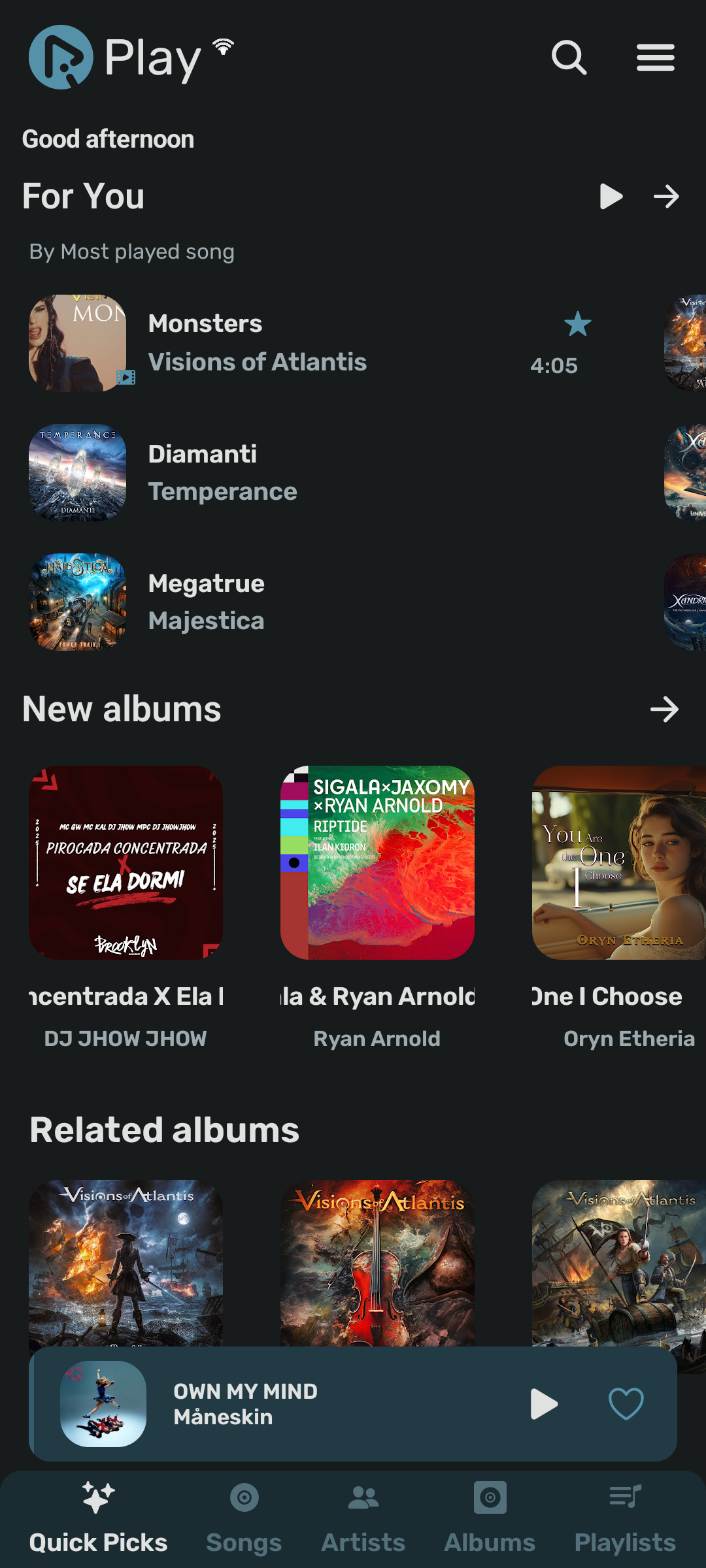
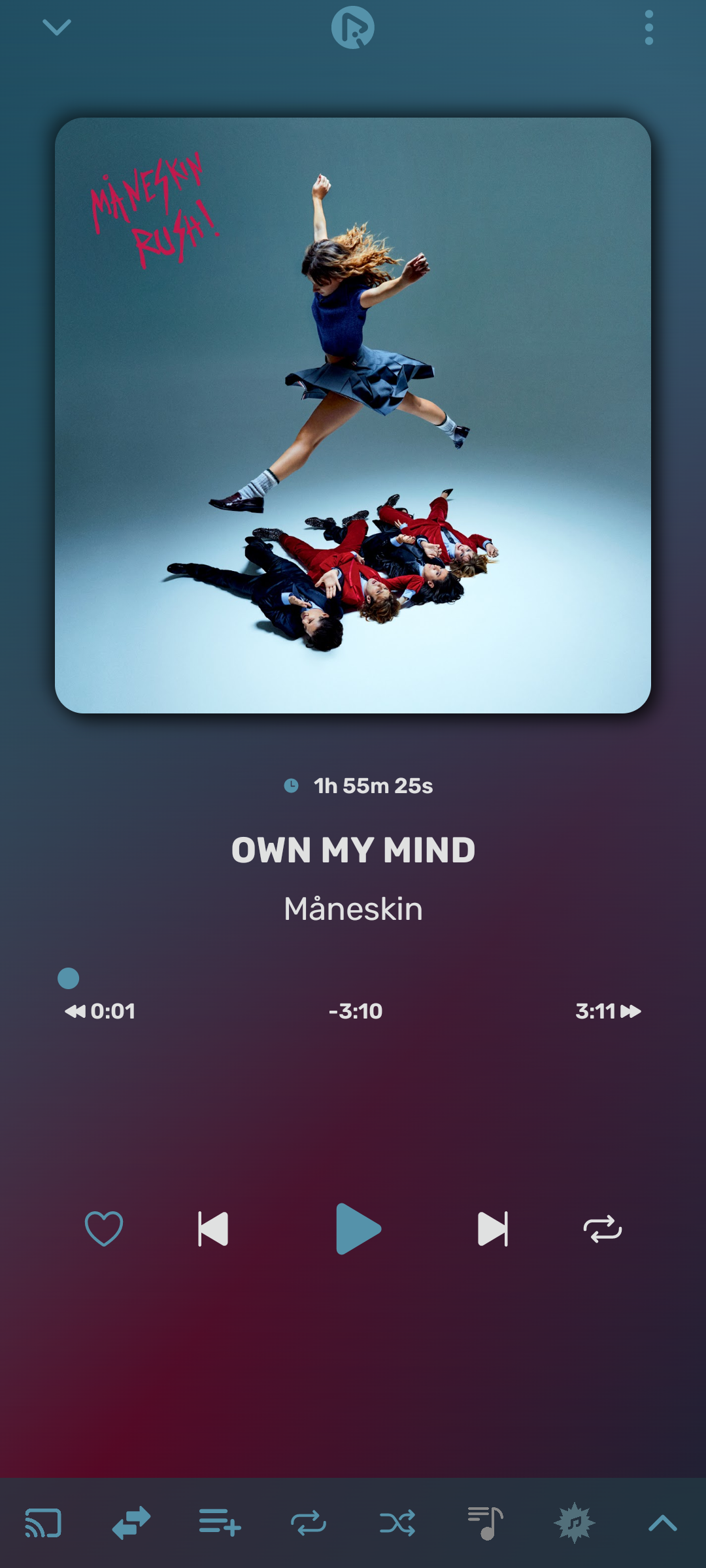
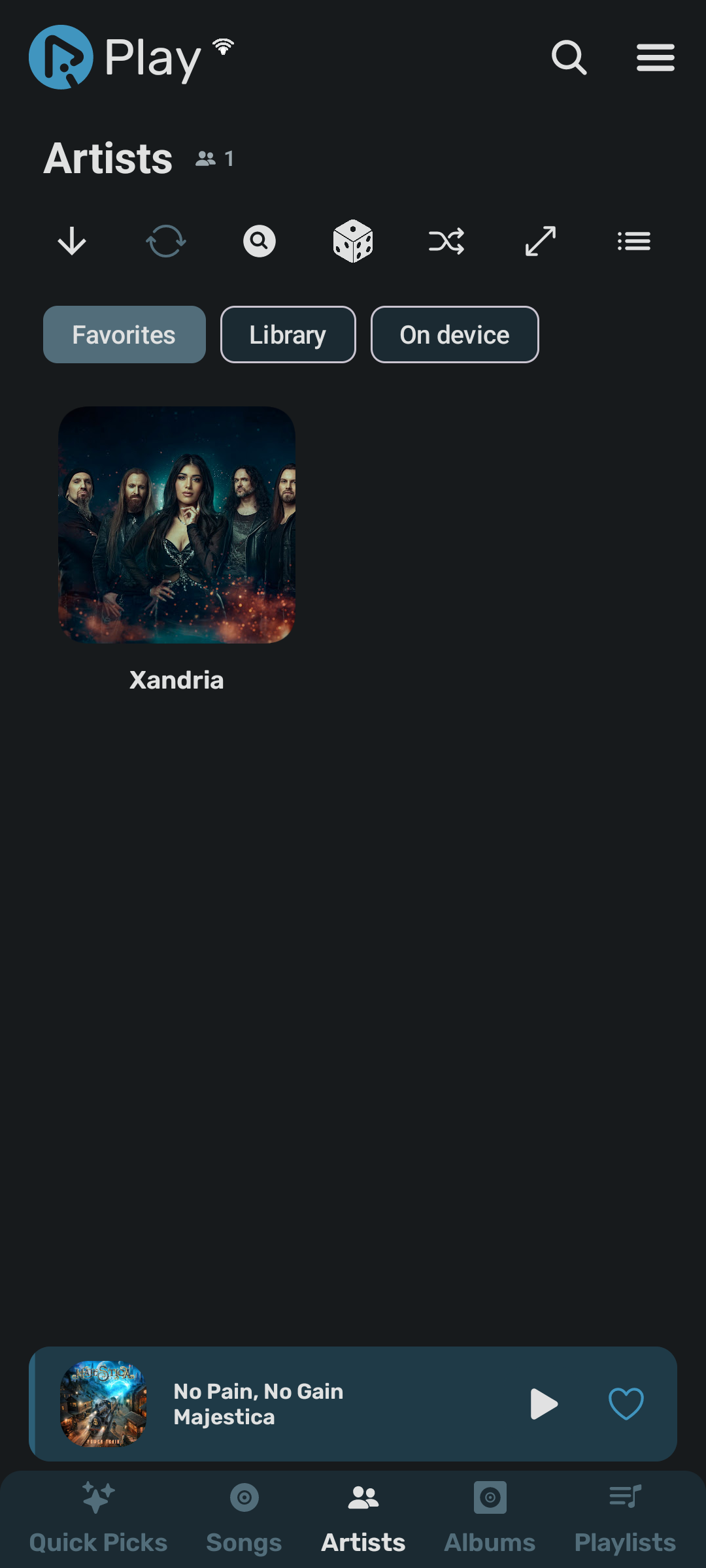
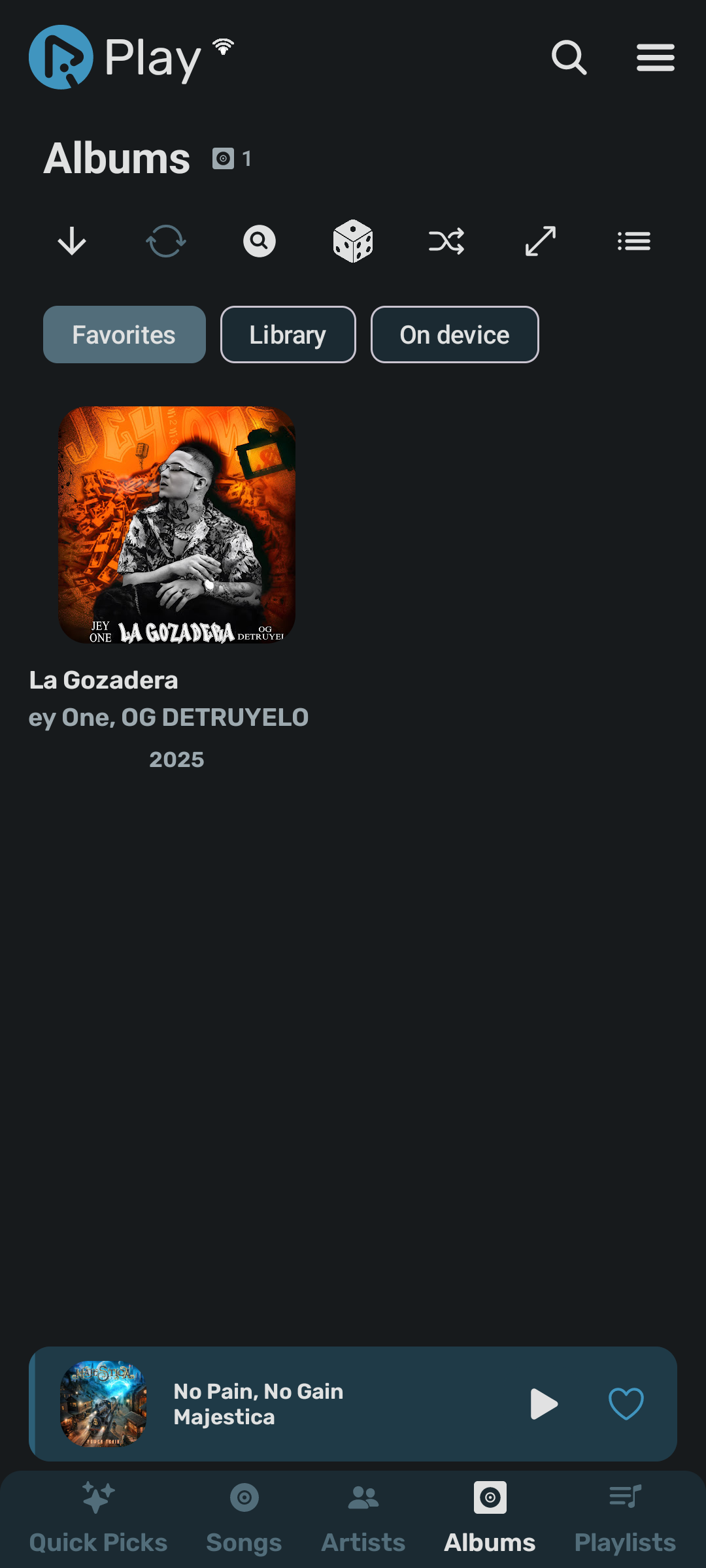
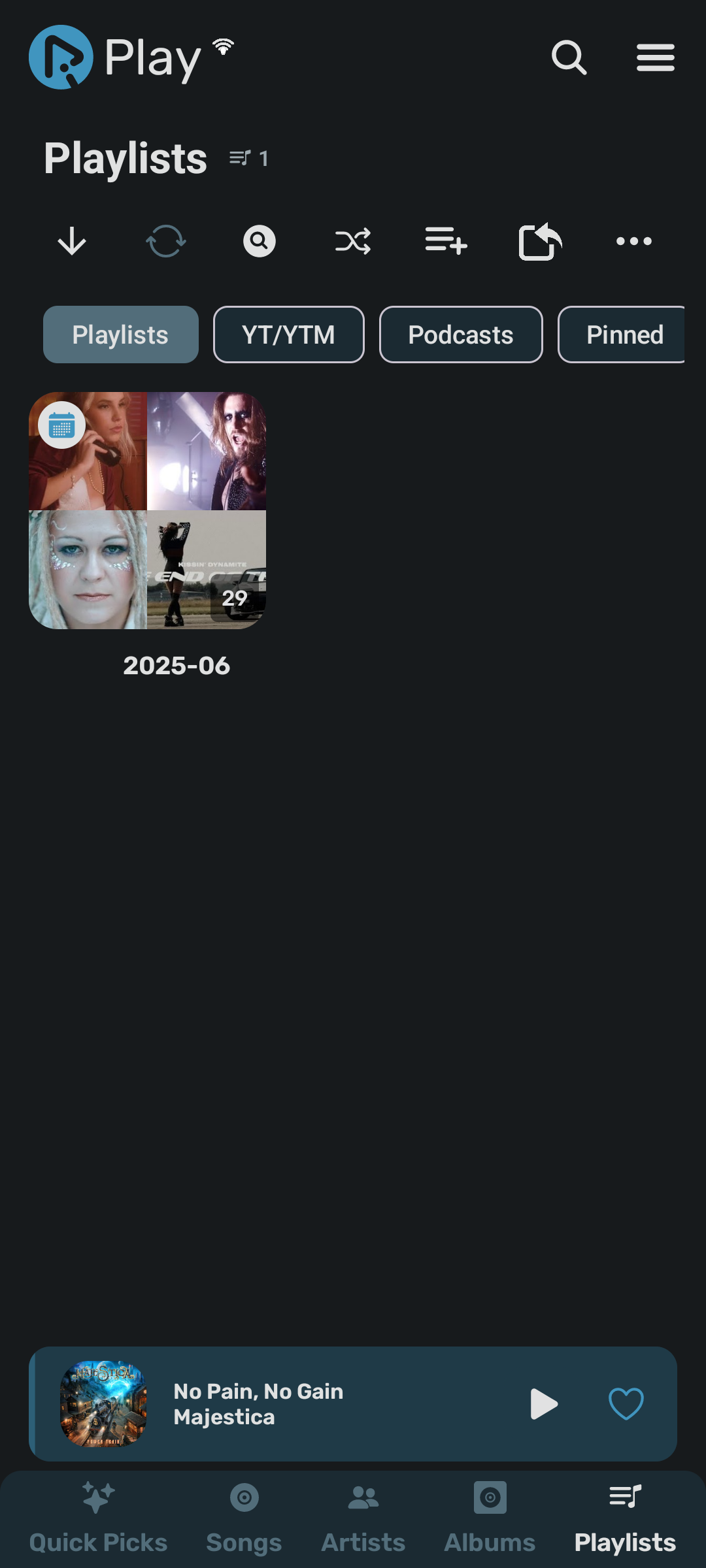
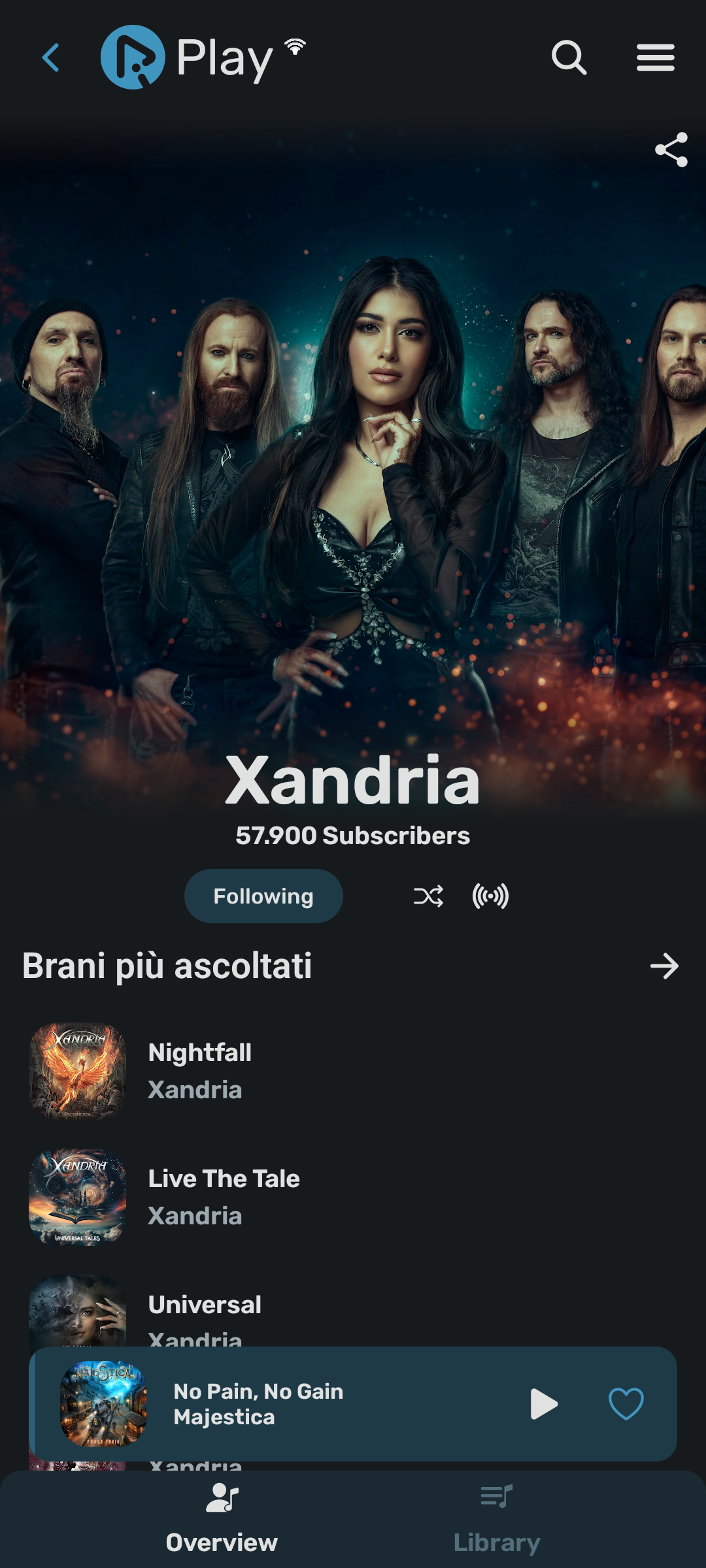
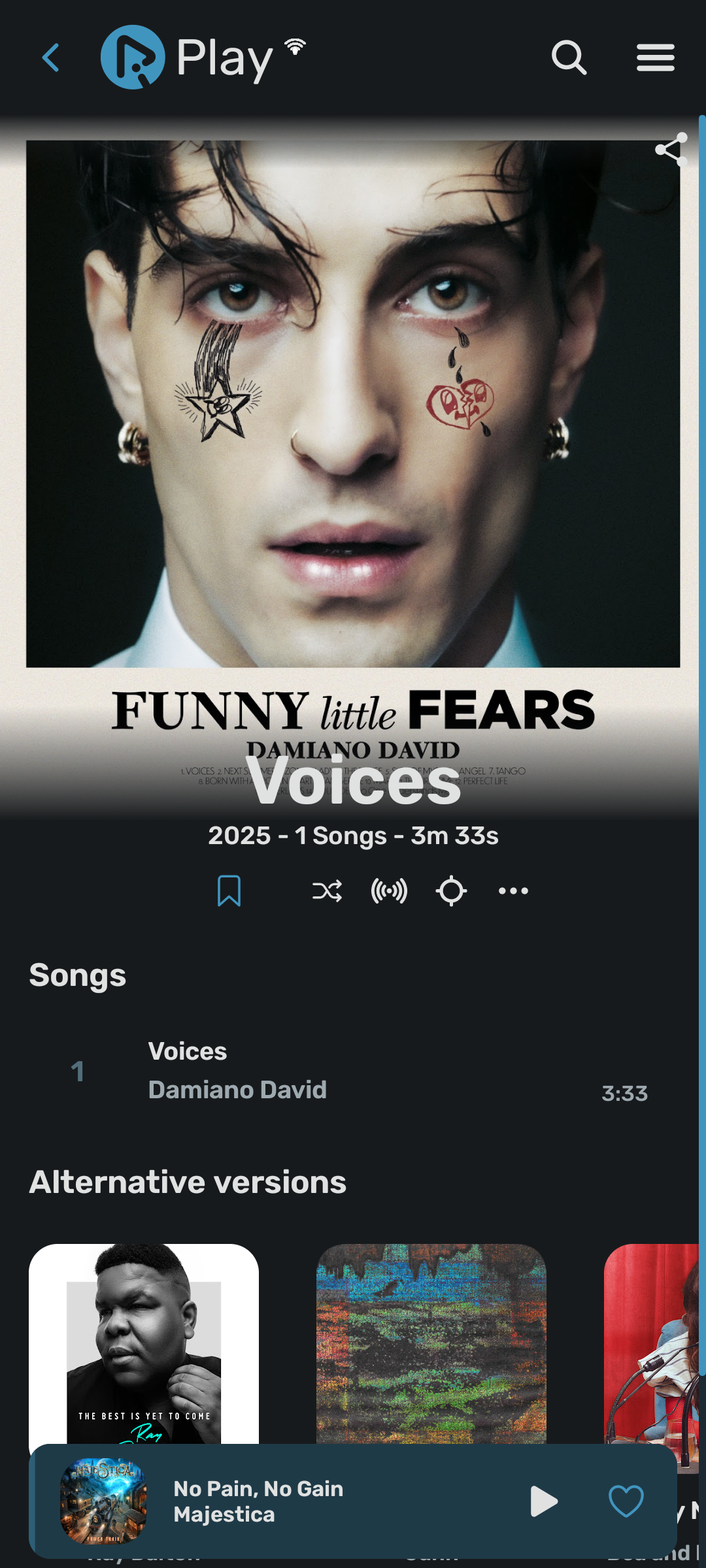
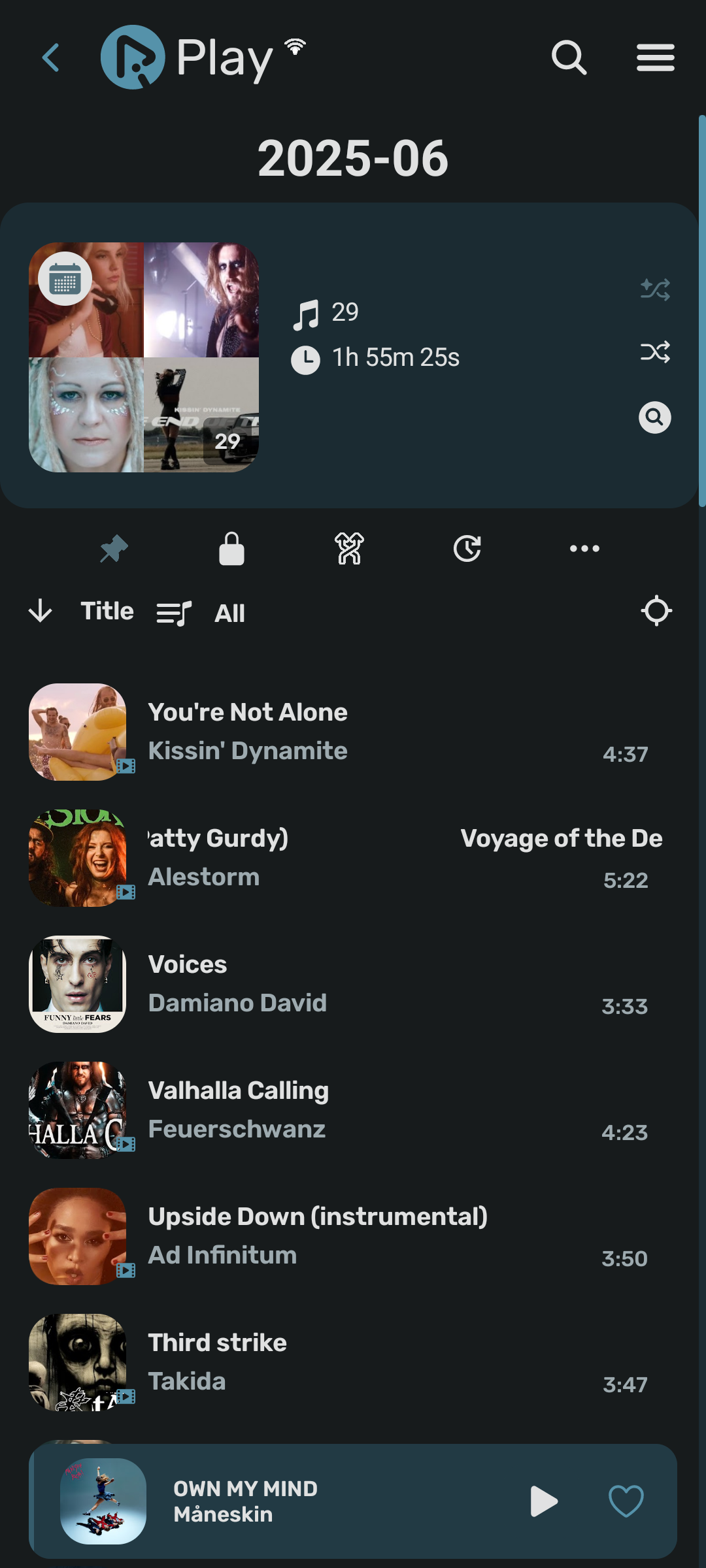
RiPlay is a powerful, open-source music player designed for music lovers who want complete control over their listening experience. With support for both online and offline content, extensive customization options, and a beautiful interface, RiPlay transforms how you interact with your music collection.
⚠️ Important Notice
🛡️ RiPlay respects your privacy and operates transparently
No data collection, your data stays on your device
For playing online content, it uses the YouTube Player library as a wrapper around the official [IFrame Player API](https://developers.google.com/youtube/iframe_api_reference) inside a WebView
✨ Key Features
🎧 Music Experience
Play songs, videos, artists, albums, playlists, and podcasts
Smart queues (audio/video mixed)
Listening statistics
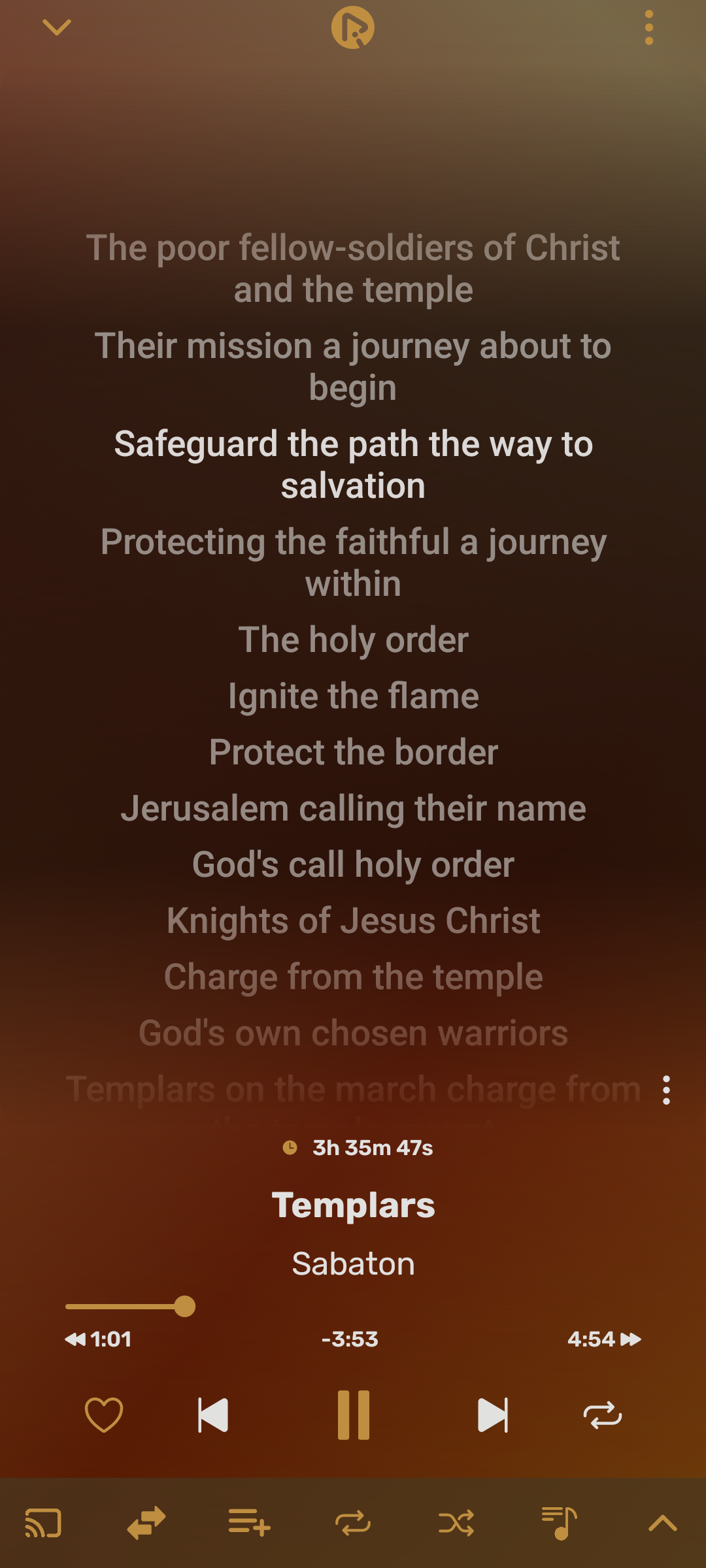
Lyrics support: fetch, display, edit, translate
Listener level ranking with personal monthly and annual badge
Blacklist, can ignore artist, album, Song, Playlist, Device folder
Rewind, your year in music
⏰ Smart Features
Music Recognize (title & artist)
Sleep timer
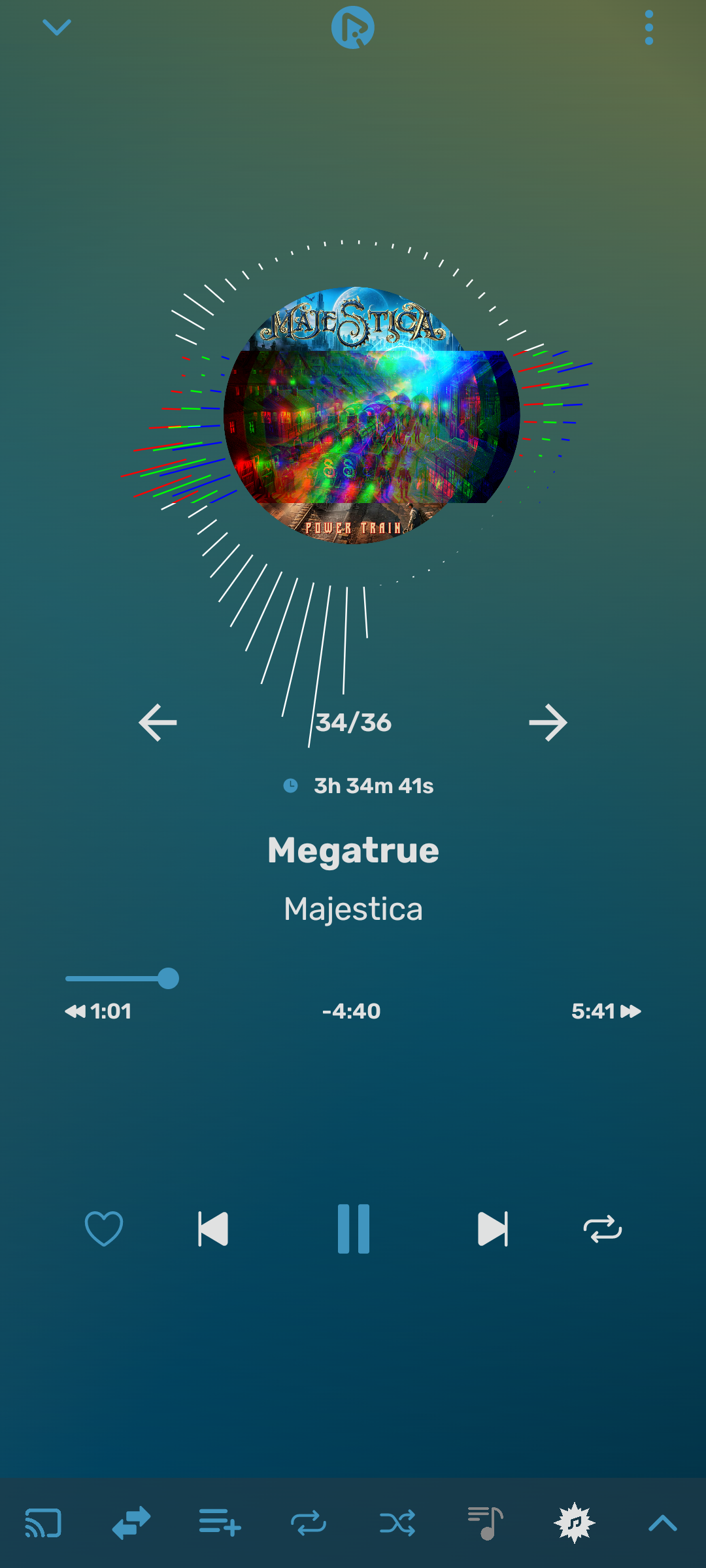
Visualizer (microphone permission required)
Fast Share (direct sharing with installed apps)
Cast to another Android device / TV via [RiLink](https://github.com/fast4x/RiLink) (experimental)
Self-closing app scheduling
Events daily/weekly, new releases from your artists, auto backup and check update
Android Auto support
Android TV support (experimental)
Widget support (experimental)
Visit it on Github
https://github.com/fast4x/RiPlay
Made with ❤️ by Fast4x
Screenshots
What’s new
Log completed at https://github.com/fast4x/RiPlay/releases/tag/v0.7.91
How to install
Download the APK from the button at the top of this page.
Allow “Install unknown apps” for your browser or file manager only, not for every app.
Open the downloaded file and confirm the installation.
If installation fails with “App not installed,” remove an earlier build of the same app first. A signature conflict is the usual cause.
Data safety
Every file is checked against its published SHA-256 before it is listed.
Files are scanned for malware on every update.
The permissions each app requests are listed on its own page.
Read the full safety policy for how we test, flag, and delist files.