What’s new
### Bug Fixes
* do not fetch a work's recordings again from Relationships tab which doubles the listen count: you will have to refresh a work's Details tab to make the double count go away

Updated Sep 22, 2026
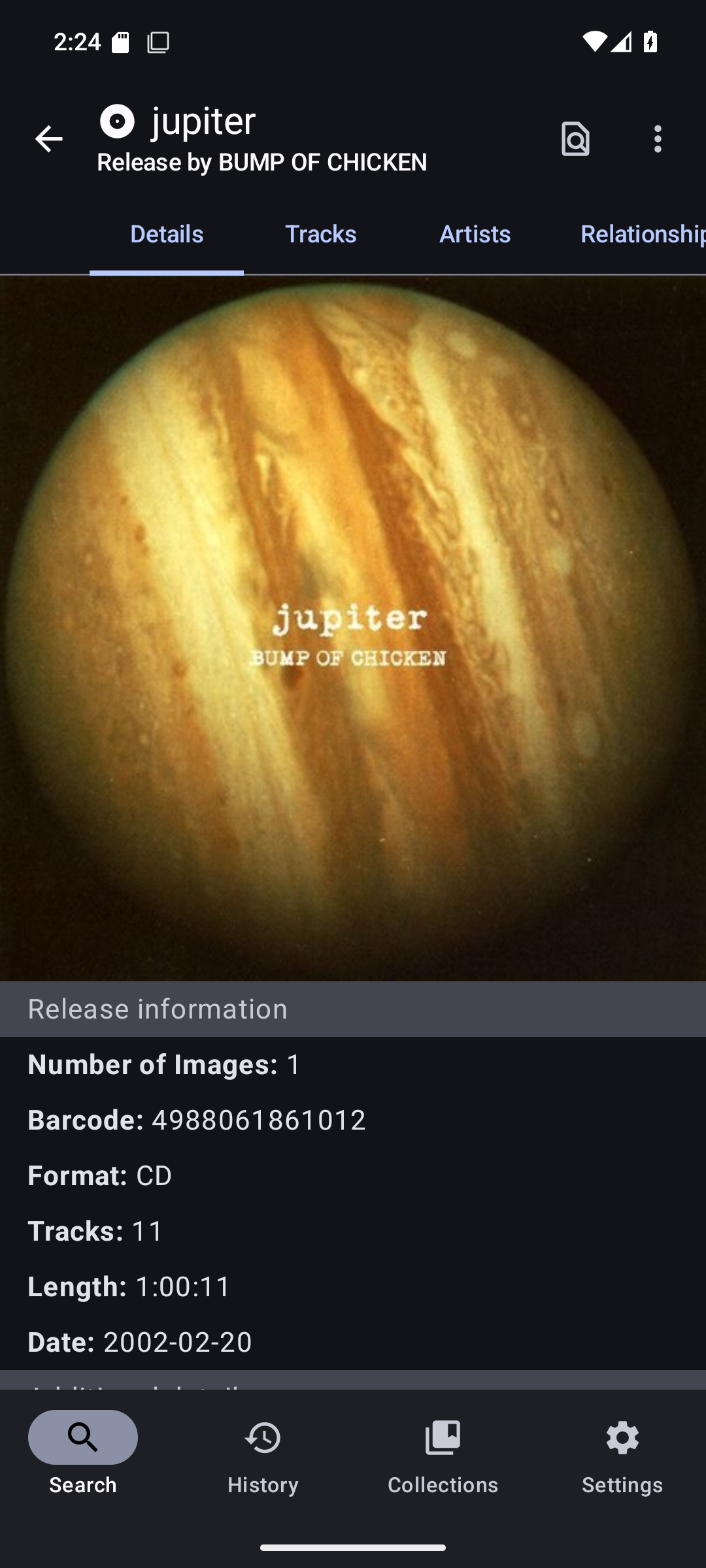
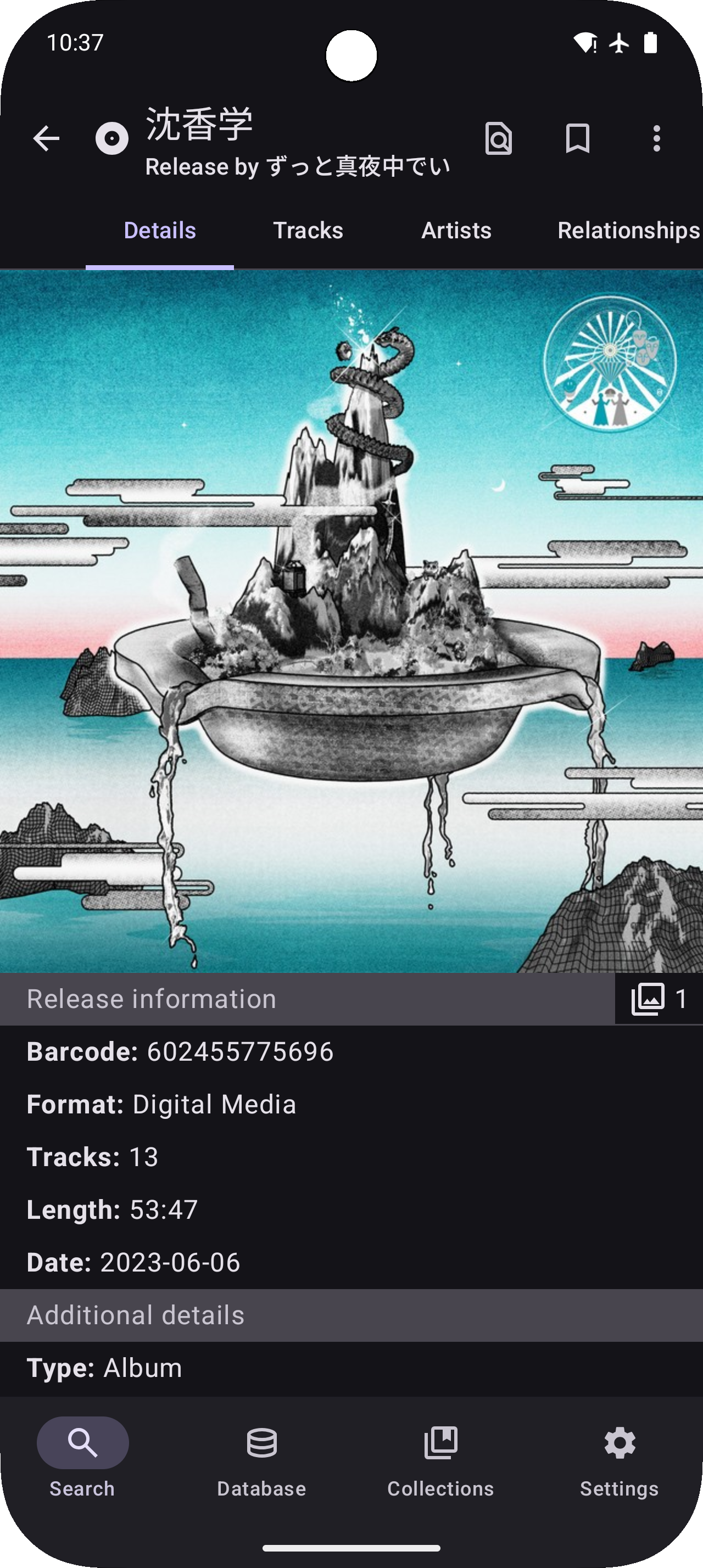
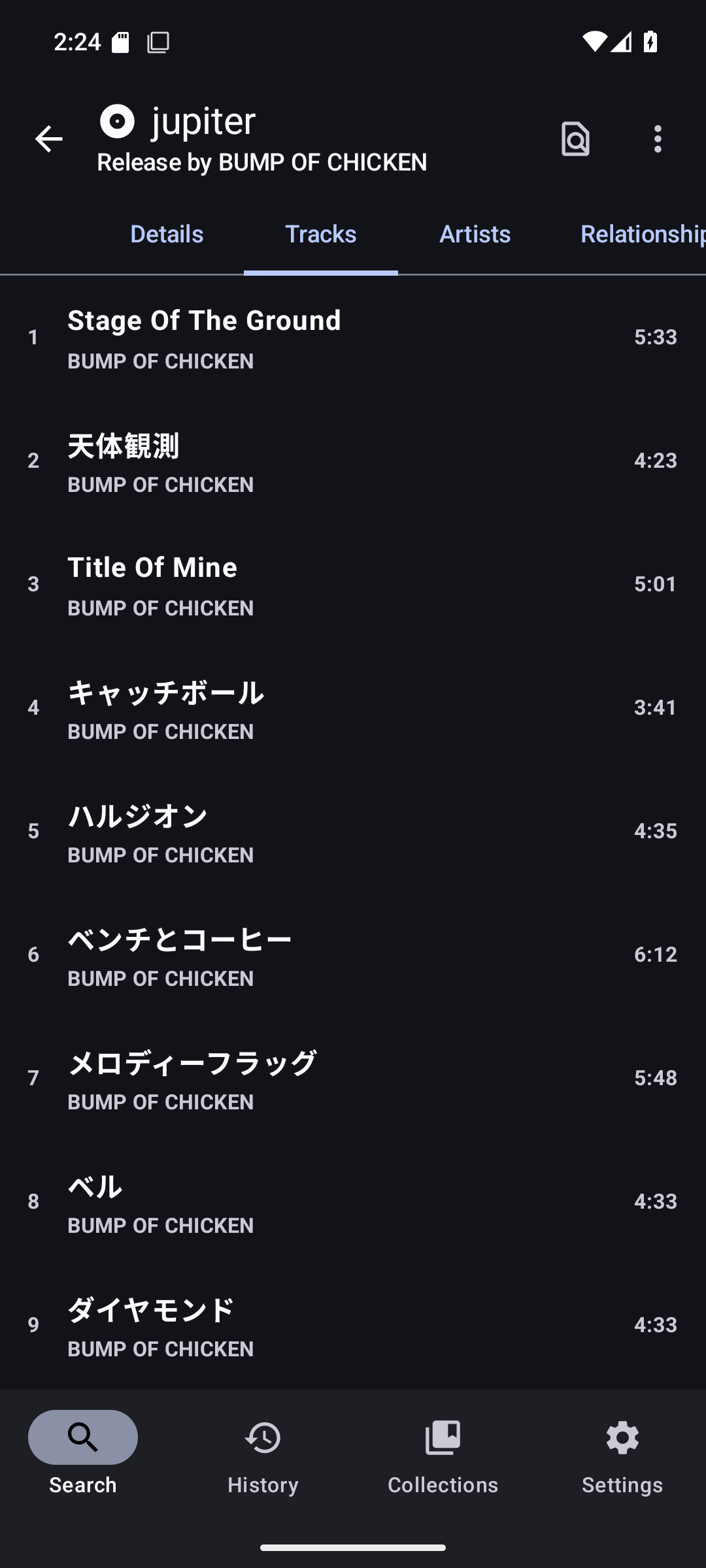
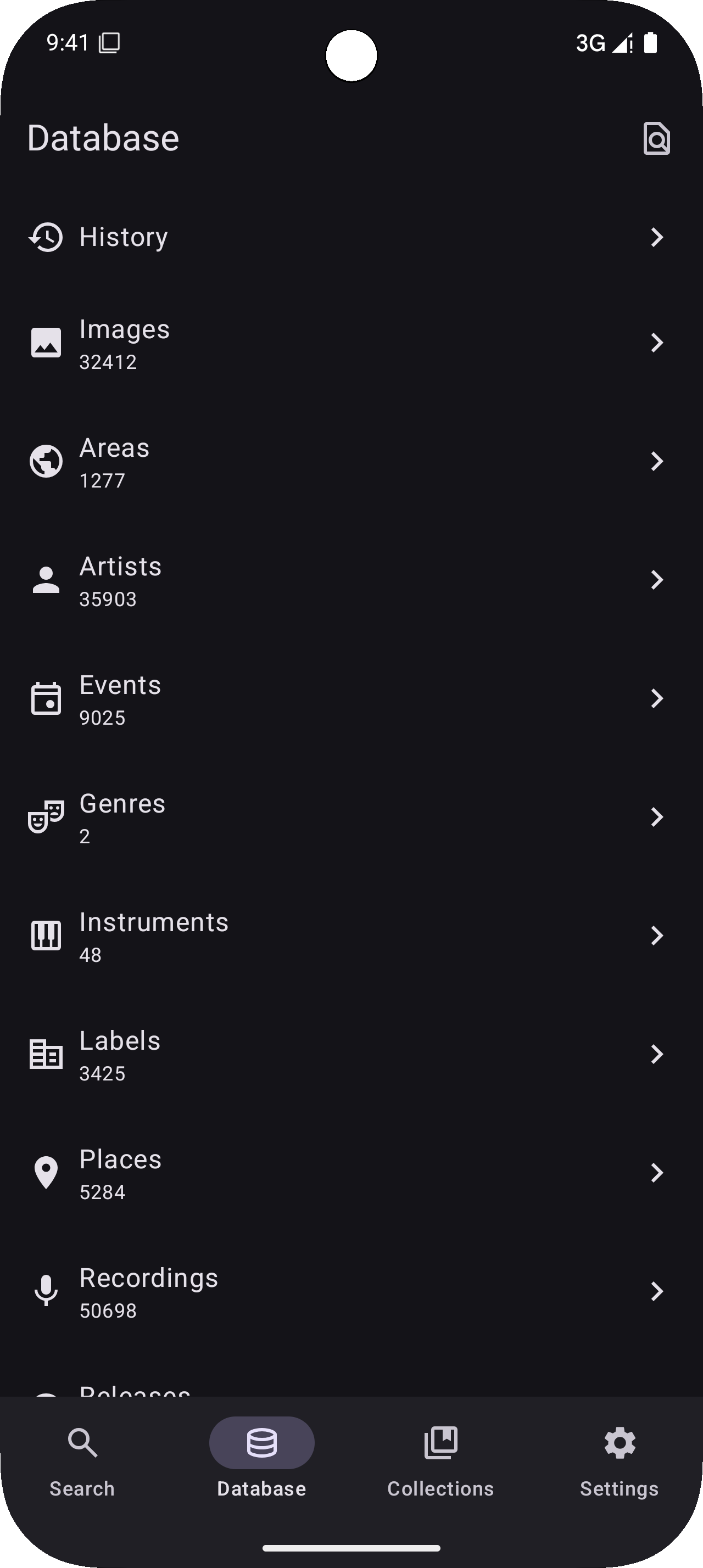
MusicSearch is an app for browsing songs, artists, and anything related to them
F-Droid repository metadata
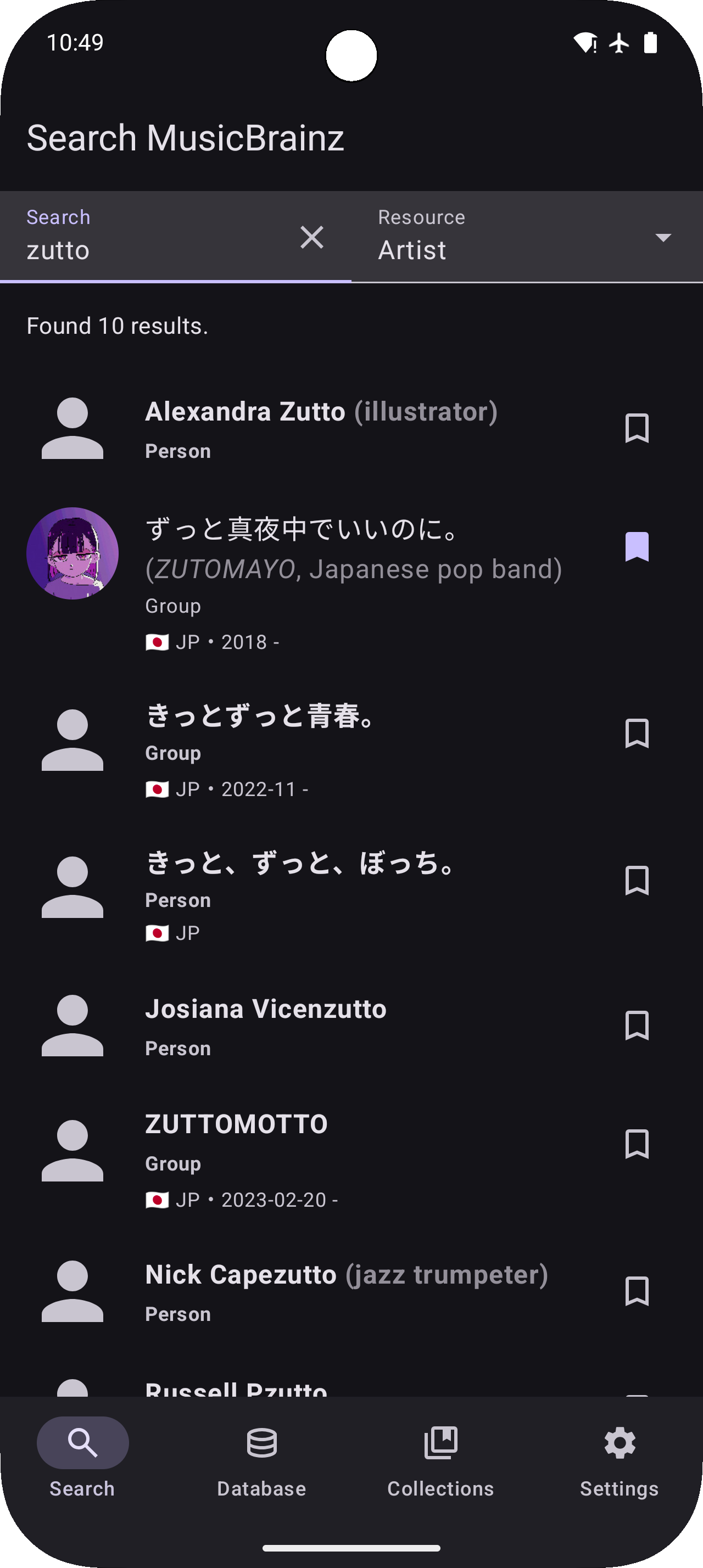
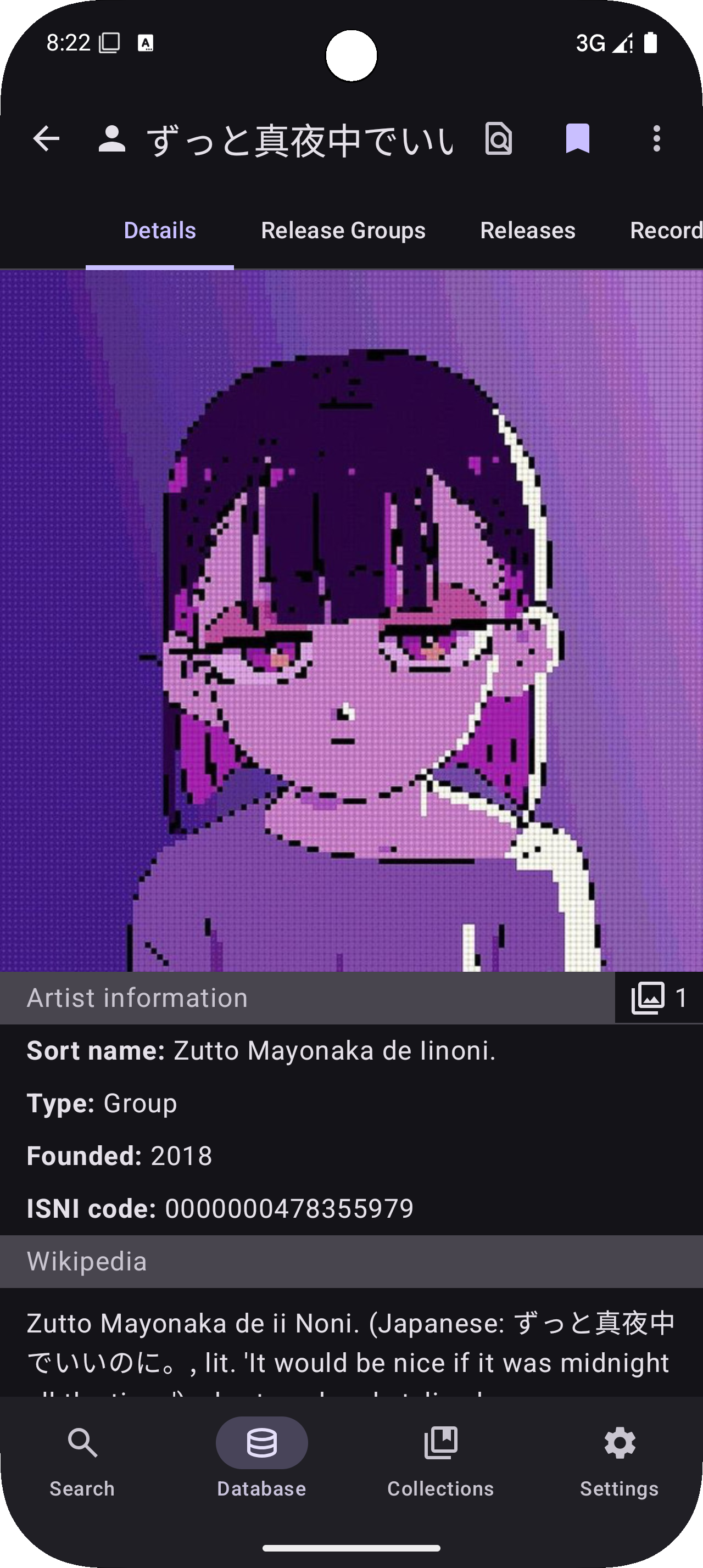
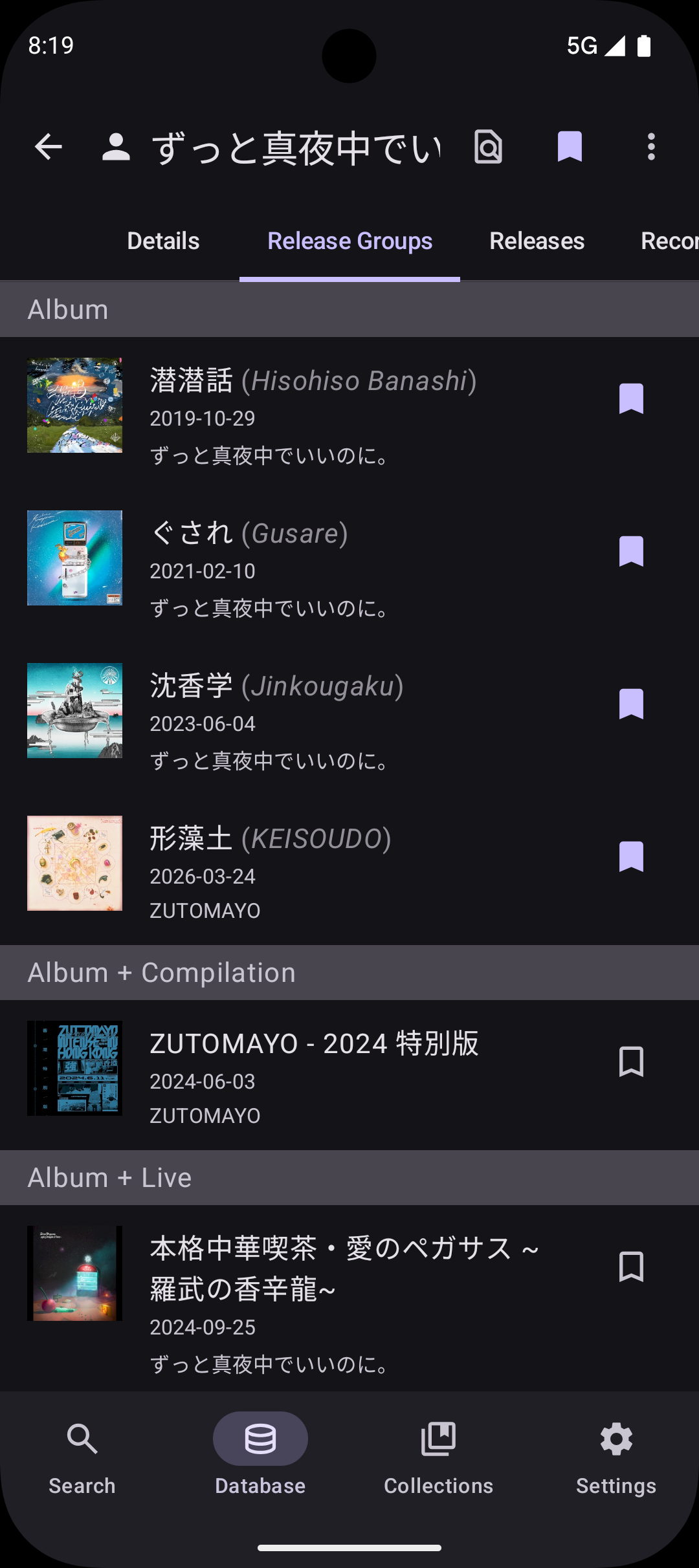
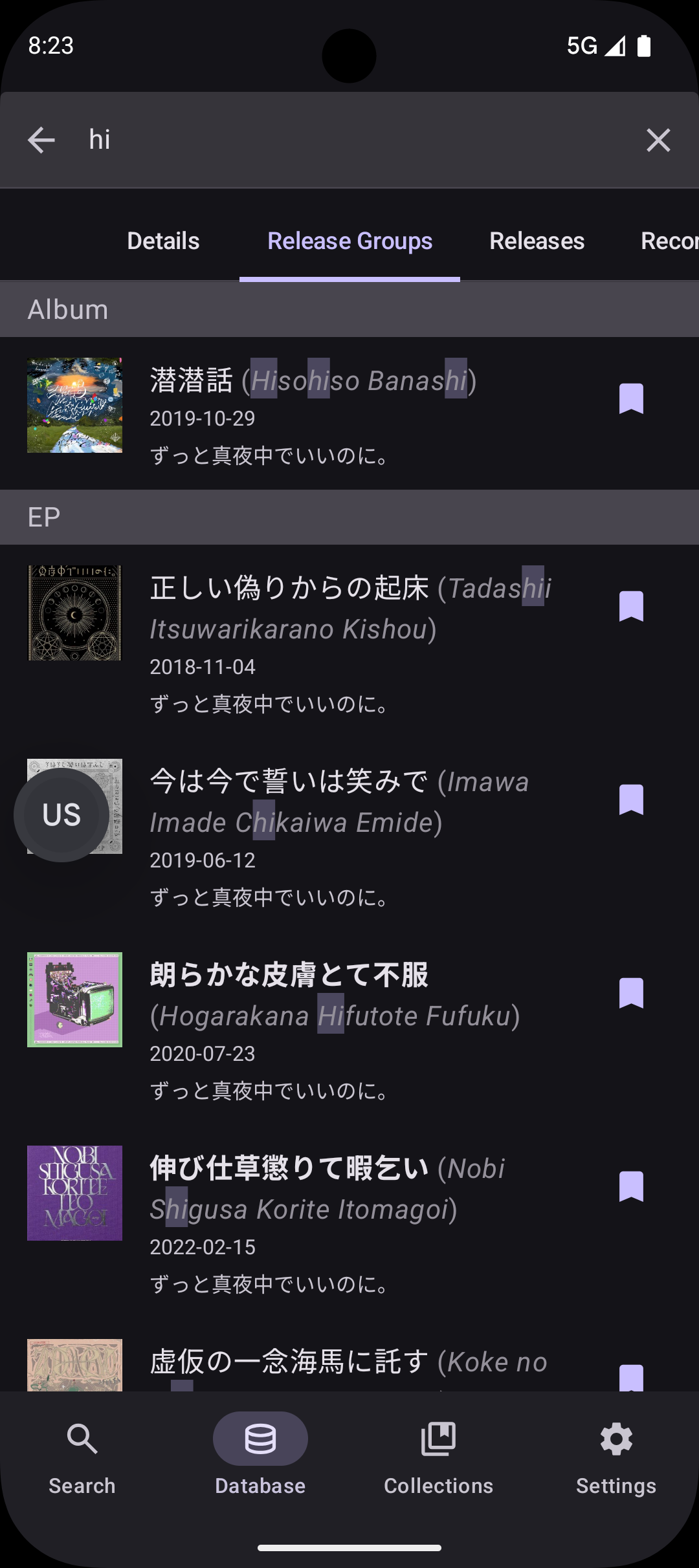
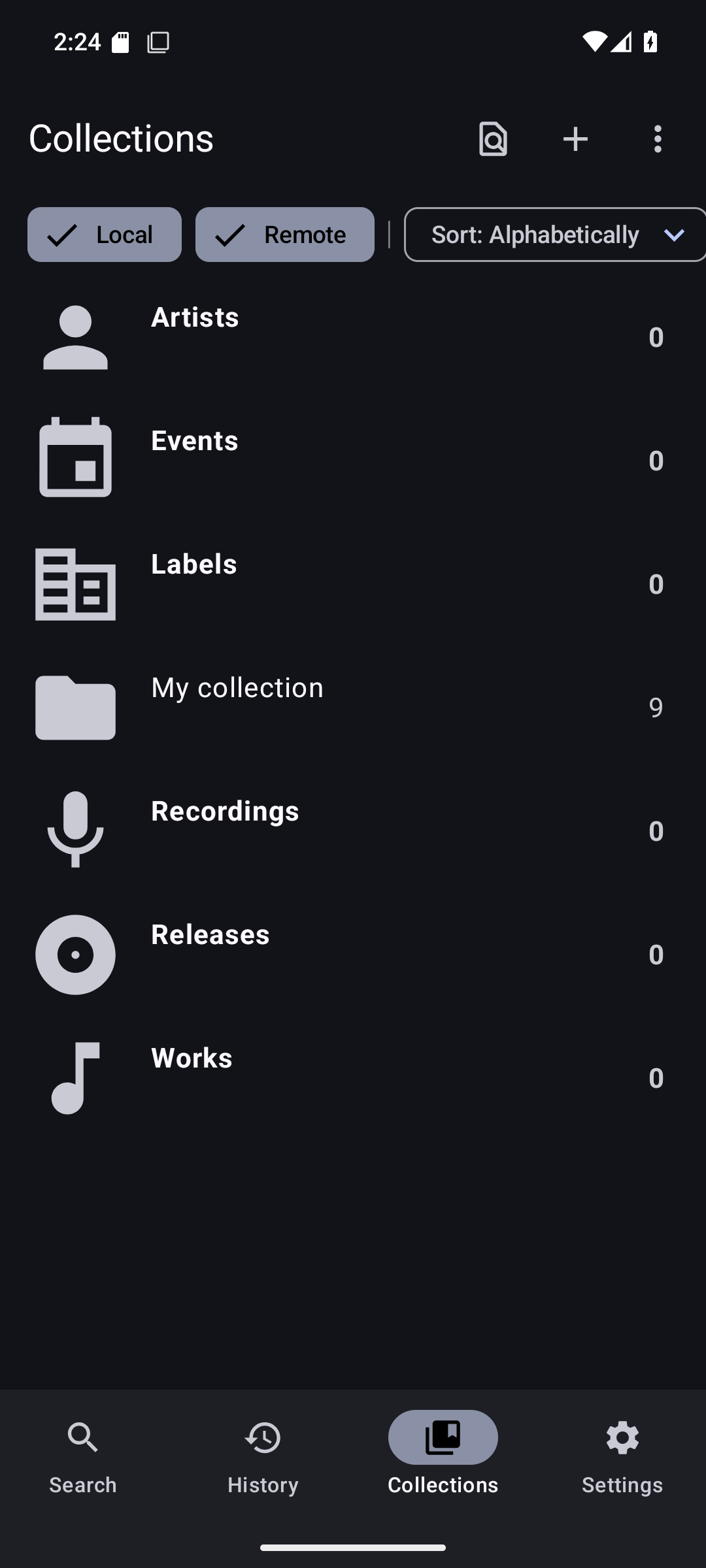
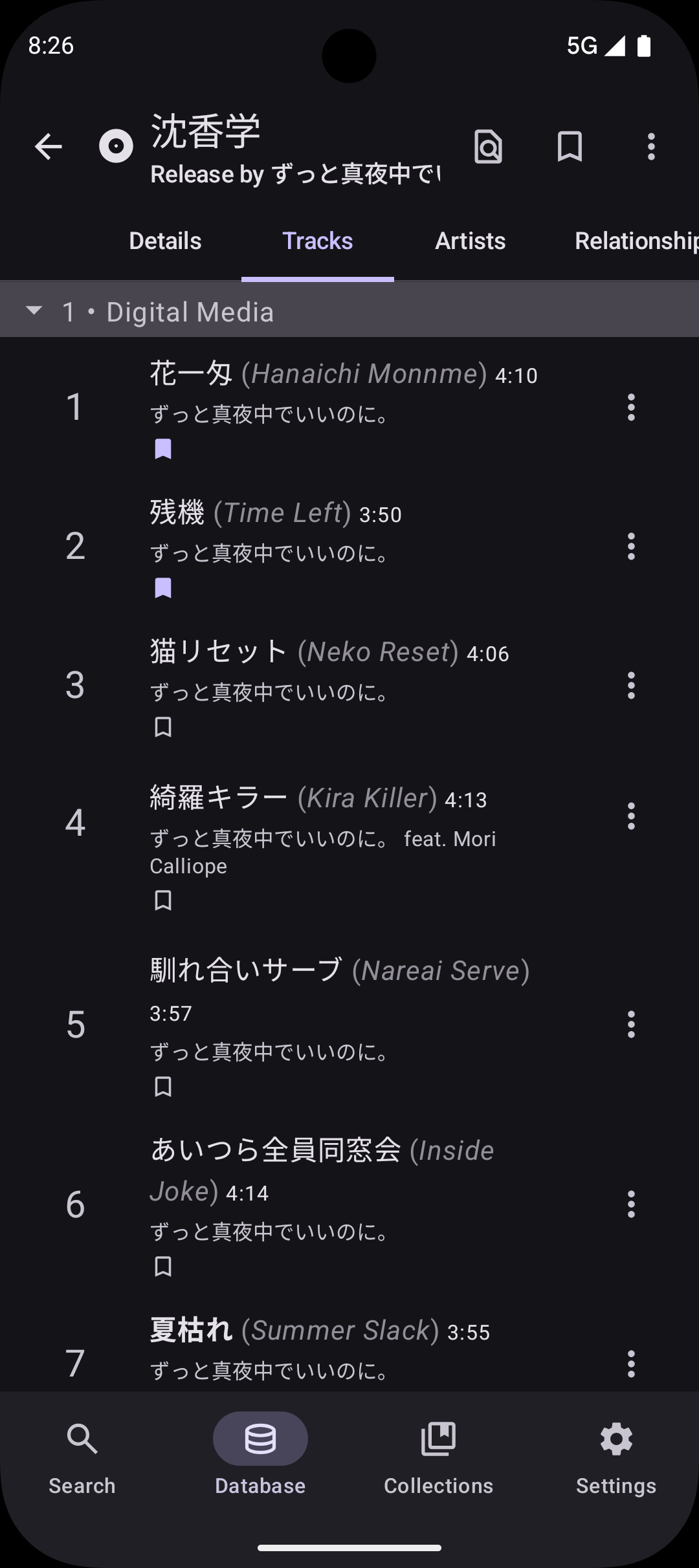
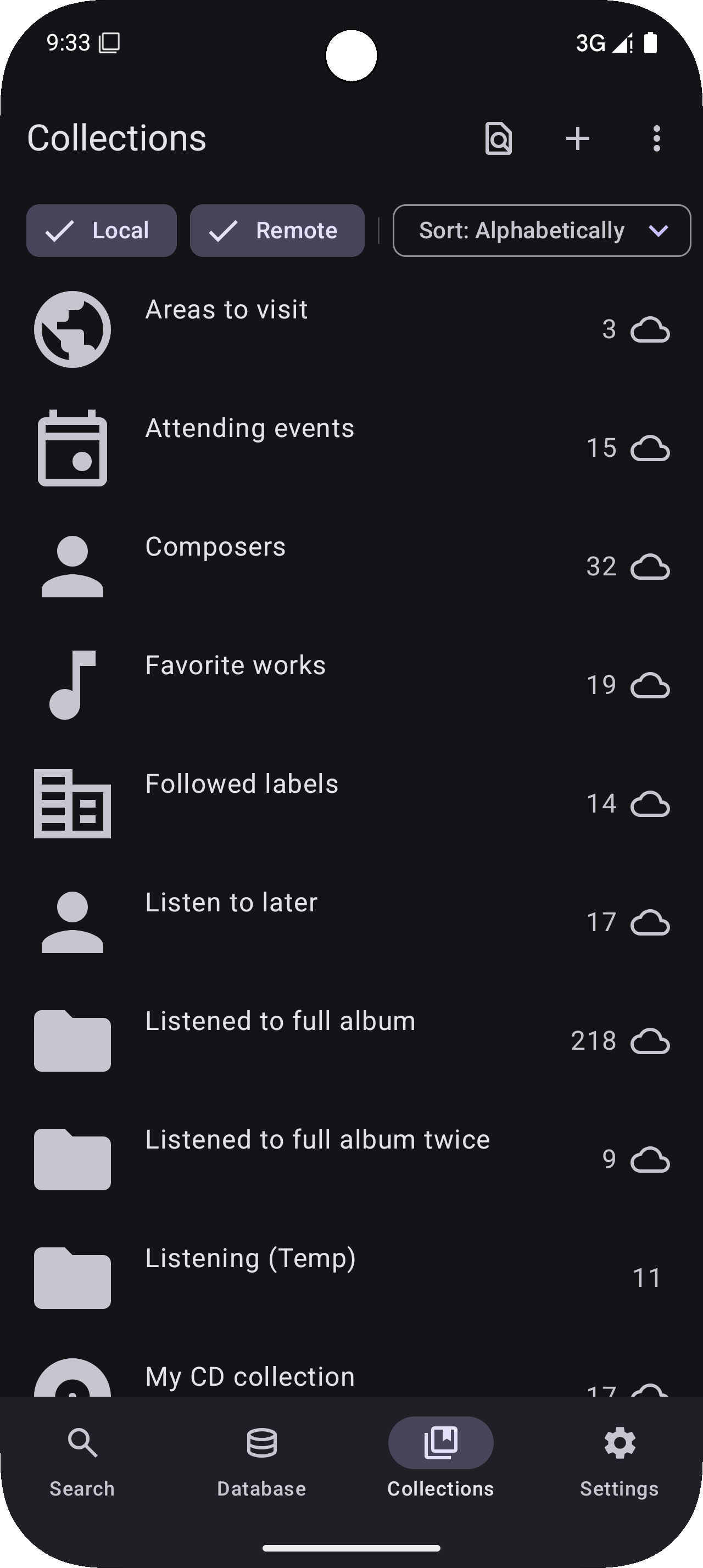
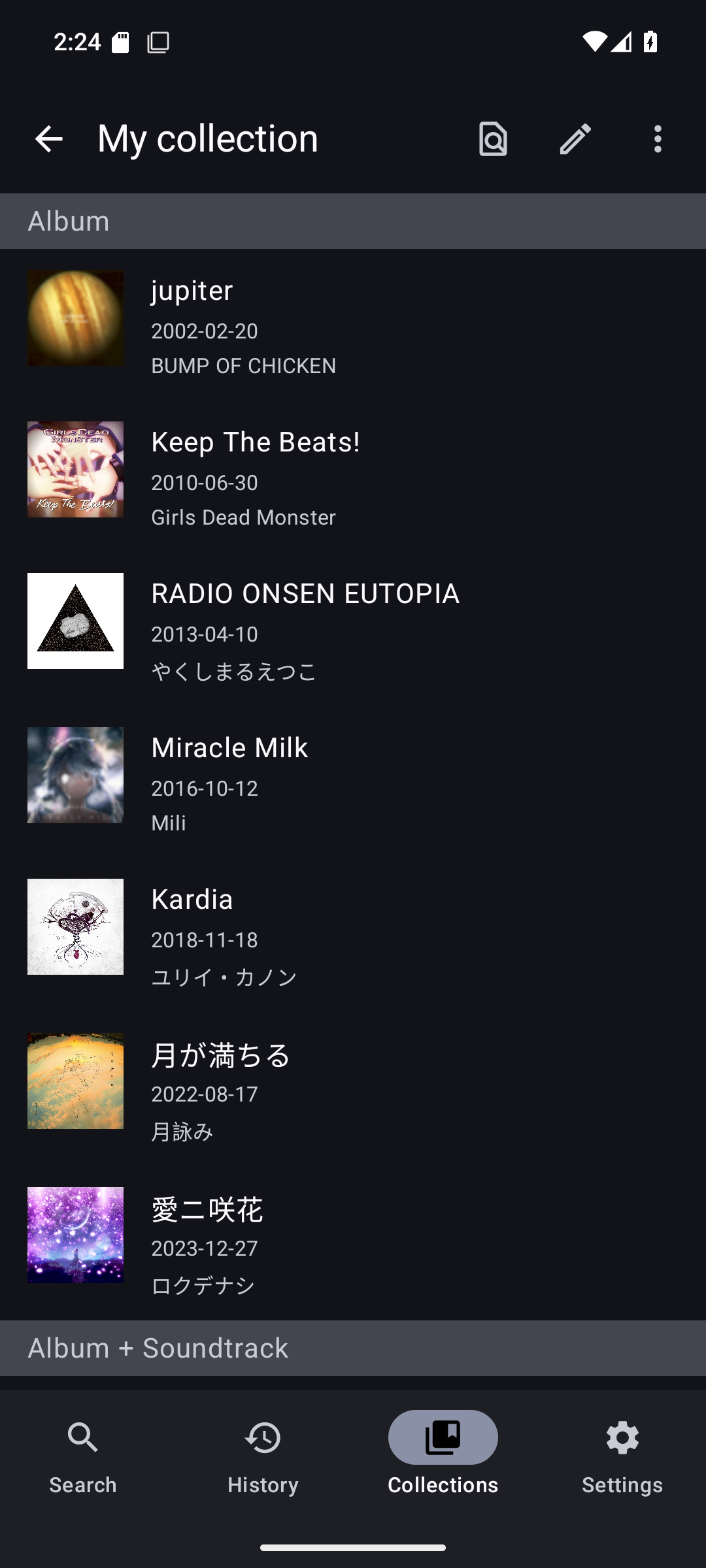
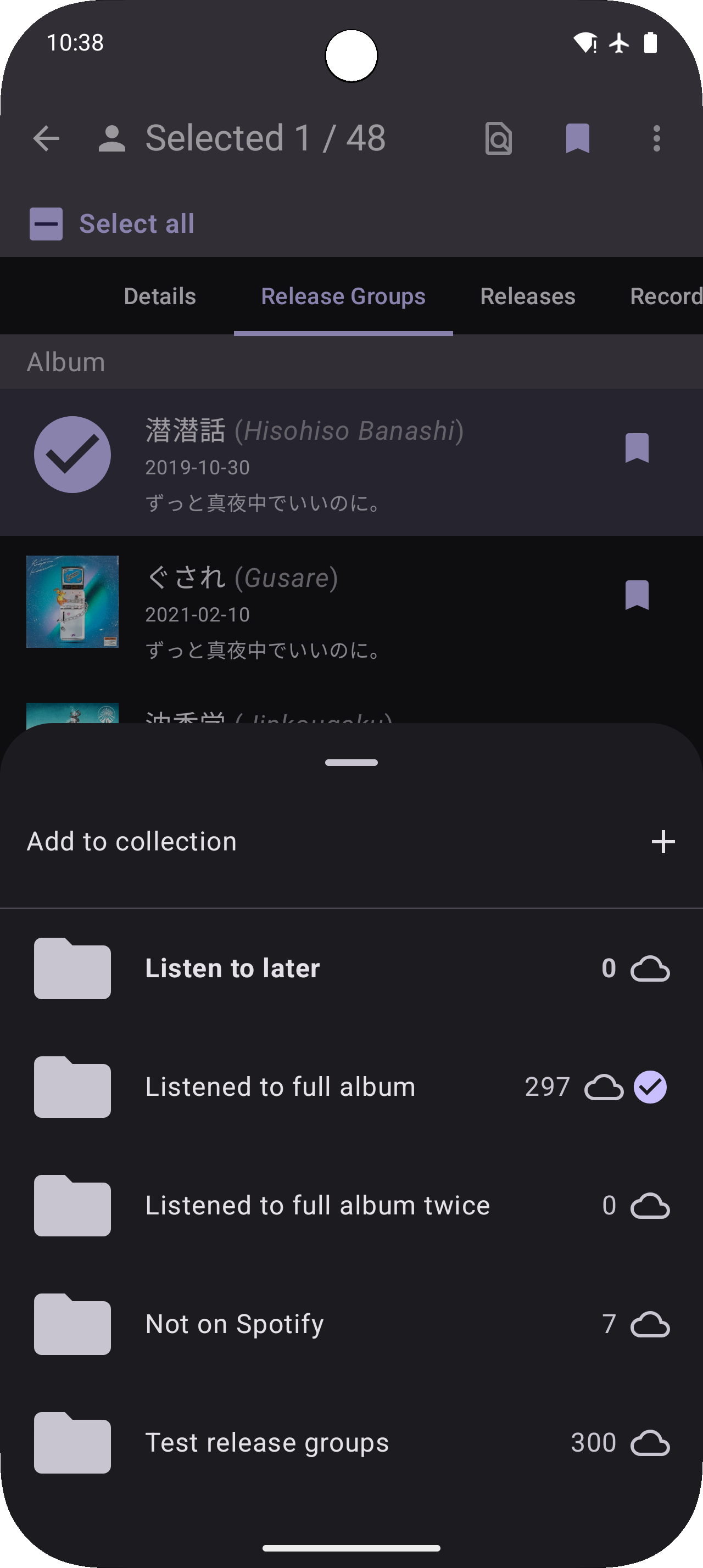
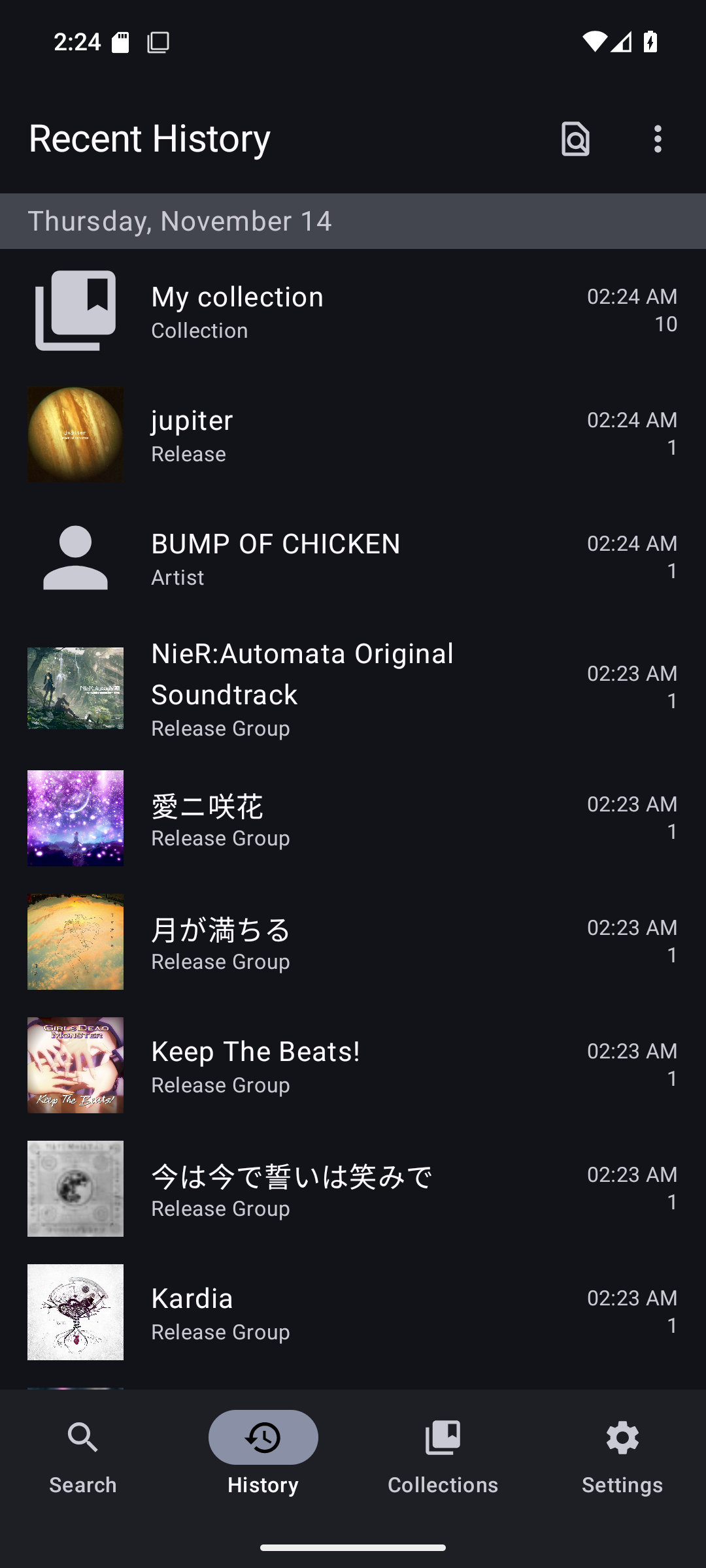
Features: - Search MusicBrainz's massive database for any information related to your favorite artist or song - Offline-first; all data is cached on device after loading each page/tab - Almost every tab allows you to filter its content instantaneously - Aliases will be used when filtering to help find things in other languages - See every page you've visited in the history screen, and quickly get back to them - Save anything to a collection - Login using your MusicBrainz account to add to your existing collections - Listening on Spotify? Enable Device Broadcast Status to search the artist or song from the app - Scrobbling to ListenBrainz? Enter your username to explore your listens - Customize the app's appearance with: Light/Dark theme, Material theme based on your wallpaper, or pick a custom color - Is an artist's discography incomplete? Aliases missing? Other data missing? Contribute it to MusicBrainz: https://musicbrainz.org
See all features here: https://lydavid.github.io/MusicSearch/docs/all_features.html
This is a music database/discovery app, not a music player. There are external links to various streaming platforms which will open the album/song in their app if it's installed.
The source code for this project can be found at: https://github.com/lydavid/MusicSearch
### Bug Fixes
* do not fetch a work's recordings again from Relationships tab which doubles the listen count: you will have to refresh a work's Details tab to make the double count go away
Recent approved comments · sorted by newest
View all comments