A simple music app using YouTube Music for backend
F-Droid repository metadata
Not a simple music player, it's SimpMusic
Features:
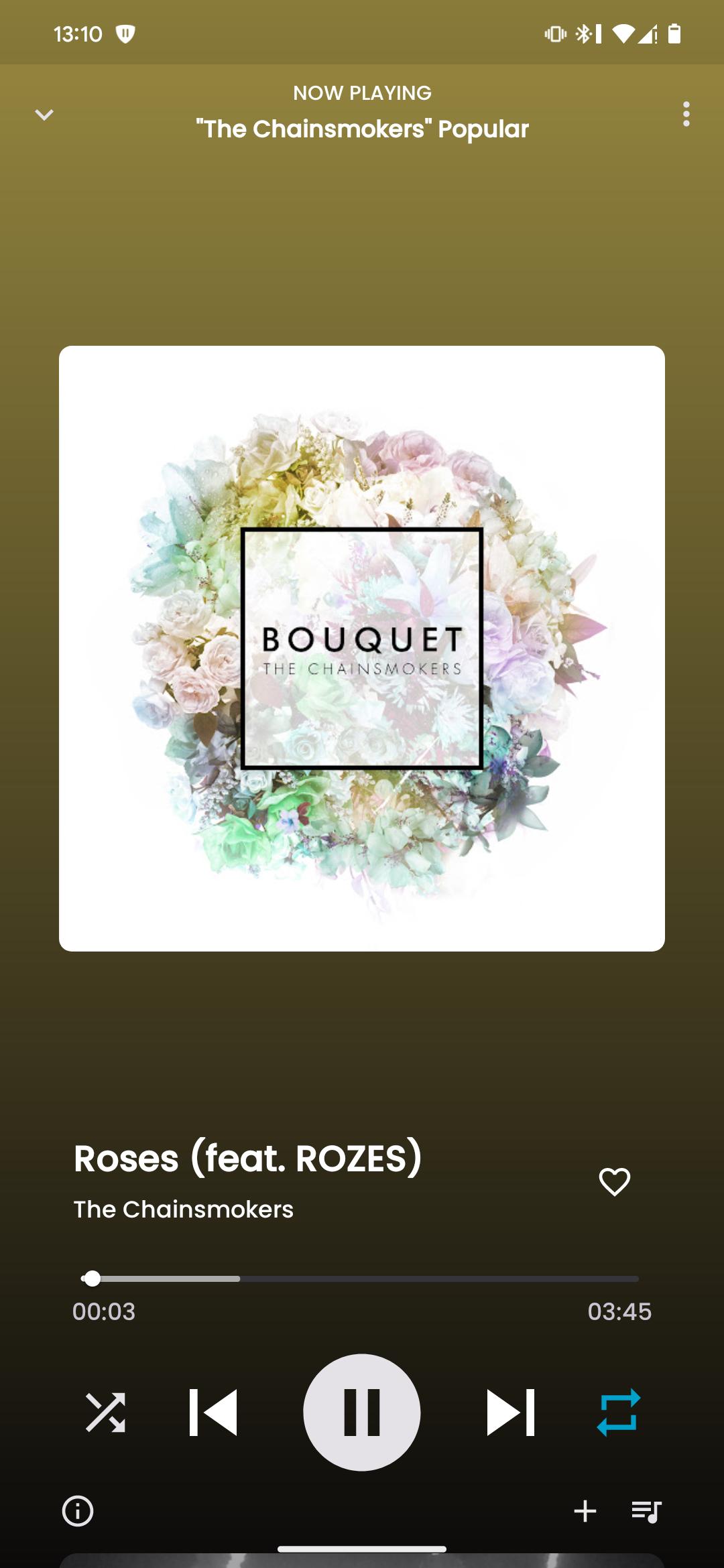
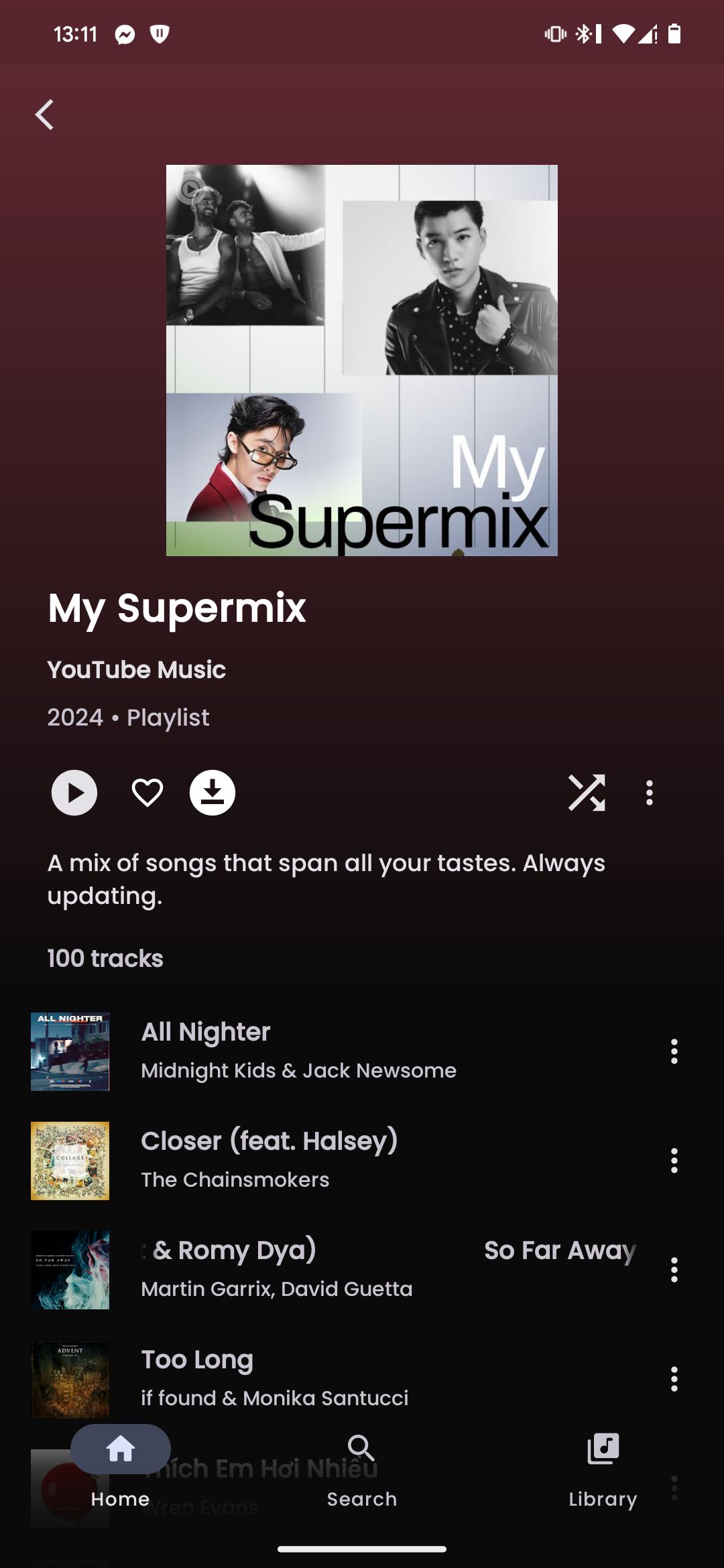
- Play music from YouTube Music or YouTube for free, without ads and in the background
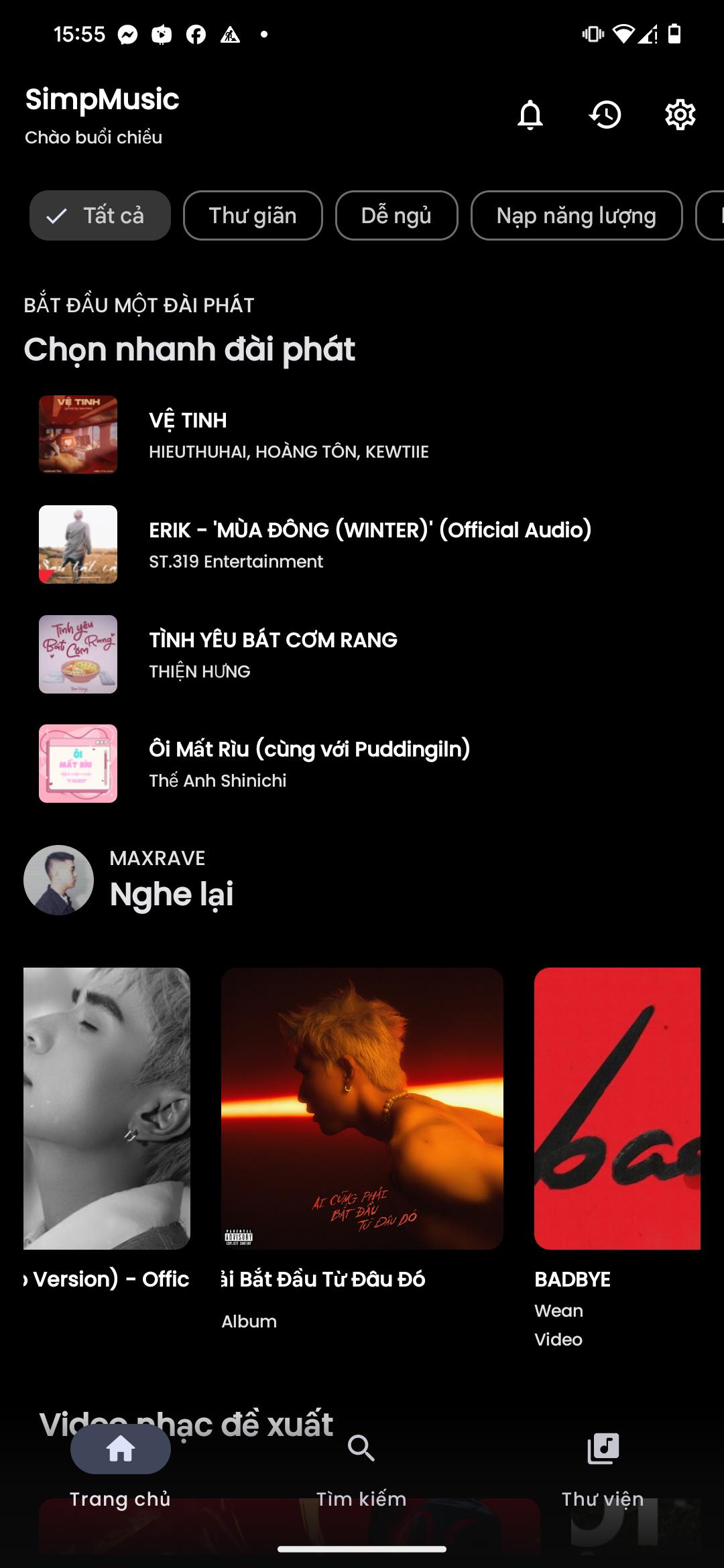
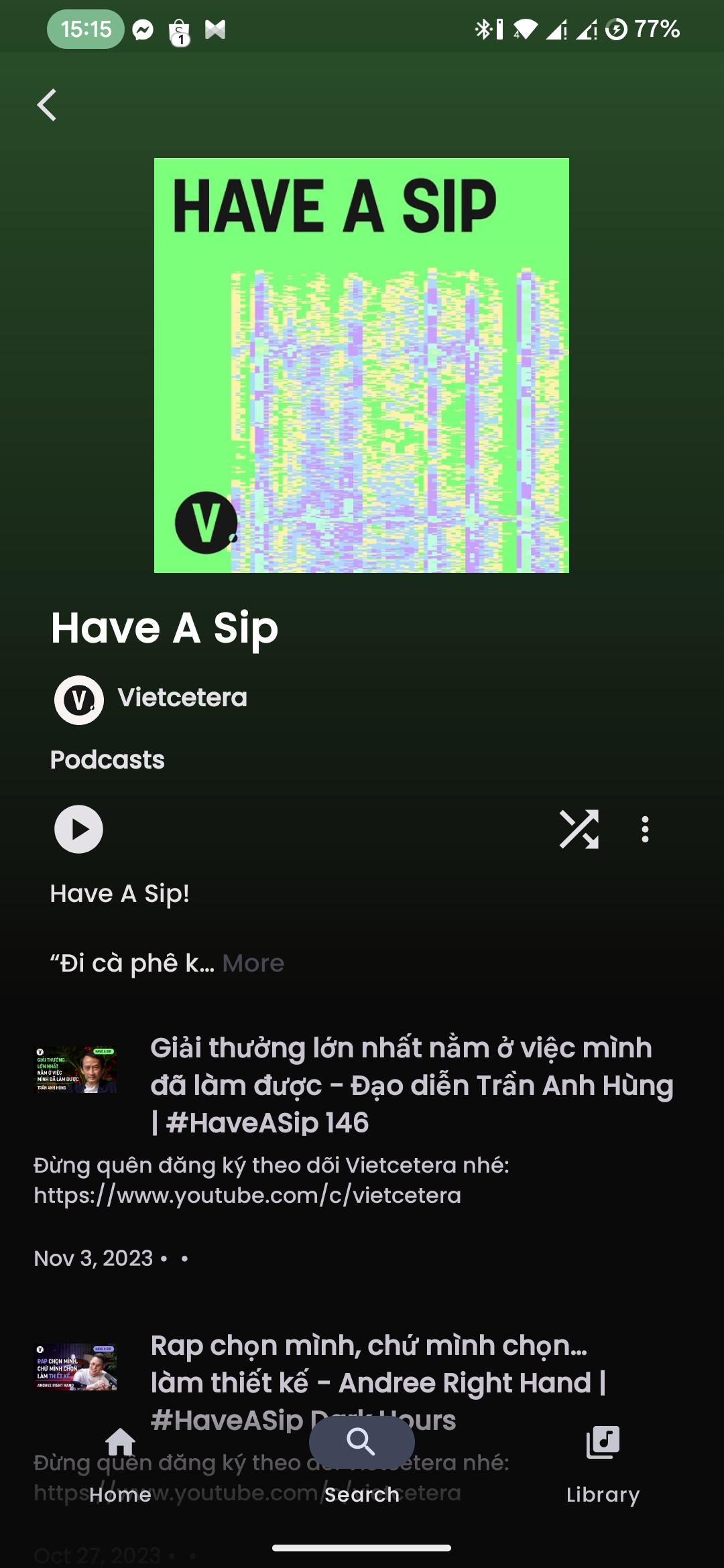
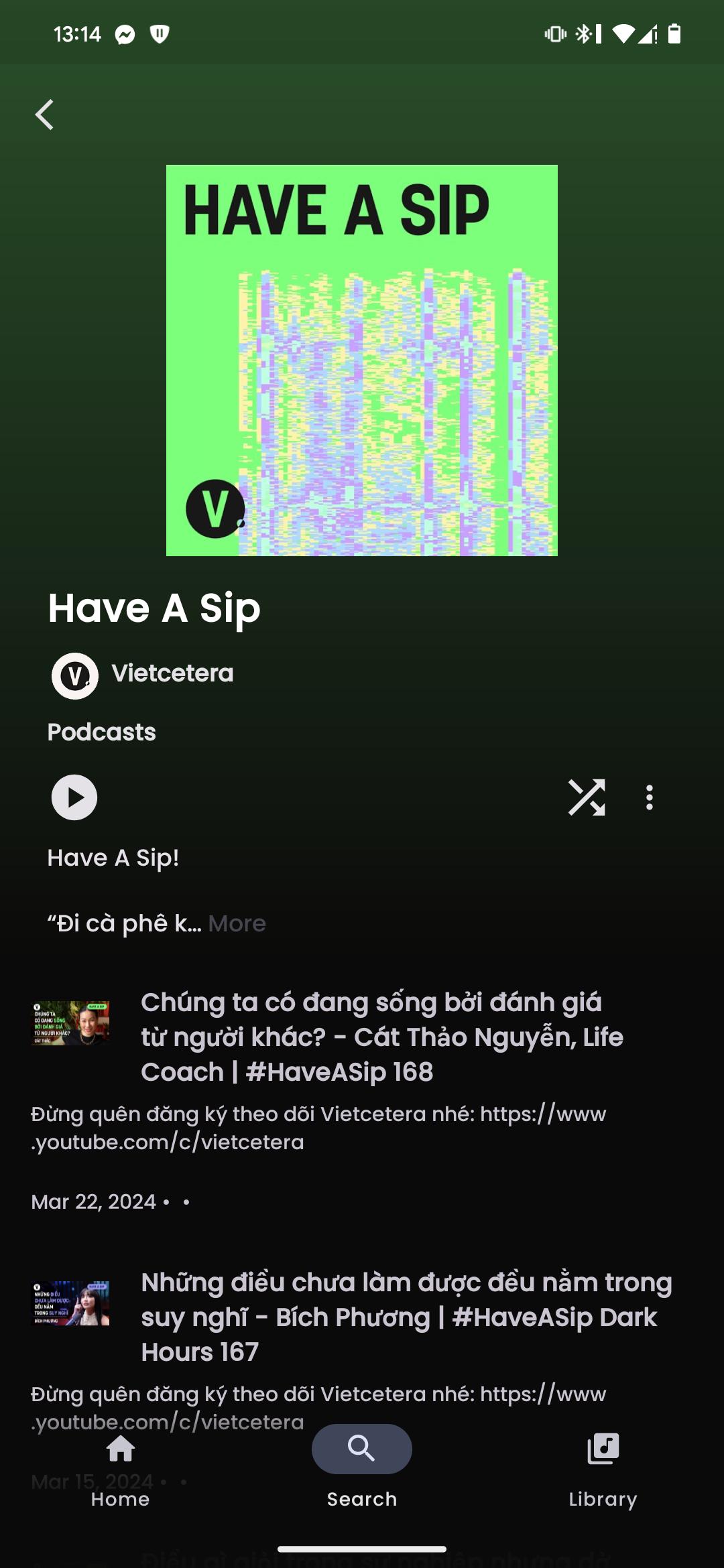
- Browsing Home, Charts, Podcast, Moods & Genre with YouTube Music data at high speed
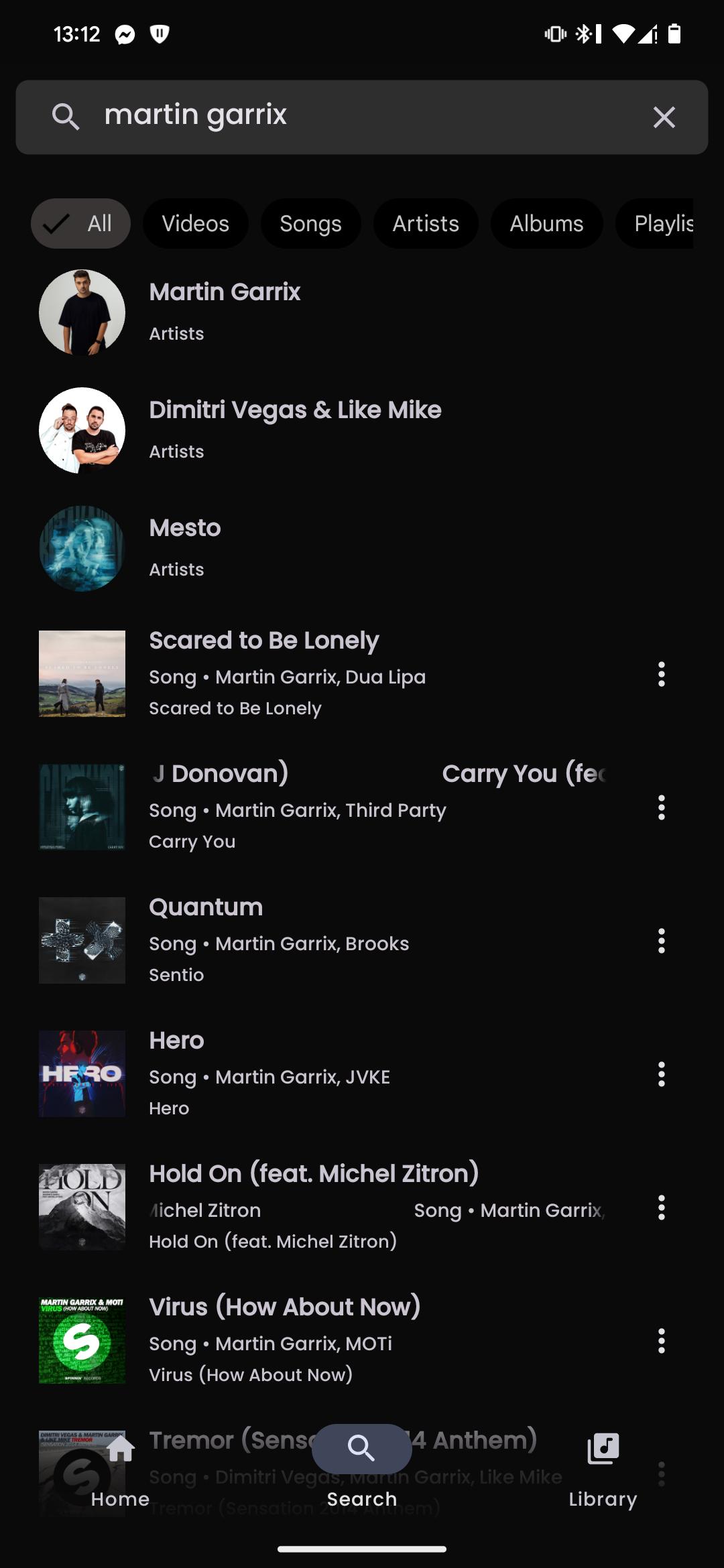
- Search everything on YouTube
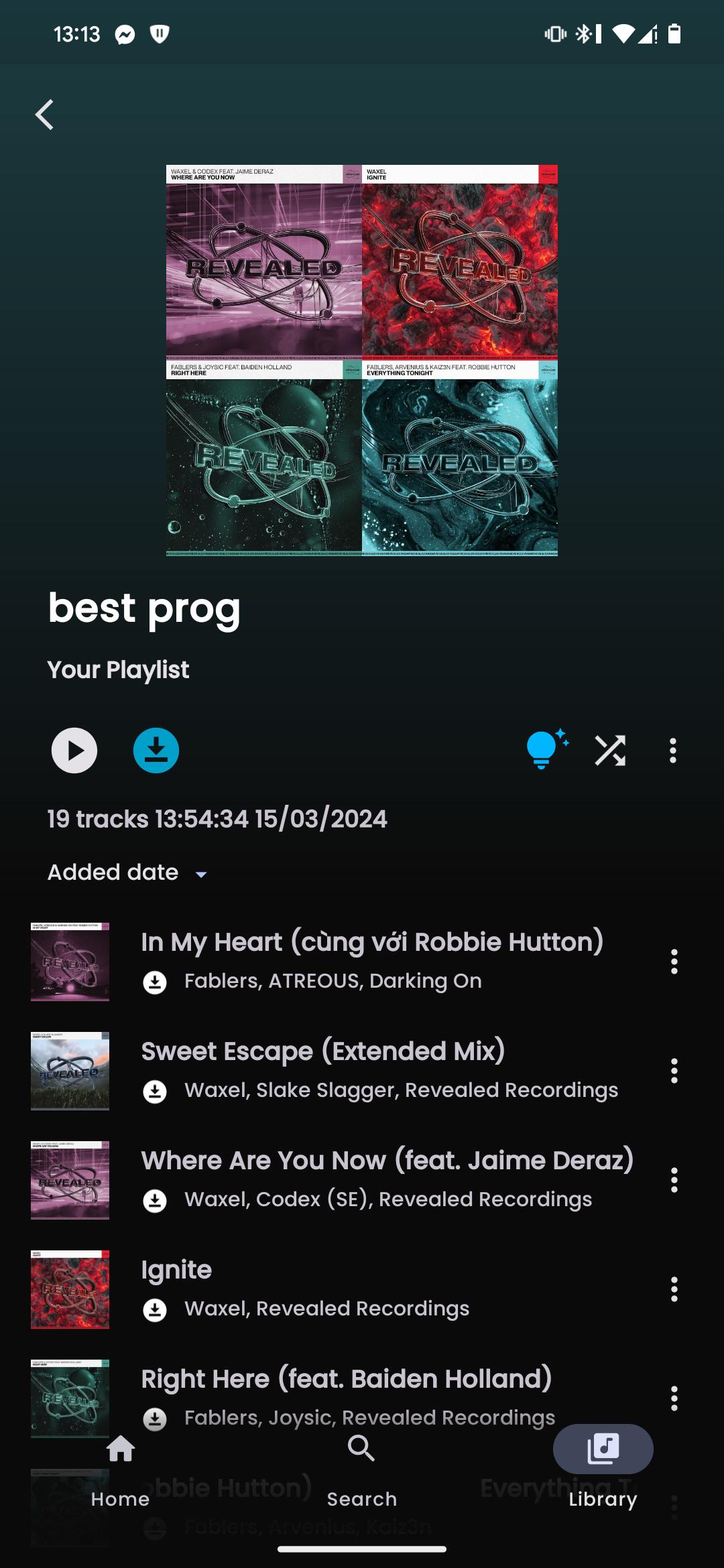
- Analyze your playing data, create custom playlists, and sync with YouTube Music...
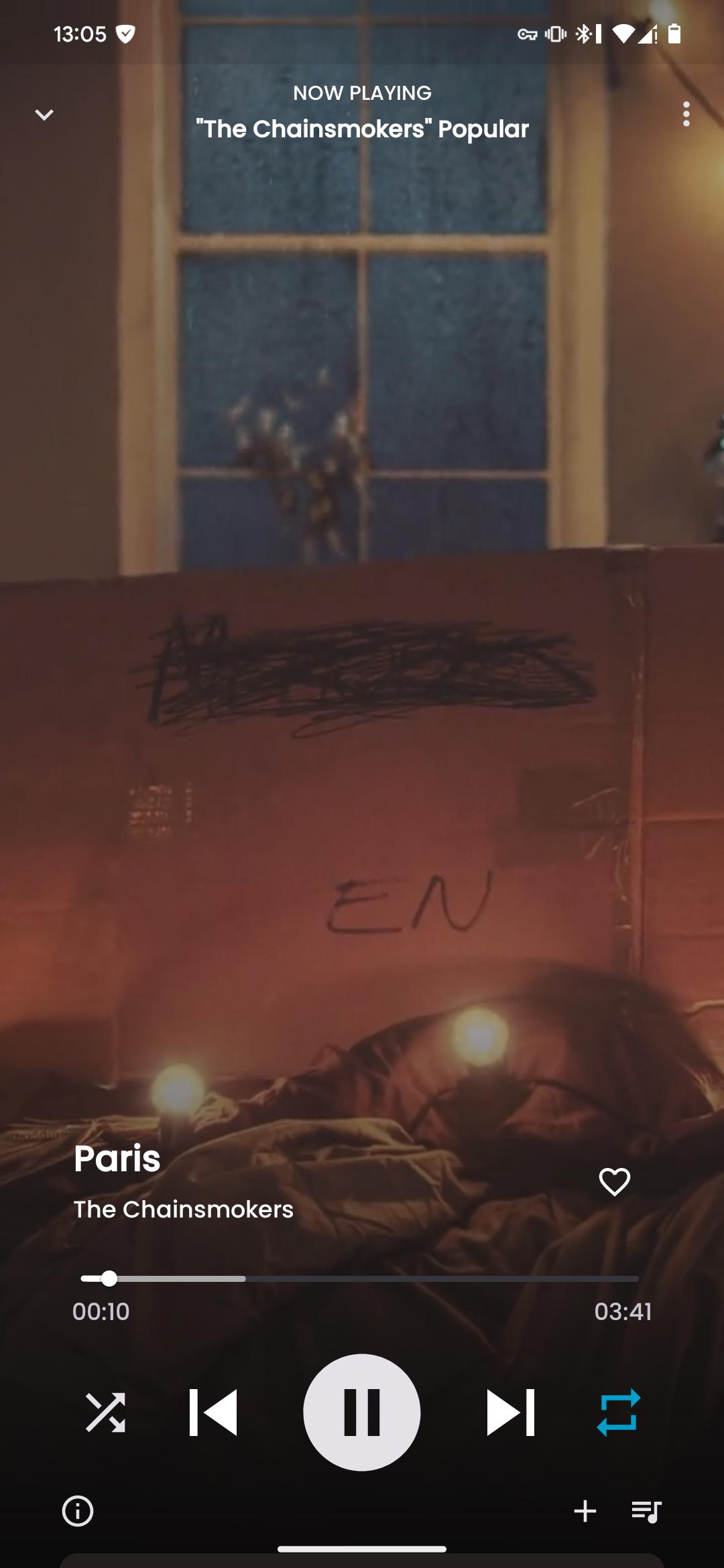
- Spotify Canvas supported
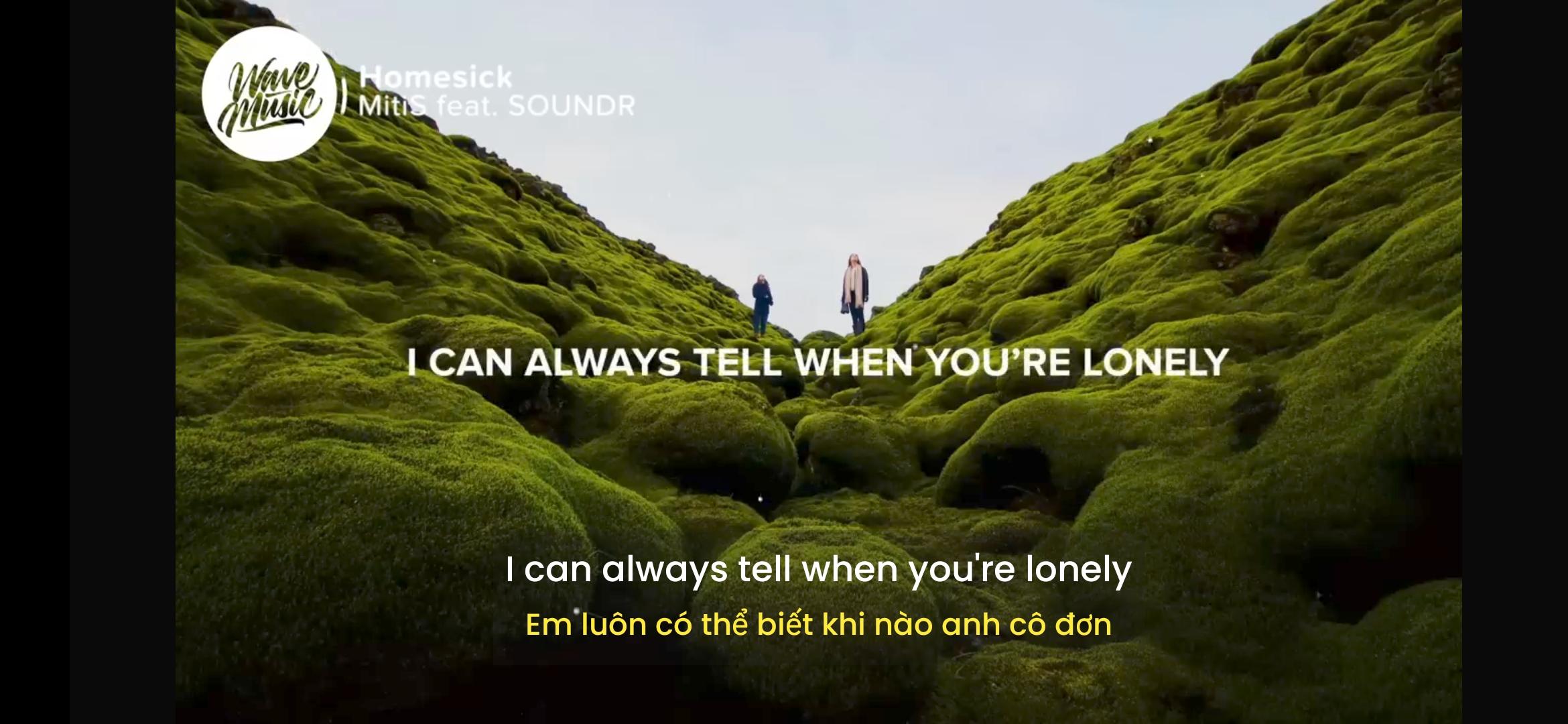
- Play 1080p video option with subtitle
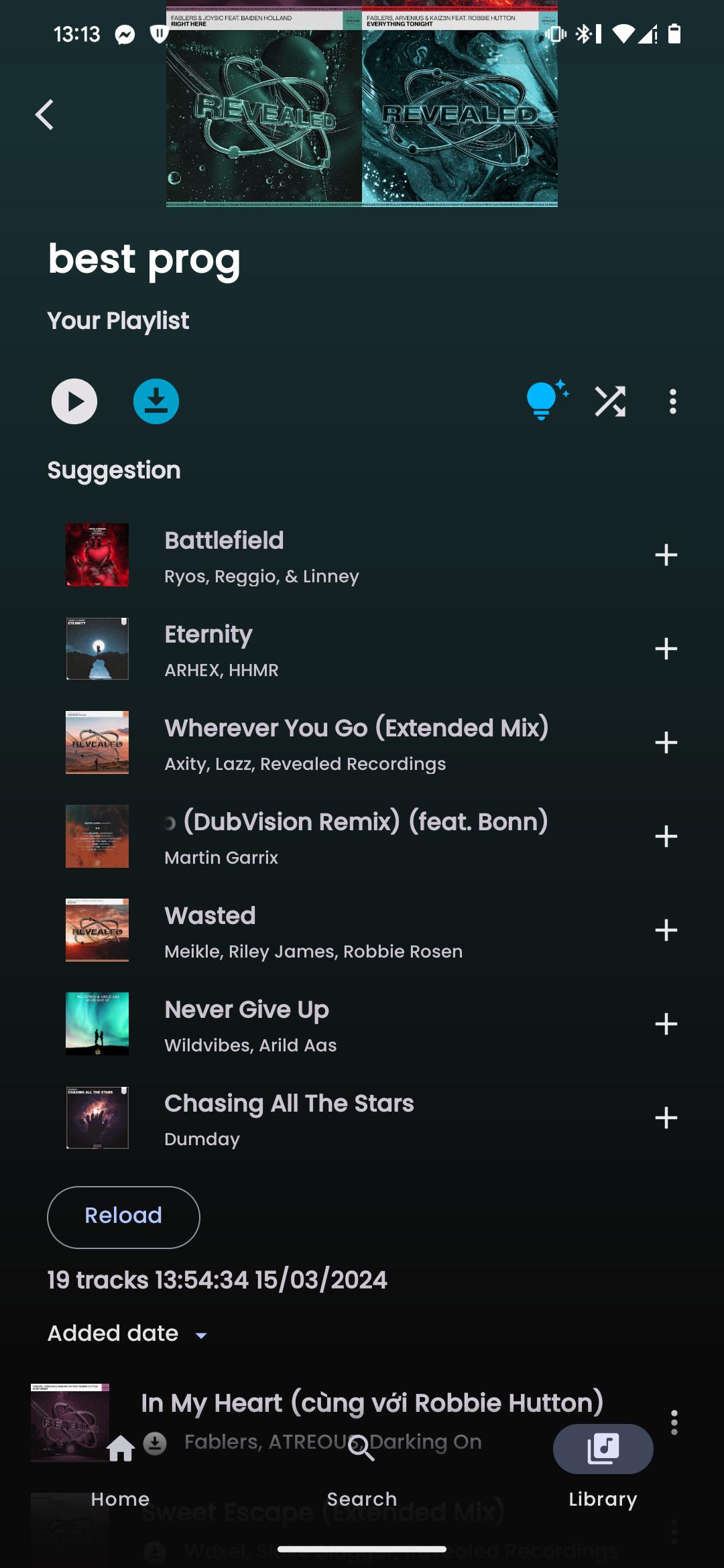
- AI song suggestions
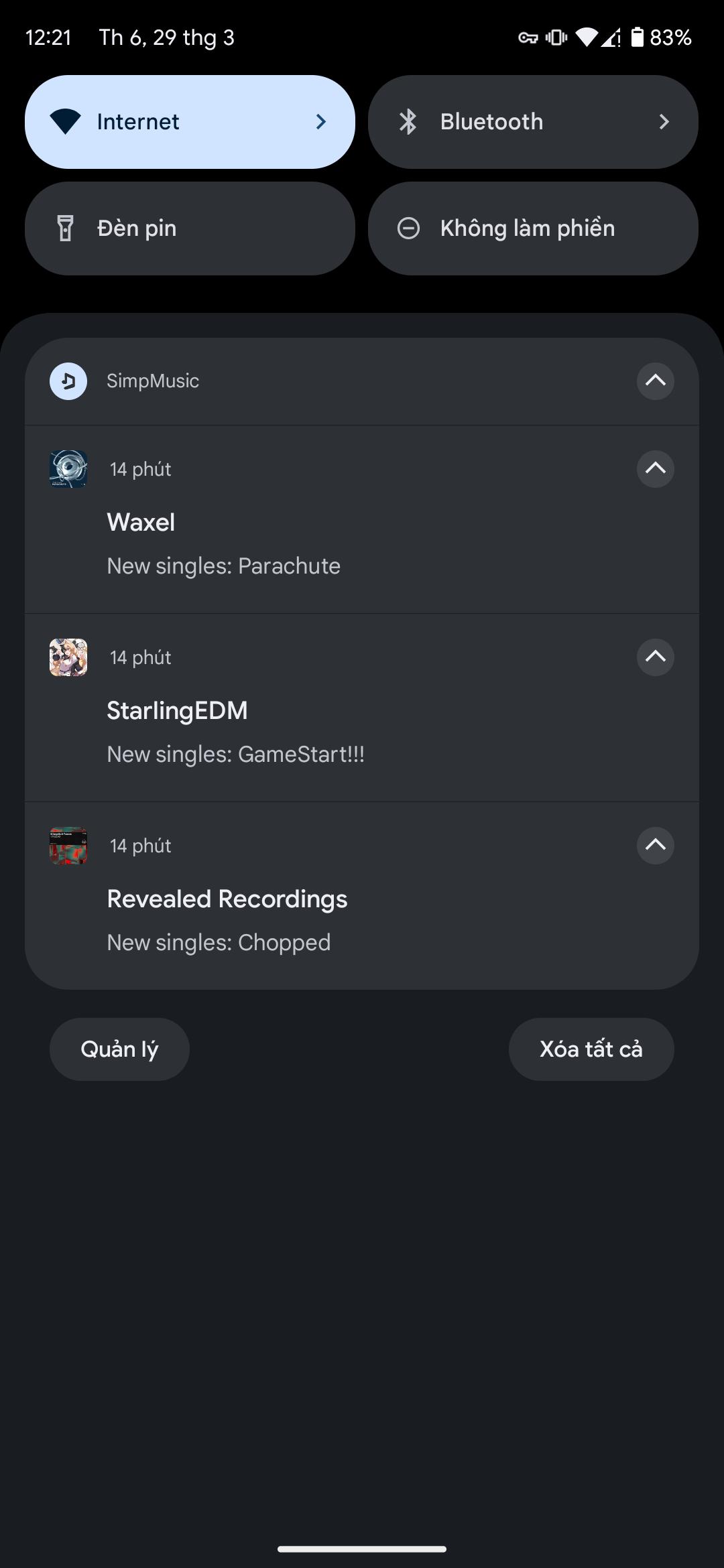
- Notifications from followed artists
- Caching and offline playback support
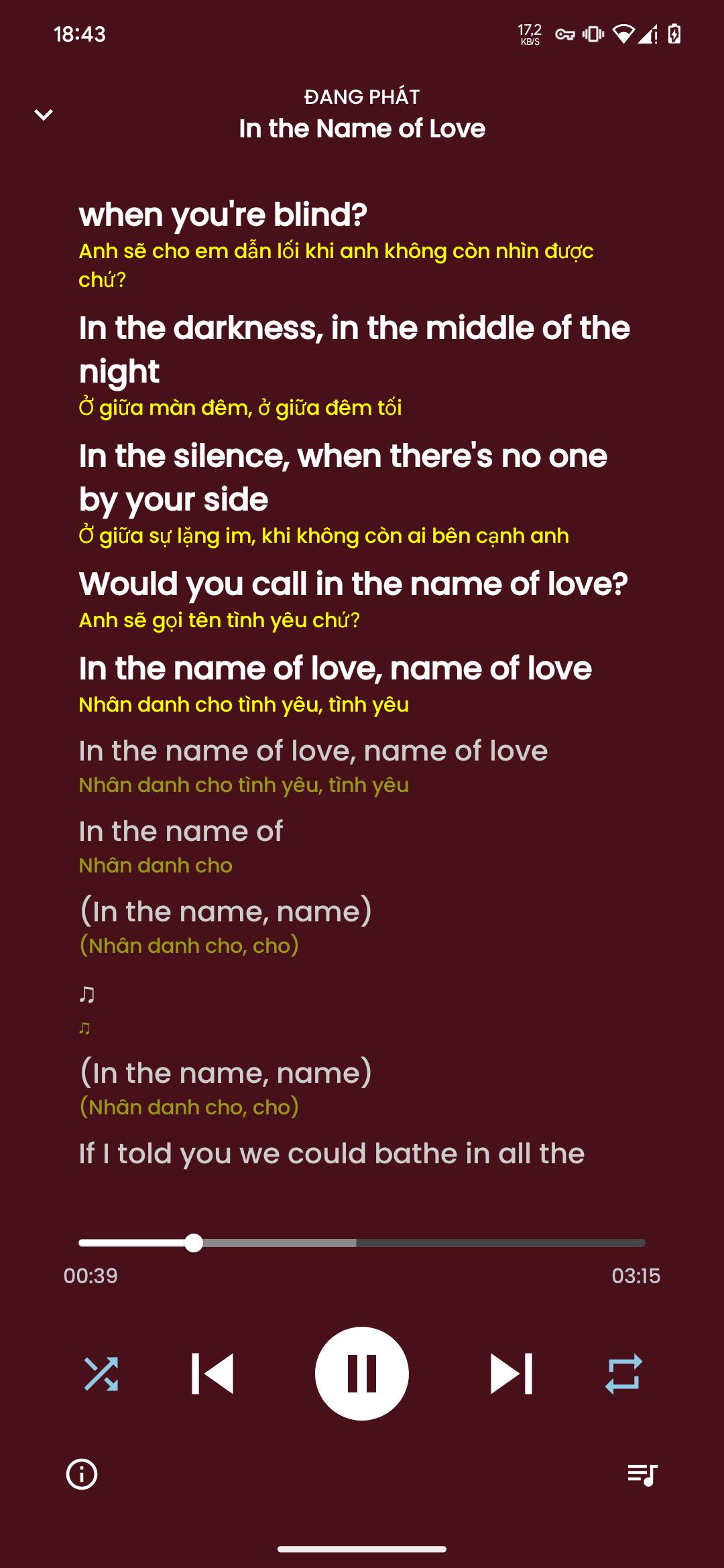
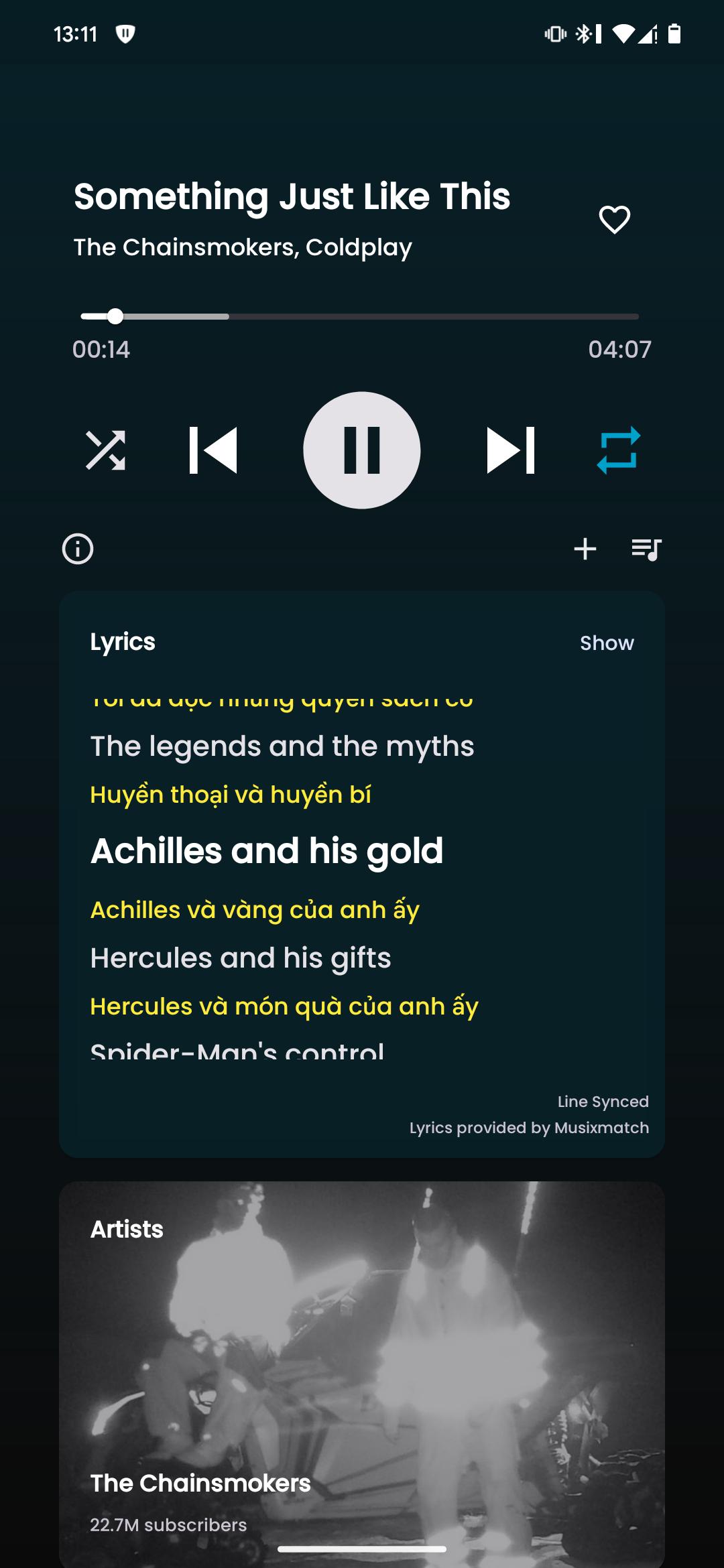
- Synced lyrics from SimpMusic Lyrics, LRCLIB, Spotify (require login) and YouTube Transcript - AI lyrics translation (BETA) (*)
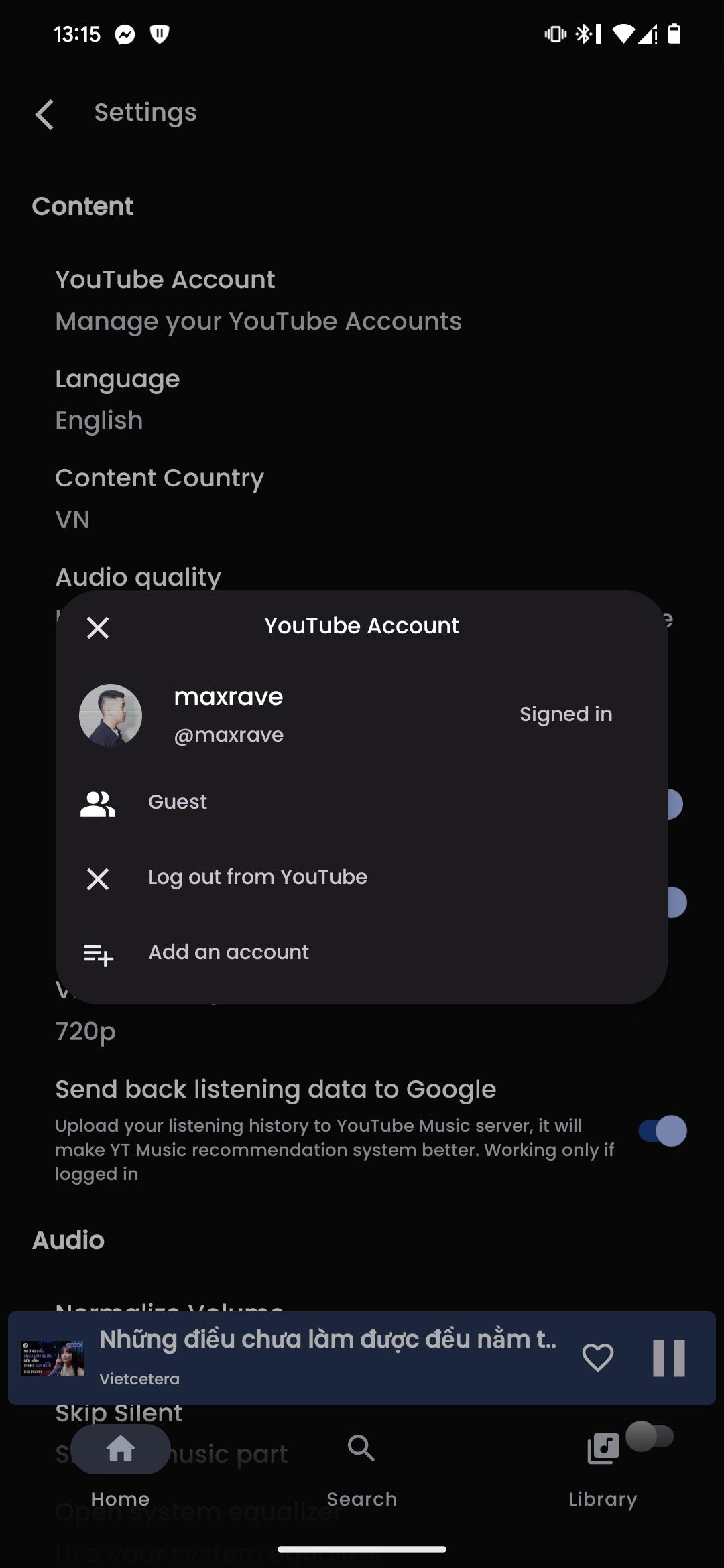
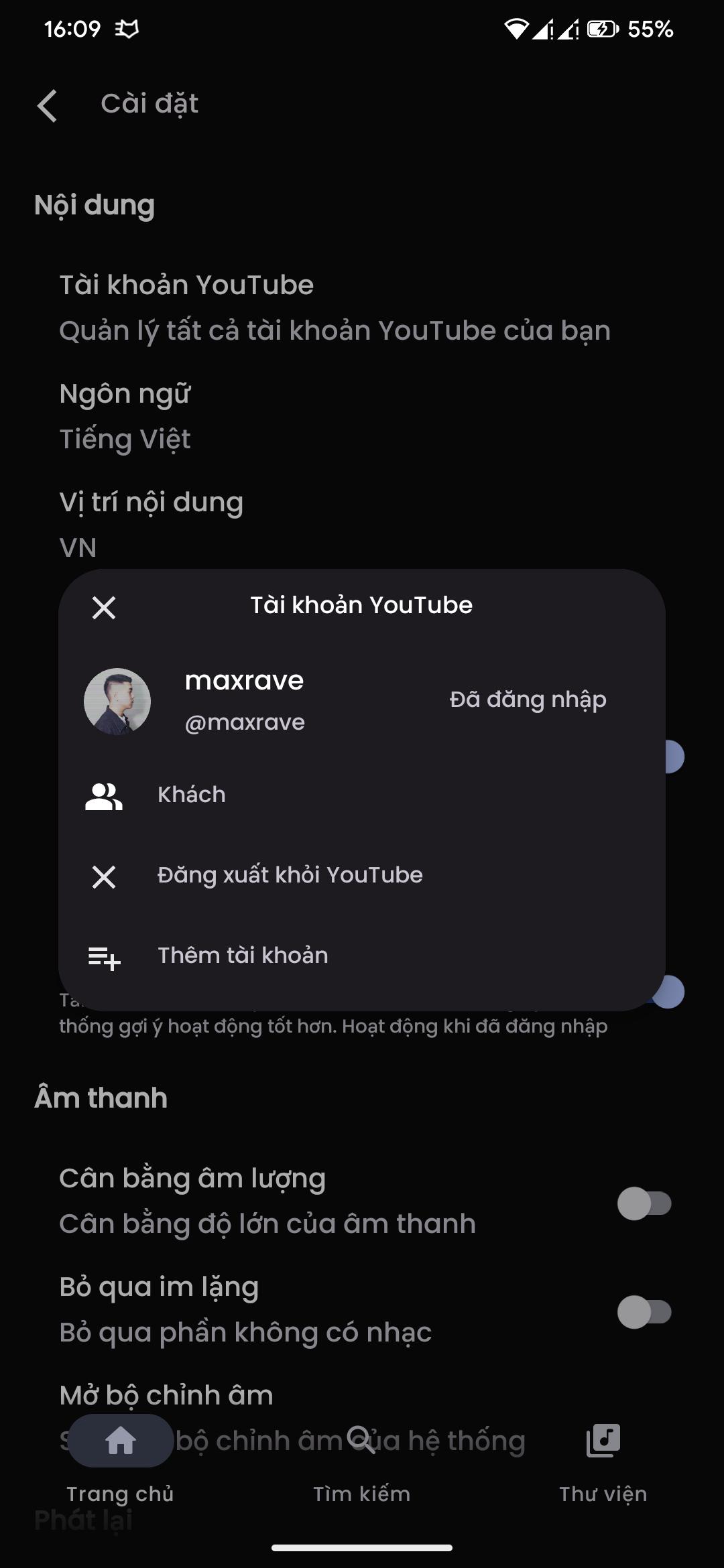
- Personalize data (**) and multi-YouTube-account support
- Supports SponsorBlock and Return YouTube Dislike
- Sleep Timer
- Android Auto with online content
- And many more!
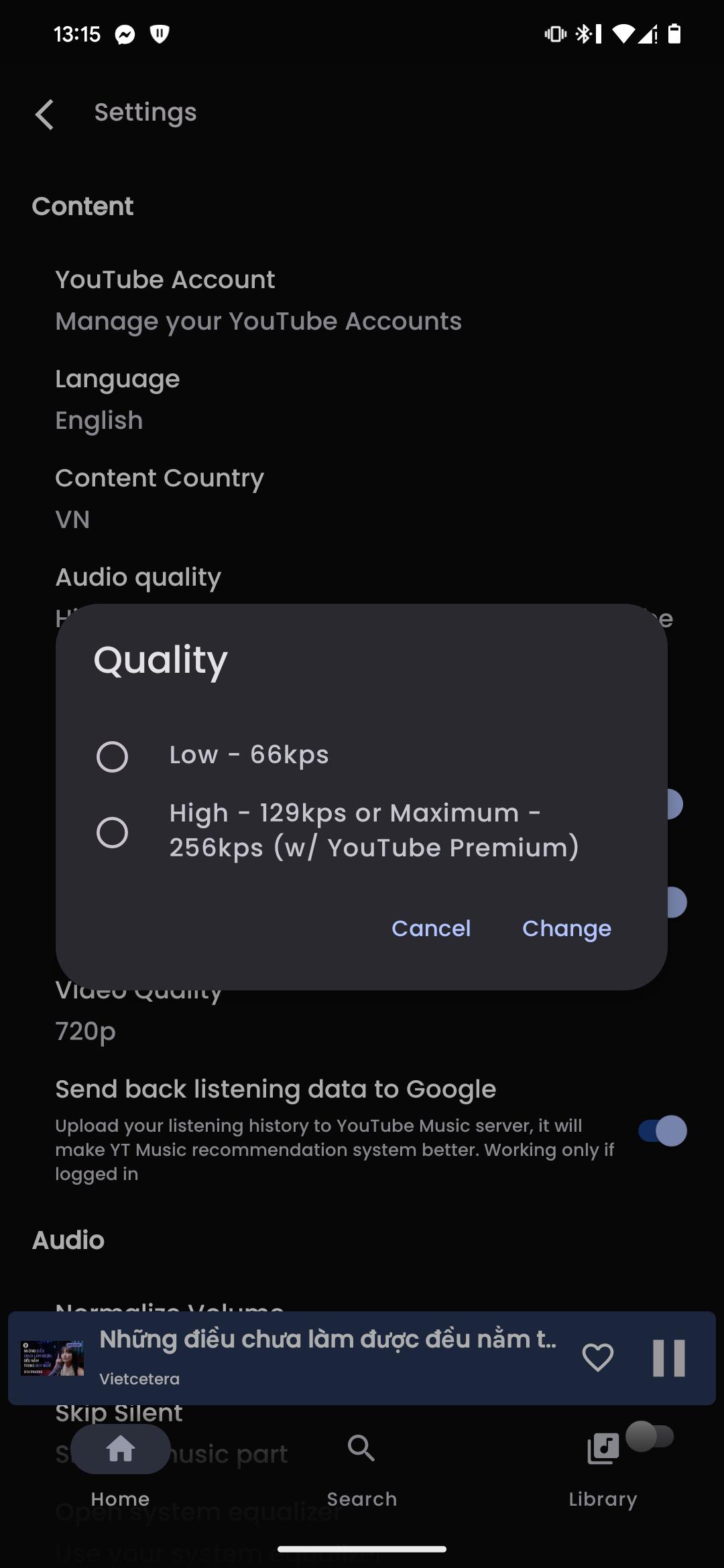
Screenshots
What’s new
- Three Now Playing styles, including Apple Music - Ten-band equalizer with AutoEq headphone profiles - Wrapped: your year in music and monthly recaps - Lyrics romanization, word glow and share as image - Redesigned Analytics with charts and history - New turntable, playlist and insight widgets - Multi-select songs and search in your playlists - More reliable streaming with a local decoder - Listen Together: play music in sync with friends - Desktop: floating capsule player and glass UI
How to install
Download the APK from the button at the top of this page.
Allow “Install unknown apps” for your browser or file manager only, not for every app.
Open the downloaded file and confirm the installation.
If installation fails with “App not installed,” remove an earlier build of the same app first. A signature conflict is the usual cause.
Data safety
Every file is checked against its published SHA-256 before it is listed.
Files are scanned for malware on every update.
The permissions each app requests are listed on its own page.
Read the full safety policy for how we test, flag, and delist files.