
Quick answer
Auto-play music when your Bluetooth car, headphones, or speakers connect.
F-Droid repository metadata
Make Bluetooth music playback feel automatic.
BeatBridge resumes music when the Bluetooth device you choose connects. Use it with your car, headphones, speakers, or any paired Bluetooth device, then carry on listening in the media app you already use.
HOW IT WORKS
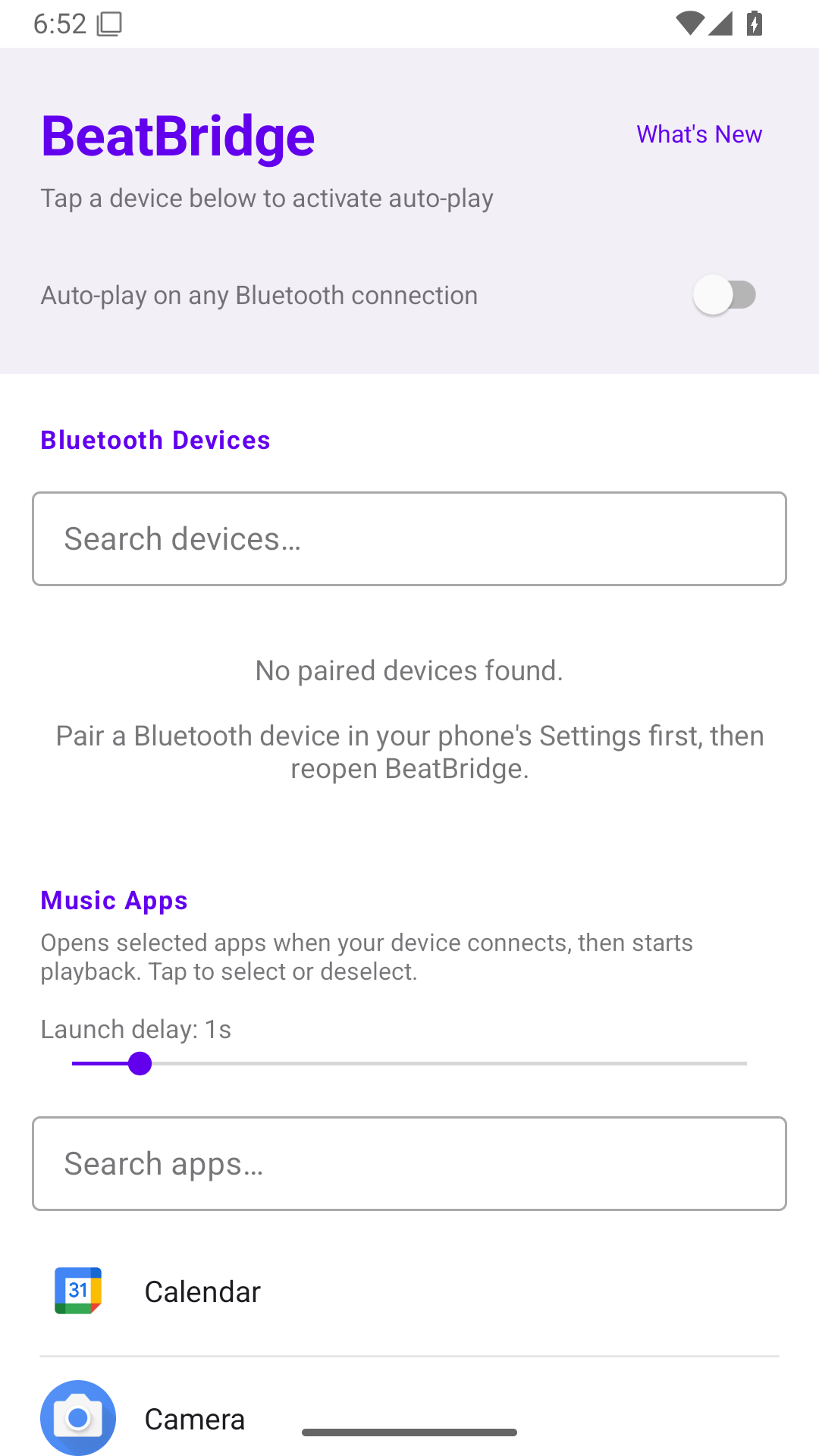
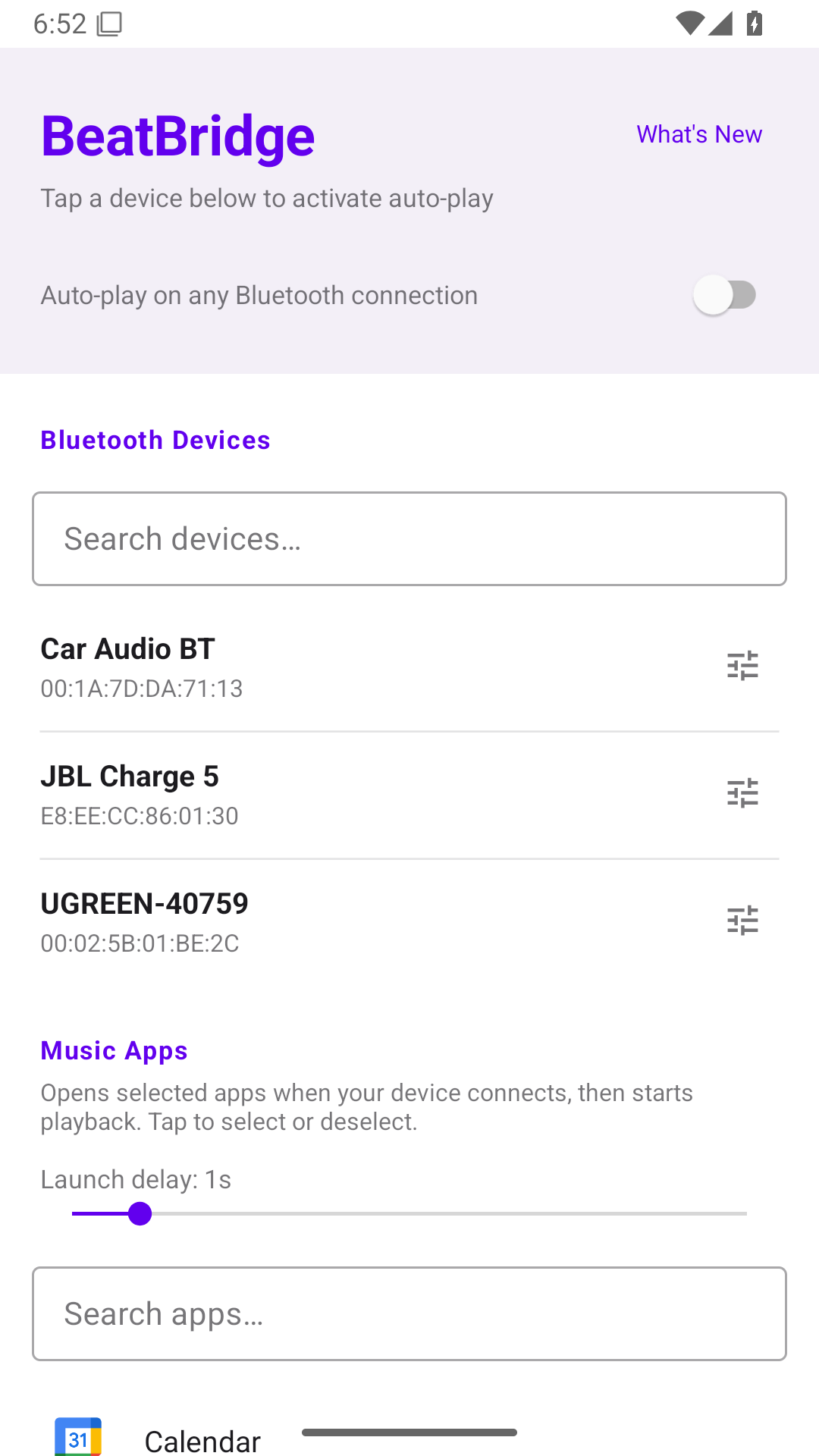
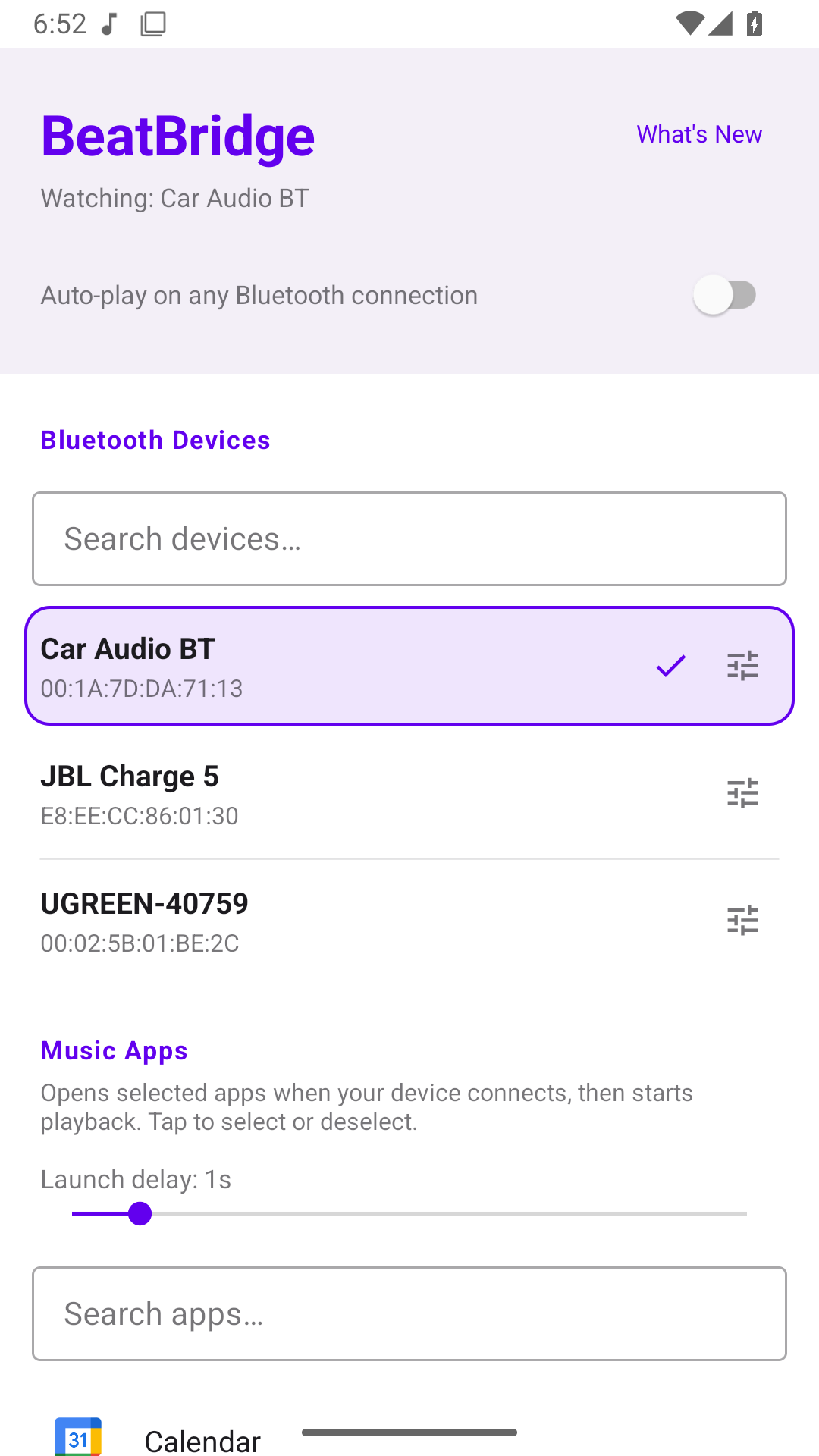
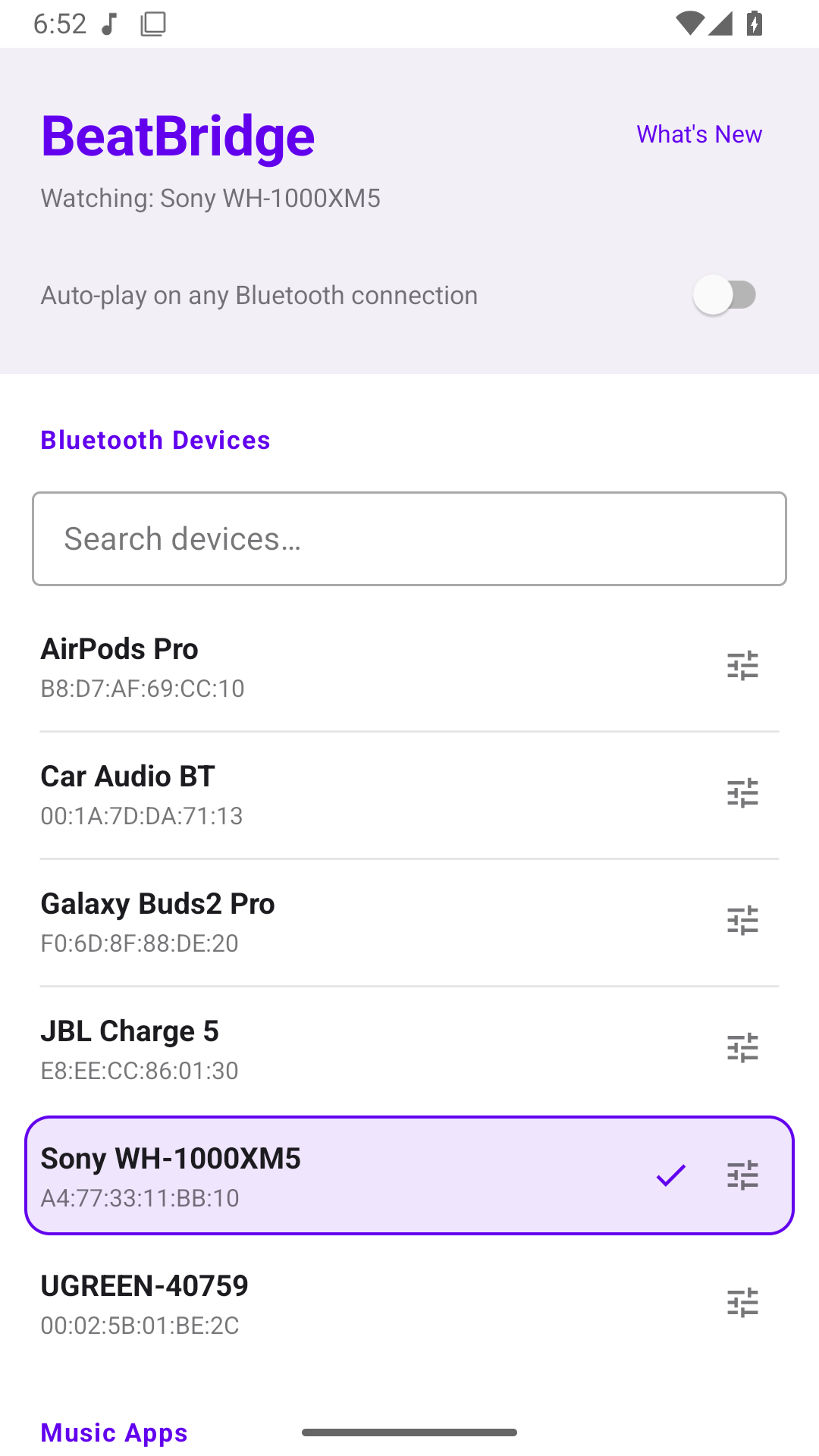
Choose a paired Bluetooth device and enable monitoring. When that device connects, BeatBridge sends Android's standard media play command to the active media session. Compatible music, podcast, and audiobook apps can then resume playback.
KEY FEATURES
• Auto-play music when a selected Bluetooth device connects • Works with Android media controls used by many music, podcast, and audiobook apps • Choose between automatic playback or an “Ask on connect” notification • Open your media app or audio settings directly from the connection notification • Create a per-device equalizer profile • Keep monitoring active in the background with a lightweight foreground service • Designed for efficient Bluetooth connection events, without constant polling
PRIVATE BY DESIGN
BeatBridge works offline. It has no accounts, ads, analytics, or network access. Your selected devices and preferences stay on your device.
PERMISSIONS
Bluetooth access lets BeatBridge list paired devices and detect connections. A foreground service keeps monitoring active in the background, and notifications show its connection status and optional actions.
BeatBridge is open-source software licensed under GPLv3.
Screenshots
How to install
- Download the APK from the button at the top of this page.
- Allow “Install unknown apps” for your browser or file manager only, not for every app.
- Open the downloaded file and confirm the installation.
- If installation fails with “App not installed,” remove an earlier build of the same app first. A signature conflict is the usual cause.
Data safety
- Every file is checked against its published SHA-256 before it is listed.
- Files are scanned for malware on every update.
- The permissions each app requests are listed on its own page.
- Read the full safety policy for how we test, flag, and delist files.
Comments
Recent approved comments · sorted by newest
View all comments