Calculate alcohol mass, content and volume in drinks.
F-Droid repository metadata
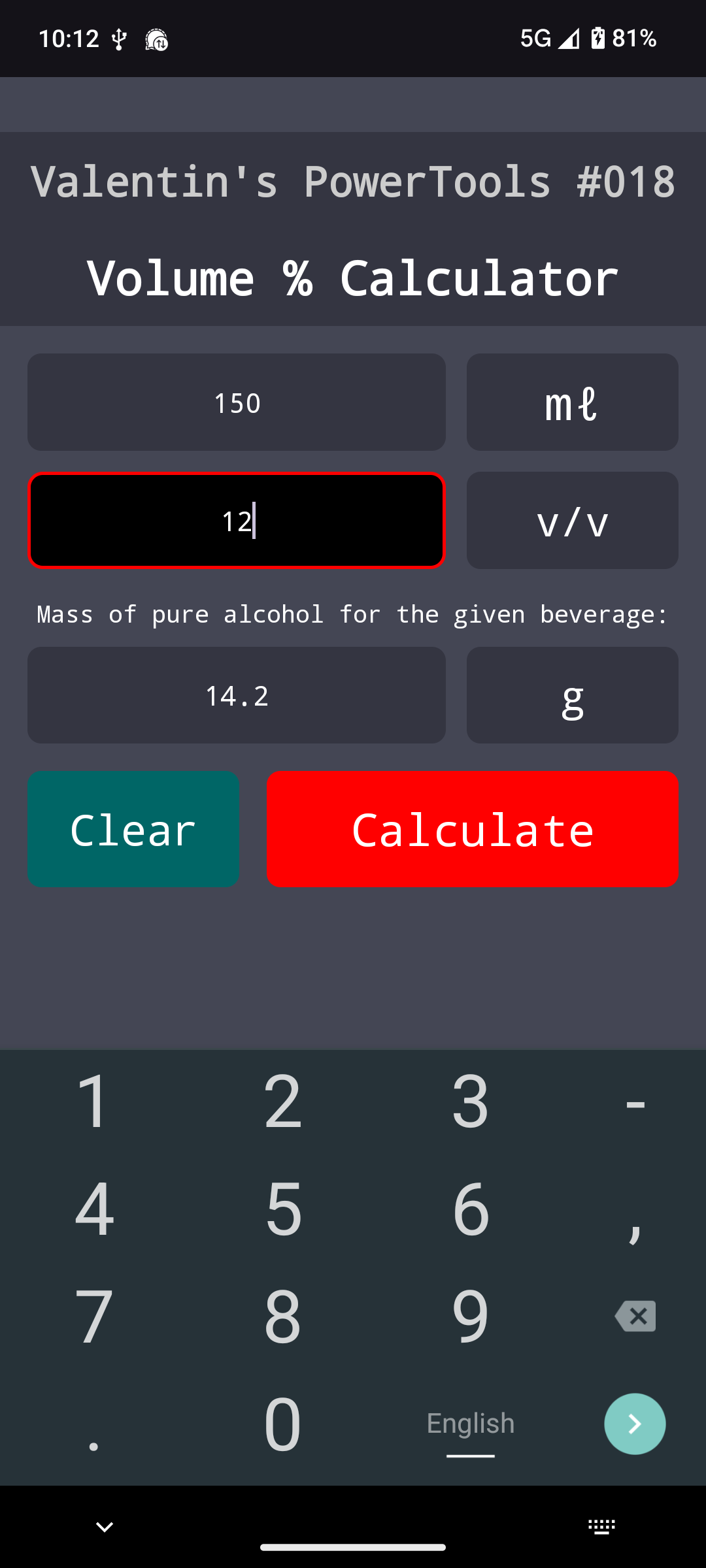
VPT#018-VPC is an android app that swiftly calculates the mass of alcohol (in grams) contained in a given volume of a beverage (in milliliters) when alcohol content (Vol.-% or v/v) is known.
It uses the formula: mass (g) = volume (mL) * Vol-%/100 * specific weight of alcohol (0.793 g/mL)
Features:
* 🖩 Calculate mass, or volume, or content (v/v) of an alcoholic beverage by entering the 2 other data points.
* 🎨 Intuitive Interface - Clear buttons and layout, simple to understand.
* 🔄 Dynamic Field Adjustments - Modify any data field post-calculation, and the app will update the other relevant fields (right now function via pressing "Calculate" again after modifying fields).
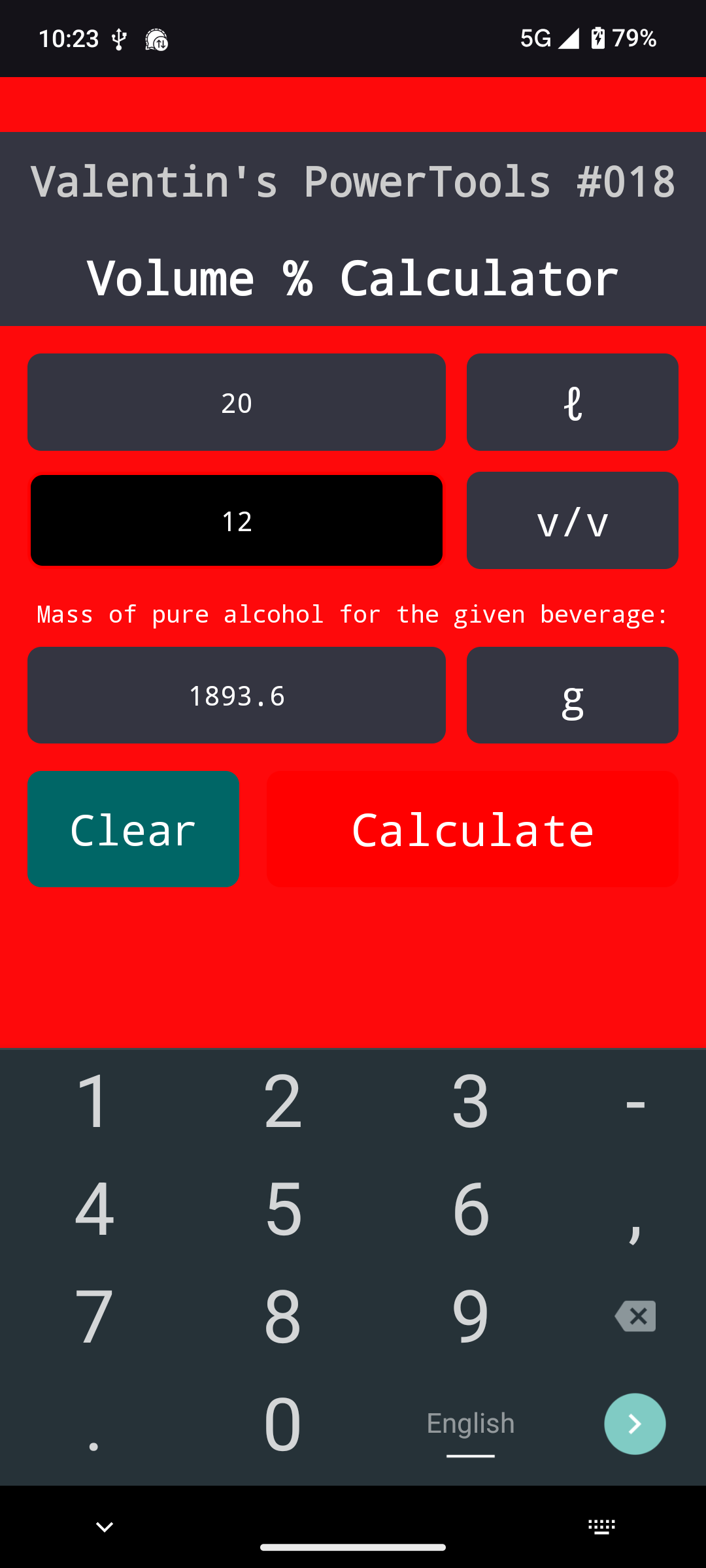
* 🚨 Plausibility Warnings - The screen will flash red if any of the values are totally out of place, such as above 100% alcohol content or volumes above 10 liters, informing the user that something probably went wrong. Calculation still finishes.
* Localization - Right now: English, German
Usage:
1. Enter your data in any 2 of the 3 fields
2. Tap "Calculate"
3. View your results
4. To clear all 3 fields, tap the "clear" Button.
🚨DISCLAIMER🚨: This is NOT a medical application NOR a medical product. This is just a calculator. Correct results are not guaranteed. User is responsible for checking results and plausibility.
Created with ❤️ by Valentin.
Tags: calculator, alcoholic solution, volume percent, v/v, Volumenprozent, Volumenprozentrechner, Alkoholgehalt, alcohol content, mass of alcohol (grams), specific weigth, spezifisches Gewicht, Normalbedingungen.
Screenshots
What’s new
Remove a blob
How to install
Download the APK from the button at the top of this page.
Allow “Install unknown apps” for your browser or file manager only, not for every app.
Open the downloaded file and confirm the installation.
If installation fails with “App not installed,” remove an earlier build of the same app first. A signature conflict is the usual cause.
Data safety
Every file is checked against its published SHA-256 before it is listed.
Files are scanned for malware on every update.
The permissions each app requests are listed on its own page.
Read the full safety policy for how we test, flag, and delist files.