The API of the system has to be enabled to use this app.
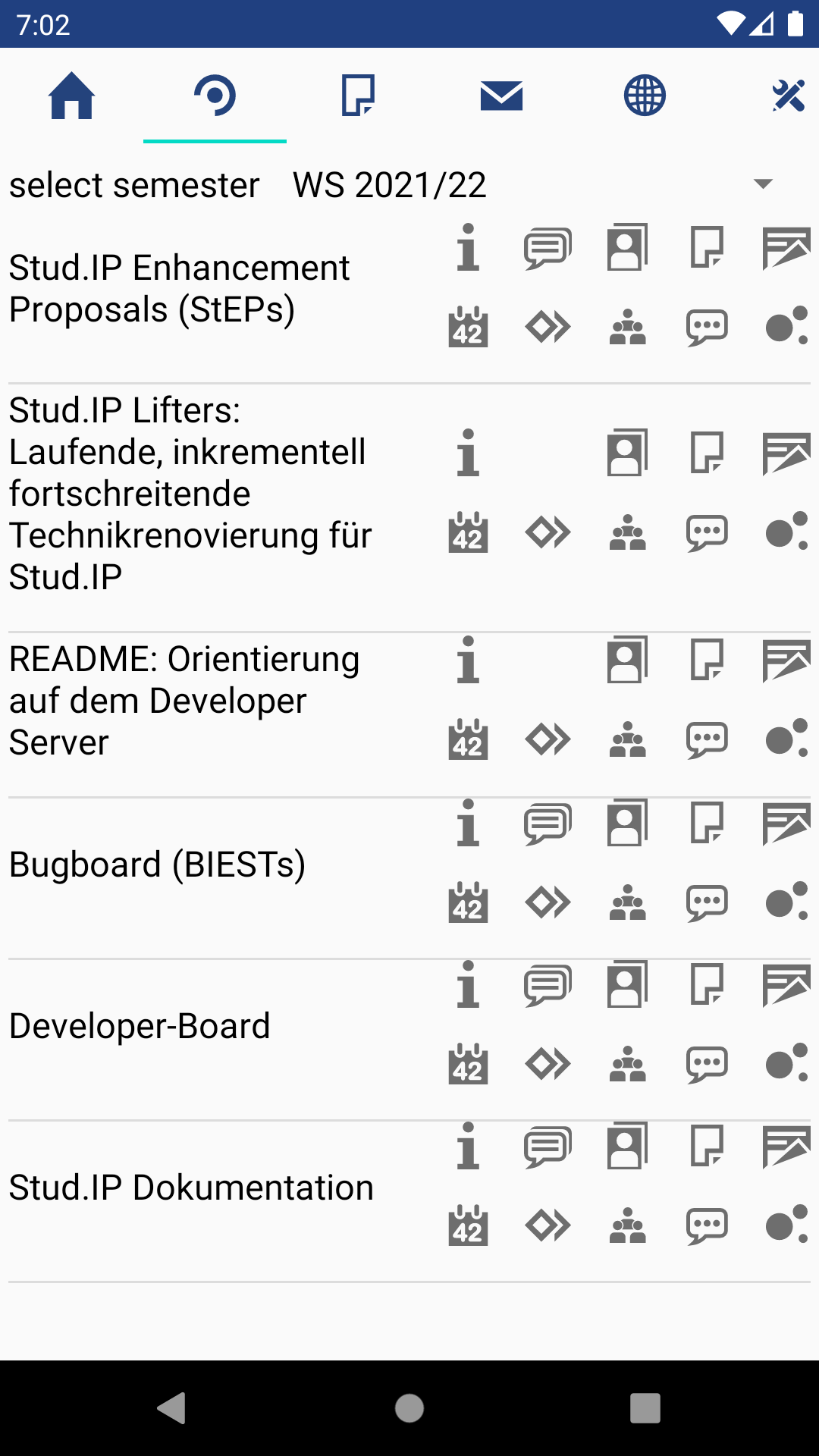
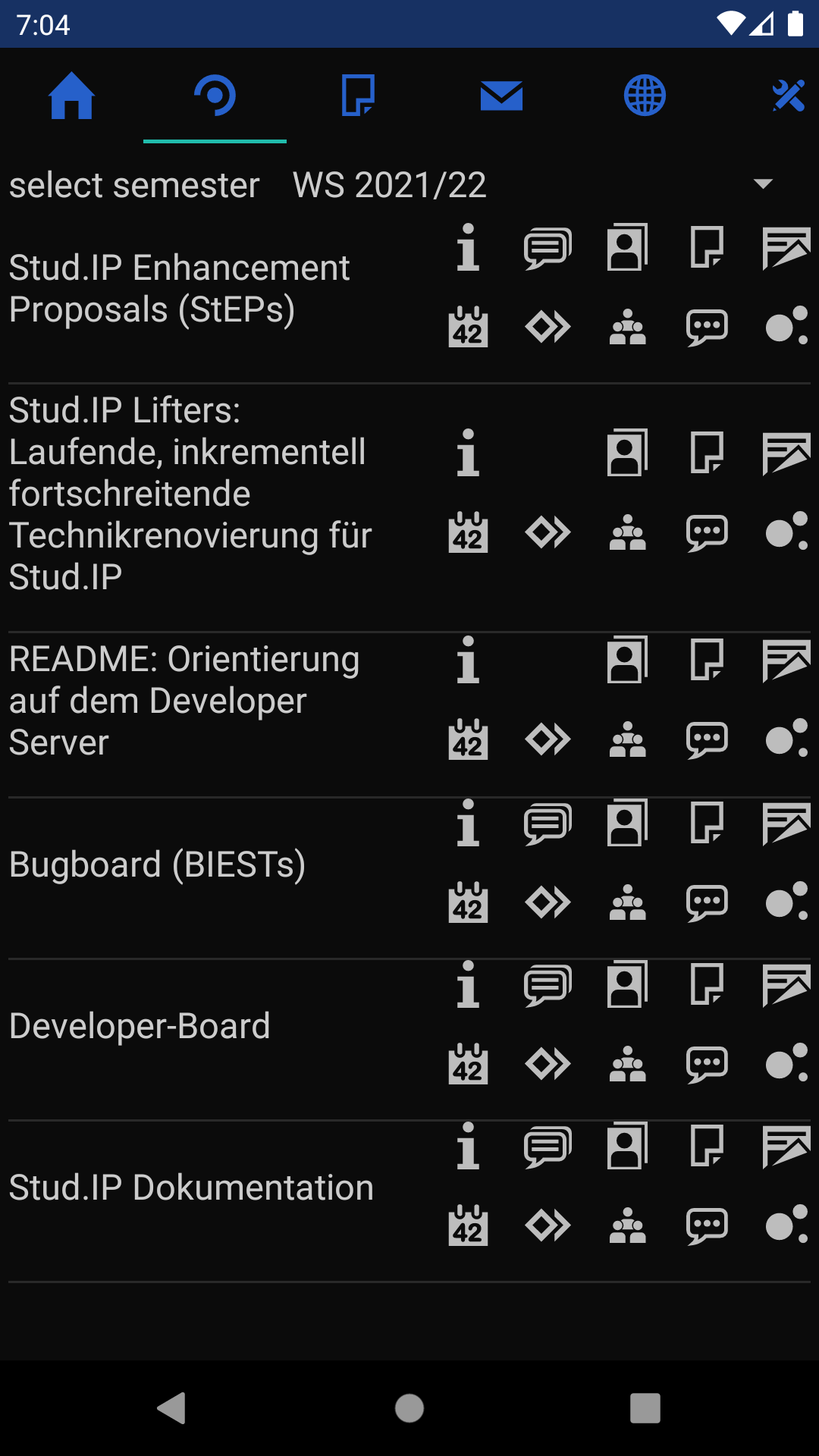
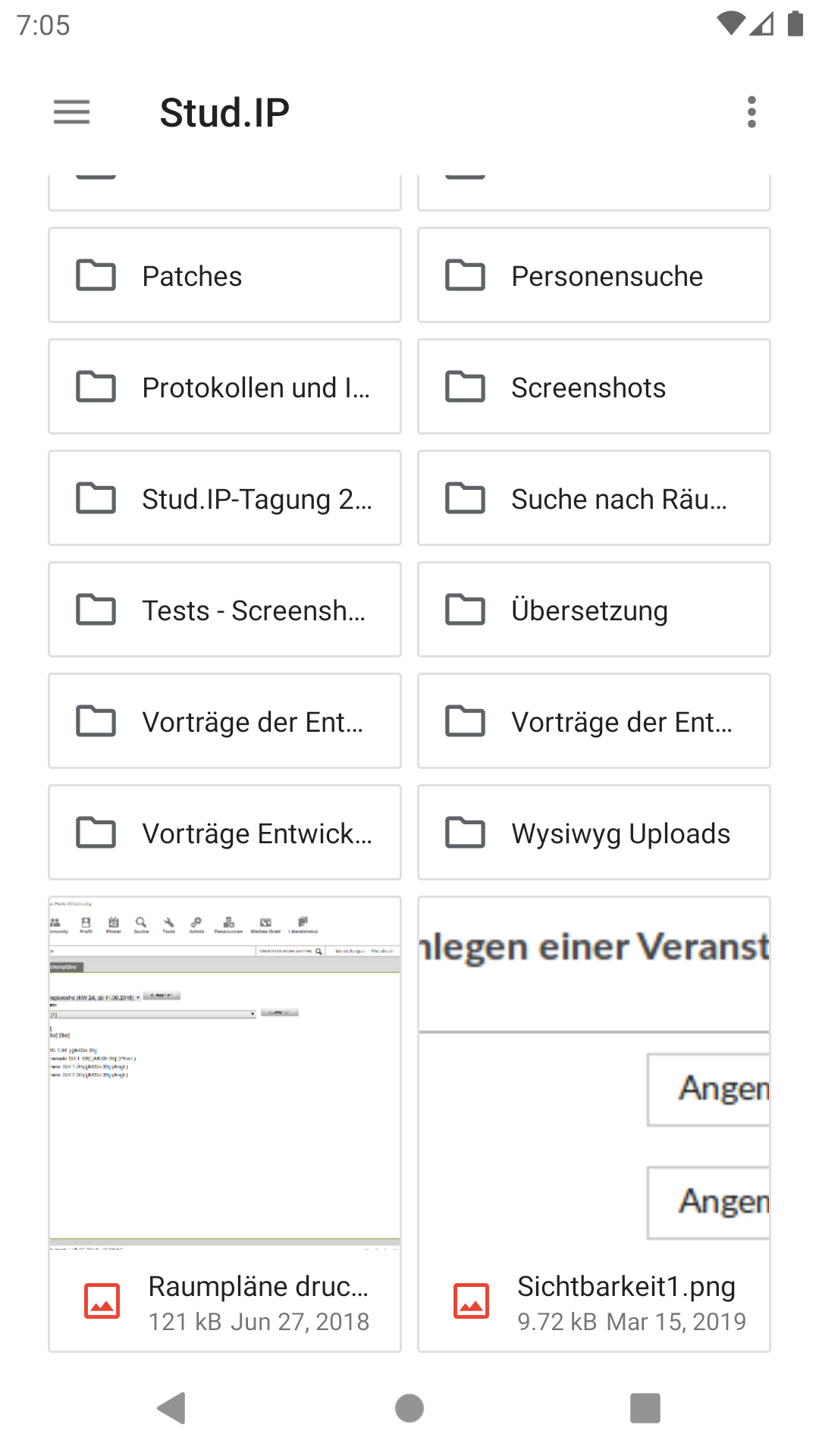
You can read system-wide news, view your courses, course news, course forums, post on forums,
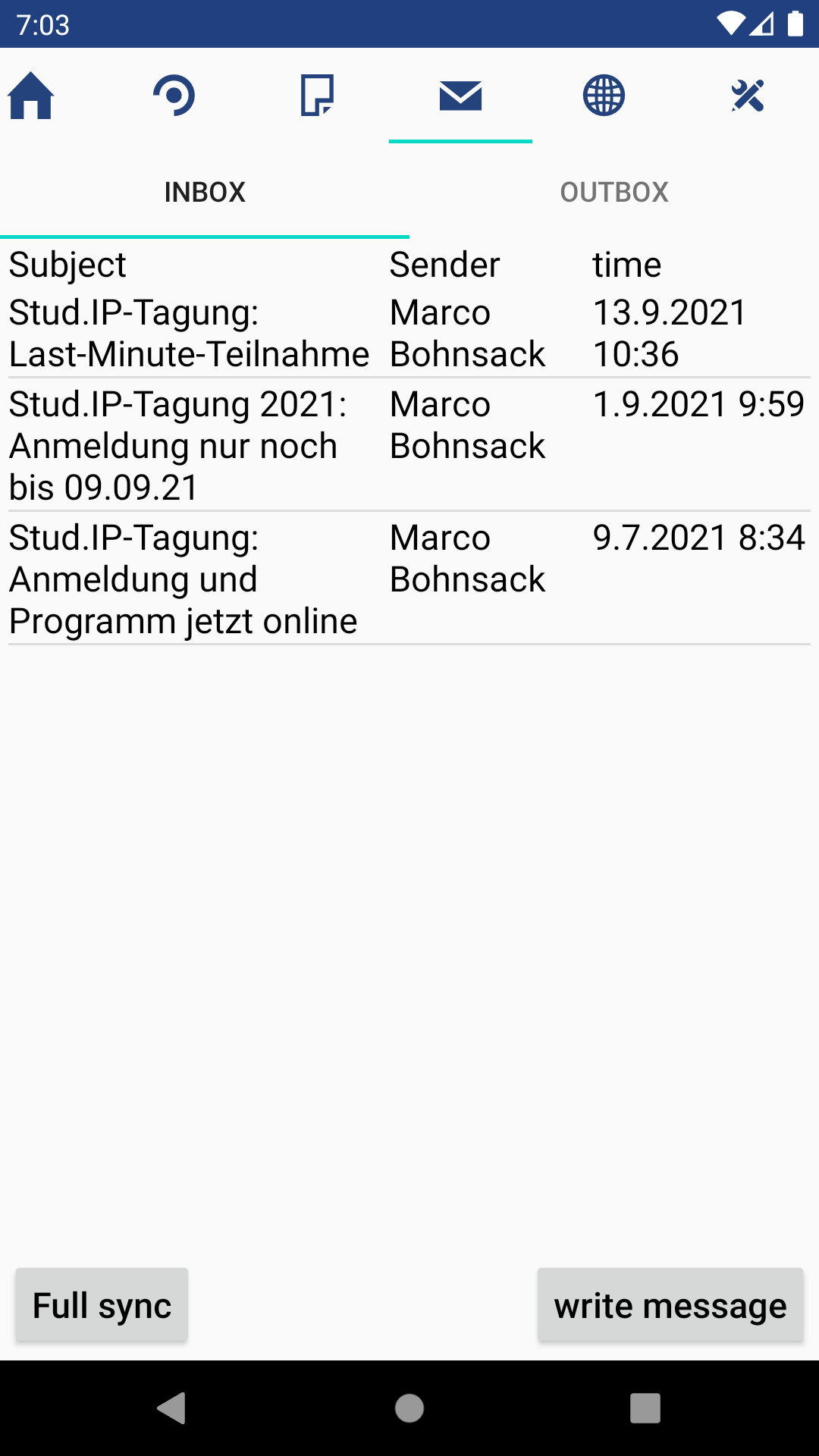
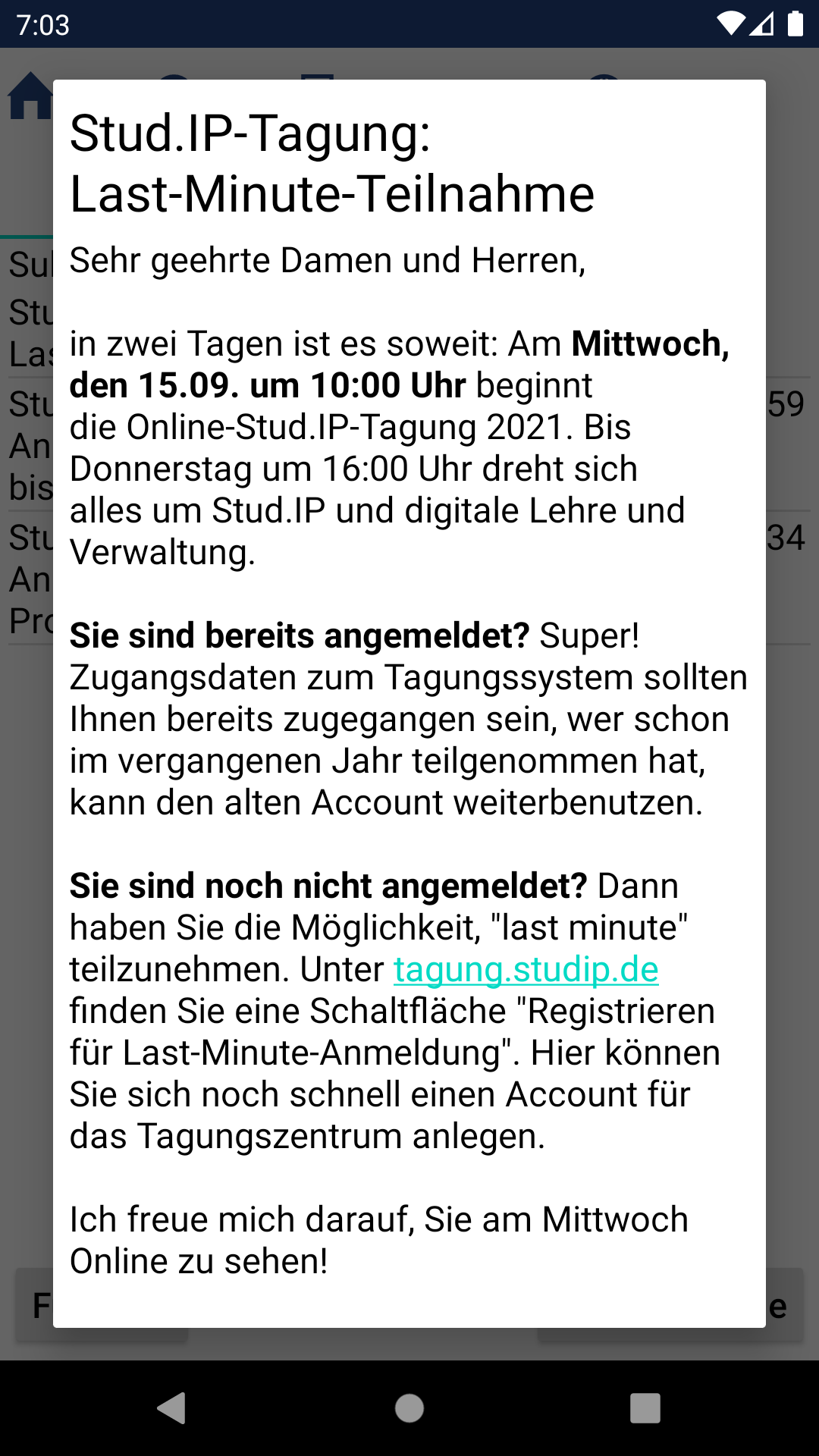
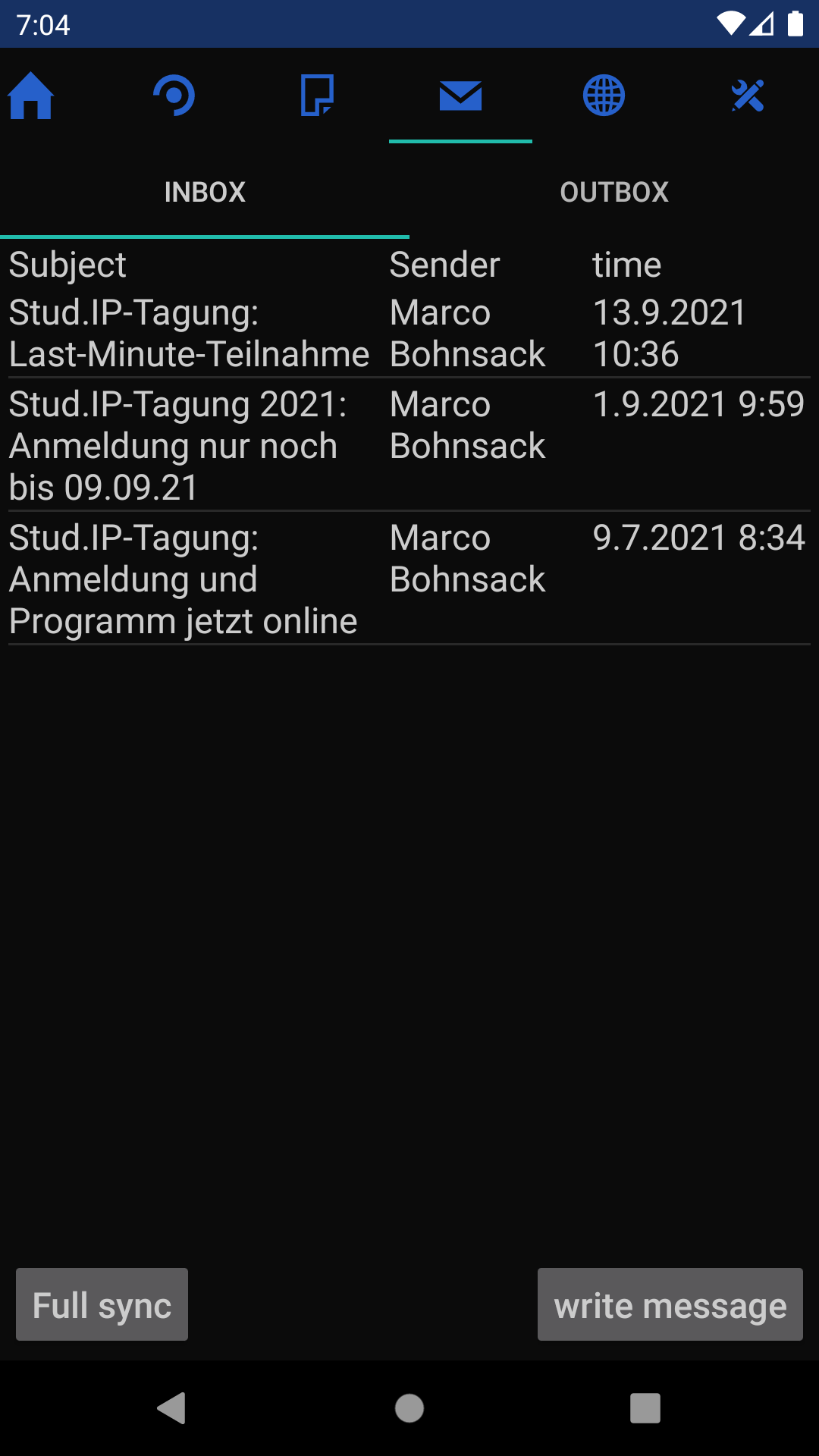
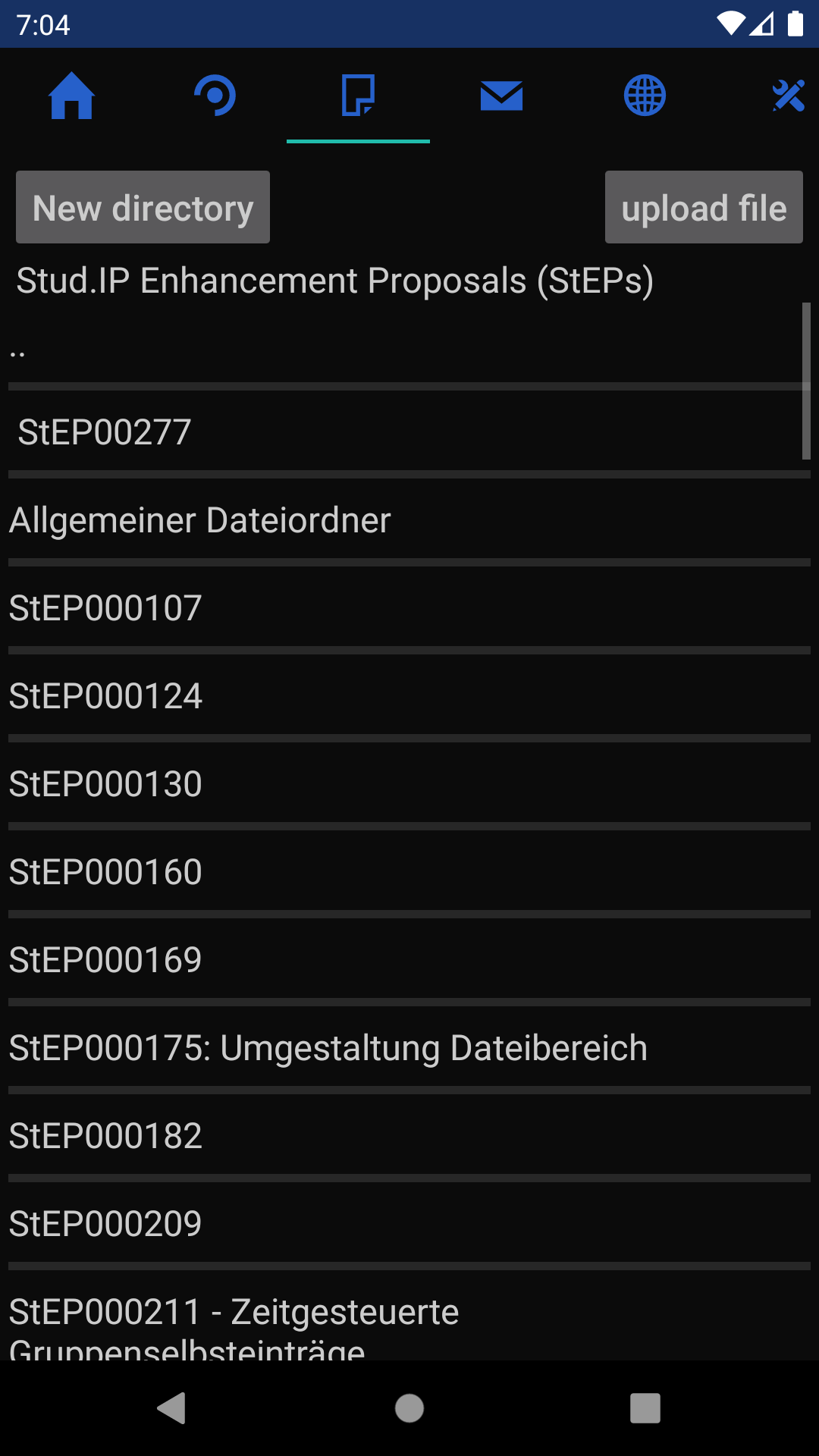
read and write messages, view, download and upload your files and course files.
You can also view Opencast videos, browse Courseware and join BigBlueButton meetings.
With the document provider you can access your Stud.IP files like all other files on your device.
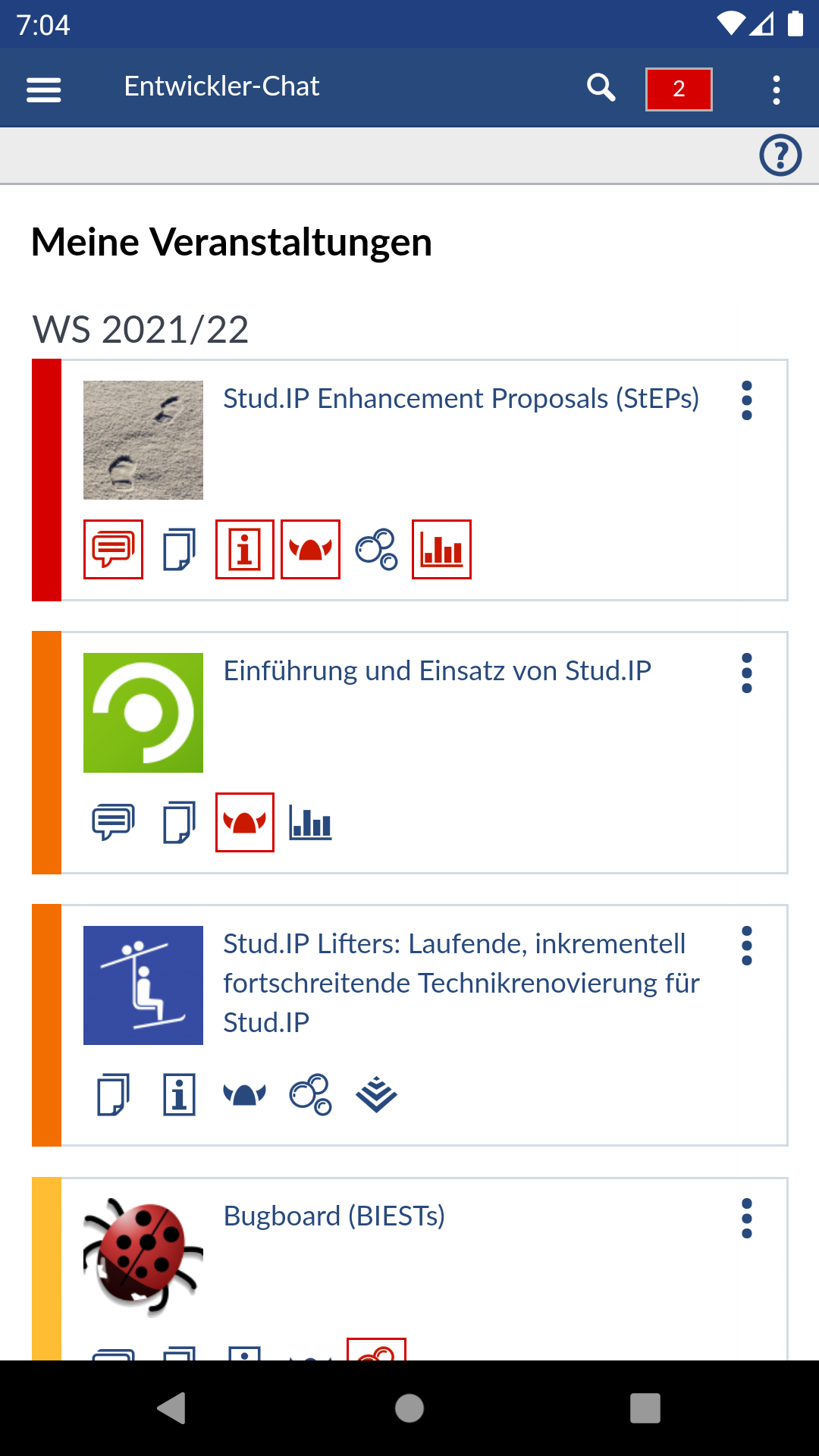
You can use the mobile browser version of Stud.IP in the app, with support for autofilling your username and password.
If your Stud.IP server supports OAuth for this app, you don't even have to trust it with your login data, you can simply log in to Stud.IP and give the app access.
You can enable the notification service to get your Stud.IP notifications as notifications on the device.
For Help: Settings->view help
Permission description:
View network connections: Used to not download pictures when mobile data is used, to preserve mobile data volume.
Full network access: An internet connection is required to communicate with the Stud.IP-Server.
Modify contents of shared storage: Is requested at runtime when you download files.
Is needed to save the files to the downloads directory.
Not used anymore for Android 10 or later.
Record audio, change audio settings, use camera, prevent phone from sleeping: Used for the BigBlueButton video conferences.
foreground services, start at boot: used for the Notification service.
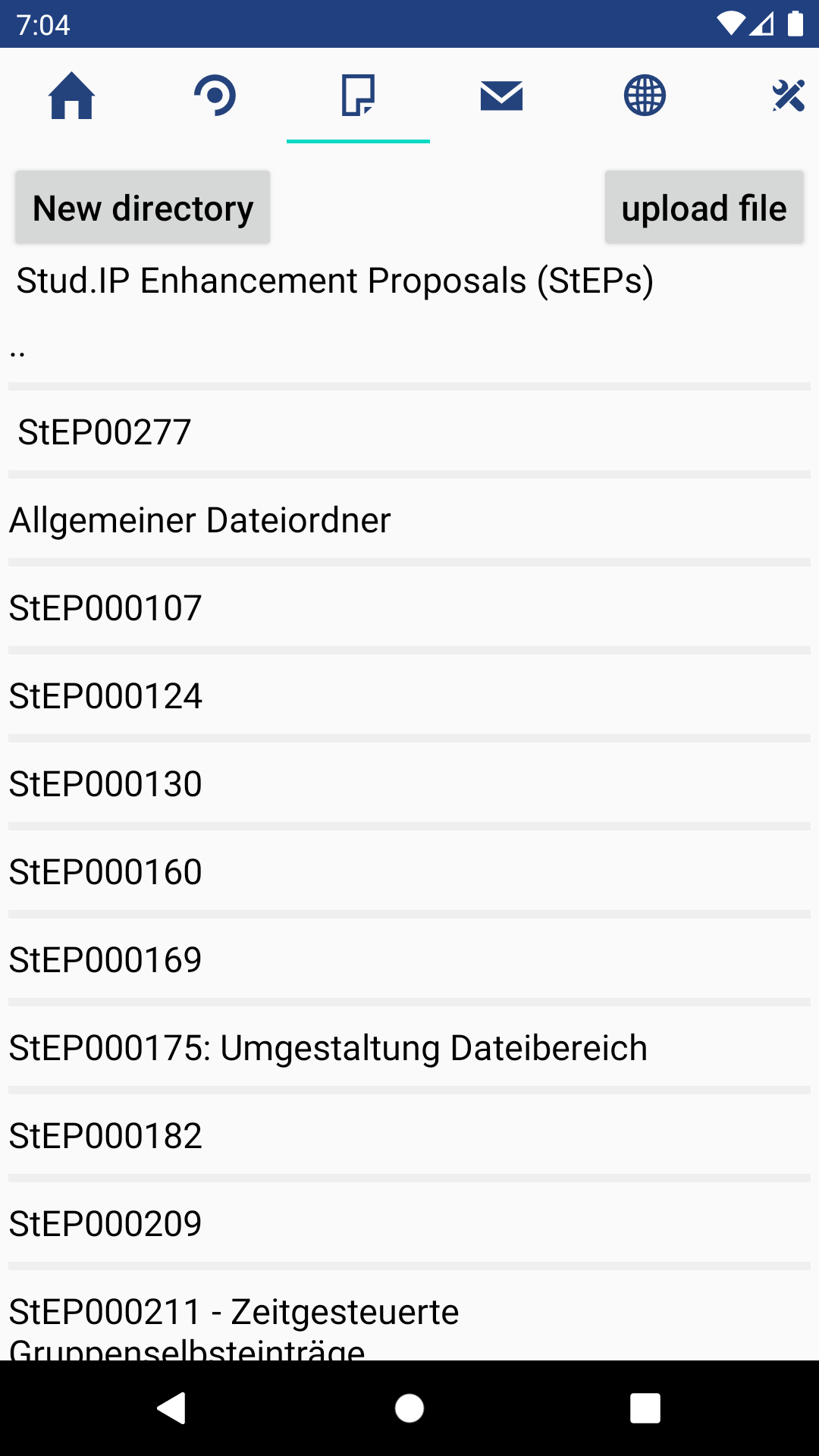
Screenshots
What’s new
Added support for using the browser version of Stud.IP in the app. Links in the forum are now clickable. Added API detection, so features that use an unavailable part of the API will be disabled, instead of the app not working at all. Added Support for OAuth authentication. Added shortcuts. UI improvements: - Fixed button text color for dark mode - changed dark mode colors - Text now doesn't go up to the edge of the screen, so it's easier to read. - Same thing with dialog edges. - The icons in t
How to install
Download the APK from the button at the top of this page.
Allow “Install unknown apps” for your browser or file manager only, not for every app.
Open the downloaded file and confirm the installation.
If installation fails with “App not installed,” remove an earlier build of the same app first. A signature conflict is the usual cause.
Data safety
Every file is checked against its published SHA-256 before it is listed.
Files are scanned for malware on every update.
The permissions each app requests are listed on its own page.
Read the full safety policy for how we test, flag, and delist files.