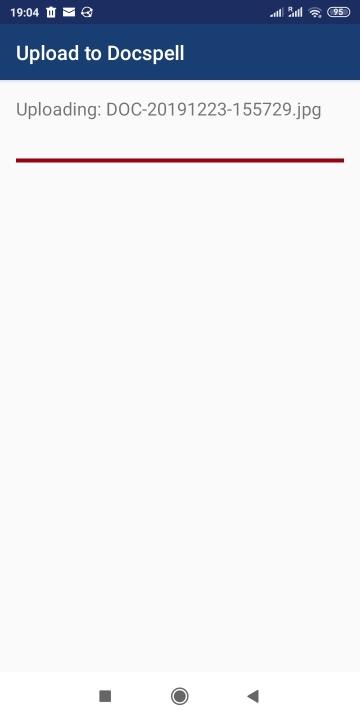
Docspell Share adds Docspell to the Android share menu to easily push files to your Docspell server.
It requires a running Docspell server instance, which you can host yourself for free. Use specialized scan apps like OpenNoteScanner (on F-Droid), OpenScan or Office Lens to create documents and push them directly to your server. Docspell allows for different upload URLs, where each may define additional metadata to add (e.g. tags). This app lets you manage these upload URLs, you can
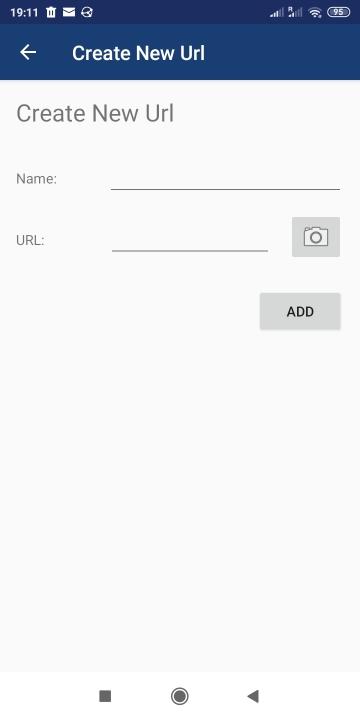
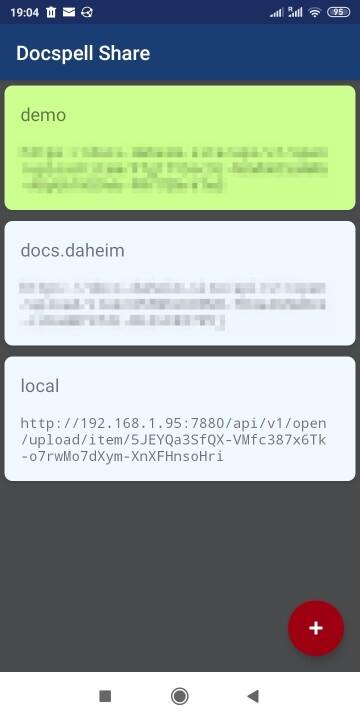
- Maintain a list of Docspell URLs to upload to
- Select an URL each time or set a default one
Permissions
- CAMERA: optional; it is used to scan QR codes for conveniently copying URLs from a screen.
- INTERNET: to upload a file to a remote Docspell server
Docspell consumes your files, extracts and analyses the text and adds metadata automatically. It lets you manage your documents with minial effort. Check out the documentation.
Screenshots
What’s new
- Allow cleartext traffic.
How to install
Download the APK from the button at the top of this page.
Allow “Install unknown apps” for your browser or file manager only, not for every app.
Open the downloaded file and confirm the installation.
If installation fails with “App not installed,” remove an earlier build of the same app first. A signature conflict is the usual cause.
Data safety
Every file is checked against its published SHA-256 before it is listed.
Files are scanned for malware on every update.
The permissions each app requests are listed on its own page.
Read the full safety policy for how we test, flag, and delist files.