Quick answer
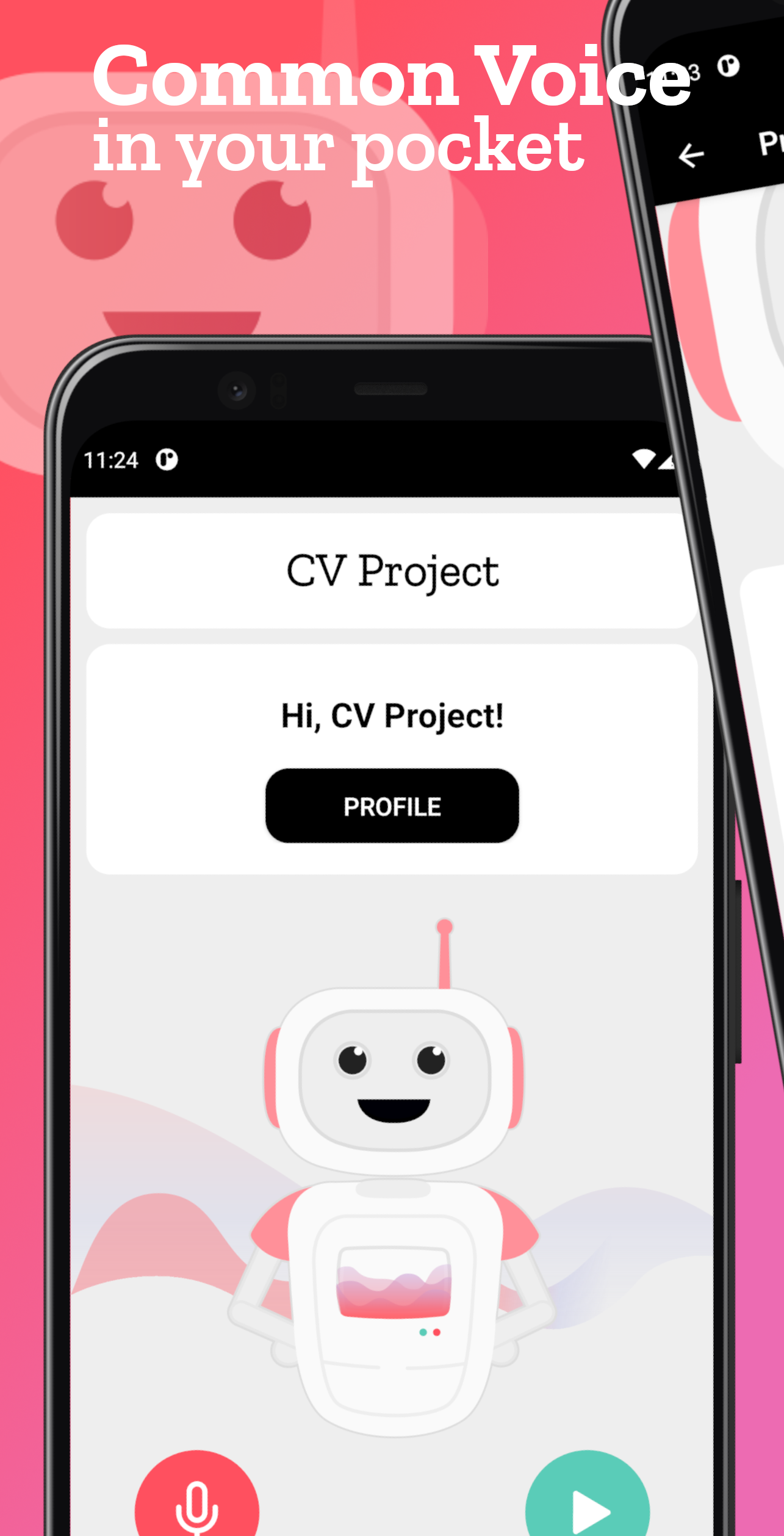
This app permits you to contribute to Common Voice from your smartphone.
F-Droid repository metadata
This is not the official app of Common Voice. It's developed by Saverio Morelli
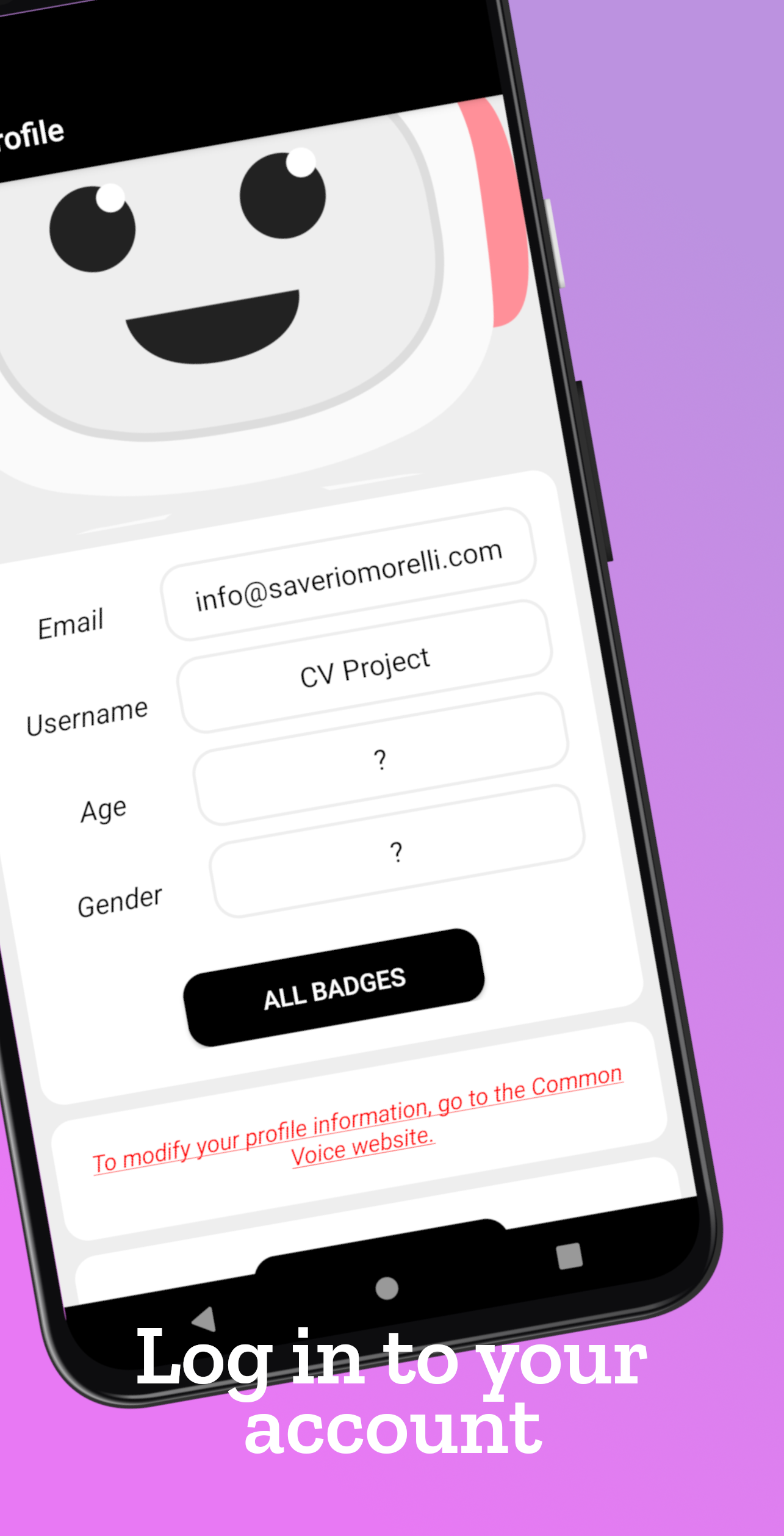
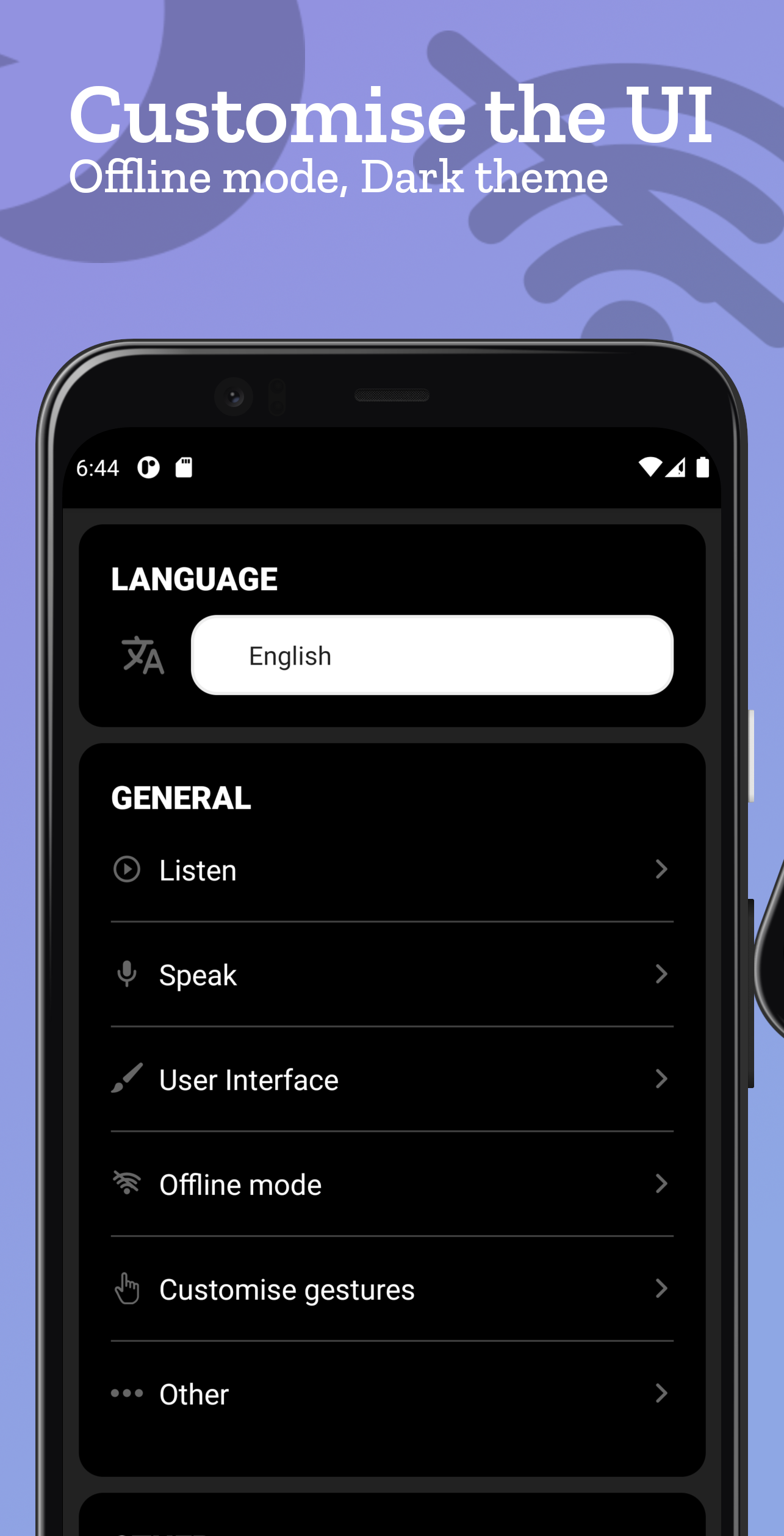
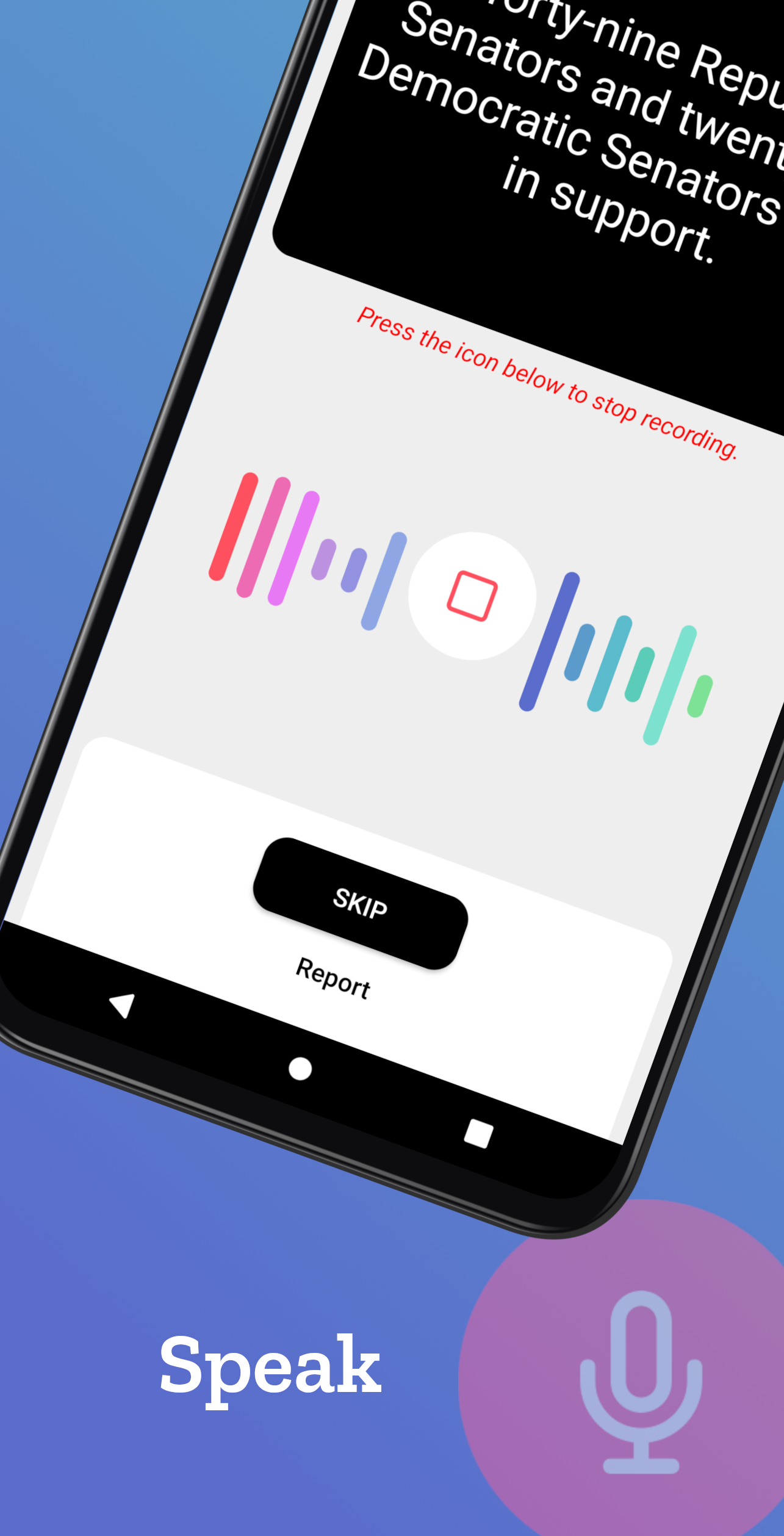
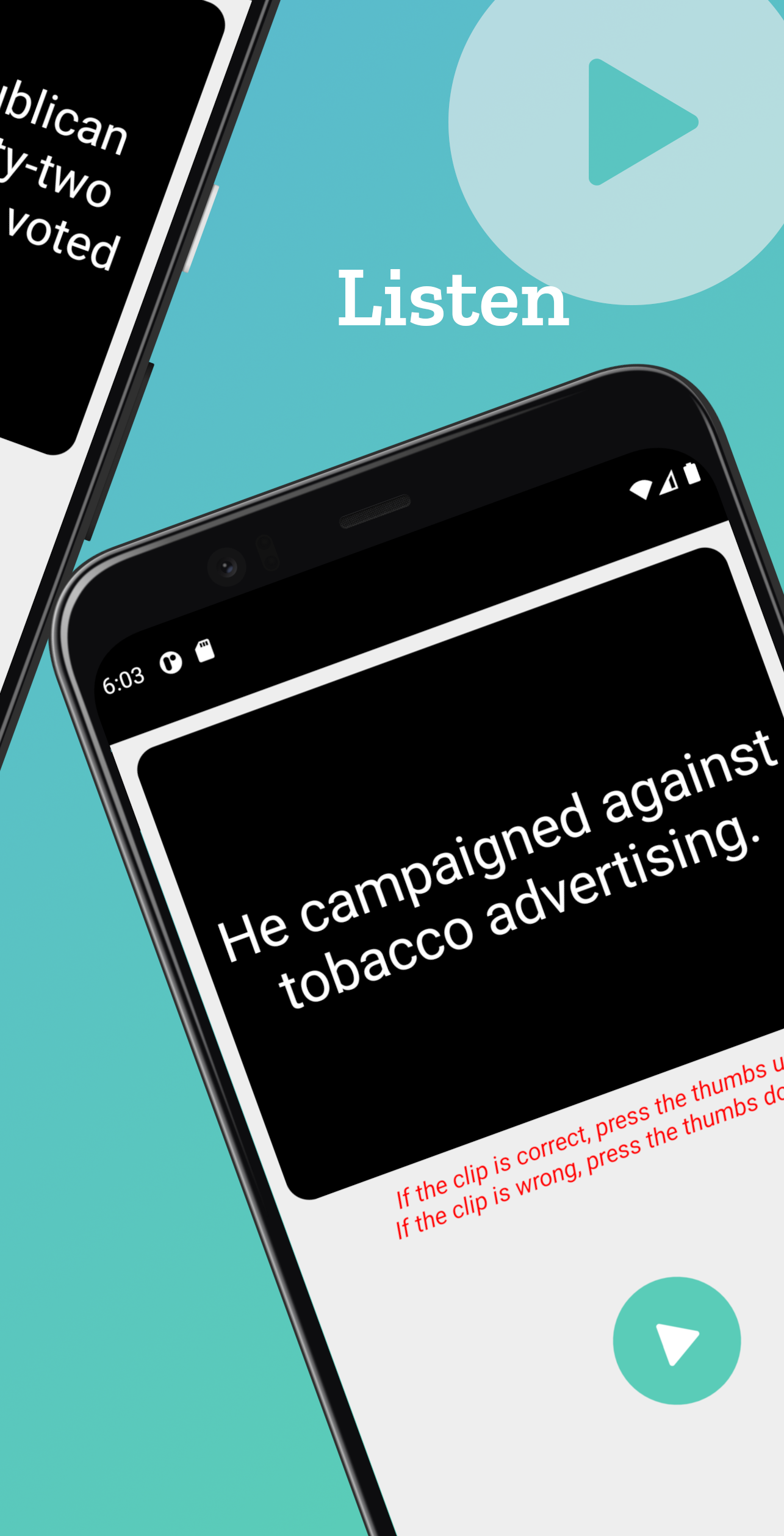
App features: - The user interface (UI) is smart, clear and modern - Log in to your Common Voice account - Validate clips - Record sentences - Report sentences/clips in the relative sections - Multi-languages supported - Offline mode (continue to contribute also when you aren't connected to the Internet!) - Common Voice statistics (of the selected language) - Top contributors (of the selected language) - App statistics (anonymous) - Voices online (of the selected language) - Dark theme supported - Daily goal - Gestures - Save your recordings on your device - Many other features - The app experience is totally customisable in Settings Join the Telegram group: (@common_voice_android) You can see complete app statistics here: App statistics You can also see the app usage statistics here: App usage statistics Read more about this app on GitHub: CV Project on GitHub
What is the Common Voice project? Common Voice is Mozilla's initiative to help teach machines how real people speak. Voice is natural, voice is human. That’s why we’re excited about creating usable voice technology for our machines. But to create voice systems, developers need an extremely large amount of voice data. Most of the data used by large companies isn’t available to the majority of people. We think that stifles innovation. So we’ve launched Common Voice, a project to help make voice recognition open and accessible to everyone. Now you can donate your voice to help us build an open-source voice database that anyone can use to make innovative apps for devices and the web. Read a sentence to help machines learn how real people speak. Check the work of other contributors to improve the quality. It’s that simple! You can find more details on the official website https://commonvoice.mozilla.org/
Why should you use the app instead of the website on mobile? The app is developed specifically for smartphones so it's native. It has many features that website don't provide you, such as dark theme, offline mode, customisation, gestures, etc. The app is lighter than website, without annoying animations (and animations in the app can also be stopped in Settings). In addition, the website has many bugs, especially for mobile-version, so you cannot do everything correctly.
Screenshots
How to install
- Download the APK from the button at the top of this page.
- Allow “Install unknown apps” for your browser or file manager only, not for every app.
- Open the downloaded file and confirm the installation.
- If installation fails with “App not installed,” remove an earlier build of the same app first. A signature conflict is the usual cause.
Data safety
- Every file is checked against its published SHA-256 before it is listed.
- Files are scanned for malware on every update.
- The permissions each app requests are listed on its own page.
- Read the full safety policy for how we test, flag, and delist files.
Comments
Recent approved comments · sorted by newest
View all comments