What’s new
* Updated layout to avoid overlapping with system bars.
* Updated styles to use light status bar to avoid issue with invisible status bar text.

Updated Sep 22, 2026
RTD & thermocouple calculations
F-Droid repository metadata
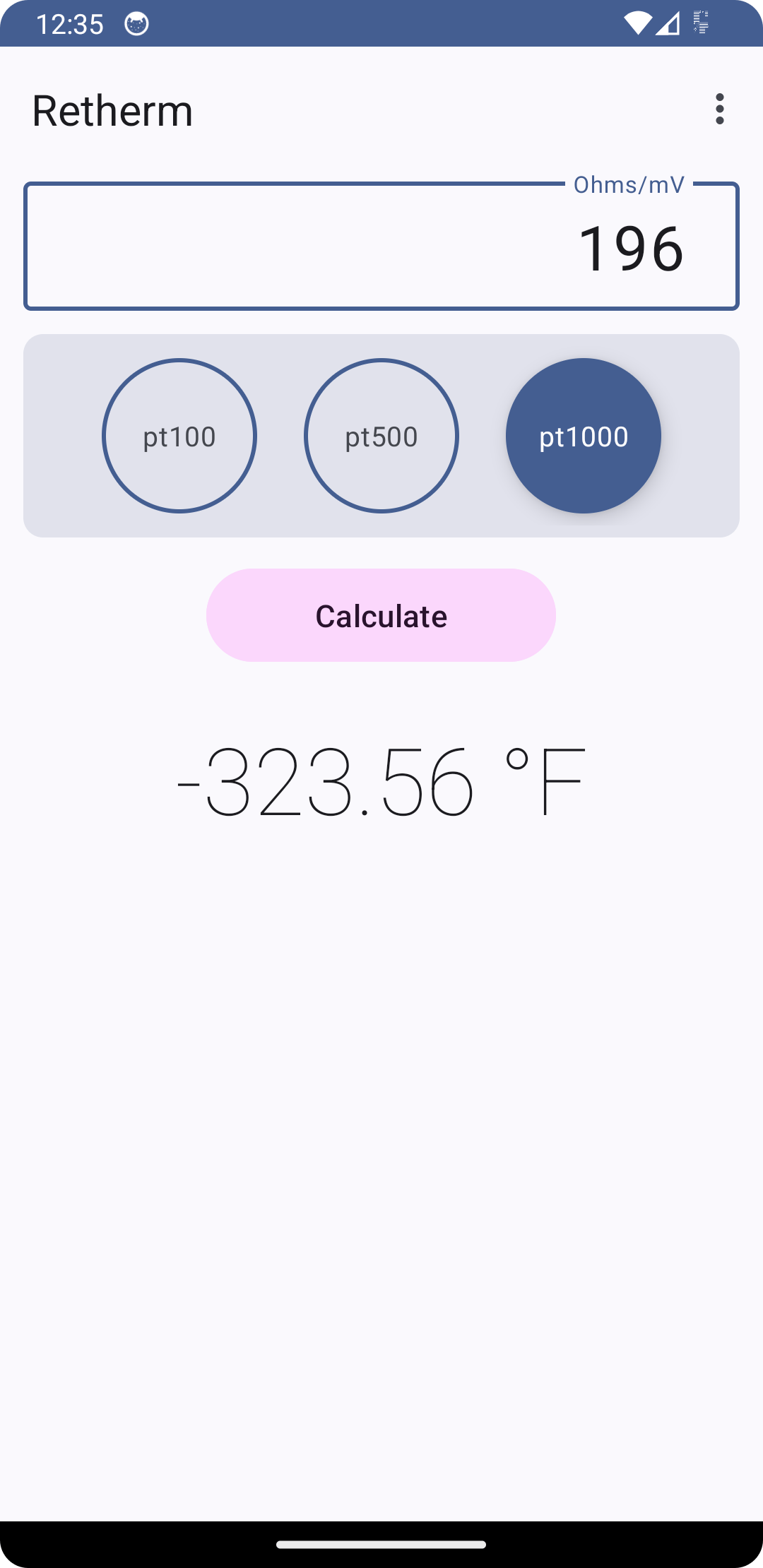
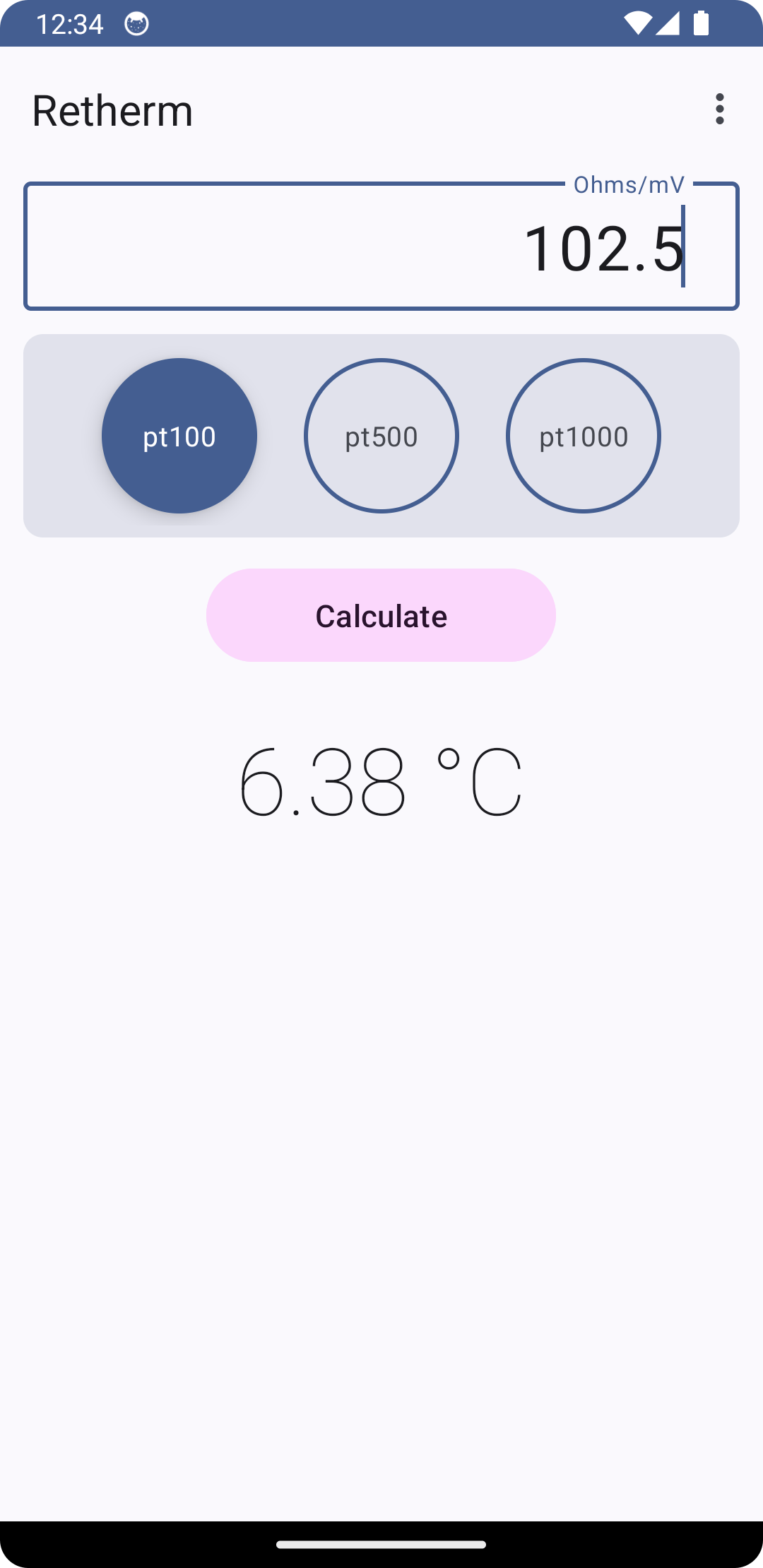
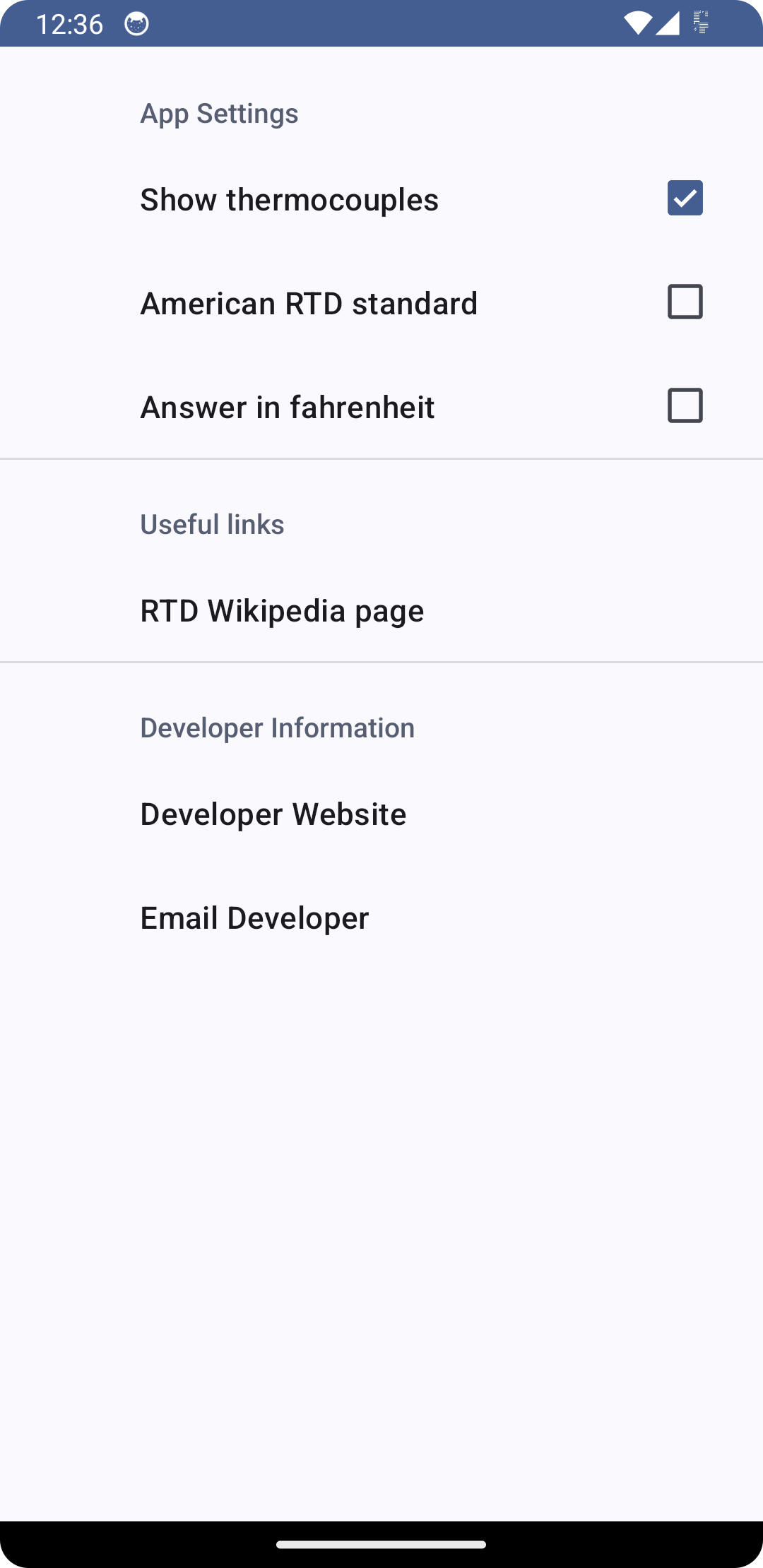
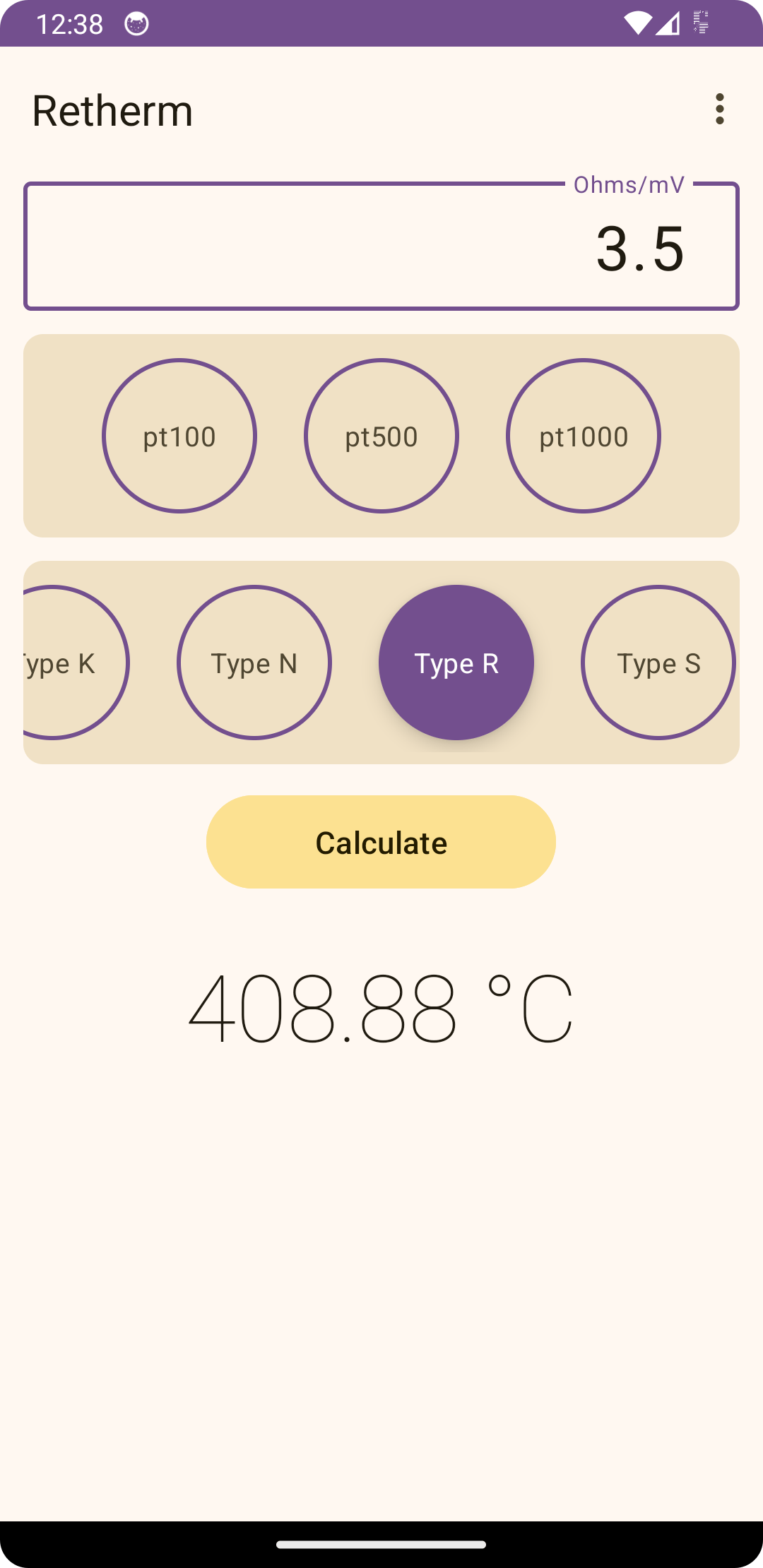
Retherm is a simple application that converts resistances from RTD sensors to temperature. This app can currently convert Pt100, Pt500 and Pt1000 resistances to degree Celsius or Fahrenheit. The standard equations are done to the popular European/DIN standard for the temperature range of -200°C to +850°C with an average margin of error of about 0.02°C. An option is available for calculations to the less used American standard for the range 0 to 100°C with an average margin of error of about 0.2°C.
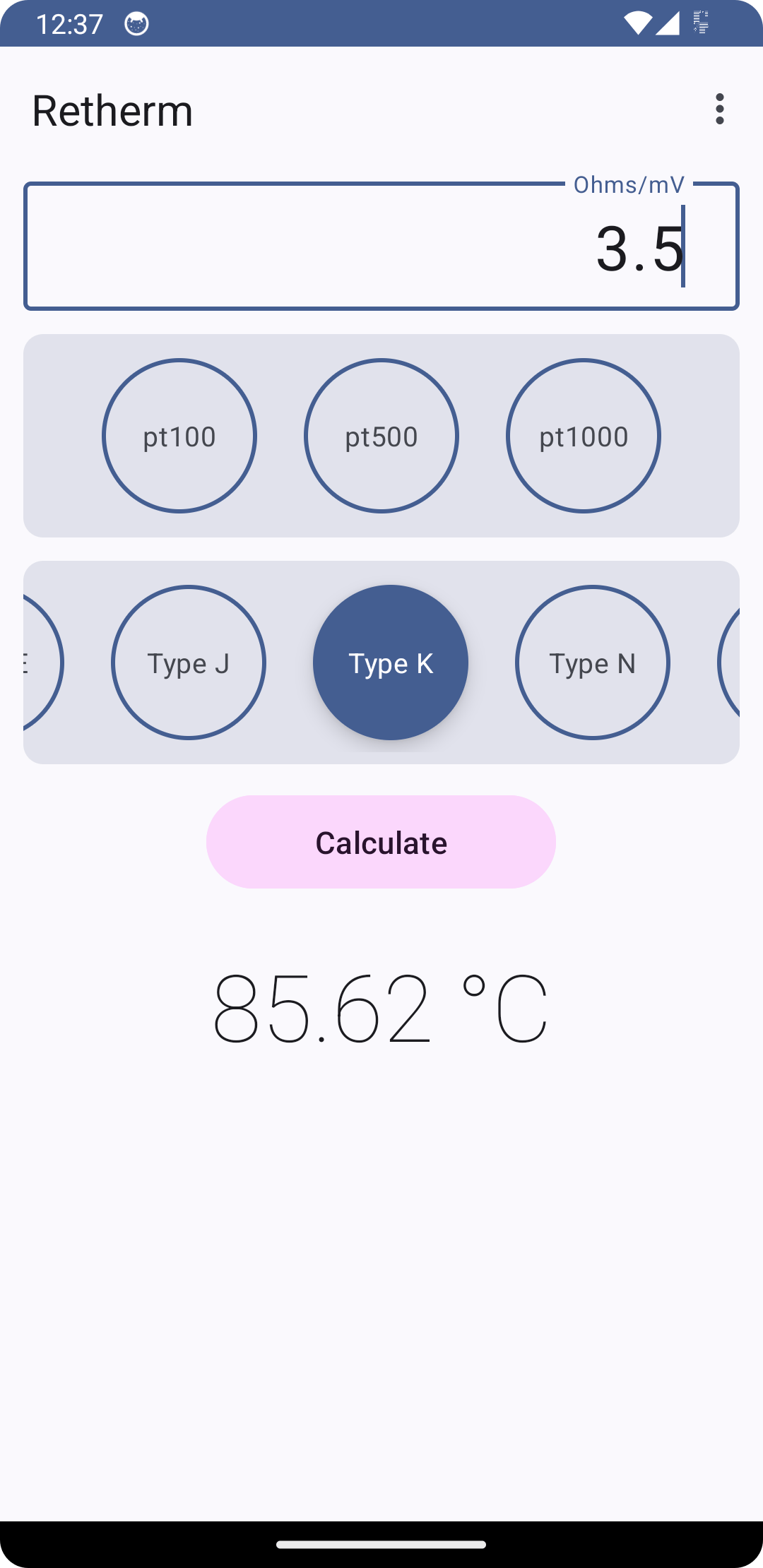
Retherm has the option to convert thermocouple voltages to degrees. The calculations are based on a 0°C reference junction temperature and use NIST polynomial values to make conversions. Types B, E, J, K, N, R, S and T are supported with outputs showing in both centigrade and Fahrenheit depending on your preference.
Retherm also features handy links to useful websites with vital information about RTD sensors.
This app is for built for quick reference use. There may be errors, although I try my best to make sure there are none. I, The application creator, will not be held liable for any problems caused due to errors within the application. If any problems are found, feel free to raise these via Codeberg.
This application is open source, available under the MIT license, and can be found at the following URL: https://codeberg.org/danb/retherm
* Updated layout to avoid overlapping with system bars.
* Updated styles to use light status bar to avoid issue with invisible status bar text.
Recent approved comments · sorted by newest
View all comments