What’s new
First F-Droid release. Az/El/RA-Dec pointing, manual axis control, homing,
live telemetry over WebSocket, and a built-in star/constellation sky view.
Updated Sep 22, 2026
Control an Az/El/polarization radio telescope mount over your local WiFi
F-Droid repository metadata
Radio Telescope is the mobile client for a self-built satellite-dish radio telescope with a motorised Azimuth / Elevation / Polarization mount.
The app connects over your local WiFi to the telescope's Raspberry Pi controller (a FastAPI service) and lets you:
* Point the dish by entering horizontal (Az/El) or equatorial (RA/Dec) coordinates * Drive the three axes manually and run the homing routine * Watch live position, motion and status telemetry pushed from the mount * Browse a built-in star and constellation catalogue on a sky-view canvas
This is a hardware companion app: it does nothing on its own. It requires the matching open-source telescope hardware and Raspberry Pi backend, which are part of the same project. The app talks only to a device you run yourself on your own network — it contacts no external servers and collects no data.
Built as a school demonstrator for radio astronomy.
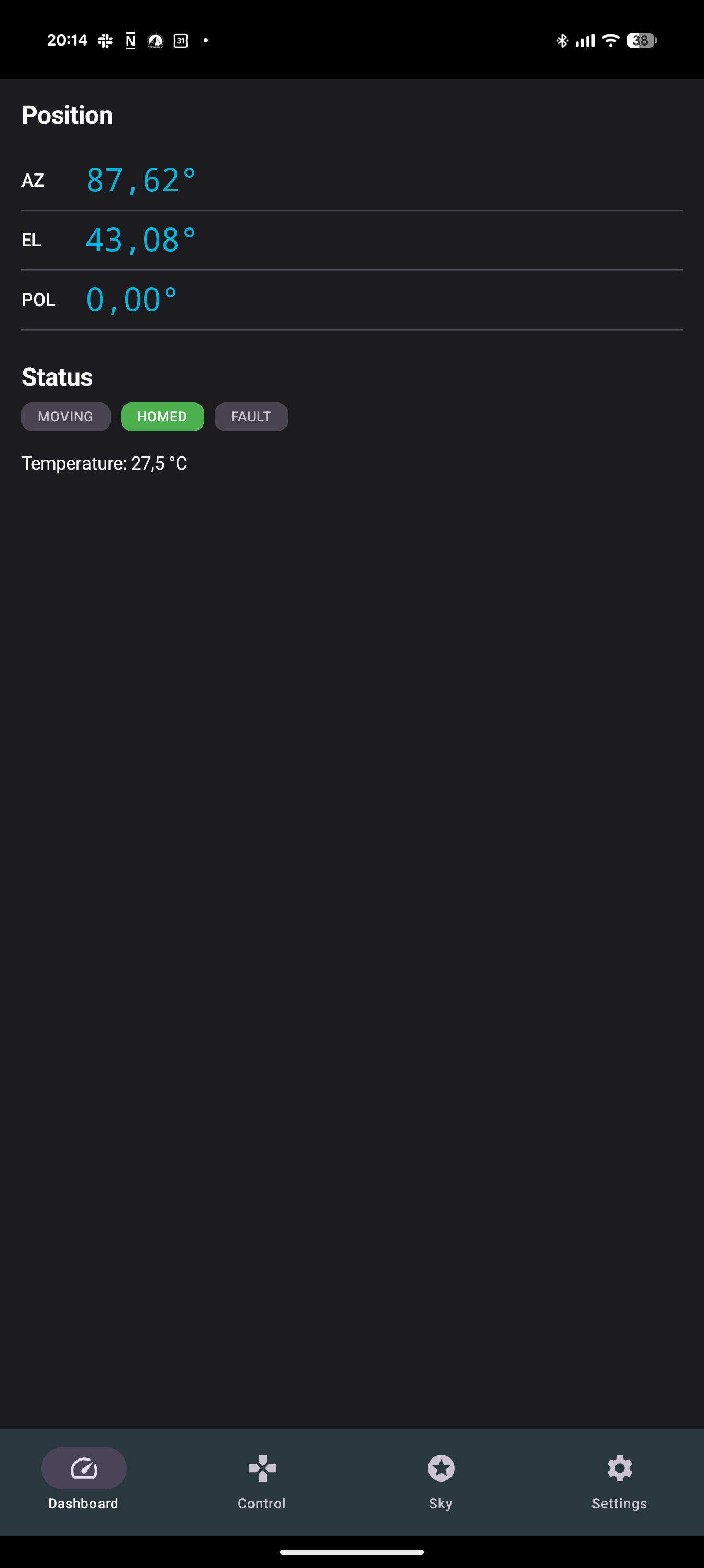
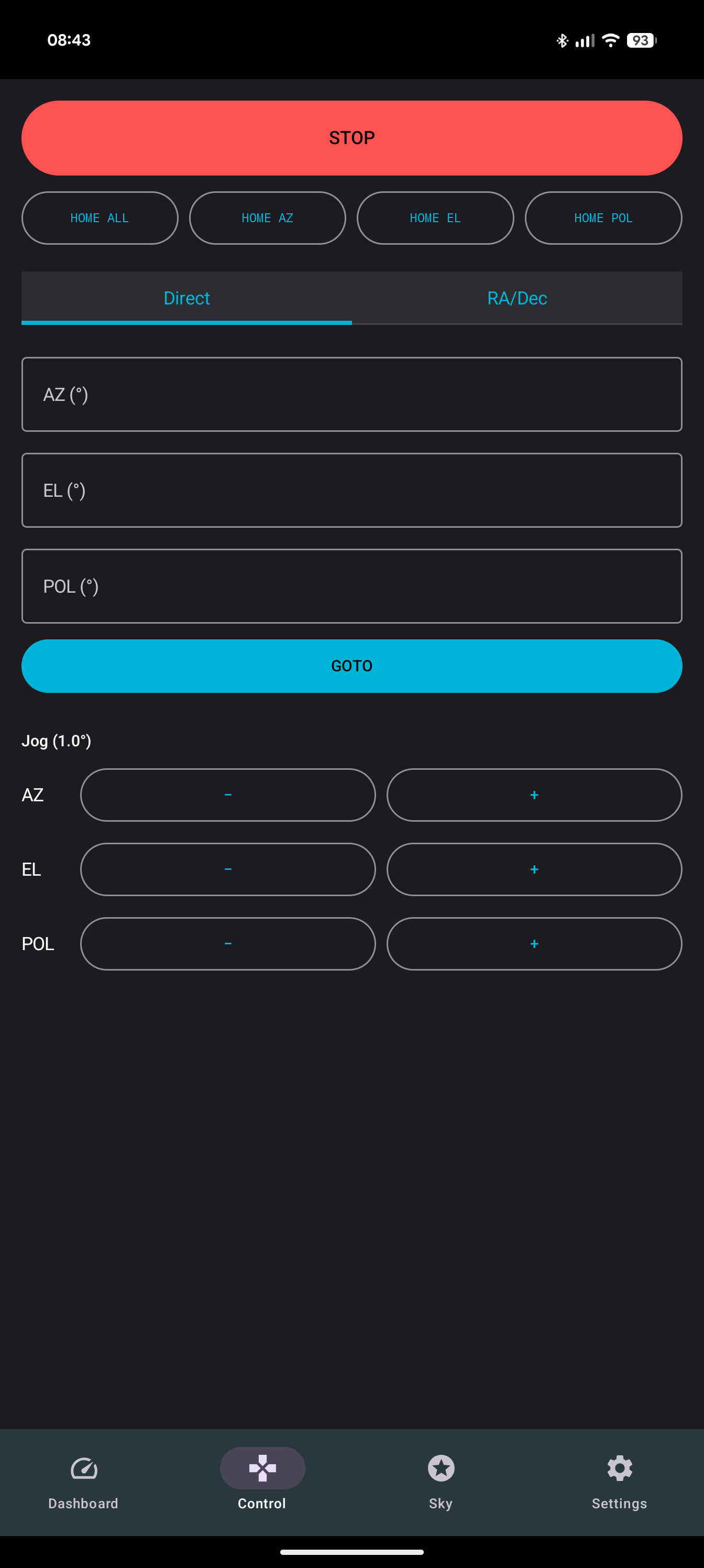
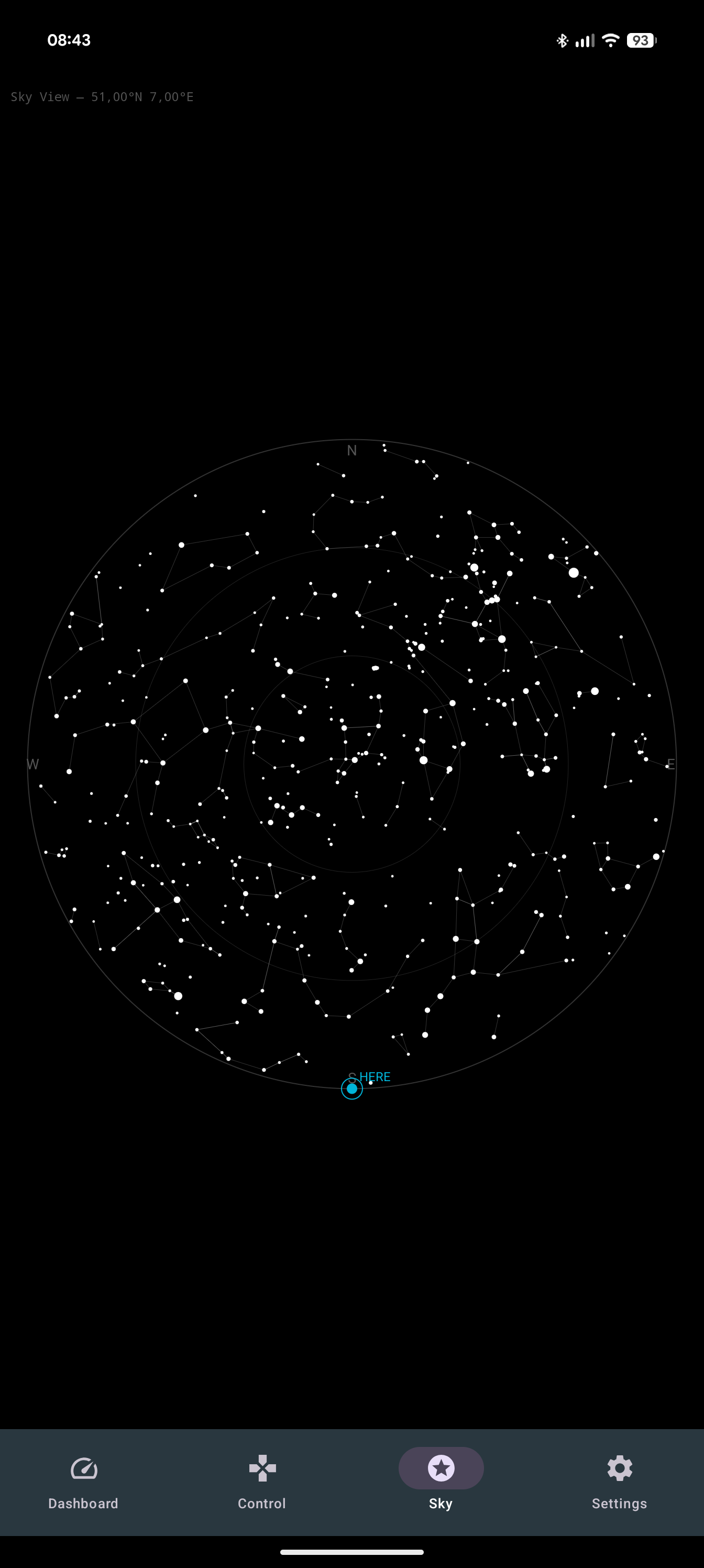
First F-Droid release. Az/El/RA-Dec pointing, manual axis control, homing,
live telemetry over WebSocket, and a built-in star/constellation sky view.
Recent approved comments · sorted by newest
View all comments