Digital field mapping app for geodiaries, fast surveys and GIS data collection.
F-Droid repository metadata
SMASH is a digital field mapping application developed to perform fast qualitative engineering/geologic surveys and GIS data collection.
The main aim of SMASH is to have a tool that:
fits in any pocket and can be always at hand, when needed
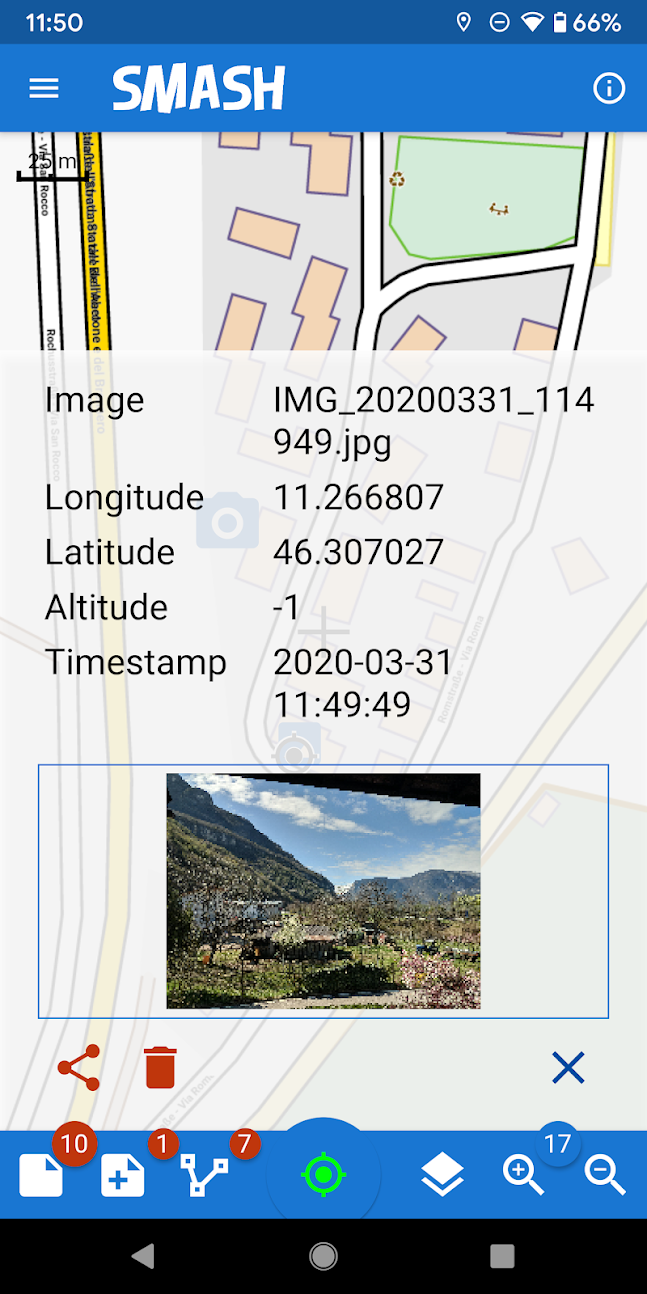
gives the possibility to take geo-referenced and possibly orientated pictures during a survey, with further possibility to import them into GIS applications like gvSIG
is able to easily exploit an Internet connection, if available
is extremely easy to use and intuitive, providing just few important functions
The main features available in SMASH are:
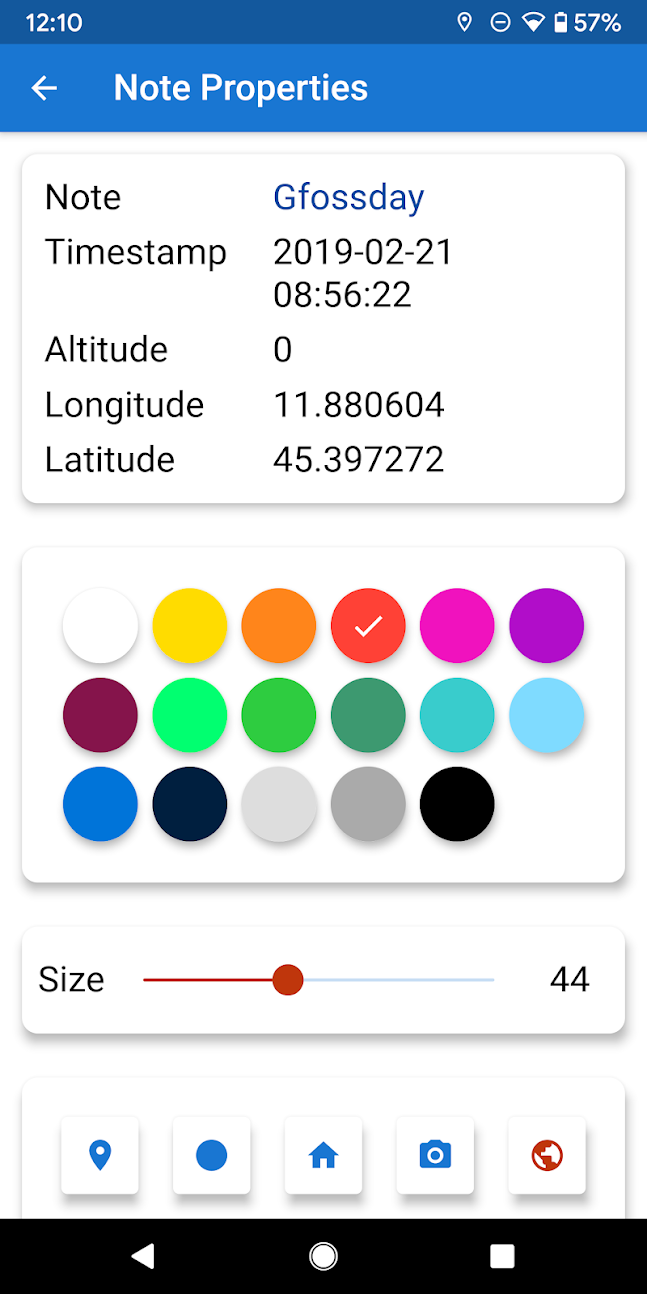
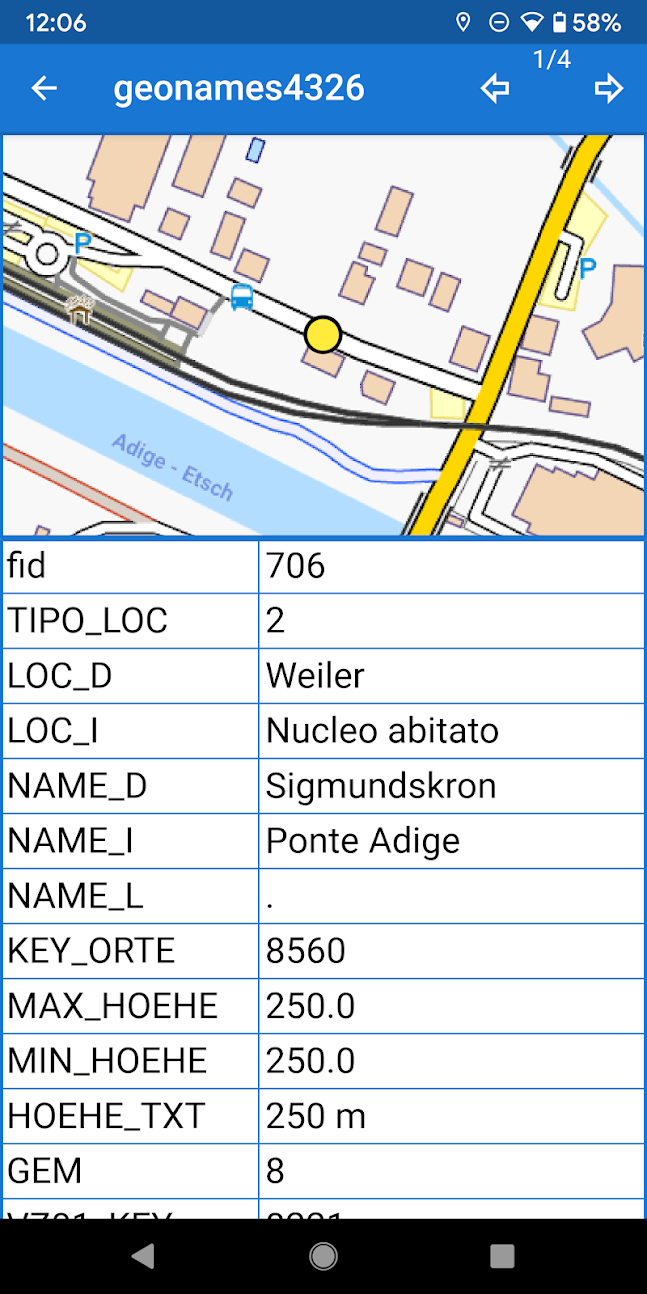
geo-referenced notes
geo-referenced and oriented pictures
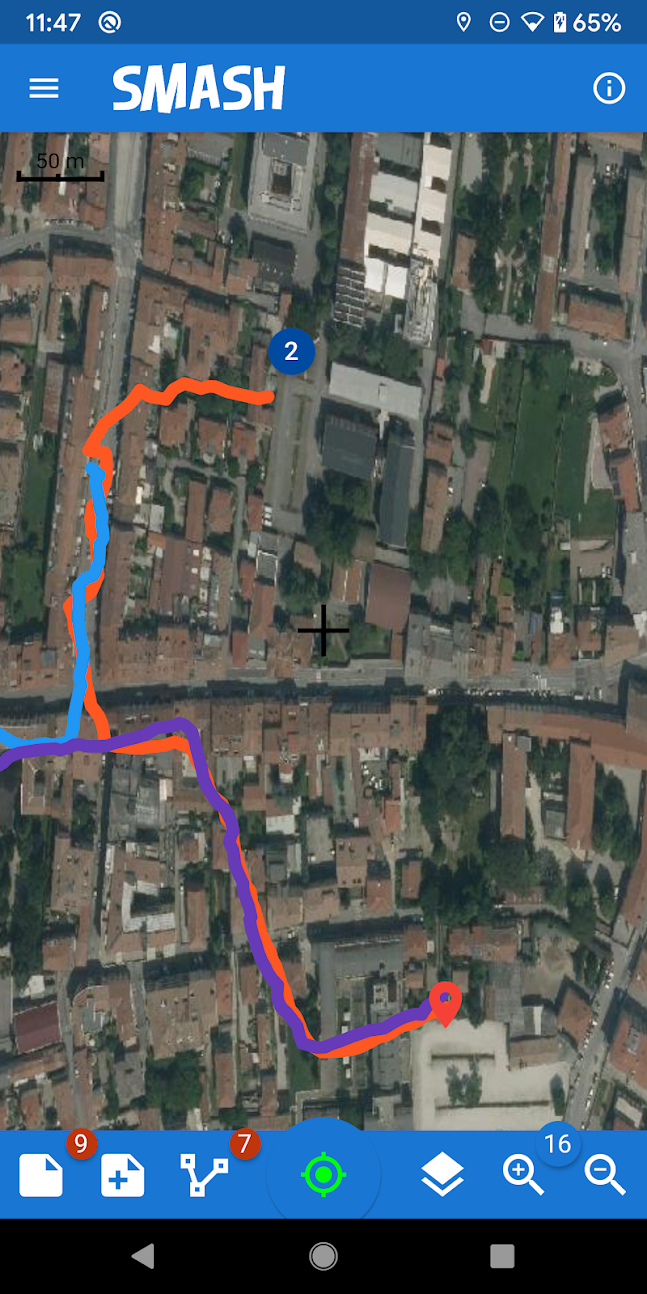
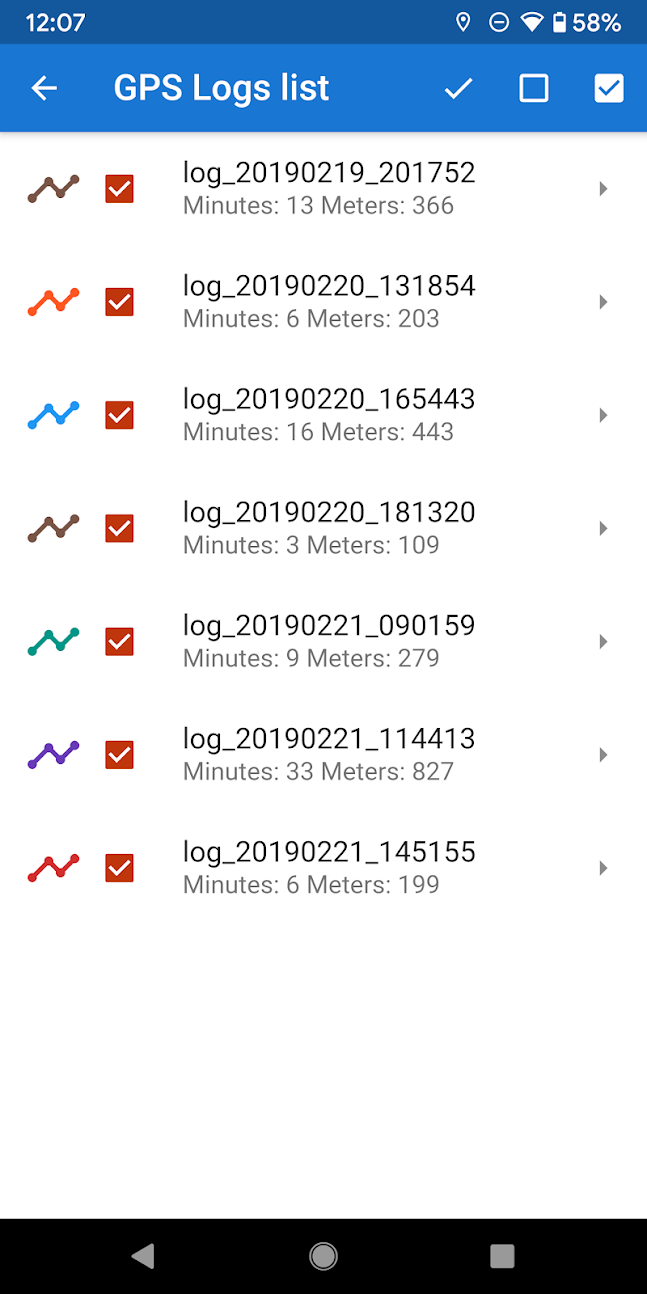
gps track logging
form-based data surveys
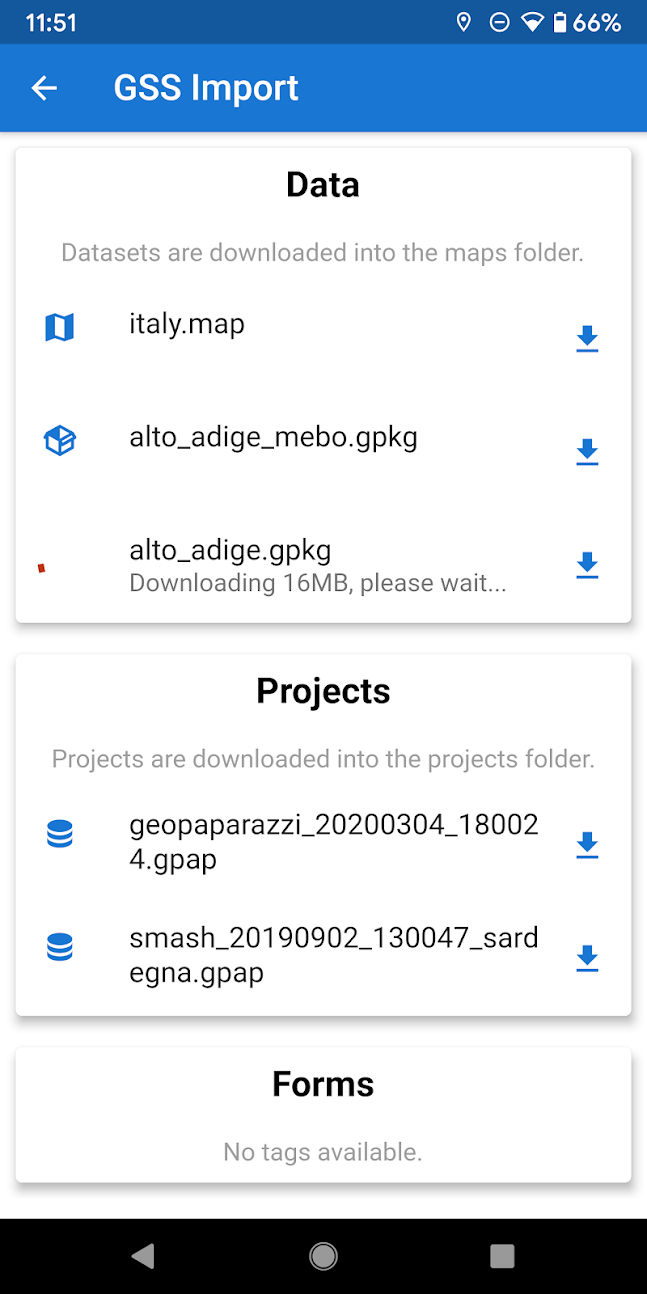
easy export of collected data
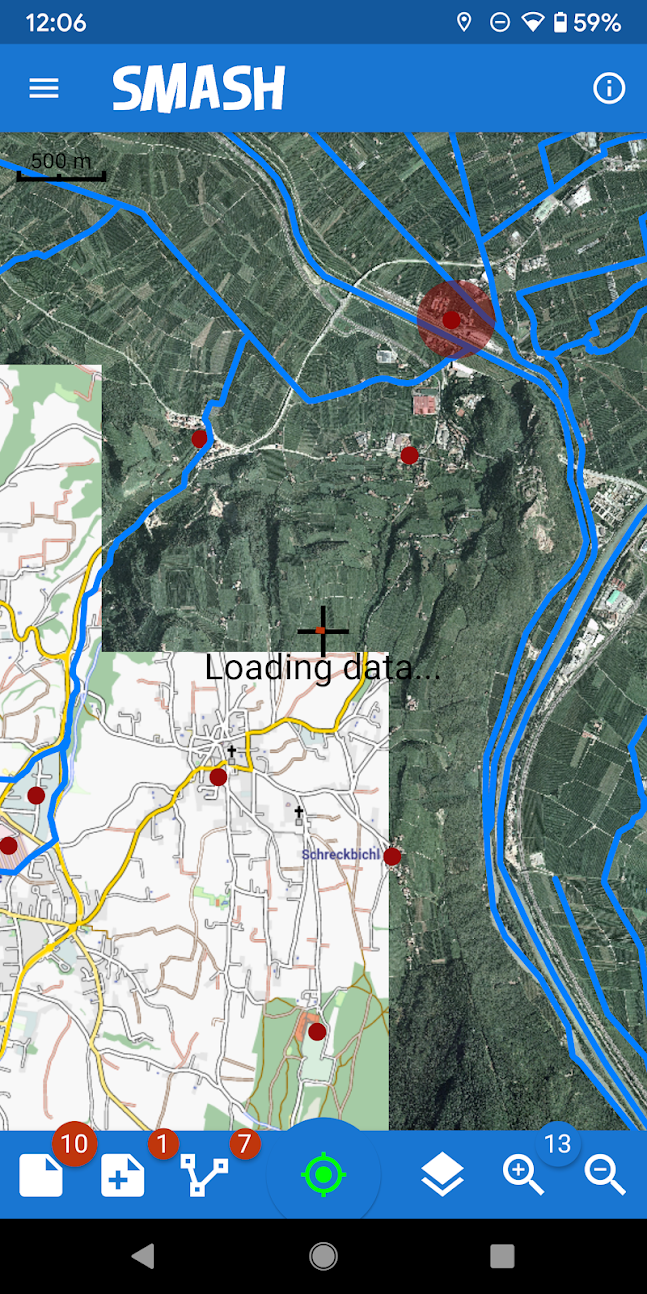
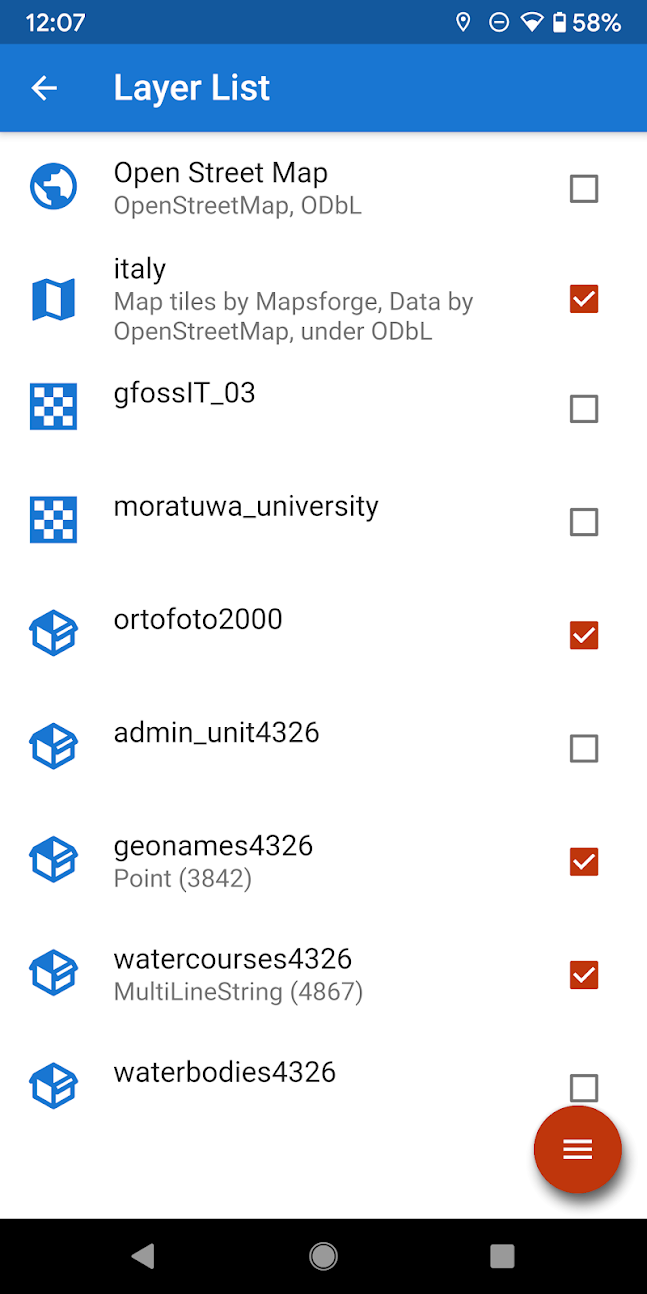
a map view for navigation with support for raster tiles and gpx vector data
geopackage (OGC standard) support
Screenshots
What’s new
Features:
- added tags for logs to better catalog and filer data - make gpx layers queryable when description contains key=value pairs
Enhancements:
- better markers with labels support. Fixes the ugly look of long labels. - file browser case insensitive sort order - show all values in the autocomplete forms on focus - Add the possibility to set memory enabled fields in the forms. The values for these fields will be remembered and filled on form opening the next time.
Bugfixes:
- fix on gpx
How to install
Download the APK from the button at the top of this page.
Allow “Install unknown apps” for your browser or file manager only, not for every app.
Open the downloaded file and confirm the installation.
If installation fails with “App not installed,” remove an earlier build of the same app first. A signature conflict is the usual cause.
Data safety
Every file is checked against its published SHA-256 before it is listed.
Files are scanned for malware on every update.
The permissions each app requests are listed on its own page.
Read the full safety policy for how we test, flag, and delist files.