AR overlay of the sun's and moon's path on your camera
F-Droid repository metadata
Heliodos is an augmented reality (AR) app that overlays the sun's and moon's trajectories onto your live camera feed, so you can see exactly where sunlight will fall at any time of year — right through your phone's viewfinder.
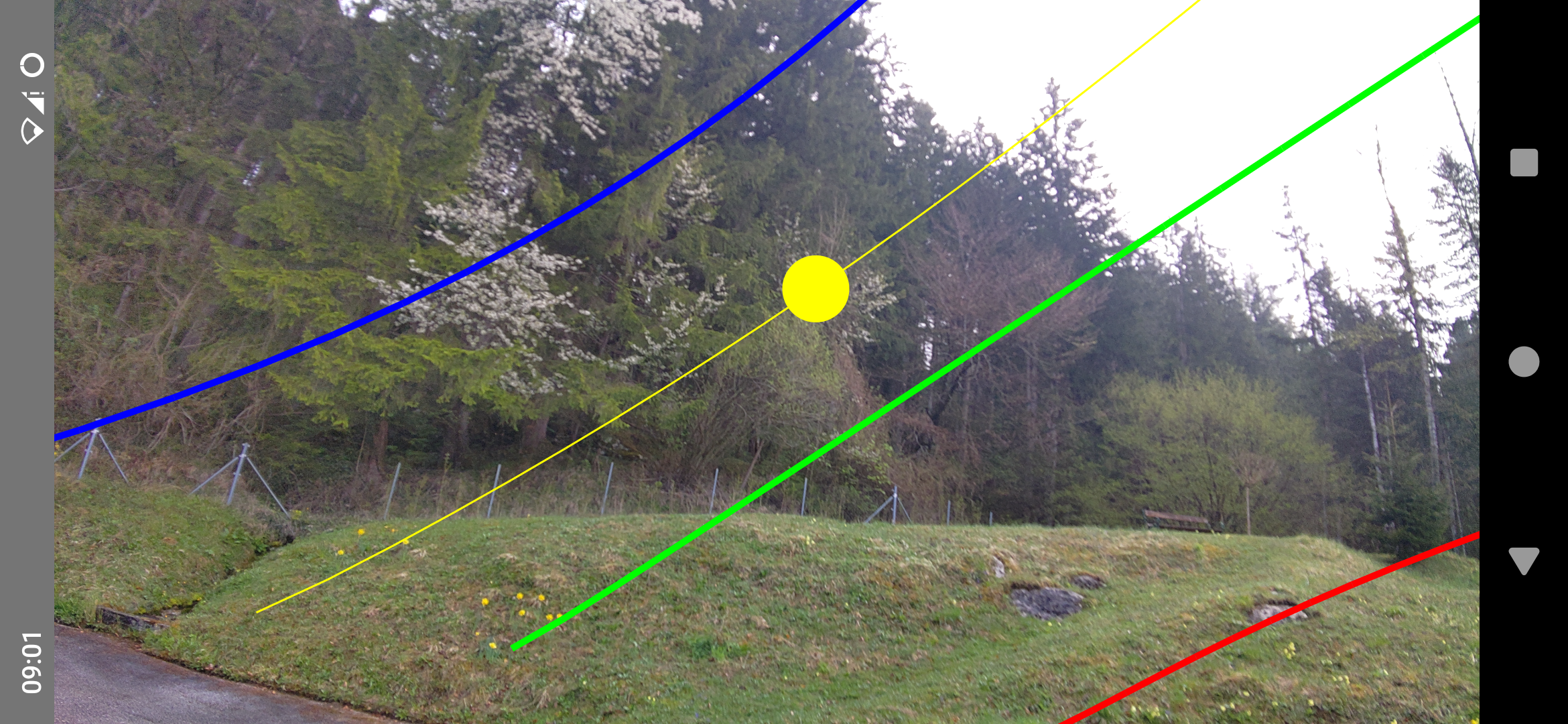
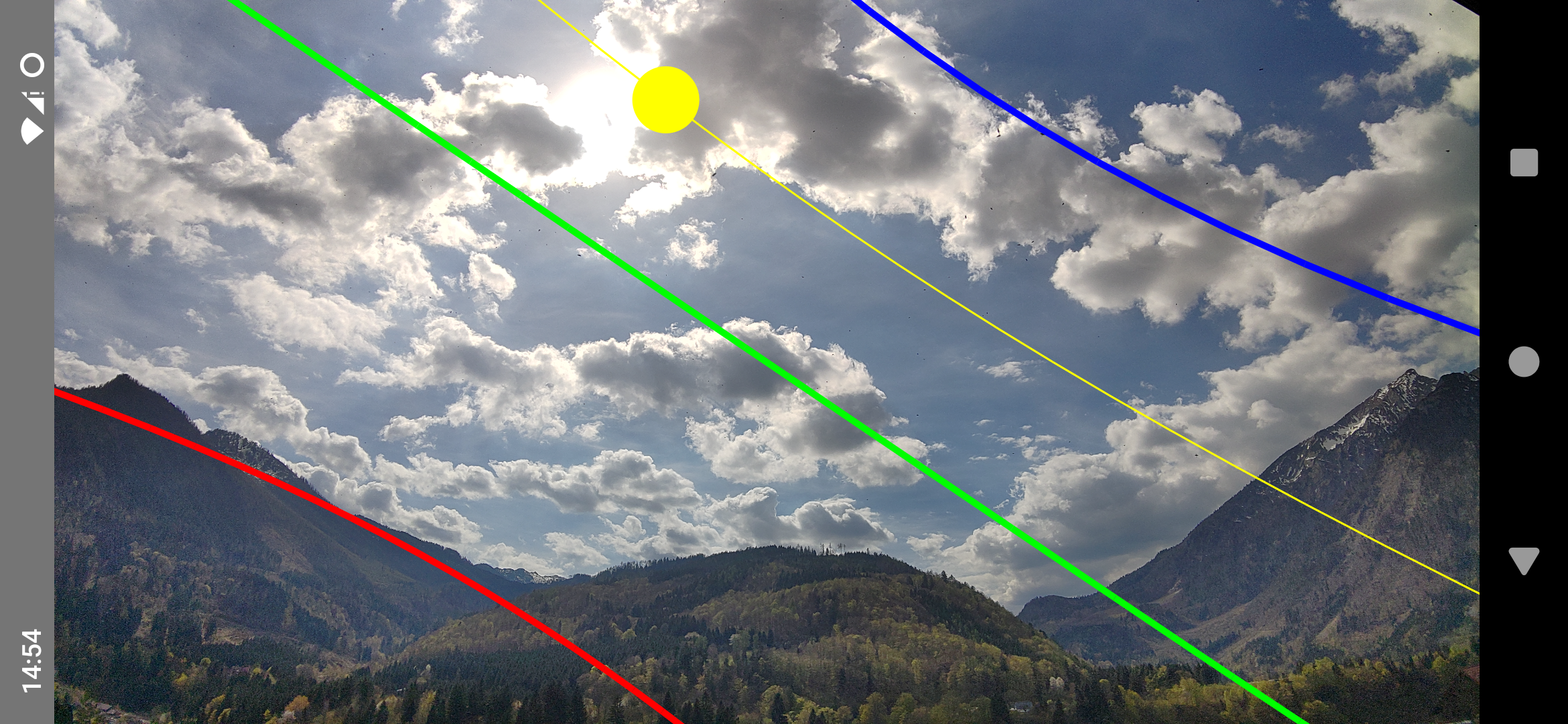
Stand in your garden, on a building plot, or any outdoor space, point your camera at the sky, and instantly see the sun's arc for the summer solstice, winter solstice, equinox, and the current date and time, plus the moon's current trajectory — including any obstacles in the sun's path.
Features
AR sun and moon trajectories: The sun's path for the solstices, the equinox, and the current moment — plus the moon's current trajectory — are drawn directly over the live camera image, with hour tick marks and time labels on the current paths.
Customisable paths: Toggle individual paths on or off and pick custom colours for each in the settings.
Flexible location: Uses your GPS location automatically, or lets you set any place on Earth manually.
Custom time: Simulate the sun's position at any time of day, not just right now.
Camera selection: Pinch to zoom to cycle through available back cameras (wide-angle, normal, telephoto).
Use cases
Gardening: Find out which spots get full sun in summer versus winter before you plant.
Real estate: Check how much natural light a room or terrace receives throughout the year.
Architecture & construction: Plan shading, windows, and solar panels with real-world sun data.
Photography: Scout locations and predict golden-hour angles in advance.
Heliodos requires camera and location permissions to function. No data is collected or transmitted.
Screenshots
What’s new
Initial release of Heliodos.
Features: - AR overlay of the sun path and position over the camera feed - Shows sun paths at solstices, equinoxes and the current date/time - Location from GPS or custom set to any place on Earth - Current time or custom set time
How to install
Download the APK from the button at the top of this page.
Allow “Install unknown apps” for your browser or file manager only, not for every app.
Open the downloaded file and confirm the installation.
If installation fails with “App not installed,” remove an earlier build of the same app first. A signature conflict is the usual cause.
Data safety
Every file is checked against its published SHA-256 before it is listed.
Files are scanned for malware on every update.
The permissions each app requests are listed on its own page.
Read the full safety policy for how we test, flag, and delist files.