
Quick answer
Perform physics experiments with your phone. (by the RWTH Aachen University)
F-Droid repository metadata
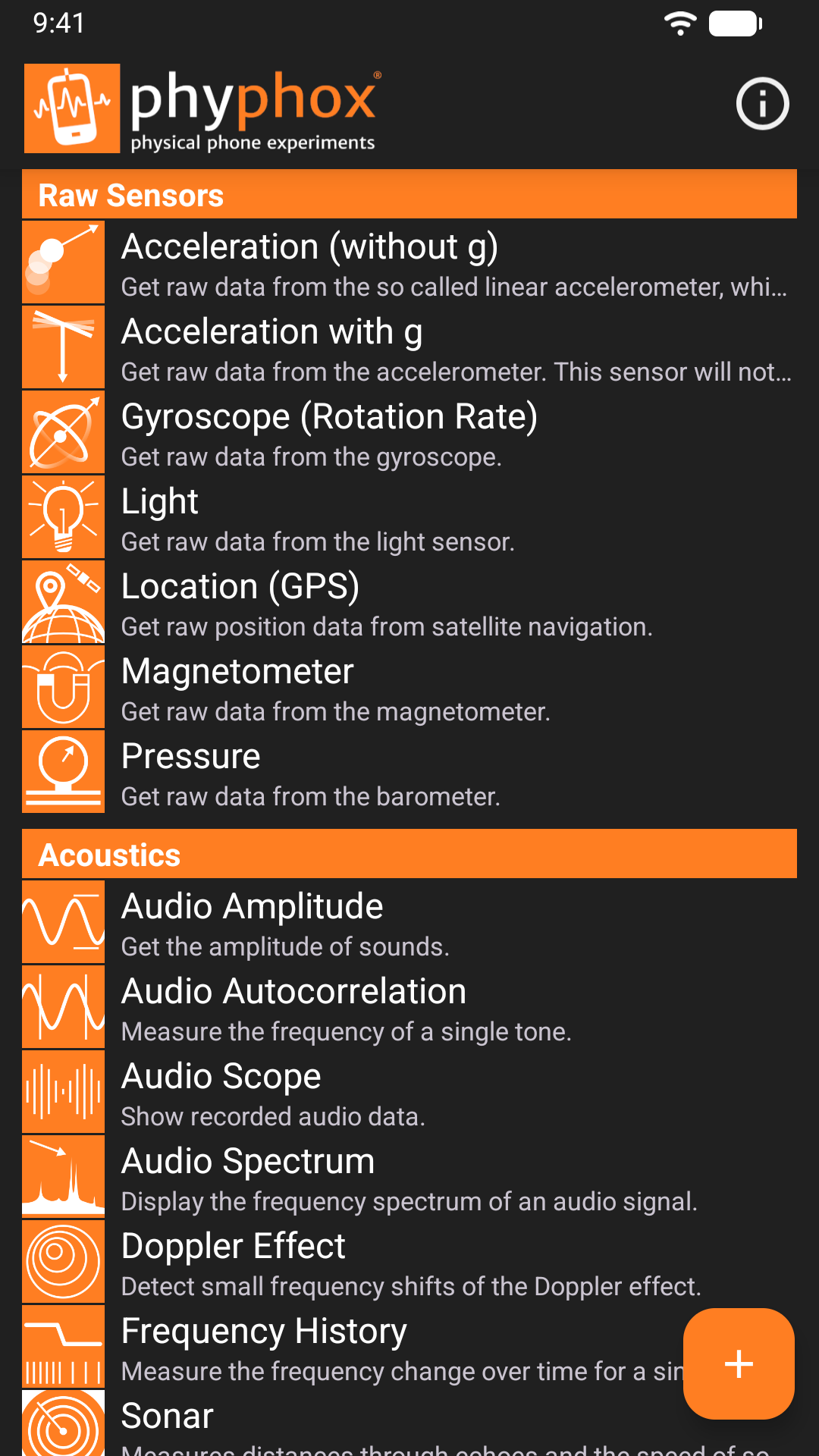
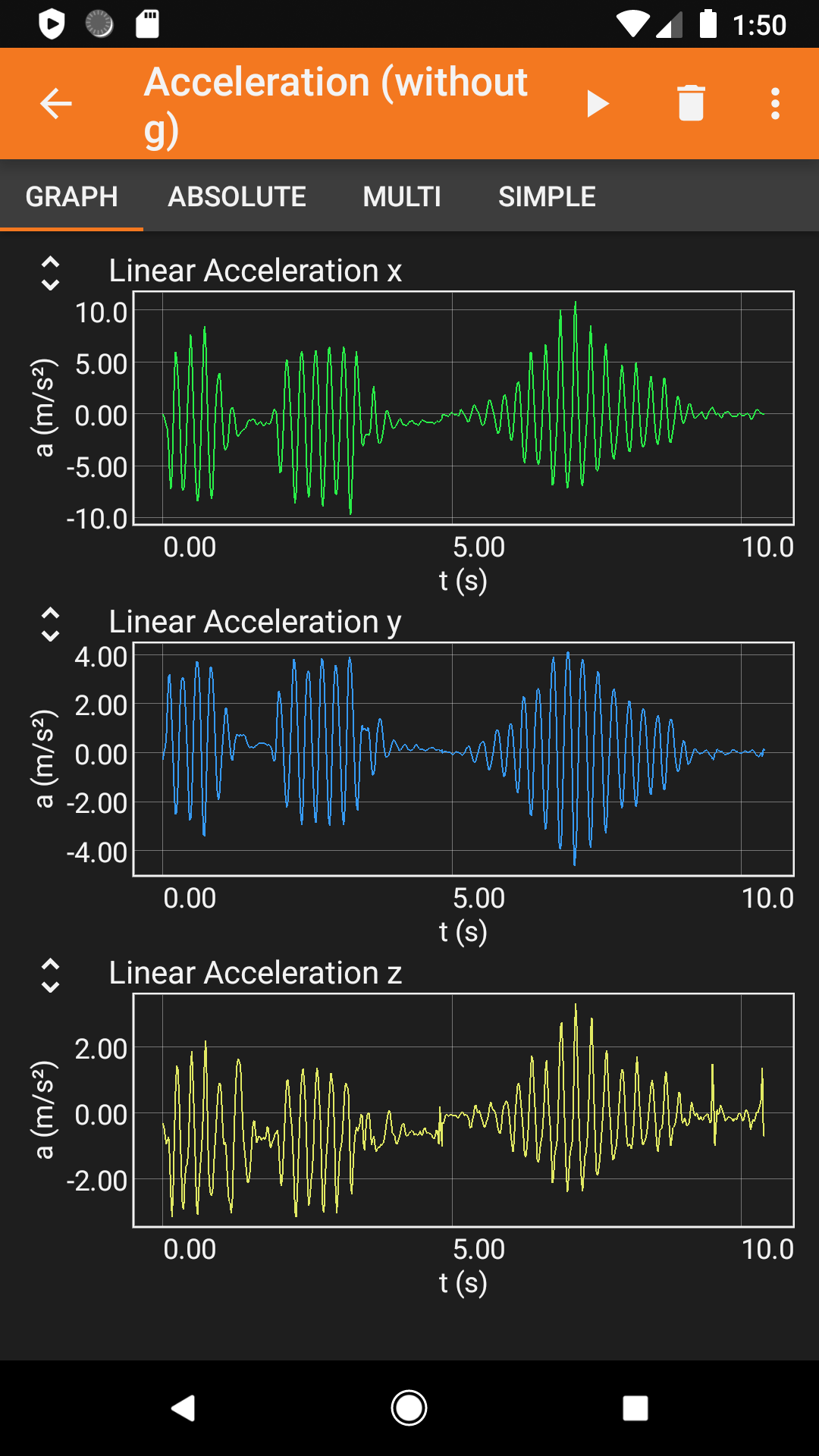
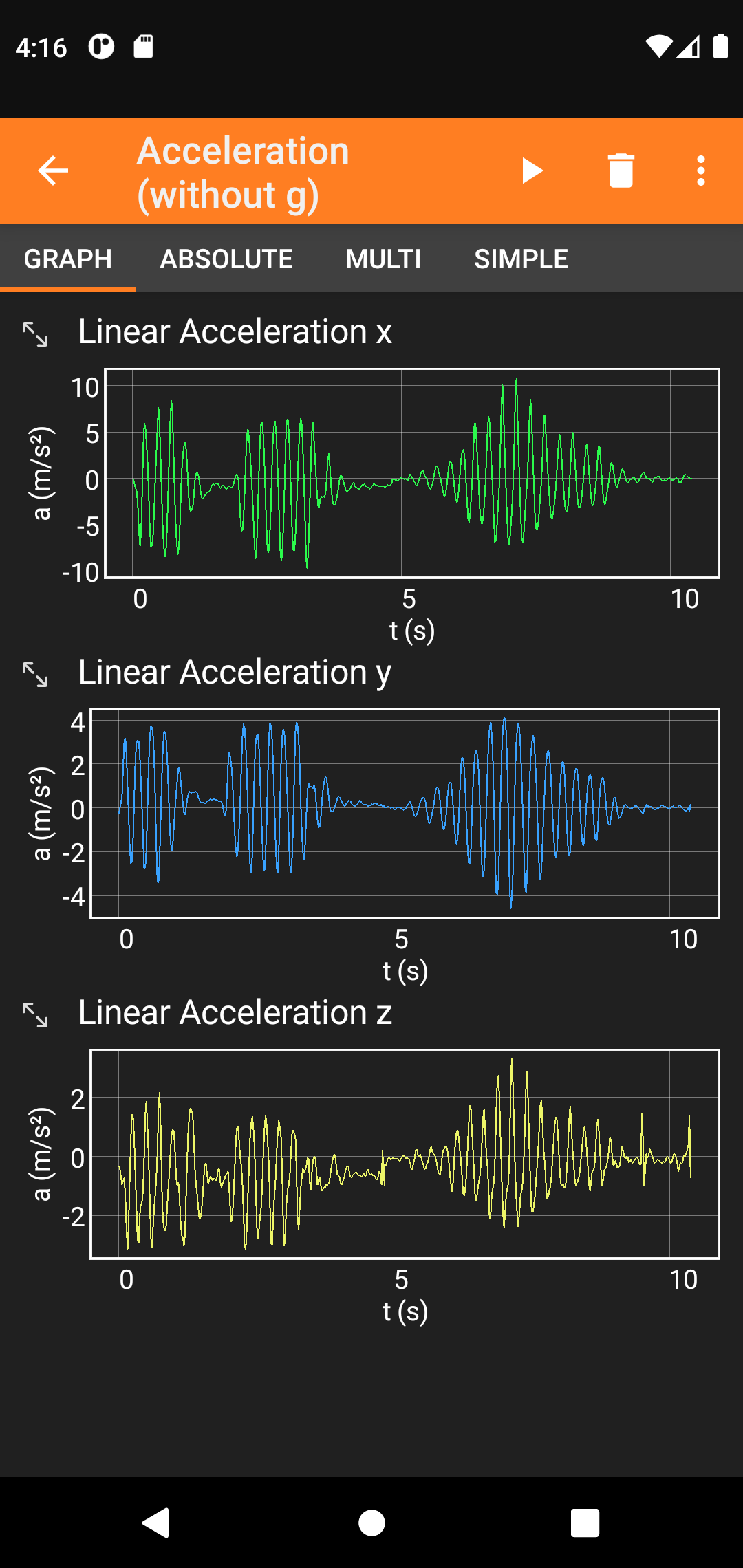
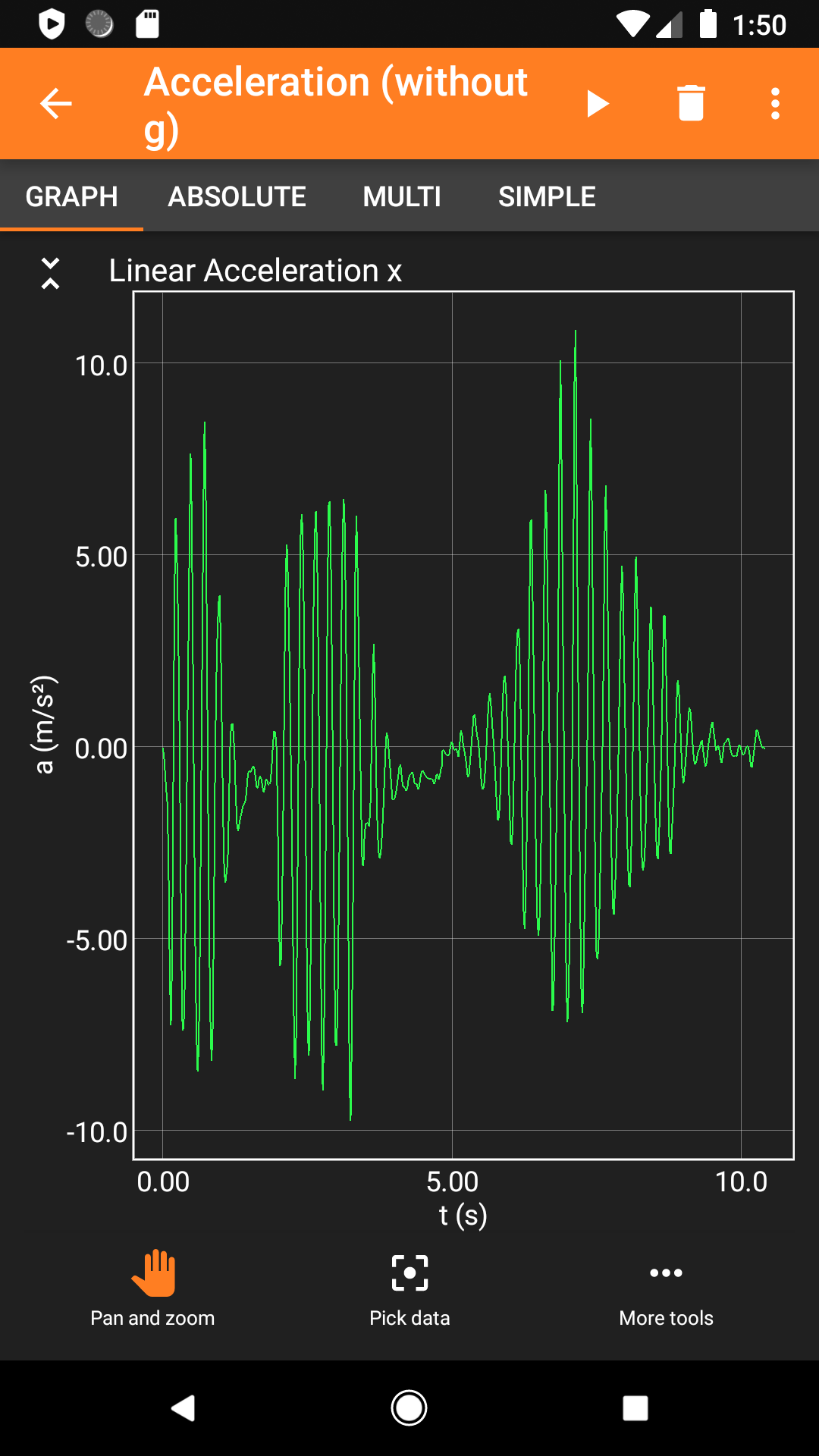
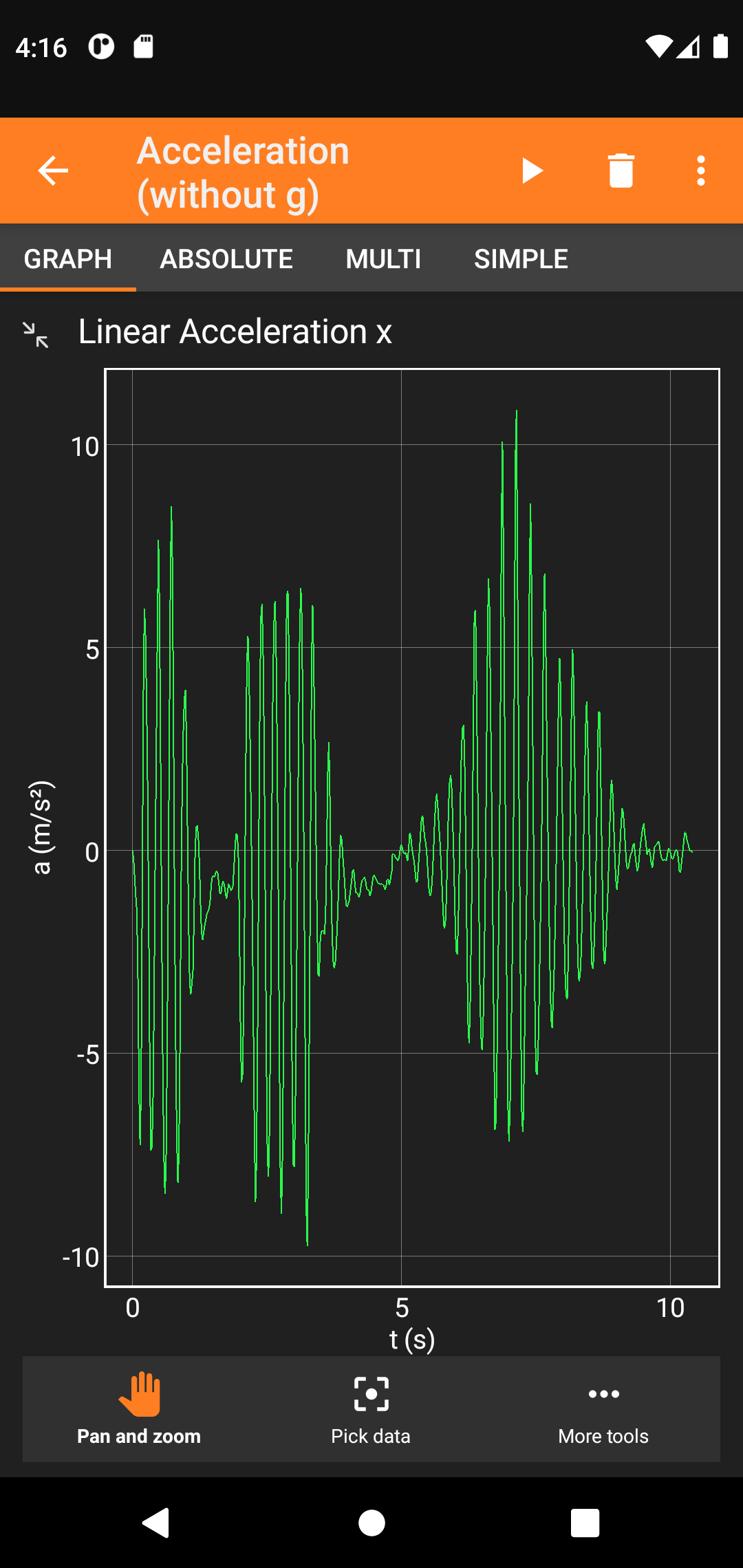
Did you know that you are carrying a 3D magnetometer? That you can use your phone as a pendulum to measure earth's local gravitational acceleration? That you can turn your phone into a sonar?
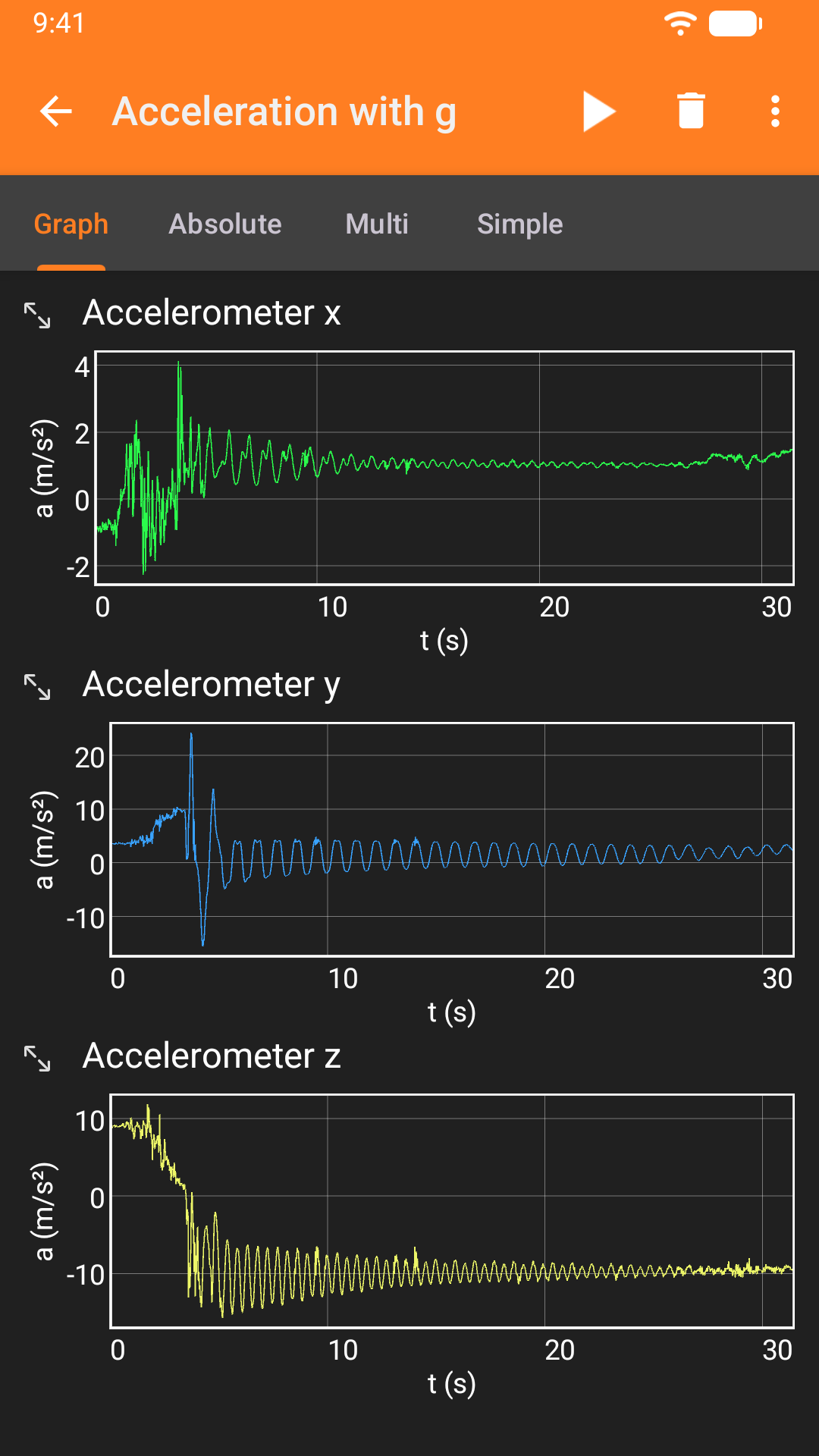
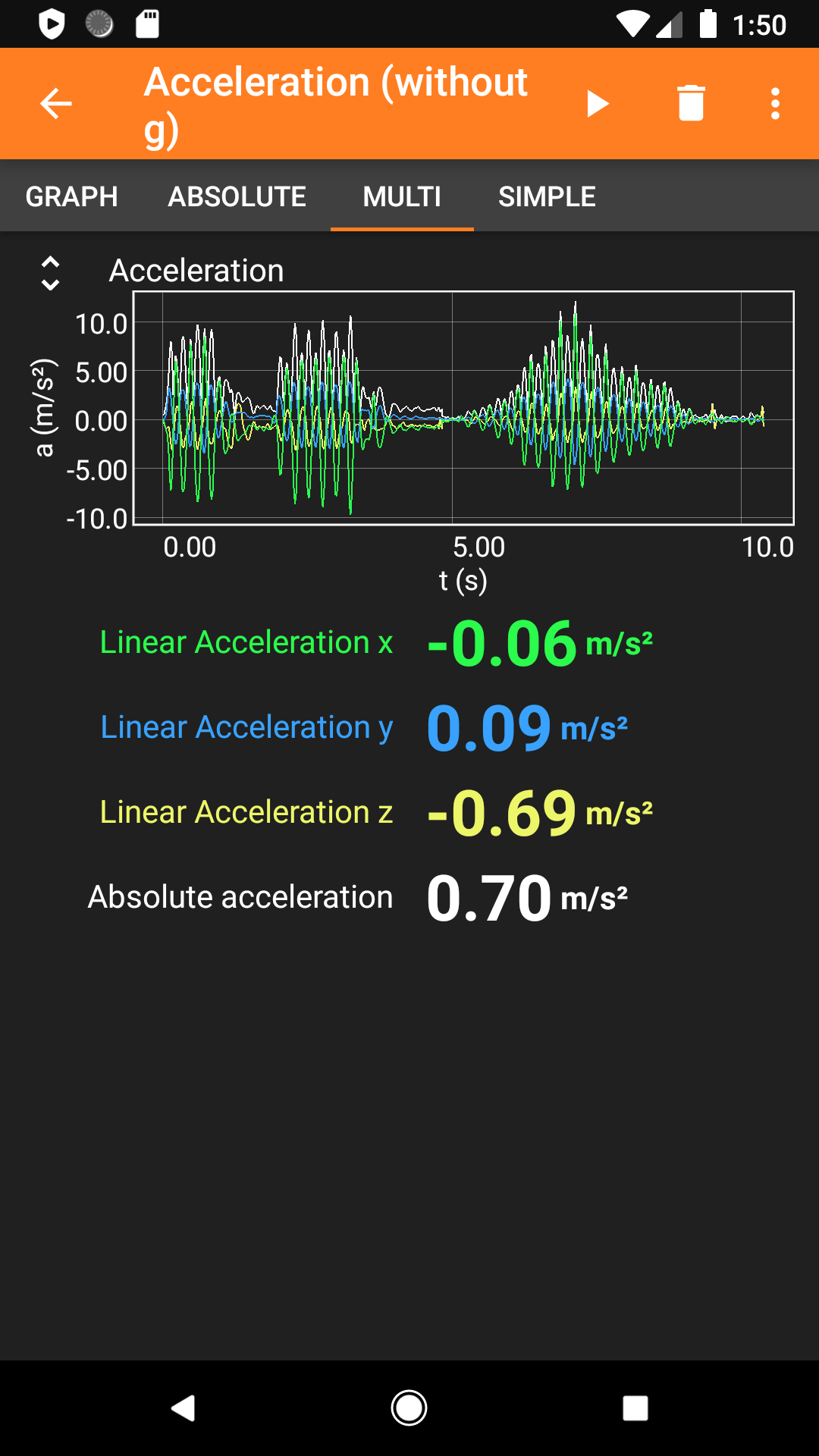
phyphox gives you access to the sensors of your phone either directly or through ready-to-play experiments which analyze your data and let you export raw data along with the results for further analysis. You can even define your own experiments on phyphox.org and share them with colleagues, students and friends.
Selected Features:
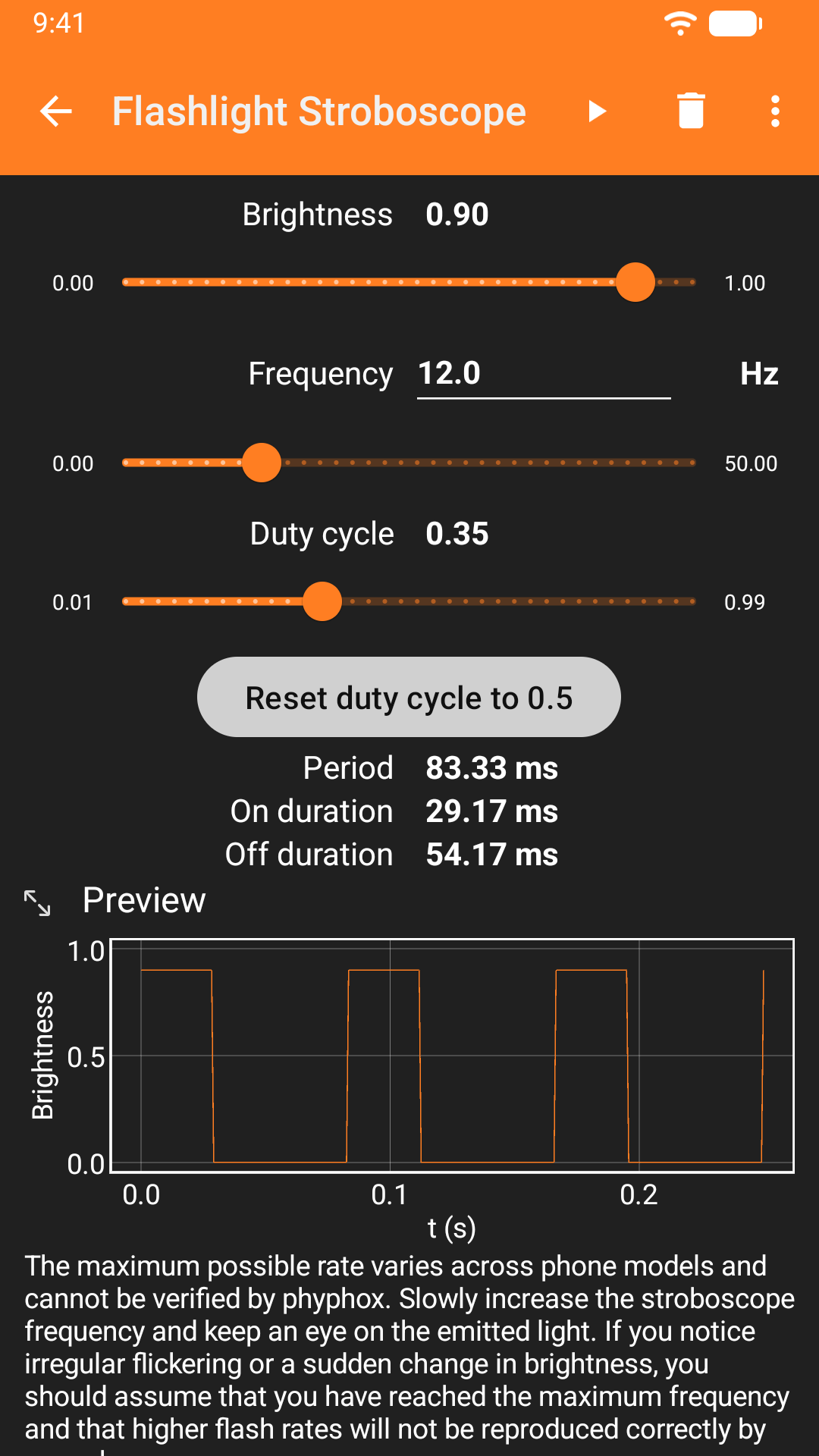
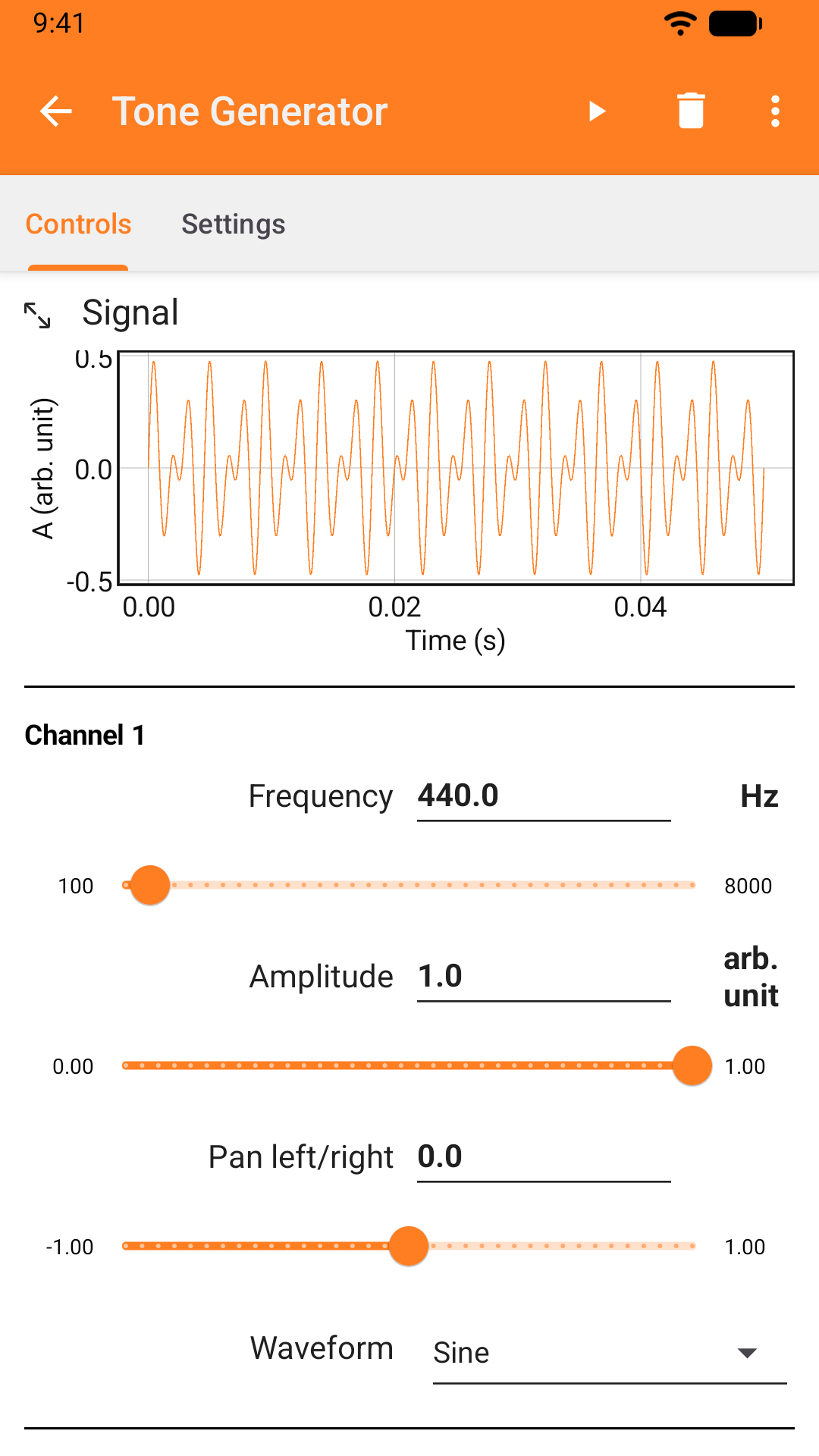
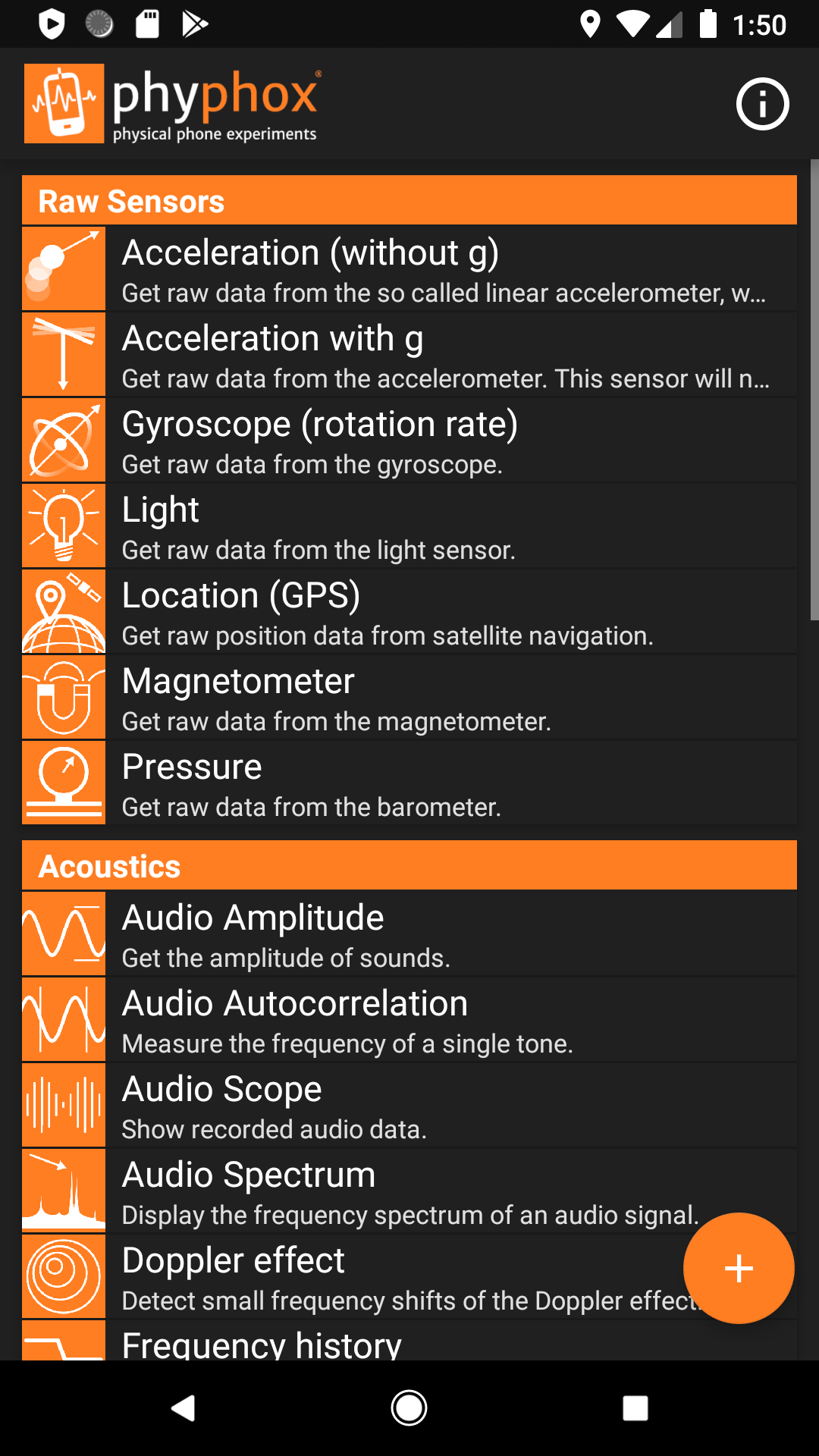
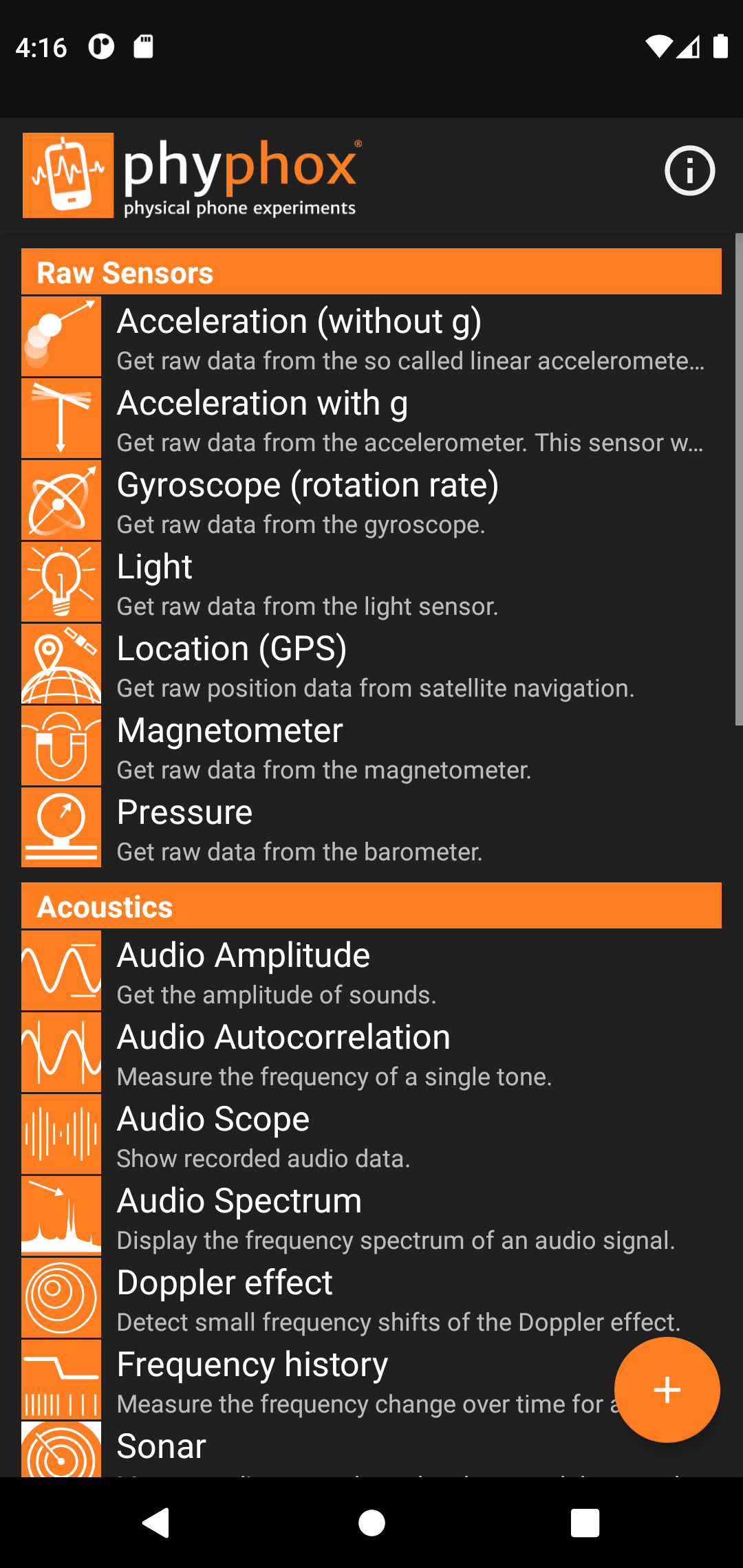
• A selection of pre-defined experiments. Just press play to start.
• Export your data to a range of widely used formats
• Remote-control your experiment through a web interface from any PC on the same network as your phone. No need to install anything on those PCs - all you need is a modern web browser.
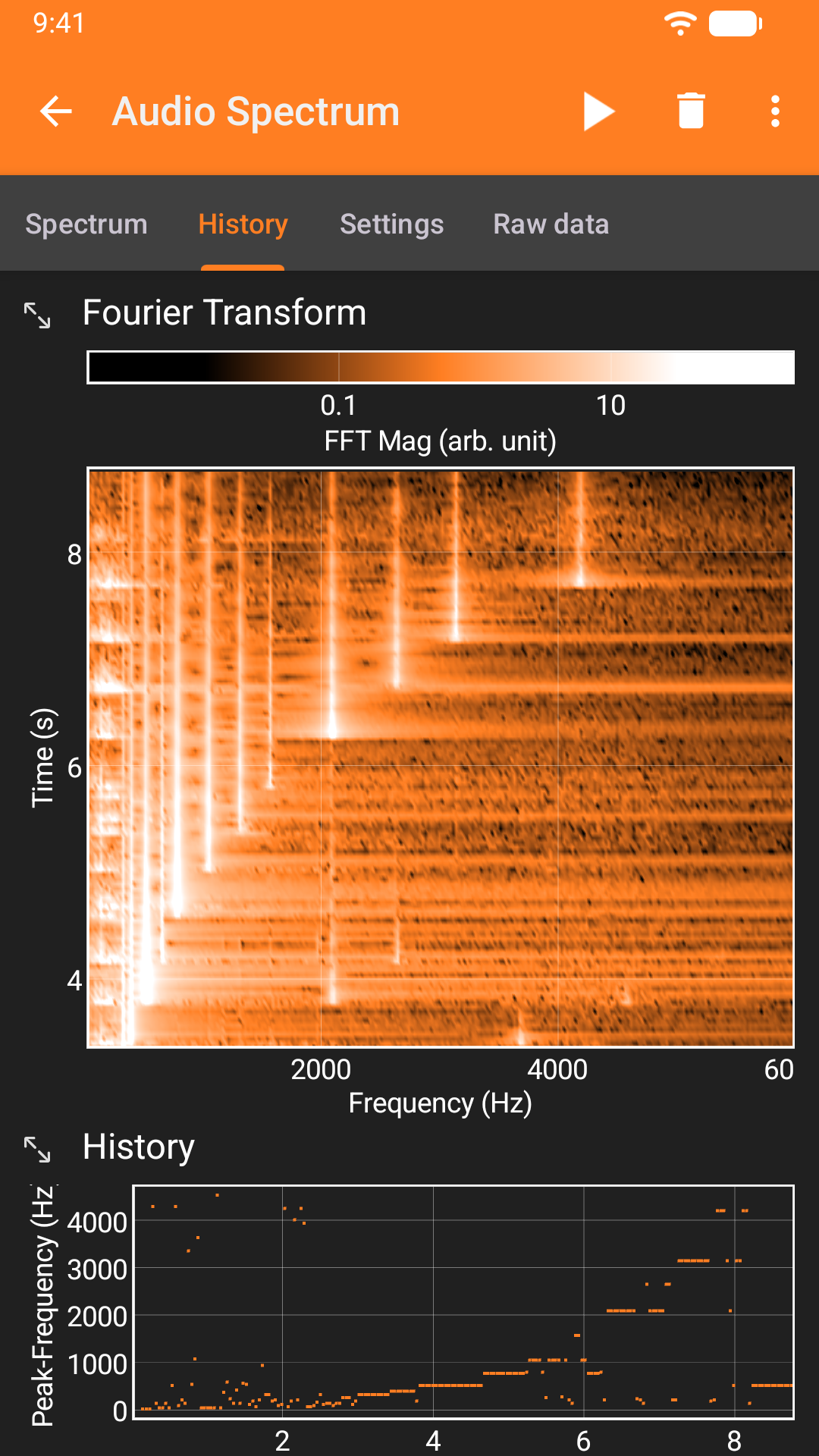
• Define your own experiments by selecting sensor inputs, defining analysis steps and creating views as an interface using our web-editor (http://phyphox.org/editor). The analysis consists of just adding two values or using advanced methods like Fourier transforms and crosscorrelation. We offer a whole toolbox of analysis functions.
Sensors supported:
• Accelerometer
• Magnetometer
• Gyroscope
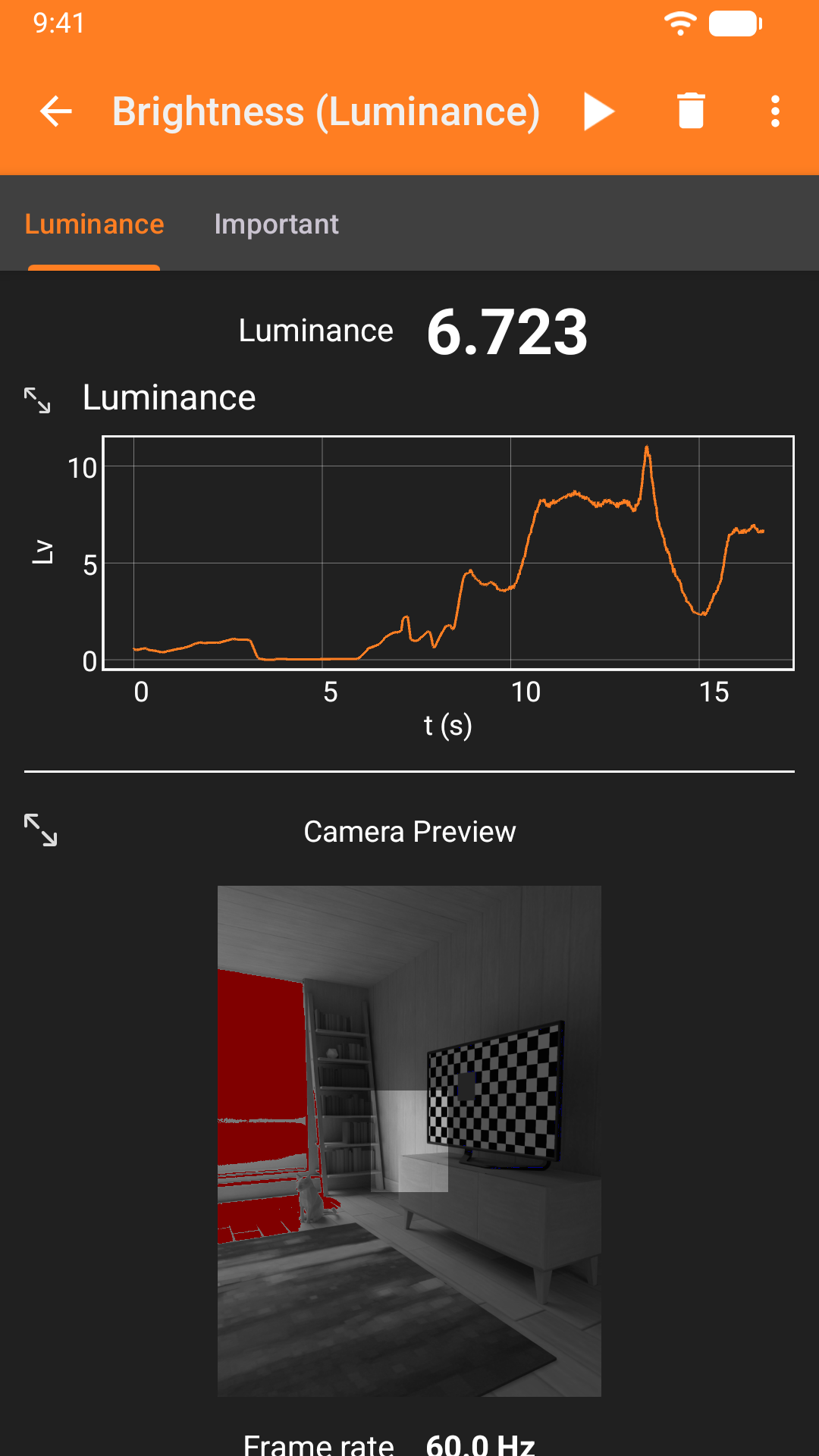
• Light intensity
• Pressure
• Microphone
• Proximity
• GPS
• Camera
• LiDAR/ToF
*some sensors are not present on every phone.
Export formats
• CSV (Comma separated values)
• TSV (Tab-separated values)
• Excel
(if you need other formats, please let us know)
This app has been developed at the 2nd Institute of Physics A at the RWTH Aachen University.
Screenshots
How to install
- Download the APK from the button at the top of this page.
- Allow “Install unknown apps” for your browser or file manager only, not for every app.
- Open the downloaded file and confirm the installation.
- If installation fails with “App not installed,” remove an earlier build of the same app first. A signature conflict is the usual cause.
Data safety
- Every file is checked against its published SHA-256 before it is listed.
- Files are scanned for malware on every update.
- The permissions each app requests are listed on its own page.
- Read the full safety policy for how we test, flag, and delist files.
Comments
Recent approved comments · sorted by newest
View all comments