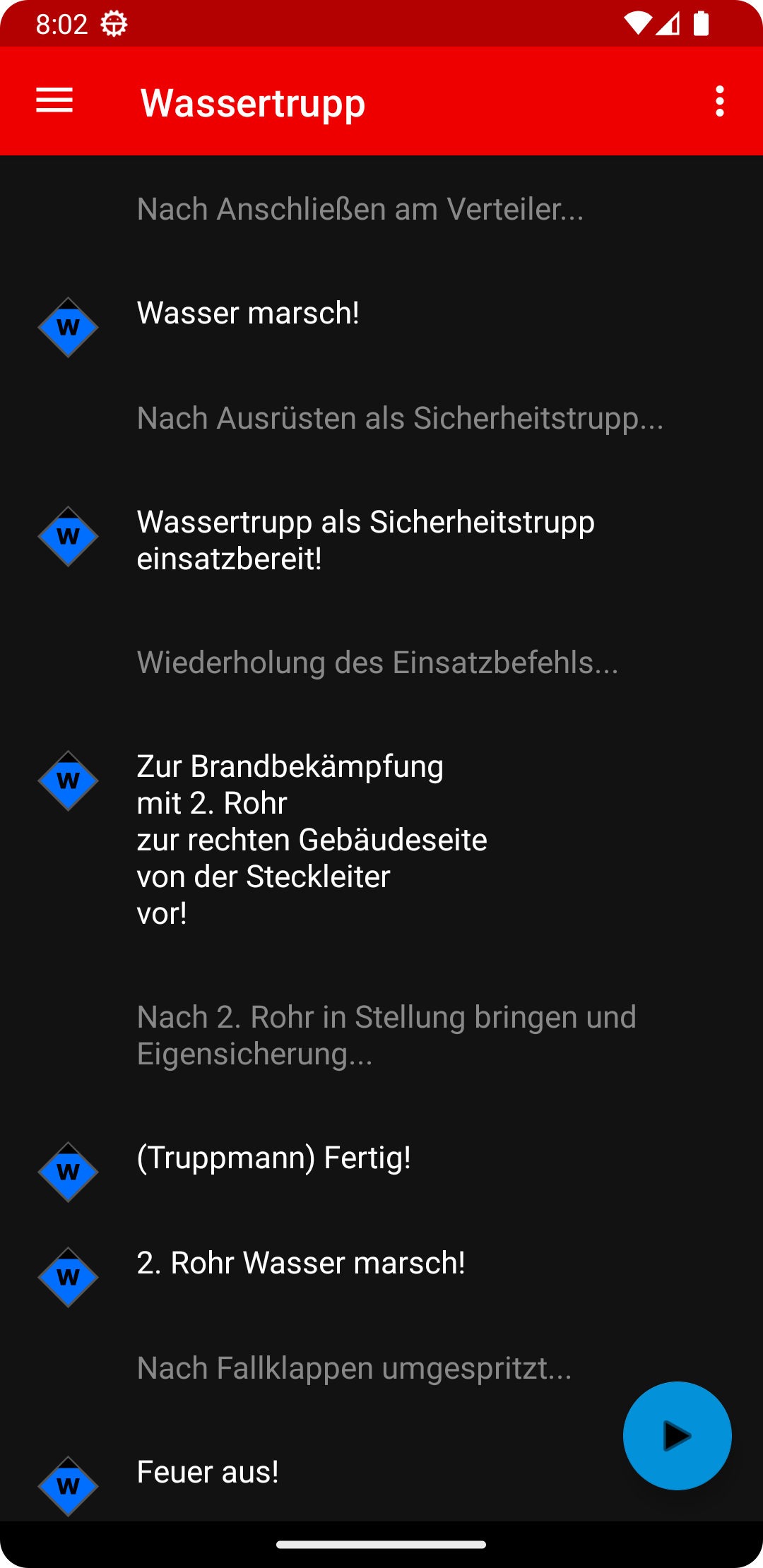
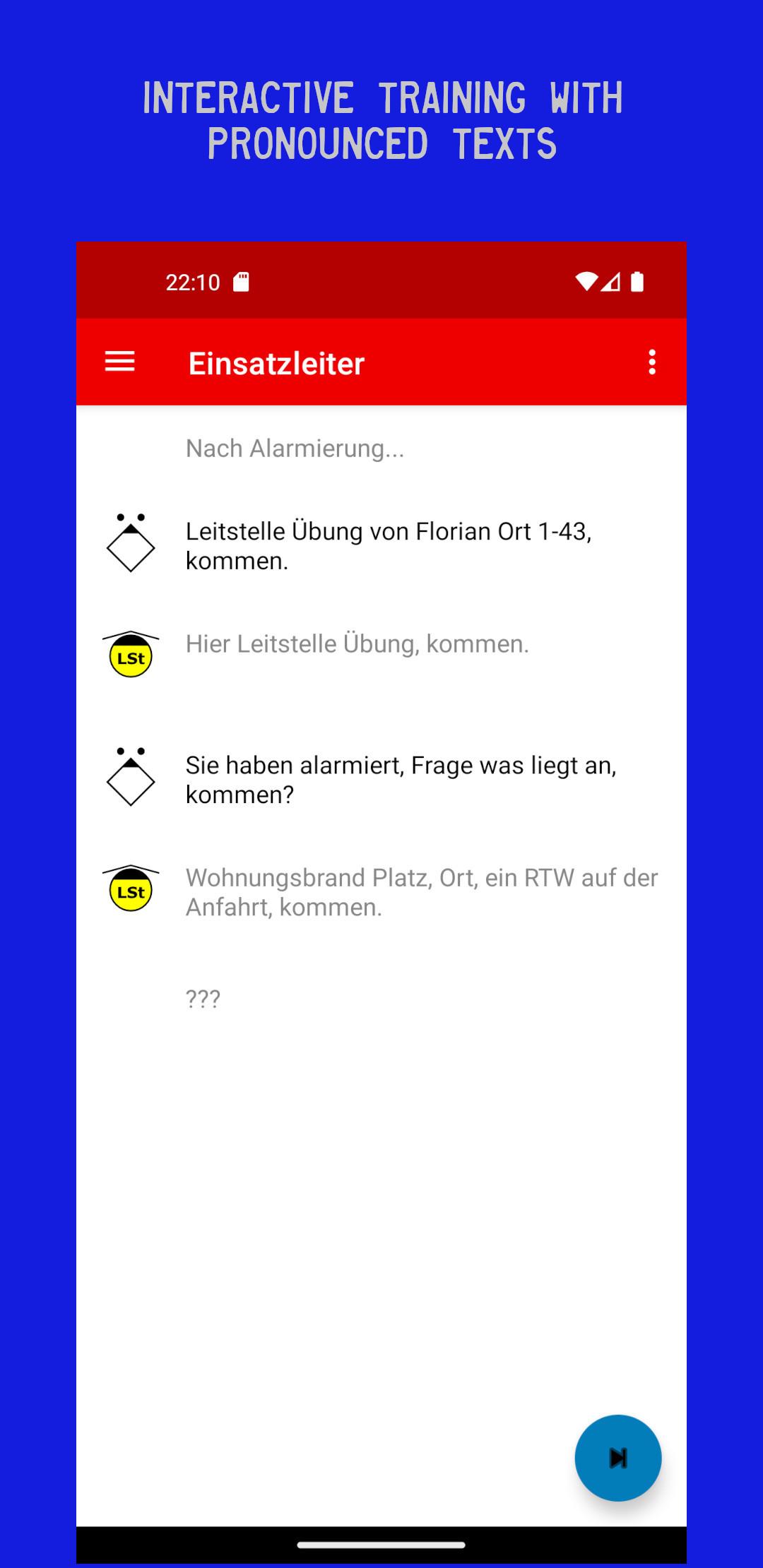
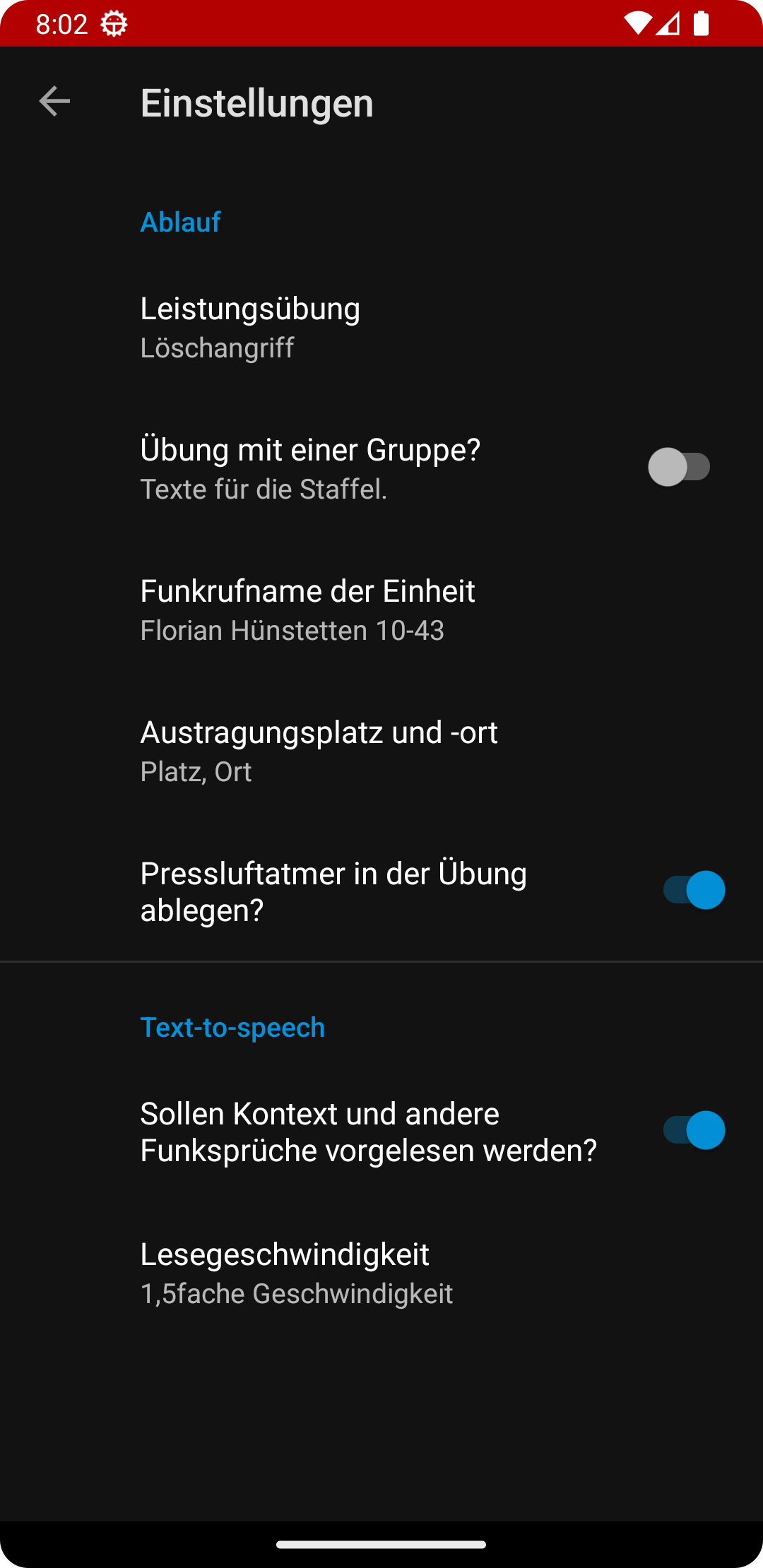
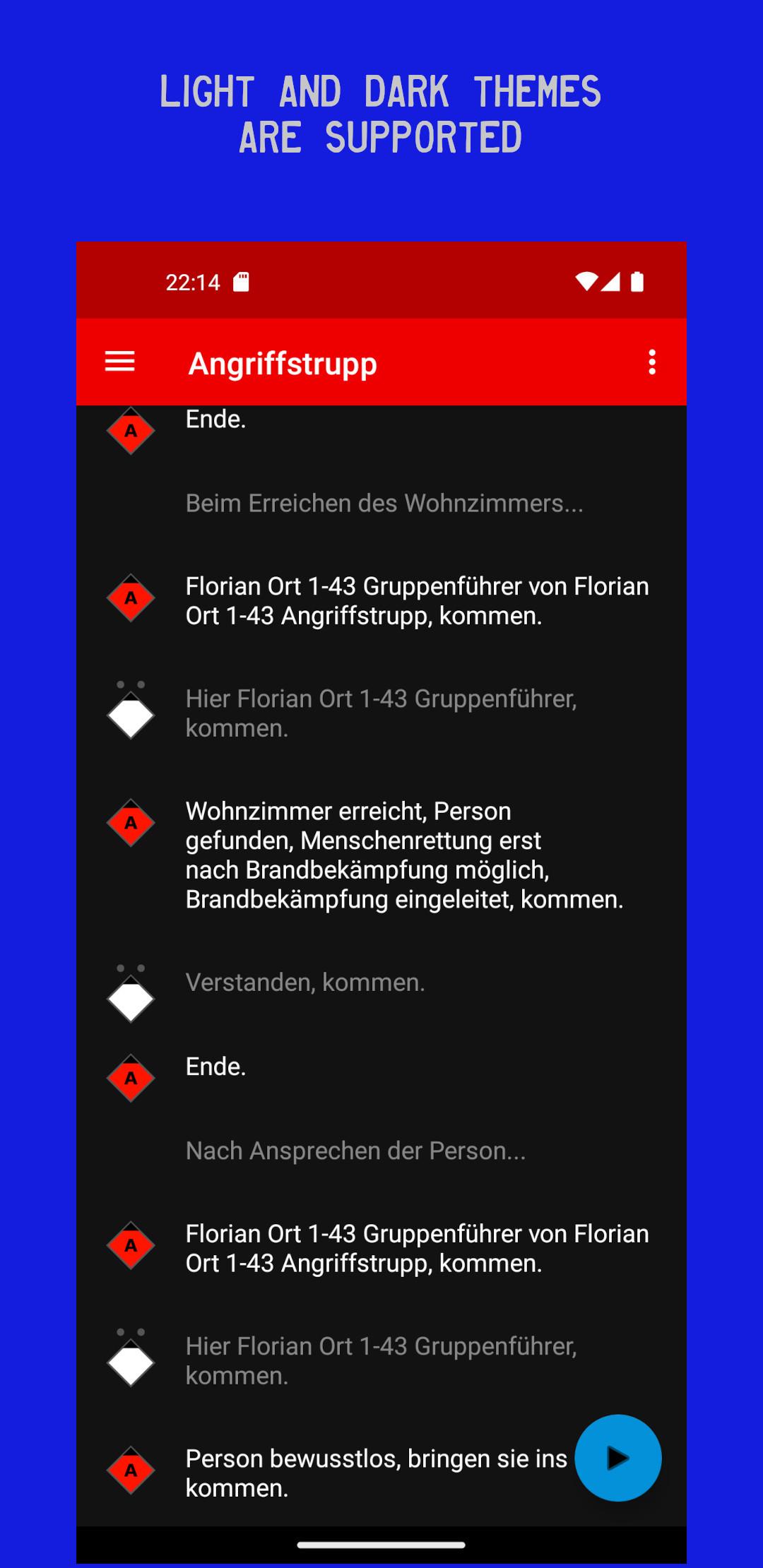
Training for the Hessische FW-Leistungsübung: practice key calls and commands.
F-Droid repository metadata
Competition Radio Trainer helps firefighters prepare for the
Hessische Feuerwehrleistungsübung (HFLÜ).
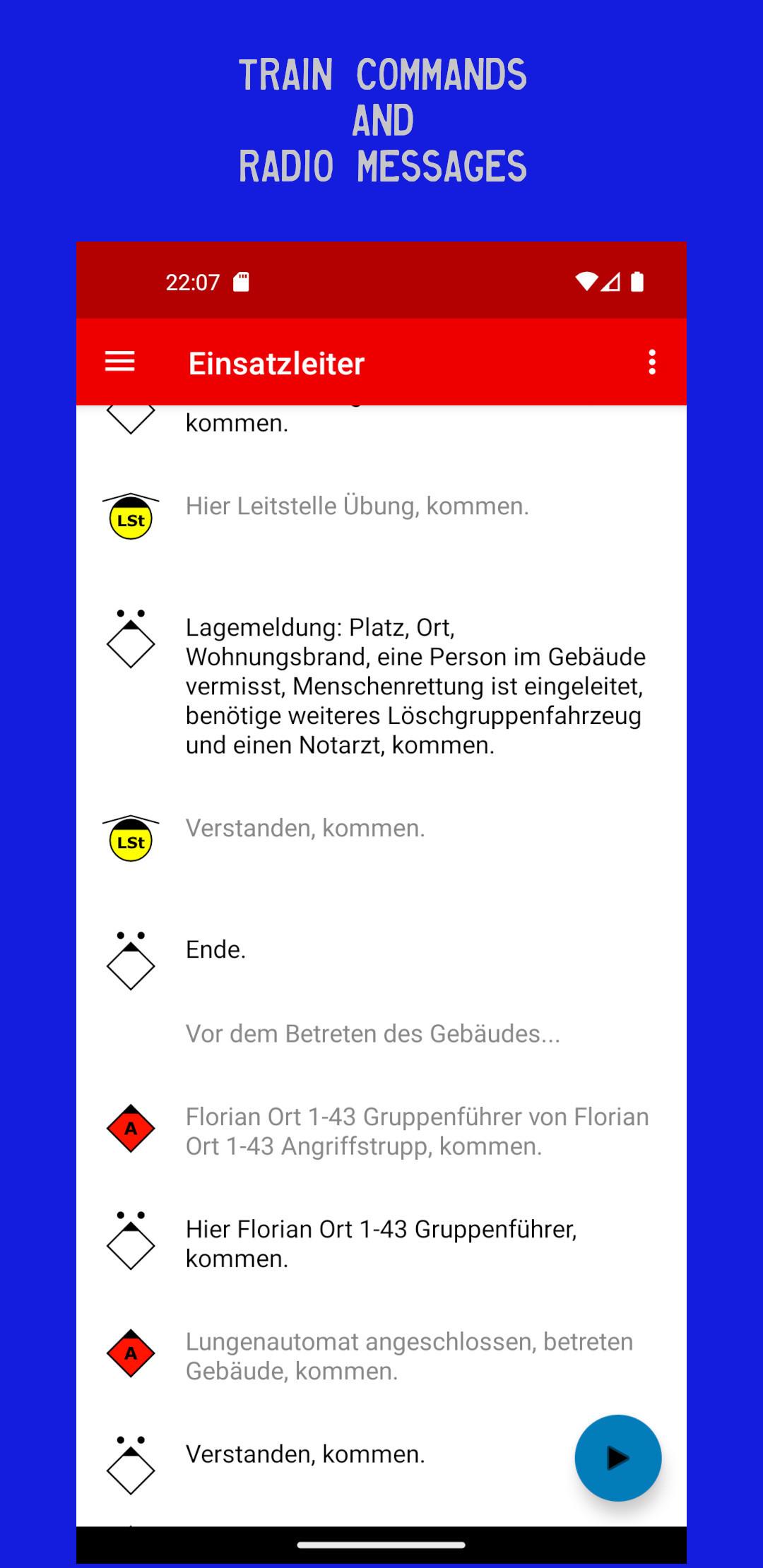
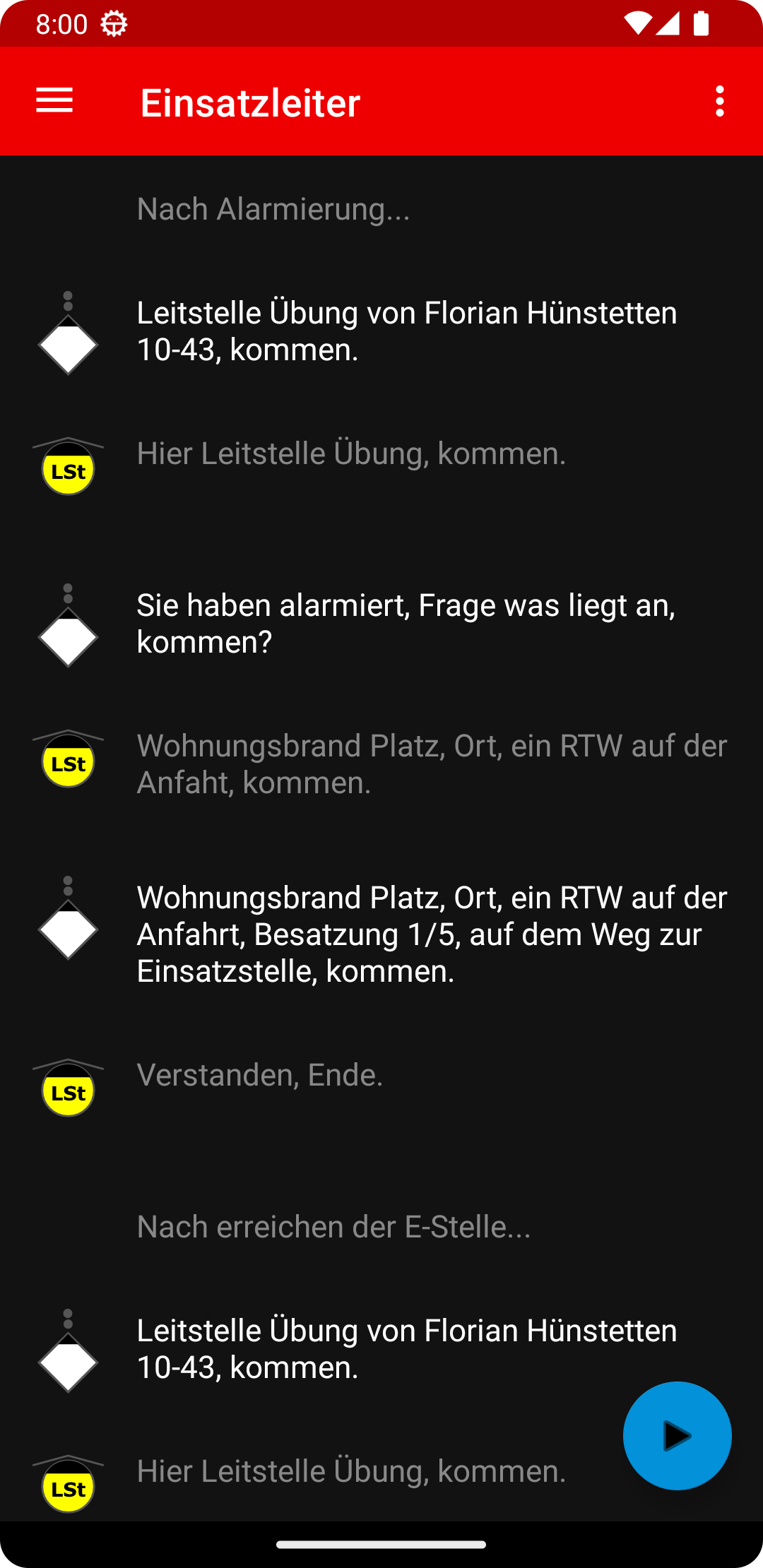
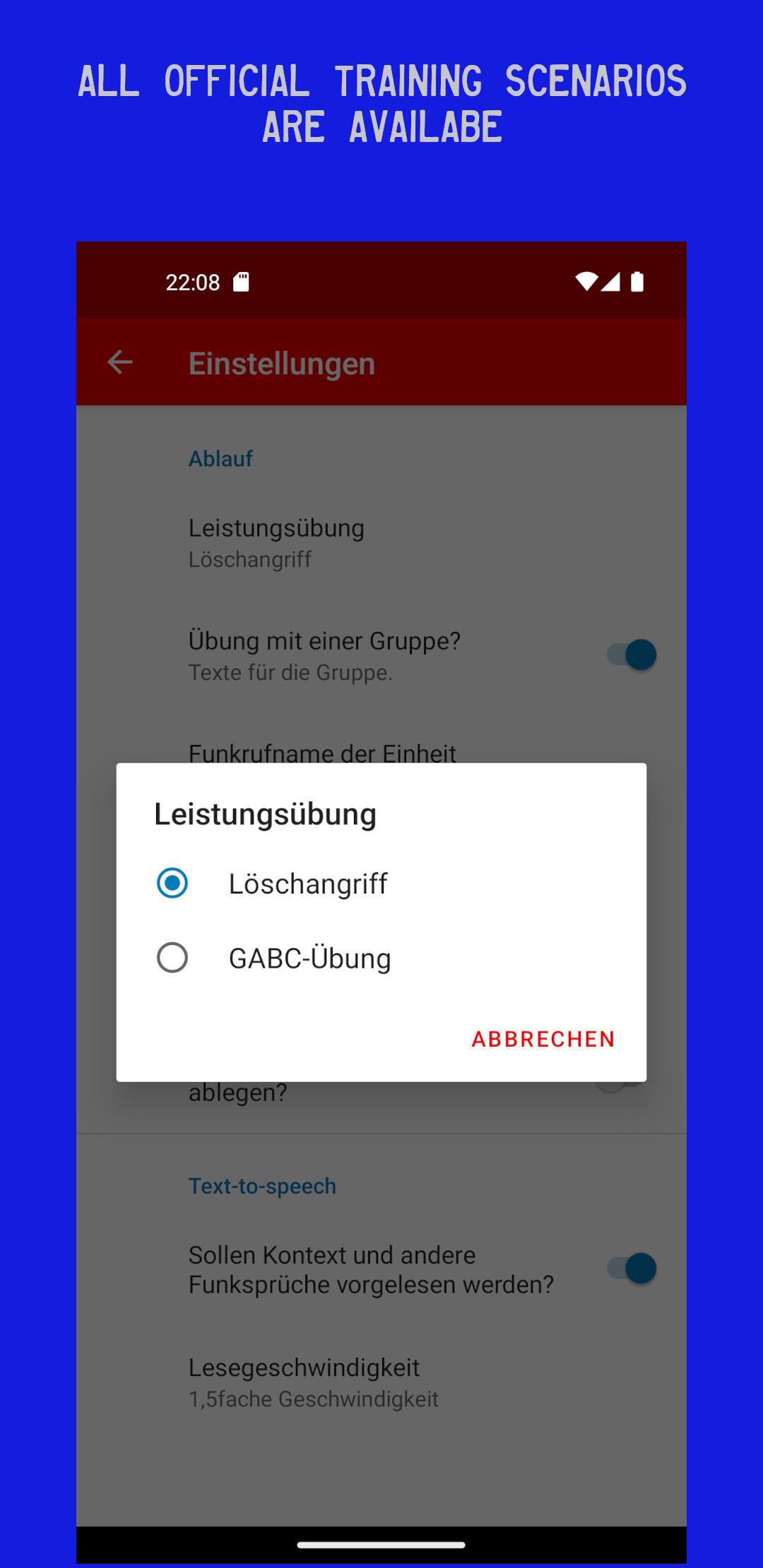
The app supports practice of radio calls, radio conversations and
commands used in typical HFLÜ scenarios.
Typical training content:
- Ausrückemeldung
- Eintreffmeldung
- 1st and 2nd Lagemeldung
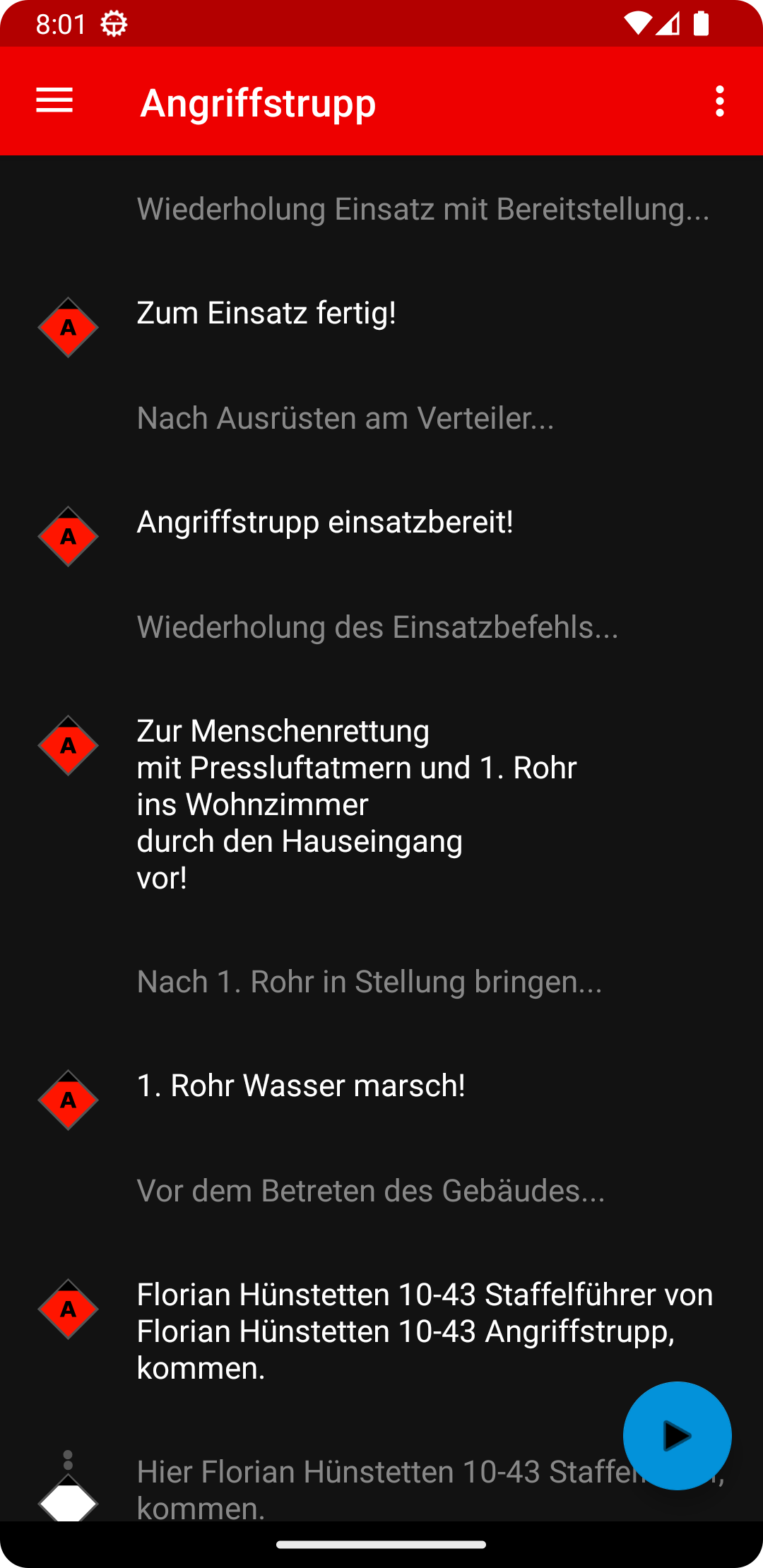
- radio conversations around breathing apparatus deployment
Suitable for HFLÜ competition teams in Hessen.
Benefits:
- quick start without paper checklists
- repeatable practice alone or as a team
- works offline
- no account required
- no ads
- no tracking
Disclaimer:
This is an unofficial training tool and not an official app of the
Hessische Landesfeuerwehrschule.
Screenshots
What’s new
- Release notes are now loaded correctly in release builds. - Text-to-speech now always reads in German, regardless of the device language. - Speech rate levels adjusted for better intelligibility. - Fixed: TTS was reading the wrong messages during training. - Fixed: Onboarding screen was hidden behind the navigation bar on devices with a 3-button nav bar.
How to install
Download the APK from the button at the top of this page.
Allow “Install unknown apps” for your browser or file manager only, not for every app.
Open the downloaded file and confirm the installation.
If installation fails with “App not installed,” remove an earlier build of the same app first. A signature conflict is the usual cause.
Data safety
Every file is checked against its published SHA-256 before it is listed.
Files are scanned for malware on every update.
The permissions each app requests are listed on its own page.
Read the full safety policy for how we test, flag, and delist files.