Quick answer
A butterfly monitoring app for species-specific registering of butterflies in Eu
F-Droid repository metadata
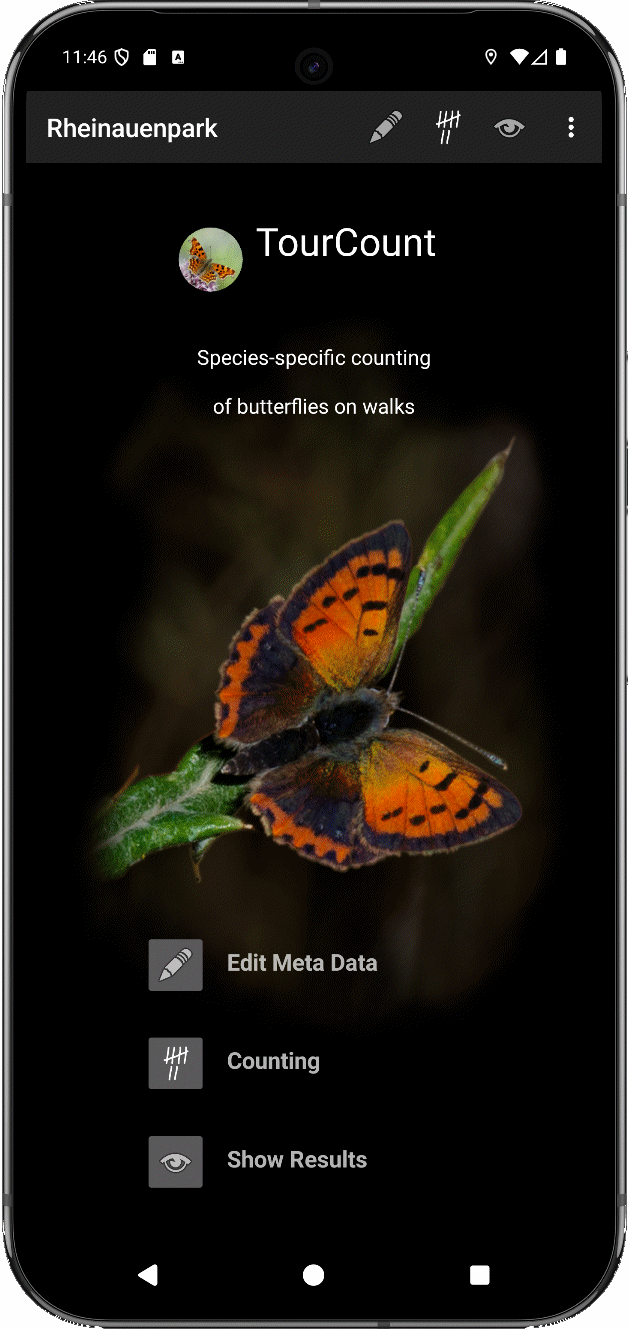
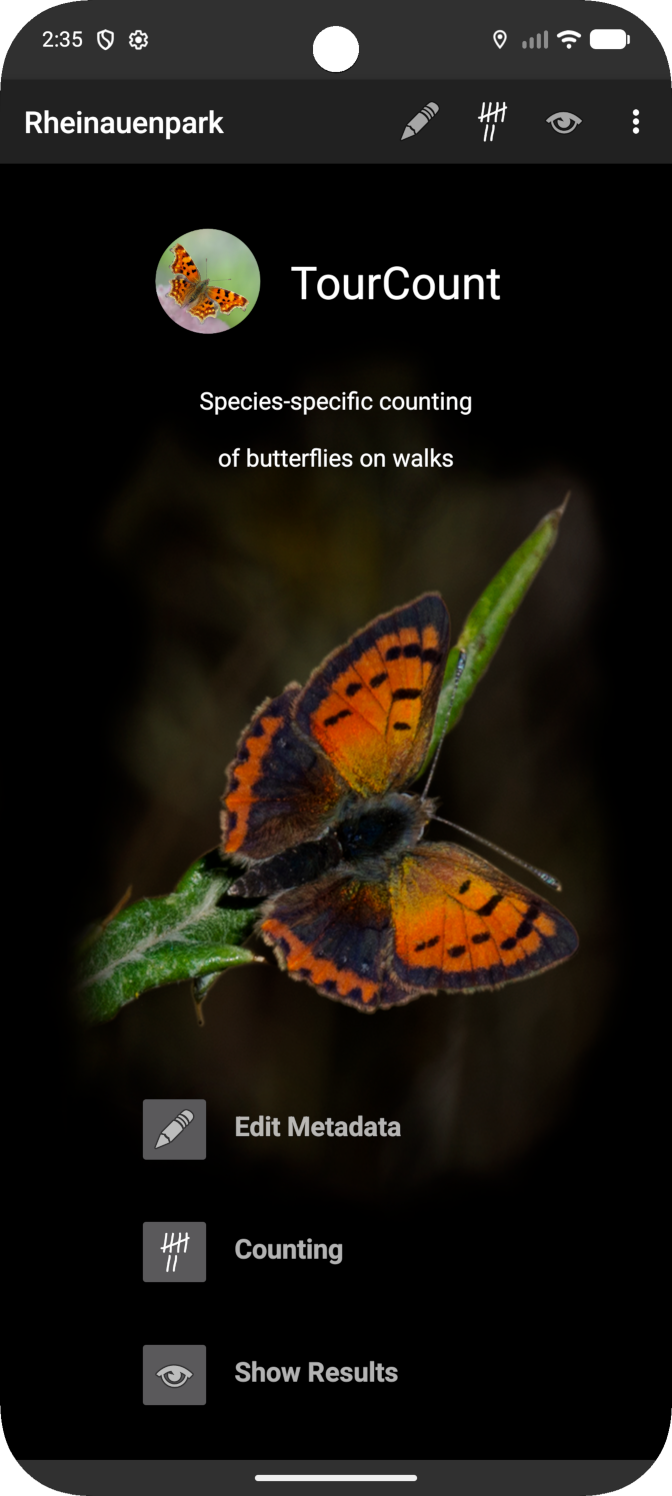
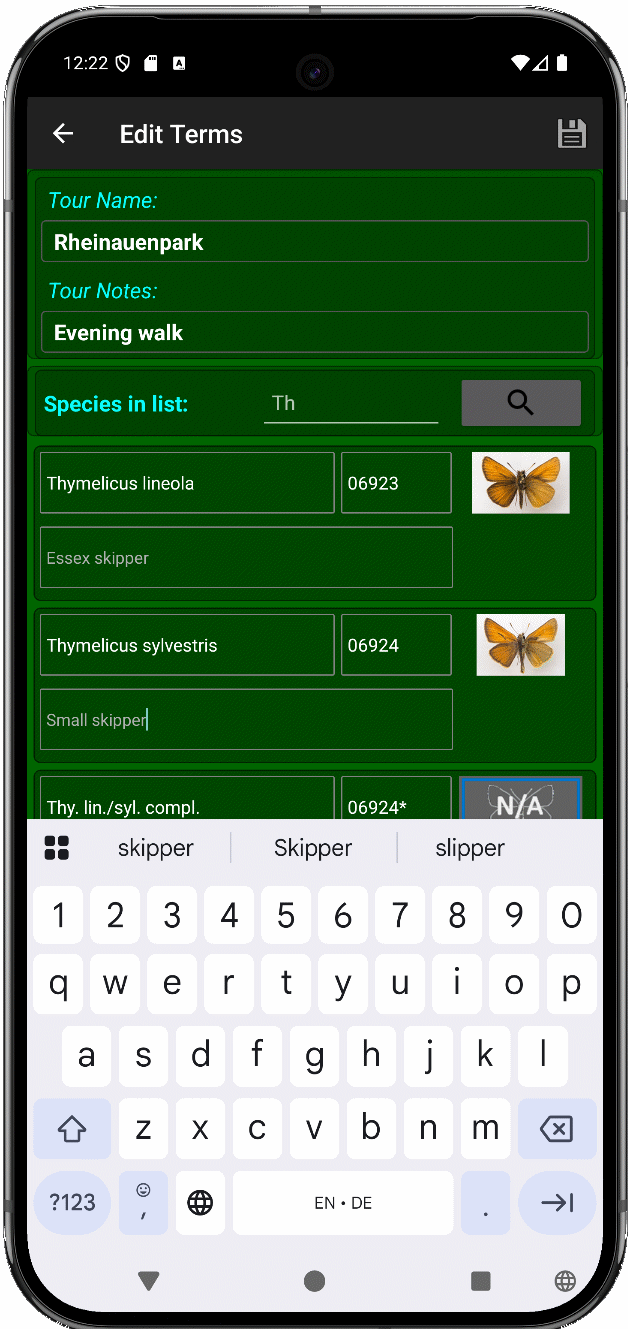
TourCount supports species-specific and individually GPS-localized registering of butterflies.
New in Version 3.8.4: - Code improvements - Entering individuals notes proposed by predefined wordings like "Photo", "Flyby", "Fresh imago", … - Entering species notes proposed by the predefined wordings "New species", "1st in season" and "Not sure" - Cloud %-values rounded to multiples of 10 - More restrictive plausi for input of metadata numbers - "Help" text updated - Docs updated - Bugfix for importing a species list
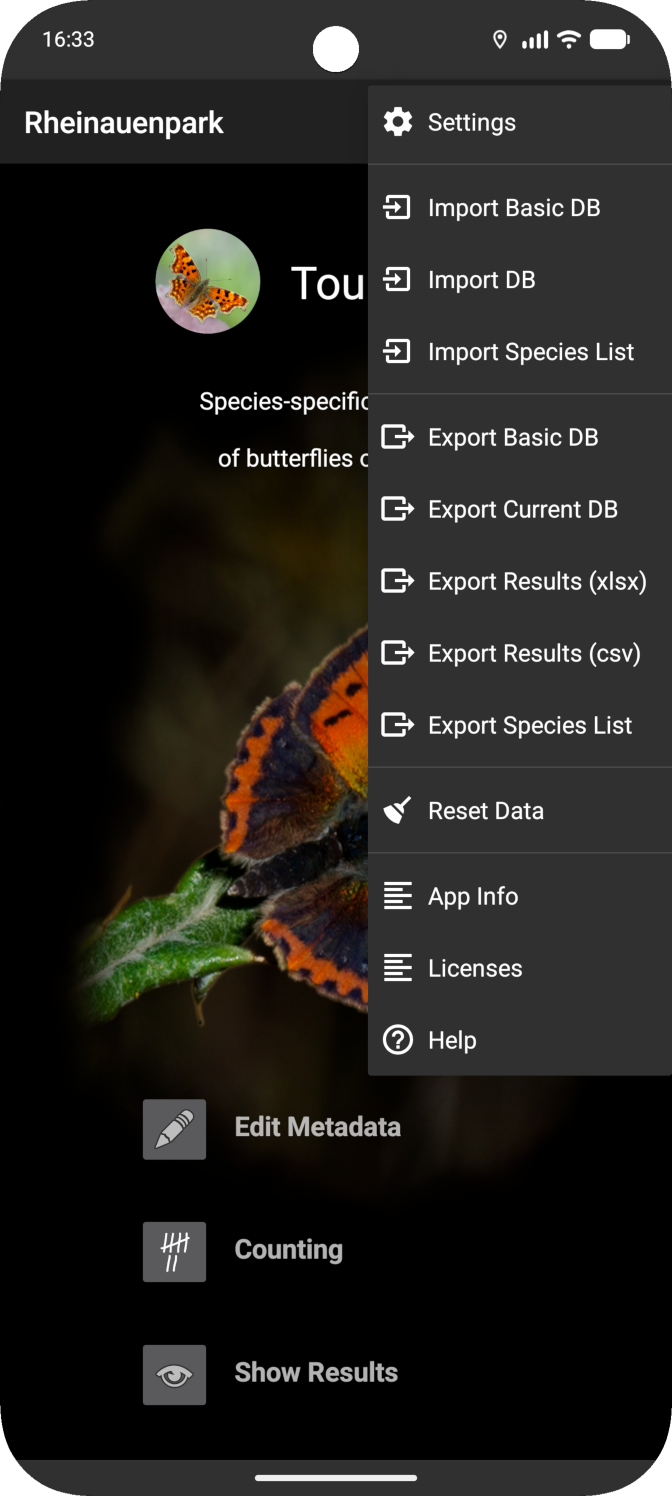
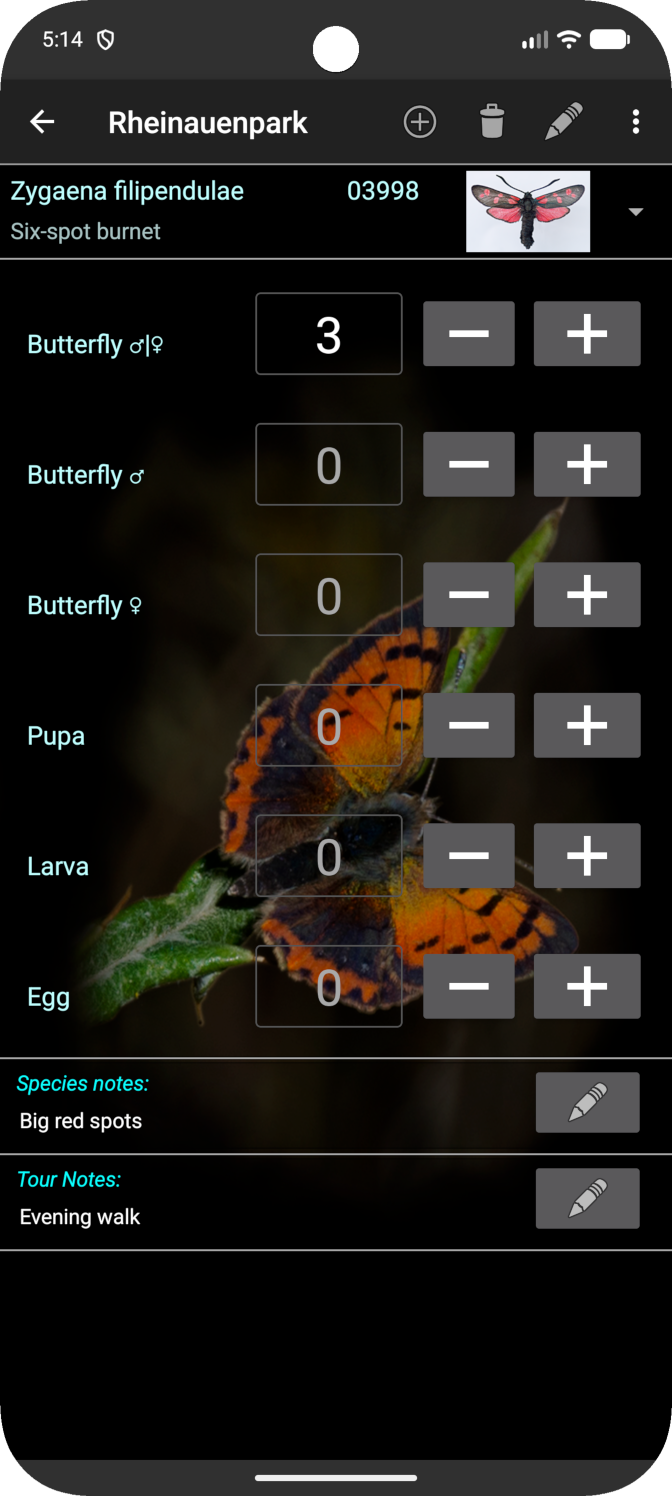
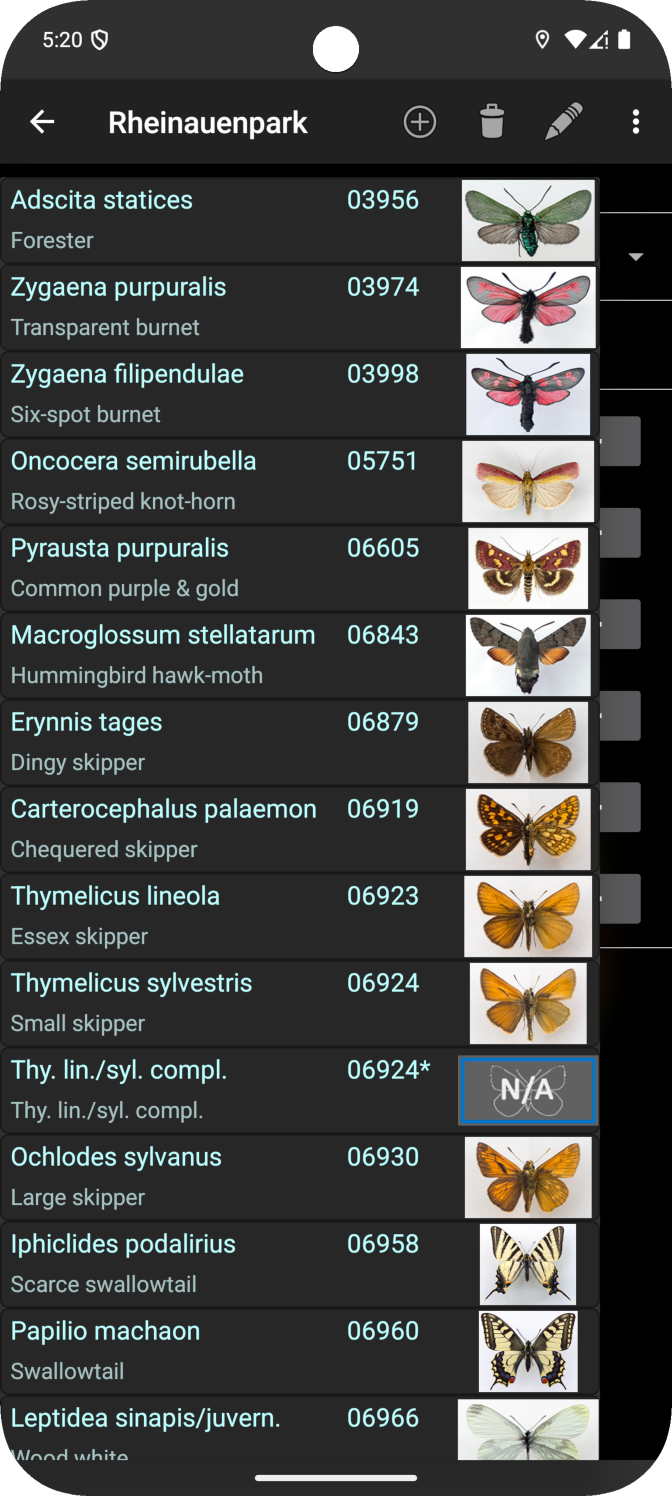
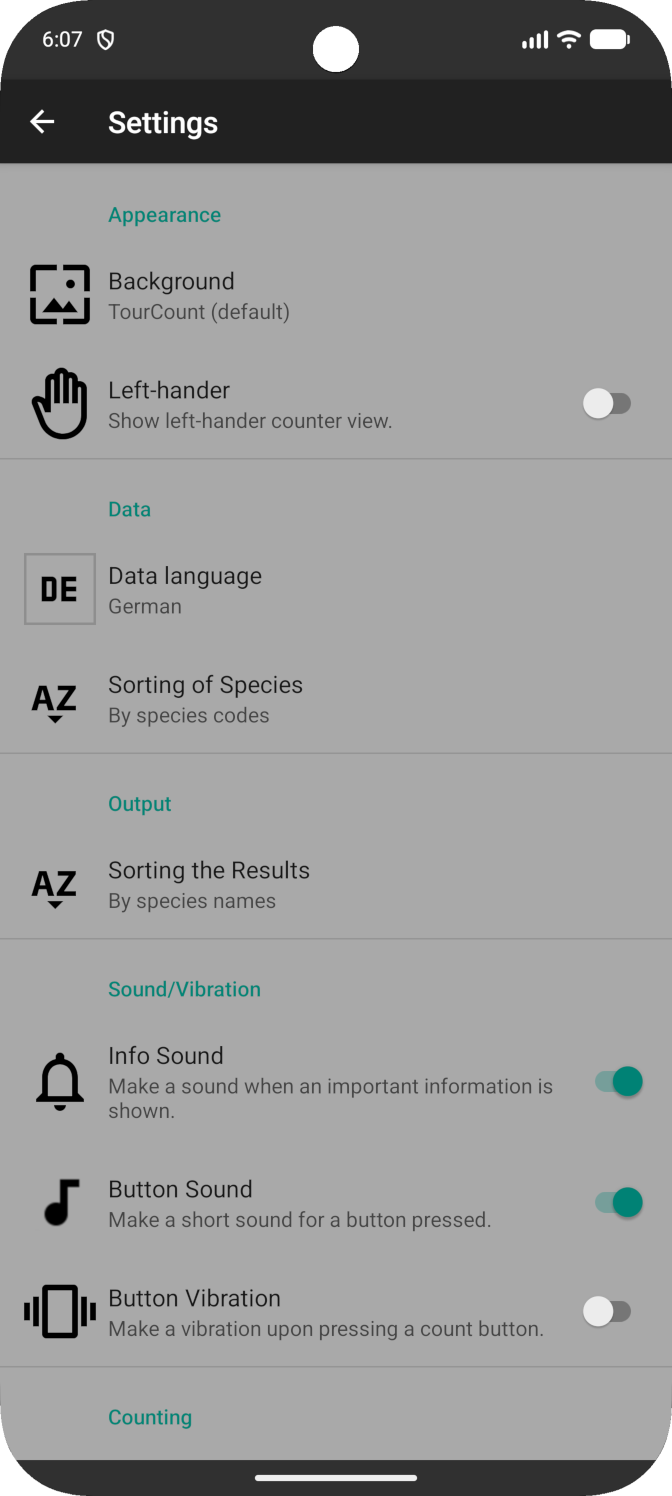
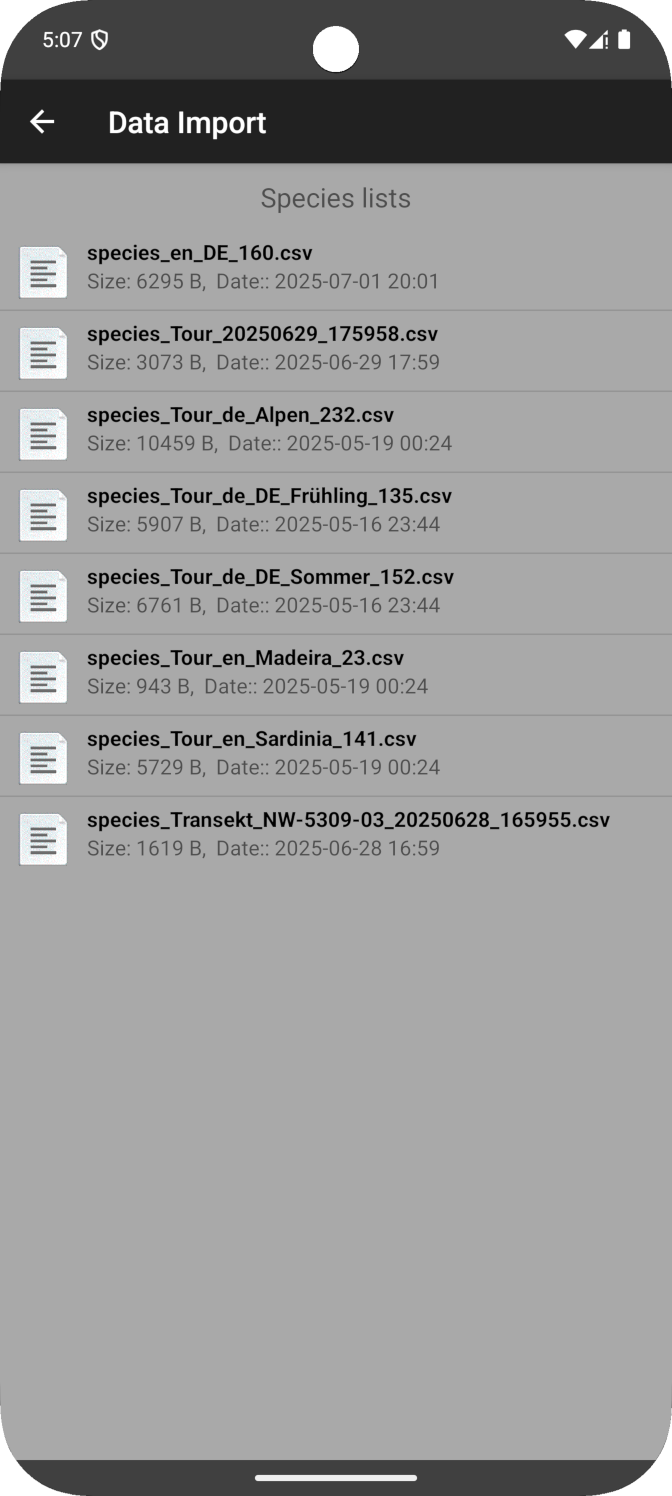
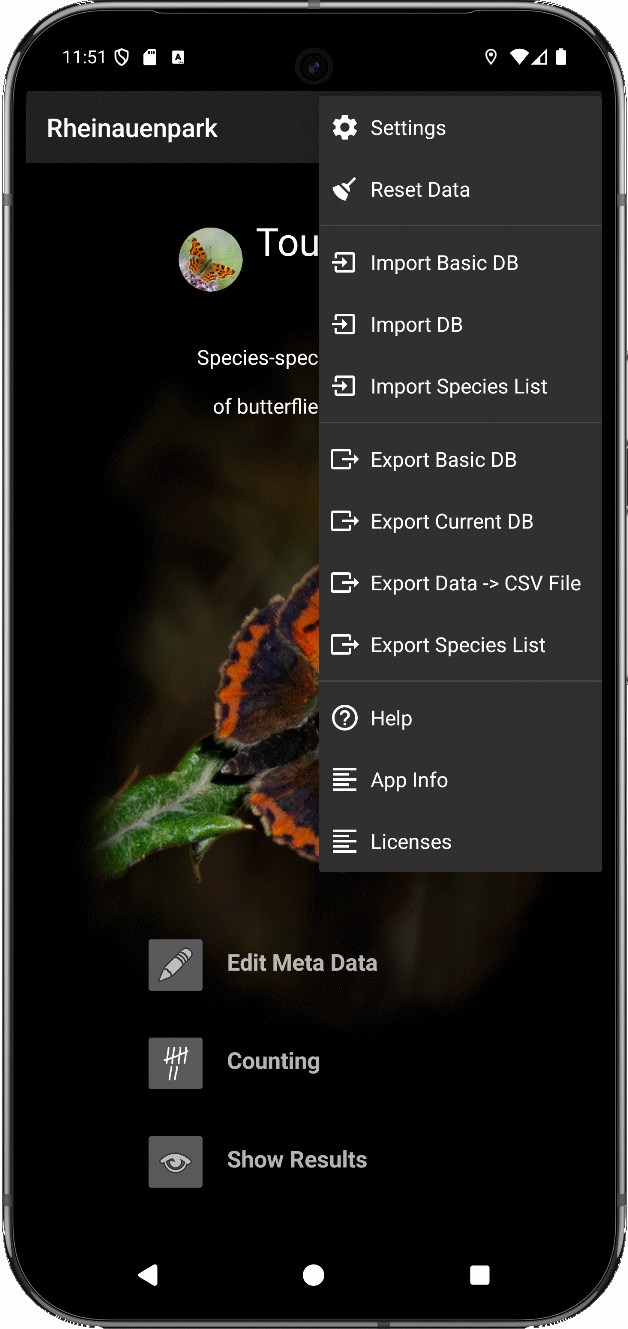
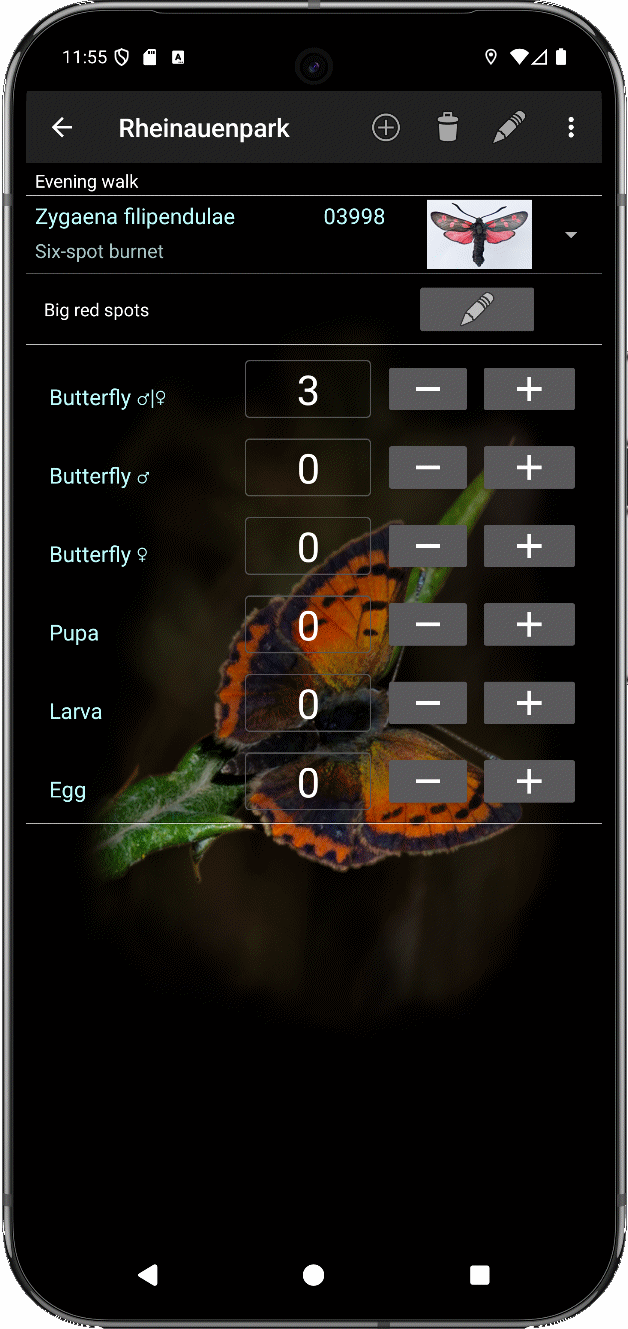
Features: - Data recording is organized for a regional tour with its expected butterfly species. - Databases can be individually created and adapted within the app regarding metadata and expected butterfly species. - The app has an internal pool of many European species and comes with a prepared basic database with the most common species in Europe as a starting point for direct use. - Separate counters for ♂-♀-indeterminate, ♂, ♀, pupa, larva or egg. - You may use an individual species list per region. - Results are prepared for easy readout to transfer them to the science4you entry mask for butterfly registration. - The results can be exported in formatted XLSX or CSV format, as well as in an SQLite database file (e.g. to transfer them to a PC, for easier reading in a spreadsheet program, or for further processing). - Help contains a detailed userguide. - TourCount supports counting in German, English, French, Italian and Spanish language and provides locale species names in these languages.
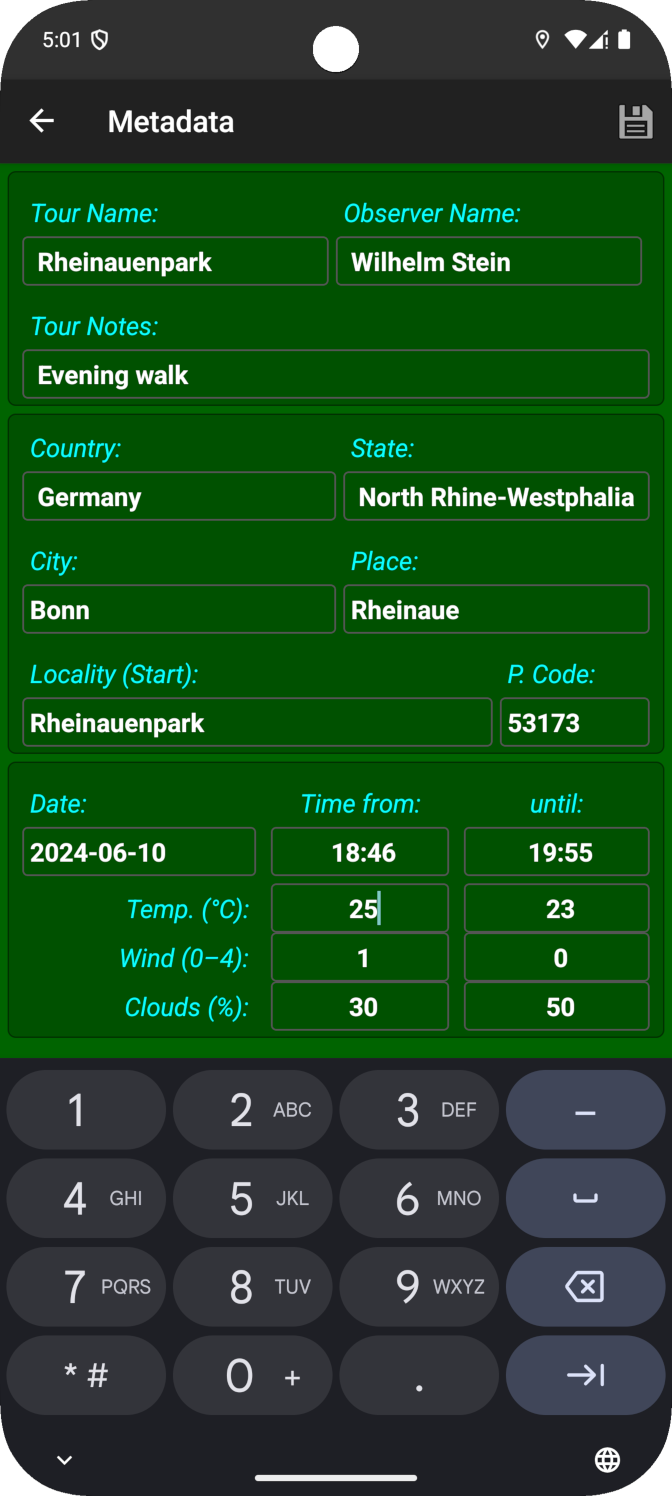
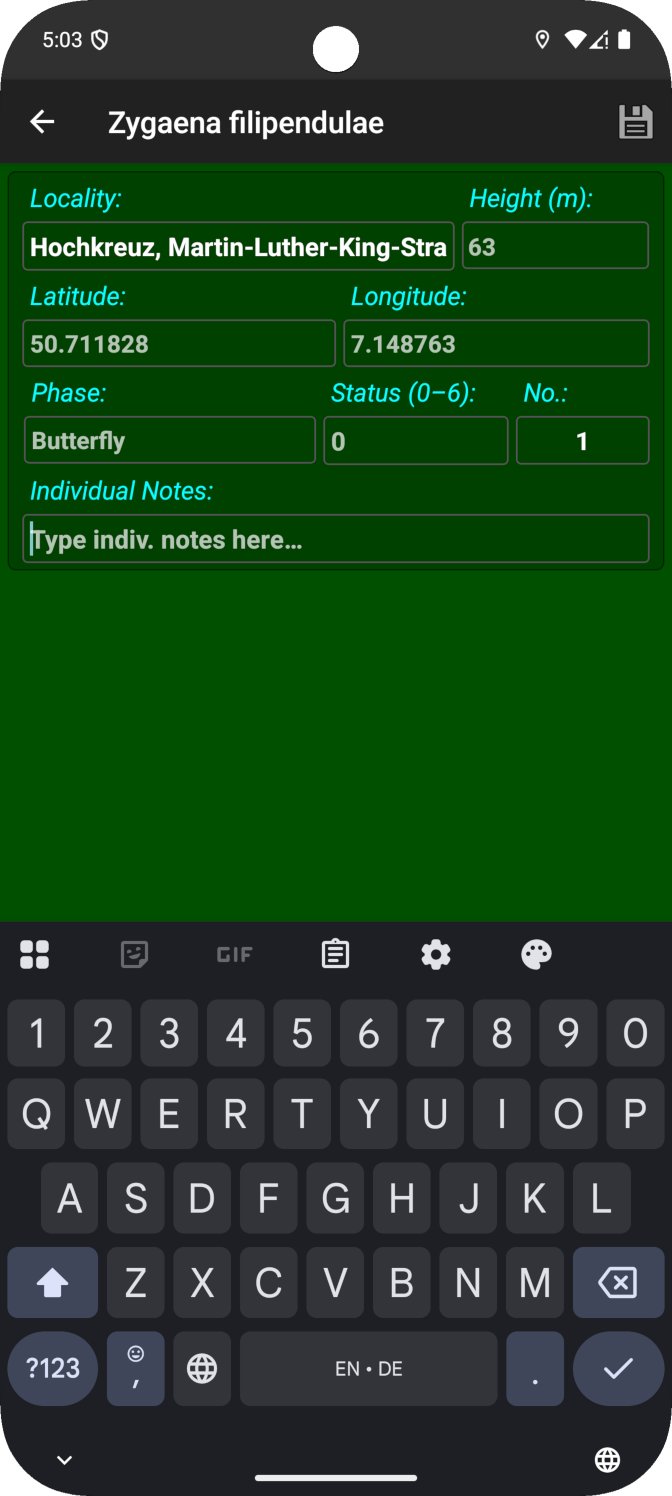
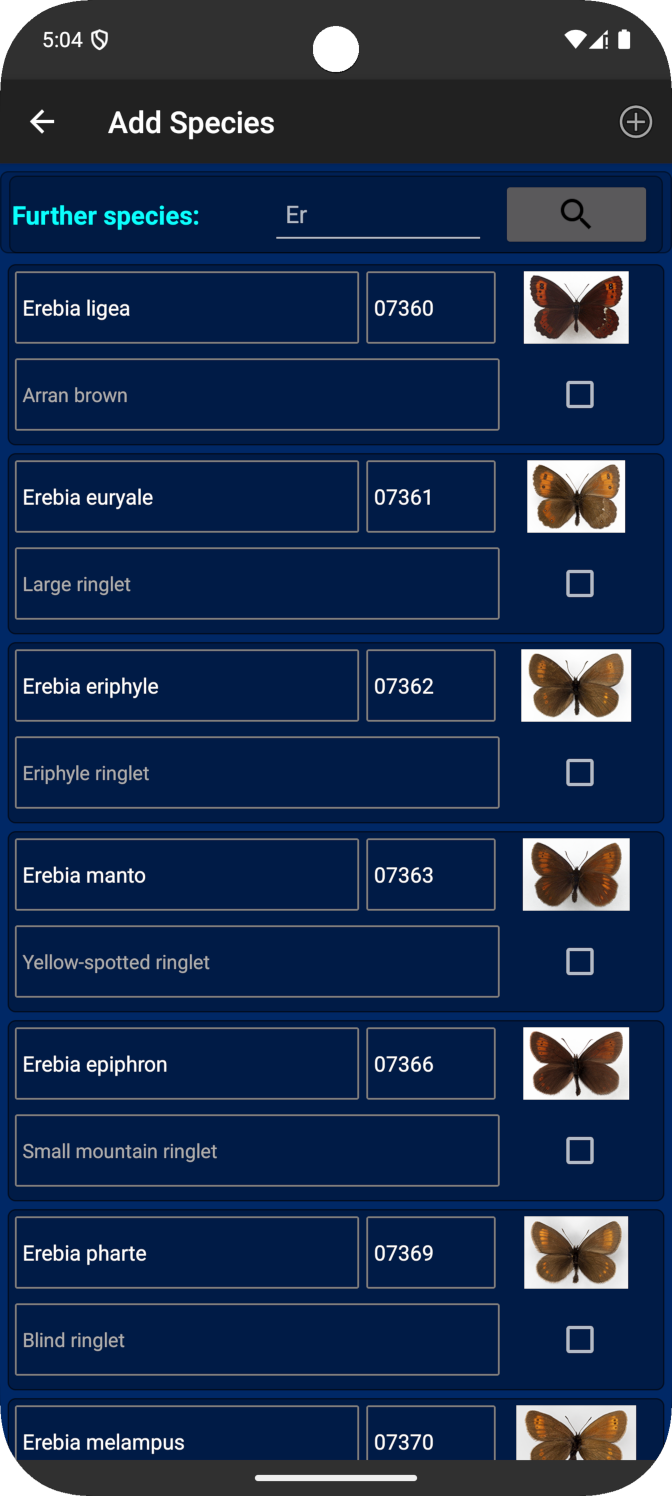
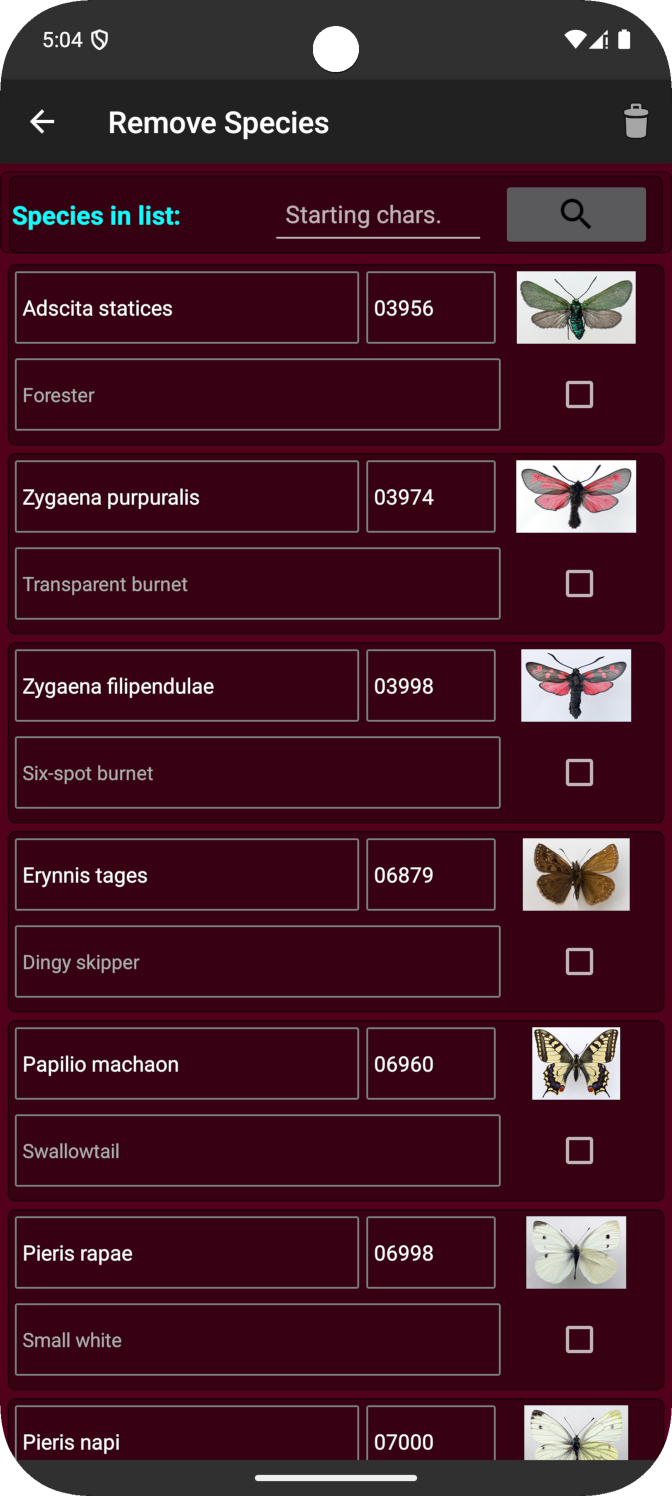
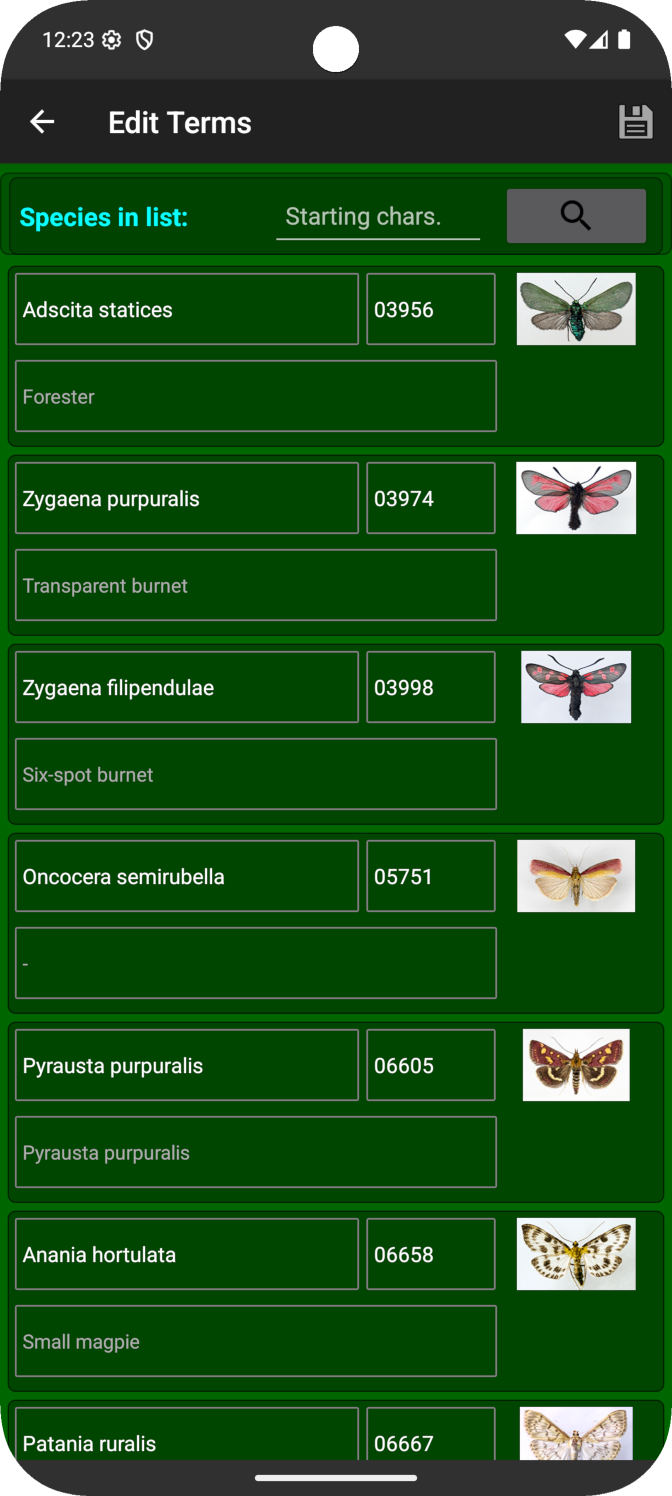
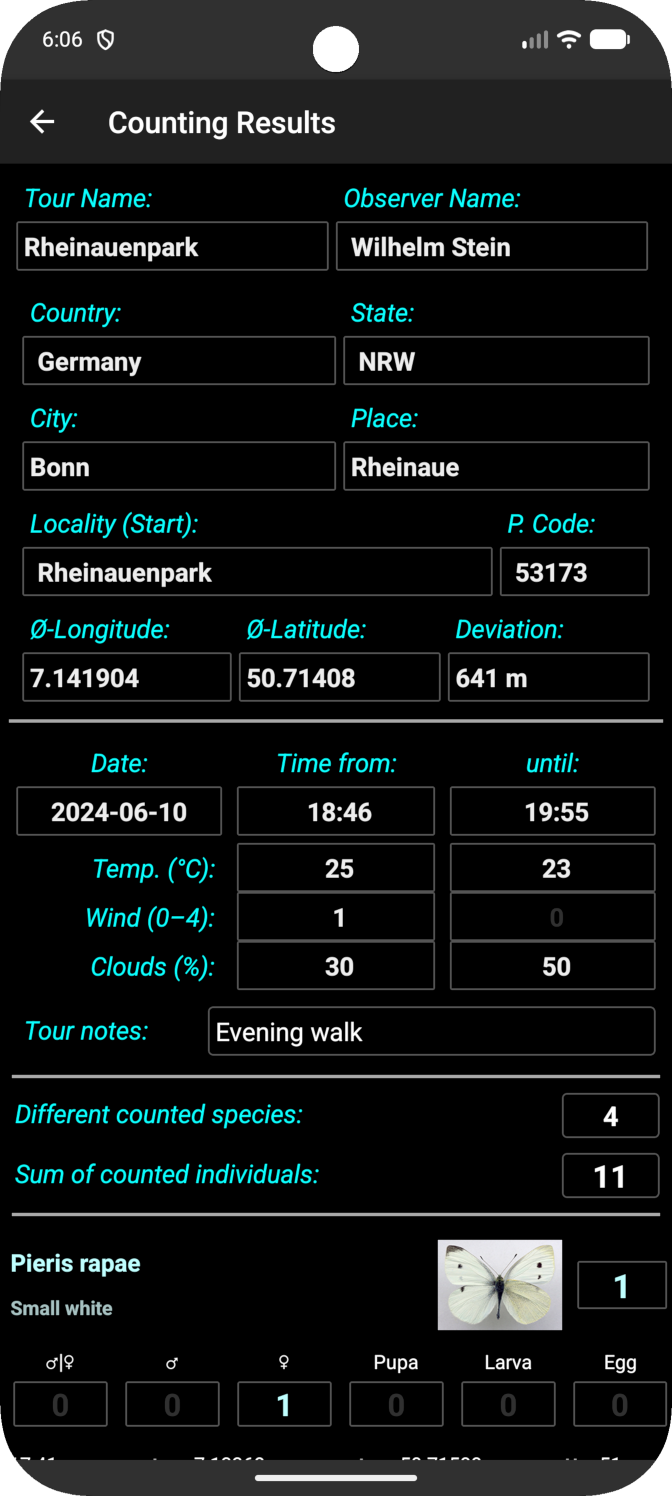
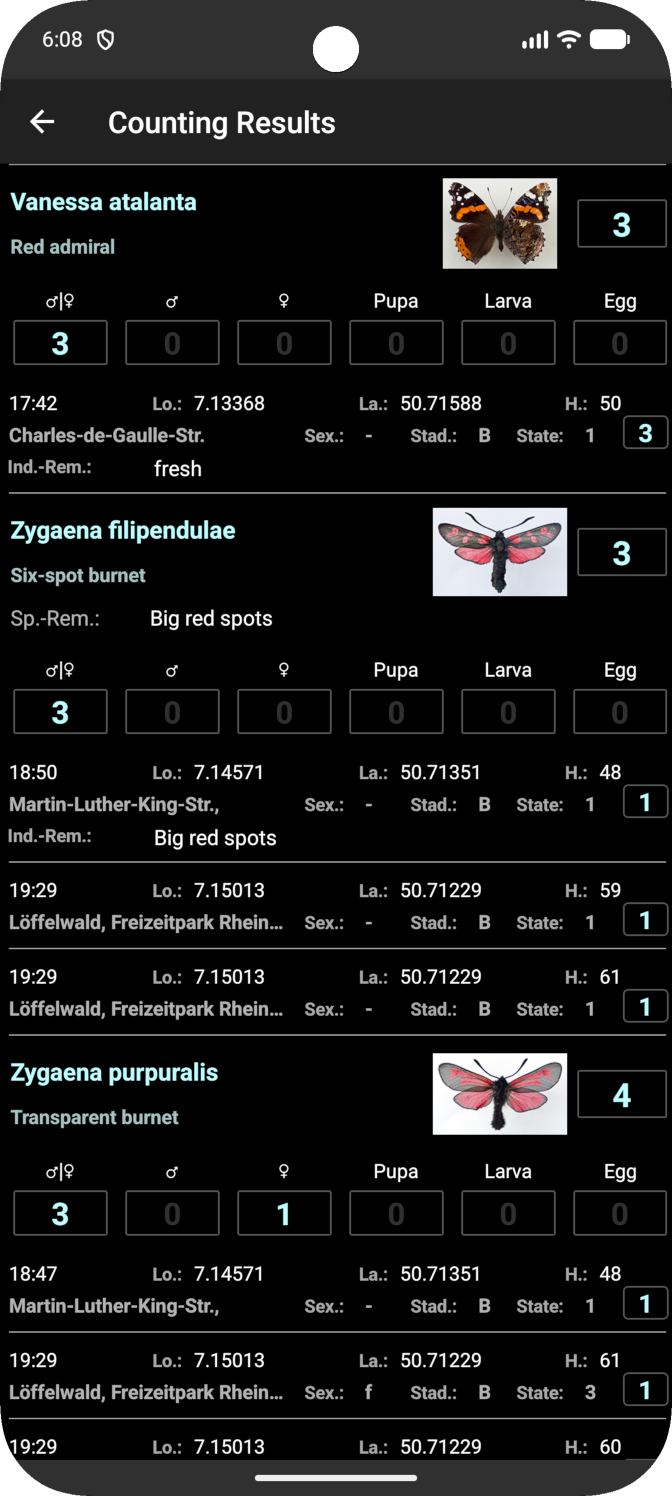
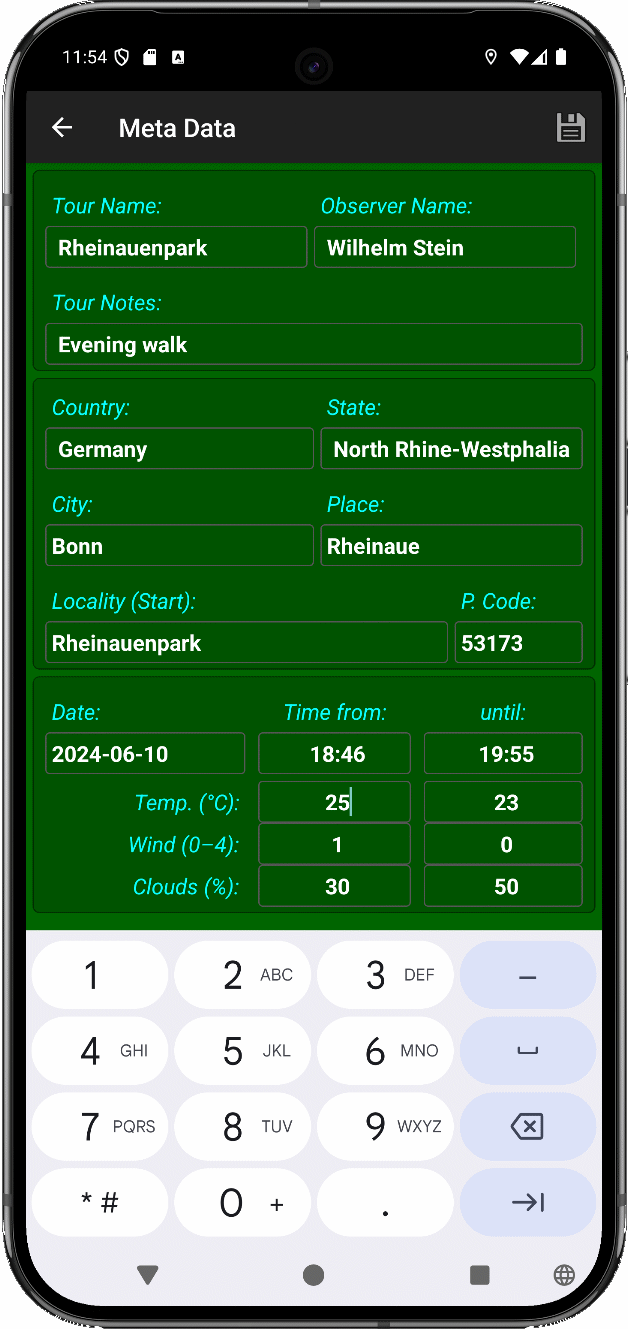
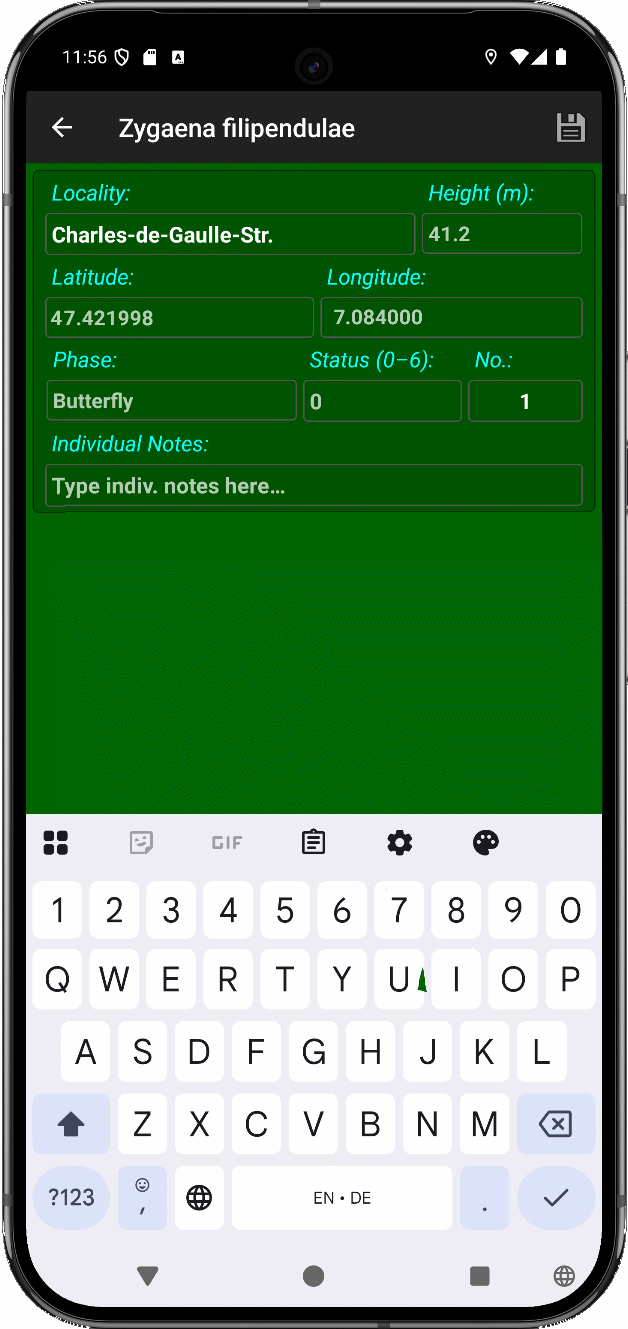
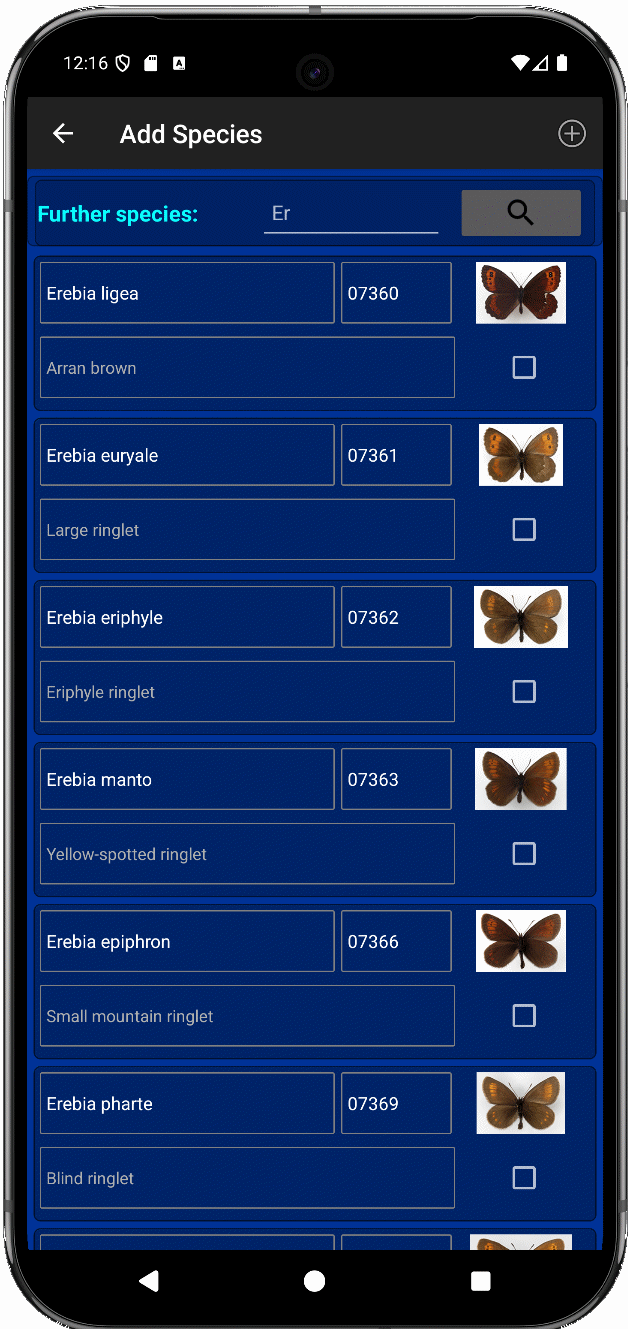
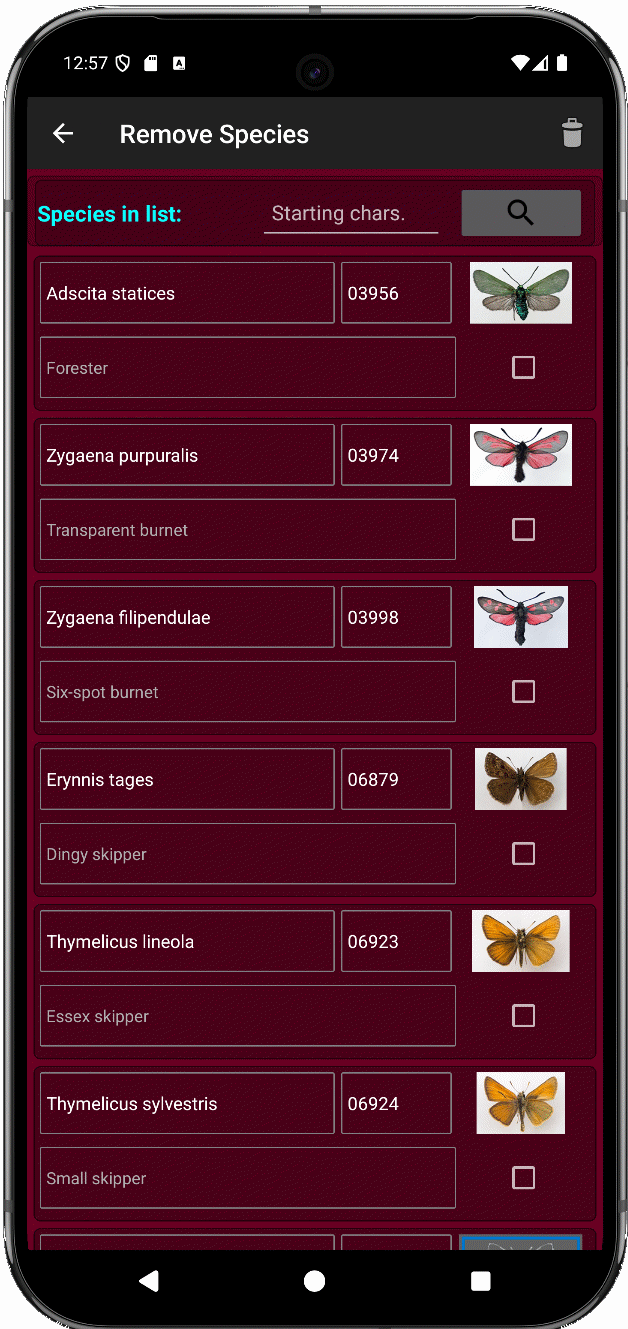
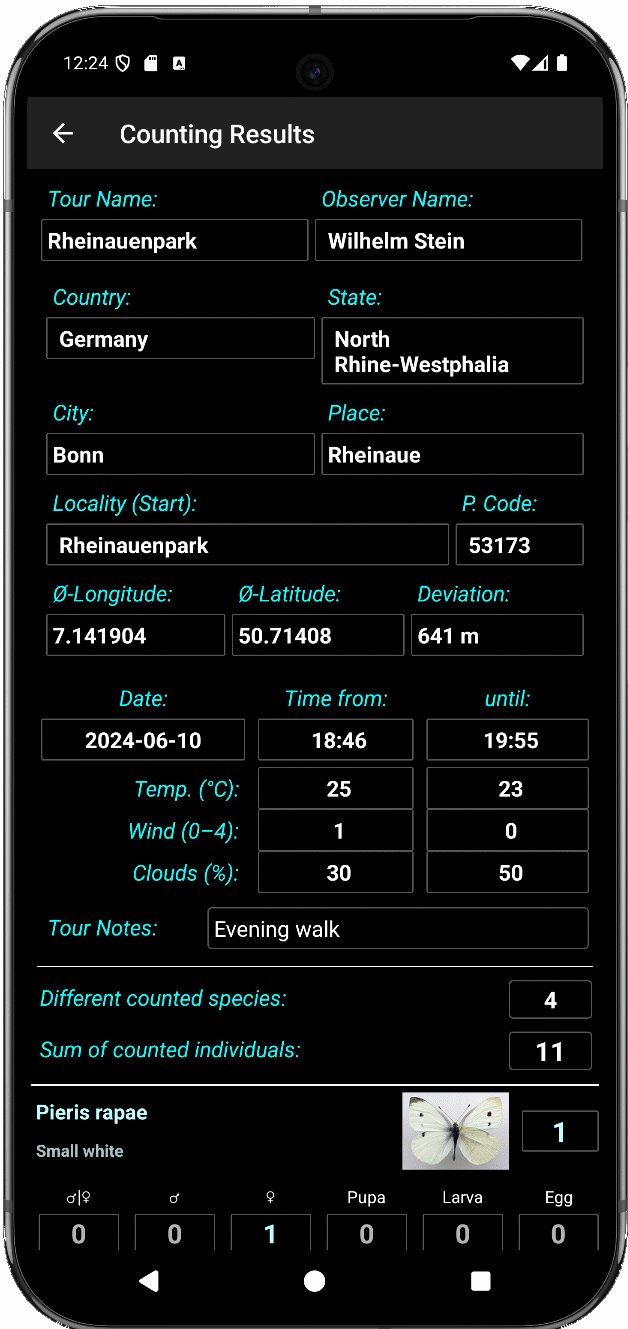
Functions: - Editor for metadata in preparation for an inspection - Counter page with scroll-down list for species selection - Editor for individual species data of a count (e.g. status, remark or bulk count entry). - The app automatically inserts date, time, coordinates and height as well as location data by reverse OSM-geocoding provided that GPS and internet are accessible. - The app provides functions to add, delete or edit the species for the current species list. - The results page shows metadata, notes, totals and counting results per species.
Prerequisites: The app requires permits for - storage access for importing and exporting counting data, species lists and results, - reading location data by GPS for coordinates and location info per counted individual, - internet access for OpenStreetMap reverse geocoding requests (locality info) and - preventing the sleep mode.
The smartphone screen should have a minimum resolution of 1920 x 1024 pixels. The app is usable with Android version 11 or newer.
Documentation is provided under https://github.com/wistein/TourCount/tree/master/docs.
TourCount is one of two apps for European butterfly monitoring. The 2nd app, TransektCount serves transect counters on their inspection walks. It supports species-specific counting of butterflies per transect section according to the European Butterfly Monitoring Scheme method.
Both apps use the coding scheme of Karsholt/Razowski for European butterflies and thus contain only European butterflies.
Screenshots
How to install
- Download the APK from the button at the top of this page.
- Allow “Install unknown apps” for your browser or file manager only, not for every app.
- Open the downloaded file and confirm the installation.
- If installation fails with “App not installed,” remove an earlier build of the same app first. A signature conflict is the usual cause.
Data safety
- Every file is checked against its published SHA-256 before it is listed.
- Files are scanned for malware on every update.
- The permissions each app requests are listed on its own page.
- Read the full safety policy for how we test, flag, and delist files.
Comments
Recent approved comments · sorted by newest
View all comments