What’s new
* Added metadata for Fdroid.
* Updated layout to avoid overlapping with system bars.
* Updated styles to use light status bar to avoid issue with invisible status bar text.

Updated Sep 22, 2026
Reference and calculations for thermocouples
F-Droid repository metadata
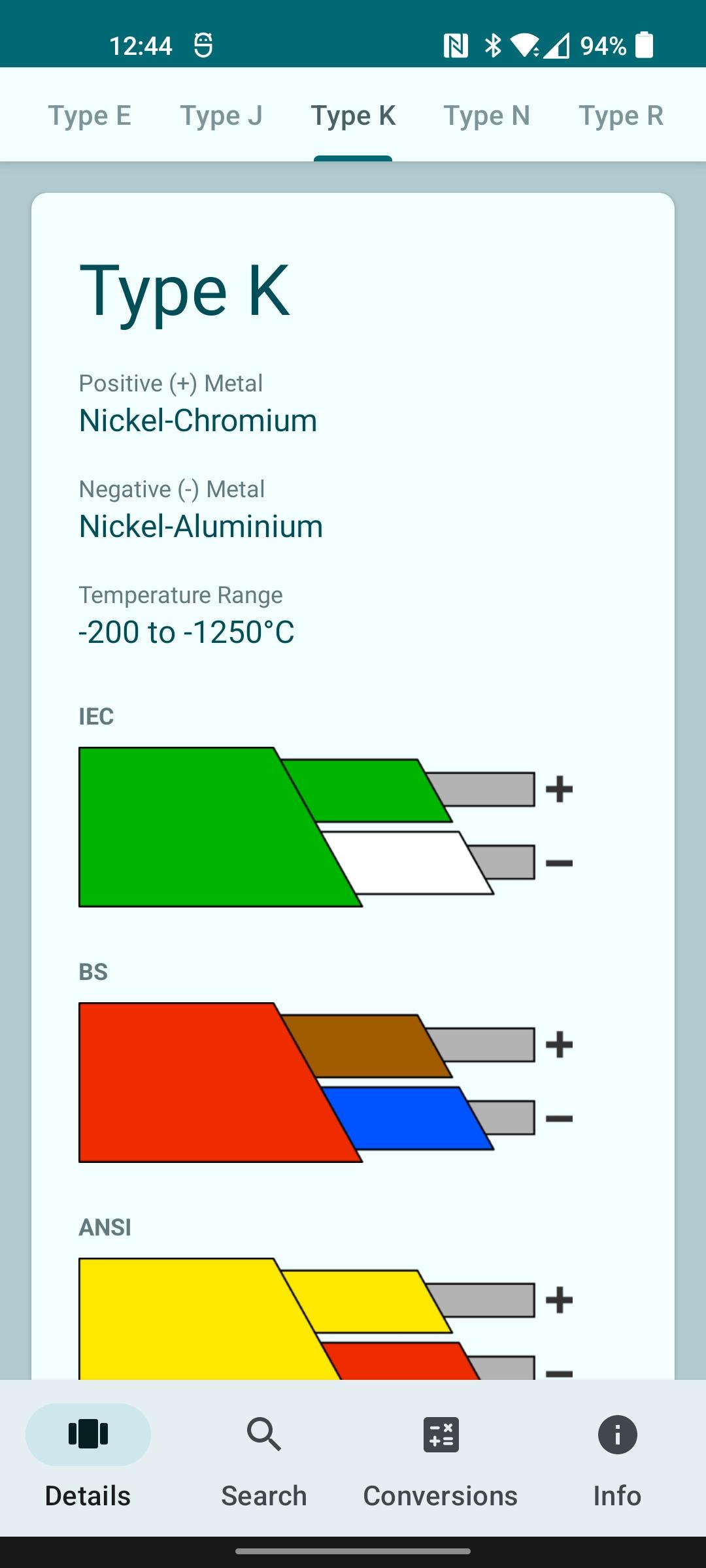
Thermocouples is a reference guide to get general information on thermocouples for all those in the industry that regularly deal with thermal sensors. This handy app features the colour codes for a wide range of thermocouples in a wide range of standards on easy to see images. The shown standards are IEC, BS, ANSI, NFE, DIN, and JIS. The included thermocouples are B, E, J, K, N, R, S, T, U, Vx.
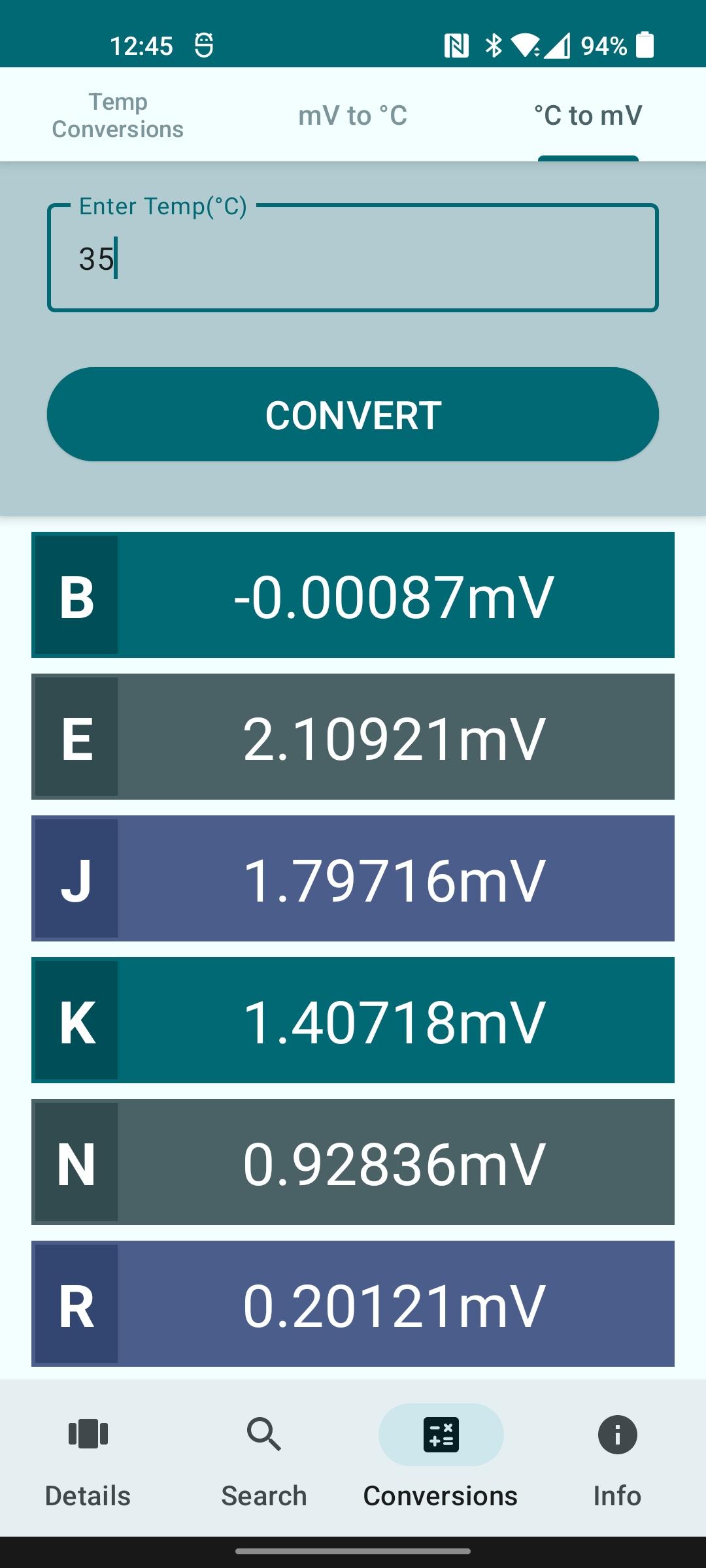
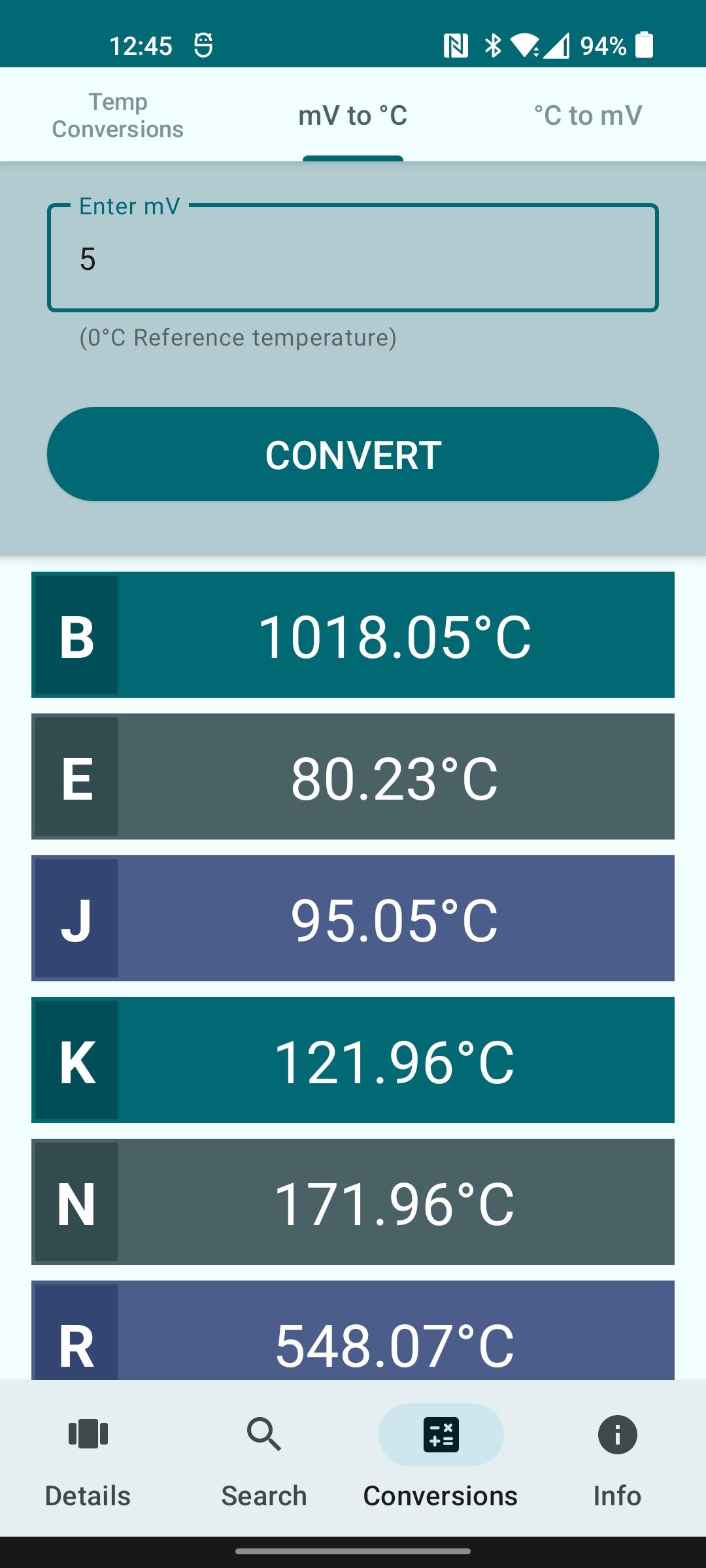
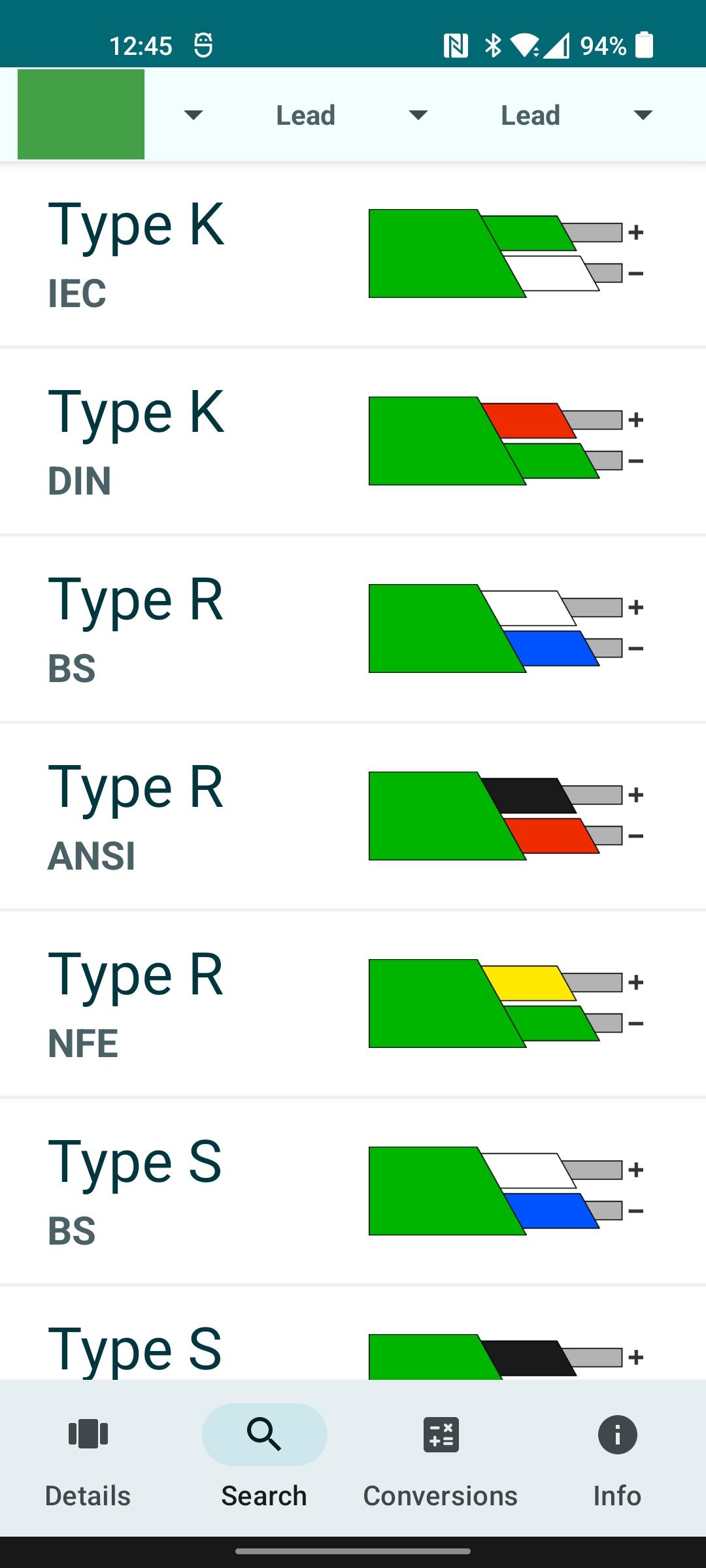
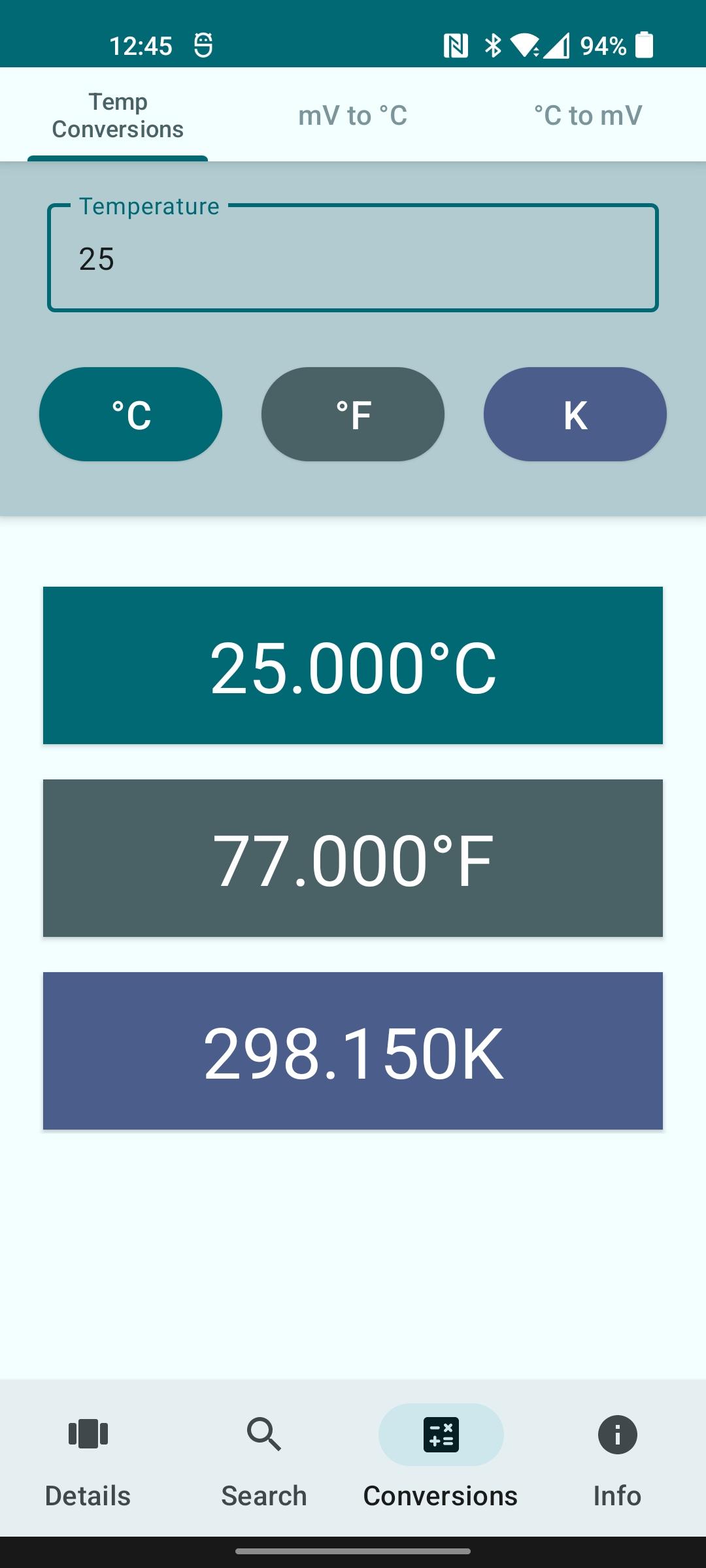
Main features: * Shows thermocouples colours for 10 thermocouples across 6 standards. * Information on range, conductor materials and compensates. * Search thermocouples by conductor colours to find type and colour code. * Temperature converter with °C, °F and K. * Cold junction °C to mV calculator. * Modern design. * Open-source via the MIT licence. * mV to °C converter using NIST values for main thermocouple types.
Thermocouples is open source. The source can be found at: https://codeberg.org/danb/Thermocouples Feel free to create a pull request or open issues there.
This app is 100% free with no "upgrade", "pro" or "unlocked" versions. This app requires no permissions and does not use any user data.
Remarks: This application is for quick reference use only, there may be errors or inaccuracies although I try to ensure the information is as accurate as possible. Me, the app maker, or the company advertised, STS, will not be held liable for any misinformation or misjudgement as a result of using this app.
* Added metadata for Fdroid.
* Updated layout to avoid overlapping with system bars.
* Updated styles to use light status bar to avoid issue with invisible status bar text.
Recent approved comments · sorted by newest
View all comments