What’s new
# 1.0.5
Jonas Kalderstam (2):
* [b2f5dcc] Updated to latest wanikani-client version
* [6307f9b] Added a better error message when there is no vocab to ask
about
Poussinou (1):
* [ffc6b80] Add README.md

Updated Sep 22, 2026
Improve your Japanese with WaniKani context sentences
F-Droid repository metadata
You need to be a WaniKani subscriber to use this app.
Ever worry that you are forgetting all your burned kanji and vocabulary? Do you find yourself not reading as much Japanese as you’d like?
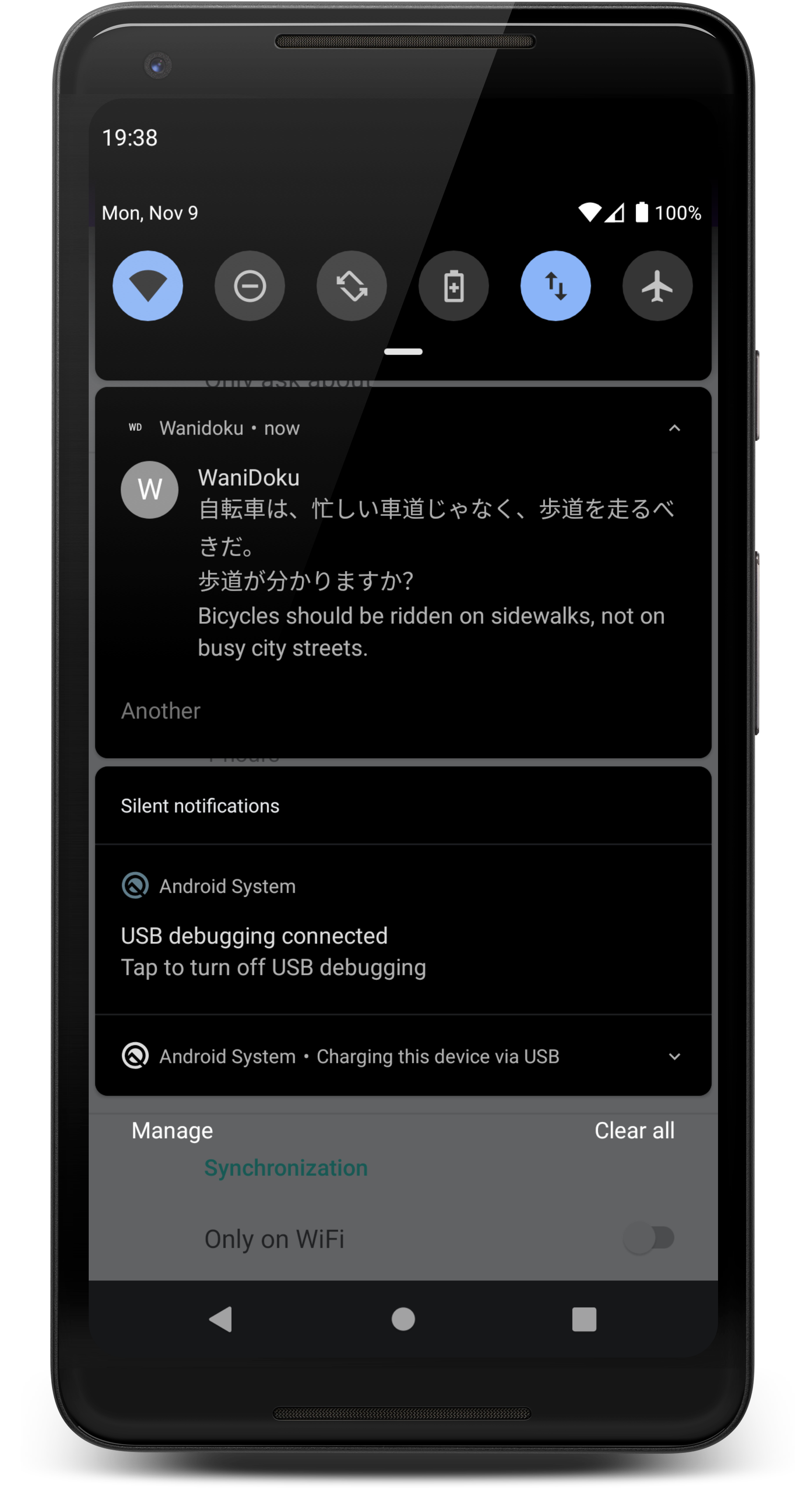
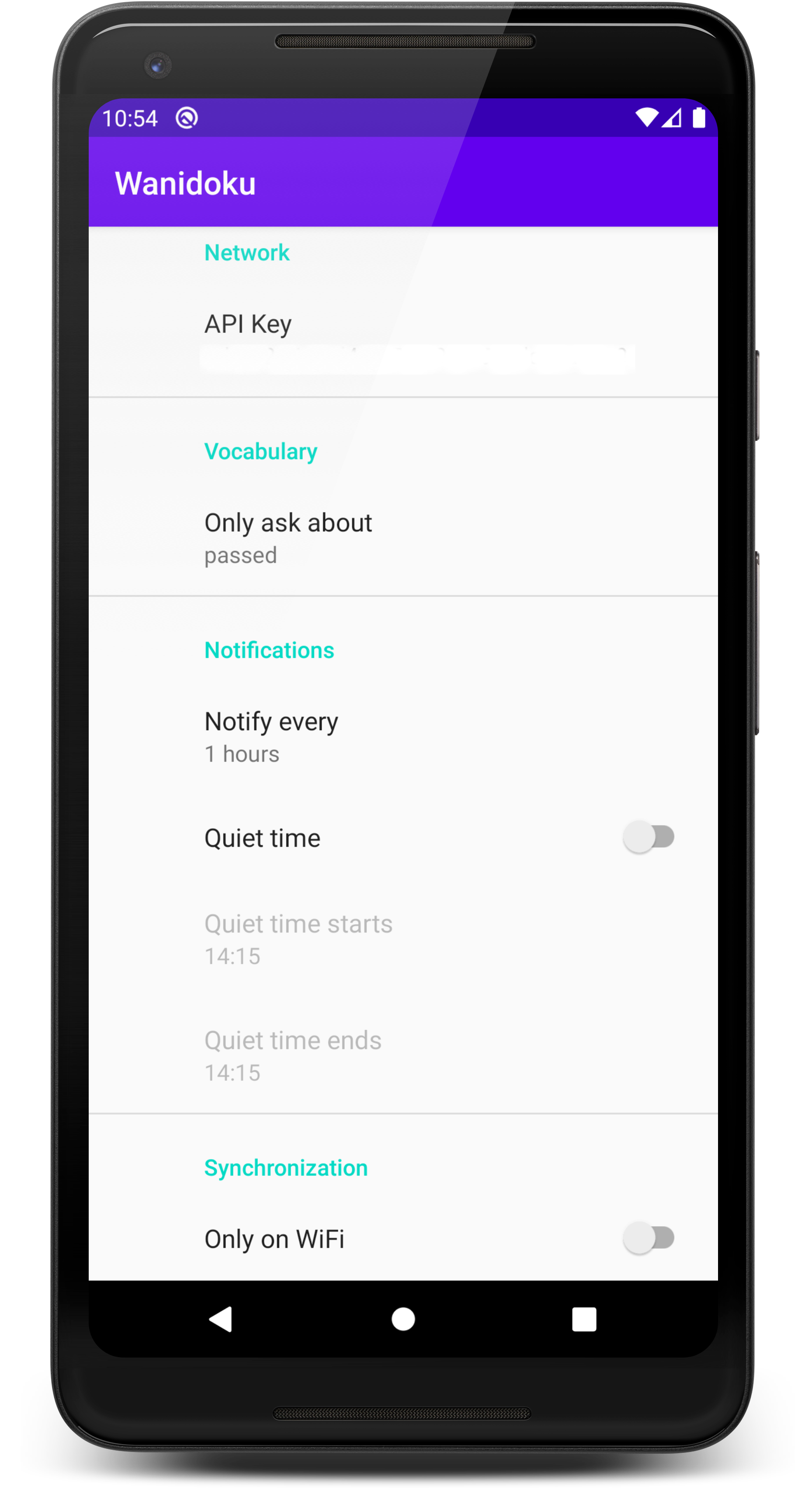
This app will display a notification containing a context sentence from one of your burned (or passed) vocabulary. You read it then you press translate to see if you were right. Right or wrong, the app will display another notification with a random sentence at a configurable interval.
To ensure notifications are actually displayed remember to disable battery optimization for the app. • Note that timing of notifications are not exact due to battery saving reasons in Android.
Please direct any questions and feedback to the thread at the WaniKani forum: https://community.wanikani.com/t/android-wanidoku-android-app-to-get-you-to-read-some-context-sentences.
Source is provided under GNU GPLv3 license: https://gitlab.com/spacecowboy/wanidoku
# 1.0.5
Jonas Kalderstam (2):
* [b2f5dcc] Updated to latest wanikani-client version
* [6307f9b] Added a better error message when there is no vocab to ask
about
Poussinou (1):
* [ffc6b80] Add README.md
Recent approved comments · sorted by newest
View all comments