KC3ICT Ham Study icon

KC3ICT Ham Study

KC3ICT
Science & Education
Version
1.0.1
Size
6.4 MB
Requires
Android API 24+
3.9 / 5 · 6,515 ratings 0 downloads

Updated Sep 22, 2026

Quick answer

Free offline ham radio exam flashcards — Technician, General, and Extra.

F-Droid repository metadata

Study for all three FCC amateur radio license exams — completely offline, with zero permissions and no account.

All three current NCVEC question pools are bundled in the app:

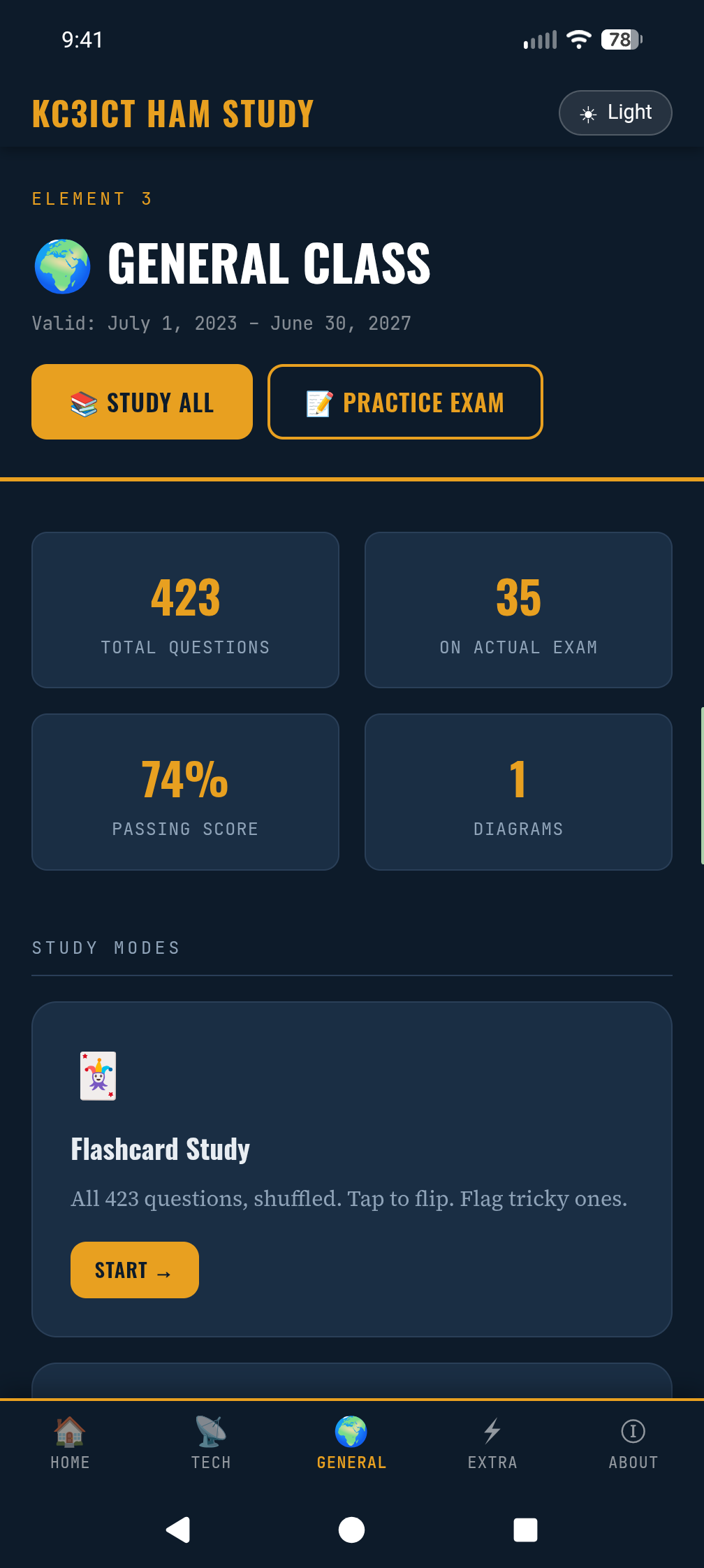
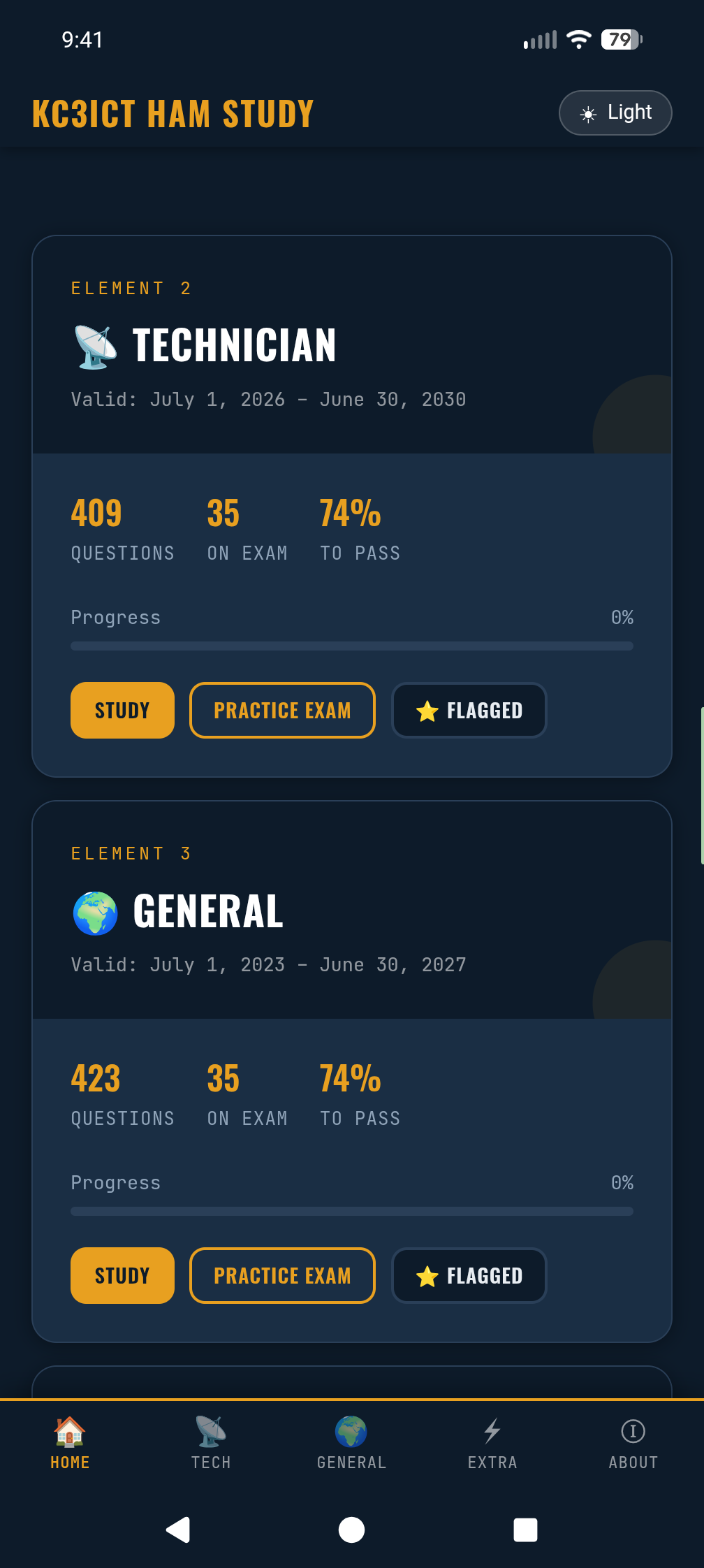
• Technician (Element 2), 2026–2030 pool — 409 questions • General (Element 3), 2023–2027 pool — 423 questions • Amateur Extra (Element 4), 2024–2028 pool — 599 questions

All pools include every official NCVEC errata (withdrawn questions removed, modified wording applied), and every answer key has been verified against the official pool documents. Schematic and chart figures are included.

Features:

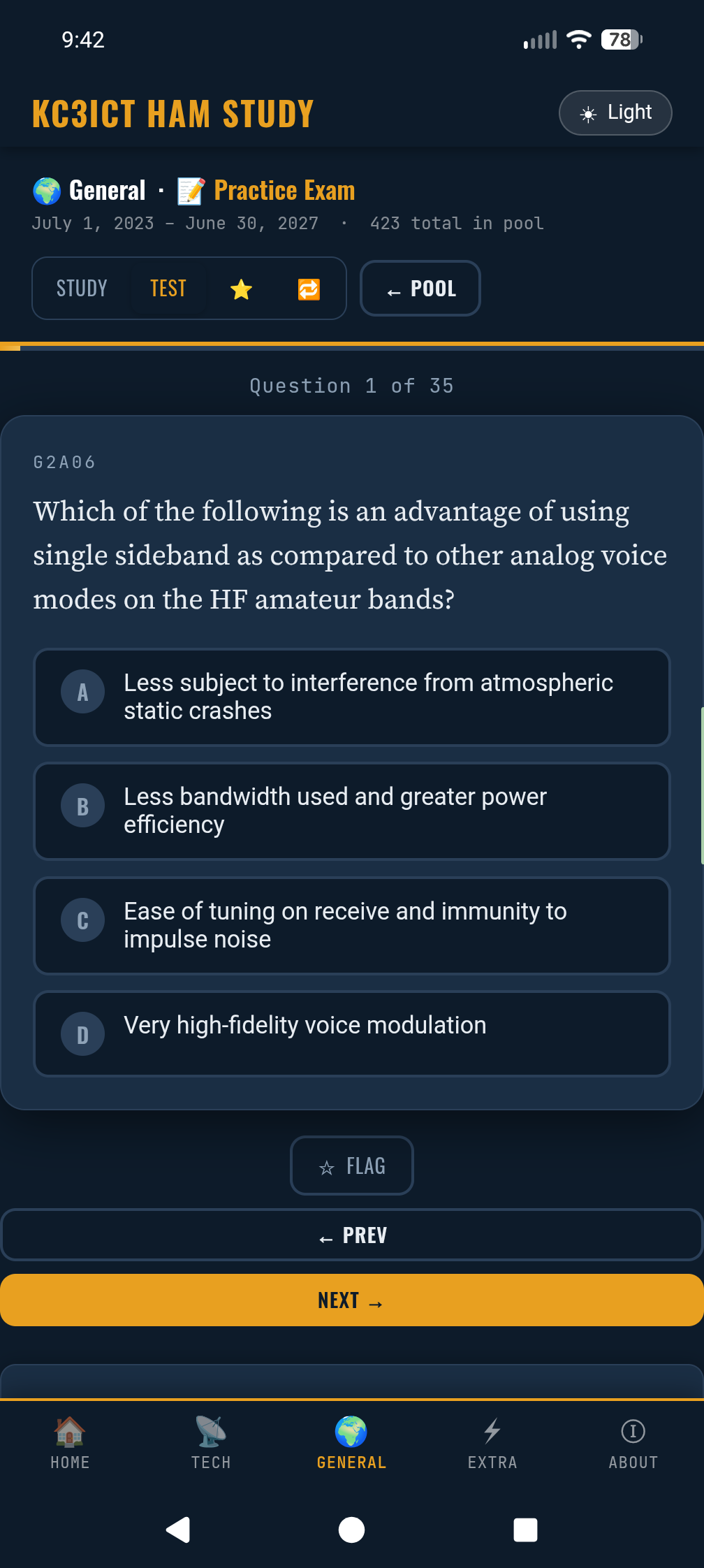
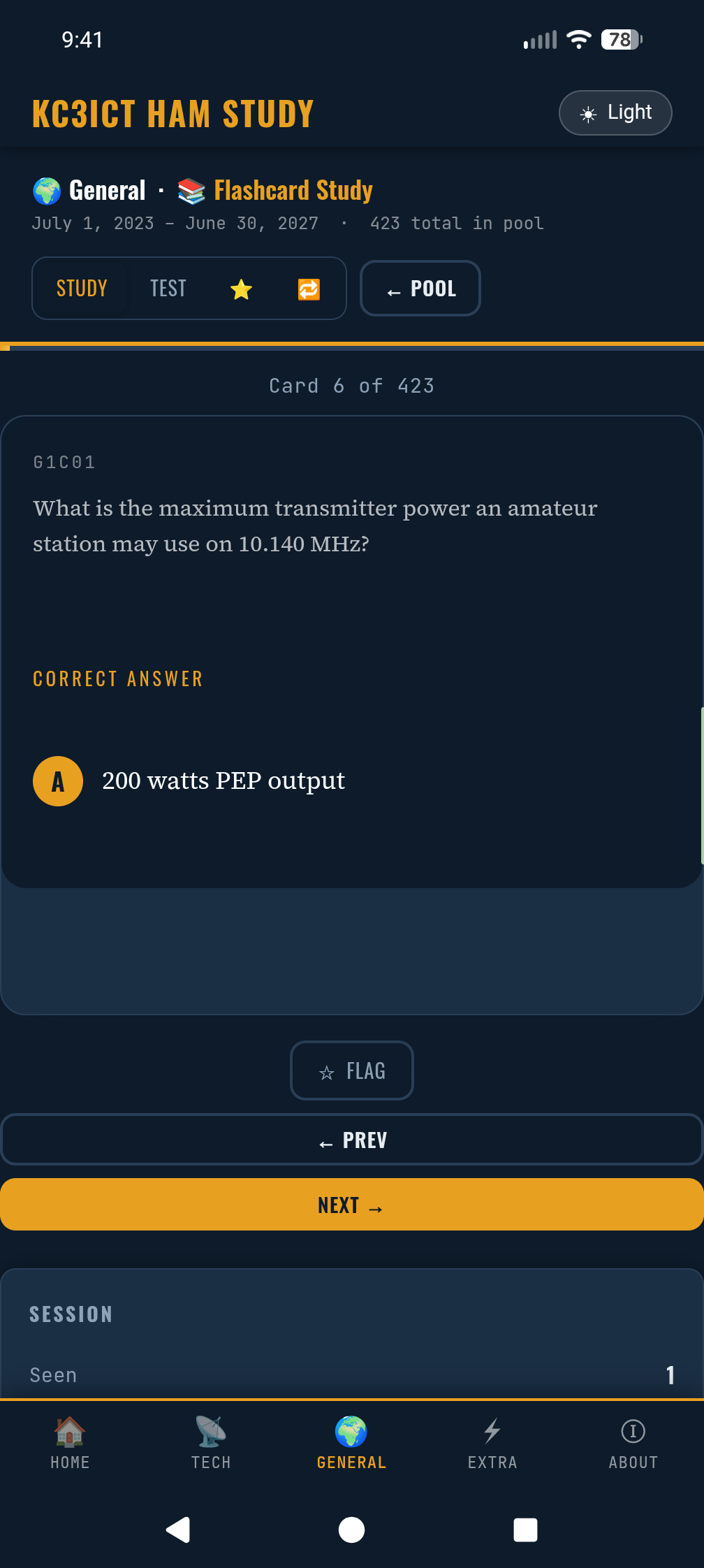
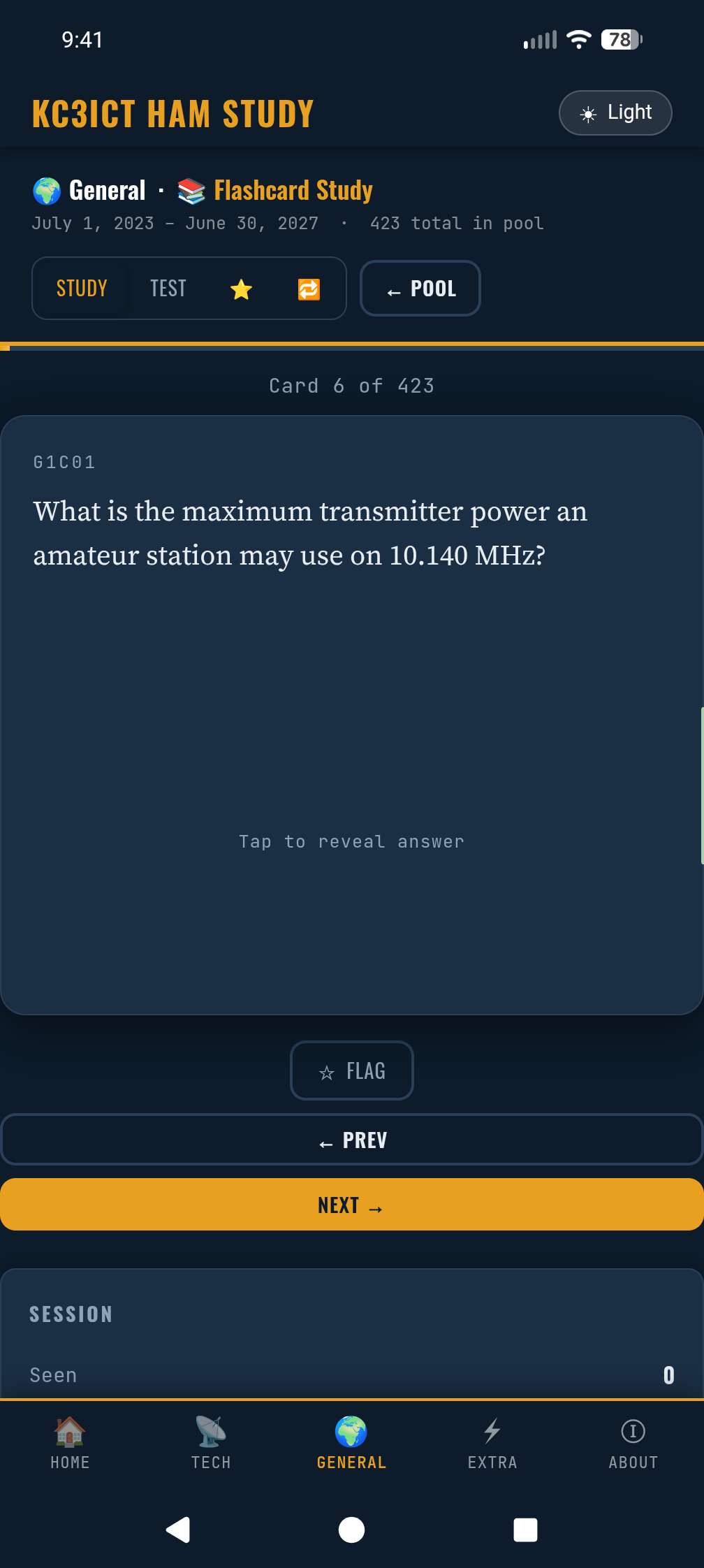
• Flashcard mode — tap to flip, shuffled, flag tricky questions • Practice exams built the way real VE sessions build them: one random question from each NCVEC question group (35/35/50 questions, 74% to pass) • Topic quizzes and flashcards filtered by subelement (T1A, G9D, E0A, …) • Wrong-answer review pool that shrinks as you improve • Progress saved on your device, with export/import to move between devices — including the companion website at hamstudy.neyhard.com

Privacy: the app requests no permissions at all — not even network access. Everything runs from files inside the APK, and your study progress never leaves your device unless you export it yourself.

Question pools are public domain, released by the NCVEC Question Pool Committee. This app is not affiliated with the ARRL, NCVEC, or FCC.

73 de KC3ICT

Screenshots

KC3ICT Ham Study screenshot 1
KC3ICT Ham Study screenshot 2
KC3ICT Ham Study screenshot 3
KC3ICT Ham Study screenshot 4
KC3ICT Ham Study screenshot 5
KC3ICT Ham Study screenshot 6

What’s new

- Privacy hardening: app data excluded from Android cloud backup
(use Export/Import in the About tab to move progress between devices)
- More robust WebView state restore and export error handling
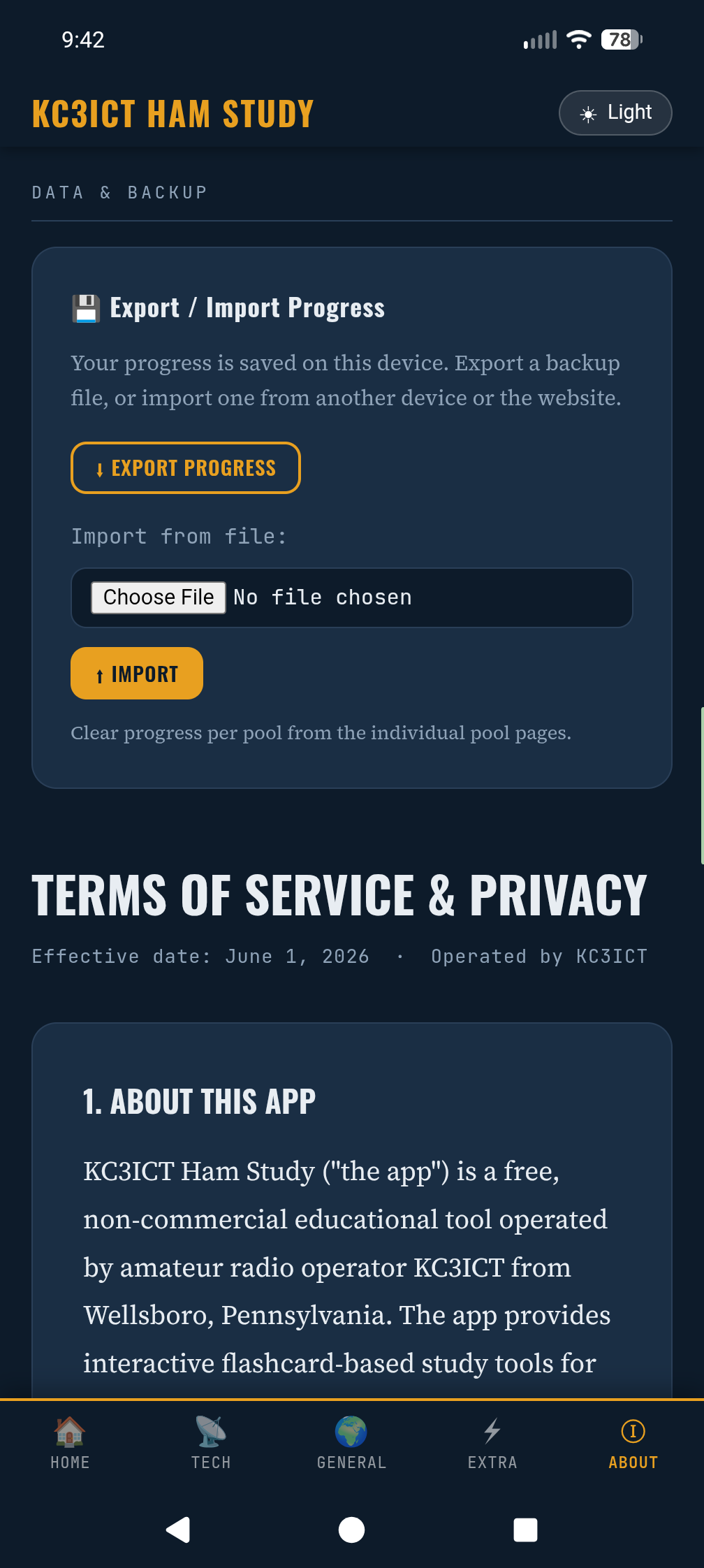
- Clarified licensing in the Terms & Privacy page

How to install

  1. Download the APK from the button at the top of this page.
  2. Allow “Install unknown apps” for your browser or file manager only, not for every app.
  3. Open the downloaded file and confirm the installation.
  4. If installation fails with “App not installed,” remove an earlier build of the same app first. A signature conflict is the usual cause.

Data safety

  • Every file is checked against its published SHA-256 before it is listed.
  • Files are scanned for malware on every update.
  • The permissions each app requests are listed on its own page.
  • Read the full safety policy for how we test, flag, and delist files.

Comments

Recent approved comments · sorted by newest

Verification code
Be specific and keep it about the app. No links. Comments are reviewed before publication. Device and Android details are recorded automatically. Privacy policy.

Loading recent comments...

View all comments